AI Agents for Immediate Use: Fully Automate Your Work with Claude Co-work
Masocampus
Just say it, and AI will do it! From files and reports to emails. The Claude Cowork practical course for full automation without coding!
Basic
claude, AI, AI Agent
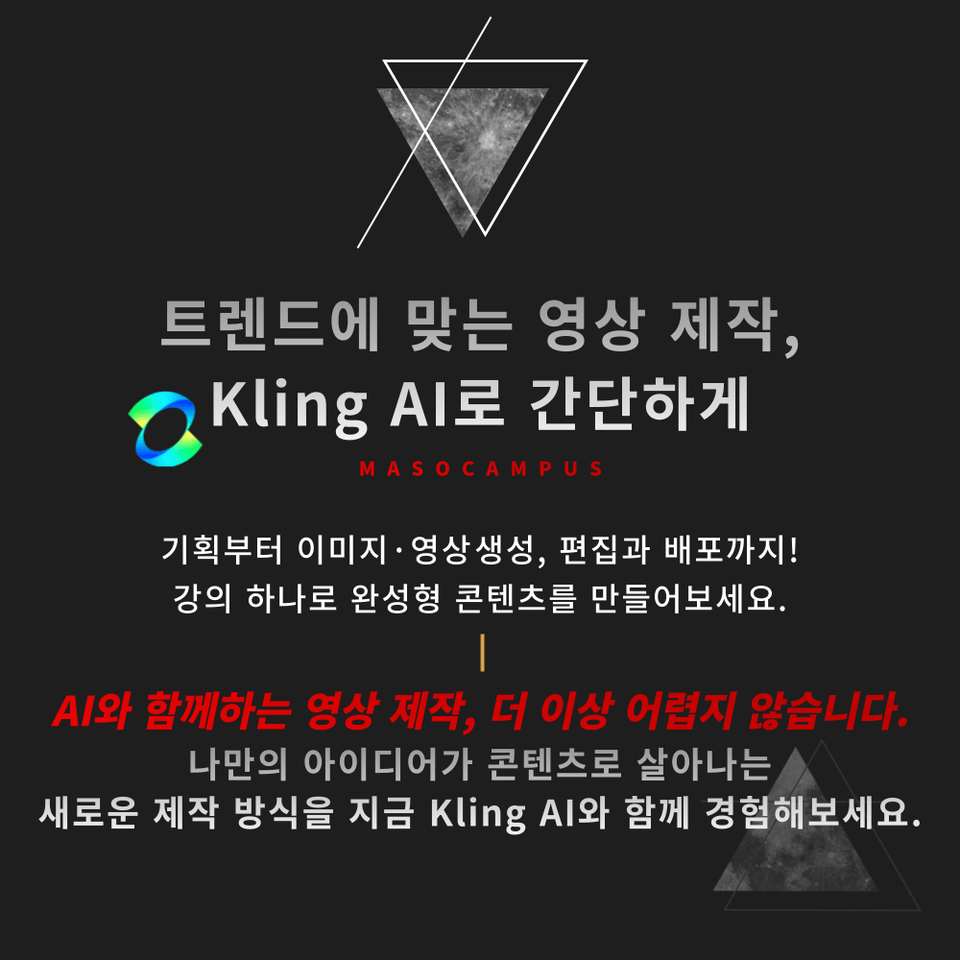
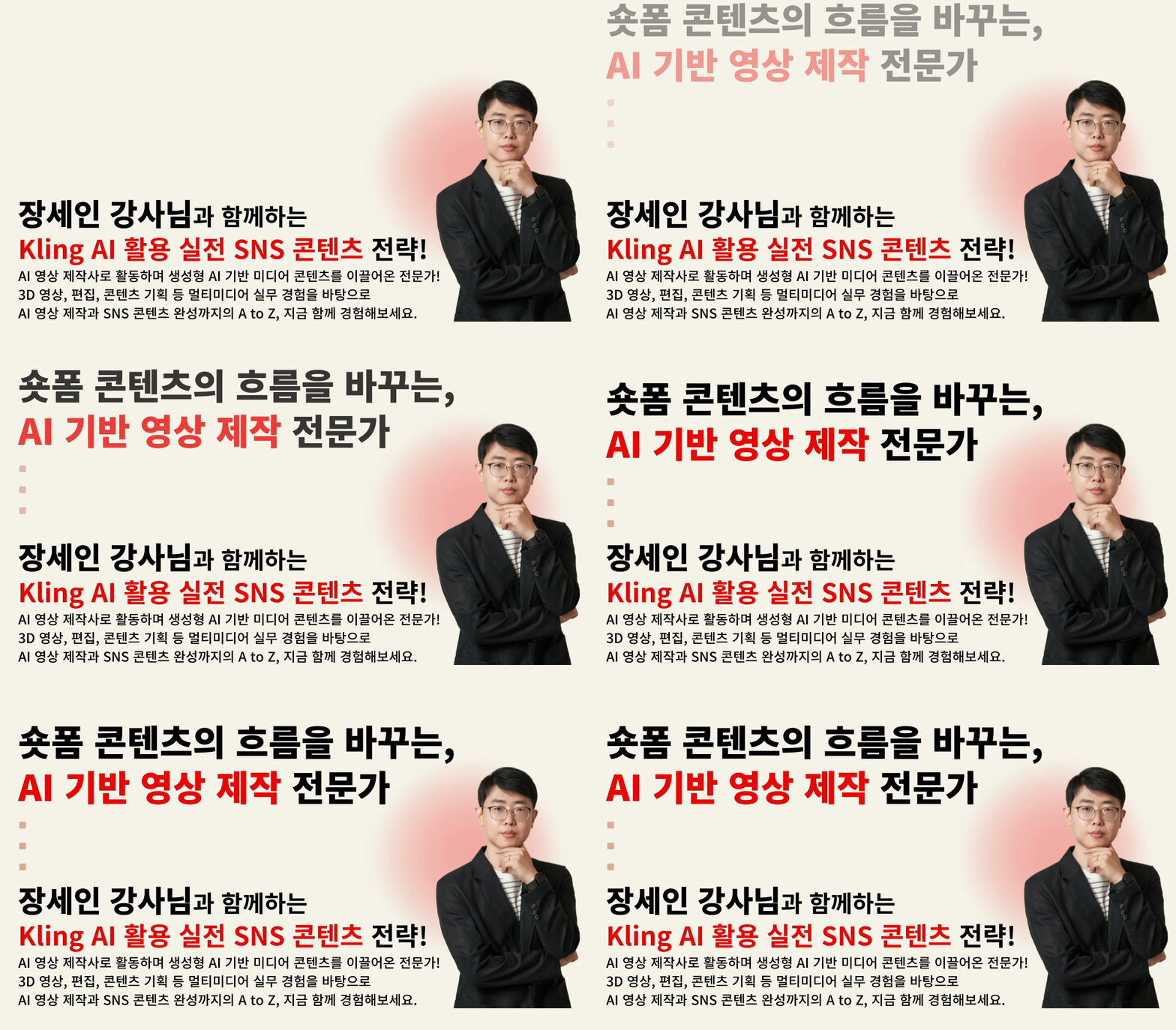
Sensational video content created with just a single line of text! A quick and easy introduction to SNS content creation starting with Kling AI
94 learners
Level Beginner
Course period Unlimited
Reviews from Early Learners
5.0
์ต์ฐ์
I need to input information I hadn't thought of and also learn how to bypass restrictions. I'm embarrassed about my past when I was planning to create videos with one-dimensional explanations ๐
5.0
ํ๋ฆฟ
These days, there are so many AI-generated videos that I was curious about how they're created, and this lecture solves that curiosity! It's really simple and amazing~
5.0
์ ๊ธฐ์ ํ์ด
That's really fun and fascinating It's a beneficial lecture
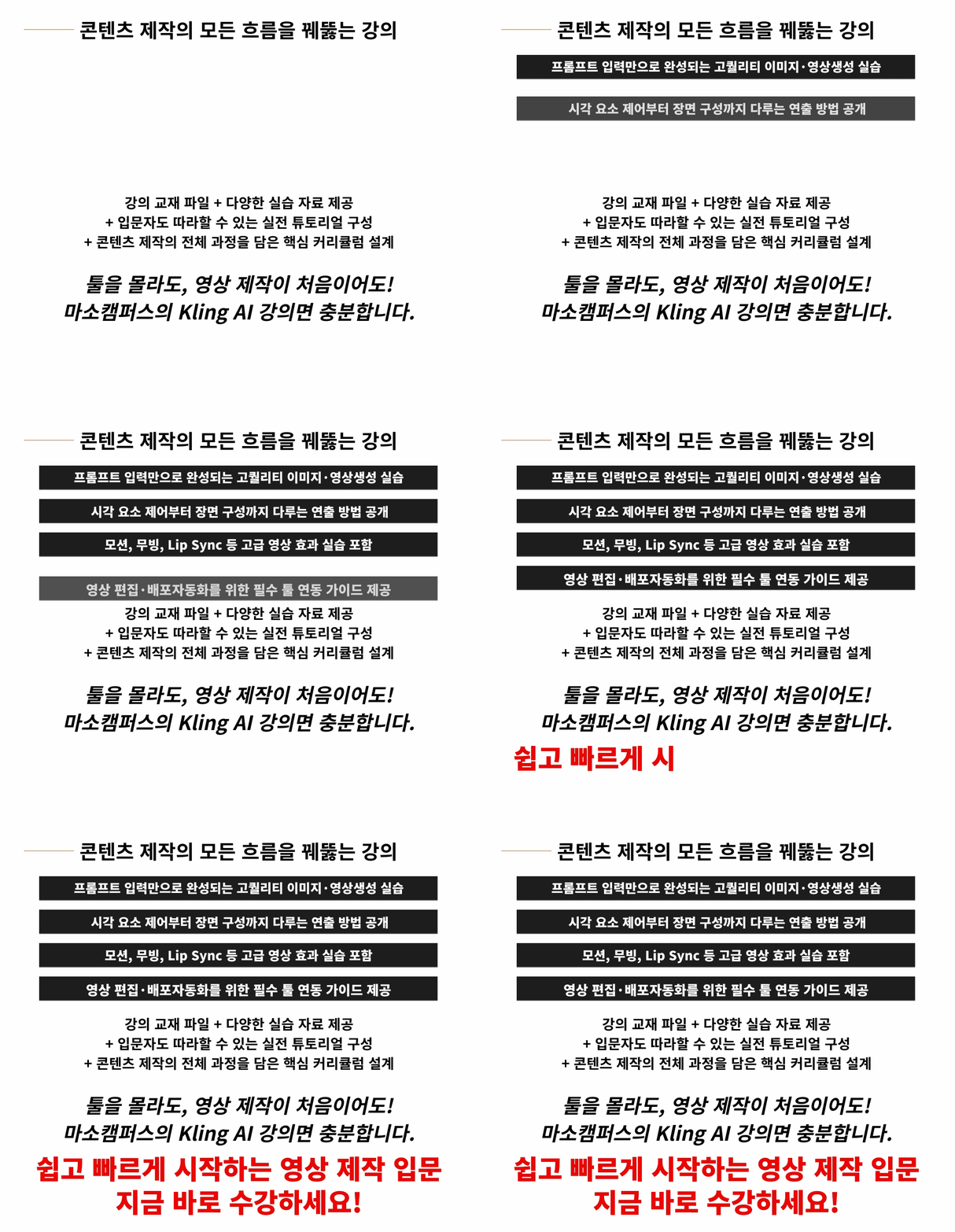
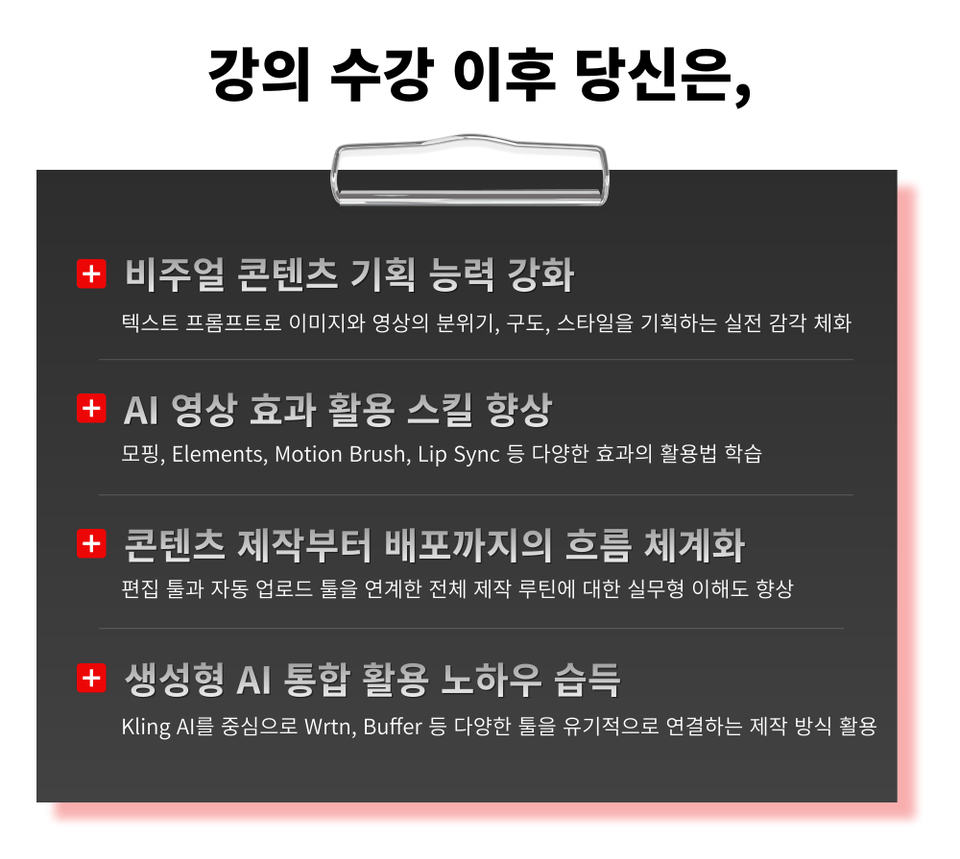
Learning the principles of Generative AI through key concepts such as GAN, VAE, and Diffusion Models, as well as tools like Sora and Krea.
Guide on image editing methods using Google AI Studio, from setting styles and angles.
A hands-on curriculum for implementing various production effects such as Morphing, Motion Brush, and Lip Sync using AI.
Building a practical process that organically connects tools such as Kling AI, ClipChamp, Wrtn, and Buffer.


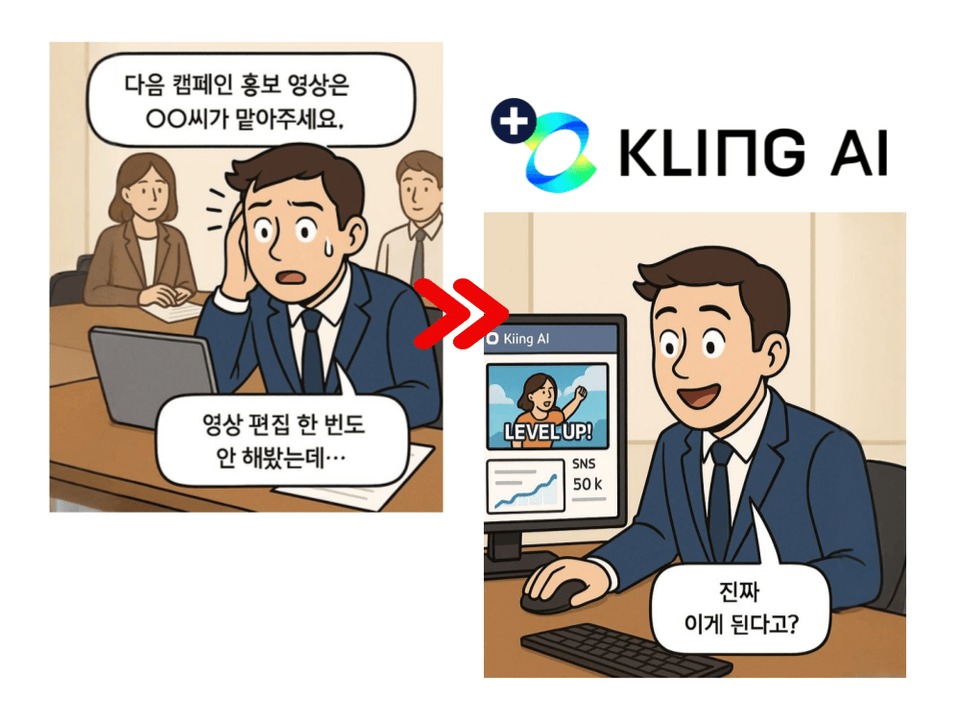
If you've been wanting to create a proper video,
but felt overwhelmed because the tools were unfamiliar and you didn't know where to start?
Start easily from the beginning with Kling AI.
โ Learn video composition based on planning, not just simple generation
โ Develop the sense to control style, camera movement, and directing through prompts
โ Practice AI directing techniques such as Image-to-Video conversion, motion, and lip-sync
โ Experience practical content creation routines using various types of AI tools
Learn how to create today's trending content with Kling AI
directly in this course.
Kling AI is a generative AI platform that can create high-resolution images and videos using only text-based prompts.
Users can freely configure various production elements such as camera movement, style, lighting, and motion effects. Its strength lies in the ability to produce high-quality visual content without professional video editing skills.
This is an introductory course on generative AI video production to help you start creating video content more efficiently with Kling AI.
1. Understanding Generative AI Concepts and Basic Principles of Video Production
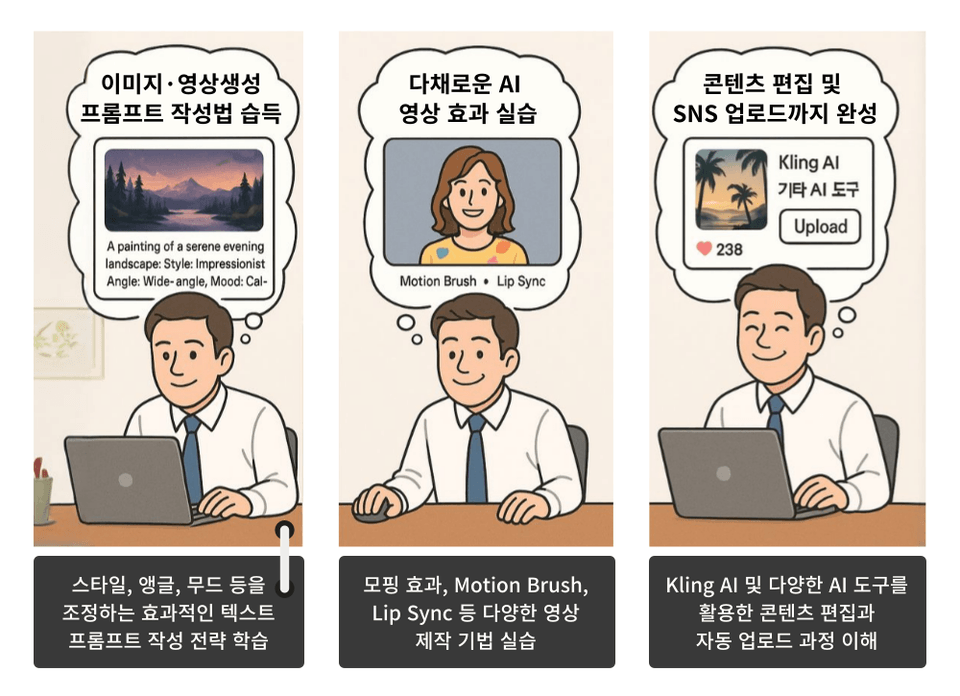
Learn the principles of Generative AI through key concepts such as GAN, VAE, and Diffusion Models, and tools like Sora and Krea
2. Prompt Writing and Image Editing Practice
Guide on image editing methods using Google AI Studio, from style and angle settings
3. Introduction to Advanced AI-Based Video Production Techniques
Practical sessions on implementing various production effects such as Morphing, Motion Brush, and Lip Sync using AI
4. Enhancing Multi-Tool Proficiency
Establishing a practical process that organically connects tools such as Kling AI, ClipChamp, Wrtn, and Buffer
5. Providing a Practical Result-Oriented Curriculum
A result-oriented structure where you complete video content through hands-on practice and proceed all the way to publishing
The moment your writing becomes a video,
Experience the new paradigm created by Kling AI.
1. Sign up for the course
2. Follow the instructor to effectively utilize Kling AI
3. Completing your own video content
We are now in an era where images and videos can be easily created with AI, without complex editing or long production processes.
โ Marketing and planning professionals who want to create their own video content for social media
โ Video beginners who want to create sensible visuals without complex tools
โ Creators who want to experience AI technology that produces images and videos from a single line of text
โ Professionals who want to quickly produce trendy social media content
โ Learners who want to master new ways of video production using Kling AI
Are your video ideas still just stuck in your head?
An era where a single line of text creates content!
Now, experience a new way of content creation.
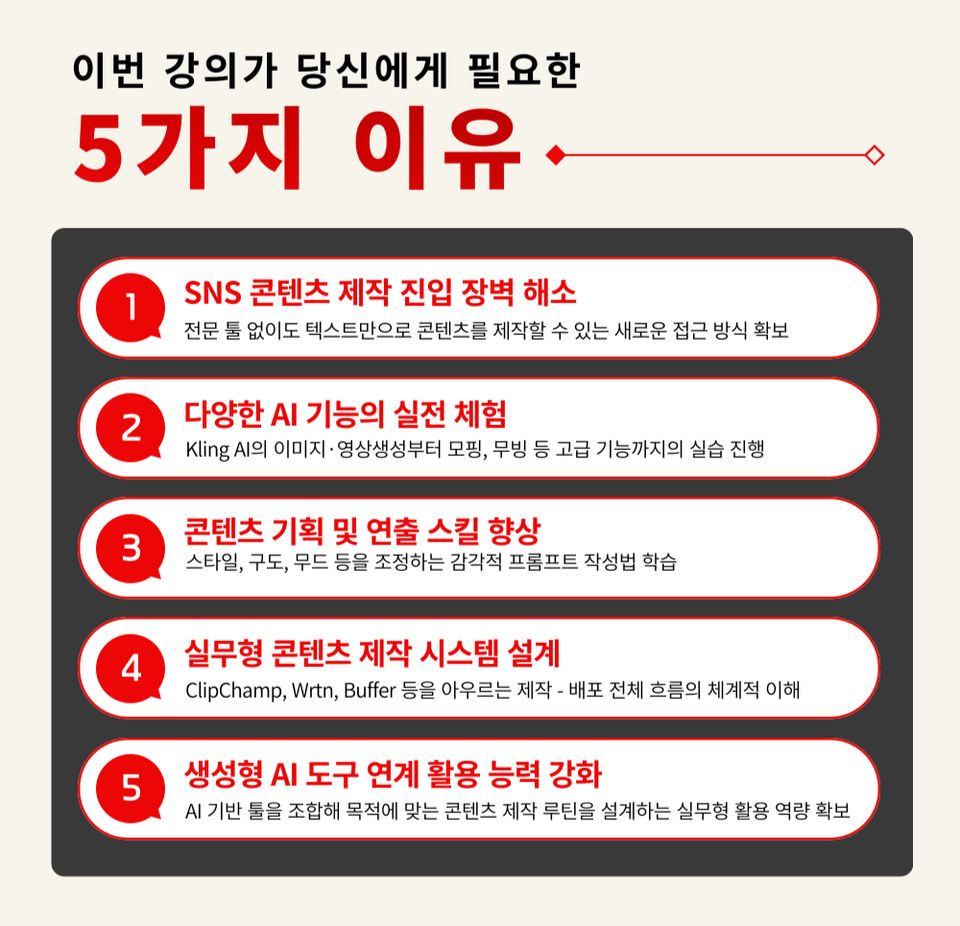
STEP 1. Understanding Generative AI Concepts
Conceptual learning of core technologies such as GAN, VAE, and Diffusion, as well as the latest AI tools like Sora and Krea
STEP 2. Learning How to Write Text Prompts
Expanding expressive sensibilities to adjust details down to mood and perspective through prompts
STEP 3. Hands-on Video Production Features
Video generation using Kling AI's Text-to-Video and Image-to-Video conversion features
STEP 4. Application of AI Video Effects
Practice various advanced features and bring your imaginative direction to life
STEP 5. Establishing a Personalized AI-Based System
Design and execute your own production routine from planning to distribution
Content creation know-how fully packed with AI
Don't make video creation difficult.
Now, start that first scene with Kling AI!

Q. Do I need prior knowledge of AI or video production to take this course?
A. This course is designed to provide practical skills that anyone interested in AI or video production can apply immediately; therefore, no prior knowledge of AI is required.
Q. Are there any requirements or prerequisites for taking the course?
A. No special prior knowledge or skills are required to take the course. However, having a Google account will allow for a smoother experience when accessing the generative AI tools used in the course. If you do not have a Google account yet, we recommend signing up before the lecture for seamless learning.
Q. Do I need a paid subscription to Kling AI to take this course?
A. A subscription or payment is not required to take the course. While some features introduced in the lecture may require payment, the primary goal of this course is to help you gain insights into how to apply the various and specific AI practical skills covered in the lecture to your own work.
Since this is a practice-oriented course, we recommend preparing a dual monitor or an extra device so you can separate the lecture screen from your practice screen.
Additionally, since the practice sessions are based on Windows OS, we recommend taking the course in a Windows environment.
The lecture notes and practice files are located in the <00. Textbook Download Center> section.
Who is this course right for?
Marketing and planning professionals who want to create their own video content for social media.
Video beginners who want to create sophisticated visuals without using complex tools
Creators who want to experience AI technology that creates images and videos from a single line of text
Practitioners who want to quickly create trendy SNS content
Need to know before starting?
Since this is a practice-oriented course, it is recommended to prepare a dual monitor setup or an extra device so you can separate the lecture screen from your practice screen.
Additionally, since the practice sessions are based on Windows OS, we recommend taking the course in a Windows environment.
11,869
Learners
1,761
Reviews
145
Answers
4.7
Rating
112
Courses
"I will grow more than yesterday. And, I will help those who strive to grow more than yesterday."
With Actionable Content that embodies the sincerity and aspirations of Maso Campus,
100 million cumulative hours of lectures shared online and offline since 2013!
This precious experience and time are always the source of growth for both Maso Campus and our students.
The Miso Campus team strictly adheres to two principles for the growth of us all. 1. Actionable Content that can be put into practice immediately after learning. 2. Respecting the time and effort of participants.
The Miso Campus team strictly adheres to two principles for the growth of us all.
1. Actionable Content that you can actually use after learning 2. Time-Saving Curriculum that respects the participant's time and effort Grow with Miso Campus's Actionable and Time-Saving Curriculum
1. Actionable Content that you can surely use once you learn it
2. Time-Saving Curriculum that respects the time and effort of participants
We hope you will walk the path of growth together with Masocampus's Actionable and Time-Saving Curriculum.
We hope you will walk the path of growth together with Maso Campus's Actionable and Time-Saving Curriculum.
All
24 lectures โ (1hr 34min)
Course Materials:
All
15 reviews
4.7
15 reviews
Reviews 41
โ
Average Rating 5.0
5
These days, there are so many AI-generated videos that I was curious about how they're created, and this lecture solves that curiosity! It's really simple and amazing~
Thank you for leaving a review๐ We will always be a Microsoft Campus that does our best!
Reviews 31
โ
Average Rating 5.0
5
Even just writing text and having a natural video pop out effortlessly is surprisingly chilling...! It was practice-focused, so it was easy to follow along.
I'm so happy that the lecture seems to have been delivered well! Thank you. ๐
Reviews 37
โ
Average Rating 5.0
5
Thanks to this lecture, I think I can make them better than the AI videos that pop up on Instagram.

Thank you for leaving a review๐ We will always be a Microsoft Campus that does our best!
Reviews 21
โ
Average Rating 5.0
5
That's really fun and fascinating It's a beneficial lecture
We're so happy to hear that our course was helpful to you๐ Thank you for leaving a review!
Reviews 22
โ
Average Rating 5.0
5
I need to input information I hadn't thought of and also learn how to bypass restrictions. I'm embarrassed about my past when I was planning to create videos with one-dimensional explanations ๐

I'm so glad to hear that our class was helpful to you๐ Thank you for leaving a review!
Check out other courses by the instructor!
Explore other courses in the same field!