inflearn logo

All-in-One AI Video Production: From Image Generation to Video Editing

This is a complete mastery course on AI video production that even non-majors can easily follow. You will develop your creative production skills by practicing the entire process—from image generation to video production and editing—using both free and paid AI tools. Experience every stage of AI-based content creation through hands-on practical projects.

6 learners are taking this course

Level Beginner

Course period Unlimited

Video Production
Video Production
Content Creation
Content Creation
Midjourney
Midjourney
AI
AI
CapCut
CapCut
Video Production
Video Production
Content Creation
Content Creation
Midjourney
Midjourney
AI
AI
CapCut
CapCut

What you will gain after the course

  • Independent production of image and video content using AI tools

  • Ability to compare characteristics and select between free and paid AI video production tools

  • Complete high-quality AI video projects from planning to editing

The full course is scheduled to open in early August!

(Updates on the lecture progress will be shared in the News section :))

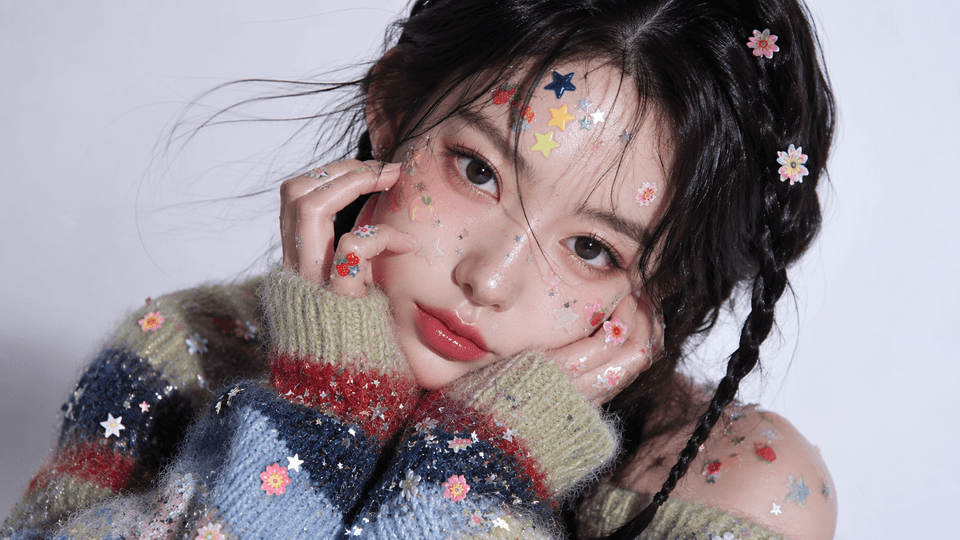
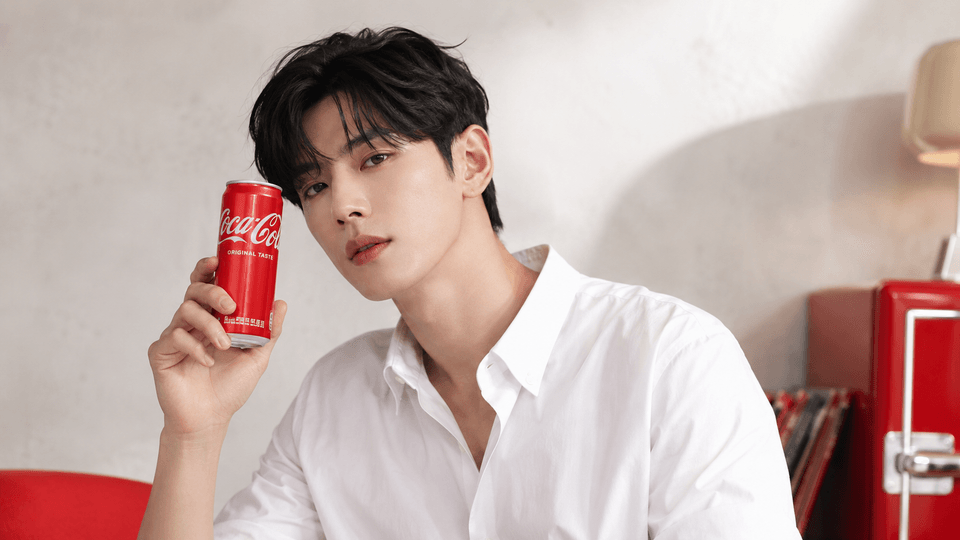
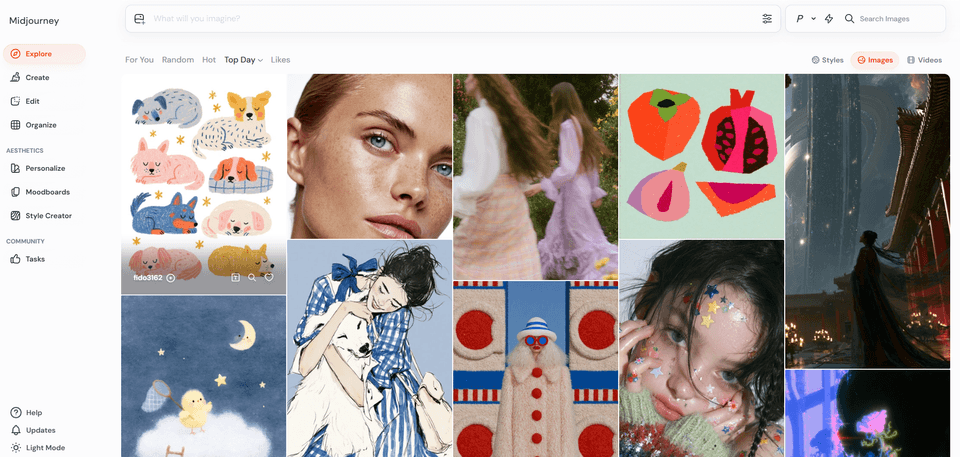
These are images created with AI.

Create videos with AI images
and finish editing with CapCut!

Complete the entire process of AI video production.


You have a strong desire to create content yourself using AI tools,
but did you feel overwhelmed and unsure of where to start?
This course helps you easily complete the entire process of AI video production, from planning to image generation, video creation, and editing.


AI video production, starting now!
Complete everything from images to video editing with AI.

Midjourney, ChatGPT, CapCut, etc.
Develop proficiency in using AI video production tools,
and the ability to compare and select free/paid tools..


Experience the actual AI video production process step-by-step, from planning to image generation and video editing.


AI short-form, YouTube video production, and even click-worthy thumbnails will be completed
to build practical skills.
để nâng cao năng lực thực chiến.

AI Video Production A to Z

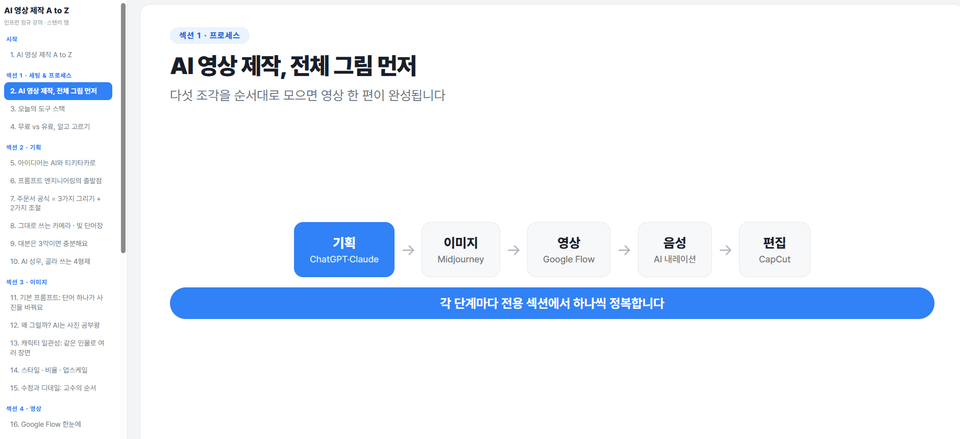
Section 1 - Setting Up the AI Video Production Environment and Understanding the Process

Understand the overall process of AI video production and learn how to sign up for and configure essential AI tools such as ChatGPT, Claude, Midjourney, Google Flow, and CapCut. Learn strategies for choosing effective plans by comparing free and paid tools.

Section 2 - AI-Based Video Planning: From Ideas to Storyboards

Discover engaging video topic ideas using ChatGPT and Claude, and apply prompt engineering techniques to write short-form and long-form scripts. Practice everything from storyboard planning to generating narrations using AI voice actors.

Section 3 - Creating High-Quality Images Using Midjourney

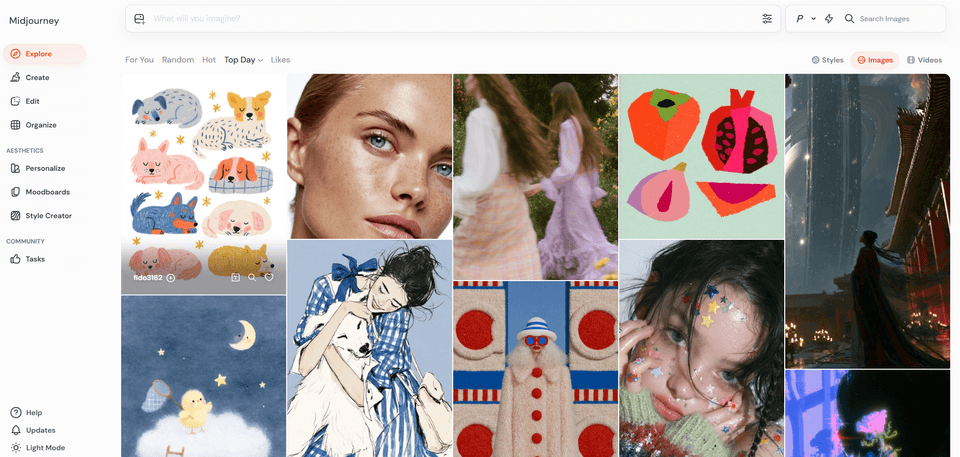
Learn the basics of writing Midjourney prompts, generate images in various styles, and learn how to maintain character consistency. This includes practical exercises on adjusting image ratios, upscaling, and refining the details of generated images.

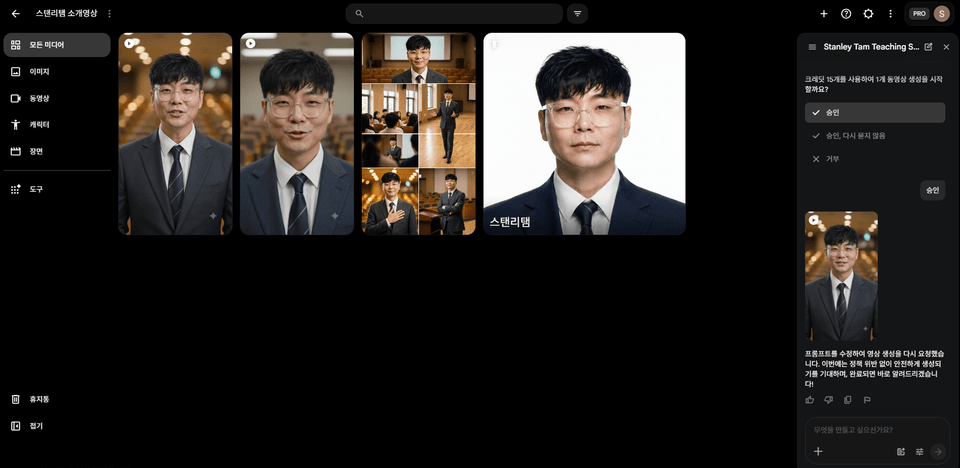
Section 4 - AI Video Generation Techniques Based on Google Flow

Explore the key features of Google Flow and engage in hands-on practice converting images to video or generating videos directly using text. Learn natural video production through camera movement and motion control techniques.

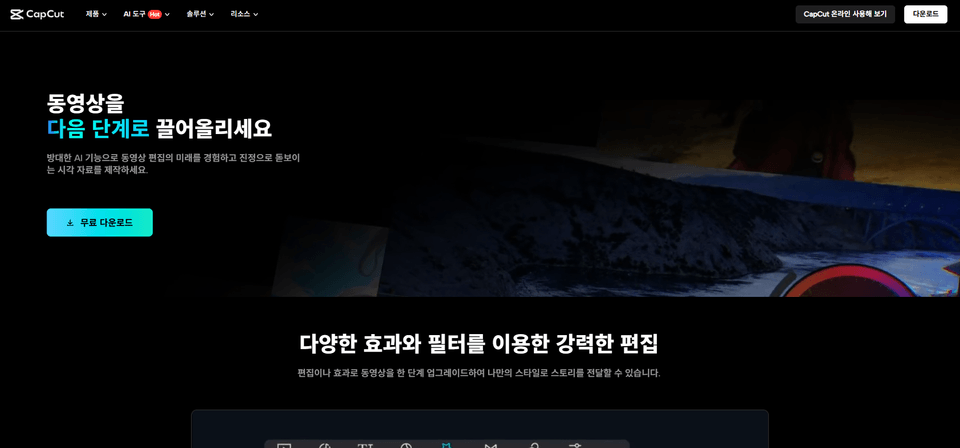
Section 5 - AI Video Editing and Optimization using CapCut

Learn how to import video sources, perform cut editing, utilize AI auto-captioning features, and apply transitions and effects in CapCut. Practice inserting background music and sound effects, audio mixing, and finally exporting the video with optimized settings for each platform.

Section 6 - Practical AI Content Creation and Sustainable Growth Strategies

You will carry out a practical project to complete your own short-form and information-sharing YouTube videos. You will strengthen your capabilities by understanding copyright issues, identifying AI tool trends, and learning continuous study methods.

Section 7 - Multimodal Automation Using Claude and Higgsfield

The bonus section covers advanced techniques for building multi-model automation workflows by integrating Claude and Higgsfield through MCP connectors.

Are you feeling overwhelmed and unsure where to start with AI video production?
This course was created specifically for people like you.


✔️ Non-majors who want to create videos themselves using AI tools

  • Those who want to easily create videos using AI without complex video editing programs

  • Those who want to systematically learn the entire process of AI video production, from image generation to video editing.

  • Those who want to create their own unique videos without any special equipment or professional knowledge.

✔️ Creators who want to produce their own videos for marketing and social media

  • Those who want to capture the attention of potential customers with attractive content

  • Those who want to enhance their content creation competitiveness by utilizing the latest AI tools such as ChatGPT, Midjourney, and CapCut

  • Those who want to build a high-quality AI video content production pipeline, from planning to final editing.

✔️ Professionals who want to increase work efficiency with AI technology

  • Those who want to save time by introducing AI into repetitive video production tasks

  • Those who want to improve performance by utilizing AI tools for work-related video production

  • Those who want to strengthen their professional competitiveness by learning new AI technology trends


Don't hesitate any longer due to the complexity of AI video production.
Through this course, become a creator who produces your own stunning AI video content.

Notes before taking the course


Practice Environment

  • Operating System: Windows or macOS can be used.

  • Required tools: CapCut (free), Google Flow (web-based), Midjourney (Discord-based), ChatGPT/Claude (web-based), etc. are required.

  • Recommended Specifications: For smooth AI image/video generation, a PC with at least 8GB of RAM and a high-performance graphics card is recommended.

Prerequisites and Notices

  • It is okay even if you have no experience using AI tools. The course is structured so that even non-majors can easily follow along.

  • A basic understanding of image generation and video editing will be helpful for your learning.

  • It is important to understand the characteristics of the free and paid versions of each AI tool and choose a plan that is right for you.

Learning Materials

  • Lecture Materials: We provide lecture slides (PDF) containing the core content for each unit.

  • Practice Materials: We provide images, video sources, and prompt examples used during the lectures.

  • Reference Materials: We will continuously provide information on the latest trends and useful tips related to AI video production.


Recommended for
these people

Who is this course right for?

  • Non-majors who want to create video content using AI tools

  • Creators who want to produce their own marketing and social media videos

  • Practitioners who want to increase work efficiency using AI technology

Need to know before starting?

  • Experience in basic computer operation and internet usage

  • Interest in video content production and a willingness to learn

  • Whether it is possible to create an account to use AI tools

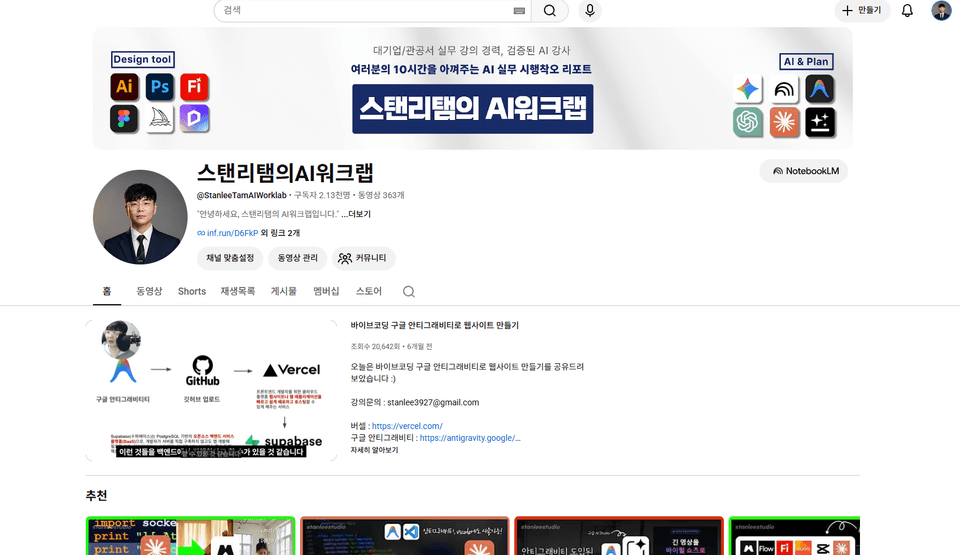
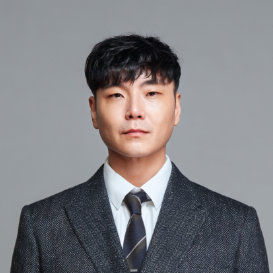
Hello
This is stanlee

3,184

Learners

122

Reviews

3

Answers

4.4

Rating

8

Courses

(Current)TeamSparta Inc. Naeil Baeum Camp AI Designer KDT Bootcamp Tutor

(Former) NextRunners Co., Ltd. Oz Coding School Product Designer, KDT Bootcamp Lead Instructor

(Former) Codeit Sprint Product Designer KDT Bootcamp Mentor at Codeit Inc.


  • 2025 Conducted Gemini / flow AI video practical training for experienced employees at HDC Hyundai Development Company

  • 2025 Conducted Adobe Firefly practical training for employees of large corporations, hosted by Dimoa, an official Adobe distributor

  • 2024 Conducted Adobe Firefly practical training for Art Directors at Pentacle, a subsidiary of Megazone

  • In addition, conducted numerous AI lectures at Seoul Techno Park, Busan Metropolitan Office of Education, Ulsan Center for Creative Economy & Innovation, Gyeongnam Center for Creative Economy & Innovation, Busan Health University, Inje University, Dongseo University, and more.

More

Curriculum

All

31 lectures ∙ (1hr 40min)

Published: 
Last updated: 

Reviews

Not enough reviews.
Please write a valuable review that helps everyone!

stanlee's other courses

Check out other courses by the instructor!

Similar courses

Explore other courses in the same field!

Limited time deal

$11,550.00

70%

$29.70