강의

멘토링

커뮤니티

Programming

/

Devops & Infra

Building a website with AWS EC2 cloud server

In this course, you will learn how to operate an AWS EC2 cloud server and build a website that can be operated as a real service.

(4.9) 8 reviews

104 learners

  • codebanana
AWS

Reviews from Early Learners

What you will gain after the course

  • How to use AWS EC2

  • Installing a web server on an EC2 server

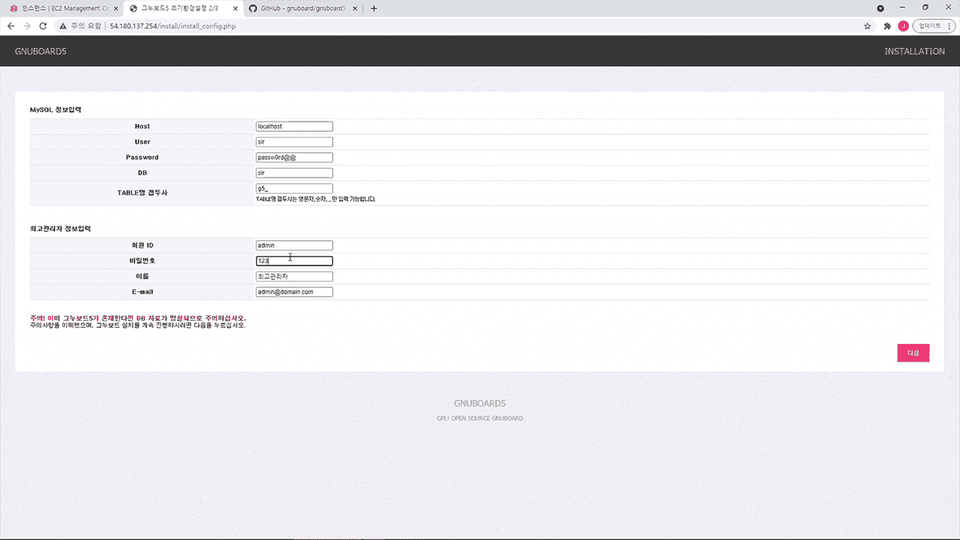
  • Building a GNU Board homepage on an EC2 server

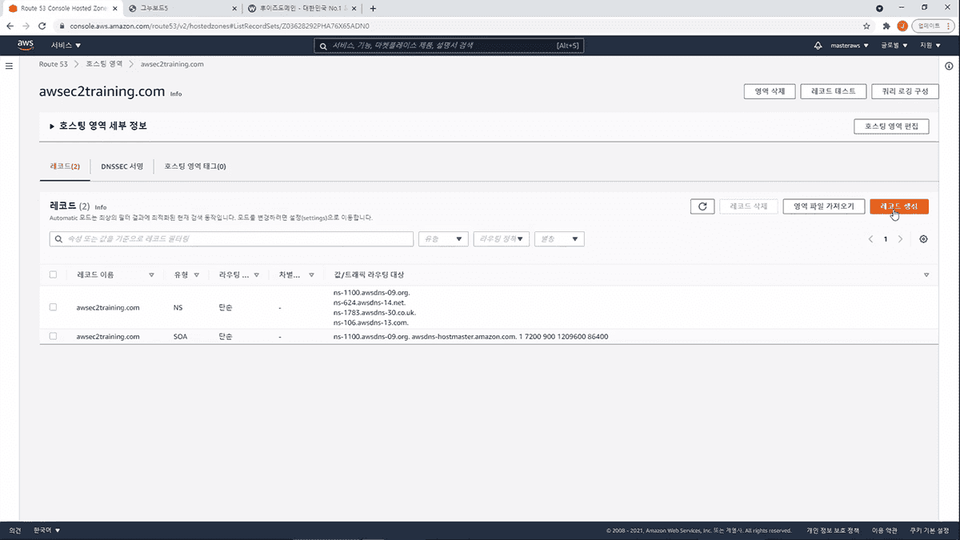
  • Connecting a domain to your website

A real service built with my own hands!
From web server installation to integration and deployment ⌨

AWS EC2?

Amazon Elastic Compute Cloud

EC2 is the most
Widely used
It is a cloud computing service .

AWS EC2's web interface allows you to easily configure the computing capacity you need and flexibly build application systems ranging from small to large.

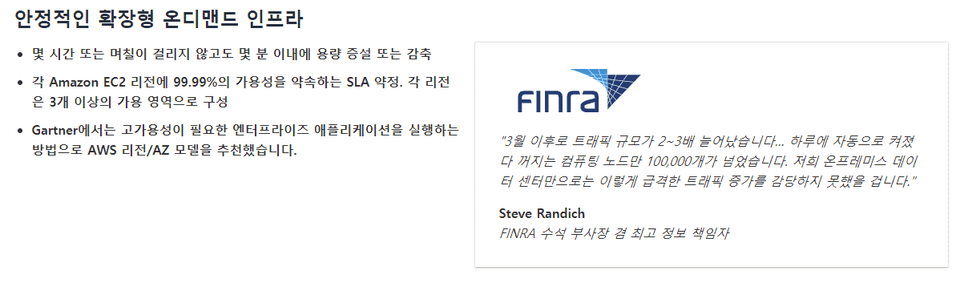
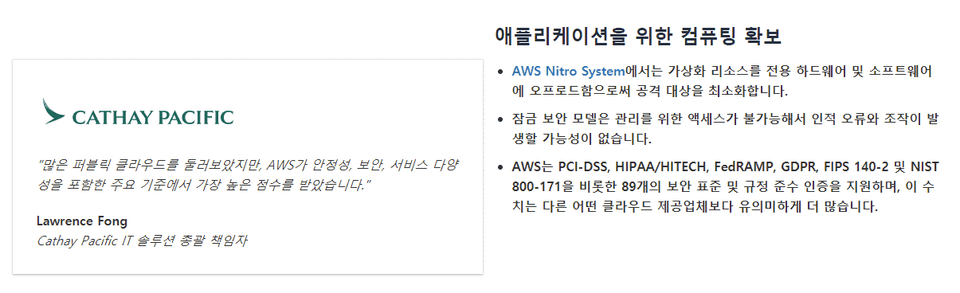
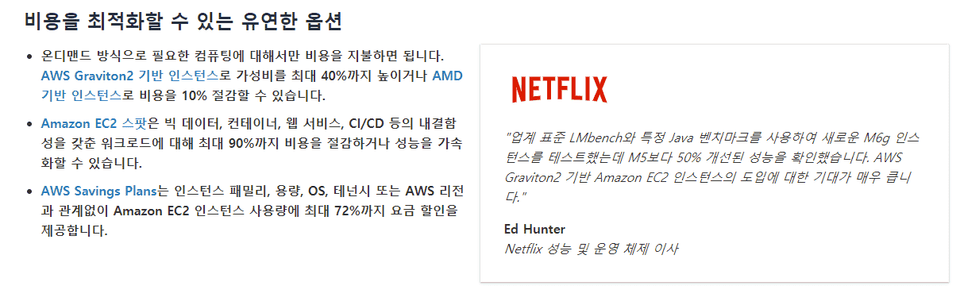
Features of AWS EC2

Organized on the AWS official website
This is a feature of AWS EC2.
Stability, Flexibility, Service Diversity, Simplicity
Learning through practice
Everything you need to know about building EC2 systems.

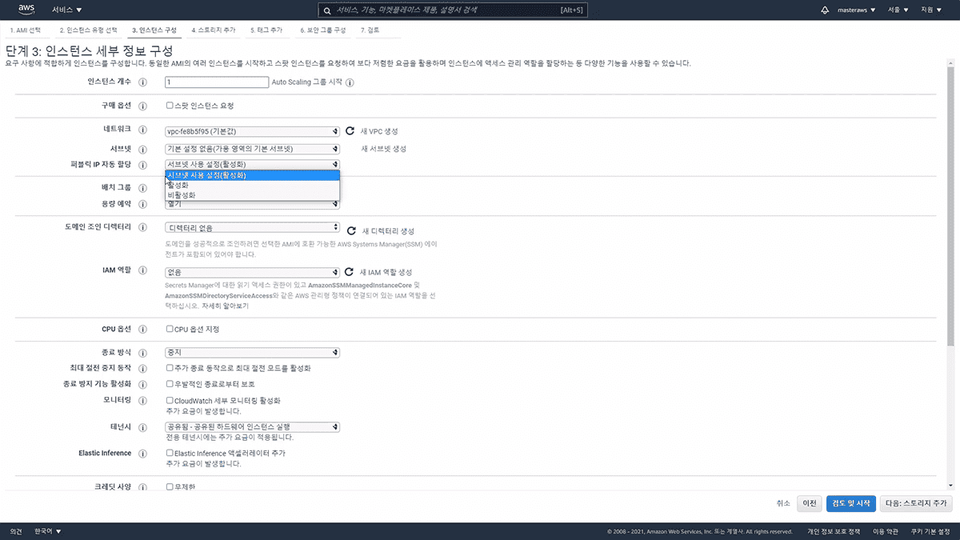
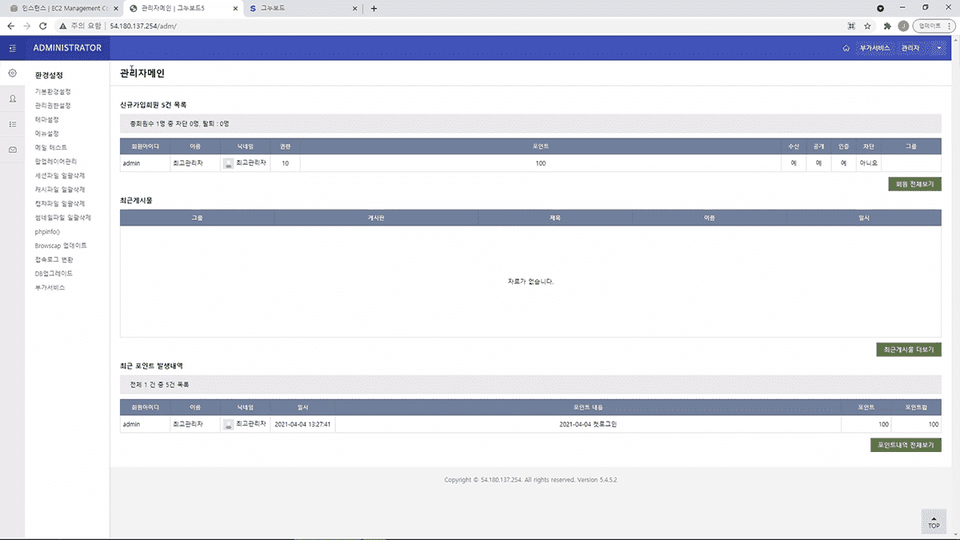
In this lecture, you will learn how to build an AWS EC2 system, install a web server on the EC2 server, build a website, and provide services to users. This will teach you how the entire system works.
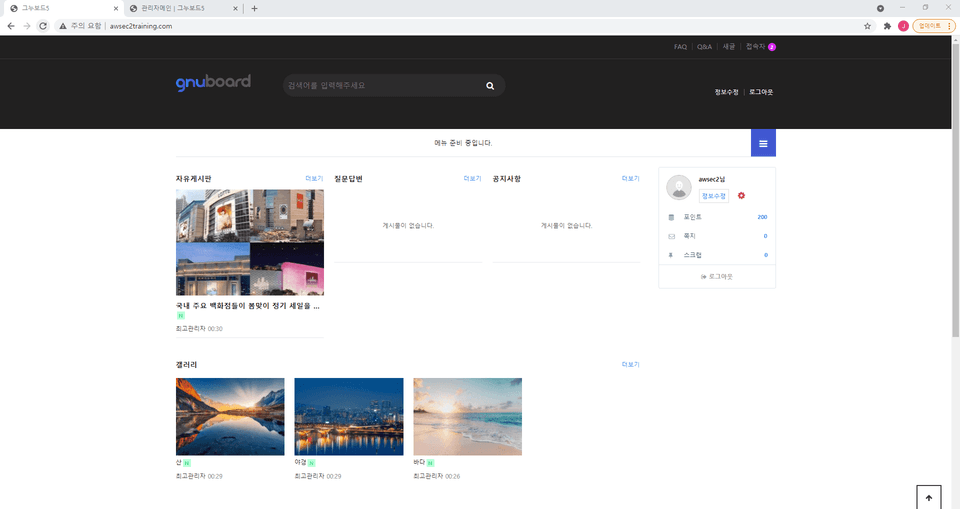
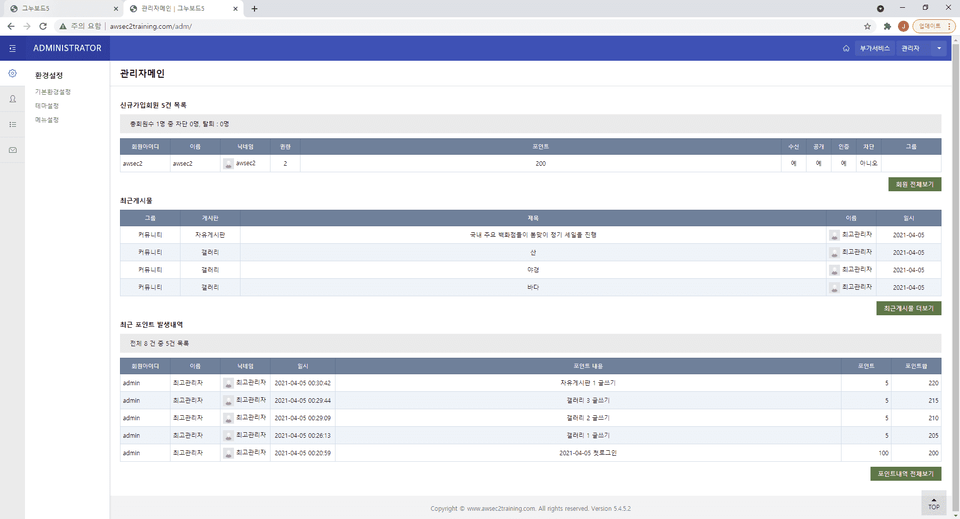
User Page

Admin Page


Lecture Features

  • We created this course by extracting only the core content required for actual service implementation.
  • Even if you're new to IT or have no programming knowledge, you can build an actual service by simply following the lectures.
  • We'll build our website using the free-tier AWS EC2 service and open-source programs. This allows you to continue operating the server at minimal cost even after completing the training.

Curriculum structure

Section 0

Orientation
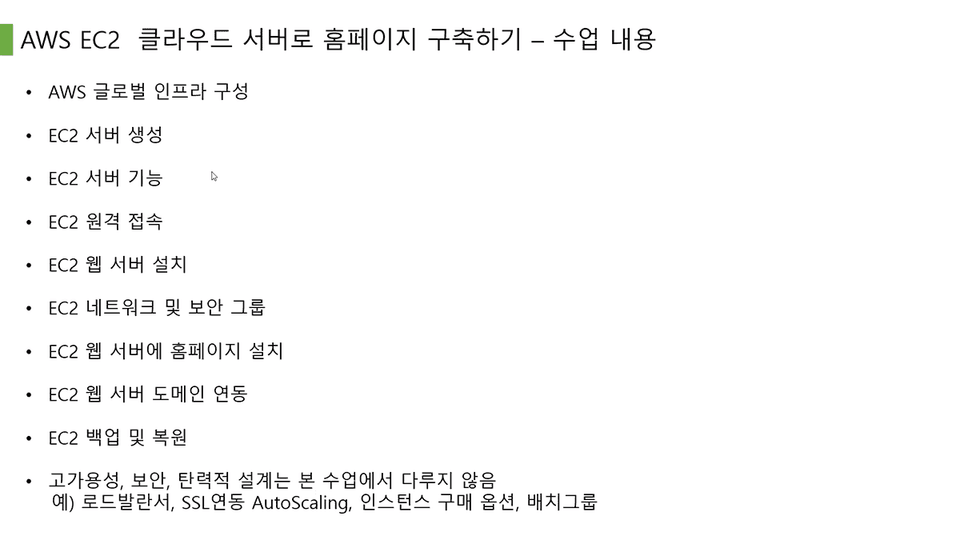
This course introduces the course content and learning sequence. (※ This course does not cover load balancers, SSL-linked autoscaling, instance purchase options, or placement groups.)
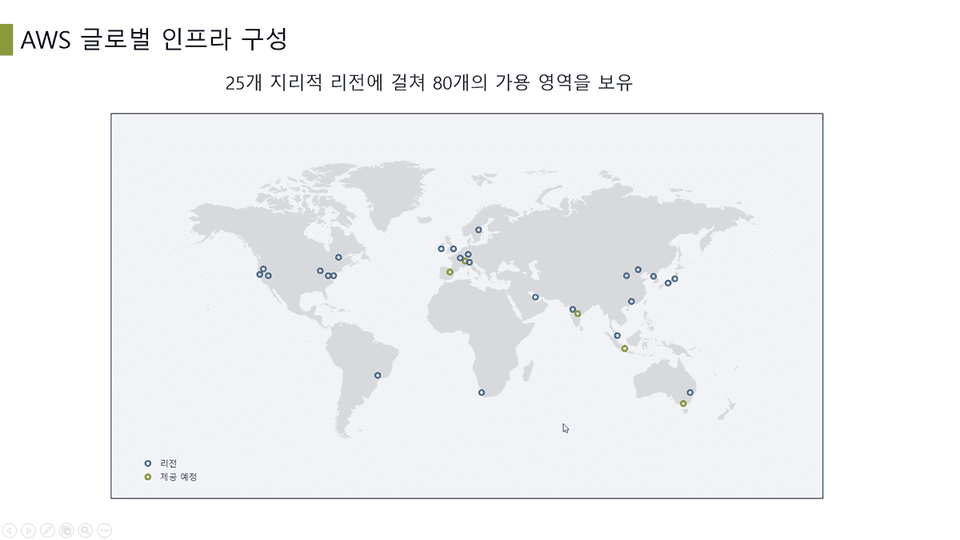
AWS Global Infrastructure Configuration
Learn about AWS Regions and Availability Zones.

Section 2

Create an EC2 server
Let's create an AWS EC2 server.
EC2 server features
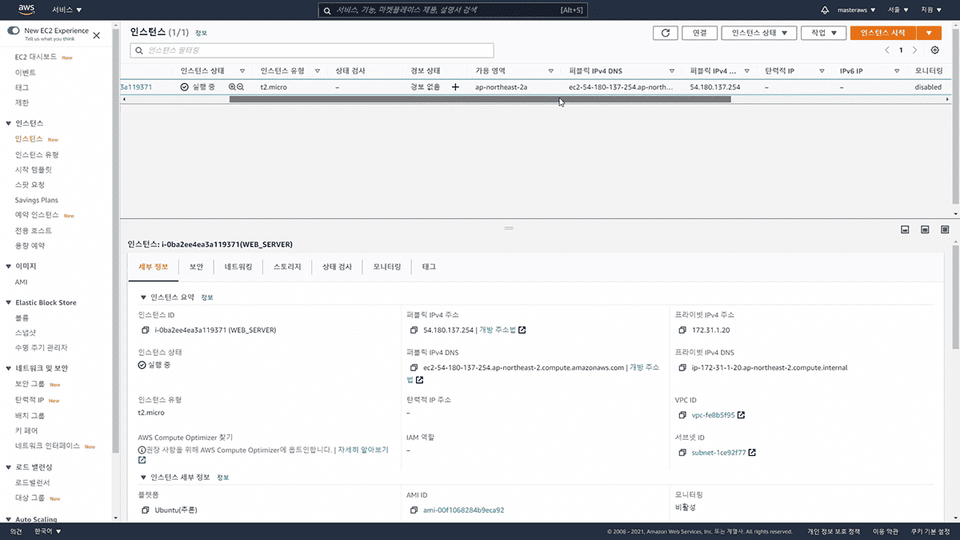
Learn about the features of the EC2 server you created.
EC2 remote access
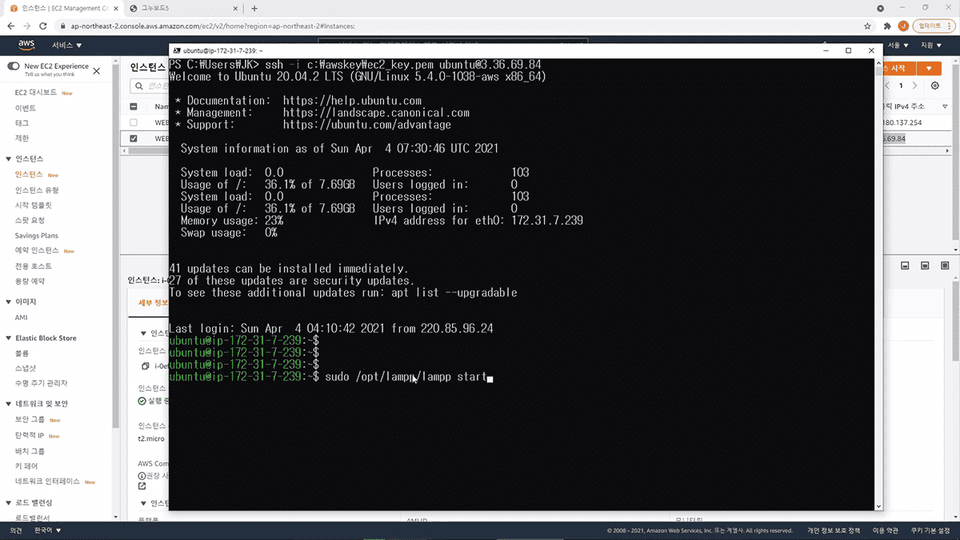
Learn how to remotely connect to your EC2 server via SSH.

Section 3

Installing an EC2 web server
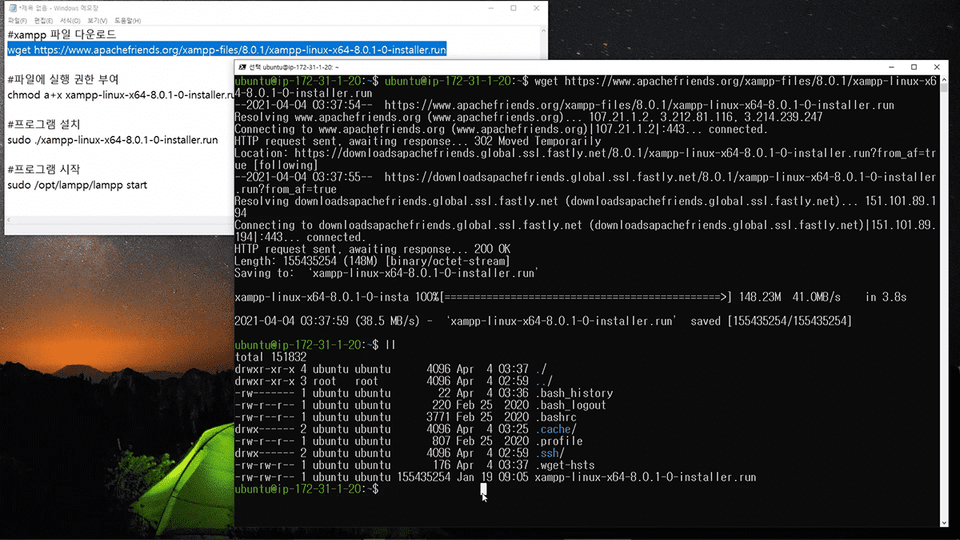
Install XAMPP, an integrated platform for Apache, MariaDB, and PHP.
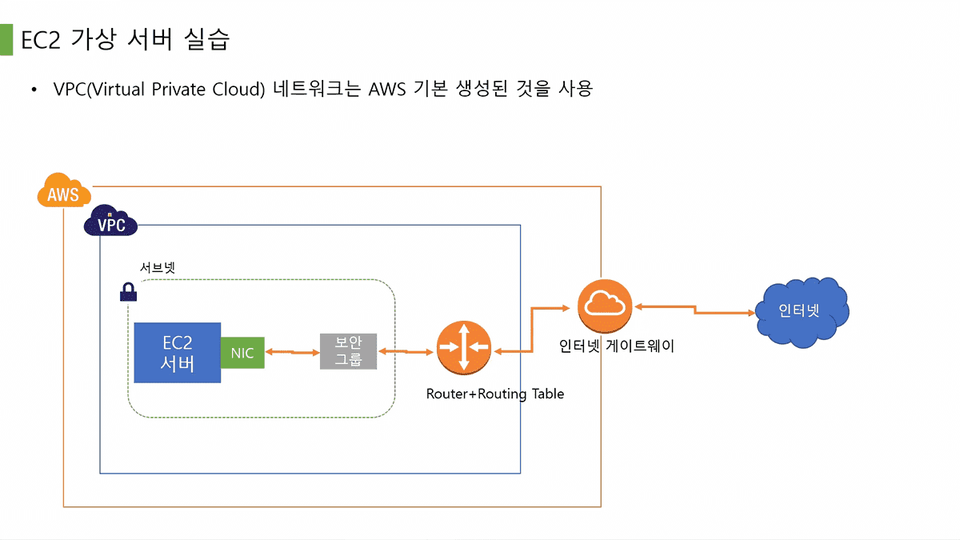
EC2 Network and Security Groups
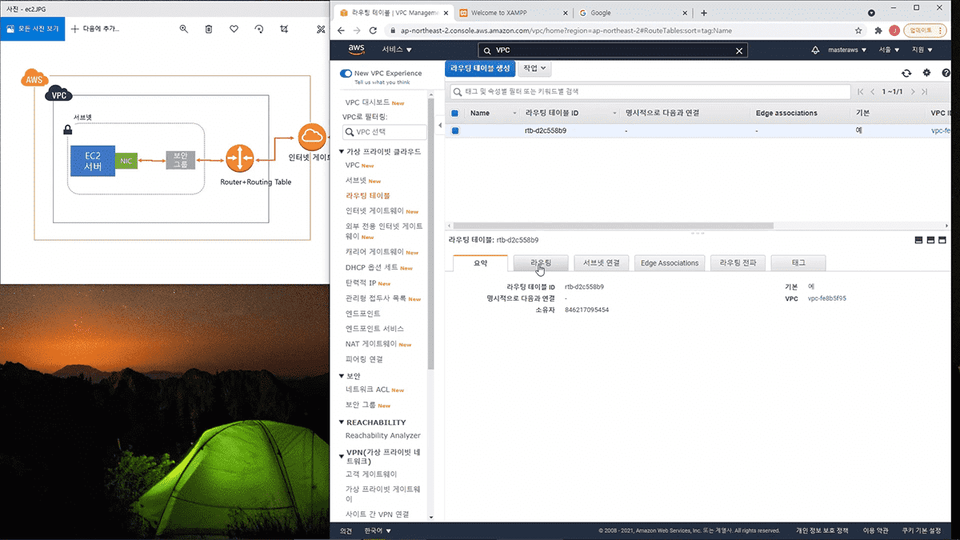
Learn about data flow through AWS VPC networks.
Installing the EC2 GNU Board homepage
Install the GNU Board homepage on the EC2 server.

Section 4

Access the EC2 GNU Board homepage
Go to the website you created and take a look around.
EC2 web server domain linking
Link the built web server to the domain.
EC2 Backup and Restore
Learn how to back up and restore your server using the Snapshot feature.

Frequently Asked Questions

Q. Why should I take this course?

This course covers not just how to use AWS EC2 servers, but also the entire process of building a website, a real service. This will help you better understand the areas in which AWS EC2 is used.

Q. Can non-majors also take the course?

Yes, anyone can build a website using AWS EC2 cloud servers by following the lectures in order, even without any prior understanding of IT theory.

Q. What level of instruction is offered in the classes?

You'll learn the entire process of building an AWS EC2 instance, installing a web server, setting up a website, connecting a domain, and backing up the server. However, advanced techniques for building large-scale, high-availability systems, such as load balancers and autoscaling, are not covered in this course.

Recommended for
these people

Who is this course right for?

  • People who want to learn about AWS EC2 virtual servers

  • People who want to build a web server without knowing how to code

Need to know before starting?

  • Basic knowledge related to IT

Hello
This is

8,498

Learners

563

Reviews

575

Answers

4.8

Rating

4

Courses

Curriculum

All

13 lectures ∙ (1hr 10min)

Published: 
Last updated: 

Reviews

All

8 reviews

4.9

8 reviews

  • khi0727님의 프로필 이미지
    khi0727

    Reviews 9

    Average Rating 5.0

    5

    100% enrolled

    핵심 쏙쏙~

    • Dr.Developist님의 프로필 이미지
      Dr.Developist

      Reviews 4

      Average Rating 4.5

      5

      100% enrolled

      짧고 실용적인 강의 였어요.

      • cblee님의 프로필 이미지
        cblee

        Reviews 2

        Average Rating 5.0

        5

        100% enrolled

        감사합니다

        • wofjeiong2ewg23님의 프로필 이미지
          wofjeiong2ewg23

          Reviews 4

          Average Rating 5.0

          5

          100% enrolled

          간단하게 구매 당일 완강하기 좋습니다.

          • !?님의 프로필 이미지
            !?

            Reviews 41

            Average Rating 4.9

            5

            100% enrolled

            음... 간결하고 좋긴한데 강의 노트를 따로 제공해주셨으면 더 베스트였을거 같아요 필기하는건 어렵진 않은데 깔끔하게 되진 않네요

            codebanana's other courses

            Check out other courses by the instructor!

            Similar courses

            Explore other courses in the same field!