


Preparing for the AWS Certified Cloud Practitioner Certification
codebanana

Through this course, you can prepare for the AWS Certified Cloud Practitioner certification and learn about general cloud concepts and AWS services.

Cơ bản
AWS, Network

A real service built with my own hands!
From web server installation to integration and deployment ⌨

EC2 is the most
Widely used
It is a cloud computing service .
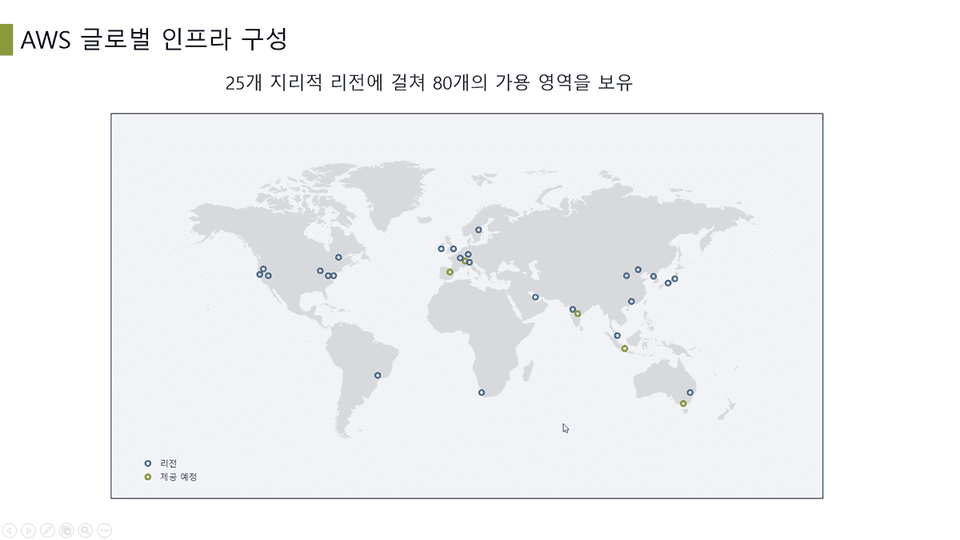
AWS EC2's web interface allows you to easily configure the computing capacity you need and flexibly build application systems ranging from small to large.
Organized on the AWS official website
This is a feature of AWS EC2.
Stability, Flexibility, Service Diversity, Simplicity
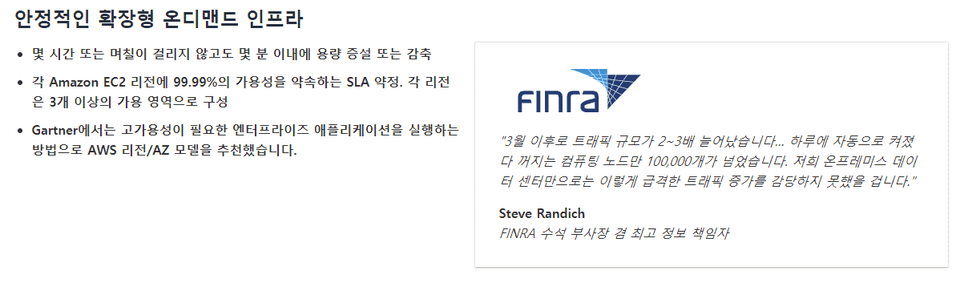
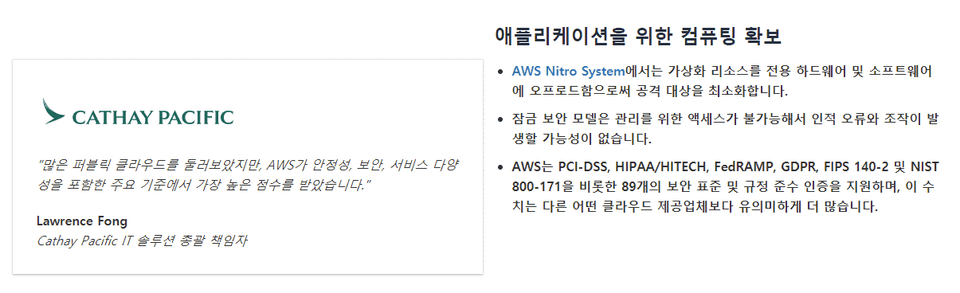
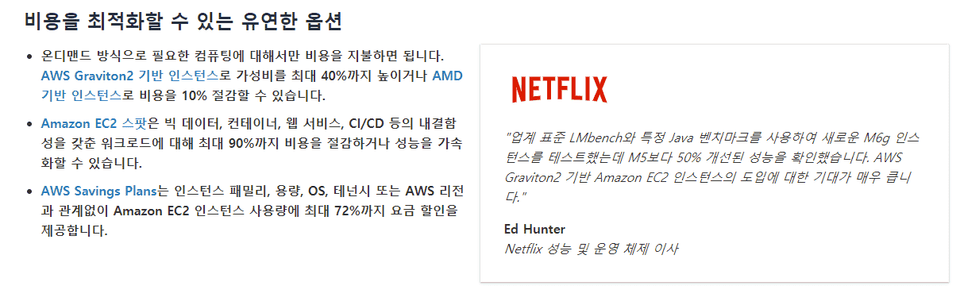
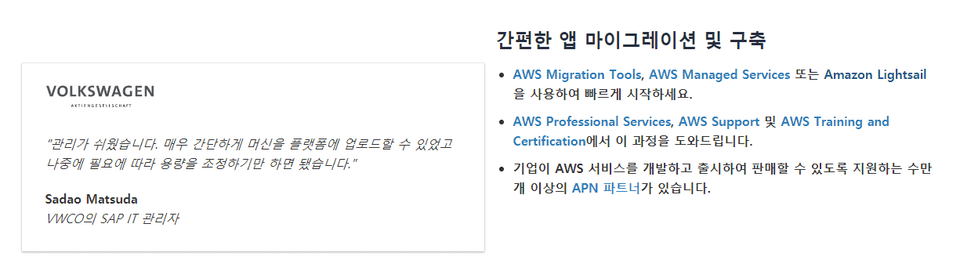
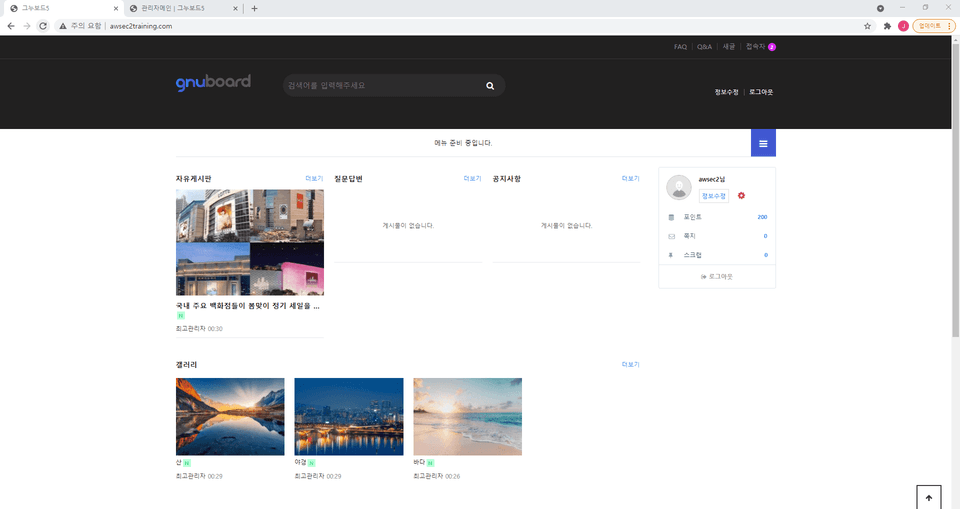
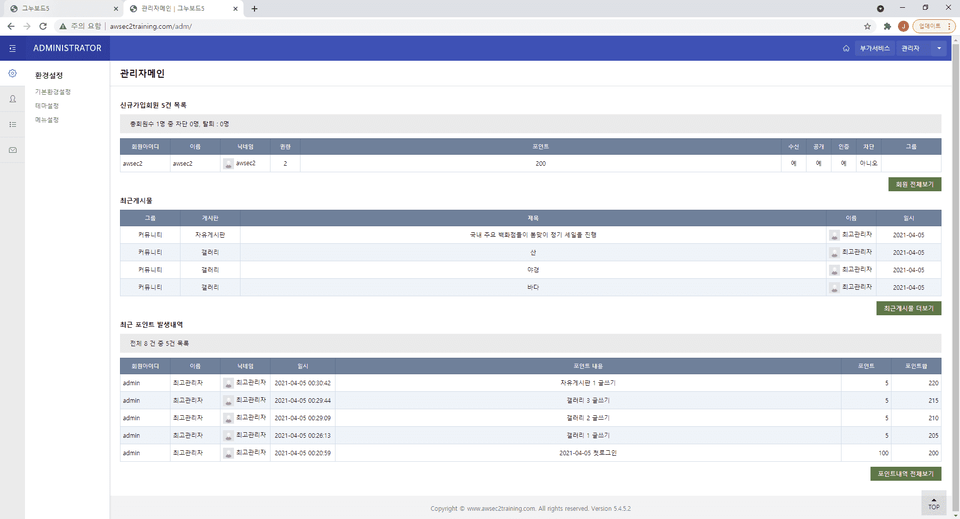
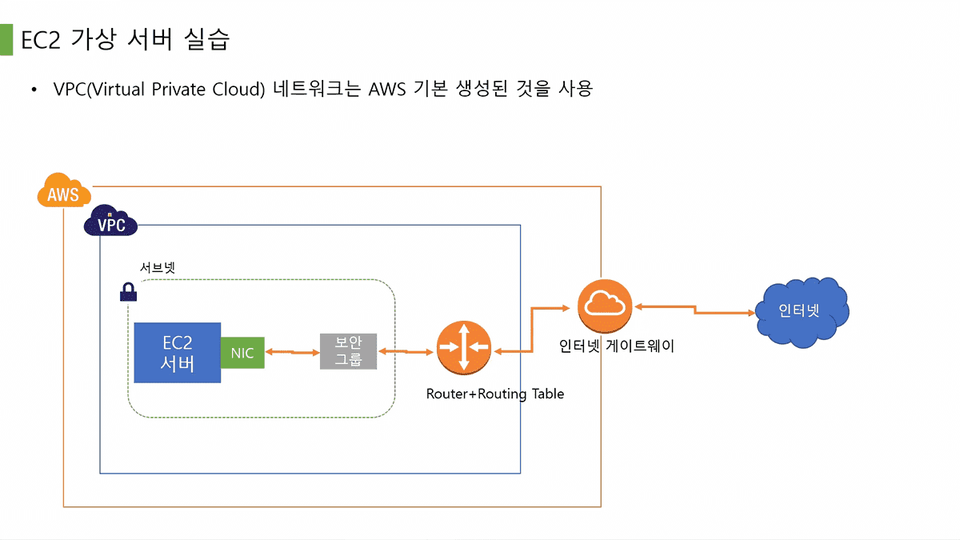
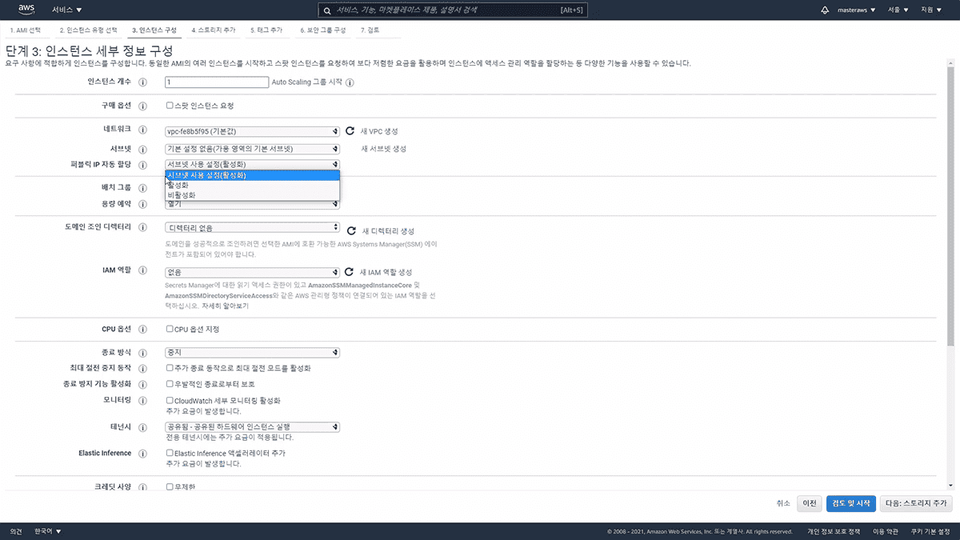
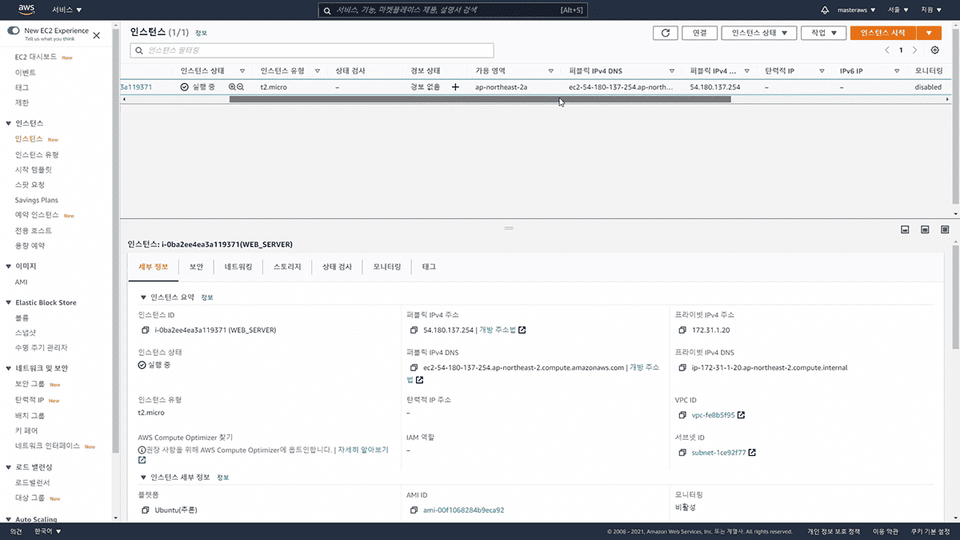
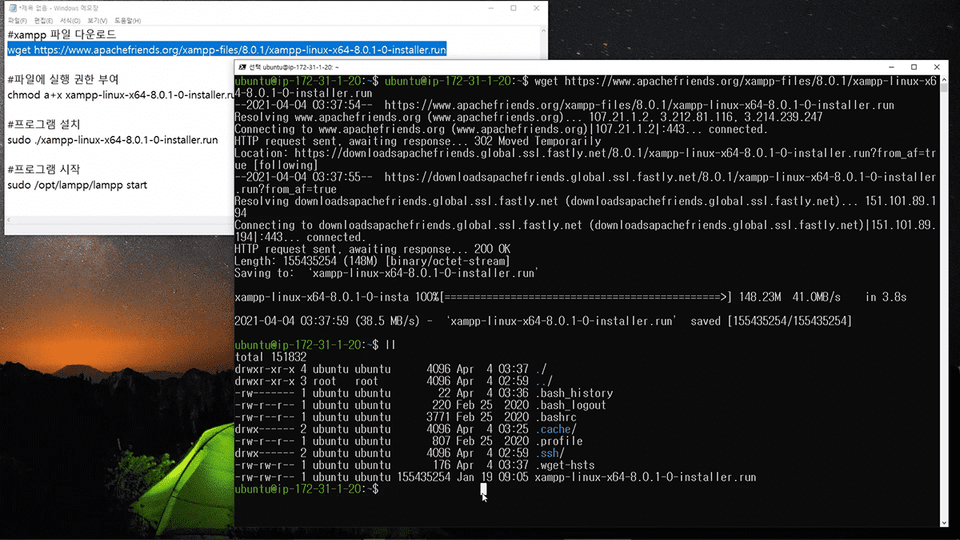
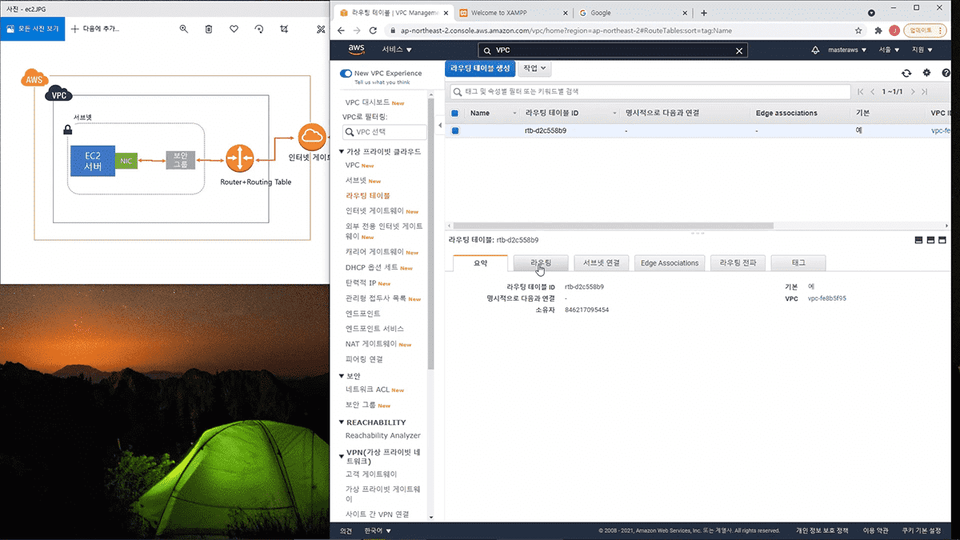
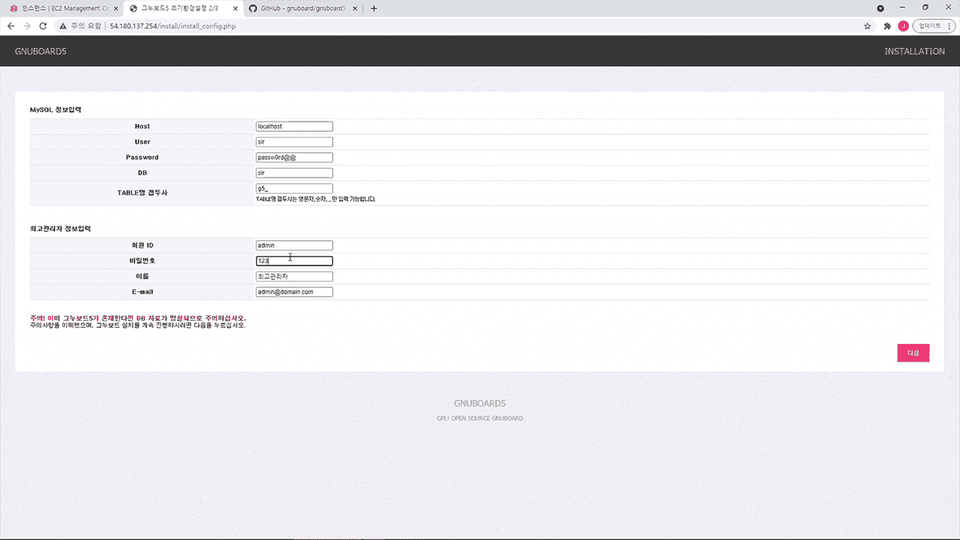
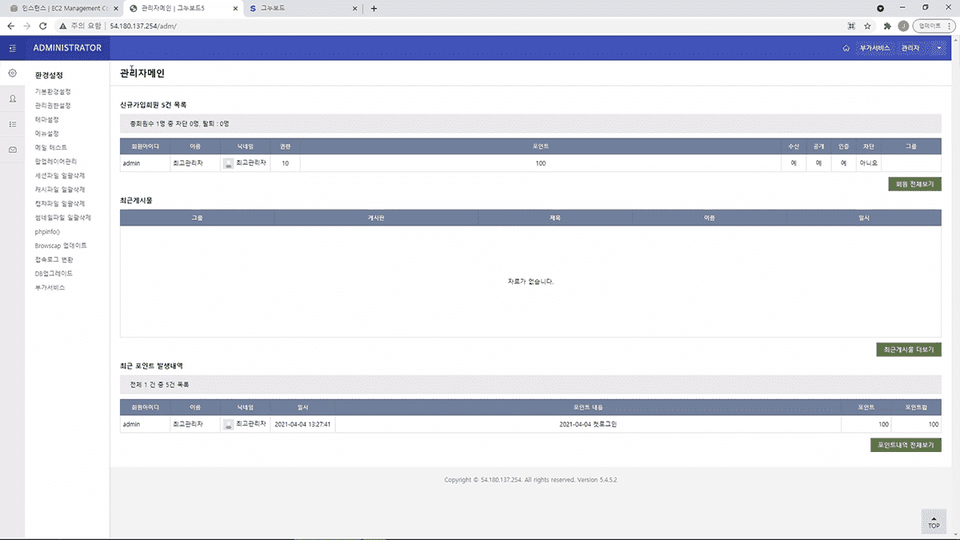
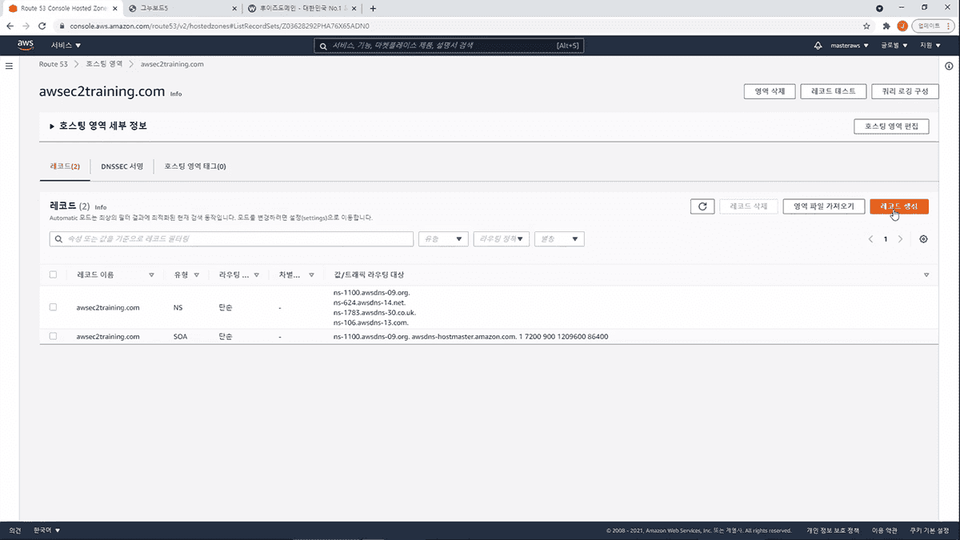
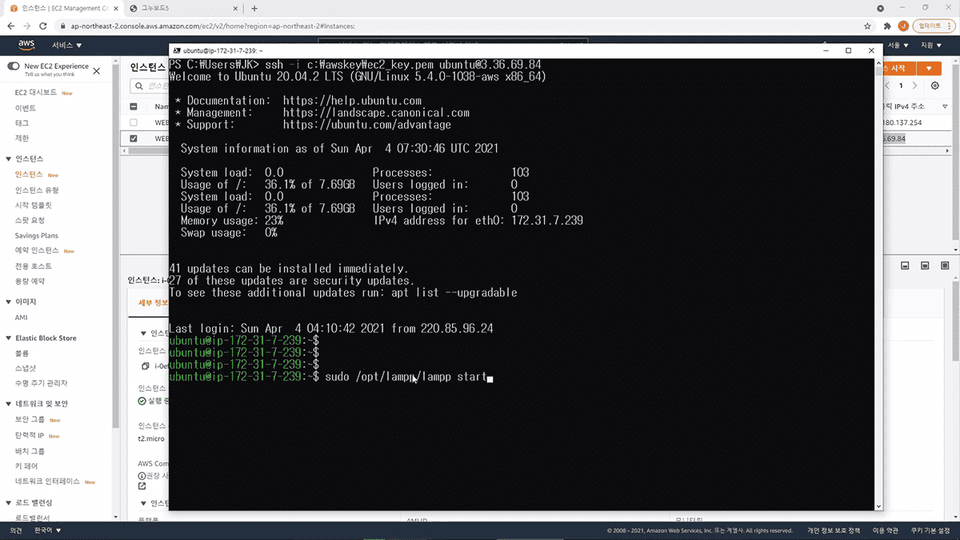
In this lecture, you will learn how to build an AWS EC2 system, install a web server on the EC2 server, build a website, and provide services to users. This will teach you how the entire system works.

Q. Why should I take this course?
This course covers not just how to use AWS EC2 servers, but also the entire process of building a website, a real service. This will help you better understand the areas in which AWS EC2 is used.
Q. Can non-majors also take the course?
Yes, anyone can build a website using AWS EC2 cloud servers by following the lectures in order, even without any prior understanding of IT theory.
Q. What level of instruction is offered in the classes?
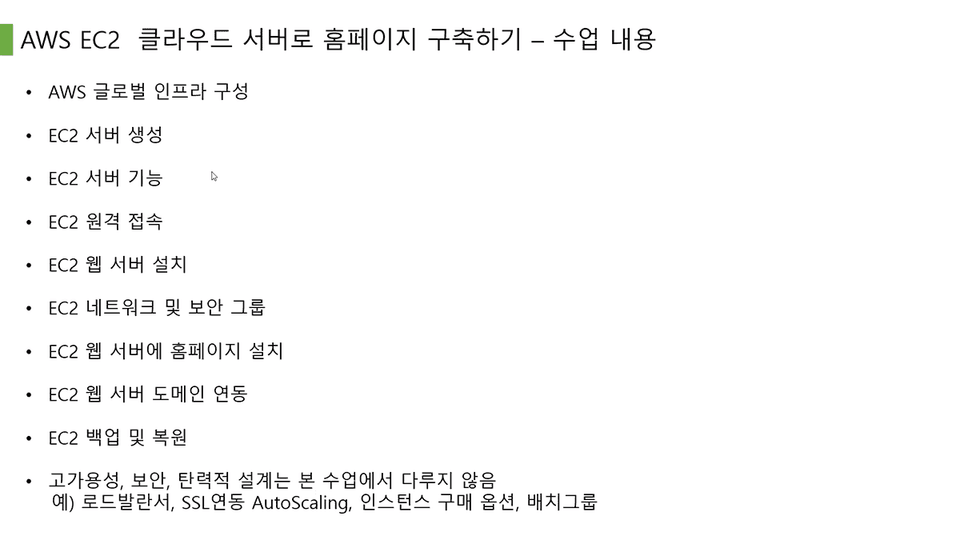
You'll learn the entire process of building an AWS EC2 instance, installing a web server, setting up a website, connecting a domain, and backing up the server. However, advanced techniques for building large-scale, high-availability systems, such as load balancers and autoscaling, are not covered in this course.



![[VANTA] MongoDB on Kubernetes - BasicsHình thu nhỏ khóa học](https://cdn.inflearn.com/public/files/courses/341003/cover/01kp0zg5xs18sjqrrm8328n7cs?f=avif&w=420)

