


inflearn logo

AI Excel Macro Automation for Work Tasks—No Coding Required

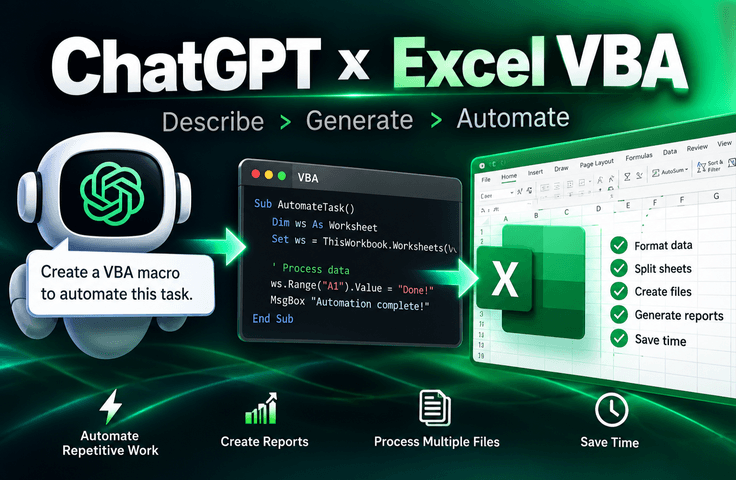
You can start automating Excel without learning to code. Through practical examples, you’ll learn how to describe the tasks you want to AI, run the macros it creates, fix errors, and even add features. By the end of the course, the goal is for you to be able to create macros for new repetitive tasks on your own with AI.

3 learners are taking this course

Level Beginner

Course period Unlimited

Excel
Excel
VBA
VBA
AI
AI
ChatGPT
ChatGPT
Excel
Excel
VBA
VBA
AI
AI
ChatGPT
ChatGPT

Reviews from Early Learners

5.0

5.0

굿뉴스

100% enrolled

After watching the first lesson, I wasn’t sure whether to continue, but I think the explanation of how to receive and use information through ChatGPT using prompt formulas is very good. In fact, it seems like this could be used immediately for work. Of course, even beyond Excel macros, I think the methods for making requests could be applied in other areas as well.

What you will gain after the course

  • How to Automate Repetitive Excel Tasks with Macros and AI

  • How to Organize the Task I Want and Request It Accurately from AI

  • How to Apply and Run AI-Generated VBA Code in Excel

  • How to use AI to identify the cause of an error and fix the code

  • How to Change the Conditions of an Existing Macro or Add New Features

  • How to create the macros you need on your own when a new recurring task arises

Even if you don't know VBA,

Repetitive tasks in Excel can be automated.

No coding experience is required.
You don't need a paid GPT subscription either.


If you have used Excel before and
have experience asking AI like ChatGPT questions, you can get started.

In this course, you will use AI to automate repetitive formatting, data organization, conditional extraction, sheet and file separation, and batch processing of multiple files.

We’ll create macros with AI for Excel tasks that are frequently repeated in the workplace.

We won’t start by memorizing coding syntax.
We will create automations for repetitive formatting, data organization, conditional filtering, sheet separation, file creation, and processing multiple files ourselves.

And we go beyond simply running the code we create to cover
how to fix errors, modify existing code, and add the features you need..

From the basics to practical automation, master it in 6 steps.


Section 1 - Preparing for the exercises

Download the example files used in the course and prepare the practice environment.

Section 2 - Running Your First Macro

From the basic settings for Excel macros to your first automation using the macro recorder, you’ll carry out each step yourself.

Section 3 - Creating Macros with AI

Explain the task you want to perform to AI, apply the generated VBA code in Excel, and execute it in practice.

Section 4 - Automating Repetitive Tasks

Automate real-world tasks such as repetitive formatting, data cleanup, extracting data by condition, and separating sheets.

Section 5 -Fixing errors and modifying macro functions

Send errors to the AI for correction, change conditions in existing code, or add new features.

Section 6 - Completing the Comprehensive Project

Connect multiple functions into one to complete an automation that transforms raw data into a report.

We’ll actually create a macro like this.

Through practical examples used in the course,
you will create macros with AI to automate repetitive tasks.
Rather than stopping at explanations, you will run them yourself and verify the results.

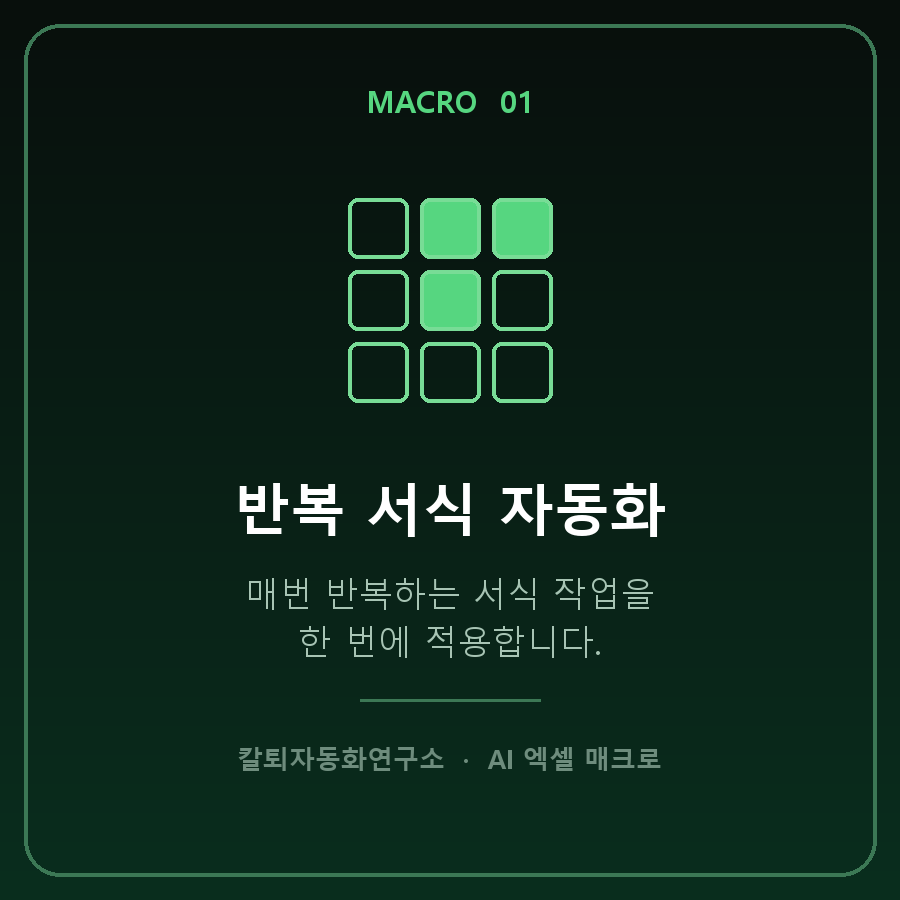
Point 1. Automating repetitive formatting

Apply repetitive formatting tasks all at once.


Point 2. Automated data cleaning

Automatically cleans up duplicate, blank, and messy data.


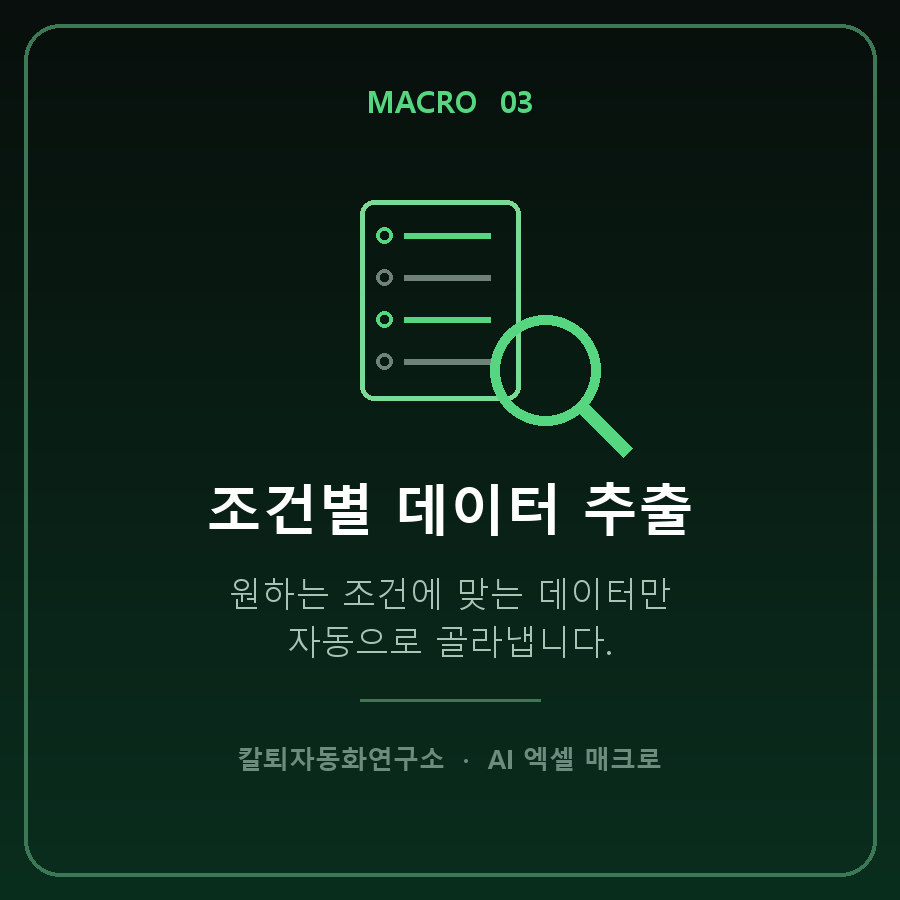
Point 3. Extract data by condition

Automatically selects only the data that matches your desired conditions.


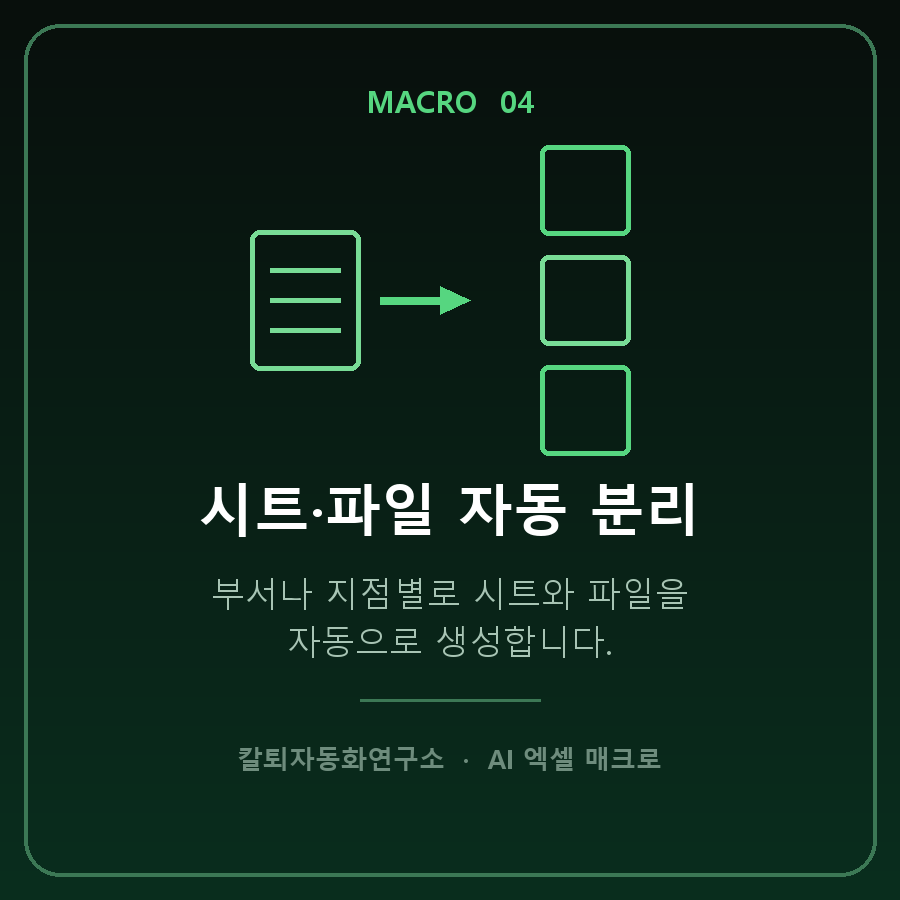
Point 4. Automatically separate sheets and files

Automatically creates sheets and files for each department or branch.


Point 5. Batch processing of multiple files

Processes multiple Excel files in a folder all at once.


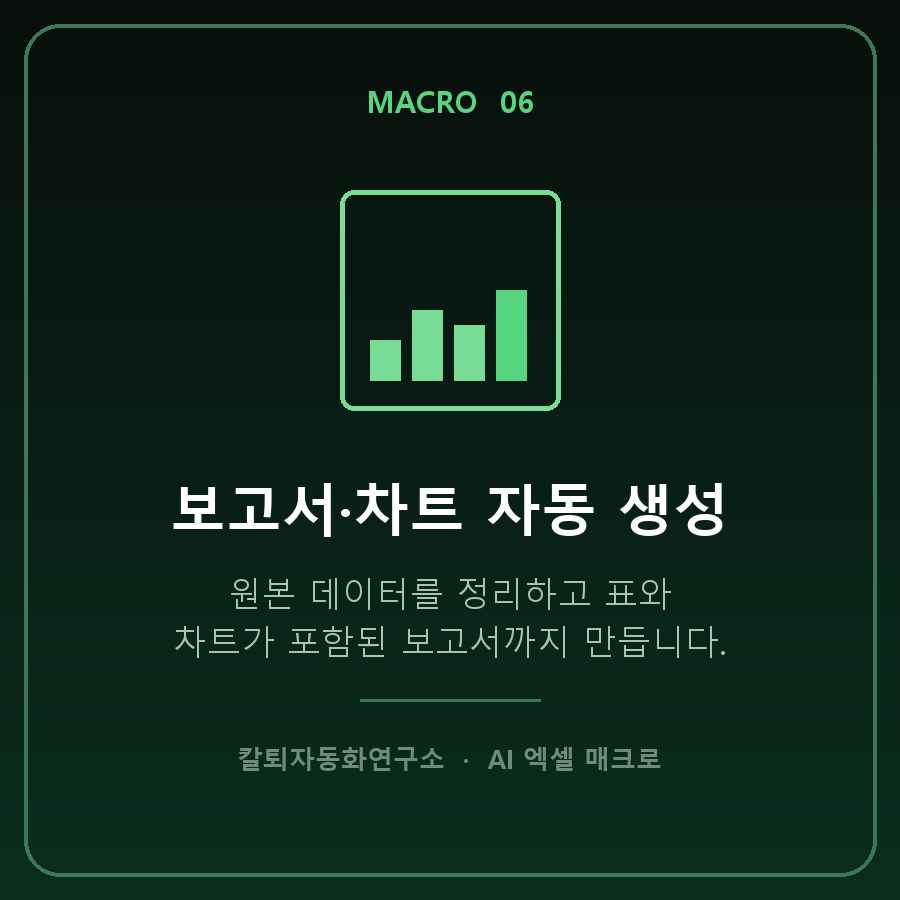
Point 6. Automatic report and chart generation

It organizes the raw data and creates reports that include tables and charts.


Repetitive Excel tasks,

Are you still doing it manually?


This course is not for people who are “good at Excel,”

Created for those who want to reduce repetitive tasks.


✔️ For those who want to reduce repetitive Excel tasks

  • For those who find repetitive formatting and data extraction cumbersome every time

  • ✔️ Those who want to process files for each department or branch all at once

  • ✔️ Those who want to reduce the time spent on repetitive tasks and focus on more important work

✔️ For those who want to create things themselves without coding

  • Those who want to use macros but find VBA syntax difficult

  • Those who want to create macros by describing the tasks they want AI to perform

  • Those who want to run the created code themselves and check the results

✔️ Those who want to keep using the macros they create

  • Those who want to fix errors together with AI

  • Those who want to change the conditions of existing code or add features

  • Those who want to expand an automation they’ve created to other tasks as well


Learning VBA is not the goal.
The goal is to create and use macros you need for your work yourself.

Notes Before Taking the Course


Practice Environment

  • Practice is conducted on a Windows PC.

  • You need to install the desktop version of Excel.

  • The screen layout and menu locations may vary slightly depending on the Excel version, but the practice method is the same.

Prerequisite Knowledge and Notes

  • No coding or VBA experience is required.

  • It is helpful to be familiar with the basic functions of Excel.

  • Experience asking questions to AI chatbots such as ChatGPT is required.

  • Macros may be restricted from running on company PCs due to security policies.

Learning materials

  • Lecture materials and example files are provided together.

  • Create and run macros yourself using the example data.

  • We also practice fixing errors, modifying code, and adding features.


Practice Tip
Start by following along with the provided examples, and once you’re comfortable, try applying them to your own repetitive tasks. We recommend backing up important files before running a macro.

Recommended for
these people

Who is this course right for?

  • Those who want to reduce repetitive Excel tasks but found VBA or coding difficult

  • Those who want to create Excel macros themselves using AI like ChatGPT

  • For those who have used the macro recorder but found it difficult to create the automation they wanted themselves

  • An office worker who wants to automate repetitive data organization, extraction, and file-related tasks

  • Those who want to quickly create and use the automation they need rather than study VBA syntax.

Need to know before starting?

  • You just need to know how to use Excel basics.

  • Experience asking questions and receiving answers from AI chatbots such as ChatGPT is required.

  • No VBA syntax or programming experience is required.

  • A paid ChatGPT subscription is not necessary.

Hello
This is fasthome

Career Verified

47

Learners

3

Reviews

5.0

Rating

7

Courses

Reduce repetitive tasks and leave work a little earlier.

Hello. This is the Early Leave Automation Lab.

With about 15 years of hands-on software experience, I have continually wondered,
“Is there a way to do this task faster and more easily?”

Here, we focus on AI and office automation
and cover practical automation methods using Excel, VBA, Python, Word, PowerPoint, and Outlook.

Rather than complex theory,
we focus on building things yourself, running them, and applying them to your work..

From automation you can start without knowing how to code
to hands-on projects that connect multiple tasks into a single workflow,
I will create courses that can genuinely reduce your work time.

Not automation you simply learn, but automation you actually use.
This is the Early Leave Automation Lab.


YouTube: https://www.youtube.com/@fasthome8282

Blog: https://blog.naver.com/fasthome

More

Curriculum

All

19 lectures ∙ (3hr 6min)

Course Materials:

Lecture resources
Published: 
Last updated: 

Reviews

Not enough reviews.
Please write a valuable review that helps everyone!

fasthome's other courses

Check out other courses by the instructor!

Similar courses

Explore other courses in the same field!

Limited time deal

$1,967.00

68%

$38.50