



inflearn logo

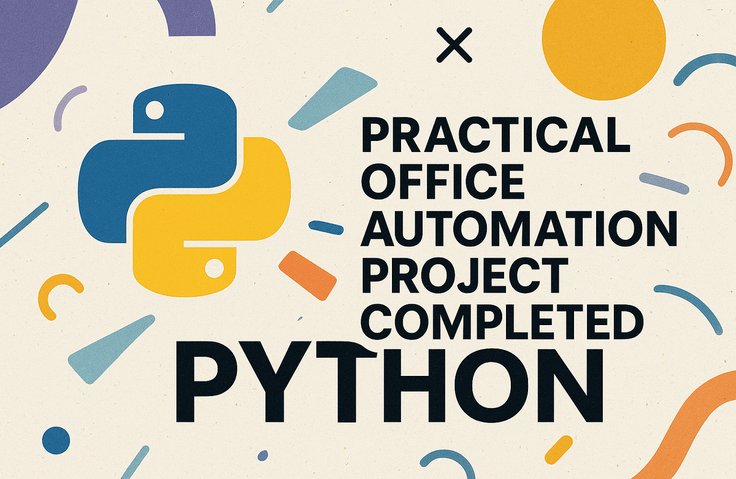
Practical Office Automation Projects Completed with Python

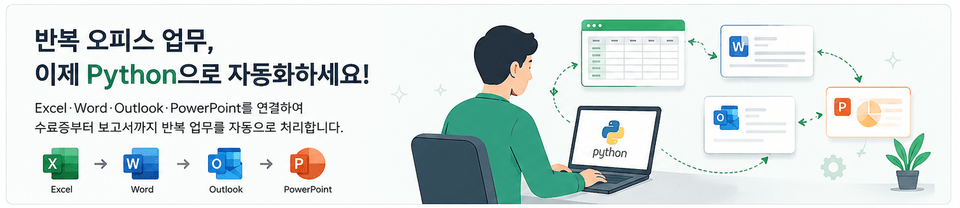
Automate repetitive Excel, Word, Outlook, and PowerPoint tasks using Python. You will implement projects based on real-world business scenarios and learn how to design and create your own office automation system, going beyond simply learning basic functions.

2 learners are taking this course

Level Basic

Course period Unlimited

Python
Python
MS-Office
MS-Office
RPA
RPA
microsoft-office
microsoft-office
Business Productivity
Python
Python
MS-Office
MS-Office
RPA
RPA
microsoft-office
microsoft-office
Business Productivity

What you will gain after the course

  • Automating repetitive tasks by connecting Excel, Word, Outlook, and PowerPoint with Python

  • Directly implementing office automation projects based on real-world business scenarios

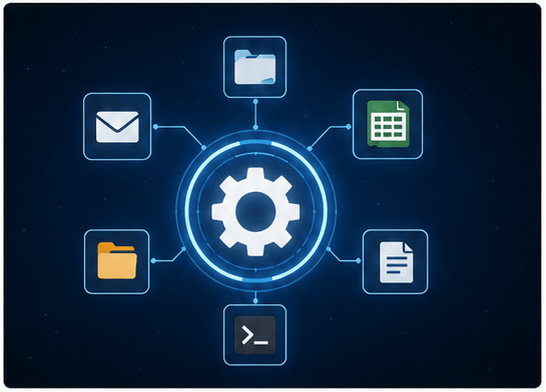
  • Designing an automation flow from data collection to document generation, email processing, and log storage

  • Distinguishing between full automation and semi-automation and choosing the right automation method for the task

  • Developing automation design capabilities to apply example codes to your actual work tasks


Connect repetitive office tasks with Python
Automate everything from certificates to reports yourself

Complete your automation workflow with eight real-world projects.


Create certificates and email drafts from Excel lists, and automate everything from meeting minutes to quotes and reports.
Transform repetitive data entry tasks into automation capabilities for designing workflows.


The office automation project is
a process of transforming repetitive tasks into execution flows.

Beyond simple functional practice, you will master integrating Python with Excel, Word, Outlook, and PowerPoint.
From data validation and document generation to PDF saving, email drafting, and log recording,
you will design repetitive processes from actual work into a single automated workflow.


You will directly create everything from generating multiple certificates and drafting emails
to meeting minutes, quotes, weekly reports, and email logs.
This is a practical project that utilizes Excel lists as work orders
and includes separating error rows and updating results.


We implement a connected process from start to finish, covering everything from data collection before work to document creation, inspection, storage, and distribution.
We apply a distinction between full automation and semi-automation,
and complete a reusable business system based on folder structures and path standards.

Excel, Word, PowerPoint, and Outlook
directly connected to complete automation

Section 1 - Preparing Lecture Materials and Example Code

Prepare the practice environment by downloading the lecture materials and example source code. Then, check the document materials and reference files to be used in the project.


Section 2 - Orientation and Common Automation Design

Understand the goals and workflow of the office automation project, and design automation patterns based on folder structure, path standards, and task types. Identify the differences between full automation and semi-automation to select the appropriate implementation direction for your tasks.


Section 3 - Bulk Generation of Certificates and Email Drafts

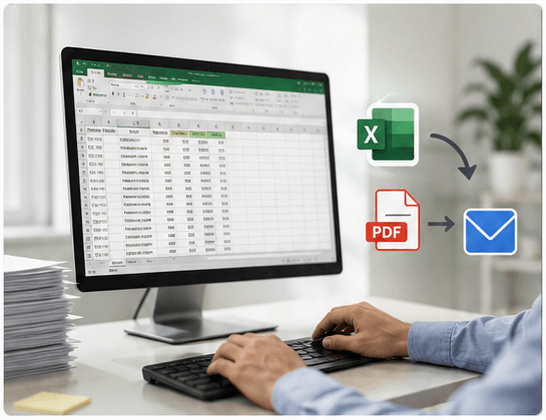
Read the Excel list, validate the data, generate multiple Word certificates, save them as PDFs, and automatically create Outlook email drafts. Implement the entire workflow to batch process certificates and emails using a single list.


Section 4 - Automatic Generation of Calendar-Based Meeting Minutes

It automatically creates a document skeleton before a meeting by reading meeting information from the Outlook calendar, and inspects the content after the meeting to save it as a PDF. It even automates the workflow of sending the completed meeting minutes to the attendees.


Section 5 - Batch PDF Conversion of Word Documents

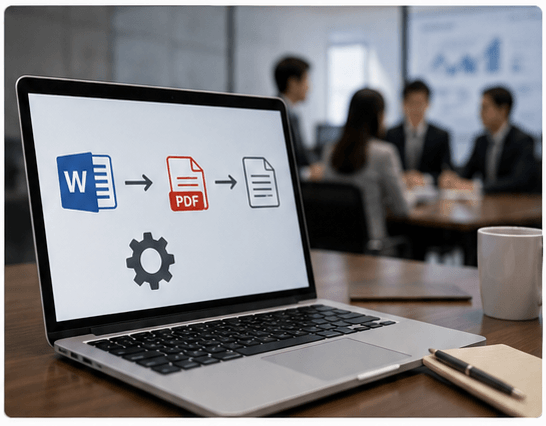
Verify multiple Word documents based on an Excel task list and perform bulk PDF conversion. Implement an exception handling flow that records successful and failed conversions separately and updates the processing results in Excel.


Section 6 - Excel-based Automated Quotation Generation

Read and verify the estimate item data from Excel, then dynamically generate customer information and item tables in a Word template. Save the completed estimate as a PDF, send it via Outlook, and verify the results.


Section 7 - Generating Weekly Reports Based on Sales Data

Pre-process sales Excel data to create charts and automatically configure PowerPoint presentations for weekly team reports. Simplify repetitive reporting tasks by merging reports from multiple teams into a single consolidated document.


Section 8 - Converting Word Documents to PowerPoint

Analyzes the title structure and body of a Word document and converts them into PowerPoint slide data. It generates a draft of the presentation materials according to the document's heading levels and verifies the results.


Section 9 - Automatic Organization of Outlook Email Logs

Search through Outlook emails to extract sender and key information as log records and save them to Excel. Automatically organize logs for email history management by processing missing or incomplete data.


Section 10 - Automatic Outlook Folder and Rule Setup

It analyzes the senders of Outlook emails to create a draft for folder settings, and processes folder creation and mail rule application in batches. It automates repetitive Outlook management tasks by verifying existing settings and update results.


Section 11 - Capstone Project and Wrapping Up Automation

Extract requirements from a request form to automatically generate PowerPoint materials for a technical presentation, then save and distribute them as PDFs. Assemble the previously learned data extraction, document generation, verification, and distribution functions into reusable automation components.

Start of practical task automation!

Point 1. Turning repetitive tasks into projects

Create certificates, PDFs, and even email drafts all at once using an Excel list. Connect Word, Outlook, and PowerPoint to directly implement actual business workflows.

Point 2. Automation for immediate use in your work

Automate familiar tasks such as generating meeting minutes, batch converting Word files to PDF, and creating quotes. It's not just about simple functions; it completes the entire process from data entry to document generation and dispatch.

Point 3. Design considering even errors

It covers input validation, handling missing data, error isolation, and log storage. Understand the difference between full automation and semi-automation, and design workflows that suit the situation.

Point 4. Expanding into Your Own System

We will cover everything from organizing email logs and setting up folders and rules to generating technical presentation materials. Through a capstone project, you will assemble example codes into an automation system tailored to your actual work.

Are you still manually handling office tasks
that you repeat every day?
This course is perfect for these people.


✔️ Office workers with heavy Excel and documentation workloads

  • Those who repeatedly create certificates and quotes

  • Those who spend a lot of time writing meeting minutes and reports

  • Those who want to reduce time spent on email processing and file organization

✔️ Those who want to start task automation with Python

  • Those who want to apply the Python they've learned to actual work

  • Those who want to create documents and emails using Excel data

  • Those who want to design automation workflows rather than just focusing on functions

✔️ Professionals looking to systematically transform repetitive tasks

  • Those who want to connect multiple office programs into one

  • Those who want to distinguish between full automation and semi-automation

  • Those who want to create a workflow complete with error validation and logging


Stop re-entering the same data.
From certificates, meeting minutes, and quotes to reporting materials,
create your own functional work automation system.

Notes before taking the course


Practice Environment

  • A PC with a Windows operating system is required.
    Installation of Office programs is also required.

  • Python and Office integration tools are used.
    A minimum of 8GB of memory is recommended.

Prerequisite Knowledge and Precautions

  • Basic knowledge of Python syntax is required.
    You must be familiar with variables and loops.

  • Experience with Excel and document work is useful.
    Email and schedule automation are tailored for the Windows environment.

Learning Materials

  • Lecture materials and example codes are provided.
    Please download and prepare the materials before class.


#Python #MS-Office #RPA #microsoft-office #WorkProductivity #pywin32

Recommended for
these people

Who is this course right for?

  • Office workers who want to automate repetitive tasks in Excel, Word, Outlook, and PowerPoint

  • Those who want to apply Python to real-world tasks and create actual automation projects

  • Those who want to develop workflow automation design skills beyond simply learning basic functions.

Need to know before starting?

  • A basic understanding of Python's fundamental syntax is required.

  • It is recommended to take this course if you have a basic understanding of variables, conditional statements, loops, and functions.

  • Basic experience using Excel, Word, Outlook, and PowerPoint is helpful.

  • Microsoft Office must be installed in a Windows environment to proceed with the practice smoothly.

  • Experience with pywin32 is not required. The course covers the necessary content along with the projects.

Hello
This is fasthome

Career Verified

Hello. This is the On-Time Departure Automation Lab.

Having worked in SW practice for about 15 years,
I have been contemplating "ways to reduce repetitive tasks and bring forward the time to leave work."

In this course,
we focus on automation techniques that can be applied immediately in real-world tasks, rather than just theory.

Rather than complex explanations,
we focus on the flow of "Why it's needed → How to use it → Immediate application."

We will save you time through Excel, Word, and various task automations.

More

Curriculum

All

35 lectures ∙ (10hr 6min)

Course Materials:

Lecture resources
Published: 
Last updated: 

Reviews

Not enough reviews.
Please write a valuable review that helps everyone!

fasthome's other courses

Check out other courses by the instructor!

Similar courses

Explore other courses in the same field!

Limited time deal

$59,400.00

40%

$77.00