
inflearn logo

Practical AI Excel Macro Projects You Can Create Without Knowing How to Code

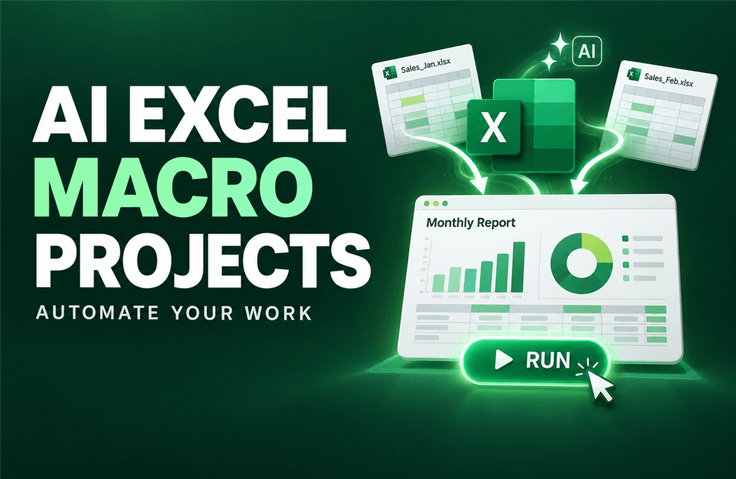
With a single request to AI, you can automate an entire business task from start to finish—from compiling multiple files in various formats and organizing data to automatically generating documents and quotations and converting them to PDF,

2 learners are taking this course

Level Basic

Course period Unlimited

Excel
Excel
VBA
VBA
ChatGPT
ChatGPT
AI
AI
Excel
Excel
VBA
VBA
ChatGPT
ChatGPT
AI
AI

What you will gain after the course

  • How to consolidate multiple Excel files into one and automatically organize data in different formats

  • How to Automatically Generate and Convert and Split Documents and Quotations into PDFs for Each Customer

  • How to standardize recurring file formats all at once

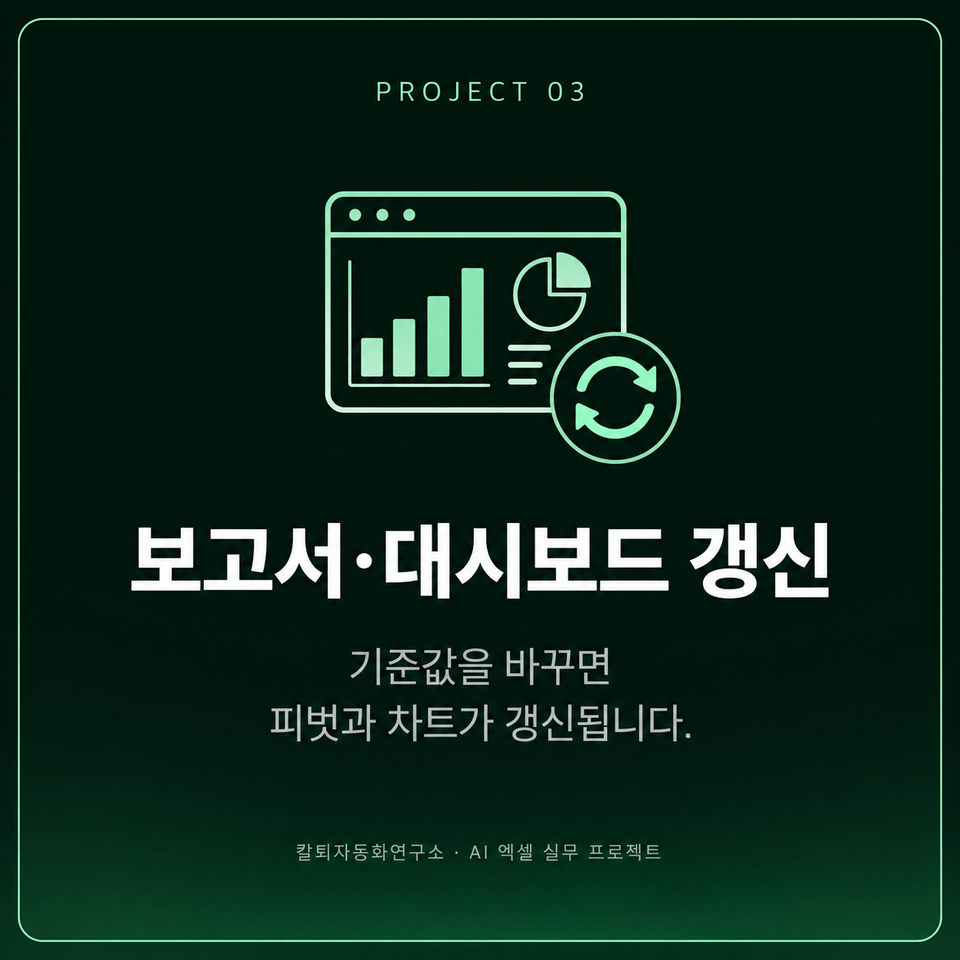
  • How to Automatically Update Pivot Reports, Charts, and Dashboards by Changing Only the Criteria Values

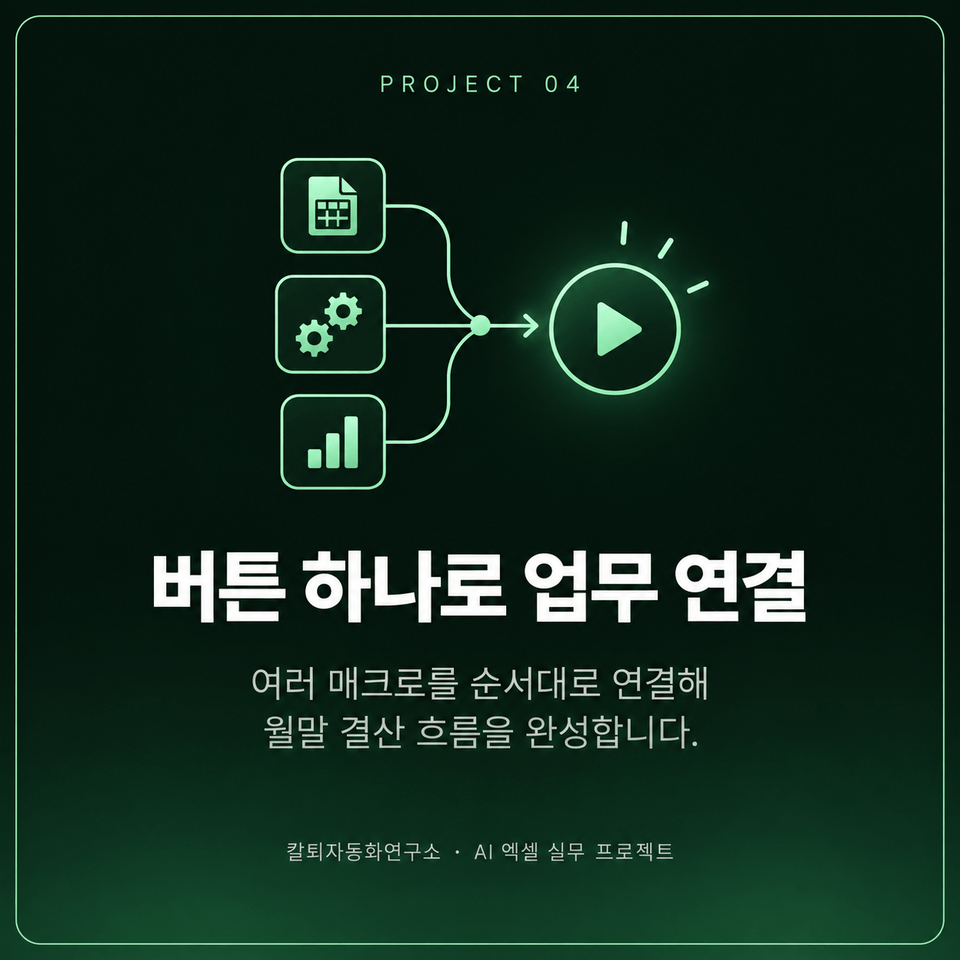
  • How to automate month-end closing tasks by linking multiple macros to a single button

  • How to Organize My Work into Inputs, Processing, Outputs, and Exceptions and Make Precise Requests to AI

Automate an entire Excel task with AI
using VBA—without coding

Complete everything yourself, from consolidating multiple files to creating reports and converting them to PDF.


Explain your recurring Excel tasks to AI each month, and
automate everything from consolidating files to organizing data and creating reports.
Even without coding knowledge, you can make precise requests to AI, verify the results yourself, and complete the work.

✓ No Python installation required

✓ No paid ChatGPT subscription required

Practice environment: Windows PC · Desktop Excel required

Open Excel files one by one and copy the contents,
select and organize only the data that meets the conditions, and
create separate documents and quotations for each customer—repetitive tasks.
Explain the workflow to AI, and you can turn it into a single VBA automation flow.

Complete the process in six steps, from consolidating files to month-end closing.


Section 1 - Learn How to Request AI While Consolidating Multiple Files

Combine multiple Excel files into one while learning how to clearly explain your task requirements to AI to achieve the desired results.

Section 2 - Transforming, Linking, and Separating Data

Convert report-style tables into analyzable data, link information from two files, and automatically separate data according to specified conditions.

Section 3 - Automatically Creating Documents, Quotations, and PDFs

Create document and quote templates for each customer, and save reports as PDFs. You’ll also practice standardizing the formatting of multiple files at once.

Section 4 - Automatically Updating Pivot Reports, Charts, and Dashboards

Change the base month or target value to generate pivot reports and charts, and create a dashboard that reflects the latest data.

Section 5 - Connecting Multiple Macros with a Single Button

Organize the macros by function into buttons, and connect multiple functions with an “Run All” button that executes them in a predetermined order.

Section 6 - Completing the Month-End Closing Automation Project

We connect everything into a single workflow, from gathering files to generating reports and PDFs, to complete the month-end closing project, and summarize how to apply what you’ve learned to your own repetitive tasks.

You will actually complete an automation project like this.

Automate repetitive tasks such as gathering files, creating documents, and updating reports with AI.
Run them yourself to verify the results, and finally connect them into a single workflow.

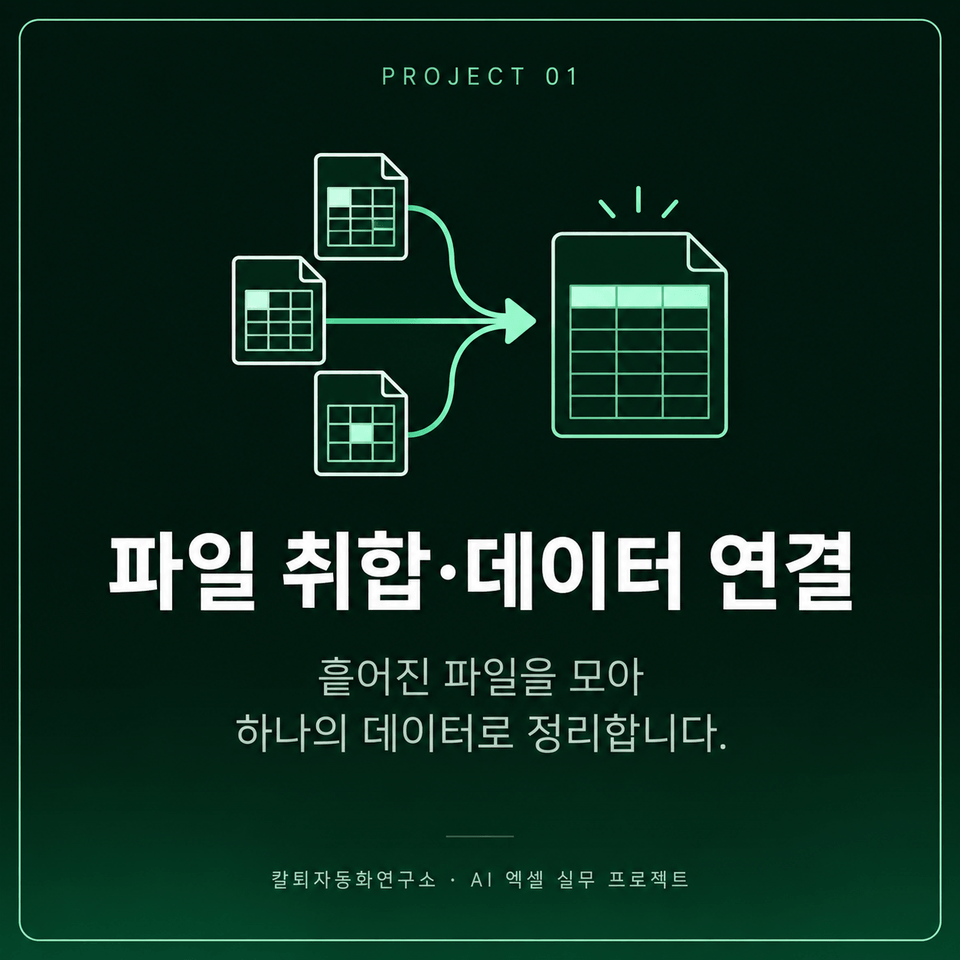
Point 1. File Consolidation · Data Linking

Gather multiple Excel files into one, connect the data using common criteria, and organize it into a table that’s easy to use.


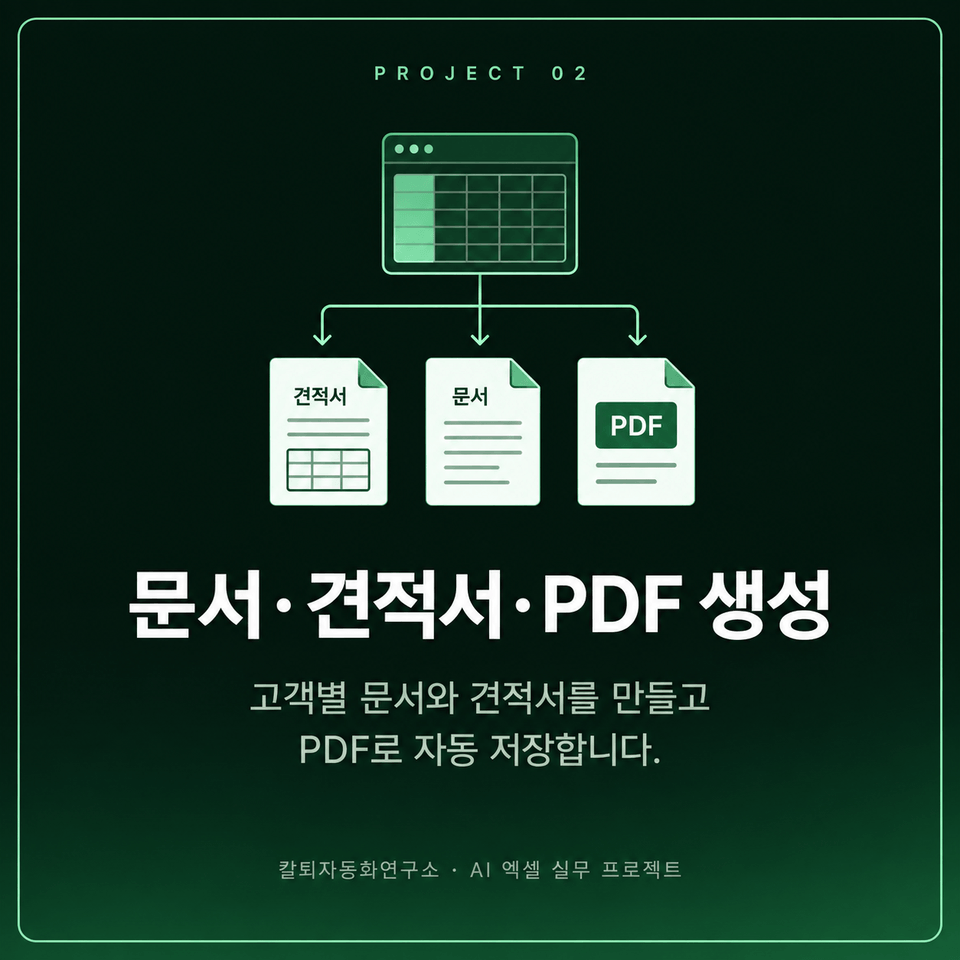
Point 2. Document, Quote, and PDF Generation

Create documents and quotations using customer lists and Excel templates, then save the completed results as PDFs.


Point 3. Refresh reports and dashboards

Change the reference month and target values, then run the macro to reflect the new results in the pivot report, charts, and dashboard.


Point 4. Connect tasks with a single button

By linking multiple macros—from file consolidation to report and PDF generation—you can execute month-end closing tasks with a single button.


Recurring Excel tasks every month—
now automate them with AI.
This course is recommended for people like you.


✔ Those who spend time consolidating files and preparing reports

  • Those who repeatedly open multiple Excel files to copy and paste data

  • People who spend a lot of time classifying data by condition and organizing formatting

  • Those who recreate the same pivot reports and charts every month

✔ Those who want to create practical automations without coding

  • Those who want to describe their tasks to AI and create macros

  • Those who want to generate documents and quotations for each customer all at once

  • Those who want to reduce repetitive report and PDF-saving tasks

✔ For those who want to run multiple tasks with a single button

  • Those who want to connect individual macros into a single workflow

  • People who want to execute tasks in sequence, from compiling files to generating reports and PDFs

  • Those who want to automate workflows involving multiple consecutive steps, such as month-end closing.


From compiling files to generating reports and PDFs,

Complete an automation workflow tailored to your work.

Create the macros you need with AI and
connect multiple tasks with a single button.

Things to Note Before Taking the Course

Practice Environment

  • Please prepare a Windows PC and the desktop version of Excel that can run macros.

  • Paste the AI-generated code into Excel’s VBA editor and run it.

  • You need an environment where you can access AI chatbots such as ChatGPT.

  • If you are using a company PC, please check whether you can run macros and access AI services.

Prerequisite knowledge

  • You only need to know the basics of entering data in Excel cells, using sheets, and saving files.

  • You need experience asking AI chatbots questions and receiving answers.

  • Experience running macros and saving macro-enabled workbooks (.xlsm) will make the hands-on exercises easier.

  • VBA syntax or programming experience is not required. Taking the previous course is also not mandatory.

Practice Format

  • We cover practical examples such as consolidating files, generating documents and quotations for each customer, and saving reports and PDFs.

  • Explain the work requirements to the AI, run the generated macro, and check the results.

  • After learning individual functions, connect multiple macros to complete a month-end closing project.

  • Start by practicing with the examples, and once you’re comfortable, try applying them to your own work. Please use a copy of your actual work files for practice.


Recommended for
these people

Who is this course right for?

  • An office worker who wants to reduce the monthly repetitive work of compiling, organizing, and preparing Excel reports

  • Those who want to build practical automations with AI rather than study coding syntax

  • Those who want to expand a simple macro into a real-world work project

  • Those who want to connect multiple tasks—from document creation to report generation and PDF saving—with a single button.

Need to know before starting?

  • You just need to know the basics of entering and editing data in Excel and saving files.

  • Experience asking questions and receiving answers from AI chatbots such as ChatGPT is required.

  • It will be easier if you have experience running and saving macros and linking them to buttons.

Hello
This is fasthome

Career Verified

54

Learners

4

Reviews

5.0

Rating

8

Courses

Reduce repetitive tasks and leave work a little earlier.

Hello. This is the Early Leave Automation Lab.

With about 15 years of hands-on software experience, I have continually wondered,
“Is there a way to do this task faster and more easily?”

Here, we focus on AI and office automation
and cover practical automation methods using Excel, VBA, Python, Word, PowerPoint, and Outlook.

Rather than complex theory,
we focus on building things yourself, running them, and applying them to your work..

From automation you can start without knowing how to code
to hands-on projects that connect multiple tasks into a single workflow,
I will create courses that can genuinely reduce your work time.

Not automation you simply learn, but automation you actually use.
This is the Early Leave Automation Lab.


YouTube: https://www.youtube.com/@fasthome8282

Blog: https://blog.naver.com/fasthome

More

Curriculum

All

18 lectures ∙ (2hr 25min)

Course Materials:

Lecture resources
Published: 
Last updated: 

Reviews

Not enough reviews.
Please write a valuable review that helps everyone!

fasthome's other courses

Check out other courses by the instructor!

Similar courses

Explore other courses in the same field!

Limited time deal

$14,850.00

70%

$38.50