Excel, the best friend of office workers,
perfectly master essential work functions! 📊
👀 Please check before taking the course!
- Since this is a practice-oriented course, we recommend using dual monitors or an extra device so you can separate the lecture screen from your practice screen.
- Since the practice sessions are based on Windows OS, we recommend taking the course in a Windows environment.
- Lecture materials and practice files can be found in the <0. Textbook Download Center> section.
A new paradigm for
Excel business processing 💡
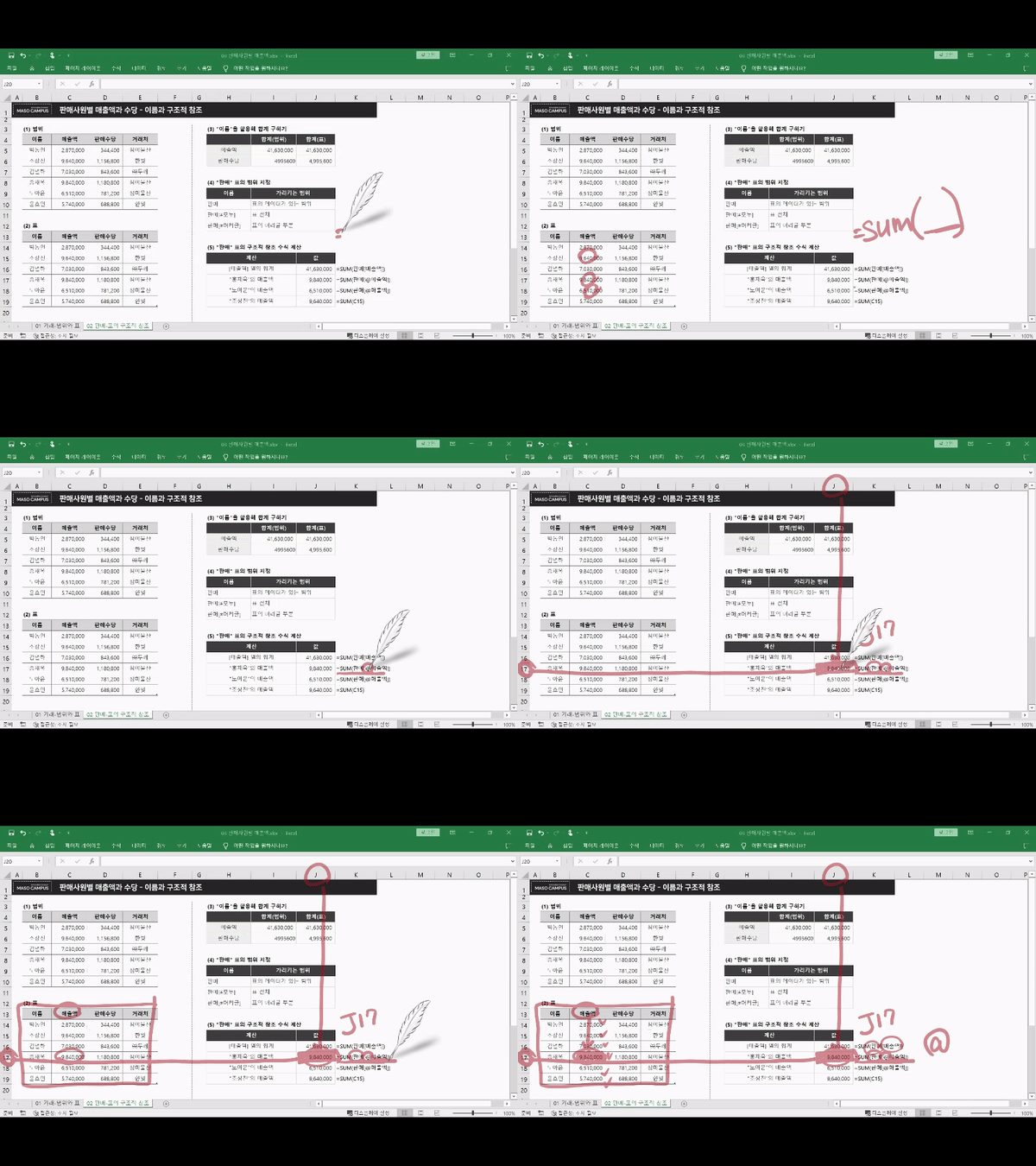
#1 Using cell references and static/dynamic ranges
#2 The Top 10 Functions selected by Microsoft
#3 Make it even more systematic with array formulas!
#4 Use lookup functions immediately in practice!
The Excel Bible for Office Workers 📖
Functions and formulas are the most solid foundation of Excel and the basis of all its features. No matter what other features you learn, it is difficult to utilize Excel properly without knowing basic functions such as SUM, IF, COUNT, and VLOOKUP. The core issue is a low fundamental understanding of Excel functions and formulas. Simply memorizing a few formulas without knowing how each function works makes it impossible to find your own problem-solving methods and limits your ability to apply them.
This course systematically explains the foundations of Excel functions and how Excel operates for office workers who use Excel but feel overwhelmed by how to master functions and formulas. Start processing your work faster and more precisely than ever before with the convenient and powerful program that is Excel functions.
- Understanding the operating principles of Excel to utilize functions properly
- Process complex data using various functions and utilize it in the desired format
- The ability to use functions in the right place at the right time without having to memorize them
- The ability to examine data from various perspectives and derive insights
👉 Master this course and transform into a true pro-worker!
Here is what you can learn in this course! 😎
[STEP 1] A Different Side of Excel That Everyone Uses
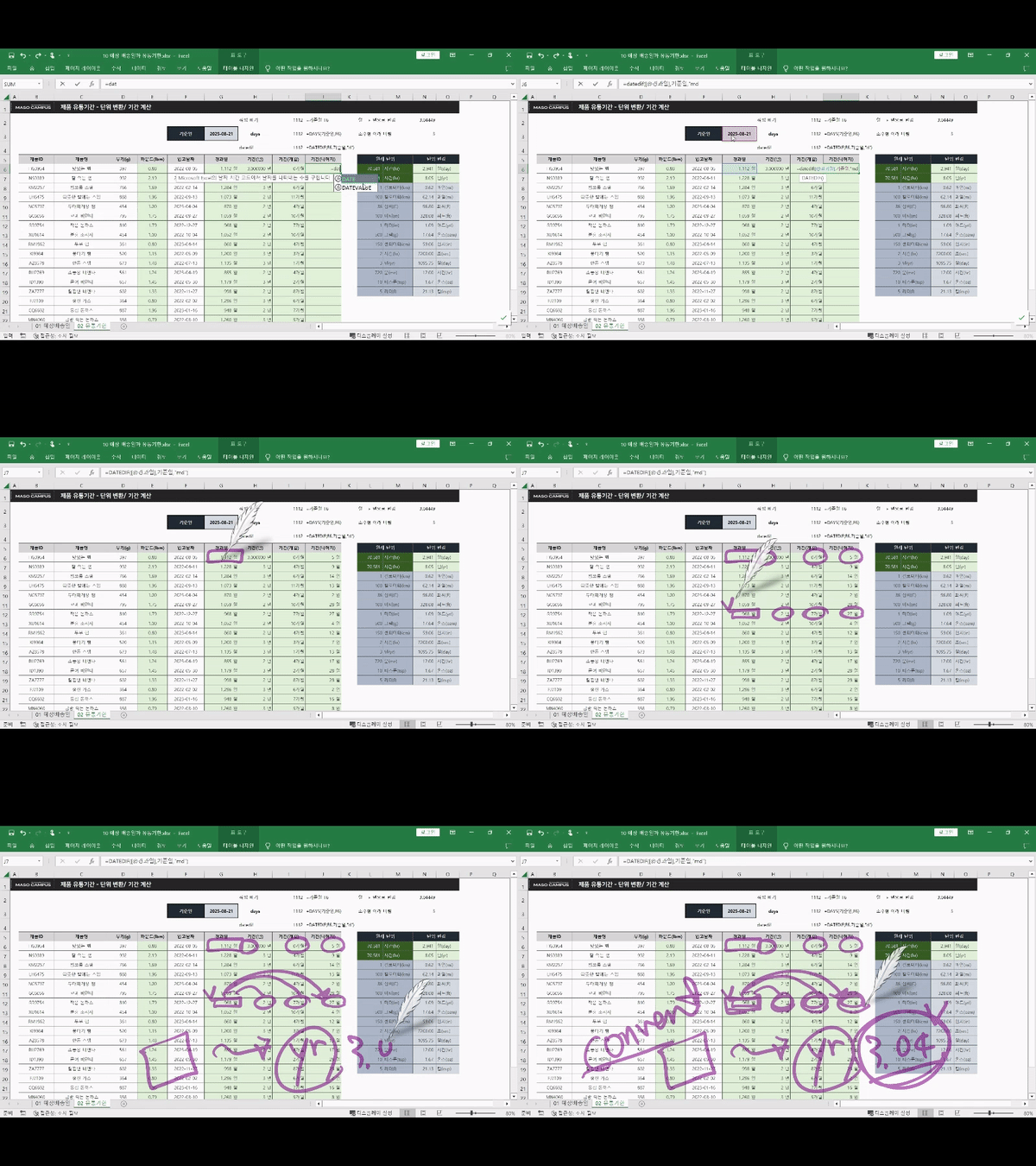
We will guide you step-by-step through the operating principles of Excel so that you can properly utilize functions in Excel, which is essential for modern professionals. As you listen, you will find yourself fully immersed in the charm of various Excel functions.
[STEP 2] Mastering Excel functions that you've heard of many times but find confusing to use
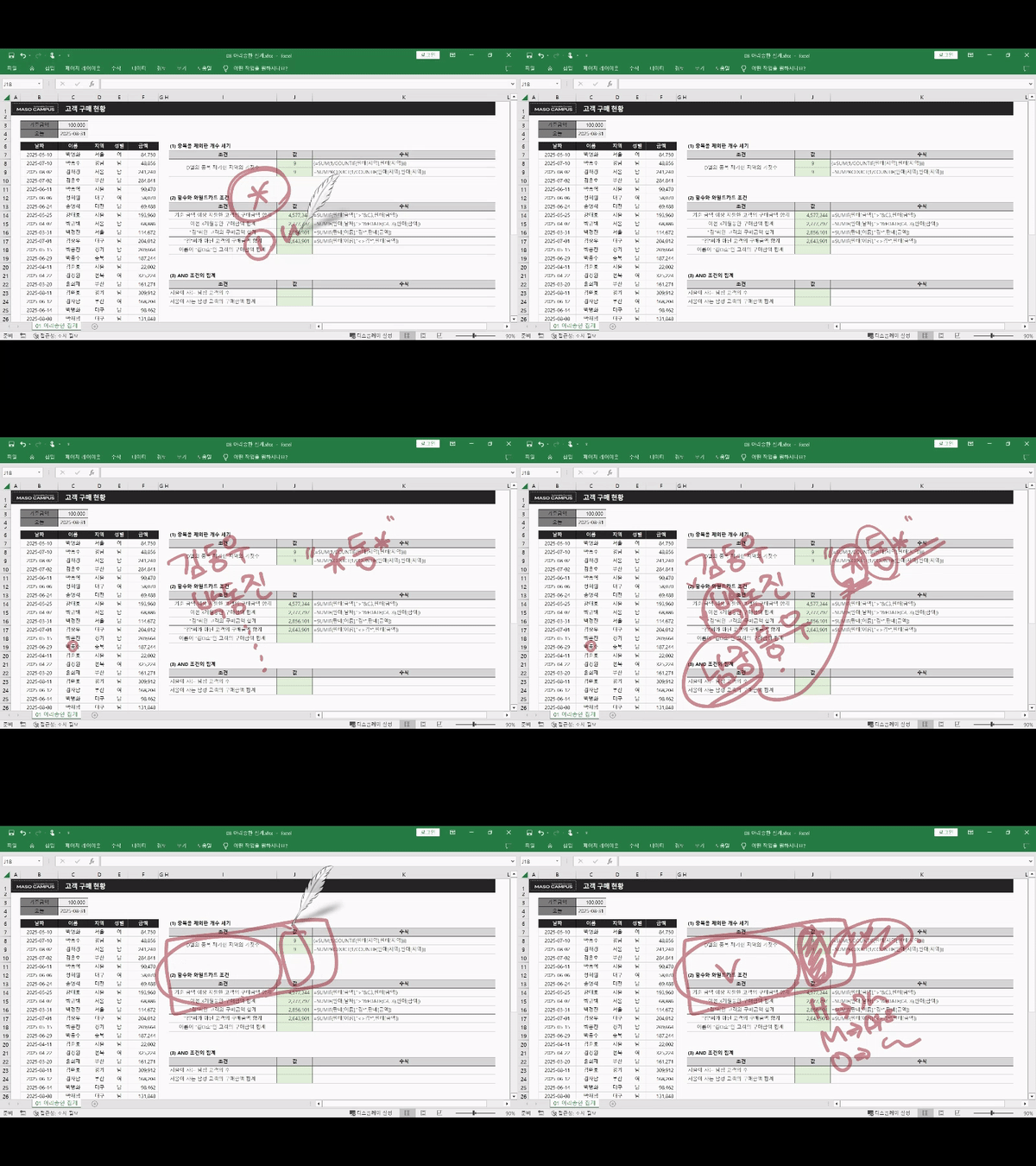
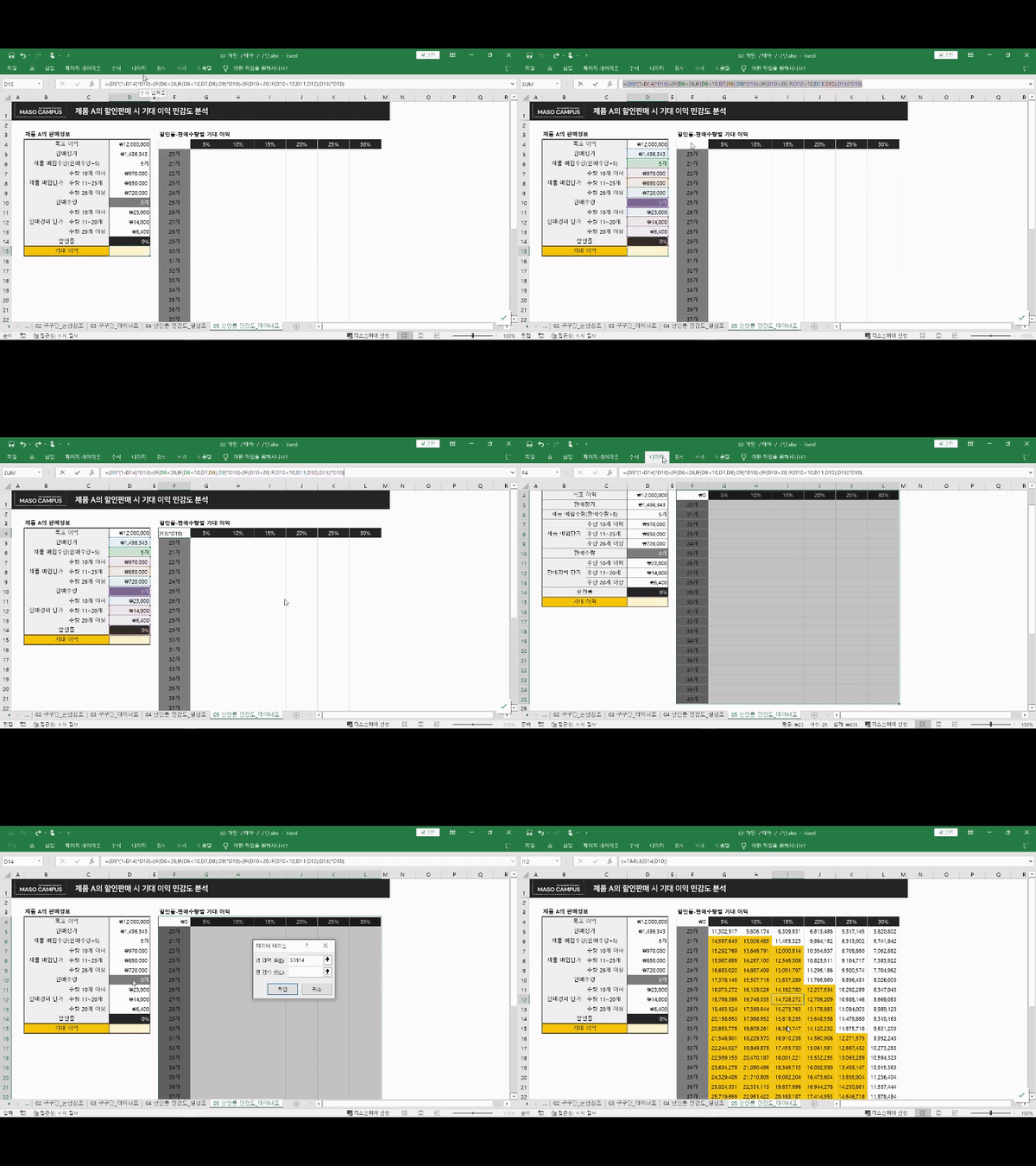
SUM, IF, FIND, VLOOKUP… Most of you have seen these somewhere, but few people truly know the function of each. We will examine and break down these frequently used functions for you!
[STEP 3] Until the day you can retrieve the data you want from complex datasets all at once with a single function!
When you actually try to use data lookup functions, it can feel overwhelming. You will learn how to find the data you want using functions, no matter how complex the data is.
Anticipated Questions Q&A 💬
Q. Is prior knowledge of Excel required?
Not at all. You don't need any prior knowledge of Excel functions, and since we go over every single button you need to click from start to finish, you don't have to worry about your Excel function skills.
Q. Are there any requirements or prerequisites for taking the course?
Since this is a practice-oriented course, it is recommended to prepare a dual monitor or an extra device so that you can separate the lecture screen from the practice screen. Additionally, as the practice sessions are conducted based on Windows OS, we recommend taking the course in a Windows environment.
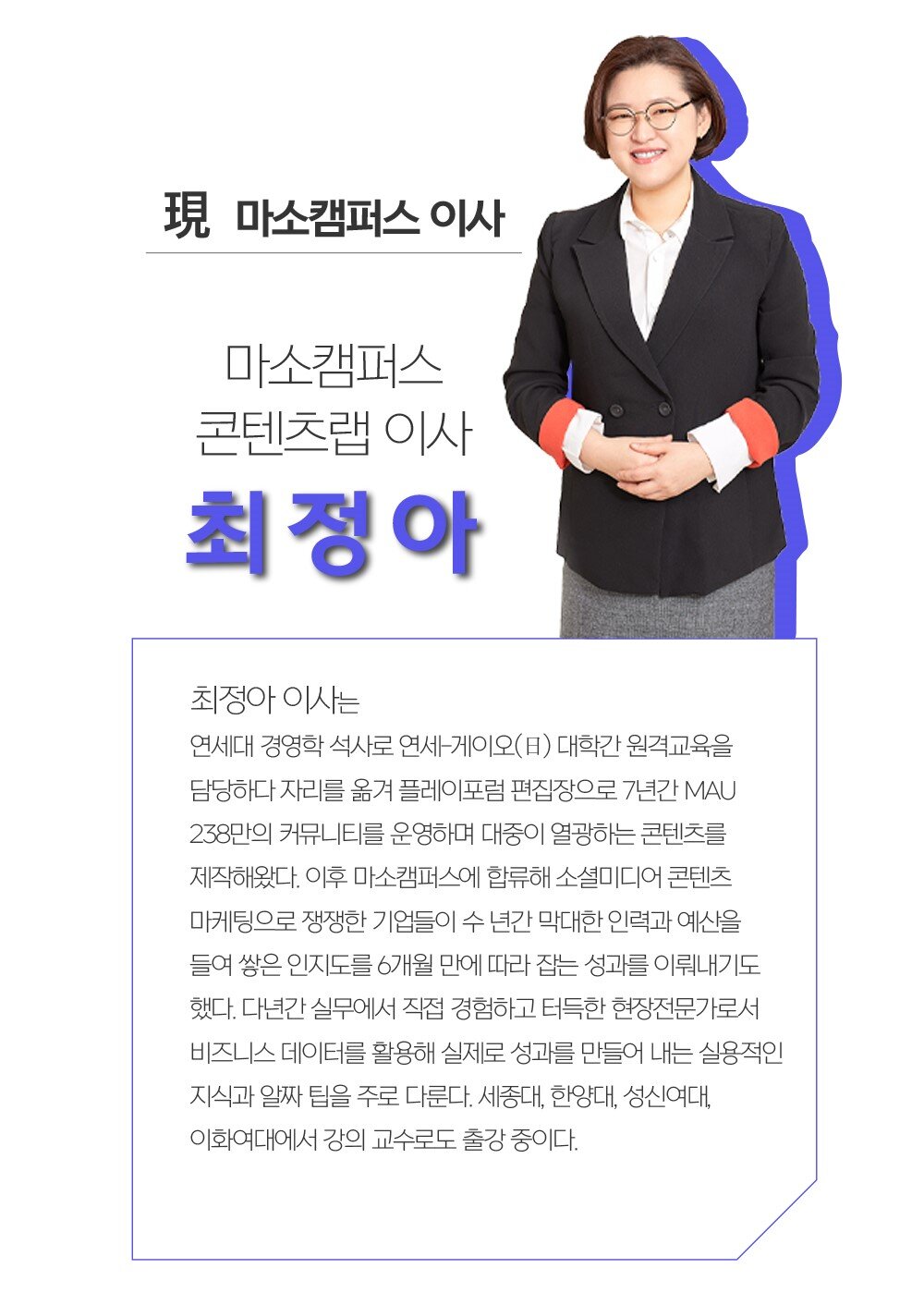
Instructor Introduction ✔️






























![Excel Vibe Coding: Automate Ribbon Menus with AI Without Knowing VBA [Power Tools Masterclass]Course Thumbnail](https://cdn.inflearn.com/public/files/courses/343602/cover/01m2mmj8wt743mqhjr5bxsby5c?w=420)
![[Pass ITQ Excel A in One Go] in 3 daysCourse Thumbnail](https://cdn.inflearn.com/public/courses/329652/cover/b44e11b6-a47e-4993-86ea-a85da9836bb5/329652-eng.png?w=420)



![[Star Instructor Teacher Choi] The Standard for Passing Quickly|ITQ Excel MasterCourse Thumbnail](https://cdn.inflearn.com/public/files/courses/343264/cover/01kxzse3ftyrhrd3te3b03e3ch?w=420)

