강의

멘토링

커뮤니티

NEW
Applied AI

/

AI Creative

The Ultimate Guide to Design Automation: Mastering Canva AI Generative Design

The era of creating designs one by one is over. Experience the speed of turning "thoughts" into "results" with Canva AI.

(5.0) 7 reviews

11 learners

Level Beginner

Course period Unlimited

  • Masocampus
AI
AI
canva
canva
Generative AI
Generative AI
Content Planning
Content Planning
Content Creation
Content Creation
AI
AI
canva
canva
Generative AI
Generative AI
Content Planning
Content Planning
Content Creation
Content Creation

Reviews from Early Learners

Reviews from Early Learners

5.0

5.0

히릿

97% enrolled

I've been seeing a lot of Canva ads lately and wanted to give it a try, but I had no idea it had so many different features! Now I'll be able to make PPTs so easily with this~!!

5.0

애기손 파이

80% enrolled

I've only ever used it for making PPTs, but I didn't know it had a feature for creating webpages. I also just learned for the first time that Canva is a tool made in Australia.

5.0

배춧잎갉아먹기

80% enrolled

It's my first time using a program called Canva, and it's much simpler and better than I expected. I really appreciated how you explained everything kindly right from the start.

What you will gain after the course

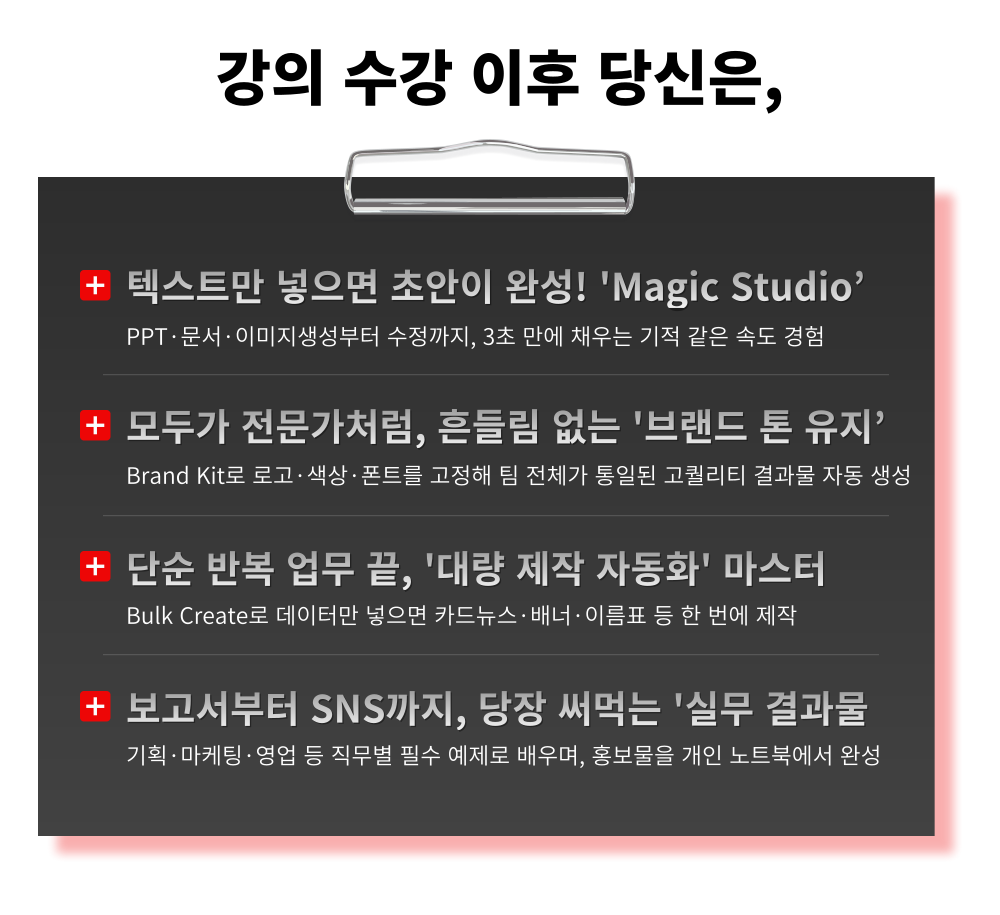
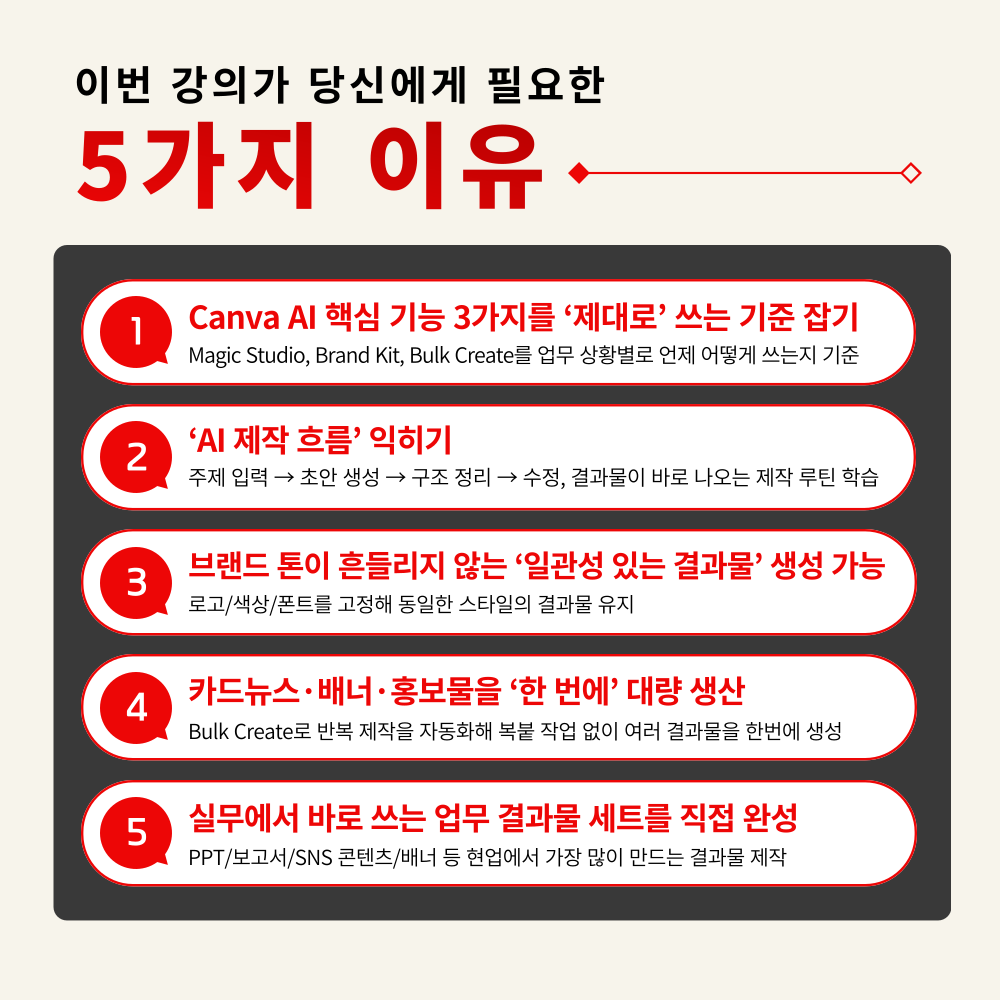
  • Learn the distinct roles of Magic Studio, Brand Kit, and Bulk Create, and understand which features to use in specific situations.

  • Learn the "AI-based production process" from topic input to draft generation, structural organization, and final revision.

  • Learn the know-how to process repetitive tasks—such as card news, banners, and promotional materials—all at once using a data-driven approach.

  • Complete projects by directly creating the most frequently used professional outputs, such as PPTs, reports, social media content, and promotional materials.

The reason your design work is slow
is because you start from scratch every time.

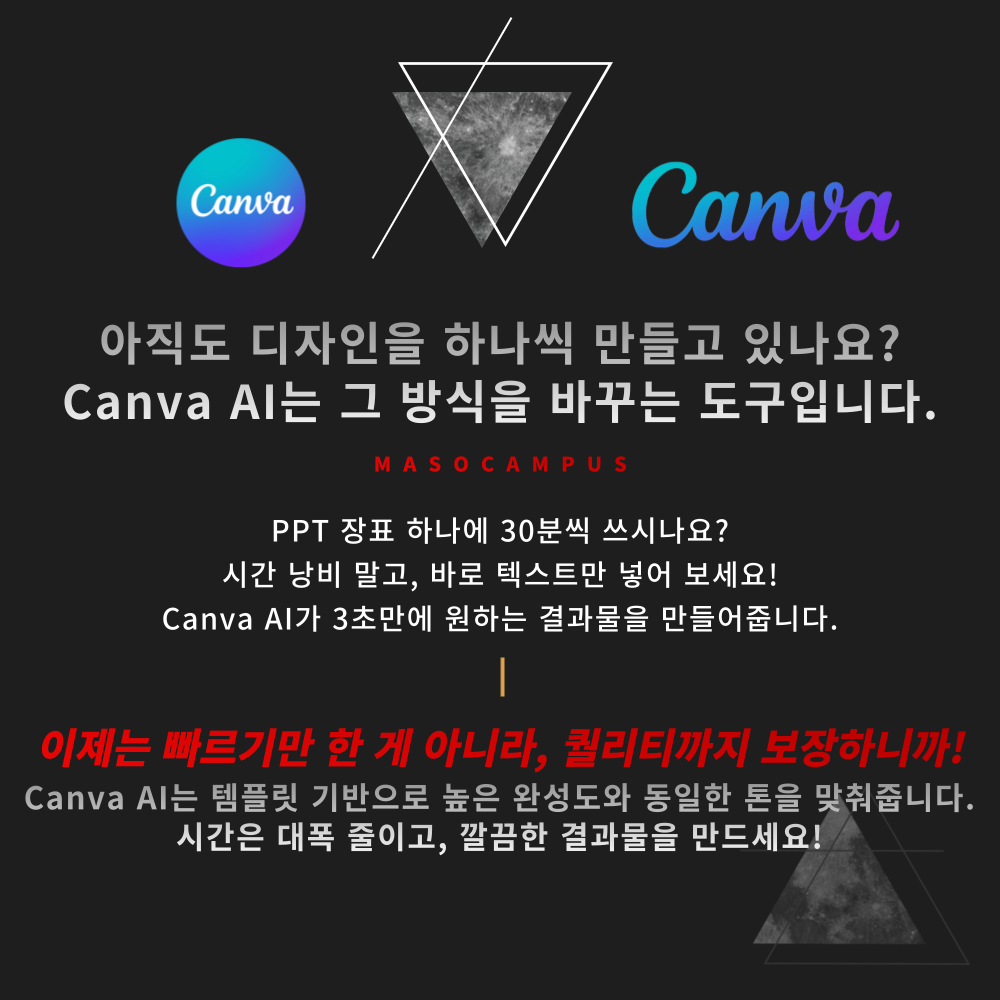
Canva AI shortens the 'creation process'
and delivers the final result instantly.

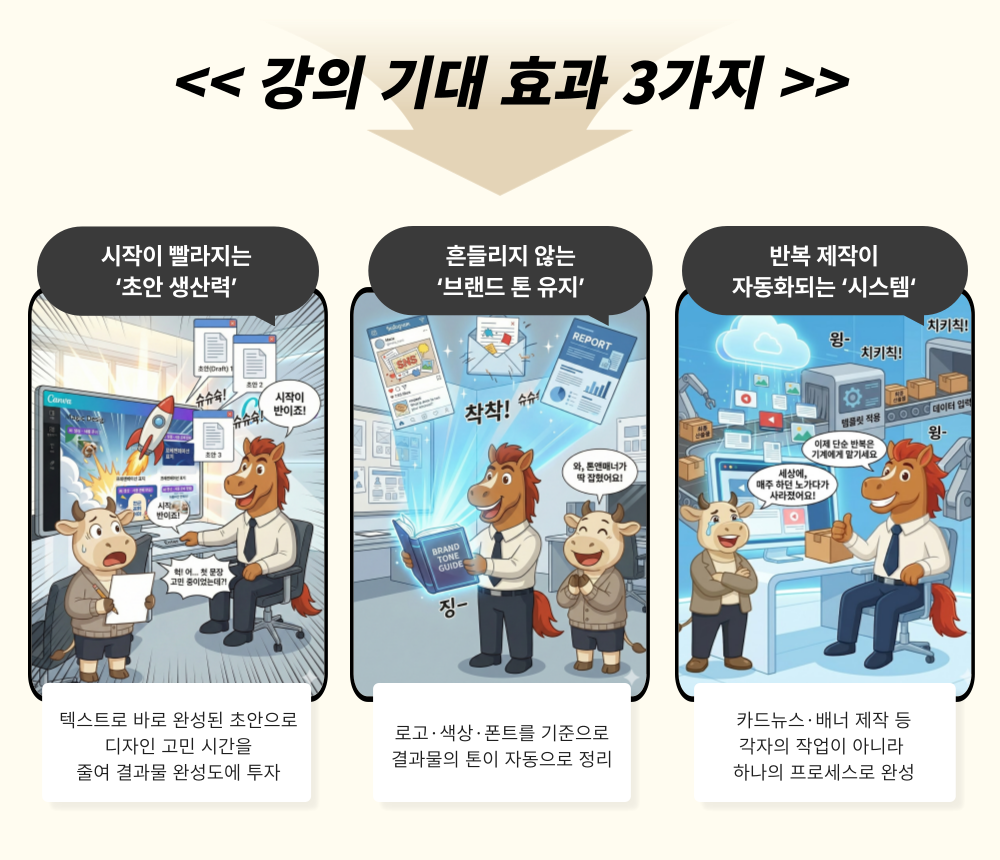
– Even if you just organize the text, AI suggests the design structure first
– Quickly reuse designs you've created once in various formats
– Automatically organize colors and layouts to match your brand tone
– A workflow that gets faster than the first time as you make revisions


As you produce more results,
the quality of Canva AI's output improves, and the time saved becomes significantly greater.

.

What is Canva AI?

Canva AI is a design and content generation AI for business that automatically completes everything from design structures to final outputs just by entering text. Even without professional design knowledge, you can quickly create results that are ready for immediate practical use.
Magic Studio, the core feature of Canva AI, allows the AI to automatically generate drafts for PPTs, documents, and images simply by inputting text. It includes Magic Design, which sets up design drafts; Magic Write, which writes contextually appropriate text for you; and Magic Edit, which removes unnecessary elements from photos or replaces them with other elements.

Now, results are not created ‘one by one,’ but ‘all at once’ with Canva AI.


The Ultimate Guide to Design Automation: Mastering Canva AI Generative Design Curriculum Features

This is a practical course for quickly creating PPTs, documents, and promotional materials with Canva AI, and automating repetitive production tasks.

1. Understanding Core Canva AI Features from the Ground Up
Learn the distinct roles of Magic Studio, Brand Kit, and Bulk Create, and which features to use in specific situations

2. Master the AI production workflow to create results from text alone
Learn the "AI-based production process" from topic input → draft generation → structural organization → final revisions

3. Establishing a consistent workflow to maintain brand tone
Practical branding consistency methods, from setting up brand kits based on logos, colors, and fonts to applying them to team-level outputs

4. Automating Mass Content Production with Bulk Create
Learn the know-how to process repetitive tasks like card news, banners, and promotional materials all at once using data-based methods

5. Hands-on Practice: Creating Deliverables for Immediate Use
Complete your work by directly creating the most frequently used deliverables in the field, such as PPTs, reports, SNS content, and promotional materials.


Why are you still making them manually?

The moment you use Canva AI, the standard of your work output changes!


Are you ready to master Canva AI workflow automation?!


1. Sign up for the course

2. Practice core Canva AI features with Instructor Jo Eun-yi

3. Complete AI results that reflect your own style

Canva AI workflow automation starts in your workplace right now!


From initial drafts to repetitive production, do it all at once with Canva AI!

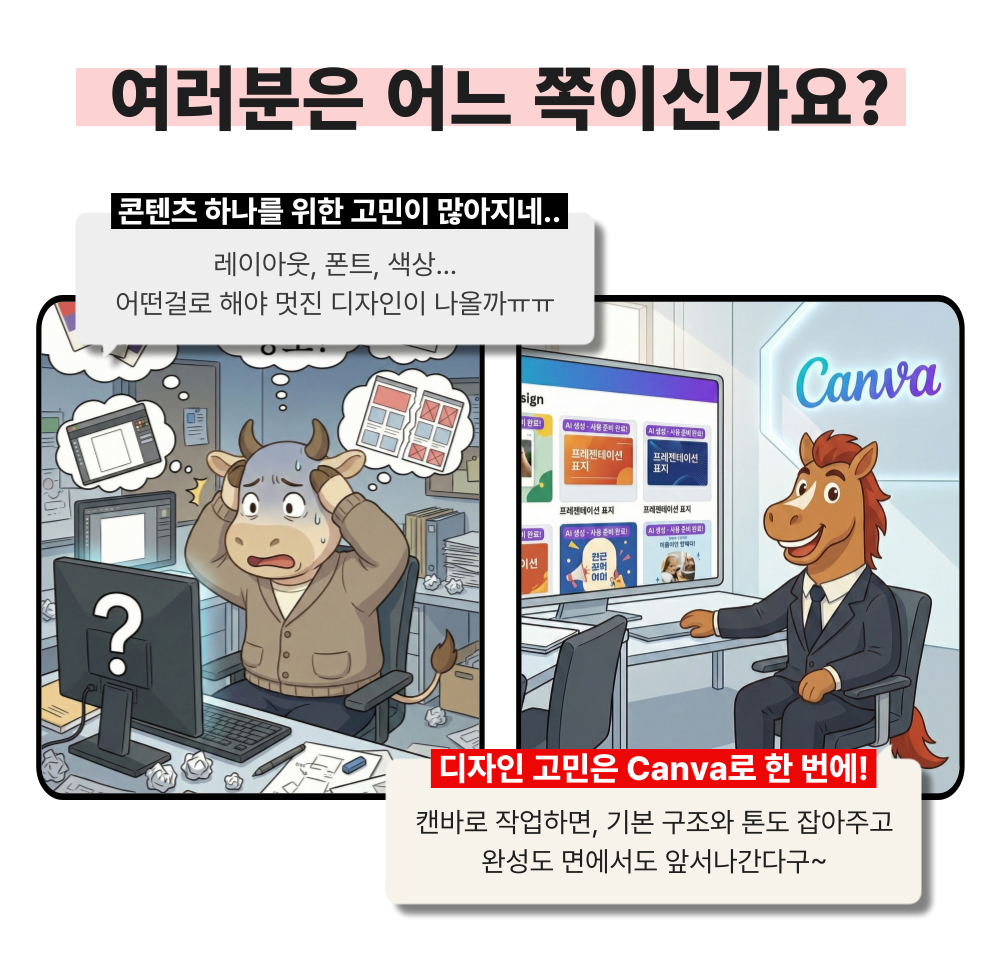
Aren't you spending too much time creating from scratch, editing, and matching the tone every time, despite having so many tools?

Now, with Canva AI, complete the entire workflow of creating, refining, and organizing all in one place!


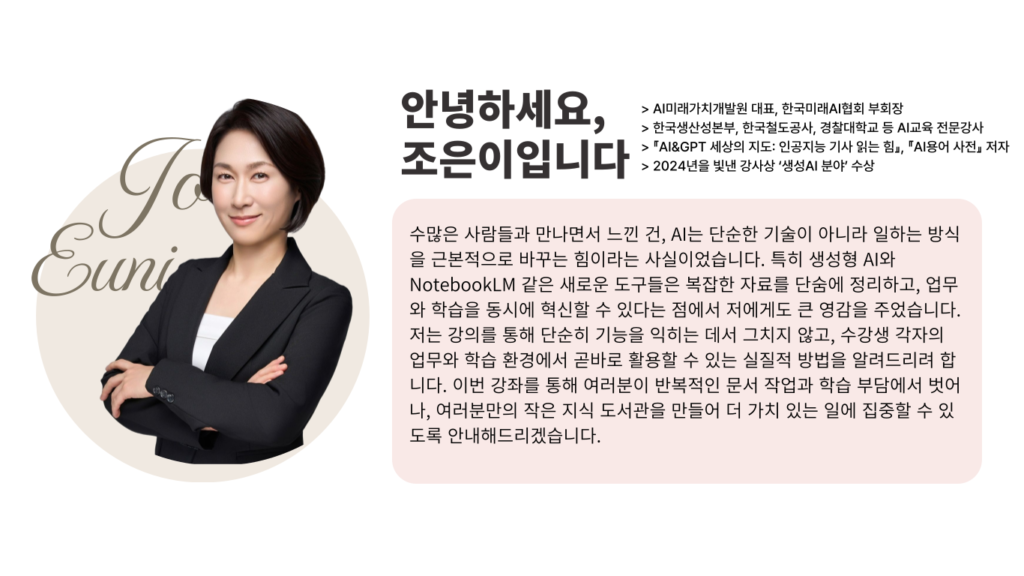
About the Instructor


I highly recommend this to the following people.

– Office workers who are exhausted from starting from scratch every time they create a PPT, report, or promotional material
– Marketers and planners who always worry about brand consistency because the tone of team outputs is inconsistent
– Practitioners in charge of tasks involving frequent repetitive production, such as card news, banners, and event promotional materials
– Office workers who find design tools difficult but absolutely need results that can be used immediately in practice
– Anyone who wants to finish tasks quickly and focus on their core work rather than just "making things well"

Are you going to stress yourself out by starting from scratch every time you create work deliverables?
You don't have to do that anymore. Just use Canva AI!


Course Features

STEP 1. Generate PPT and document drafts just by entering text

Create a draft immediately with a prompt and finish it quickly in the editor

No need for that. Just use Canva AI! Course Features STEP 1. Generate PPT and document drafts with just text Create drafts instantly using prompts and finish them quickly in the editor.

STEP 2. Finish image generation and editing all at once with Magic Studio

Learn how to quickly handle everything from image generation to background removal and element editing within a single tool

STEP 3. Automatically set your 'Brand Tone' with Brand Kit

Save your logo, colors, and fonts to automatically apply your brand settings every time you create something new

STEP 4. Automatically generate repetitive productions 'all at once' with Bulk Create

Master workflow automation by pasting Excel/Sheet data to automatically generate dozens of card news, name tags, and promotional materials at once.

STEP 5. Practical outputs for immediate use + Template/Prompt package provided

Practice materials are provided so you can follow along and practice while listening to the lecture, allowing you to learn Canva AI features easily and accurately.


Making PPTs, preparing materials, and even creating promotional content...
Aren't you familiar with those days when your finish time gets pushed back because you're jumping between different tools?

Canva AI is already handling repetitive tasks for you.

It's not too late to start now and get ahead!

Invest just 5.5 hours.
Master both skill enhancement and practical results at once
with an efficient and systematic curriculum.


Frequently Asked Questions (Q&A)

Q. Do I need prior knowledge of AI to take this course?
A. This course is designed to provide anyone interested in AI with the skills they can immediately apply to their work; therefore, no prior knowledge of AI is required.

Q. Are there any requirements or prerequisites for taking this course?
A. No special prior knowledge or skills are required to take this course. However, having a Google account will help you more smoothly access the generative AI tools used in the lessons. If you don't have a Google account yet, we recommend signing up before the course for a seamless learning experience.

Q. Do I need to purchase a paid service to take this course?
A. Canva AI, the primary tool used in this course, is a service that requires a subscription plan. The early part of the course explains the features of each plan, allowing you to choose the one that best suits your needs. However, if you wish to take the course to learn basic editing, the use of basic templates, fundamental AI features, and how to utilize Canva AI, you can achieve your goals simply by taking the course.


Please check before taking the course!

  • Since this is a practice-oriented course, it is recommended to prepare a dual monitor setup or an extra device so you can separate the lecture screen from your practice screen.

  • Additionally, as the practice sessions are based on Windows OS, we recommend taking the course in a Windows environment.

  • Lecture materials and practice files are located in the <00. Textbook Download Center> section.

Recommended for
these people

Who is this course right for?

  • Office workers who are tired of starting from scratch every time they create a PPT, report, or promotional material.

  • Marketers and planners who constantly worry about brand consistency because their team's output tone is inconsistent.

  • Practitioners in charge of tasks involving frequent repetitive production, such as card news, banners, and event promotional materials.

  • Office workers who find design tools difficult but urgently need results they can use immediately in the workplace.

Hello
This is

9,417

Learners

1,337

Reviews

114

Answers

4.7

Rating

99

Courses

"I will grow more than yesterday. And, I will help those who strive to grow more than yesterday."

With Actionable Content that embodies the sincerity and aspirations of Maso Campus,

100 million cumulative hours of lectures shared online and offline since 2013!

This precious experience and time are always the source of growth for both Maso Campus and our students.

The Miso Campus team strictly adheres to two principles for the growth of us all. 1. Actionable Content that can be put into practice immediately after learning. 2. Respecting the time and effort of participants.

The Miso Campus team strictly adheres to two principles for the growth of us all.

1. Actionable Content that you can actually use after learning 2. Time-Saving Curriculum that respects the participant's time and effort Grow with Miso Campus's Actionable and Time-Saving Curriculum

1. Actionable Content that you can surely use once you learn it

2. Time-Saving Curriculum that respects the time and effort of participants

We hope you will walk the path of growth together with Masocampus's Actionable and Time-Saving Curriculum.

We hope you will walk the path of growth together with Maso Campus's Actionable and Time-Saving Curriculum.

Curriculum

All

35 lectures ∙ (5hr 15min)

Course Materials:

Lecture resources
Published: 
Last updated: 

Reviews

All

7 reviews

5.0

7 reviews

  • hryoon5235님의 프로필 이미지
    hryoon5235

    Reviews 29

    Average Rating 5.0

    5

    97% enrolled

    I've been seeing a lot of Canva ads lately and wanted to give it a try, but I had no idea it had so many different features! Now I'll be able to make PPTs so easily with this~!!

    • julia4082님의 프로필 이미지
      julia4082

      Reviews 18

      Average Rating 5.0

      5

      80% enrolled

      I've only ever used it for making PPTs, but I didn't know it had a feature for creating webpages. I also just learned for the first time that Canva is a tool made in Australia.

      • smpark6031님의 프로필 이미지
        smpark6031

        Reviews 5

        Average Rating 5.0

        5

        80% enrolled

        It's my first time using a program called Canva, and it's much simpler and better than I expected. I really appreciated how you explained everything kindly right from the start.

        • 00abc님의 프로필 이미지
          00abc

          Reviews 21

          Average Rating 5.0

          5

          60% enrolled

          I thought it was only for making PPTs, but it can be used in so many different ways.

          • deshin6394님의 프로필 이미지
            deshin6394

            Reviews 10

            Average Rating 5.0

            5

            91% enrolled

            I use Canva all the time, but I had no idea these features existed! I think I'll be able to use it much more efficiently now.

            Limited time deal

            $48,510.00

            30%

            $53.90

            Masocampus's other courses

            Check out other courses by the instructor!

            Similar courses

            Explore other courses in the same field!