Tailored to my own work order
Accelerate repetitive tasks with macros! 🖥️
👀 Please check before taking the class!
- Since this is a hands-on lecture, it would be a good idea to prepare a dual monitor or extra device that can separate the lecture and hands-on screens.
- Since the training will be conducted based on Windows OS, we recommend taking the course in a Windows environment.
- Lecture notes and practice files are available in the <1. Textbook Download Center> section.
Excel work processing
New Paradigm 💡
#1 Learn the definition and recording method of macro development tools .
#2 Let's look at the scope of what the actual macro does and how it works .
#3 Let's look at references where the execution results vary depending on the recording time.
#4 Let's use it in practice simply with form controls without VBA .
Whenever I want,
Excel Macro 😝
An Excel macro is a feature that allows you to create a single, new command that automatically executes functions provided by the Excel program according to your work order, allowing you to execute them quickly and easily whenever you want . Many tasks using Excel at work are often similar. Simple, repetitive tasks can be easily handled using macros.
As the importance of data grows and companies accumulate more data, the volume, complexity, and workload of data that individuals must process also increase. While the computers we use for work are fast and powerful, they don't automatically recognize user needs and solve them. To effectively utilize a computer as a tool, humans must devise problem-solving strategies and create work rules that enable the computer to perform repetitive tasks quickly. These work rules are known as macros.
- Understanding how macros work to effectively utilize them
- The ability to automate simple, repetitive tasks in Excel with macros.
- The ability to find insights from large amounts of data
- Securing practical skills through various macro exercises
👉 Master this course and become a professional worker!
You can learn it in this lecture! 😎
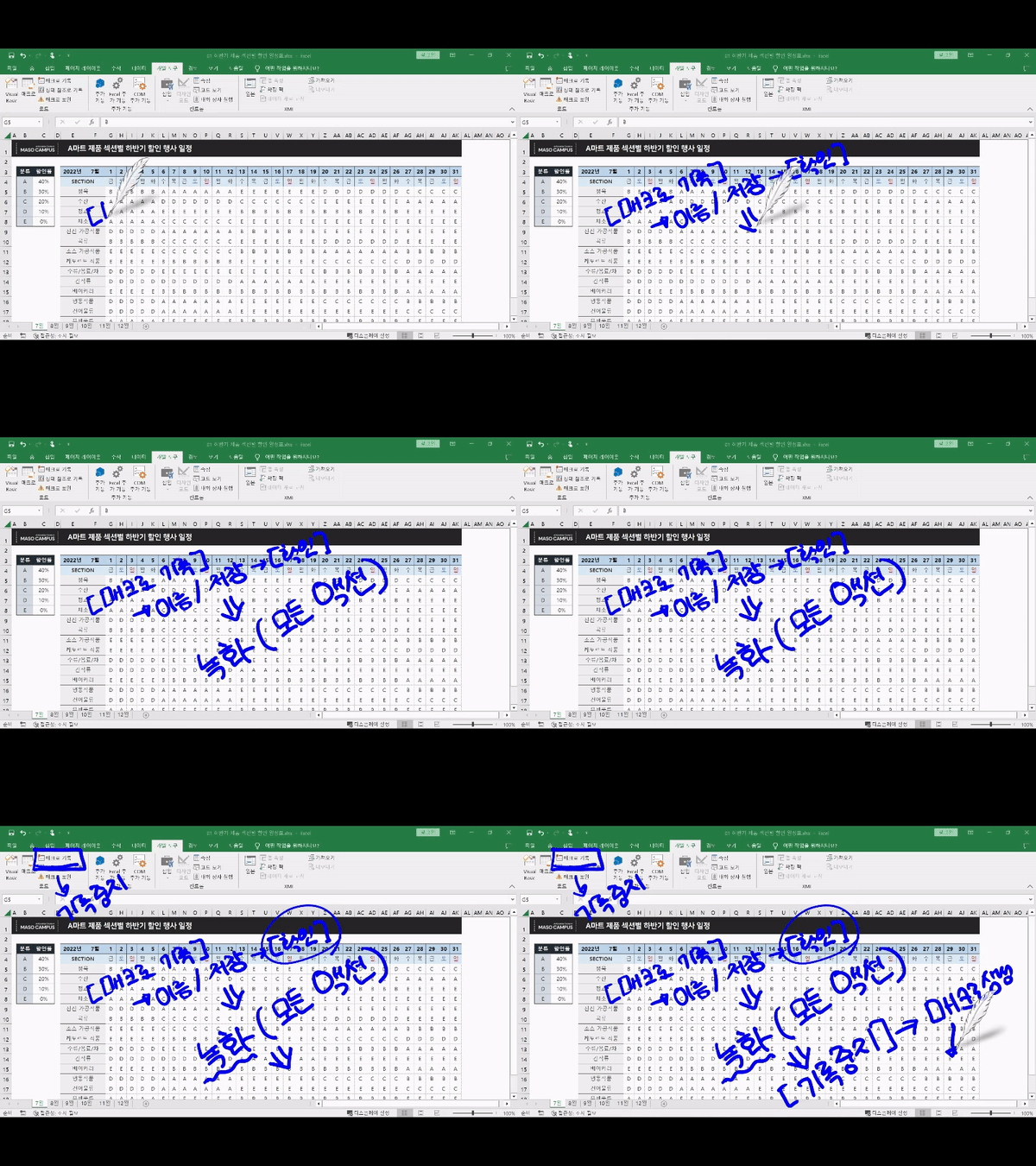
[STEP 1] Excel Macro, Isn't that programming?
Macros allow you to create simple programs with just a few mouse clicks. We'll explain the principles of macros, which are essential for modern workers and can be used for more convenient and repetitive tasks in Excel.
[STEP 2] Until the day when simple, repetitive tasks are automated with macros!
If you've ever performed the same task, with different data, whether at work or in your daily life, try using a macro! By linking macros to shapes or objects and utilizing references, you can automate tasks and further enhance your productivity.
[STEP 3] Enhance your macro utilization capabilities by connecting form controls and macros!
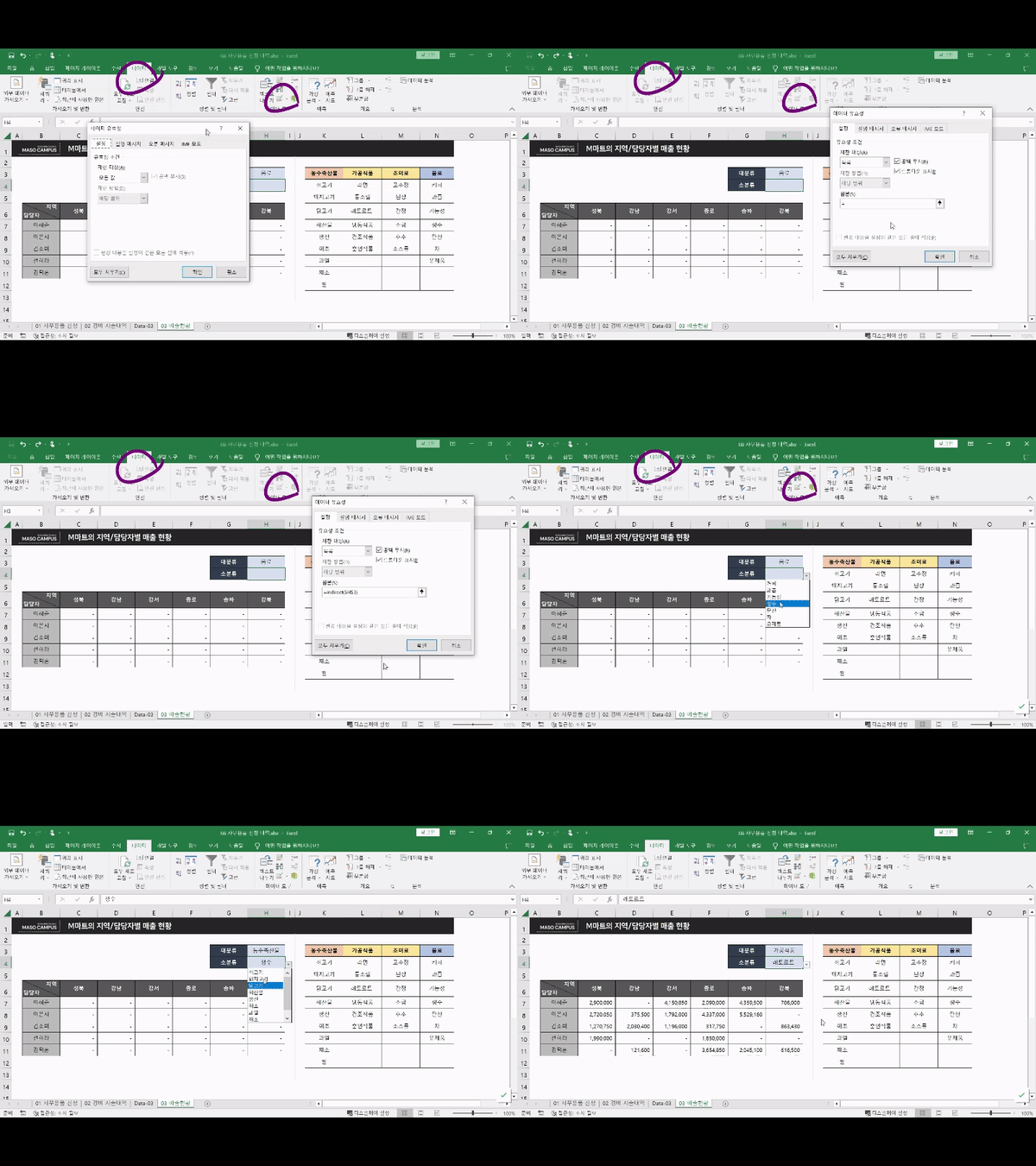
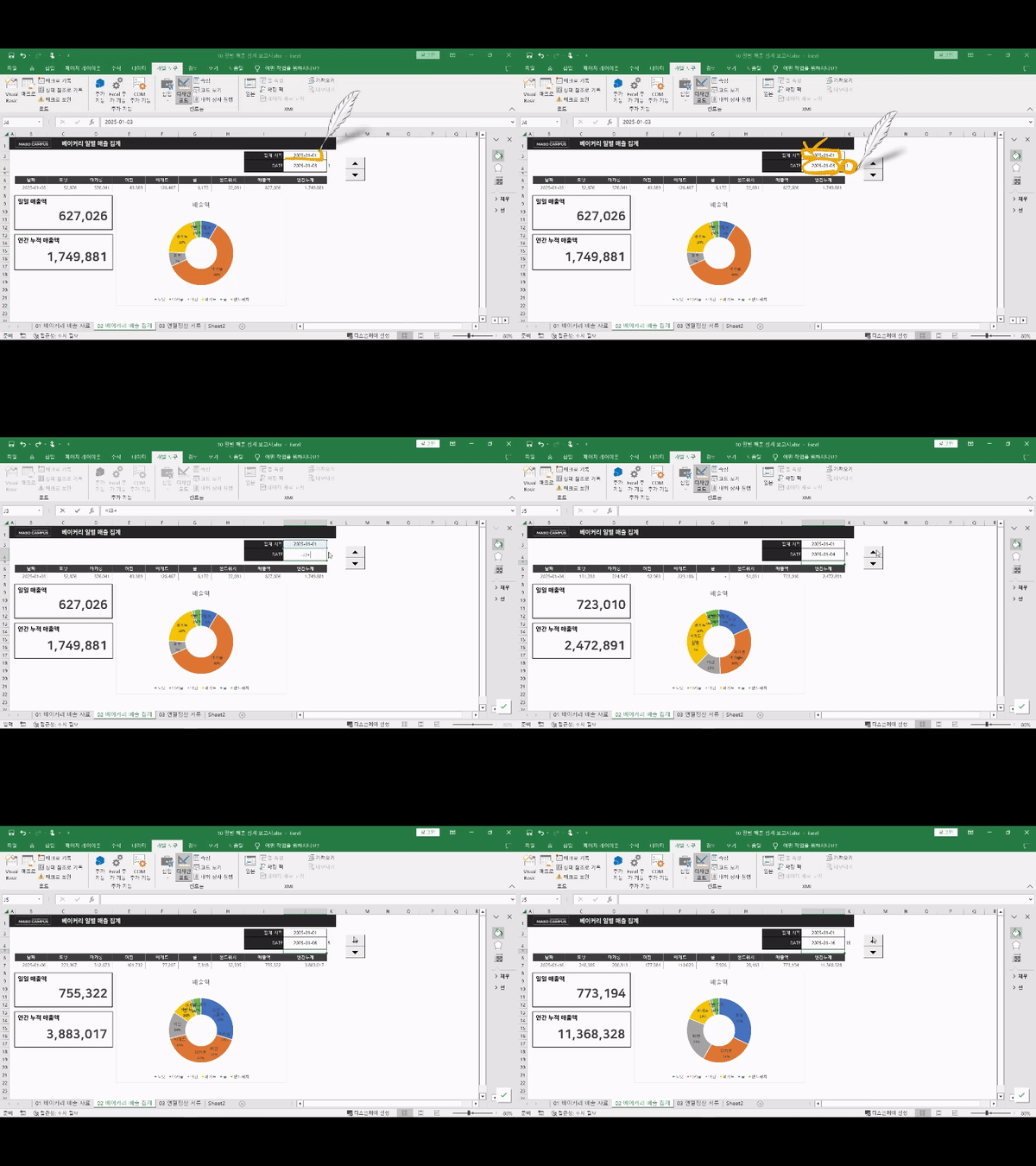
You can create buttons in Excel to perform desired actions, create form controls that extract only the data you need, and create real-time sales reports to derive accurate insights from complex data.
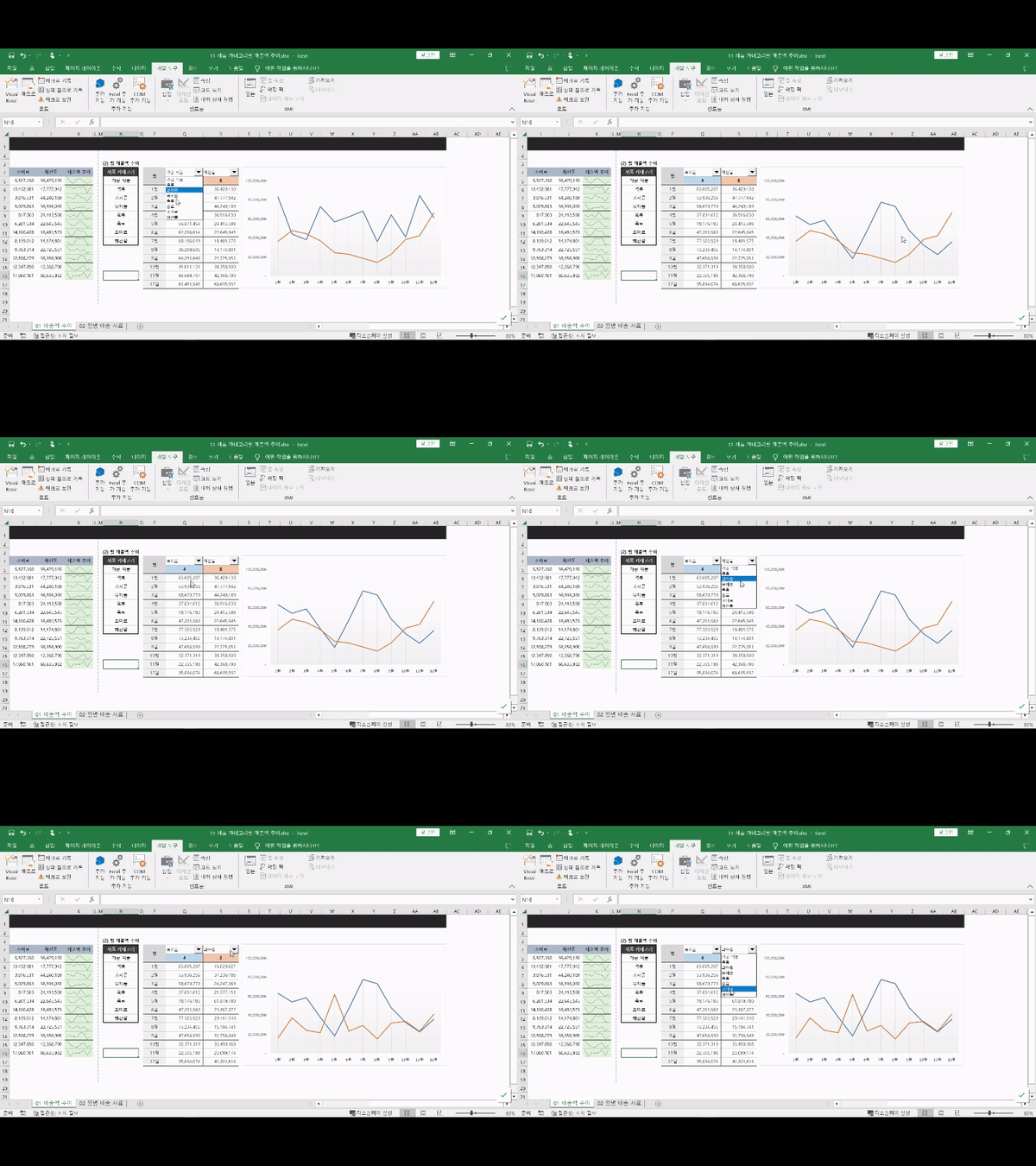
Record and run macros and save them to files Create a list with data validation Create a sales report that moves with a spin button Selecting data using a combo box Expected Questions Q&A 💬
Q. Is prior knowledge of Excel required?
No, you don't need any prior knowledge of Excel functions. We'll walk you through every single button click from beginning to end, so you don't have to worry about your Excel skills.
Q. Are there any requirements or prerequisites for taking the course?
Since this is a hands-on course , we recommend bringing a dual monitor or a spare device to separate the lecture and practice screens . Furthermore, since the practical training will be conducted on a Windows OS, we recommend taking the course in a Windows environment.
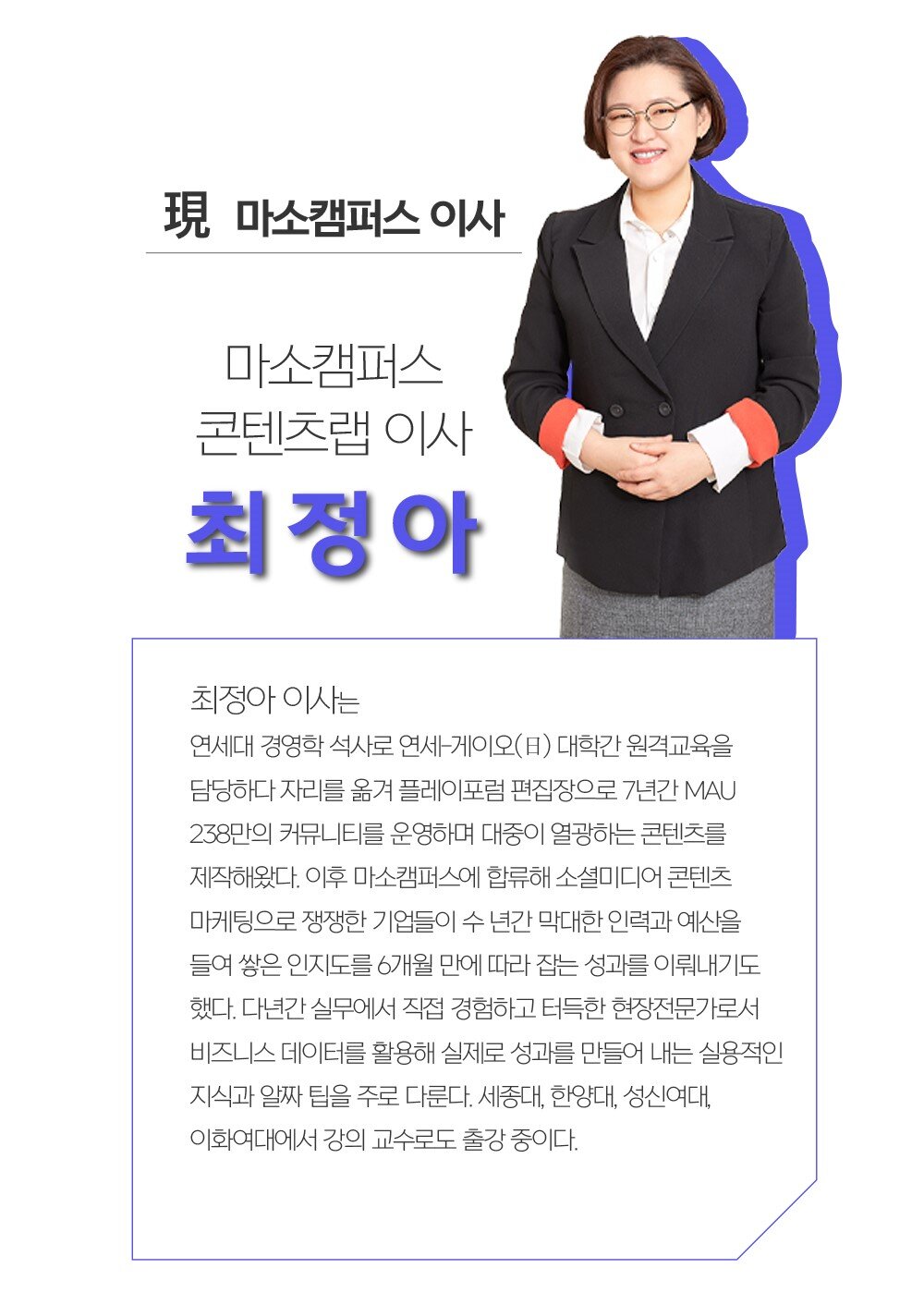
Introducing the knowledge sharer


























![[Basic] Even those with no coding experience can do it! Master Google Sheets task automation in 90 minutesCourse Thumbnail](https://cdn.inflearn.com/public/courses/331717/cover/a395d468-0688-4908-88c2-4d087f24d7b7/thumbnail.jpg?w=420)












![[Pass ITQ Excel A in One Go] in 3 daysCourse Thumbnail](https://cdn.inflearn.com/public/courses/329652/cover/b44e11b6-a47e-4993-86ea-a85da9836bb5/329652-eng.png?w=420)





