
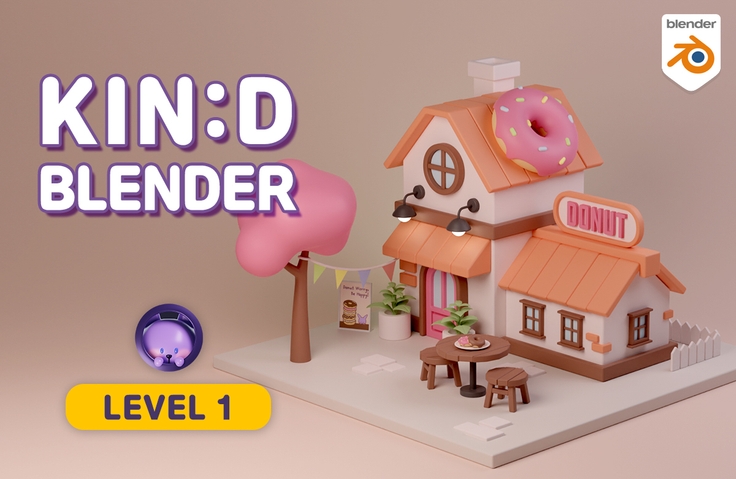
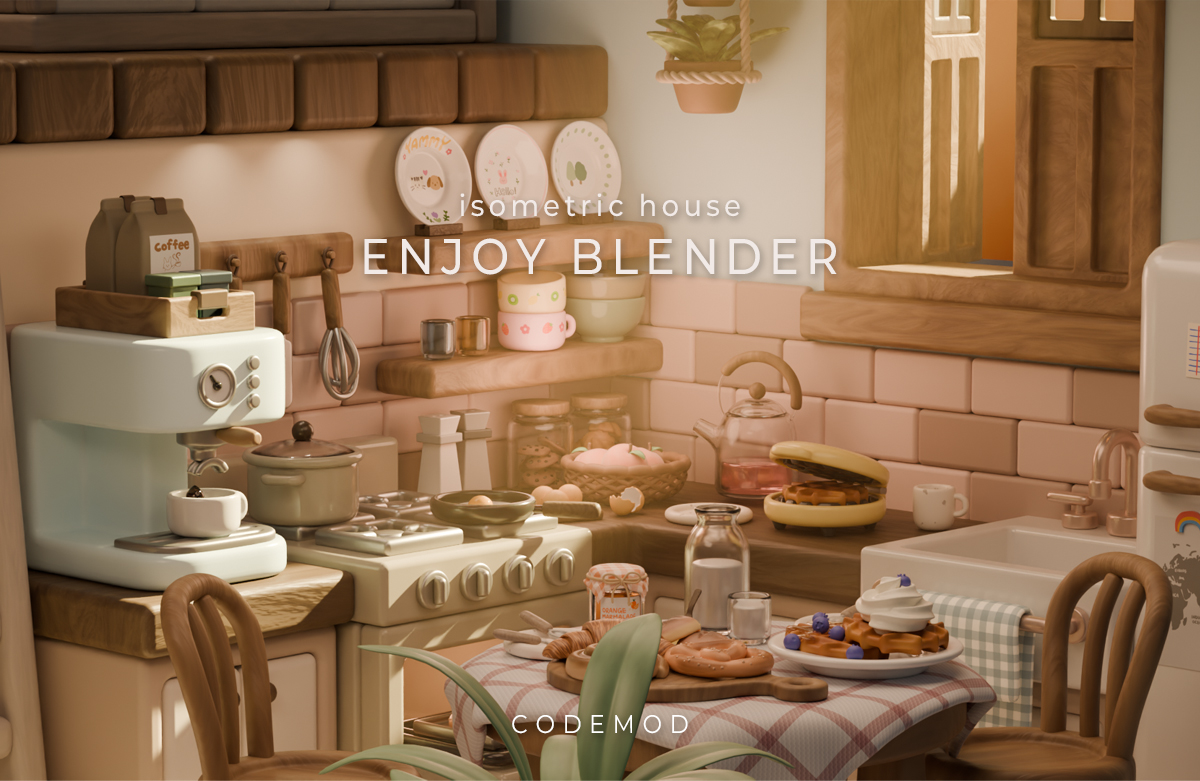
Kind Blender - [LV.1] Basic Modeling
From those who are just starting out with Blender to those who want to build a solid foundation and learn more! I'll kindly explain the principles of the basic functions and the common mistakes you'll make. Shall we dive into the fun world of Blender together?
334 learners
Level Basic
Course period Unlimited

News
9 articles
Hello. This is Codemode. 😊
I'm glad to see that more people are studying Blender these days.
And I feel so proud that many people are taking my classes diligently and leaving reviews saying that studying Blender has become easier!
I think these are difficult times for everyone due to the tough economy.
I would like to offer a small bit of help to those who want to study Blender but feel burdened by the cost of paid courses!
For the time being, I will be issuing coupons that can be applied at any time for the "Joyful Blender" and "Friendly Blender" series available on Inflearn.
Inflearn usually holds sales during quarterly events, year-end, or holidays, but many people seem to postpone taking courses until then because they feel burdened by the price.
Get your coupon and start studying right away without waiting for a discount event!
I am always rooting for your Blender studies! 😁👍
💜Coupon Link💜
Enjoyable Blender 30% Discount
Isometric House https://inf.run/prTut
Friendly Blender 25% Discount
LV.0 Essential for Beginners https://inf.run/ytMqa
LV.1 Basic Modeling https://inf.run/hdgsF
LV.2 Modeling Practice https://inf.run/kwYka
LV.3 Character Animation https://inf.run/bi9vD
❗Please click on each course you want to receive a coupon!
❗Get your coupon, log in, add to cart, and apply the coupon!
❗The special discount coupon event may end without prior notice.

Fun Blender - Isometric House Course is Now Open!
- Modeling, texturing, rendering, physics, particles, material nodes, animation, and various know-how for libraries!
- Learn and practice Blender basics from A to Z by creating beautiful houses in isometric house style!
- After completing the course, you'll gain the know-how and skills to create your own modeling. :)🎉Pre-Open Event🎉
- 50% discount from now until November 13th (Thursday, College Entrance Exam Day)!
- This is the maximum discount price.
- This course is a serialized course that will be continuously updated.
- Discount benefits will gradually change according to future opening schedules.
- Part 1 lectures will be uploaded on November 13th, College Entrance Exam Day.Hello. This is Codemode! :)
I've opened a free course where you can learn Blender in a fun way by following examples.
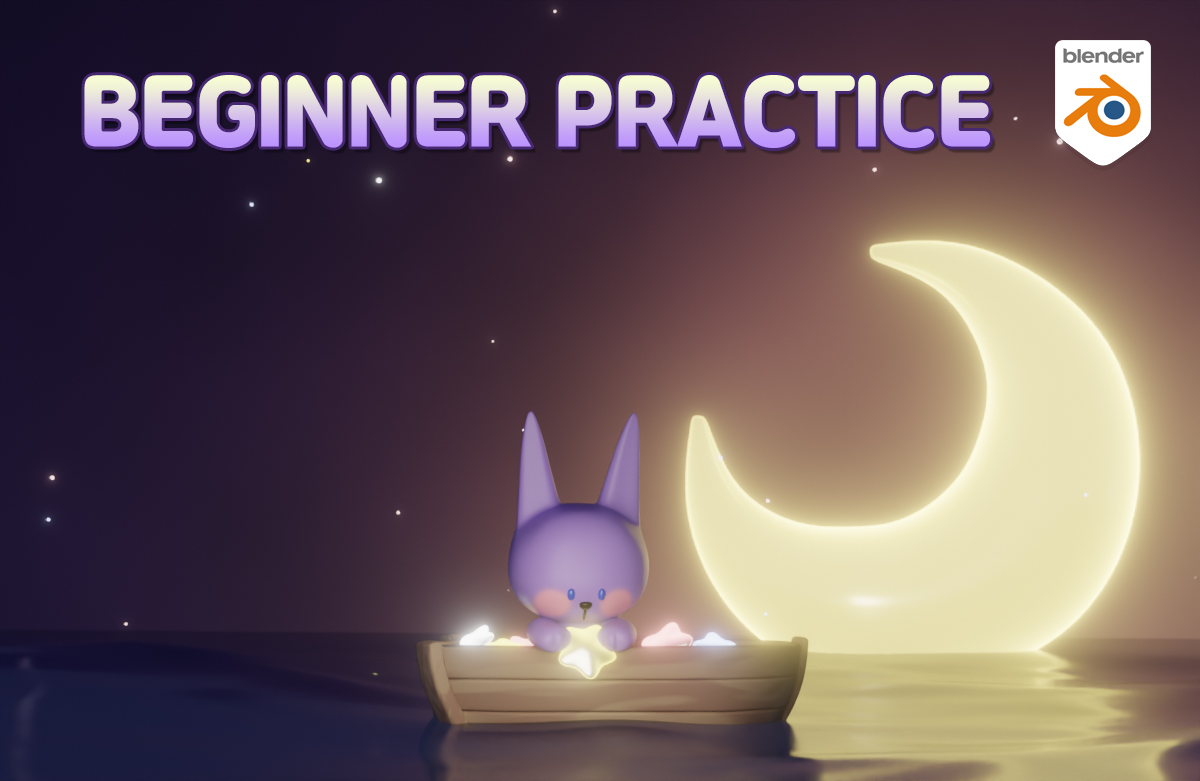
I've collected tutorial lectures from videos uploaded on YouTube.
I think it will be helpful to get familiar with modeling by experiencing various functions while creating various examples.
Questions are open, so please leave them if you have any questions.
If you want to learn the principles in earnest, please also refer to the Kind Blender lecture.We support your Blender studies! :)
Hello. This is Code Mode!
A lecture has been added to the Friendly Blender LV.3 Character Animation section.
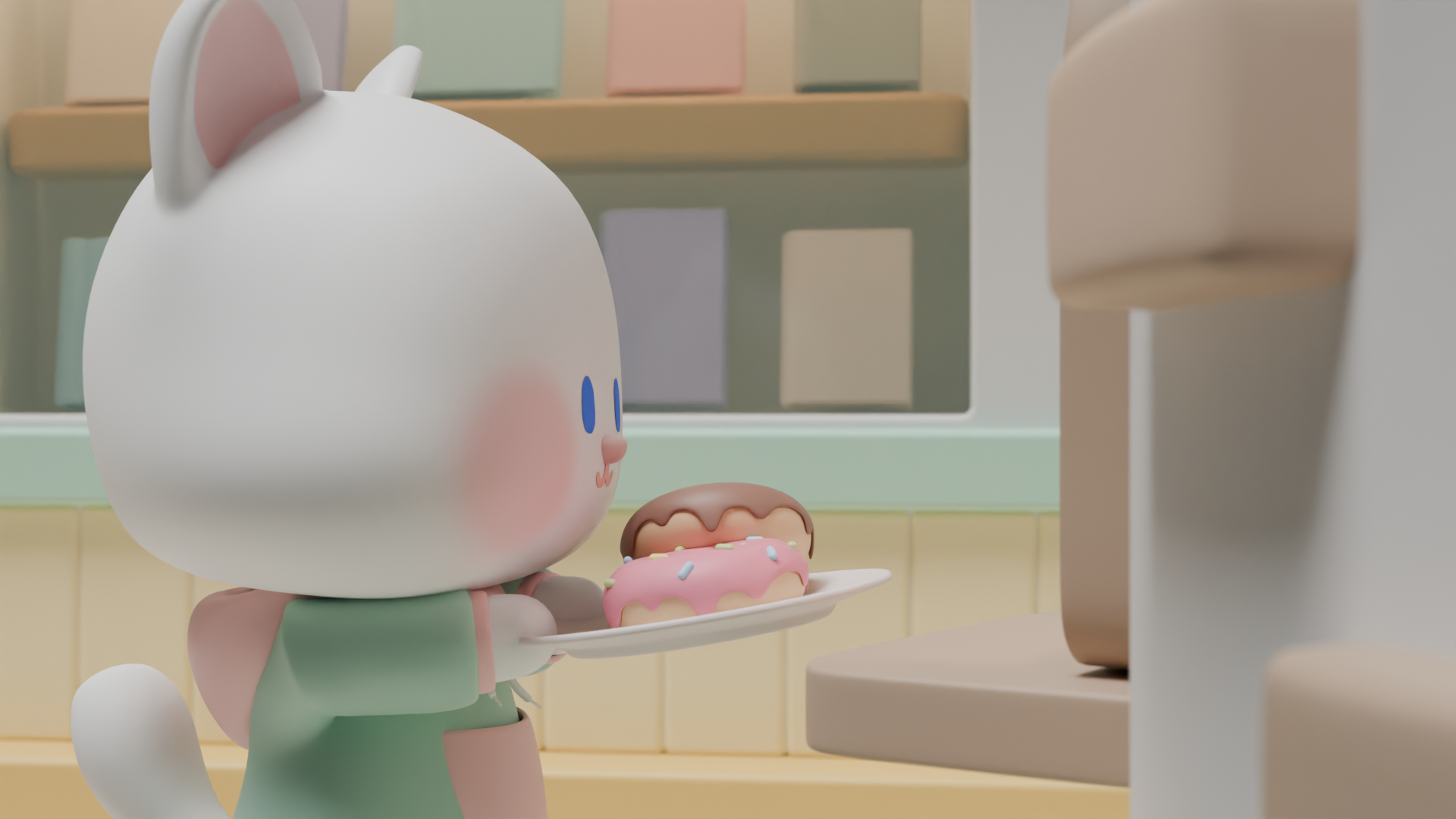
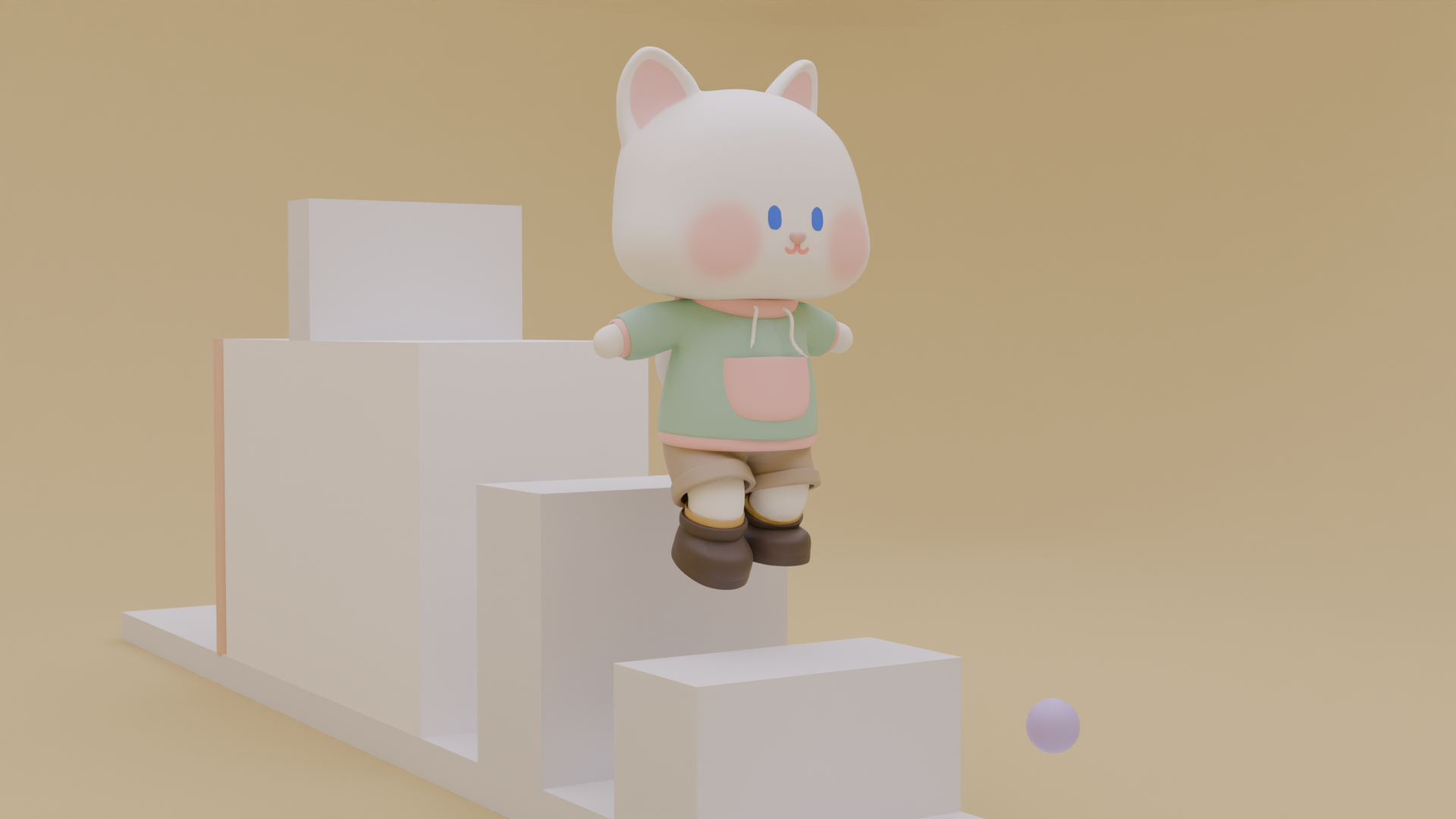
Section 7 Animation Application Motion! This is a class of about 4 hours.Deliver donuts and play at the playground!
By creating these two short animations, you will learn about the applied movements of characters and the features you can utilize when directing.I've uploaded the final animation video in the lecture introduction, so check it out and let's have fun learning together! :)
Hello. This is Code Mode!
I'm here with some news. :)
First of all, the course duration for all classes from Blender Lv.0 to Lv.3 has been changed to unlimited.
I was wondering how to proceed with the existing learning period.
There were some people who expressed their grievances and wished they could continue studying.
We have changed the course periods for all classes so that those who have purchased so far can also receive the benefits.
I hope this helps you a little bit in terms of reducing the burden of studying Blender. :)
I have requested this to the relevant infrastructure, and it will probably take some time for the administrator to process it.
Please wait a moment!
And the Lv.3 character animation course that was opened this time is
We plan to add more character animation movements in the future so that you can study them.
I'll let you know more when I upload it after it's done! :)
Starting with Blender version 4.2, the existing add-ons have been changed to addons + Get Extensions.
After the update, many of the functions that were previously in the add-on have been moved to Get Extensions, so you need to turn them on there.
I used to turn on all the add-ons, but starting with version 4.2, there are so many that I plan to conduct the lecture by turning on only the ones I need.
The method is to install the items listed below additionally from Get Extensions.
LoopTools / Extra Mesh Objects / Extra Curve Objects / 3D Viewport Pie Menus
I'm still comparing the old version with the add-on, so it's not exact, but if you see anything different while listening to the lecture, please feel free to ask questions. :)
Starting with Blender version 4.1, shade auto smooth was changed to shade smooth + smooth by angle modifier.
This part is organized on YouTube, so I think it would be good to check it out.
(Link https://youtu.be/TVuuVGze1aA?feature=shared / Time 6:16)
The video will be revised or added once all the differences between versions are sorted out.
Happy Chuseok to all! :)
Hello! This is Codemode. :D
Friendly Blender Level 3 class is now open!
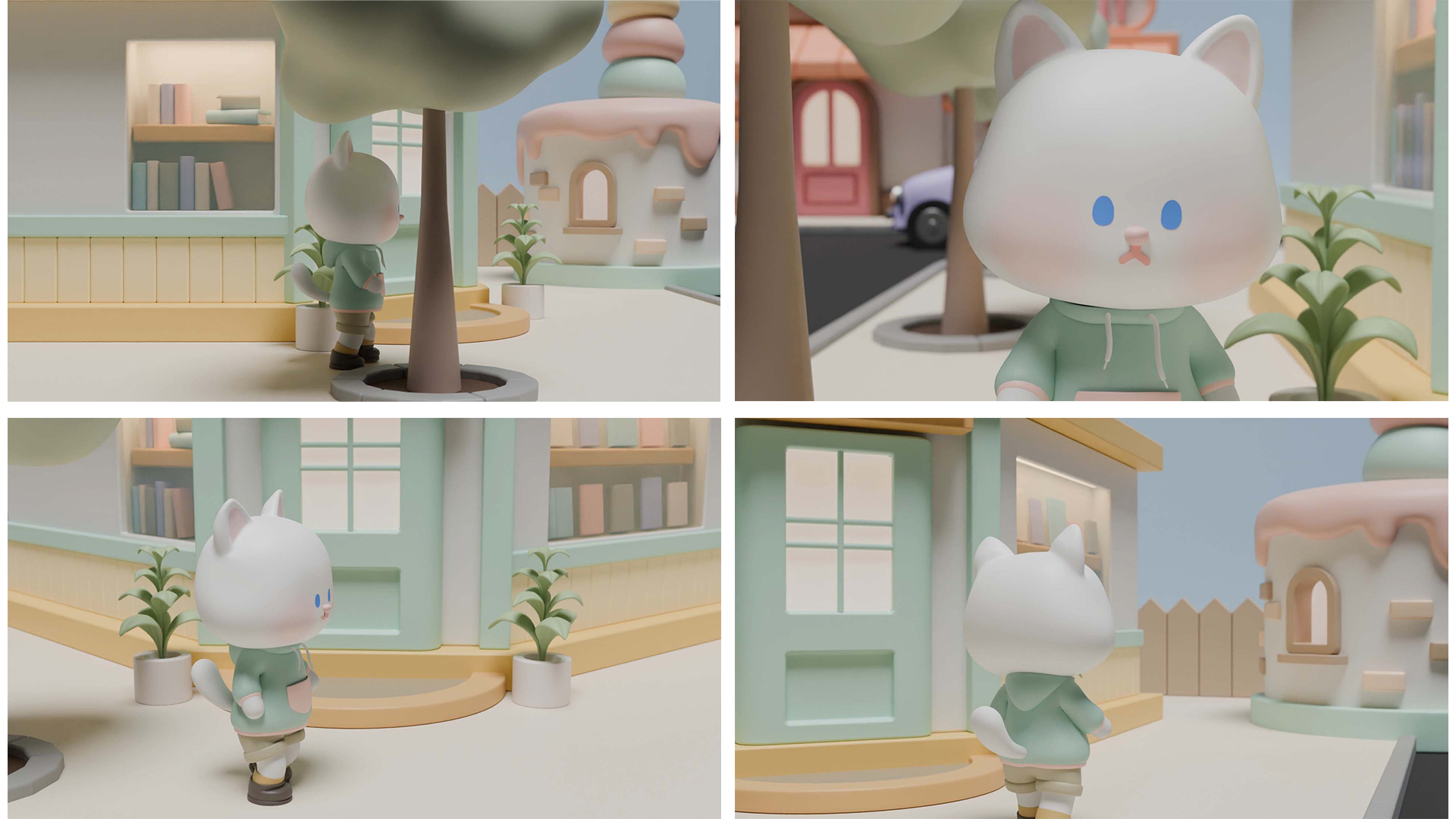
Level 3 lesson teaches you how to animate cute characters.
This course covers the basics of character modeling, rigging, painting, and animation.We're having a 30% discount for 2 weeks, so please show a lot of interest! :)
Hello! This is Codemode. :D
Friendly Blender Level 2 class is now open!
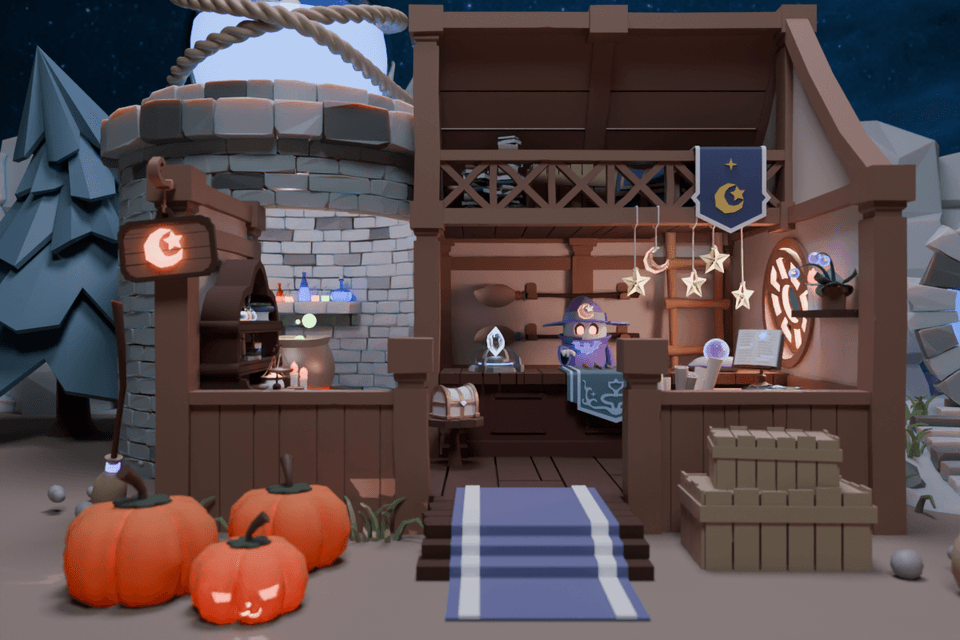
Level 2 lecture is a lecture that creates a fantasy-style, mysterious feeling magic shop.
This course focuses on practical examples to help you apply, expand, and make your own the basics of Blender you have learned so far while modeling various objects. It also teaches you new features you have not yet learned and practices them together.We're offering a 25% discount for two weeks, so please show a lot of interest.

Friendly Blender - [LV.1] Added 'Making a Desk Clock' video to Basic Modeling.
I'm afraid you might get tired of just listening to the concept lectures, so I included a modeling lecture that you can follow at the end of Section 3.
You can listen to them in order from 3 to 8, or you can watch them after watching all the lectures.
We've made it so that you can watch the lectures at any time without any problems, so even those who have completed the curriculum can enjoy it.
thank you! :)

