



Creating and Monetizing a Toss Game App with AI
cosart
How to easily create games with AI and monetize by launching your game on the Toss app with 30 million users

입문
AI, React, ChatGPT
Learn how to create an idle game using C# and the Unity game engine.

Reviews from Early Learners
5.0
천류
I'm listening with interest
5.0
sangku ahn
I had fun following along with Unity for the first time. I was able to confirm the parts I was curious about.
5.0
피삼비
Since it was a lecture that covered design composition, I was able to proceed without any difficulties. Good!
UNITY
Unity
Idle game
C#
Created with Unity and C#
Create an idle indie game!
Notes before taking the course
Many students always struggle with one thing after studying the fundamentals of game development: they understand the concepts and feel like they've built a solid foundation, but they still can't create games on their own.
These days, there are countless lectures and content online, so following along and studying is no problem. However, creating your own game is often challenging. People struggle to create their own games by adapting short lectures to their own style. Since there are no comprehensive game development courses, simply understanding the necessary content piecemeal often prevents them from creating a finished product.
I have experience teaching a diverse range of students through both offline and online classes. I've seen many cases where students seeking to improve their skills have developed indie games, built fundamental skills, built impressive portfolios, and secured jobs at better companies.
So how can we best learn game development? We need to develop our expertise by composing a complete game ourselves.
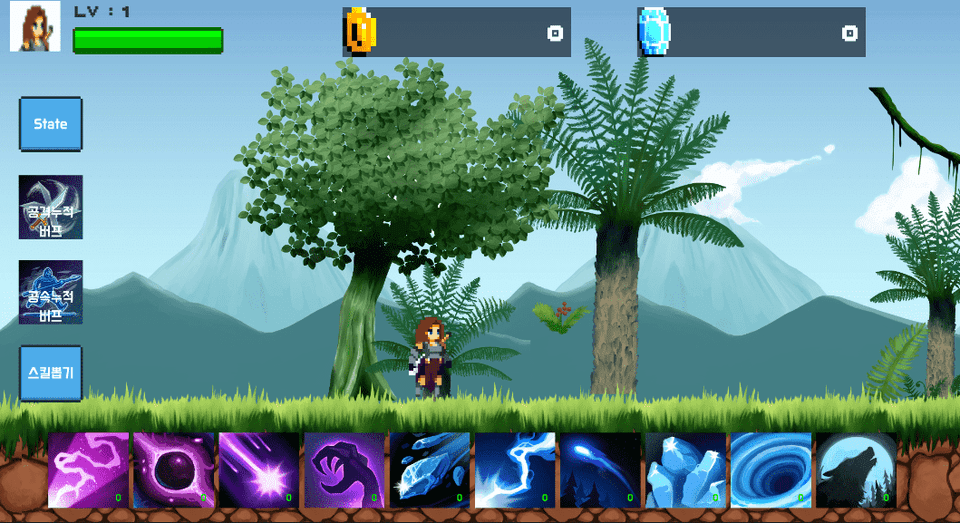
Indie game development, as an idle game
Experience it easily and enjoyably!
This course covers the creation of idle games. It's ideal for those with a basic understanding of programming and Unity. It's also ideal for those looking to create and publish idle games as a side hustle. While the course is moderately challenging, it incorporates features used in actual indie game development.
Whether you're aiming to prepare a portfolio for employment at a gaming company or are interested in solo development, we'll help you learn the entire process of idle game development, enabling you to launch your own game.

Programming basics and
I learned Unity, but
Those who cannot apply

Make a game or
In preparing a portfolio
Those who are blocked

The composition of an idle game
at large
Anyone who wants to experience it

Create an idle game
Until release
Those who want to do it
Please check before taking the class!
While my previous courses covered the basics before diving into full-scale game development, this course will cover the process of creating and releasing an actual game. I'll introduce the portfolios and team projects of students who learned game development from me.
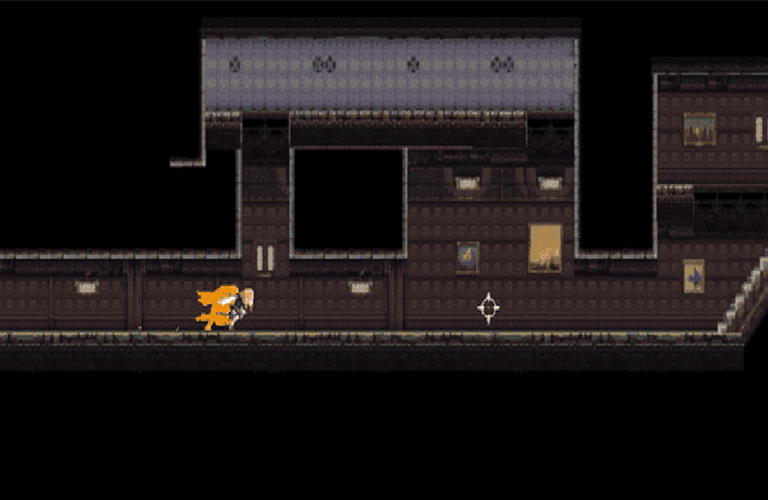
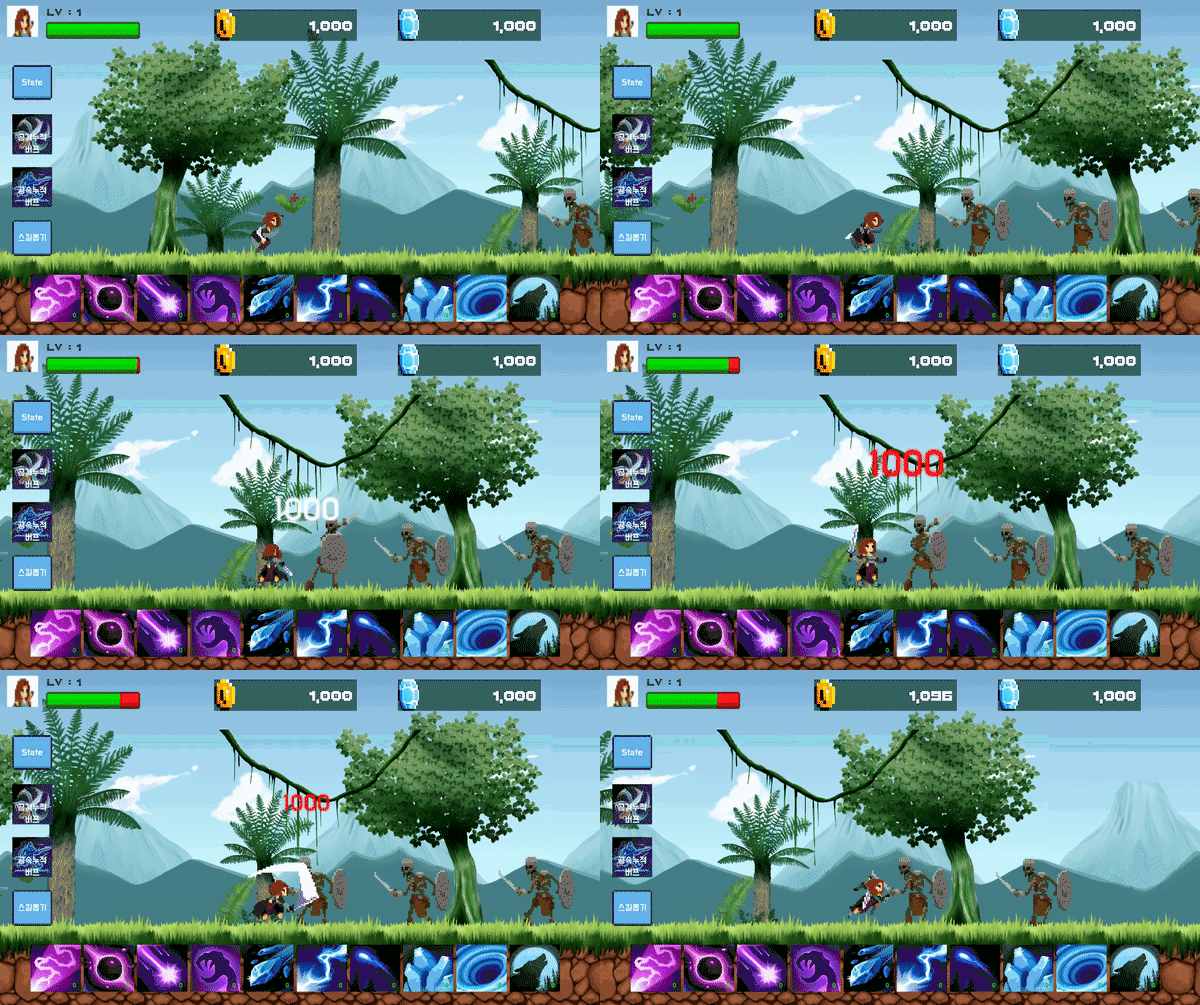 1) Scrolling and Spawning: Implements map scrolling and monster spawning required for idle games.
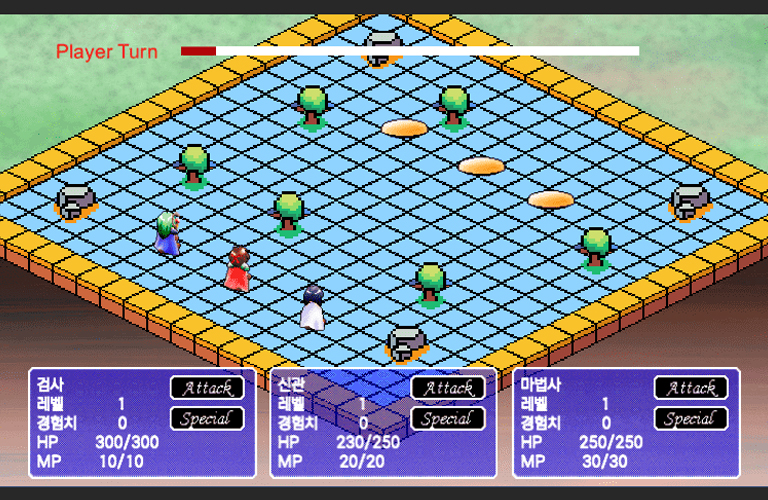
 .gif) 2) Stat Management: Manage the stats required for idle games.
2) Stat Management: Manage the stats required for idle games. .gif) 3) Buffs (Attack/Attack Speed) and Cumulative Buffs: Implements a buff system necessary for idle games.
3) Buffs (Attack/Attack Speed) and Cumulative Buffs: Implements a buff system necessary for idle games. .gif) 4) Gacha: Implement a gchat system required for idle games.
4) Gacha: Implement a gchat system required for idle games.
Q. What version of Unity is used in the course?
As of 2020.3.21f, we are using the latest version.
Q. What does the class cover?
It can help you create and apply idle games to create your own games.
Q. What should I prepare before taking the course?
All you need is Unity installed on your PC. Since we're using free assets, you don't need to prepare anything else.
Who is this course right for?
Anyone with basic Unity knowledge
Anyone with a basic understanding of C#
Anyone interested in indie game development
Anyone who wants to make a side job through game development
Need to know before starting?
C#
Unity
Indie Games

913
Learners
54
Reviews
52
Answers
4.3
Rating
19
Courses
Coding Academy Hard Training
Office workers, students, and indie developers gather here to study.
I mainly teach Java or game programming portfolio courses.
Blockchain exchanges, stock exchanges, game servers, game clients, corporate and freelance outsourcing development
CEO of a game development and game education company
Academy lecturing, freelance outsourcing, and indie development
(Unity Korea, Korea Chamber of Commerce and Industry, Etivers Learning) Unity Bootcamp Offline Lecture
Extensive development and teaching experience, including Unity lectures at the Content Korea Academy (Hongneung).
R&D and lecturing activities with industry developers, indie developers, and the KOSAT team
Like Lion Education Instructor
All
33 lectures ∙ (6hr 52min)
Course Materials:
All
11 reviews
2.7
11 reviews

Reviews 9
∙
Average Rating 5.0

Reviews 1
∙
Average Rating 5.0
Reviews 2
∙
Average Rating 5.0
Reviews 1
∙
Average Rating 5.0
Reviews 4
∙
Average Rating 3.8
1
It's still early, but I can feel the instructor's lack of preparation. This is a review after attending Chapter 1 (1 hour) lecture, and I hope it will get better. If I finish the lecture, I will leave the rating as is or revise it.
It was tough. I feel bad about paying nearly 150,000 won for such a poor lecture, so I have to leave a comment. The code completion rate should be at the very least, and you should at least remove the lectures that get lost in the middle.. Half of the lectures are looking for errors in the code you wrote yourself. And why did you target intermediate or higher level students with such basic content? At first, I wondered, But I came to understand that the instructor's bad habits can have a negative impact on beginners or novices, So I agreed. I listened to the end with anticipation, hoping to get my 150,000 won back... It's really a waste of money....
Check out other courses by the instructor!
Explore other courses in the same field!


![[A Must-Know for Game Developers] Practical Game Mathematics강의 썸네일](https://cdn.inflearn.com/public/files/courses/339548/cover/ai/3/8b7a81f3-57e8-41fa-ae00-331f7672e104.png?f=avif&w=420)
