Creating and Monetizing a Toss Game App with AI
cosart
How to easily create games with AI and monetize by launching your game on the Toss app with 30 million users
입문
AI, React, ChatGPT
Creating a simple Gomoku game using Unity and a C# server.
Unity
Socket server
C#
In this tutorial, you will learn how to create your own online Gomoku game using Unity 6 and a C# server .
We will explain step-by-step so that you can complete everything from server setup to game client development on your own.
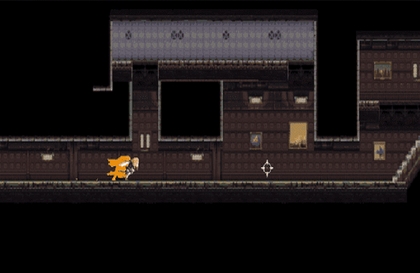
✅ Developing a 2D Gomoku game using Unity 6
✅ Implement real-time multiplayer using C# server
✅ Server-client connection using TCP/IP communication and WebSocket
✅ Turn-based system and game rules applied
✅ Matching system and win/loss processing logic
🕹 Developing multiplayer board games (chess, baduk, janggi, etc.)
🎮 Build an online game server (turn-based games, card games, etc.)
💻 Network programming (understanding socket communication, server-client architecture)
Omok game rules and AI algorithm related materials
Basic concepts of network programming using TCP/IP and WebSocket
2D Game Development and UI Configuration in Unity 6
✅ Prepared for beginner developers who are daunted by implementing multiplayer games in Unity.
✅ It is structured so that not only game developers but also those interested in network programming can easily follow along.
2D UI and Board Design : Basic concave board and interface configuration
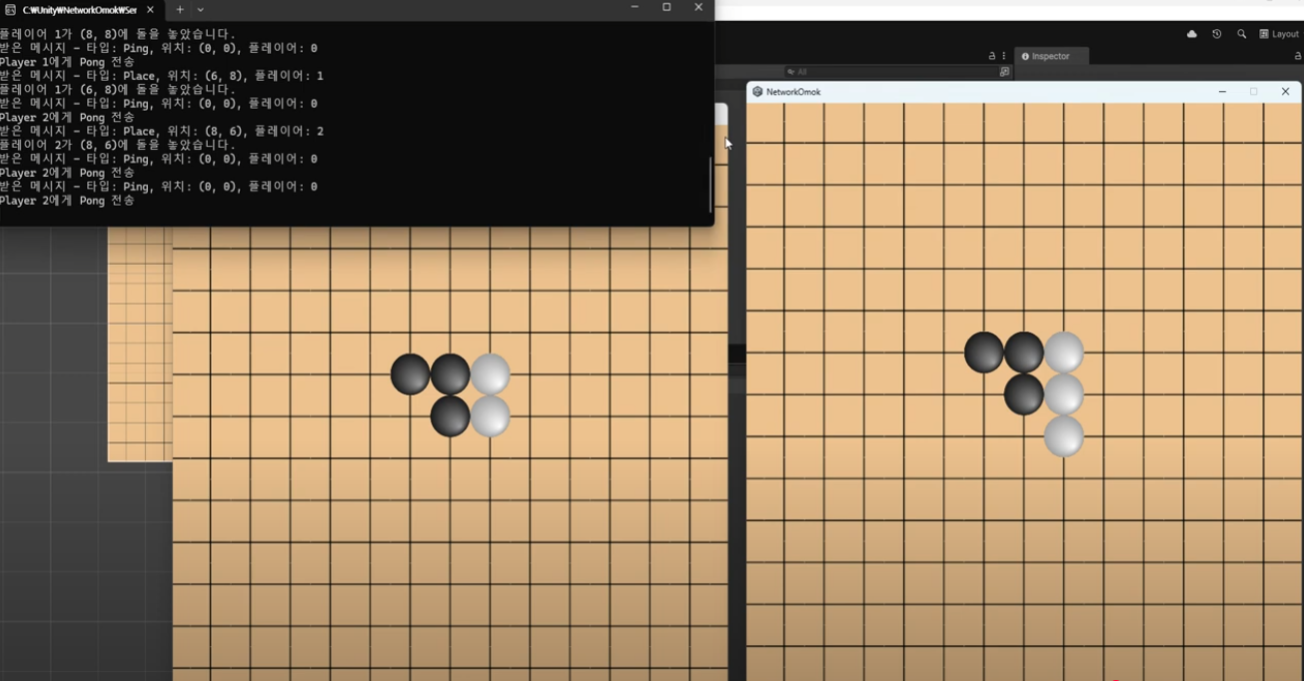
Implementing game logic : placing stones, managing turns, checking victory conditions
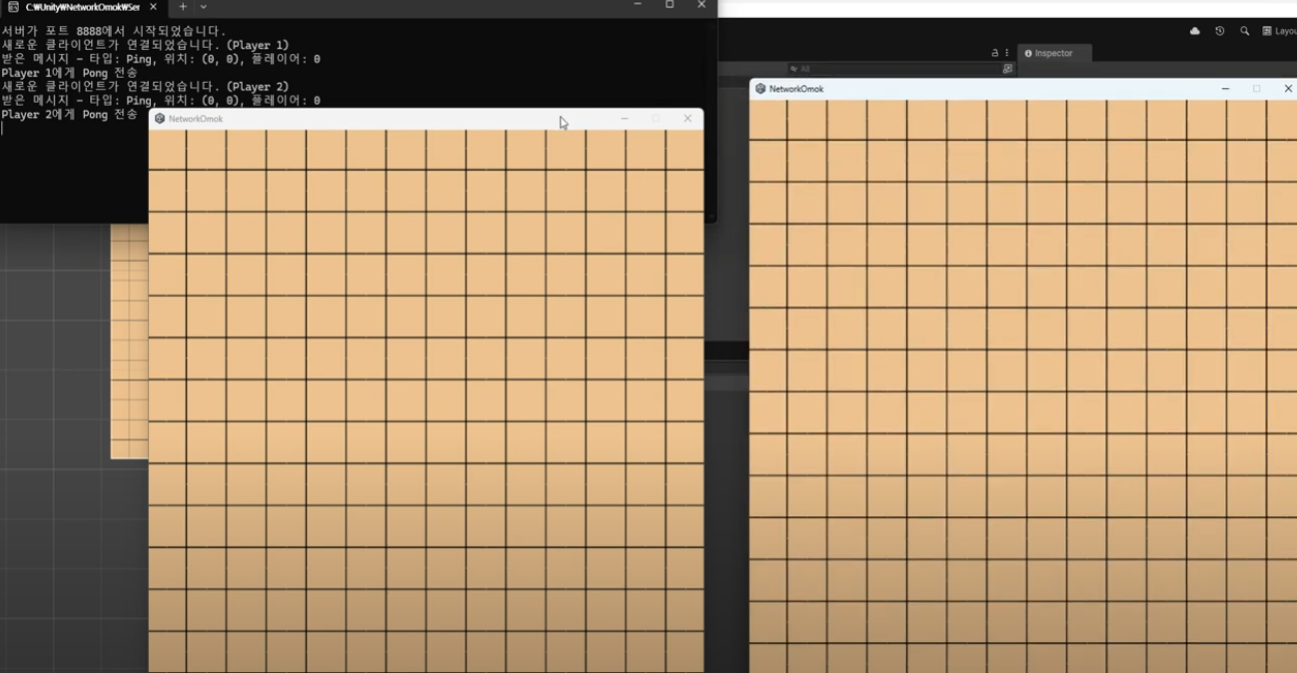
Building a TCP/IP Socket Server : Transferring Data Between Client and Server
Multiplayer synchronization : Two players play on the same board
Handling Ping/Pong Messages : Checking Network Status
✅ Operating System and Version (OS) : Windows 10/11 recommended (Mac, Linux available, but some features may differ)
✅ Tools used : Unity 6, C# server development environment (Visual Studio, .NET 6 or higher)
✅ Recommended PC specifications :
CPU : Intel i5 or higher or equivalent AMD processor
Memory : 8GB or more (16GB recommended)
Graphics Card : DX11-supporting GPU (NVIDIA GTX 1060 or higher recommended)
📌 Materials provided in the lecture:
✅ Source code (Unity project and C# server code)
📌 Background knowledge required to listen to the lecture effectively:
✅ Basic Unity experience (scene composition, UI creation)
✅ C# basic grammar (classes, interfaces, events, asynchronous programming)
✅ Unauthorized distribution and reproduction of learning materials is prohibited .
Who is this course right for?
Unity developer
Server developer
Networking Knowledge
Need to know before starting?
Unity
C#
800
Learners
47
Reviews
52
Answers
4.4
Rating
19
Courses
코딩 사관학교 하드 트레이닝
직장인/학생/인디개발자들이 모여서 공부합니다.
저는 주로 자바 or 게임프로그래밍 포트폴리오 과정들을 강의 하고 있습니다.
블록체인거래소, 증권거래소 ,게임서버 ,게임클라 회사및 외주개발
게임 개발 및 게임 교육 회사 대표
학원 강의 및 프리랜서 외주 인디개발
(유니티 코리아 대한상공회의소 에티버스러닝) 유니티 부트캠프 오프라인 강의
콘텐츠인재캠퍼스(홍릉) 유니티 강의 등 다수 개발및 강의 경력
현업 개발자및 인디개발자와 코사트팀 연구개발강의 활동
멋쟁이사자 교육 강사
All
19 lectures ∙ (3hr 28min)
Course Materials:
All
1 reviews
$84.70
Check out other courses by the instructor!
Explore other courses in the same field!