๊ฐ•์˜

๋ฉ˜ํ† ๋ง

์ปค๋ฎค๋‹ˆํ‹ฐ

Productivity

/

Office

How to use OneDrive, a convenient and safe cloud (for business)

Learn from the basics how to utilize OneDrive, Microsoft's cloud drive. Find out what OneDrive is and how to use it!

(3.2) 6 reviews

33 learners

Level Beginner

Course period 1 months

  • omas
Microsoft Windows
Microsoft Windows
Microsoft Windows
Microsoft Windows

What you will gain after the course

  • OneDrive

  • How to use OneDrive

  • Install and Sync OneDrvie

  • Share OneDrvie files/folders, unshare

  • Collaborate on shared files with OneDrvie

๐Ÿ—’ Course Introduction

still!!!
Are you worried about losing, damaging, or using hard drives, USB drives, or external hard drives with viruses/malware/ransomware?
Can I work on files only on my PC? Do I have to go out on business and then come back to the office to work on documents?
Do you create a template for each document you work on, have each person create a document, and have one person collate it?
Are you worried about the cost and reducing the capacity by paying for expensive web hard drives every time?

Are you familiar with Microsoft's OneDrive, which was created for people who have these concerns?
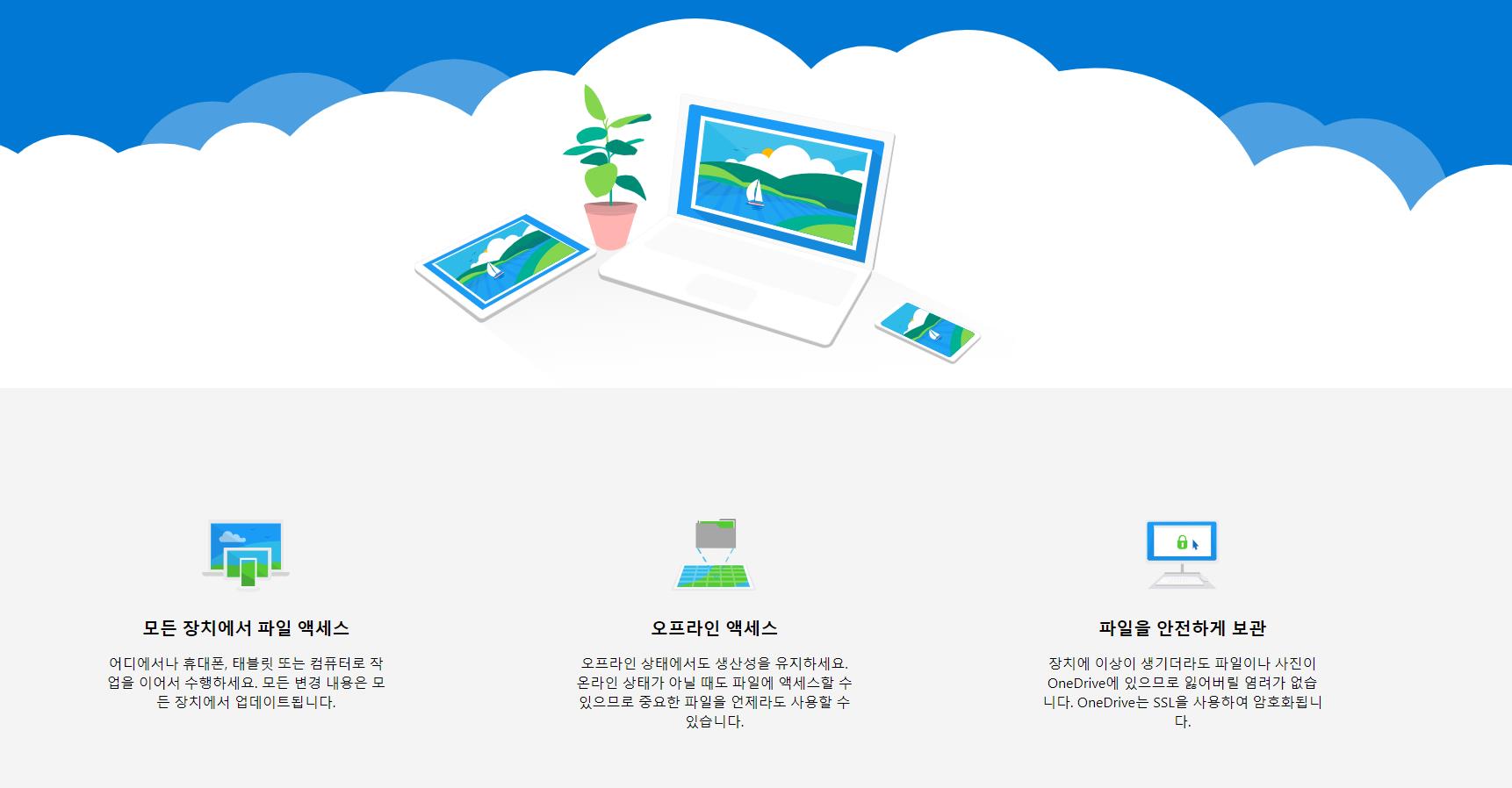
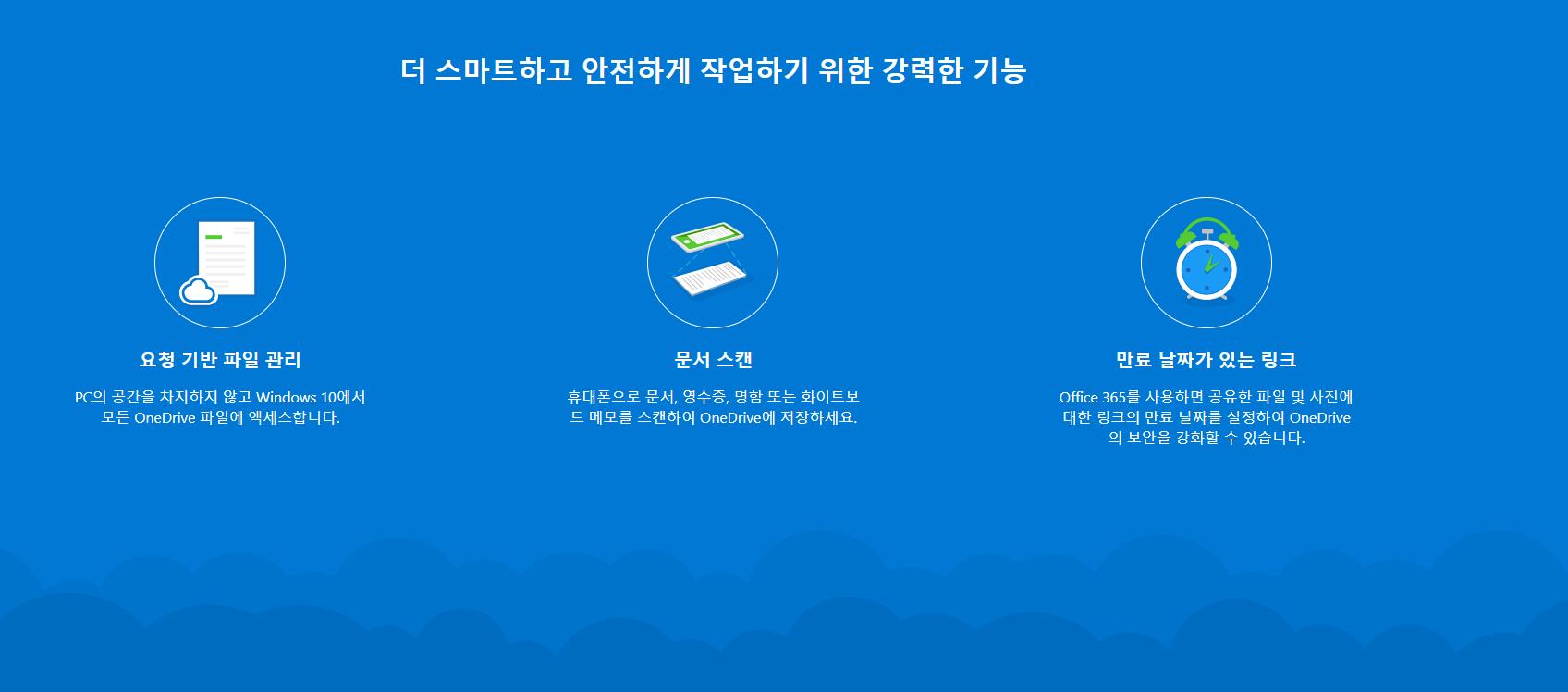
Powerful OneDrive solves these problems at once, helping you work smarter and more securely.

Not only does it have a generous 1TB capacity, it can be used safely without risk of loss/damage or dangerous attacks.

Now, let's try working smarter with OneDrive.

๐ŸŒˆ OneDrive

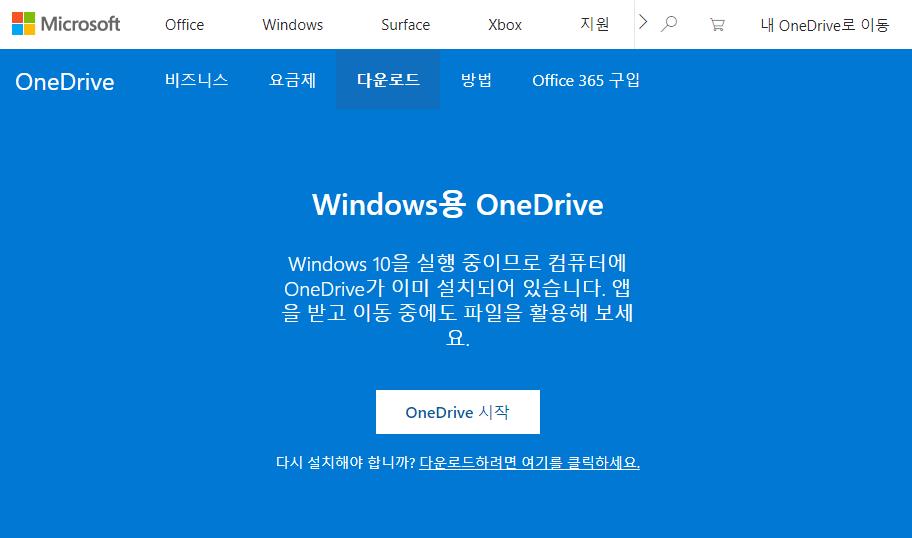
๐Ÿ™Œ The tool covered here is OneDrive.

The lecture is based on Microsoft 365 OneDrive for Business.

https://onedrive.live.com/about/ko-kr/download/


๐Ÿ™‹๐Ÿปโ€โ™‚๏ธ I have a question!

What program do you use in this course?

I use Microsoft OneDrive.
Individuals are provided with 5GB for free when they sign up, but companies must purchase it.

What do I need to learn to take the OneDrive course?

No. You can take the course with an easy mind, as we'll start by explaining what OneDrive is.


Recommended for
these people

Who is this course right for?

  • For those who use OneDrive

  • Anyone who wants to collaborate

  • Anyone who needs co-editing

  • Anyone who wants to share files safely

  • For those who want to manage files safely

Hello
This is

2,661

Learners

301

Reviews

165

Answers

4.6

Rating

47

Courses

Nice to meet you! We are "Omas", Microsoft 365 experts.
As Microsoft 365 experts, we will help you work more easily and smartly.

Introducing Omas's instructors!!

Instructor Hyunjung Ko
Microsoft MVP (Microsoft 365 Apps & Services, 2016 โ€“ Present)

ย 

Official Blog & Cafรฉ

ย 

YouTube

ย 

Booksย 

  • Microsoft 365 Business for Users & Admins

  • OMAS: My Smart Work using Office 365

  • Office 365 Quick Guide Series 1. Creating a SharePoint Site for Collaboration

  • Office 365 Quick & Easy Series 2. BI that business users can apply to work immediately without expert help

  • Office 365 Quick & Easy Series 3. From Basics to Advanced All at Once! OneDrive for Business

  • Office 365 Quick Series 4. Creating mobile apps your company needs: PowerApps

  • Office 365 in SMBs: My Smart Work using Office 365

  • Using OneNote 2016! - Basic Edition

  • OneNote 2016 Utilization! - Advanced Guide

  • Female office workers, never do this! A cheerful look at how to succeed in your professional life by thinking outside the box.

ย 

Recognitions

  • MS-102 - Microsoft 365 Certified: Administrator Expert

  • MS-100 - Microsoft 365 Identity and Services

  • Teams Meetings and Meeting Rooms Technical Assessment

  • MS-700 - Microsoft 365 Certified: Teams Administrator Associate

  • MS-900 - Microsoft 365 Certified: Fundamentals

  • AZ-104 - MS Azure Administrator Associate

  • AZ-900 - Microsoft Certified: Azure Fundamentals

  • SC-900 - Microsoft Certified: Security, Compliance, and Identity Fundamentals

  • PL-900 - Microsoft Certified: Power Platform Fundamentals

  • Exam 347: Enabling Office 365 Services

  • Microsoft Office Specialist Word 2016 Expert

  • Microsoft Office Specialist PowerPoint 2016 Core

  • Certificate of Qualification. Presentation Speech 1stย  Level

Other Qualifications

  • Presentation Speech Level 1 (Korea Vocational Skills Certification Association, Ministry of Employment and Labor)

  • CS Instructor Level 1 (Korea Vocational Competency Assessment Association, Ministry of Trade, Industry and Energy)

  • e-Learning Senior Consultant (Korea U-Learning Association)

  • e-Learning Instructor Level 2 (Korea U-Learning Association)

  • Computer Science Teacher Certificate (Minister of Education)

  • Lifelong Education Specialist Level 2 (Seoul University of Buddhism and Culture)

Curriculum

All

7 lectures โˆ™ (37min)

Published:ย 
Last updated:ย 

Reviews

All

6 reviews

3.2

6 reviews

  • donseoklee2548๋‹˜์˜ ํ”„๋กœํ•„ ์ด๋ฏธ์ง€
    donseoklee2548

    Reviews 34

    โˆ™

    Average Rating 4.9

    5

    100% enrolled

    Thank you for the great lecture. I think it will be of great help in my work.

    • omas
      Instructor

      ^____^ Thank you~~~~ I'm glad it was helpful~

  • hs0193284๋‹˜์˜ ํ”„๋กœํ•„ ์ด๋ฏธ์ง€
    hs0193284

    Reviews 1

    โˆ™

    Average Rating 5.0

    5

    100% enrolled

    It was a very informative lecture. I honestly didn't know what was popping up every time I turned on my computer, but thanks to this lecture, I learned about OneDrive and was able to use it properly. Thank you for the lecture.

    • omas
      Instructor

      Wow...!!! Tears of emotion.. ใ…œใ…œ Thank you~~~~~!!

  • noise947084๋‹˜์˜ ํ”„๋กœํ•„ ์ด๋ฏธ์ง€
    noise947084

    Reviews 1

    โˆ™

    Average Rating 4.0

    4

    100% enrolled

    The lecture content, the instructor's voice, etc. are good. But the lecture platform is really bad.

    • omas
      Instructor

      Thank you!!! ^^ What aspects of the lecture platform were inconvenient? It may be inconvenient, but if you let me know what was inconvenient, I will pass it on to you so that I can improve it~~~

  • tdnscotland4226๋‹˜์˜ ํ”„๋กœํ•„ ์ด๋ฏธ์ง€
    tdnscotland4226

    Reviews 2

    โˆ™

    Average Rating 4.0

    3

    86% enrolled

    Recently, I've been using 365 and what's in the class is very different, so my understanding is lacking.

    • omas
      Instructor

      I'm sorry it's so different~ Are you sure the license you're using is the Business Plan?

  • wjim78885๋‹˜์˜ ํ”„๋กœํ•„ ์ด๋ฏธ์ง€
    wjim78885

    Reviews 1

    โˆ™

    Average Rating 1.0

    1

    100% enrolled

    For those who don't use 365... Those who use it for free for personal use have different screens and other differences. I think it would be better to say "365 user" in the title.

    • omas
      Instructor

      Oh, I see~ The content covered, such as joint editing and synchronization, was the same, so we proceeded as is, but it was inconvenient! I will mark the screen as a Business screen. Thank you for your valuable answer~~~~

omas's other courses

Check out other courses by the instructor!

Similar courses

Explore other courses in the same field!