
강의

멘토링

커뮤니티

Design

/

Photography & Video

Introduction to Adobe Premiere Pro CC 2018, 2019 Video Editing Part.2

This course will teach you the core editing features of Premiere Pro and enable you to edit videos. In this lesson, we will look at audio editing features and linking features with other tools using Premiere Pro.

(4.6) 18 reviews

90,946 learners

Level Basic

Course period 12 months

  • usefulit
Premiere Pro
Premiere Pro
Premiere Pro
Premiere Pro

Reviews from Early Learners

Reviews from Early Learners

4.6

5.0

seo avid

100% enrolled

It's said to be beginner level, but there's a lot of content. Except for the instructor's sleepy voice.

5.0

사람

8% enrolled

I heard it well

5.0

everick9

8% enrolled

Thank you for the great lecture~!!

What you will gain after the course

  • Audio editing features in Premiere Pro

  • How to integrate with software like AfterEfffects, Audition, and Rush

Video editing with Premiere
Master it! 🎬

🗒 Course Introduction

(Please note that this lecture does not provide instructor-assisted answers. )

Adobe Premiere Pro CC is a traditional track-based video editing software that provides a wide range of editing capabilities, from personal UCC to Hollywood films.

This course is a Premiere course designed to cover the most essential editing features in the shortest possible time for those with no prior experience with Premiere Pro.
In the last lecture, we looked at the basic functions of Premiere, visual effects, and color correction. In this lecture, we will learn about audio editing and integration with other software.

PART 1: Audio Manipulation

  • Learn how to use the basic audio editing features and effects in Premiere Pro.
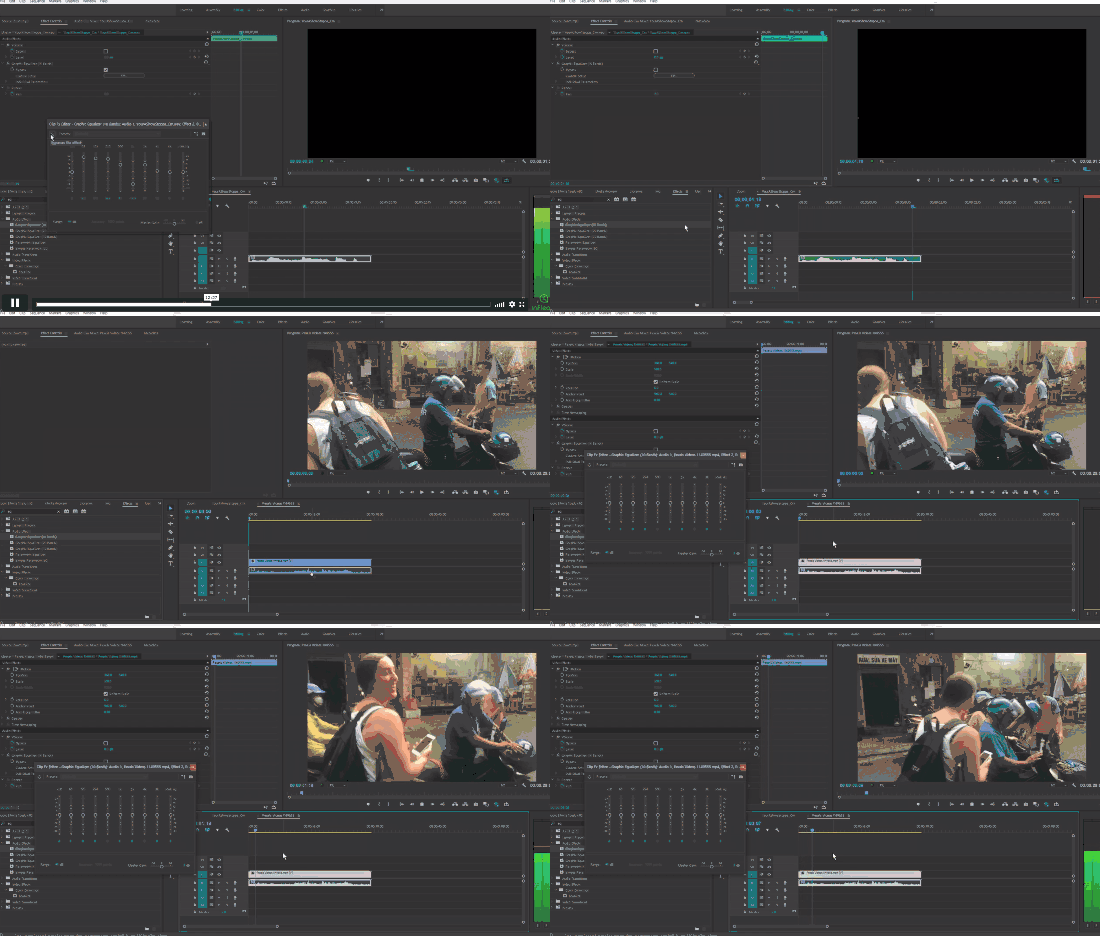
    You will also learn how to change the volume and character of your sound in more detail, such as audio transitions, channel manipulation, EQ, and Dynamic Processing, along with adjusting the volume of the sound.
    Additionally, we will learn how to reduce screen shake with the warp stabilizer function and the basics for green/blue screen compositing with the Ultra key function.
    We will also cover important concepts like offline, link, ingest, and proxy for editing tasks.

PART 2: LINKS

  • Covers the basics of working with Premiere Pro and software like After Effects, Audition, and Rush.
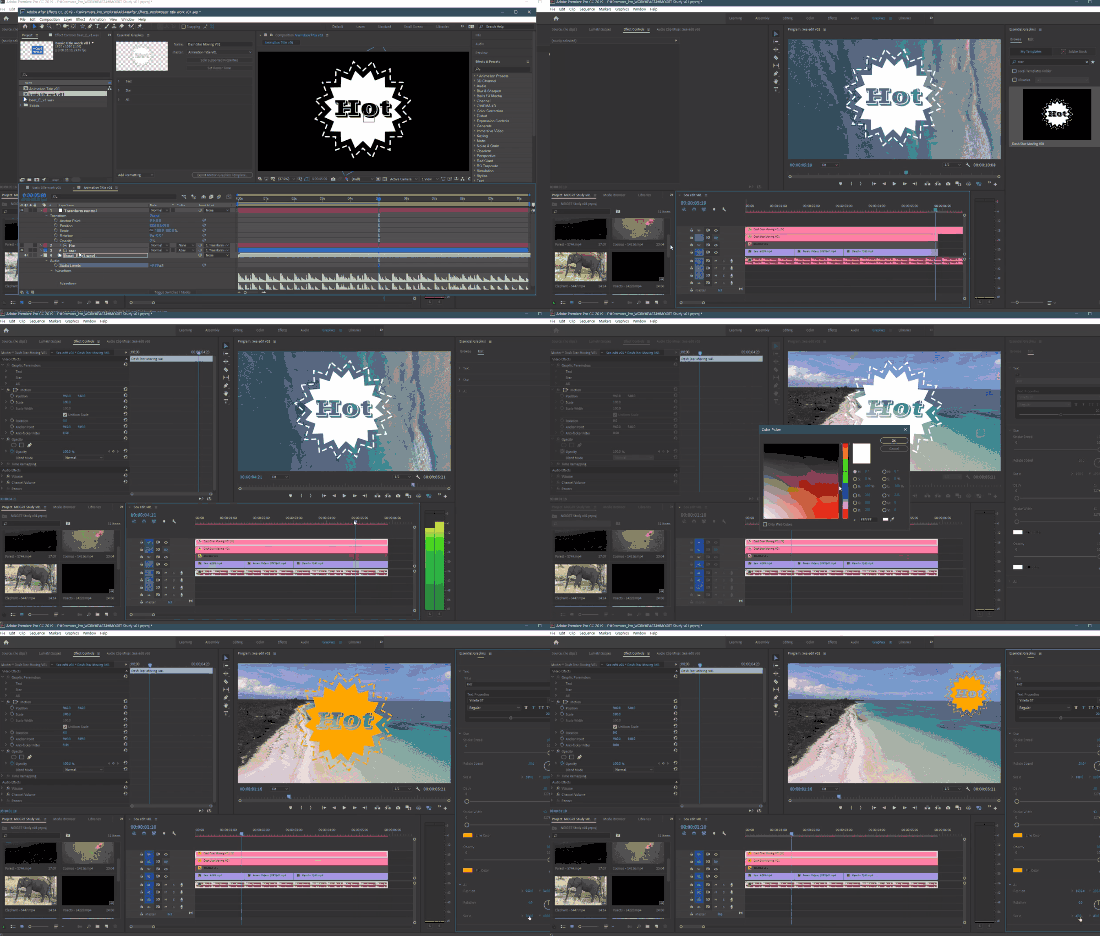
    In addition to using pre-made motion designs with Premiere's template feature, we'll also cover how to easily create your own templates using After Effects.
    Audition is a professional software for sound editing. It can be used instead for sound editing purposes by passing only the image to Premiere's editing sequence structure.
    Rush is a simple video editing software for mobile devices, but it offers the advantage of being able to transfer editing structure to Premiere Pro. We'll walk through that process as well.

🌈 Preview the lecture

🙌 Tools covered here

  • Adobe Premiere Pro CC

This course uses Adobe Premiere Pro CC 2018-2019 . Therefore, we recommend using the latest Premiere Pro version (CC 2018, 2019, or later).
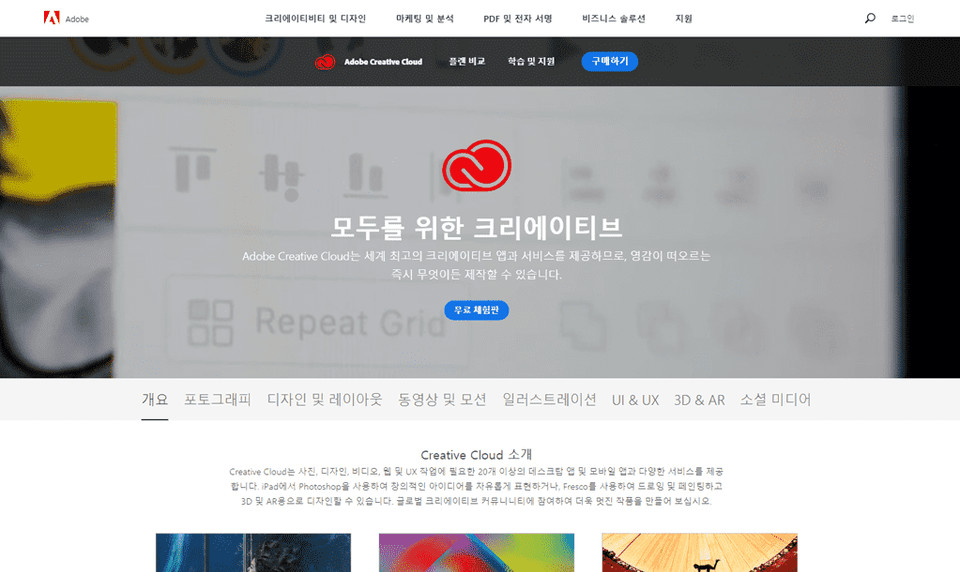
You can download and use a free trial version from the official Adobe website. Official site link
🙋🏻‍♂️ Expected questions related to the lecture

Q. Can non-majors and beginners also take the course?
A. This course begins with an introduction to Premiere Pro, so anyone interested in video editing can take it. However, those with experience using other Adobe tools like Photoshop will learn faster. This course follows Part 1 of Introduction to Video Editing in Adobe Premiere Pro CC 2018 and 2019 , so please take that course first.

Q. Are lecture notes included?
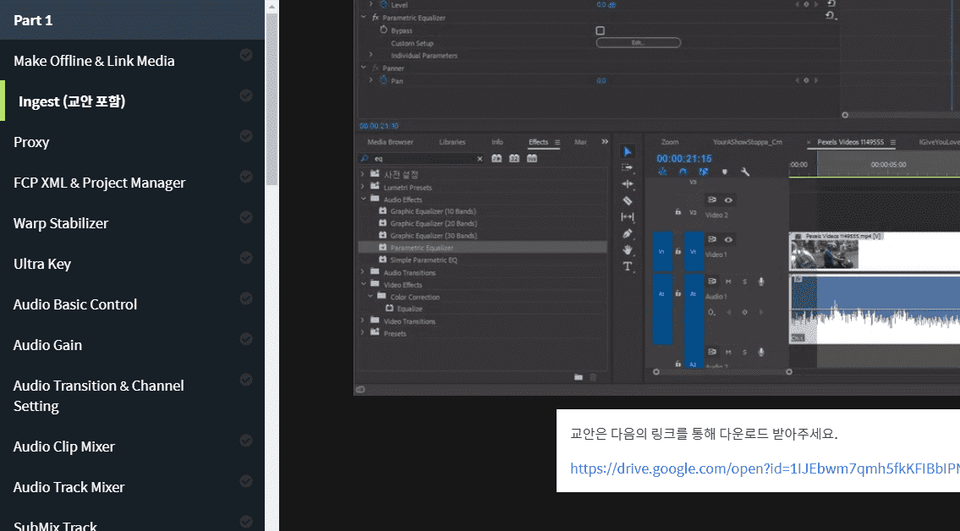
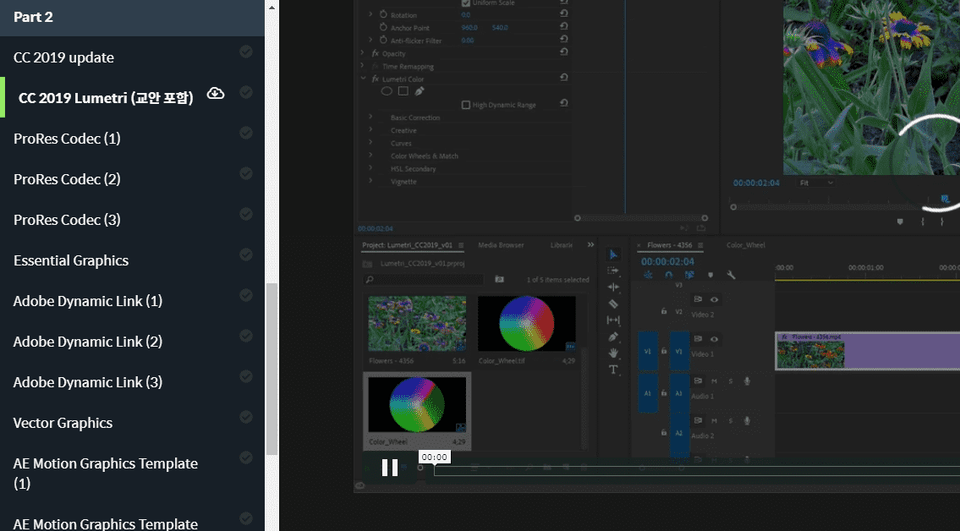
A. Yes, the lecture notes are attached to the second lecture of each lecture part.
For Part 1, the lecture material file is large, so you can download and use it through the external link at the bottom of the lecture playback page.
For Part 2, you can download the lesson plan by clicking the cloud-shaped icon on the left tab.
Recommended for
these people

Who is this course right for?

  • Premiere Pro Beginner

  • Adobe Premiere Pro CC 2018, 2019 Introduction to Video Editing Part 1 Students

Need to know before starting?

  • Photoshop

  • Premiere Pro Basic Features

  • Adobe Premiere Pro CC 2018, 2019 Introduction to Video Editing Part 1 Students

Hello
This is

8,278,679

Learners

6,372

Reviews

4.6

Rating

309

Courses

I will help you grow through useful IT lectures.

Curriculum

All

40 lectures ∙ (21hr 44min)

Course Materials:

Lecture resources
Published: 
Last updated: 

Reviews

All

18 reviews

4.6

18 reviews

  • seoavid님의 프로필 이미지
    seoavid

    Reviews 14

    Average Rating 4.8

    5

    100% enrolled

    It's said to be beginner level, but there's a lot of content. Except for the instructor's sleepy voice.

    • pii02123511님의 프로필 이미지
      pii02123511

      Reviews 98

      Average Rating 5.0

      5

      8% enrolled

      I heard it well

      • myfuturetechnolo0353님의 프로필 이미지
        myfuturetechnolo0353

        Reviews 107

        Average Rating 3.3

        4

        100% enrolled

        Thank you

        • everick93569님의 프로필 이미지
          everick93569

          Reviews 317

          Average Rating 4.9

          5

          8% enrolled

          Thank you for the great lecture~!!

          • js님의 프로필 이미지
            js

            Reviews 117

            Average Rating 5.0

            5

            8% enrolled

            thank you

            $55.00

            usefulit's other courses

            Check out other courses by the instructor!