Thank you for the great lecture. It was a great lecture for beginners from 2D to 3D. The voice is also good and easy to listen to. Thank you.
5.0
skmarine4620
100% enrolled
It was very helpful because I could learn in a short period of time without getting bored.
5.0
반짝
40% enrolled
Thank you for explaining it so easily. It was very helpful.
What you will gain after the course
3D Drawing Creation Using AutoCAD
Foundations of practical digital design skills
3D CAD for beginners, start with AutoCAD! 🧰📐
🗒 Course Introduction
(Please note that instructor Q&A is not provided for this course.)
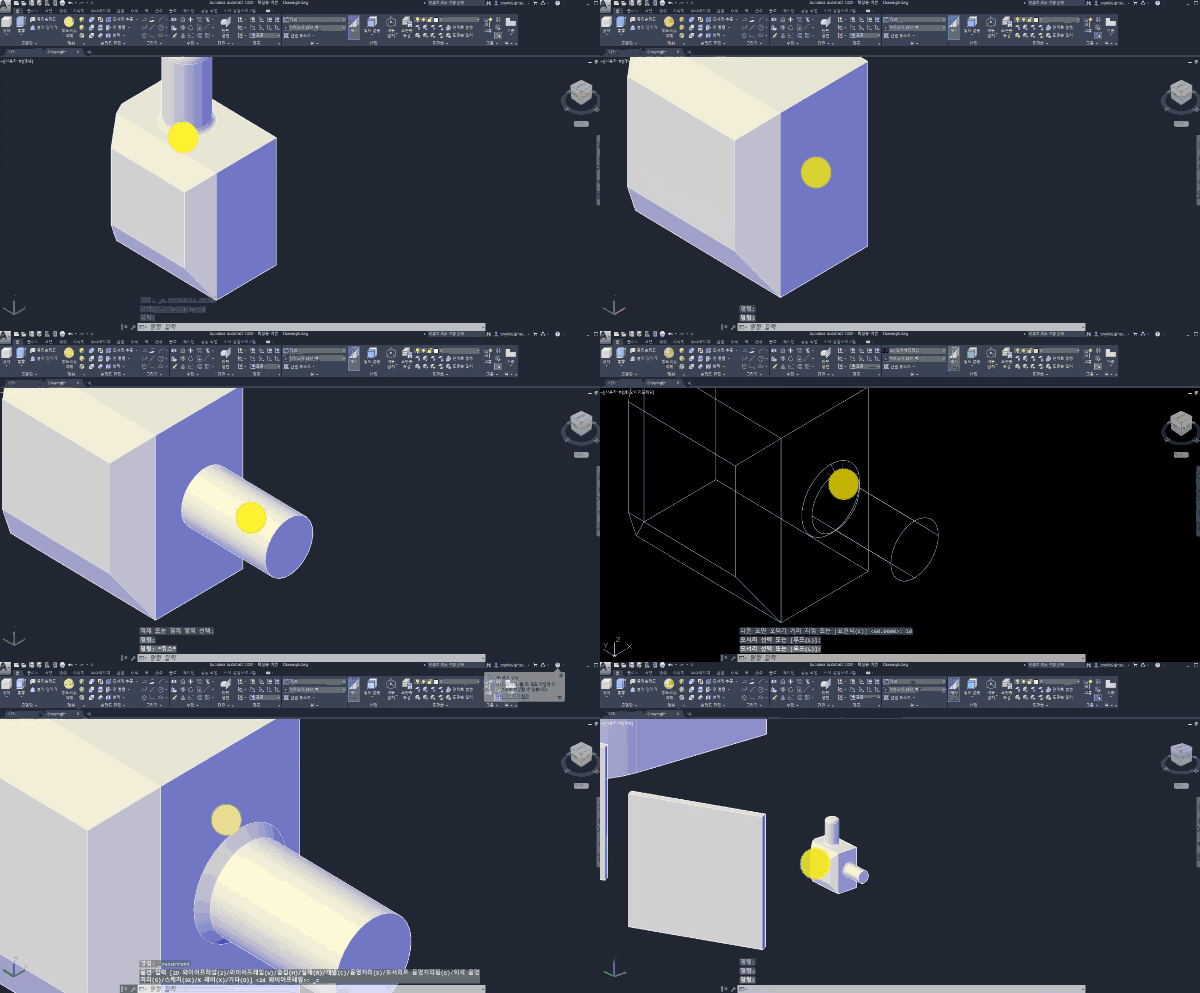
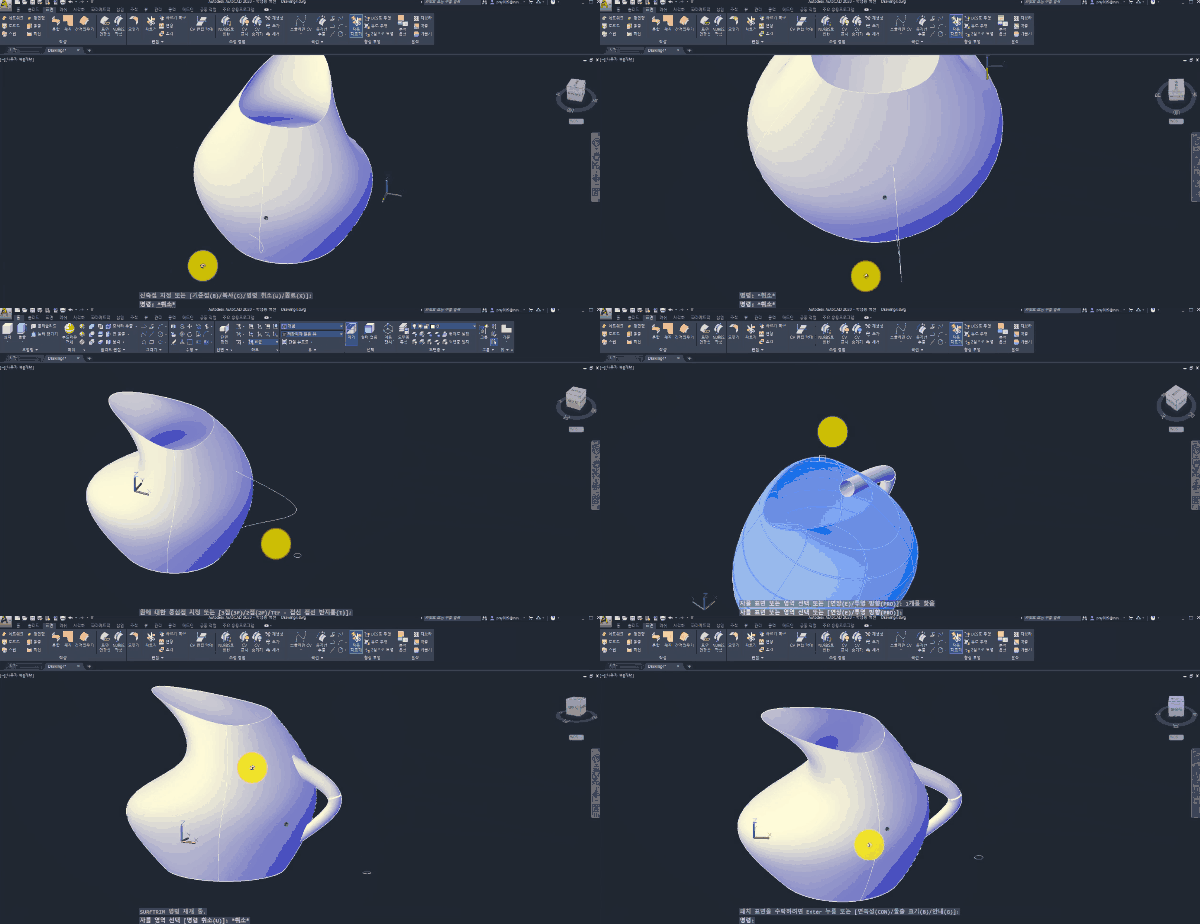
Since its first release in 1981, AutoCAD has been widely used for 2D and 3D drafting and remains the most actively used program in professional CAD work, offering various advantages such as excellent file compatibility with other software. This course covers the basic operations for 3D CAD work in AutoCAD, focusing on digital design functions necessary for architectural and interior design that are easy to learn and master.
This course is structured as a follow-along tutorial, allowing even beginners to learn useful 3D modeling functions just by watching the videos. Build a solid foundation in AutoCAD and learn to easily and conveniently create various 3D models that can be applied in practice!
🌈 Course Preview
🙌 Tools covered here
AUTODESK AutoCAD 2020
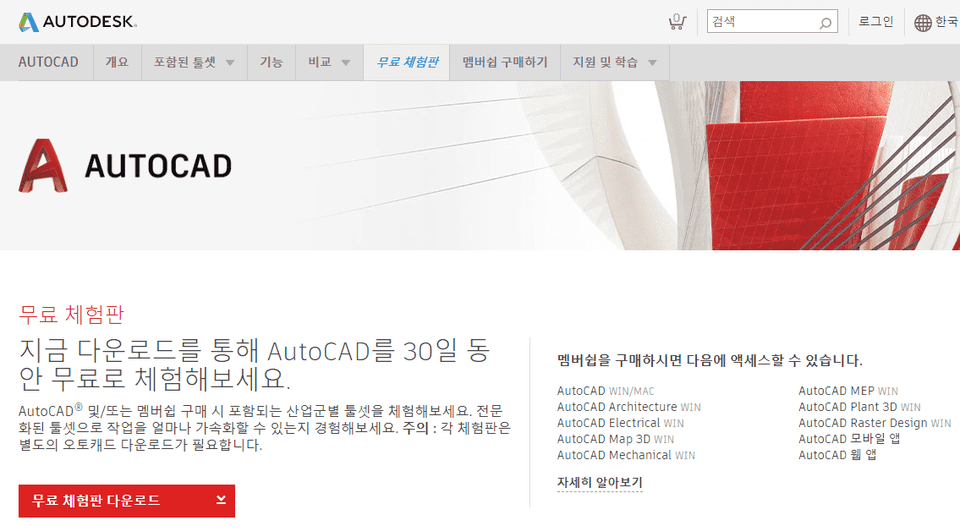
This course uses AutoCAD 2020 (Korean version). Therefore, we recommend using that version of AutoCAD. You can purchase the program from the official AUTODESK website or use various versions such as a 30-day trial or a short-term membership. Official site link
🙋🏻♂️ Frequently Asked Questions about the Course
Q. Can non-majors or beginners take this course? A. This course does not start with tool installation; it is an elementary-level course designed on the assumption that you already know the basics of AutoCAD 2D design. For those who wish to learn from tool installation and basic operation, please take other courses or the <Easy-to-Follow AutoCAD 2020 2D (Korean Version)> course first.
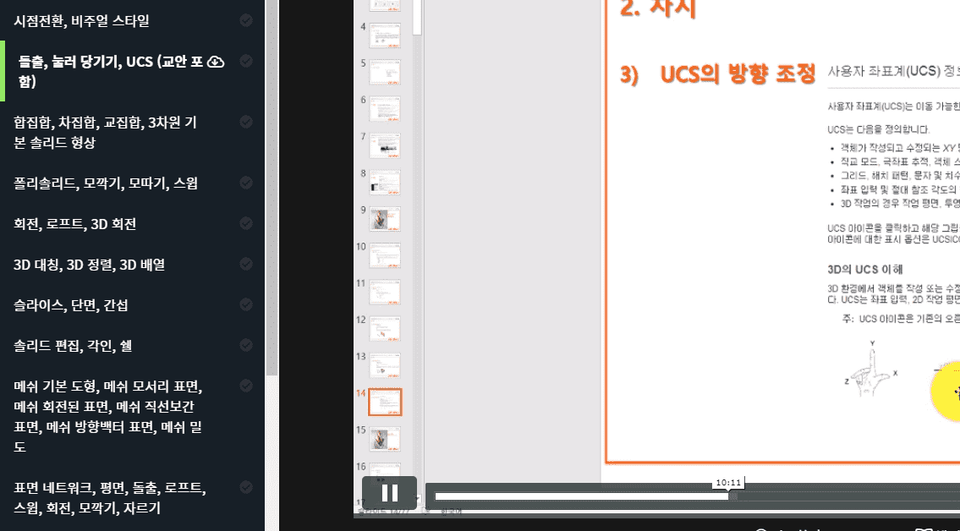
Q. Are lecture materials included? A. Yes, the lecture materials are attached to the second lecture. You can download them by clicking the cloud icon in the left tab of the lecture player screen.