

강의

멘토링

로드맵

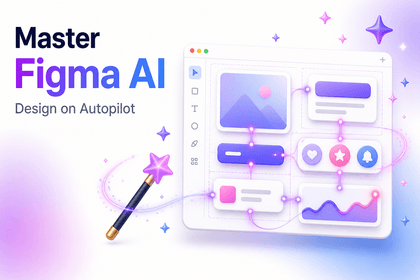
Introduction to Figma AI (Figma), the Beginning of Design Automation Part.1

This is an introductory course that systematically teaches Figma’s core features, including its basic interface, vector tools, auto layout, and components. Through hands-on practice designing mobile and responsive UIs, you’ll develop practical design skills you can apply immediately, while also learning design automation workflows using plugins and Figma AI features.

1 learners are taking this course

Level Basic

Course period 12 months

software-design
software-design
ui
ui
Figma
Figma
software-design
software-design
ui
ui
Figma
Figma
Thumbnail

What you will gain after the course

  • You can create systematic UI designs and design systems using Figma’s core features.

  • By designing responsive layouts and components, you can implement interfaces that adapt to various screen environments.

  • You can use Figma AI and plugins to perform prompt-based design generation and automation tasks.

Figma AI (피그마) 입문 · Part.1

The era of drawing designs yourself is over

Figma Core Features · Auto Layout · Components · Responsive UI · Plugins · Figma AI Automation

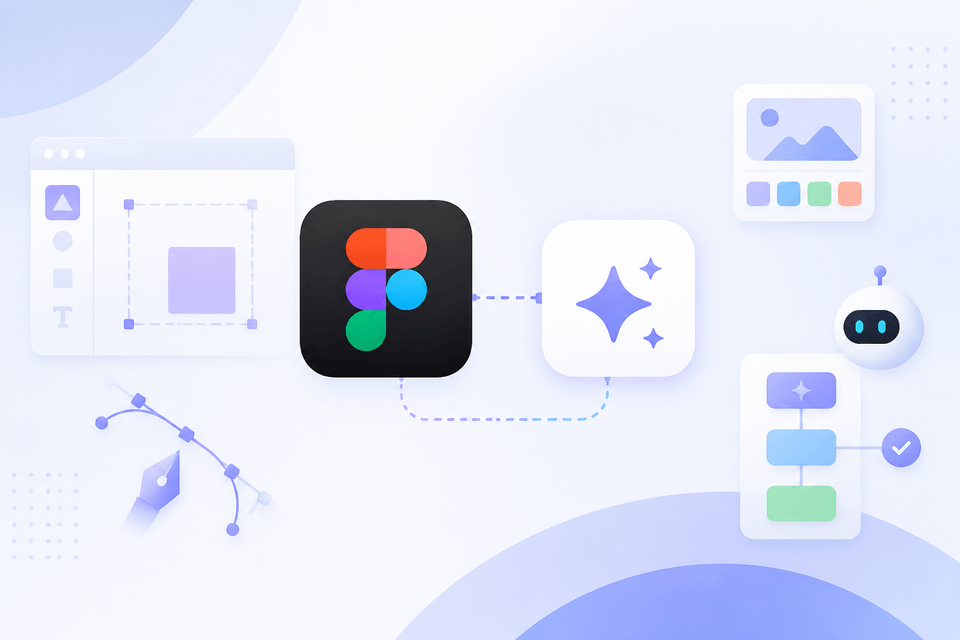
Figma AI (피그마) 입문 · Part.1 강의 대표 이미지

From Figma fundamentals to AI-powered design automation workflows, you’ll be able to build a UI design system yourself that you can use immediately in real-world work.

TOOL

Tools Covered

Check out the tools and features used in the hands-on exercises.

Fi

Figma

Based on the Free Plan

Ai

Figma AI

OUTPUT

You’ll create things like this.

Upon completing the course, you will have the following results in hand.

📱

Responsive mobile UI screens

Mobile app UI design created with auto layout and components

3~4강
🧩

My Own Design System

A reusable UI component set using variants and component properties

2강
🤖

AI-based design automation output

Designs generated using prompts with Figma Make and AI features

5강
CURRICULUM

You can learn things like these

The curriculum is organized and introduced by topic.

1~2강

Figma Fundamentals & Design Systems

Learn interfaces, vector tools, and graphic styles, then create reusable design systems with auto layout, components, and variants.

3~4강

Responsive UI & Mobile Design

Design responsive layouts and mobile UI structures that adapt to various screen environments, completing professional-grade interfaces.

5강

Figma AI & Design Automation

Master prompt-based design generation and automated workflows using Figma Make and the latest AI features.

NOTICE

Things to Note Before Taking the Course

  • No Q&A service is provided.
  • Watching at an accelerated speed is recommended; please adjust it to suit your personal learning pace.
  • Since this UI reflects the version available at the time of filming, the screens may change with Figma updates.
  • The scope of Figma AI features may be limited depending on your account plan.
  • By learning in conjunction with the Part 2 lecture, you can build more well-rounded skills.

Recommended for
these people

Who is this course right for?

  • Beginner to intermediate learners who want to systematically learn Figma’s core features and the process of creating UI designs

  • Aspiring designers and content creators who want to learn web and mobile interface design from the ground up through hands-on practice

  • Creators and planners who want to learn design automation and efficient workflows using Figma AI features and plugins

Need to know before starting?

  • Experience using design tools is not required, but basic computer skills are preferred.

  • Having a basic understanding of UI/UX design concepts will help you better understand the material.

  • Basic knowledge of vector graphics or layout composition will be helpful for the exercises.

Hello
This is usefulit

8,280,370

Learners

6,604

Reviews

4.6

Rating

336

Courses

I will help you grow through useful IT lectures.

Reviews

Not enough reviews.
Please write a valuable review that helps everyone!

Free

usefulit's other courses

Check out other courses by the instructor!

Similar courses

Explore other courses in the same field!