It's nice that you explained it in detail. As time has passed, V-Ray is a little different from the current version, but it can be applied without any problems.
5.0
띄융
13% enrolled
thank you
5.0
동해물과백두산이마르고닳도록
56% enrolled
It's easy and fun :)
What you will gain after the course
Easy and convenient 3D visualization and rendering in design work using Vray 3.6
Foundations of practical digital design and visualization capabilities
3D modeling with V-Ray Breathe life into it 🌩️
🗒 Course Introduction
(Please note that this lecture does not provide instructor-assisted answers.)
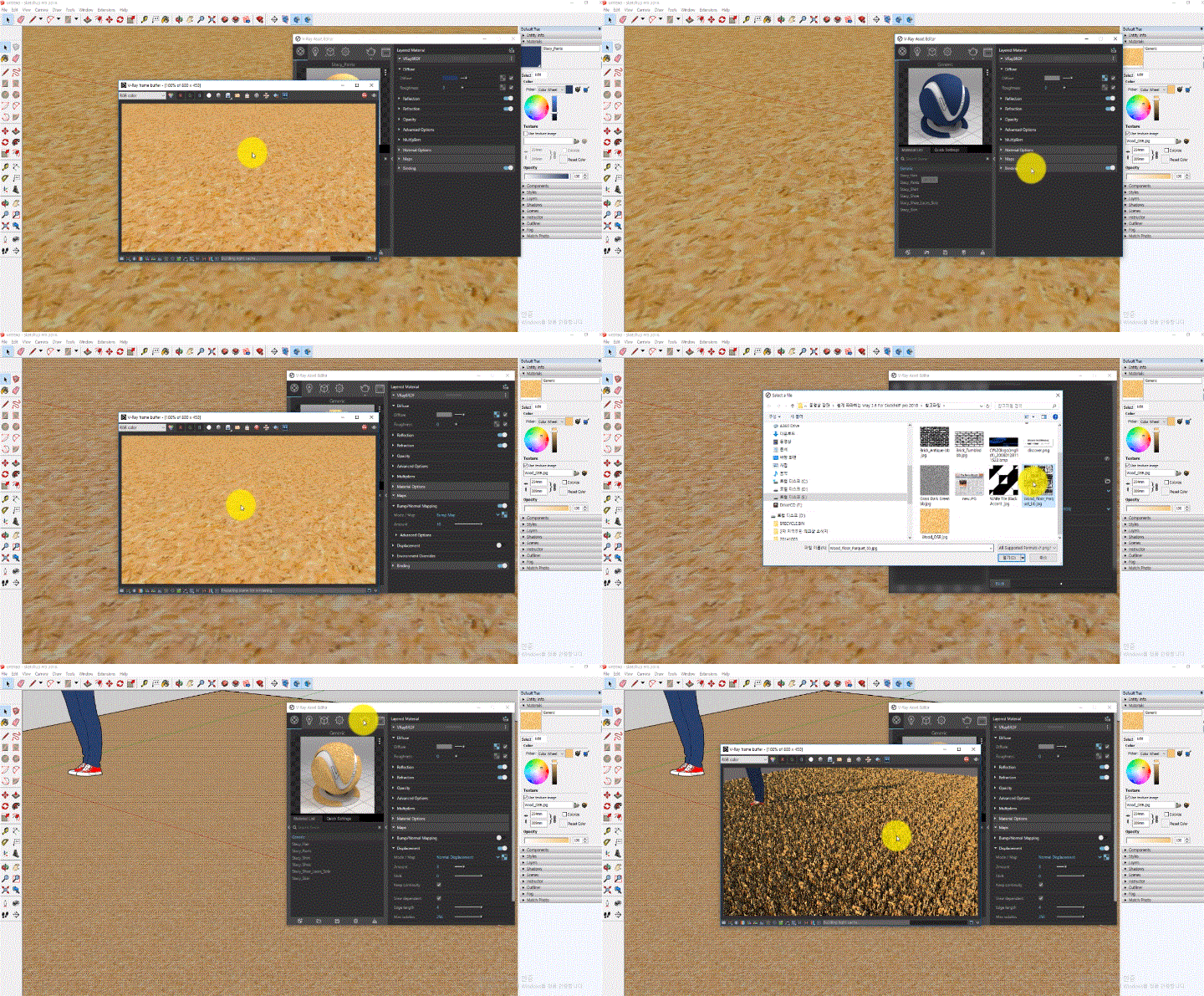
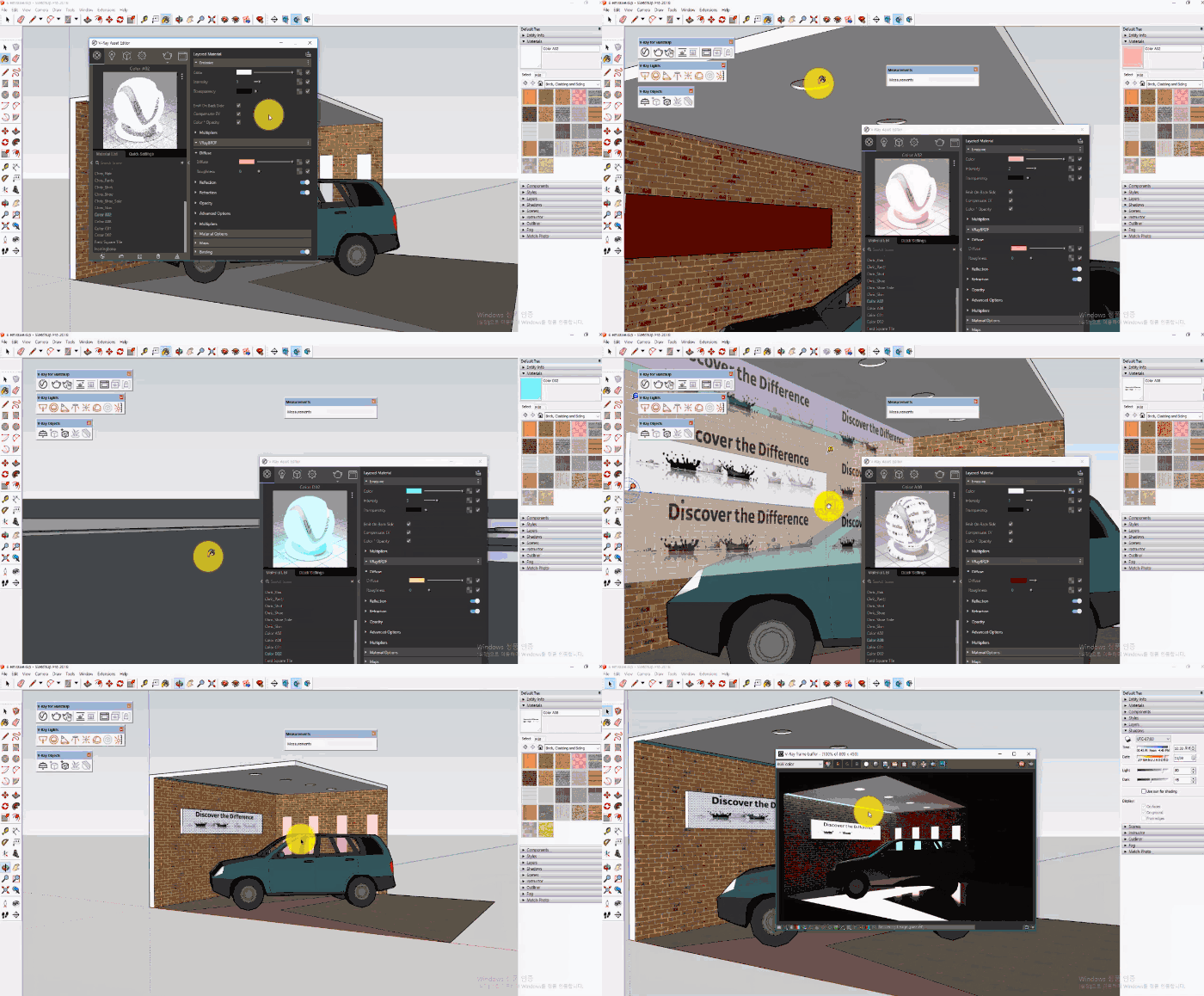
This course is about V-Ray, a 3D rendering tool that is easy to learn and master among the digital design functions required for architectural and interior visualization work. It is structured in a follow-along learning format so that even beginners can easily learn through videos alone, so even those learning V-Ray for the first time can easily acquire the functions.
Through this course, you will be able to visualize the 3D models you have created in SketchUp more realistically, and easily implement photorealistic rendering results without using a rendering plugin.
You can easily and conveniently create photo-like images using V-Ray.
By learning both key and useful features, you can develop practical digital design skills .
🌈 Preview the lecture
🙌 Tools covered here
Chaosgroup Vray 3.6
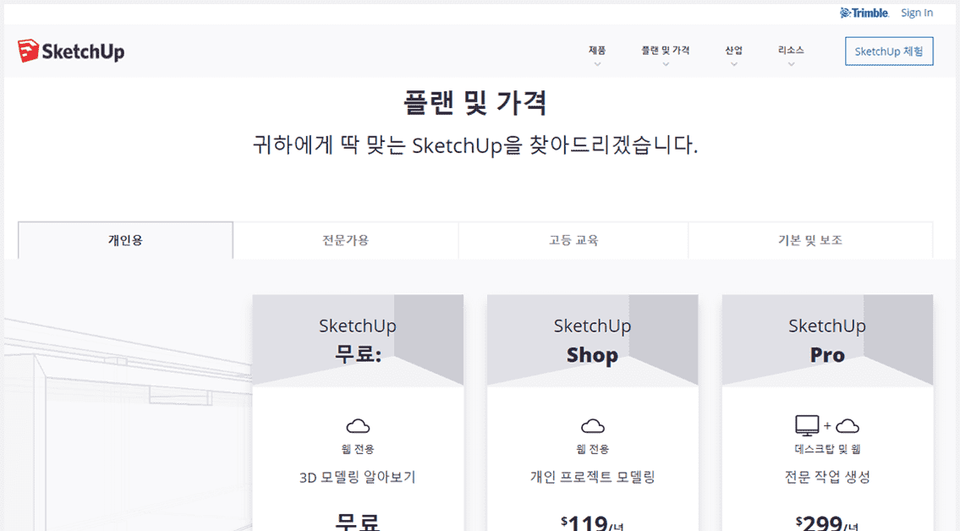
Trimble SketchUP Pro 2018
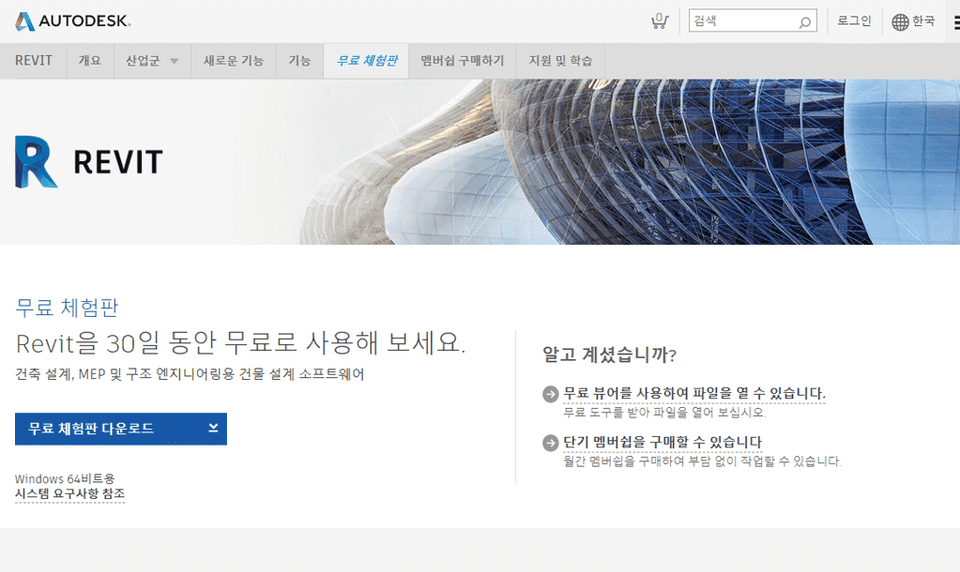
This course uses Vray 3.6 andSketchUp 2018. Therefore, we recommend using the latest versions of Vray and SketchUp. You can purchase the program or use a limited-time trial version on the official website. Official website links (1)(2)
🙋🏻♂️ Expected questions related to the lecture
Q. Can non-majors and beginners also take the course? A. This course is a basic V-Ray course, starting with the installation of V-Ray. However, since it's intended for existing SketchUP Pro users to learn V-Ray's features and integrate with them, prior knowledge of SketchUP is required.
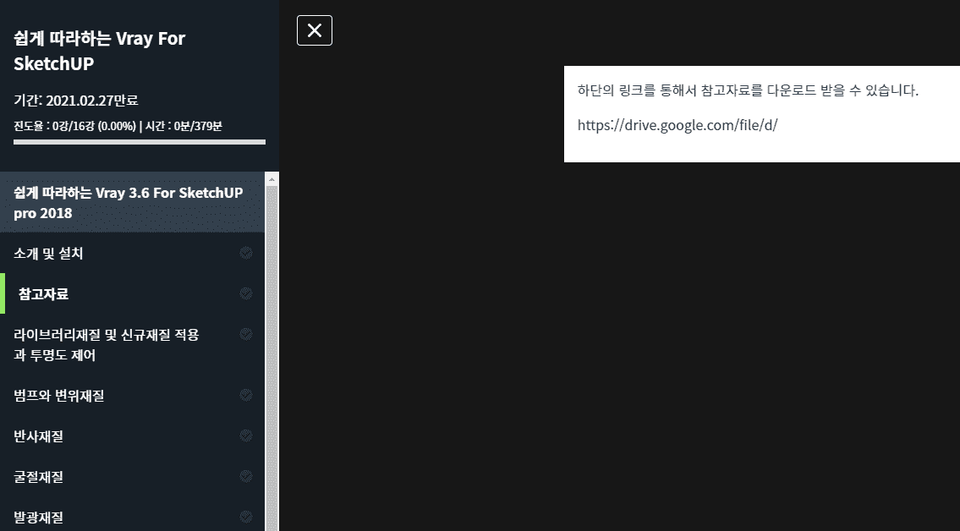
Q. Are lecture notes included? A. Yes, the example file is attached to the second lecture's "Attachments." You can download the attached file by clicking the drive link on the lecture playback screen. (To ensure 100% progress, click [Viewed] at the bottom center.)
Recommended for these people
Who is this course right for?
Learners who are burdened with learning difficult rendering plugins
Anyone who wants to learn rendering features in a short period of time
Professionals in the fields of architecture, interior design, landscaping, and products who want to implement realistic rendering results
It's nice that you explained it in detail. As time has passed, V-Ray is a little different from the current version, but it can be applied without any problems.
If you have some experience with SketchUp tools, I recommend this as an introductory course for V-Ray! I will complete this course and go learn the V-Ray for SketchUp book again! The version is old, so the interface is very different, but I am satisfied.












![How to Make a Unity 2D Roguelike Game [Korean Subtitles]Course Thumbnail](https://cdn.inflearn.com/wp-content/uploads/unity003.jpg?w=420)