I learned practical tips that I couldn't learn from free YouTube lectures!
5.0
인프런
11% enrolled
LikeLike
What you will gain after the course
Introduction to Sketch
Basic use of Sketch
The first UX/UI design tool I encountered, Learn Sketch easily and enjoyably 📌
What is UX/UI Design?
UX stands for User Experience . UX design is the work of improving web or mobile screens and inducing behavior by designing the user experience. It is the work of designing the service experience from the user's perspective, such as what they need when using the service, what they experience in the process, and whether they feel any inconvenience. In this process, the entire process from designing and configuring the screen that the user encounters, that is, the user interface, is called UX/UI design .
Generally, when you think of design, you might think of it as a creative or artistic field. However, the UX/UI field is a field that requires not only creativity but also 'logic' that considers the experience and convenience from the user's perspective . This is because it requires interaction between digital devices and users. This is why constant practice and effort are needed to follow industry trends.
In this course, you will learn how to design web/mobile app interfaces using Sketch , a UX/UI design tool essential for those who want to acquire UX/UI design skills.
Easy and fast even for beginners Learn to sketch!
What kind of tool is Sketch?
*Sketch is a tool that can only be used in the Mac environment.
Sketch is a design program that can create wireframes, which serve as system blueprints for UI design, and create prototypes. Since it is a vector-based design tool , it has the advantage of not damaging the image even when the resolution is changed. Thanks to this, it can support various device resolutions such as desktop and mobile. It can process work more efficiently and quickly than when designing UI with Photoshop in the past, which was a bitmap-based method.
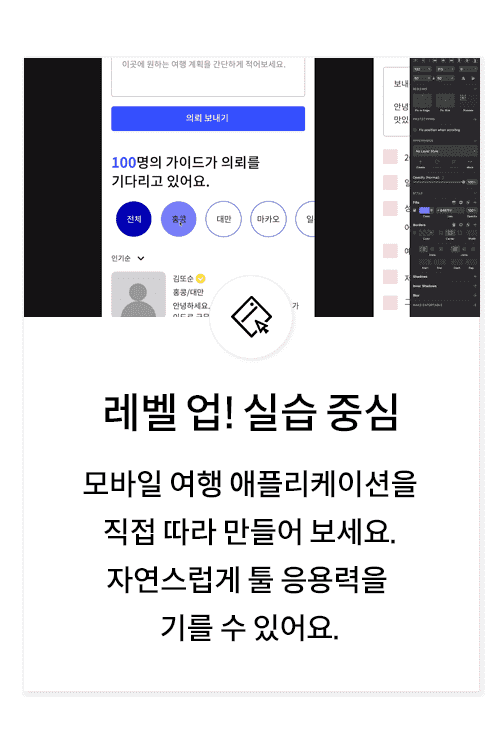
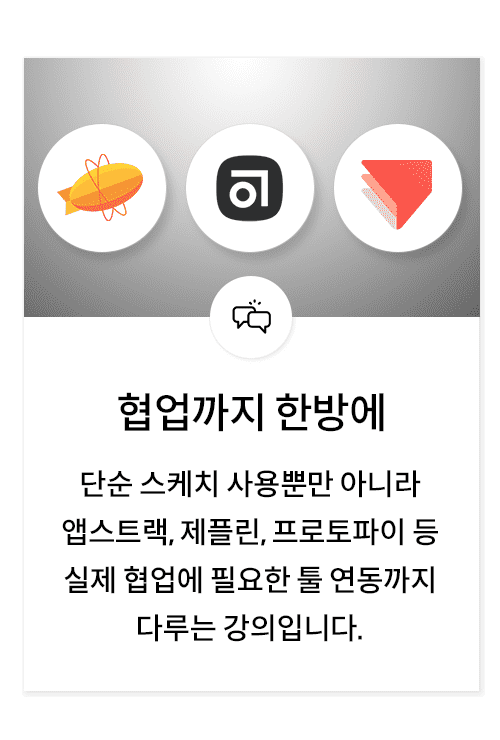
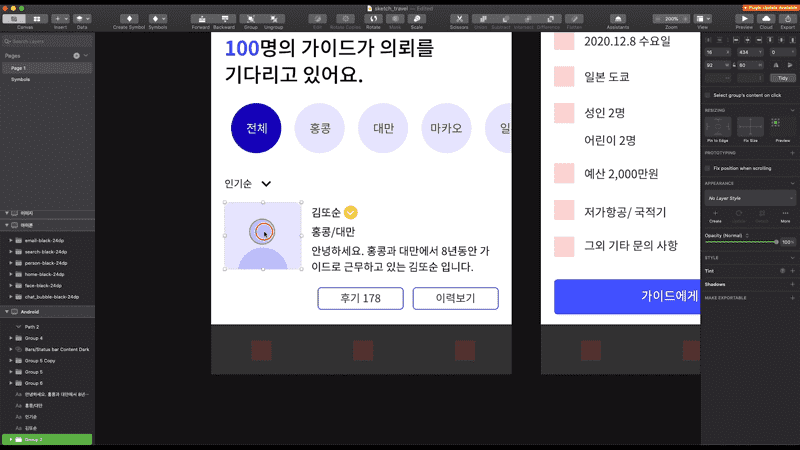
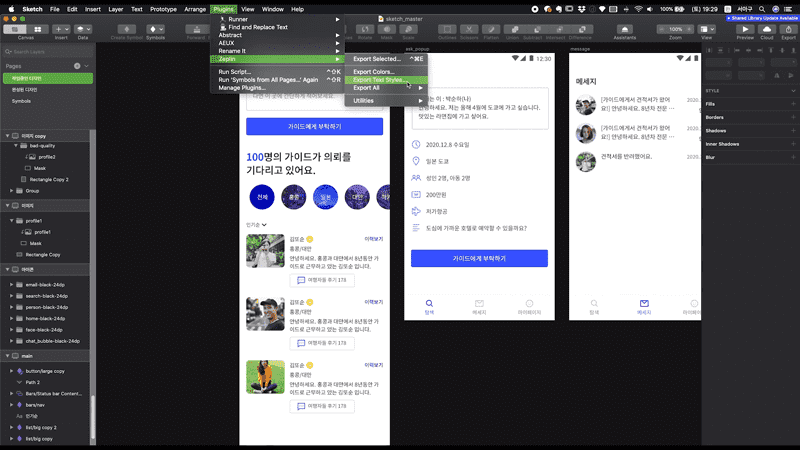
In this lecture, we will design an application that helps you travel . We can help you with everything from service concept planning to wireframe creation, layout design, and even detailed parts like adding icons and symbols. In addition, you will learn how to integrate with various tools, such as Zeplin, a collaboration tool, Abstract, which helps with version management, and ProtoPie, which helps with prototyping.
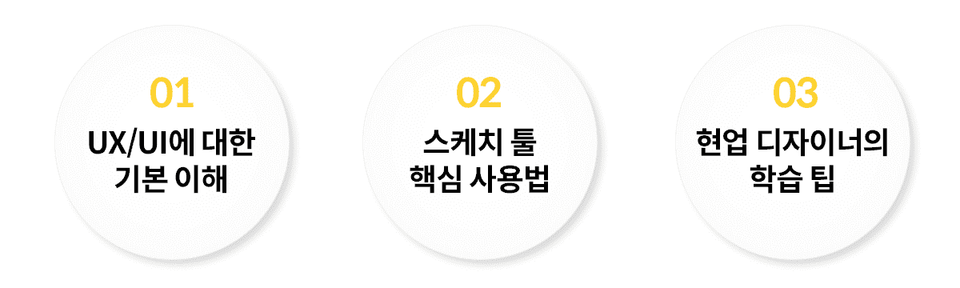
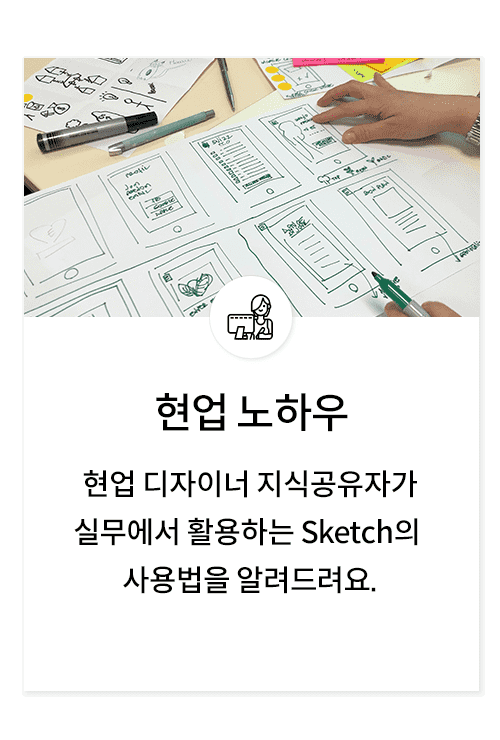
In this lecture, we will start by learning the basics of UX/UI design, learn how to use Sketch through examples, and then cover design learning tips to develop your capabilities as a designer. We will teach you not only simple theories and tool usage, but also how to apply them in practice and how to set the direction you need to learn design!
Slowly and thoroughly.
Let's learn in order!
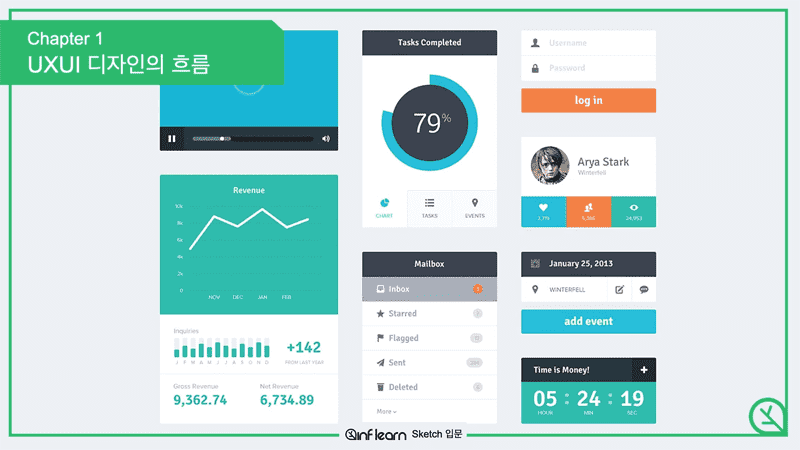
UX/UI Design Warm-Up! How did you get started in UX/UI design? What do you want to do with UX/UI design? Let's briefly look at the basic background knowledge and flow of UX/UI design, which improves web or mobile screens and induces actions based on user experience, and IT practice trends.
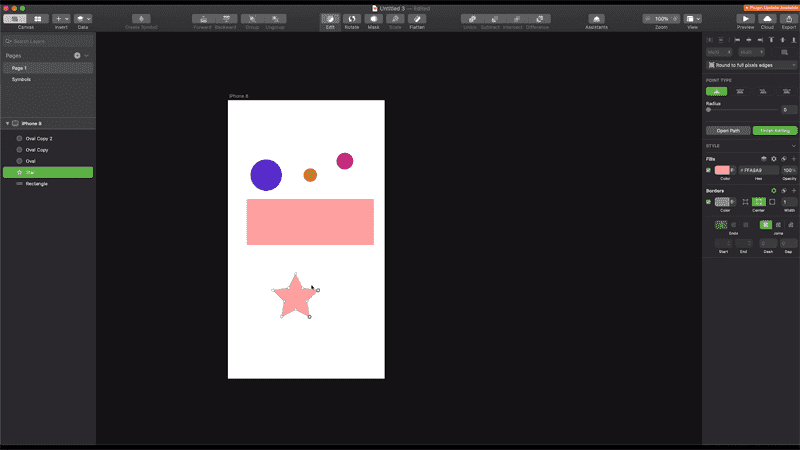
Sketch, let's dig into each one. You can learn how to use the tool by looking at how to install the Sketch tool, create files, and operate interfaces such as screens and panels. In addition, you can learn about components, which are essential elements of UX/UI design, and understand the need for a design system.
Mobile app design created with my own hands. You will conceptualize the service, draw wireframes, and design and arrange each design element. As you follow the application design process with your own hands, you will naturally learn how to use Sketch.
Upgrade your practical skills through collaboration+ In order to share the design draft created with Sketch with the team and actually implement it, you need to utilize several additional tools. Let's learn how to use various tools, including ProtoPie, which creates and tests design-based prototypes, Zeplin, a GUI guide program for developers to check designs, and Abstract, which is necessary for version control!
To help you become a growing designer! Design is not a skill that you learn once and then stop. You need to constantly watch trends and learn various methodologies. You also need to go through the process of selecting good projects and researching them. I will tell you about design learning methods for those who dream of becoming good designers.
Attention these people!
UX/UI?
Real UX/UI Design For those curious about the process
sketch?
How to use UX/UI tools People who want to learn
My dream is to be a designer
UX/UI designer Who I want to be
teamwork
Collaborating with designers PM, PO
Introduction to UX/UI , Take on the challenge with Inflearn.
Hello. Ahrumist, thank you for taking the class. Although it is not enough, I am more grateful and happy that my class was helpful. I look forward to your future design work. :)
Hello. If this is your first time using Sketch, you may not be familiar with it, but thank you for taking the class to the end. The tool is just a tool, and once you get used to it, you will be able to use it freely. Also, don't forget that you can learn by looking at a lot of designs and practicing drawing directly on the canvas. ^^
Hello. Heejin
I'm glad you were able to solve the parts that you couldn't learn in the free lecture. Although the lecture is lacking, I sincerely hope that it will be helpful for Heejin's design career in the future. Even after the lecture is over, don't give up and always practice! Don't forget :)
Hello. I can do it. I know the reply is a little late, but I wonder if you are still working on the design. If you keep doing it like your nickname says, you can definitely do it, so don't give up :)














![[Inflearn X Opentutorials] HTML and InternetCourse Thumbnail](https://cdn.inflearn.com/public/courses/335806/cover/88d920fe-0c13-484f-8d31-1f1be0c6c4e0/335806.png?w=420)

![[2024 Update] Getting Started with UX/UI: Introduction to Figma (Inflearn Original)Course Thumbnail](https://cdn.inflearn.com/public/courses/332714/cover/325726bf-0b00-4e09-8b39-519824910a9d/332714.jpg?w=420)

![[Infraon] PM/PO Meetup (with Kim Min-woo)Course Thumbnail](https://cdn.inflearn.com/public/courses/333932/cover/dae6c081-cc55-4cf0-a519-a562654b2c55/333932.png?w=420)

![[300,000 Students Commemoration] 1/31 Kim Young-han Online Meetup LiveCourse Thumbnail](https://cdn.inflearn.com/public/courses/332034/cover/1fb7a785-732c-4f10-8f29-d5cbf3d105e1/332034.png?w=420)





![[AI Practical Workflow] Create a Service Planning Figma UX Flow in Just 10 MinutesCourse Thumbnail](https://cdn.inflearn.com/public/files/courses/340323/cover/01kev8vd8z1tkyrehkk9k5s1x8?w=420)
