inflearn logo

Practical jQuery for Web Publishers — From the Basics to UI Interactions

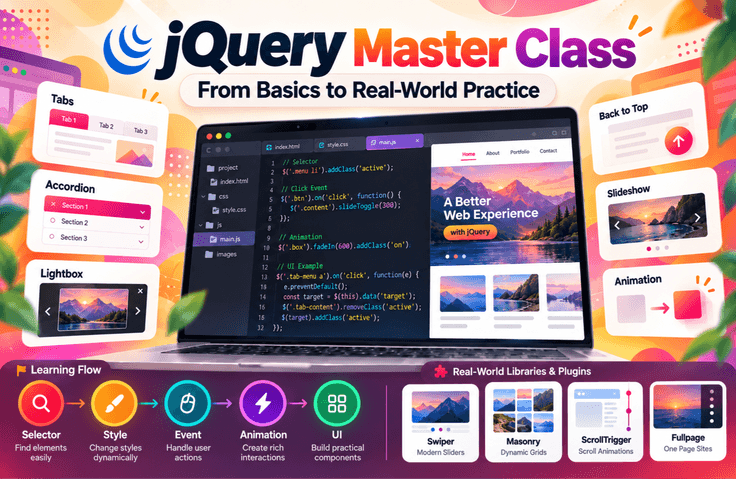
Even today, as modern technologies like React have become widespread, jQuery remains a technology you will still encounter when operating and maintaining existing websites and in web publishing work. Rather than simply recreating flashy effects, you will learn the principles and fundamentals of how jQuery works, progressing step by step from events and animations to a variety of UI interactions. Complete your portfolio through hands-on practice and develop practical web publishing skills that you can apply in the workplace.

(5.0) 3 reviews

35 learners

Level Basic

Course period Unlimited

HTML/CSS
HTML/CSS
JavaScript
JavaScript
jQuery
jQuery
jquery-selector
jquery-selector
HTML/CSS
HTML/CSS
JavaScript
JavaScript
jQuery
jQuery
jquery-selector
jquery-selector

Reviews from Early Learners

5.0

5.0

준쮸넛

100% enrolled

I used to lack confidence in jQuery, but I'm leaving with newfound confidence after taking this course. The explanations are very easy to understand! Please continue to provide great lectures in the future. Thank you!

What you will gain after the course

  • jQuery Basic Syntax

  • Changing an Element’s Style with jQuery

  • Applying events to elements with jQuery

  • Implementing animations quickly with jQuery

  • Practical Example Tabs You Can Use Right Away

  • Practical accordion example you can use right away (accordion)

  • A practical example lightbox you can use right away

  • A practical back-to-top animation example you can use right away

  • Practical example slides you can use right away (slideshow)

  • Practical Library - Using Swiper JS

  • Practical Library - Using Masonry

  • Practical Library - Using ScrollTrigger

  • Practical Library - Using Fullpage JS

"You’ll miss out if you don’t claim it now! Just subscribe to YouTube and pay half the course fee"

Subscribe & Like & Comment Event

Complete a simple mission and receive a 50% off coupon instantly. This incredible limited-time offer won’t last, so claim it now!

Participate in the YouTube subscription & comment verification event: https://forms.gle/wcD2wRVeaG7B7fSj7

Why You Still Need to Learn jQuery

Since its initial release in 2006, jQuery has been a JavaScript library widely used by web developers. One of the main reasons is that it simplifies the selection and manipulation of HTML elements while ensuring compatibility across various web browsers, thereby increasing development productivity.

These advantages of jQuery are reflected in its high usage rate among websites worldwide. For example, as of 2021, approximately 77.8% of the top 10 million websites were using jQuery.

[ Source: https://w3techs.com/technologies/overview/javascript_library ]

In this way, jQuery has established itself as a standard tool for web development over many years. Therefore, learning jQuery can be a great help in understanding and maintaining the vast amount of existing code. Moreover, since many websites still use jQuery, becoming familiar with it can be useful across a variety of projects.

Of course, modern frameworks and libraries such as React and Vue.js have been attracting attention recently, but jQuery’s simplicity and broad compatibility remain appealing features. Therefore, learning jQuery as a web developer will be an important foundation for understanding both past and present technologies.

Examples of Websites Using jQuery

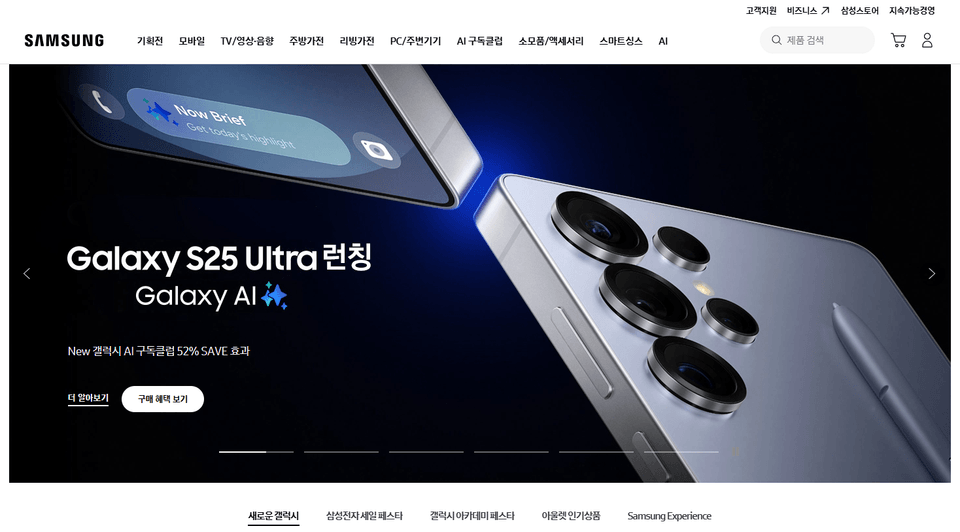
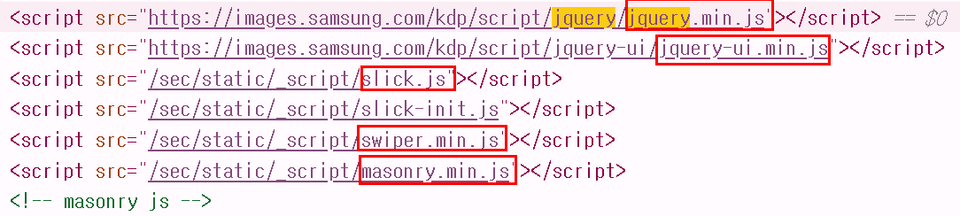
Samsung Electronics https://www.samsung.com/sec/


On the Samsung Electronics homepage, if you use the developer tools to inspect the head tag in the Elements section, you can see that it uses the jQuery library, the slick (slideshow) library, the swiper library, and the masonry library.

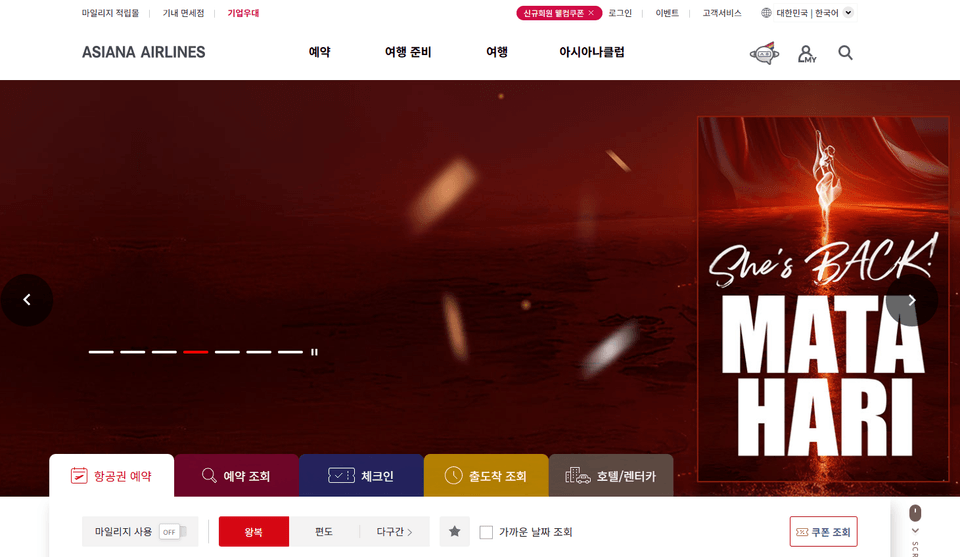
Asiana Airlines - https://flyasiana.com/C/KR/KO/index


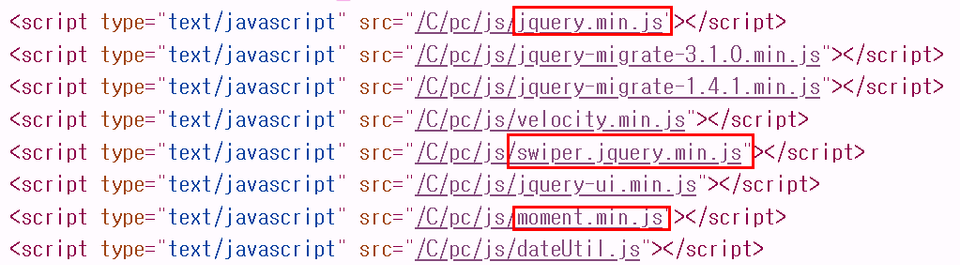
Asiana Airlines uses the jQuery and swiper libraries, and because dates are used extensively, it also uses moment.js.


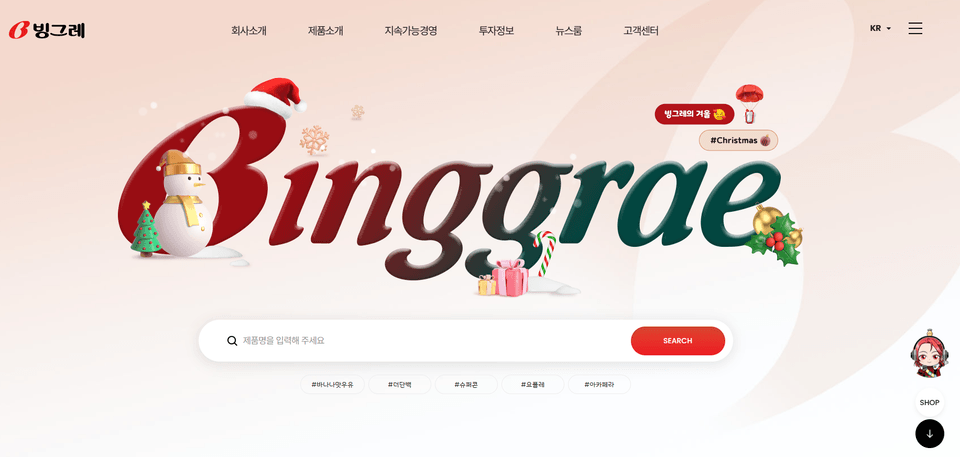
Binggrae - https://www.bing.co.kr/


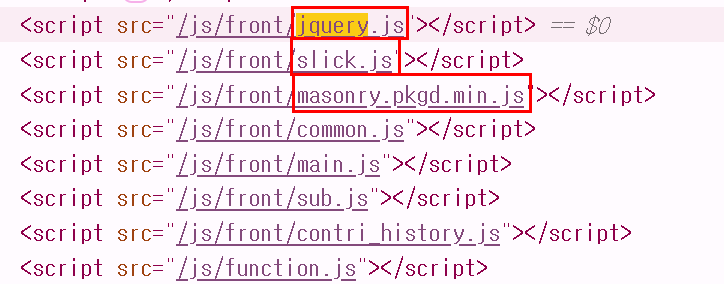
In the case of the Binggrae website, masonry and slick are used, and scripts applied commonly are managed in common.js, while scripts that operate on each page are separated and used as main, sub, and so on.

Many other websites are also built and maintained using jQuery.

Therefore, in this course, you will learn jQuery’s basic syntax, commonly used functions, and basic examples such as tabs and accordions. You will also learn practical libraries such as Swiper.js, Masonry, and fullPage.js.

Introducing the main topics covered.

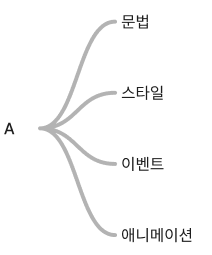
Part A

Learn the basic syntax of jQuery.

From loading jQuery to the order in which it loads, you will learn the fundamentals. You will use jQuery to select elements, change the styles of the selected elements, and apply events to them.

Implement animations easily using jQuery. You can fine-tune them by specifying the animation’s duration, speed, and function.


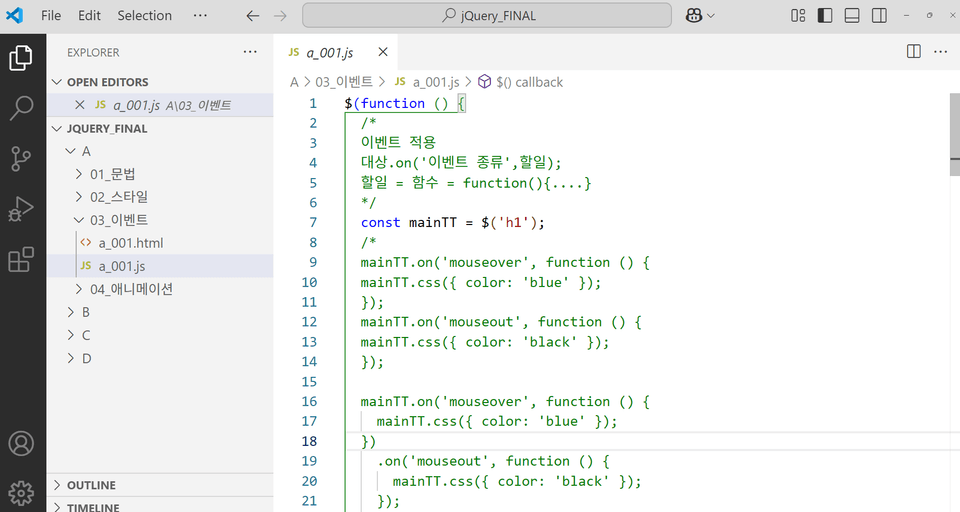
This is part of the source code for learning jQuery events.

This is an example for learning the basics of events and animations.

Part B

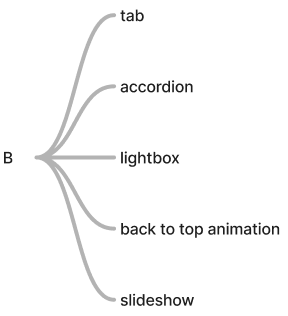
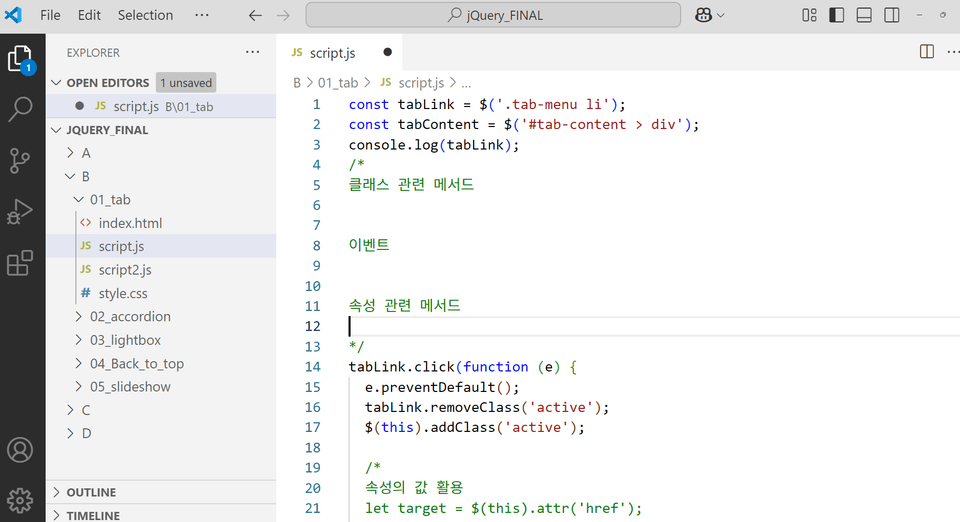
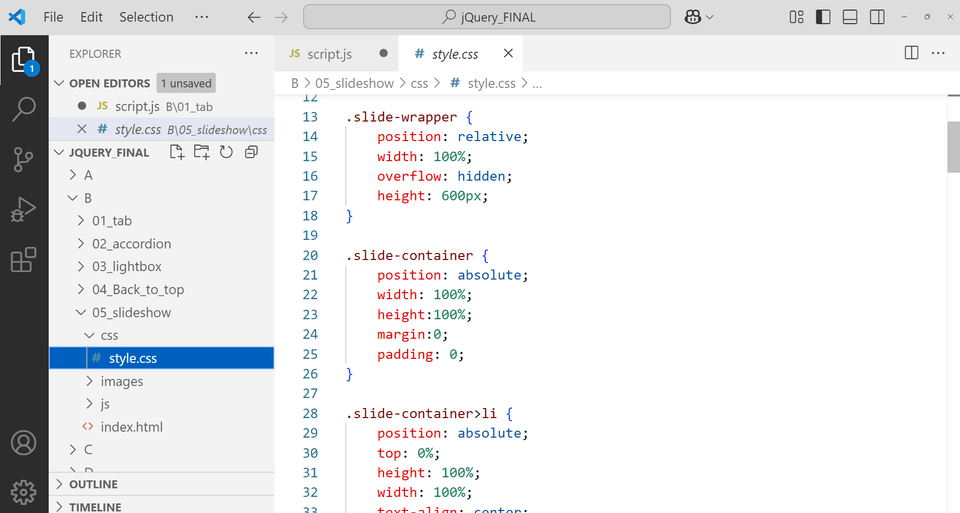
In Part B, you will implement tabs, accordions, lightboxes, back-to-top buttons, and slideshows—some of the most commonly used UI/UX elements when creating web pages. You will write the HTML structure for implementing the effects, design the effects in advance with CSS, and implement the script so that the effects work in response to various events.


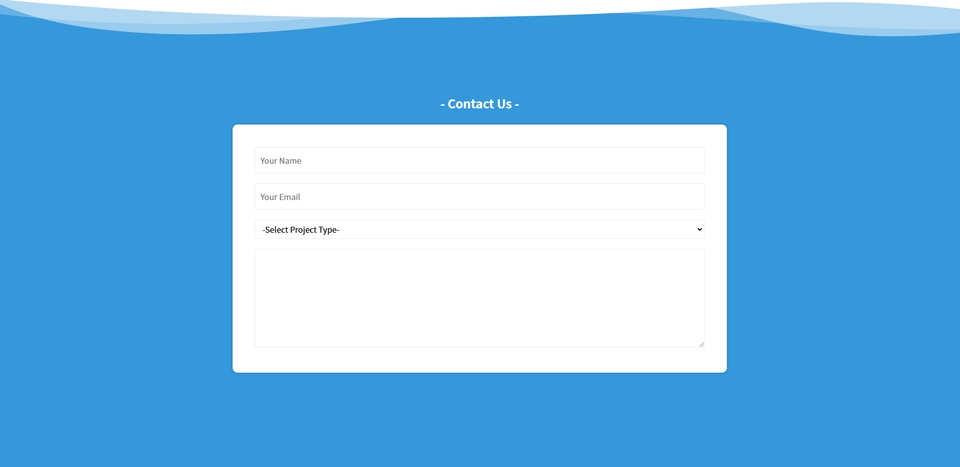
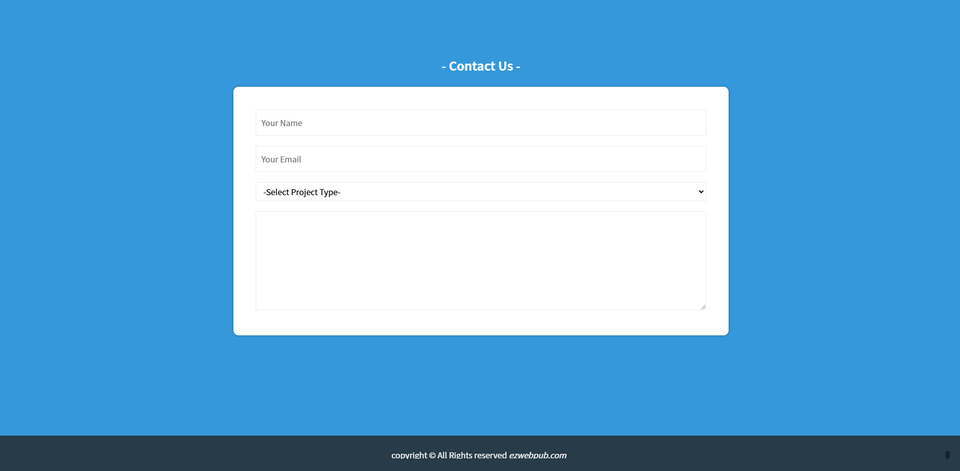
This is the completed tab screen.

This is the completed accordion.

This is the completed lightbox.

This is the completed version of the Bact to Top Animation.

This is the completed slideshow.

Part C

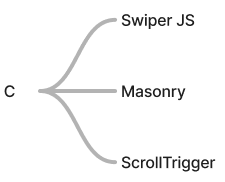
In Part C, you will learn how to use commonly used libraries in practice, such as Swiper, Masonry, and ScrollTrigger.


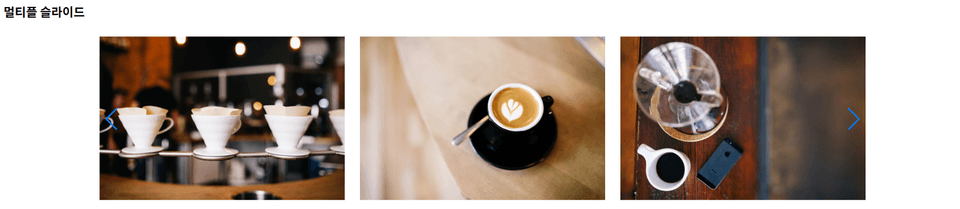
This is the completed Swiper JS library.

This is the completed Masonry library.

This is the completed version using the ScrollTrigger library.

Part D

In Part B, we use fullpageJS to create a webpage that smoothly moves to the next slide when you scroll the wheel.

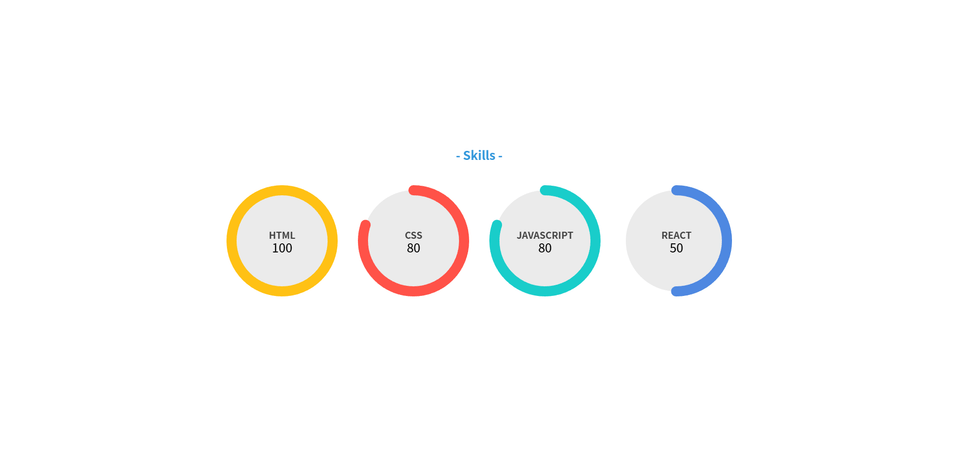
Create a graph with SVG and link it with jQuery to create an animation in which the border fills in.


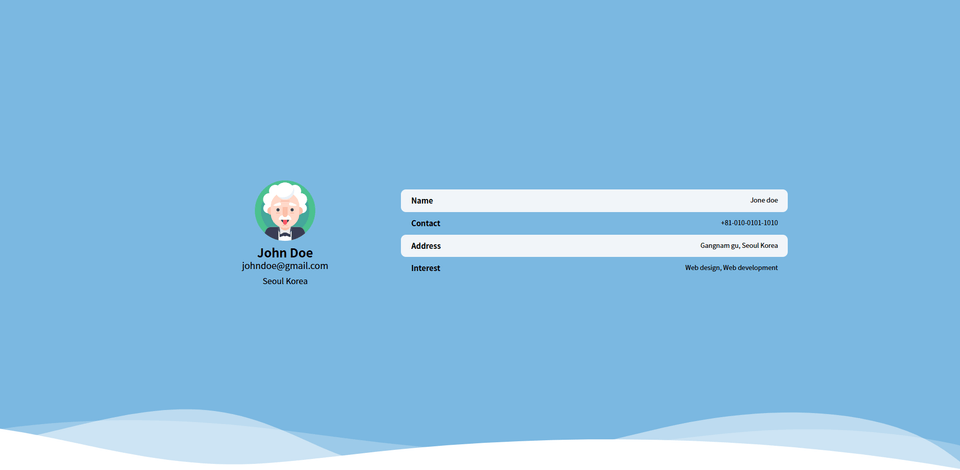
This is the completed profile page using fullpage JS.

Example files and the completed version are provided.

The example file can be downloaded from the materials for Lesson 2 (jQuery Syntax – Load Order).


The complete files can be downloaded from the materials for Lesson 17 (Fullpage JS).


Communication channels (survey, 1:1 open chat room)✒

Students can share their feedback and ask questions at any time through the Google survey and 1:1 open chat room introduced in the Announcements section.


Recommended for
these people

Who is this course right for?

  • Those who have learned HTML, CSS, and JavaScript

  • A job seeker preparing to become a web publisher

  • Those preparing a portfolio

  • Those preparing for the Web Design Development Craftsman (formerly Web Design Craftsman) certification

Hello
This is ezweb

Career Verified

3,004

Learners

78

Reviews

4

Answers

4.9

Rating

15

Courses

I am a frontend specialist instructor who teaches everything from web publishing to practical JavaScript and React, as well as AI-assisted development.

I have taught non-majors, beginners, and job seekers at ESTSOFT KDT and Green Computer Academy, among others. I break down complex concepts into small hands-on exercises and favor project-based classes in which learners complete the deliverables themselves.

Key Educational Areas

  • HTML/CSS Web Publishing

  • JavaScript Basics and Web Interactions

  • React-based frontend development

  • Implementing Web Services Using Firebase

  • Figma UI design and development integration

  • Web Development with Generative AI

  • Web Design Technician Practical Exam

Corporate and institutional training

I conduct training for corporate practitioners, KDT courses, and special lectures at universities and academies.

We develop curricula and hands-on projects tailored to the learners, their prior knowledge, the training duration, and the intended outcomes. We offer in-person instruction, live online classes, and recorded educational content production.

Online Educational Content Production

We handle the following online educational content production tasks.

  • Lecture curriculum and learning objective design

  • Creation of course materials and presentations

  • Step-by-step practice code and example project setup

  • Writing lecture scripts for recording

  • Lecture filming and content delivery

Main Activities

  • ESTSOFT KDT Frontend Course

  • Green Computer Academy Web Publishing & Front-End Course

  • Operating the web publishing YouTube channel ‘ezweb’

  • Authored books in the fields of web publishing and web design

Publications

We accept inquiries about delivering courses for companies and institutions and producing online educational content.

Inquiries: ezwebpub@gmail.com

More

Reviews

All

3 reviews

5.0

3 reviews

  • ekfdud911479님의 프로필 이미지
    ekfdud911479

    Reviews 1

    ∙

    Average Rating 5.0

    5

    100% enrolled

    I used to lack confidence in jQuery, but I'm leaving with newfound confidence after taking this course. The explanations are very easy to understand! Please continue to provide great lectures in the future. Thank you!
    • ezweb
      Instructor

      Thank you for your valuable review. ^^

  • mrnobody님의 프로필 이미지
    mrnobody

    Reviews 8

    ∙

    Average Rating 5.0

    5

    35% enrolled

    Thank you for the great lecture.

    • ezweb
      Instructor

      Thank you for your valuable course review.

  • sang416님의 프로필 이미지
    sang416

    Reviews 8

    ∙

    Average Rating 5.0

    5

    65% enrolled

    ezweb's other courses

    Check out other courses by the instructor!

    Similar courses

    Explore other courses in the same field!

    25% off for new members

    $13.20

    25%

    $13.20