This is an introductory VR development course where you’ll learn how to integrate VR equipment with Unity and develop VR content. Since you can already find plenty of content about VR’s market potential and future prospects, we won’t cover those topics here; instead, we’ve focused on the essentials you need for actual development. If you want to learn VR development quickly and easily—skills you can use for years to come—come join us!
I highly recommend this to those who don't need unnecessary introductions. It only teaches you the necessary content through selection and focus, and you can learn again what components are used in what situations while actually working on a project.
Since it assumes that you already know how to use Unity, it skips everything like Unity installation and editor explanations, which seems like a really powerful advantage. Other lectures often explain these things to attract even complete beginners, but this lecture neatly gives up on complete beginners and only contains the key points!
5.0
고박사
100% enrolled
I think this is a great class for students who are just getting started with VR using Unity.
It explains the A to Z of the XR Interaction Toolkit in an easy-to-understand way,
and even provides example games using it,
so if you study this lecture well, it won't be difficult to create a VR game on your own.
Thank you for providing a great lecture :)
5.0
김승호
100% enrolled
It was a great lecture. I hope the VR upgrade lecture will be opened soon.
What you will gain after the course
How to Integrate with VR Equipment Using the XR Interaction Toolkit
Core Features and Components of the XR Interaction Toolkit
How to Create a VR Defense Game Using the XR Interaction Toolkit
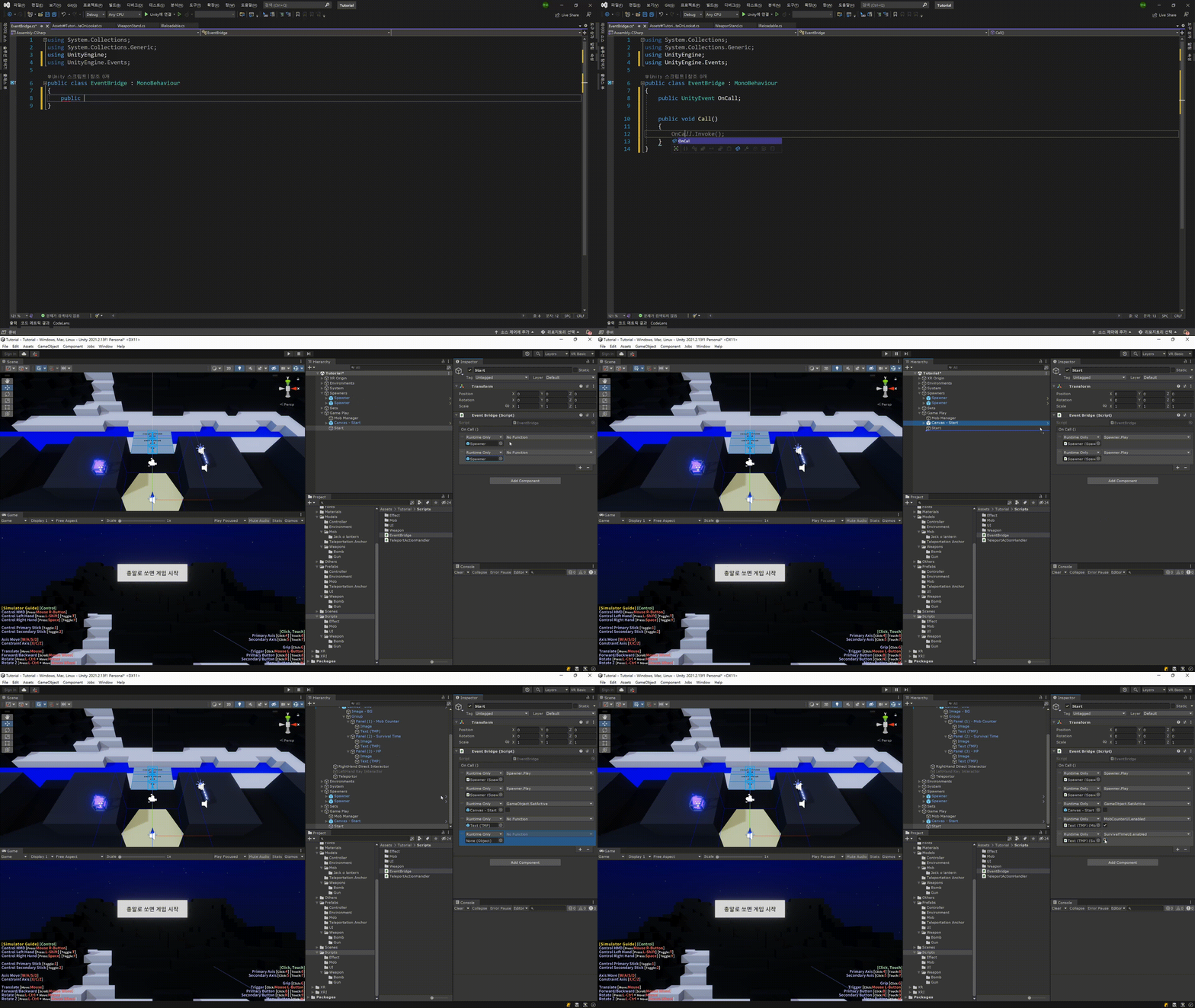
Flexible Programming Techniques Using Unity Events
An introduction to VR development through hands-on creation! Learn easily and enjoyably with Unity's XR Interaction Toolkit 🎮
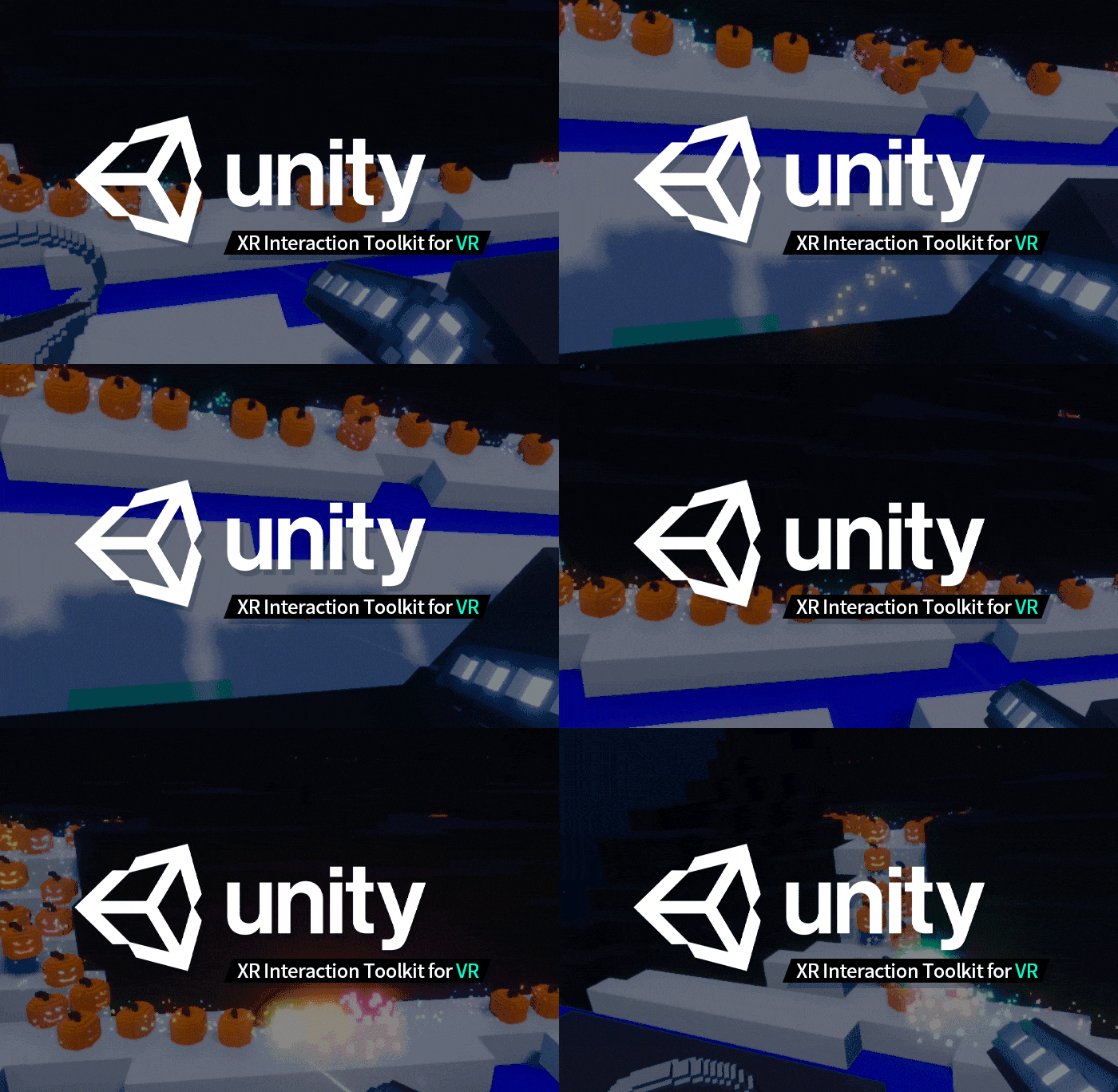
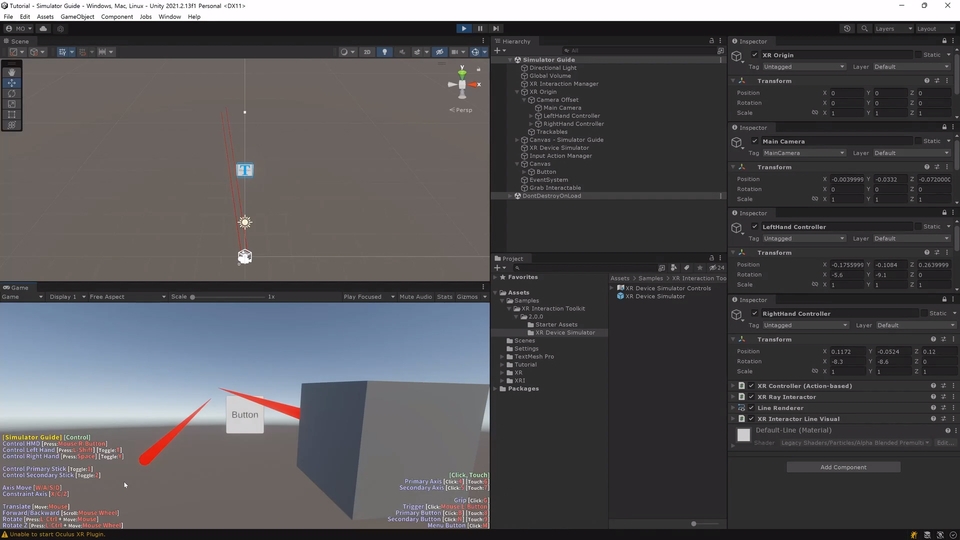
A VR shooting game I build with my own hands! 🎃
We’ll teach you how to make this game from A to Z!
Unity’s official VR plugin, XR Interaction Toolkit?
XR Interaction Toolkit is a VR plugin developed by Unity.
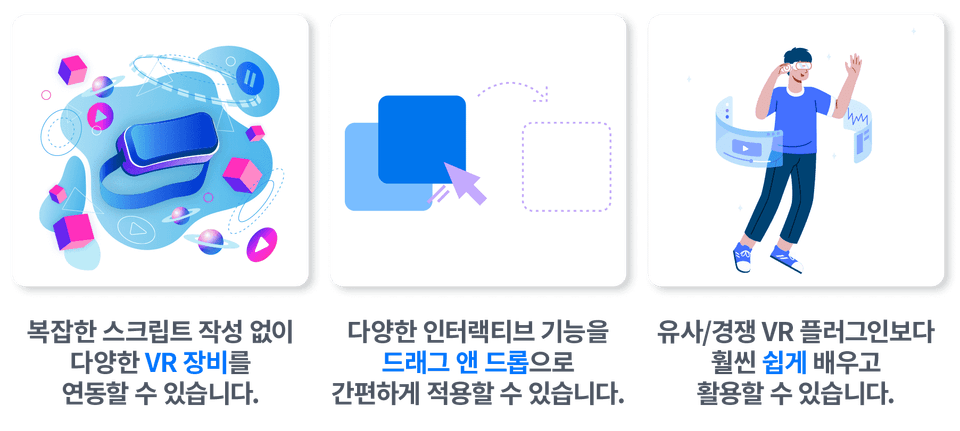
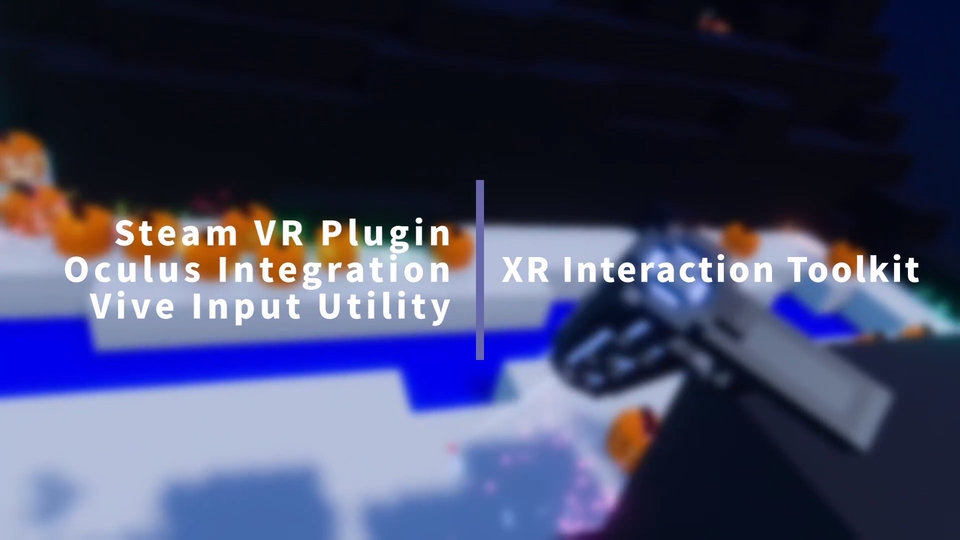
You can connect all kinds of VR devices without writing complex scripts, and use features such as grabbing and throwing objects, selecting UI elements with a ray, teleporting, and moving via drag & drop! Not only that, it is much~ easier to learn and use than other VR plugins such as Vive Input Utility, Oculus Integration, and SteamVR Plugin!
Three powerful advantages of the XR Interaction Toolkit 👍
Of course, you’ll need to create scripts yourself for game systems such as inventories and stages, but these additional features are also designed to integrate very naturally into Unity.
In this course? 📢
Do you know a little about Unity but feel overwhelmed about how to start developing VR content right away? Learn Unity’s officially developed and supported XR Interaction Toolkit and create your own VR content!
Starting with the core concepts of the XR Interaction Toolkit, this course shows you how to create VR content with ease using its various components. In addition, through hands-on practice creating a VR defense game, you can learn the fundamentals of VR development through Unity Event-based programming.
Experience all the key features in a single course!
HMD and controller position and orientation tracking
Direct interaction with objects and controllers
Indirect interaction using rays from objects and controllers
Visual feedback indicating possible interactions
Interaction with Unity UI, such as Buttons, Dropdowns, and Sliders
Context-appropriate audio playback and haptics (vibration)
Hover, Select, Active, etc. Unity Event-based connections
AR object placement and manipulation through AR Foundation
integration
💻 No VR equipment needed!
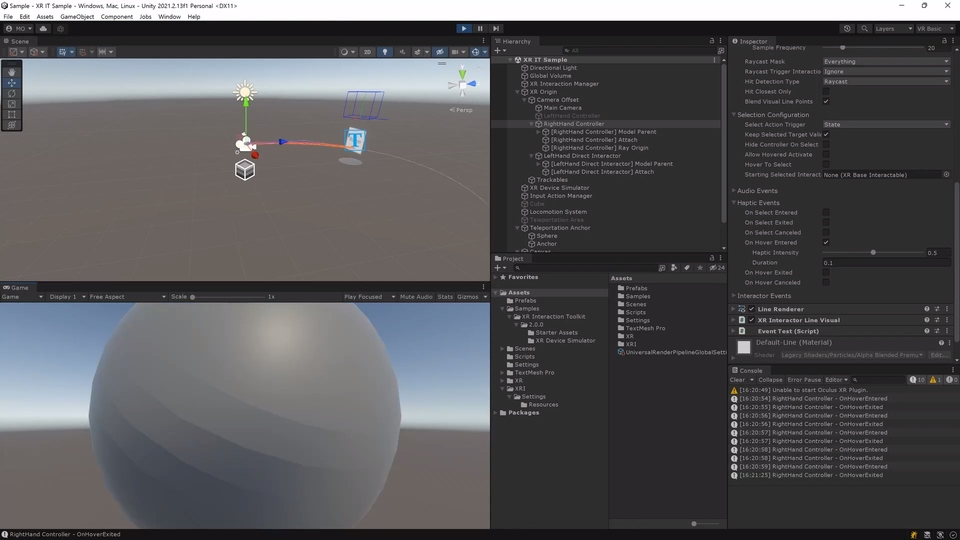
You can use the XR Interaction Toolkit even without VR equipment. Most of the course is conducted using a simulator.
🚩 Please check the prerequisites!
The course assumes that you have knowledge of C# and Unity fundamentals. You must understand basic C# concepts and syntax, as well as how to use Unity, to take this course. For foundational learning, we recommend Unity’s official beginner learning page.
Check out the detailed curriculum 📚
1️⃣ Basics: Learn the Core Features
1. Course Overview
An introduction to the overall course, including what it covers, the required equipment or programs, and what you will learn.
2. Overview and Setup of the XR Interaction Toolkit
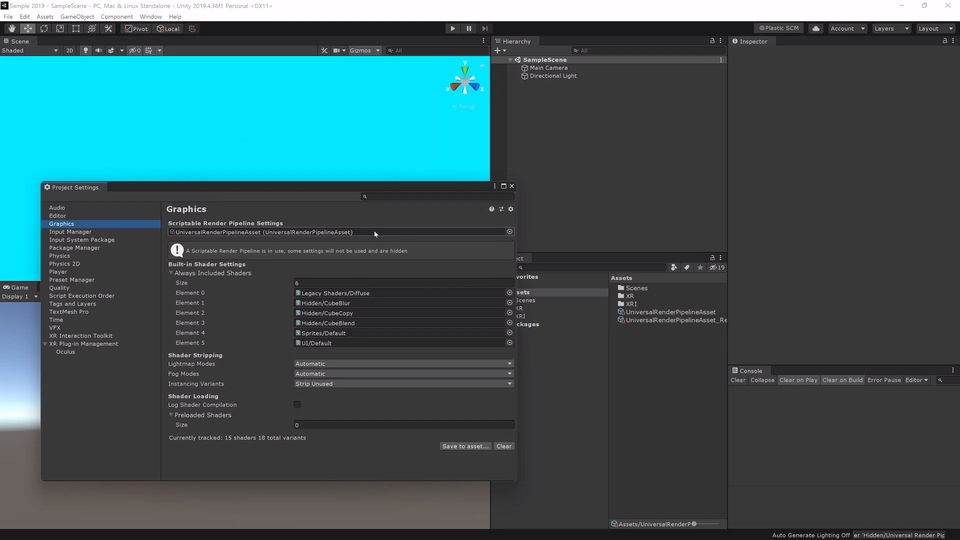
Learn how to configure the environment for integrating VR devices using the XR Interaction Toolkit. (This covers environment configuration in Unity versions 2021.2, 2020.3 LTS, and 2019.4 LTS.)
3. XR Interaction Toolkit Concepts and Core Features
This section focuses on the concepts and core features of the XR Interaction Toolkit, including HMD and controller tracking, custom controller models, events, teleportation, UI interaction, and haptics.
4. Functions and Parameters of Key XR Interaction Toolkit Components
This section provides more detailed information about the functions and parameters of the main XR Interaction Toolkit components. We cover every parameter, down to the finest details, for most of the components provided by the XR Interaction Toolkit.
2️⃣ Practical: Creating a VR Shooting Game
5. XR Interaction Toolkit Game Development Practice
Rather than simply learning the features of the XR Interaction Toolkit, we’ve prepared a hands-on exercise where you can use the XR Interaction Toolkit a bit more by creating a simple VR defense game.
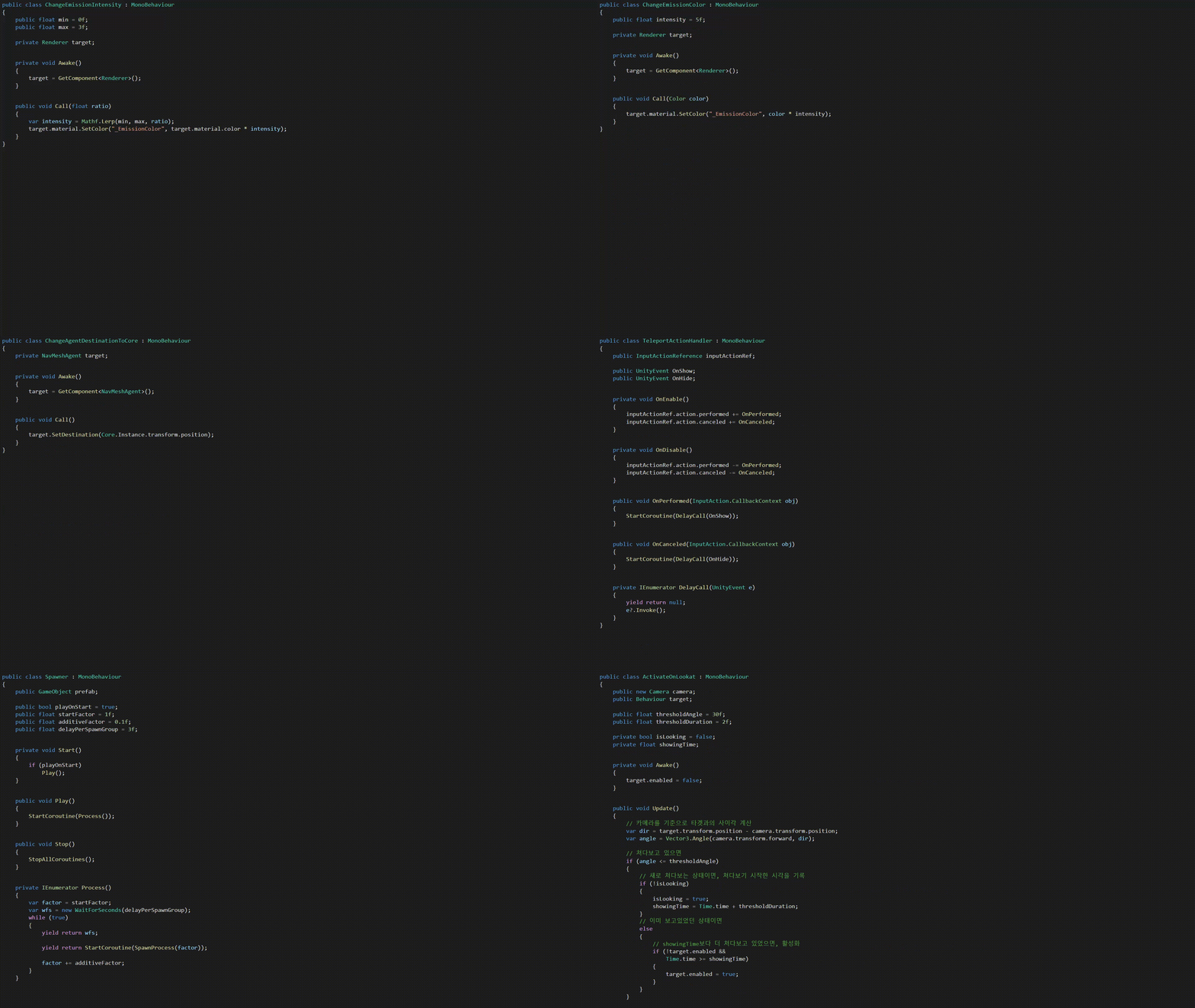
This game, composed of flexibly written code that actively utilizes Unity Events, is a simple game in which none of the scripts contain more than 100 lines of code, and all the code written to run the game totals fewer than 1000 lines.
Through this exercise, I hope you’ll get a feel for creating VR content using Unity and the XR Interaction Toolkit.
You can learn the concept of event-driven programming.
This short GIF contains all the scripts we wrote.
📍 What you can learn in this exercise
How to integrate VR controllers using the XR Interaction Toolkit and Input System
How to implement teleportation using the XR Interaction Toolkit
How to visualize a custom-made controller using the XR Interaction Toolkit
How to implement a weapon rack using XR Socket Interactor
How to pick up and fire a weapon using XR Grab Interactable
How to add a player health system with just 100 lines of code
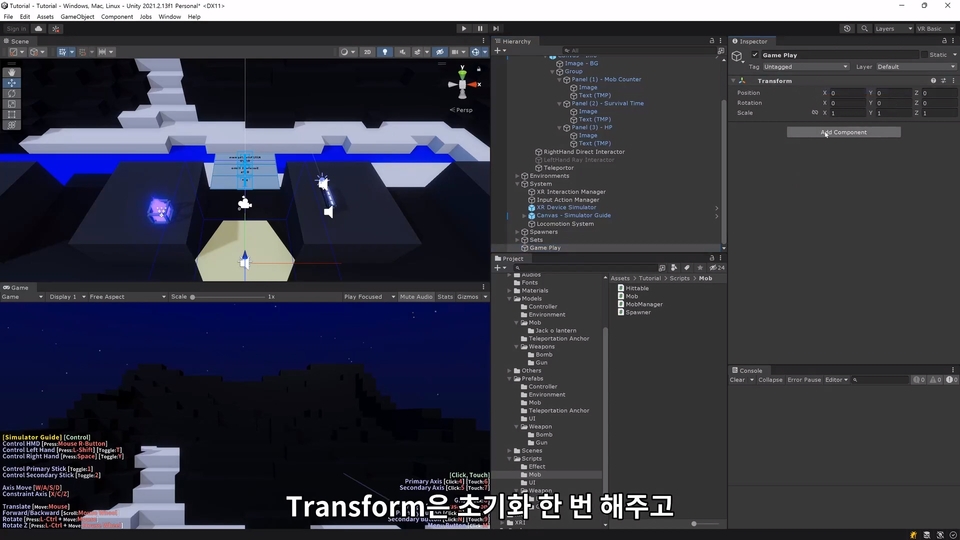
How to manage game flow—including starting, ending, and restarting the game—with just 10 lines of code
How to visualize Unity UI linked to the pose of a VR controller
A Unity Event-based programming method that minimizes dependencies between classes
We created a course with learners in mind 💡
One point: course subtitles provided ✅
Subtitles have been added to each video to help you understand the concepts and features covered in the course. Learn the XR Interaction Toolkit with carefully crafted subtitles!
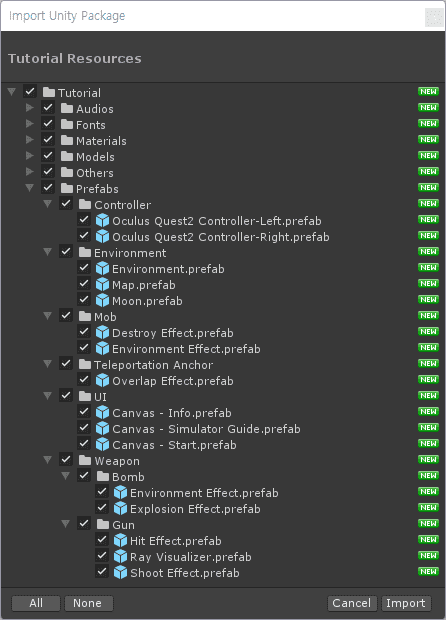
Point two, 100% of the resources for practice provided ✅
I created the graphic resources needed for the game development practice myself. If you are enrolled in the course, you may use them freely for learning purposes.
👨🏫 Curious about the behind-the-scenes story of how this course was created?
Read the Inflearn course creation story, where I share what I experienced and learned firsthand from planning to editing. (Click)
Please check the setup required for the course 💻
VR Device or Keyboard + Mouse
You do not necessarily need VR equipment. You can either connect an Oculus Quest 2 or use a keyboard and mouse to proceed with the simulator.
The course is conducted mostly using a simulator.
Computer Specifications
Simulator use requires only a laptop or PC comparable to an LG Gram, or a MacBook, that can smoothly run the latest Unity Editor. If using VR equipment, you need a high-performance PC that can connect to and run the VR equipment.
The course will be conducted on a mid-range gaming laptop.
OS
Windows A 64-bit version of Windows 11, 10, or 7 that can run Unity Hub and Unity Editor is required.
Mac On macOS, you can follow along using the simulator. For Intel Macs, High Sierra 10.13 or later is required; for Apple Silicon Macs, Big Sur 11.0 or later is required.
The course is conducted on 64-bit Windows 11 Home.
Unity Hub (3.0) + Editor (2021.2)
The course is taught using the latest versions, Unity Hub 3.0 and Unity Editor 2021.2. I think you should be able to follow along similarly with Unity 2021.3 or later versions released after the course, but I cannot guarantee that the exact same features will be available. You may also be able to take the course using Unity 2019.4 or Unity 2020.3, but please take the course with the recommended versions whenever possible.
Q&A 💬
Q. Will you also teach us how to use XR Interaction Toolkit and Unity XR through scripts?
Whenever possible, we cover only the components provided by XR Interaction Toolkit. However, when adding controller vibrations, for example, there are a few parts that inevitably require accessing them through scripts.
Q. Do you also use other VR plugins, such as SteamVR?
This course uses only the XR Interaction Toolkit.
Q. Do you also cover other VR devices, such as Vive or Valve Index?
We only cover the Oculus Quest 2 and a simulator using a keyboard and mouse. We do not cover how to connect other VR devices, but we believe that general VR devices should be usable without much difficulty with just a little configuration.
Q. Do you also teach how to create AR content using AR Foundation?
Although this course focuses on VR, if you later study how to install and integrate AR Foundation, you can also conveniently use the XR Interaction Toolkit for interactions when creating AR content.
Q. Does it cover methods for optimizing VR?
This course is a basic course and does not cover performance-related concerns such as optimization.
Q. Does it cover the VR market or VR devices?
We have excluded unnecessary aspects of development and focused on the essentials. Topics such as the VR market, its outlook, and device features are deliberately omitted, with an emphasis on utilizing functionality.
Recommended for these people
Who is this course right for?
Those who know a little about Unity but feel unsure about how to develop VR content
Those who need to create VR content with Unity at their company as early as next week.
Those who want to create VR content in the easiest way possible
Those who want to get started in creating metaverse content
For those who find the SteamVR Plugin too difficult and want to use something easier
For those who want VR integration to be handled automatically and focus on content implementation
Those looking for a VR development method they can learn once and use for years to come
Hello. I am Minseok Oh, a freelance Unity developer and Unity Certified Instructor. I majored in game development in the Department of Game Engineering, and I am currently developing PC/Mobile games using Unity.
Hello. I am Minseok Oh, a freelance Unity developer and Unity Certified Instructor. I majored in game development in the Department of Game Engineering, and I am currently developing PC/Mobile games using Unity.
Hello. I am Minseok Oh, a freelance Unity developer and Unity Certified Instructor.
I majored in game development in the Department of Game Design, and I am currently developing PC/Mobile games and VR/AR/MR content using Unity, as well as conducting online and offline lectures.
Lecture History
- Conducted over 50 sessions/2,000 hours of specialized training programs in C#/Unity/VR/AR/MR (Gyeonggi Content Agency, Metaverse Academy, Daegu Digital Industry Promotion Agency, Korea Productivity Center, Korea Creative Content Agency, etc.)
- Regular and special university lectures (Korea University, Kongju National University, Dong Seoul University, Dong-A University, Pai Chai University, Ajou University, Yonsei University, Youngsan University, Korea University of Technology and Education, Hongik University, etc.) Email: ominseok86@gmail.com
- Regular/Special University Lectures (Ajou University, Dong-A University, Dong Seoul University, Gongju National University, Hongik University, Korea University, KOREATECH, Pai Chai University, Wise University, Yonsei University, etc.)
I started VR production from XR Interaction toolkit. The basic concepts, detailed properties, and explanations of components were very helpful. I think the practical content was also very interesting. Thank you.
In the future, it would be fun to have various hand interactions that are slightly more difficult than this lecture, such as drawers and jog dials.
I highly recommend this to those who don't need unnecessary introductions. It only teaches you the necessary content through selection and focus, and you can learn again what components are used in what situations while actually working on a project.
Since it assumes that you already know how to use Unity, it skips everything like Unity installation and editor explanations, which seems like a really powerful advantage. Other lectures often explain these things to attract even complete beginners, but this lecture neatly gives up on complete beginners and only contains the key points!
Thank you for understanding the content I intended when planning the lecture and for leaving a sincere review.
Only the practical part is left, but I hope the remaining part is also helpful.
If you have any questions, please feel free to leave them, and I hope you will do well in the remaining part. 👏
I think this is a great class for students who are just getting started with VR using Unity.
It explains the A to Z of the XR Interaction Toolkit in an easy-to-understand way,
and even provides example games using it,
so if you study this lecture well, it won't be difficult to create a VR game on your own.
Thank you for providing a great lecture :)


.gif?w=960)











![[UE5 for Beginners] Part5. Unreal Engine VRCourse Thumbnail](https://cdn.inflearn.com/public/courses/329330/cover/bb1c2b37-41d6-4836-aa91-7da54400f462/329330-eng.jpg?w=420)


![[Direct Lecture by Unreal Authorized Instructor] Developing VR Content with Unreal Engine 5 Without CodingCourse Thumbnail](https://cdn.inflearn.com/public/courses/333842/cover/9dece853-86d7-465f-bded-91baa1933487/333842.png?w=420)

![[2025] Full-Scale 2D Strategic Tower Defense Game Development Course with Unity & C#Course Thumbnail](https://cdn.inflearn.com/public/files/courses/339095/cover/01k6f4gwphnnzy16stck45yv45?w=420)
![[A Must-Know for Game Developers] Practical Game MathematicsCourse Thumbnail](https://cdn.inflearn.com/public/files/courses/339548/cover/ai/3/8b7a81f3-57e8-41fa-ae00-331f7672e104.png?w=420)