Improving advertising efficiency through installation of advertising media pixels & log analysis tags
Collect customer behavior data for customer behavior analysis
Improve targeting efficiency in advertising media through event data collection
Make script management easier, Mastering Google Tag Manager for Data Collection! 🏷️
Google Tag Manager, Are you using it well?
Google Tag Manager ?
For data collection (tagging) Tools to help you install and publish scripts
Scripts are very important because they collect and store data, which greatly contributes to log analysis and improving advertising efficiency! But if you are not a developer,Because there are limitations to installing and publishing a large number of diverse scripts, we need a tool to help us with this: Google Tag Manager !
Especially if you're learning GA4 or want to set up advanced ad settings for your advertising platform, Google Tag Manager is now a must-have! Let's master Google Tag Manager from A to Z together!
🗝️ Two Reasons Why You Should Learn Google Tag Manager
☑️ Because as a marketer,there are limitations inimplementing script installation and publishing !
☑️ To facilitate management of various scripts !
If you are one of these people, definitely!
Data collection every time Anyone who asks for help from developers
Collect event data and use it to advertise Those who want to improve efficiency
Directly access data from our services Those who want to define and analyze
Data design for CRM Those who need to collect
Data utilization capabilities Anyone who wants to upload more
How is the data collected? Anyone who wants to understand how to utilize it
What you'll learn 📚
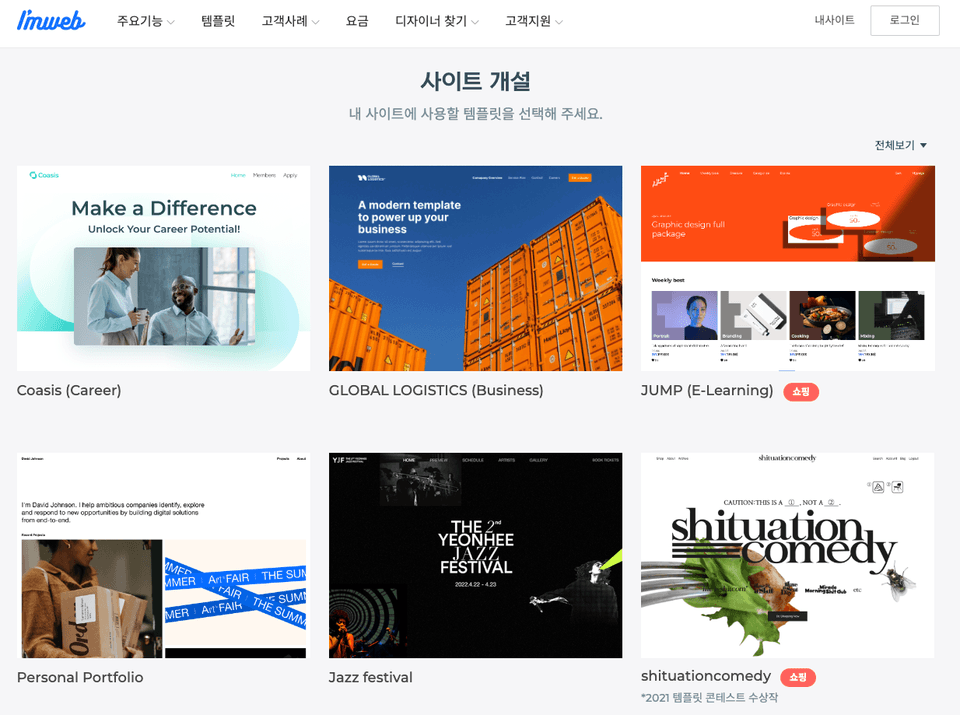
1. Web Builder Solution
All courses involve building actual websites using a web builder solution called imweb. Through hands-on exercises on real websites, you'll gain hands-on experience to experiment with a wider range of possibilities.
2. Practice collecting actual data
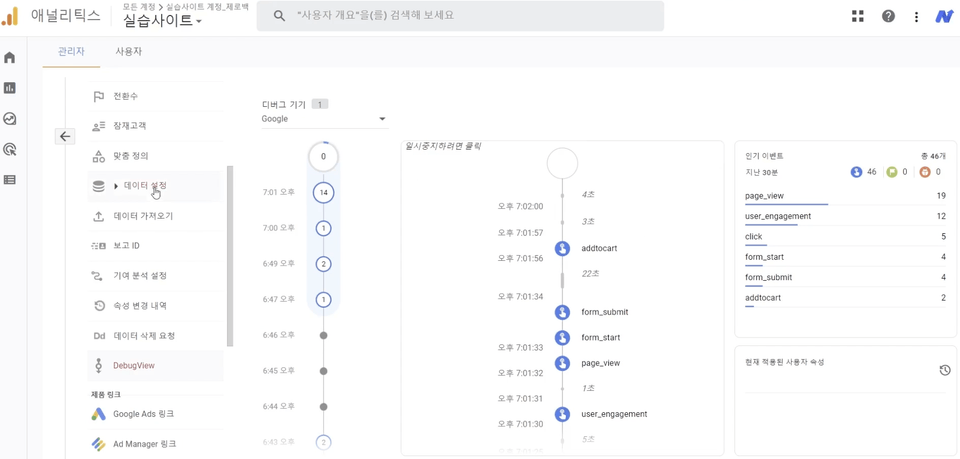
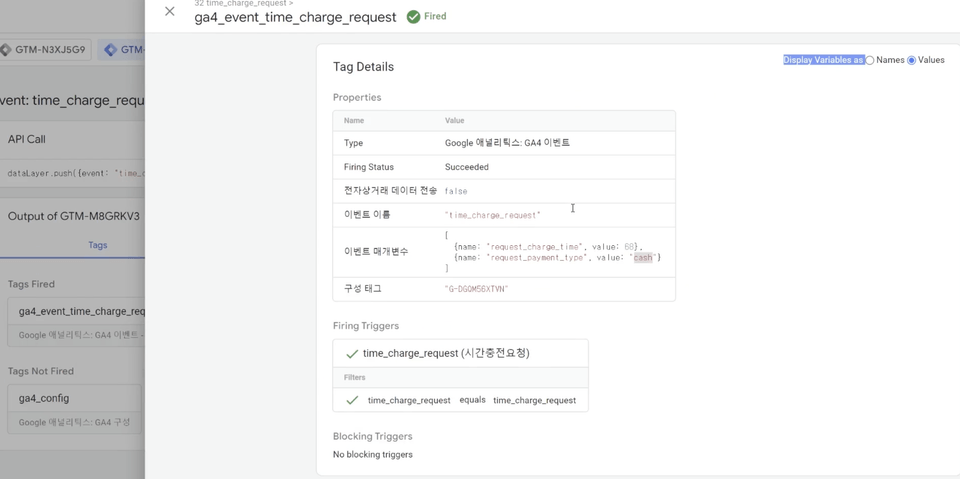
We will practice collecting data directly from an actual website using GA4 and advertising media.
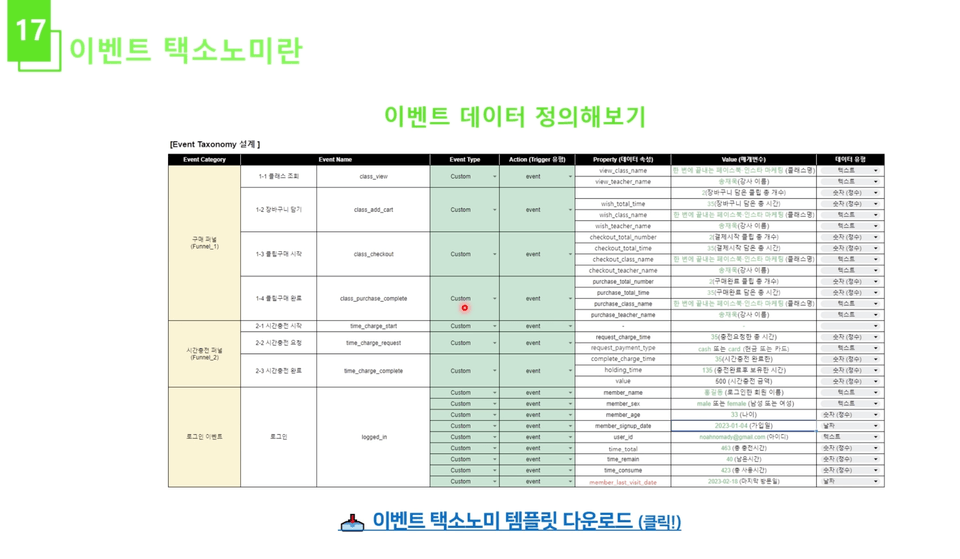
3. Event Taxonomy
The most important thing in data collection is to design the data first. We'll practice designing the data first using an event taxonomy on an actual website.
4. In-depth data analysis through parameter collection
When collecting data, you will learn how to collect parameters, not just the number of events that occurred, so that you can perform more in-depth data analysis.
5. How to write data layer code
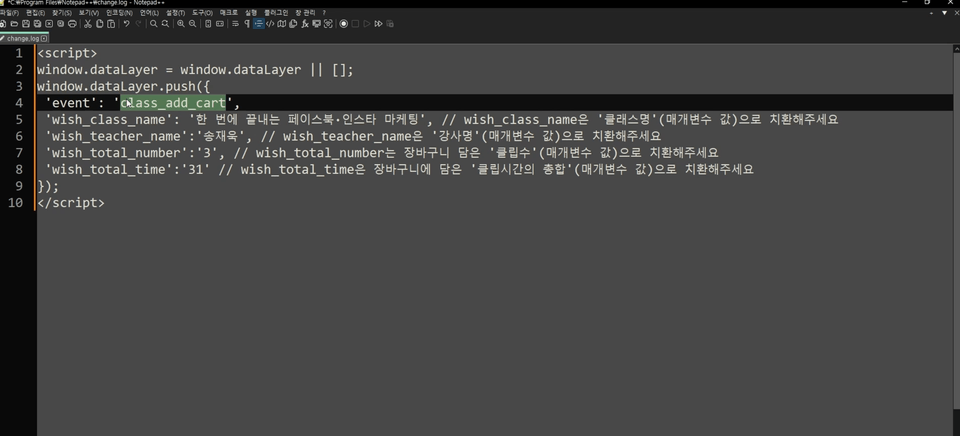
Learn how to write code for the 'data layer', the most important concept in Google Tag Manager, and the concept behind it.
Expected Questions Q&A 💬
Q. Is there anything I should know before starting the course?
There's no need to study anything separately. While a basic understanding of HTML is recommended, you can still take the course without it. If you'd like to learn the basics of HTML, I recommend the Web1. HTML & Internet playlist on the YouTube channel "Life Coding." :)
Q. What is the difficulty level of the course?
The course is beginner to intermediate level! It offers a good mix of concepts and practical exercises, so even those with no prior background can follow along. The difficulty increases slightly toward the end, but if you've thoroughly grasped the material in the first half and followed the practical exercises, you should have no trouble moving to the intermediate level.
Q. Why should the manager learn?
These days, the ability to leverage data is incredibly important. Collecting data typically requires the help of a developer. However, if you learn Tag Manager with me, you'll gain the ability to collect the data you need for your service without developer assistance. You'll be able to leverage it in a variety of ways , from ① data analysis to ② improving advertising effectiveness and ③ CRM .
Introducing the Knowledge Sharer ✒️
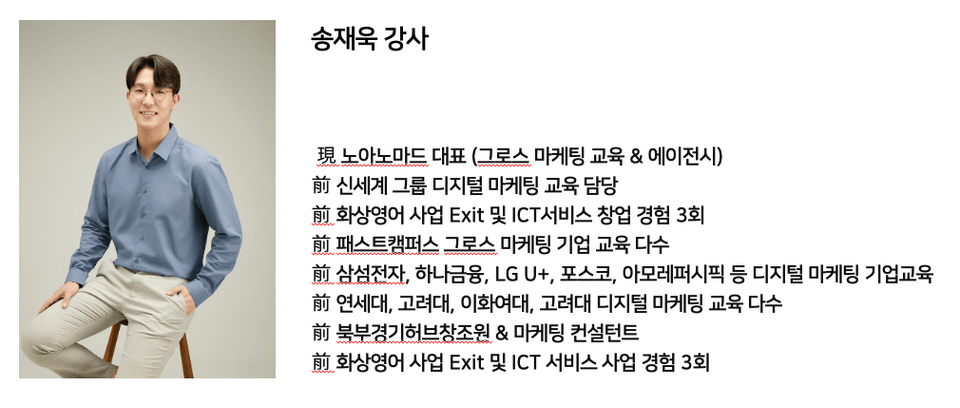
Hello, I am Song Jae-wook, a marketing lecturer at Noah Nomad. It's already been five years since I started teaching Google Tag Manager! I'll share the know-how I've accumulated through my time teaching Google Tag Manager, along with advanced knowledge not found in other courses. Let's learn Google Tag Manager from A to Z together in this course!
Recommended for these people
Who is this course right for?
Anyone who wants to freely collect the data they want through Google Tag Manager
Anyone who wants to learn tagging without having any coding knowledge
Anyone who wants to freely install various advertising media pixels and log analysis scripts
I am Song Jae-wook from Noah Nomad, and I conduct lectures related to digital marketing. When I first started, I struggled because I learned marketing in a way that was too difficult and abstract. With that in mind, I have prepared all my lectures with a focus on maximizing hands-on practice so that you can apply what you learn directly to the field.
Taking that into account, I have designed all my lectures with a heavy emphasis on hands-on practice so that you can immediately apply what you learn to real-world tasks.
I recommend listening to it with a certain level of understanding of the concept rather than someone who is learning Tag Manager for the first time~!
Even if the class time or cost increases, if there is a combined lecture with GA, it seems like it would be possible to learn more in depth:)
Hello, JYK!
First of all, thank you for taking the class :)
This time, we have opened the GA4 course using Google Tag Manager on Inflearn, so please show a lot of interest!
Happy New Year 😃
I'm actually a developer, not a marketer, but I took this course because I was curious about the process of how events I collect and send from the frontend are delivered to data analysis tools like GTM, GA, and Mixpanel.
Terms like "taxonomy" were unfamiliar concepts to me, but this was a great opportunity to get them organized. Thank you for the great lecture!














![Free GA4 Course for Beginners [Datarian Seminar Replay | July 2025]Course Thumbnail](https://cdn.inflearn.com/public/files/courses/338668/cover/01k38fk7pq2a3ht1pn7nwrk7s4?w=420)



![[PM,PO] Blockchain service planning NFT planning and production marketingCourse Thumbnail](https://cdn.inflearn.com/public/courses/331688/cover/7bdb9fd3-6412-48ee-b2ad-63adb89b6ae5/331688-eng.png?w=420)