10 Excel Tips for Complete Beginners, Regardless of Version
comt
A lecture for those who don't know much about computers but want to learn Excel! We'll teach you 10 essential functions in an easy-to-understand manner.
Beginner
Excel
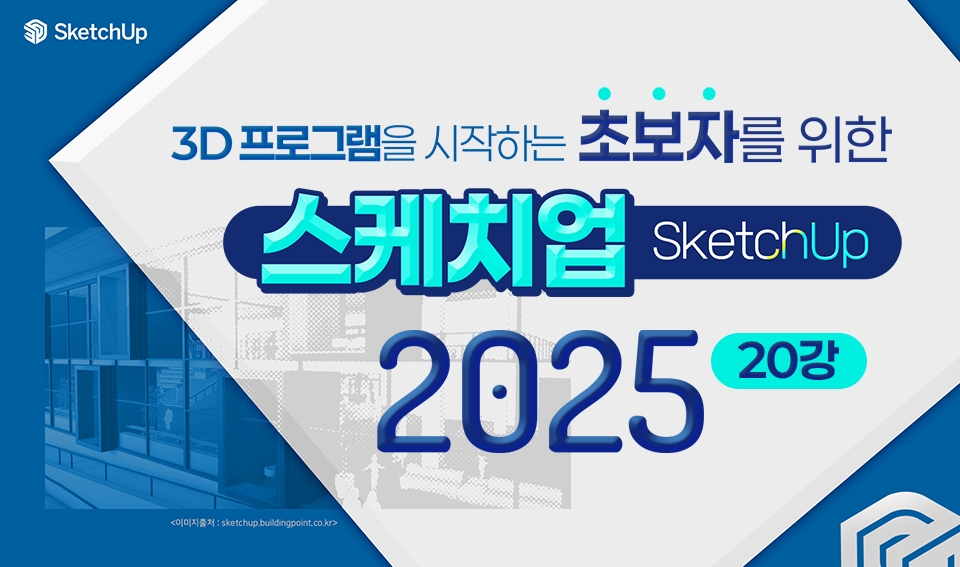
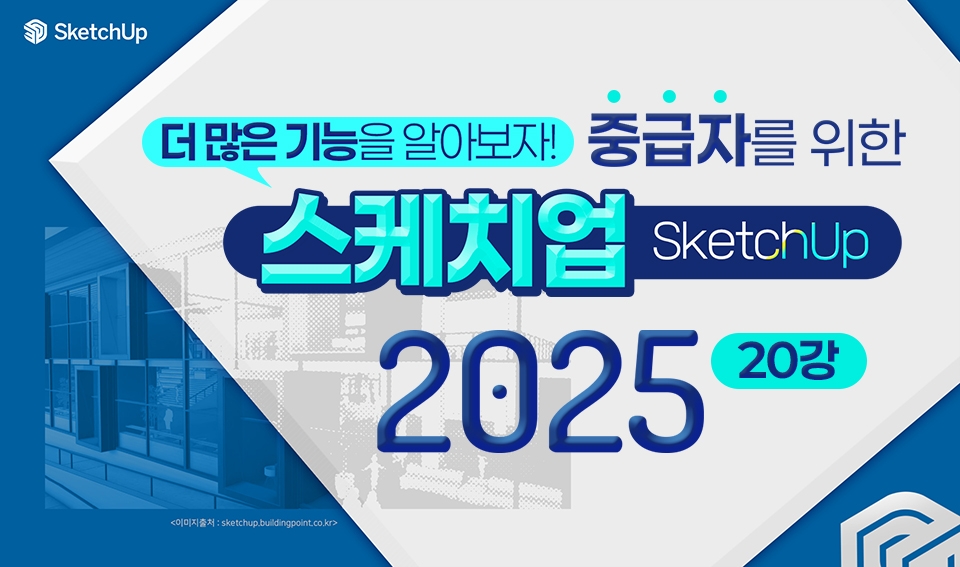
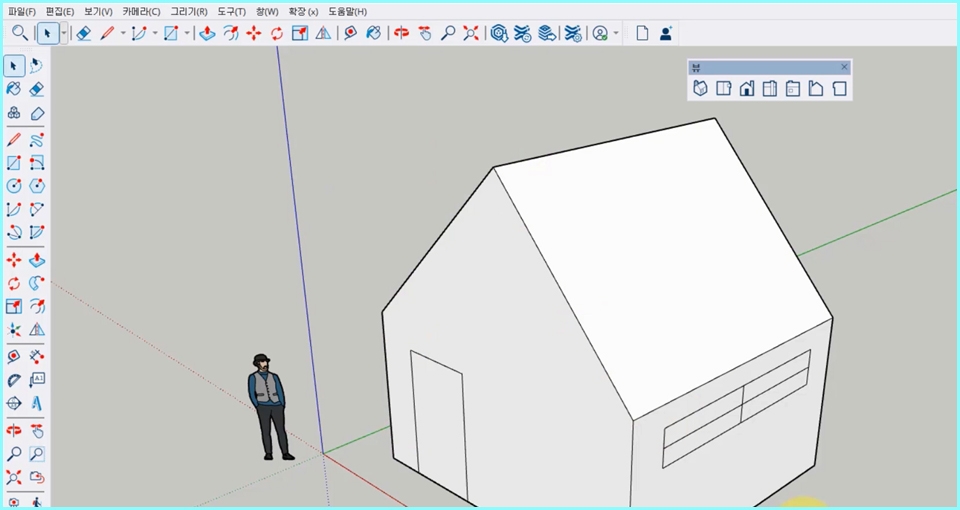
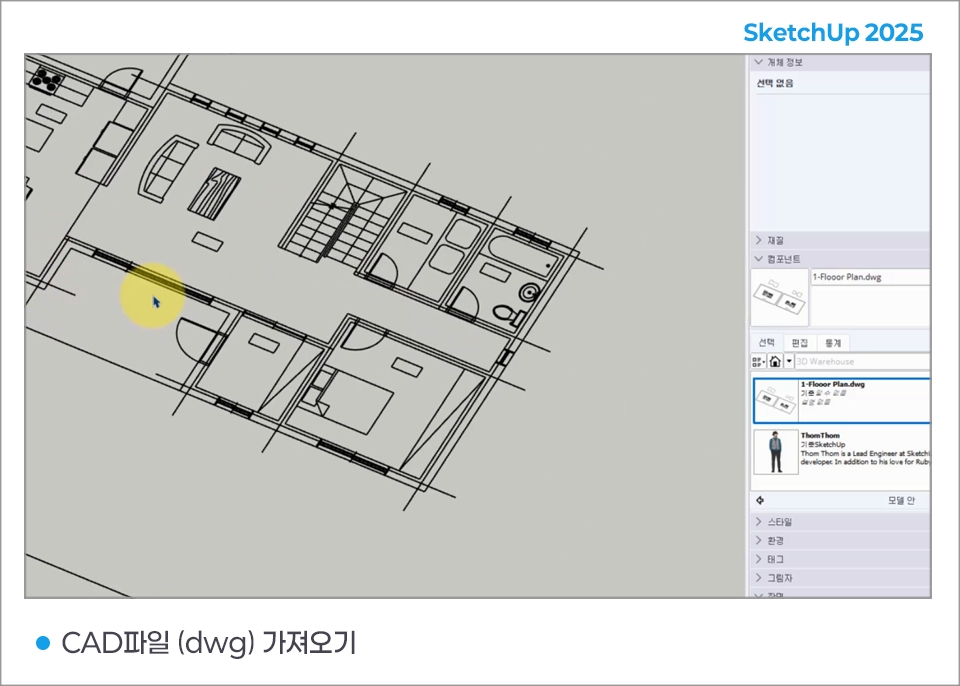
Not only for beginners starting 3D programs, this is a SketchUp 2025 course for those who want to learn more features. This course has subtitles, making it easy to learn.
Reviews from Early Learners
5.0
superfull
The continuous repetitive learning approach makes it easy for beginners to understand and seems to help the information stick in my head.
5.0
Dongcheol Shin
I enjoyed the course. It was a bit disappointing that there were only three practical examples.
5.0
PiO GiM
You explained it in such an easy and intuitive way that I understand it well.
You can learn how to use SketchUp.
Learn 3D model creation.
You can learn about materials and camera positioning.
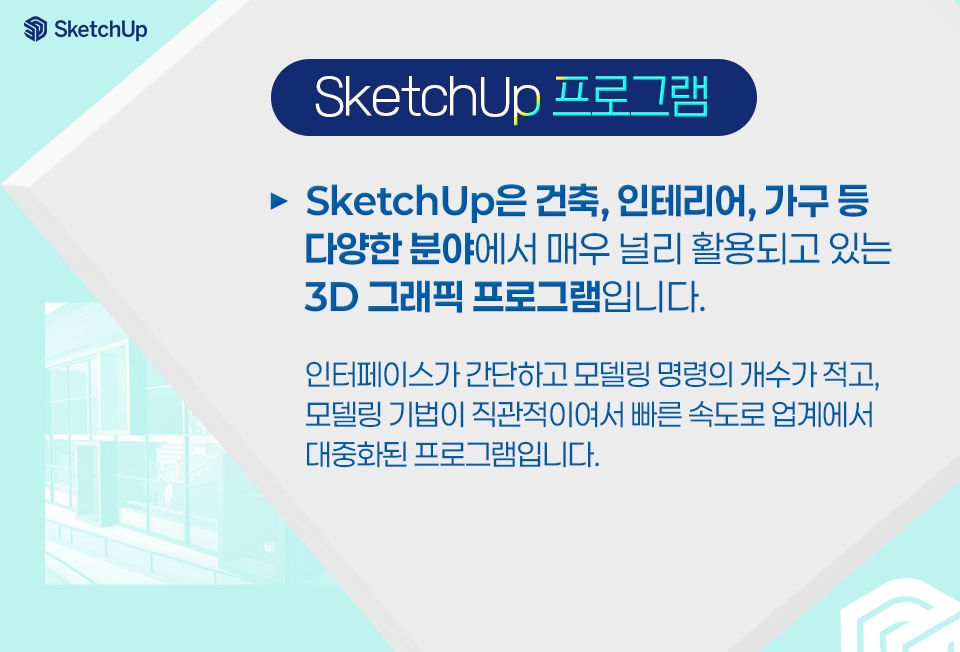
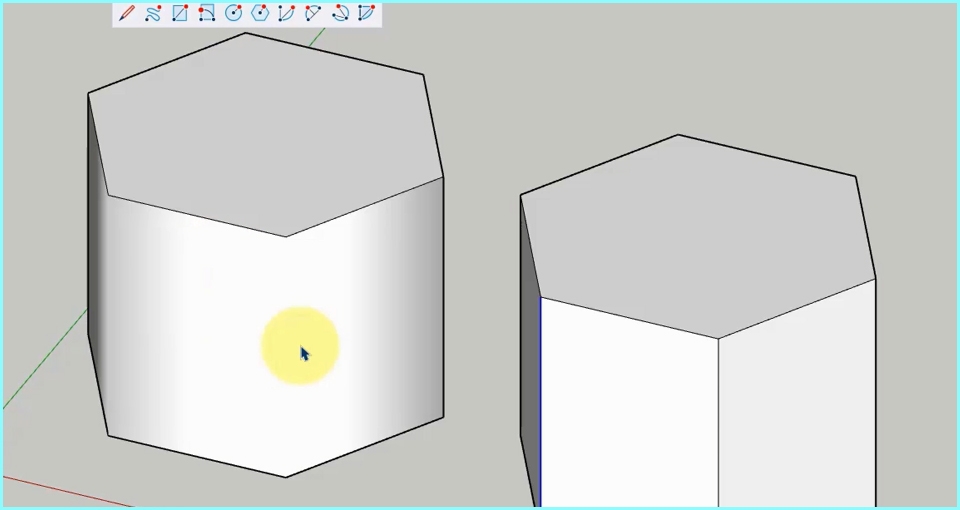
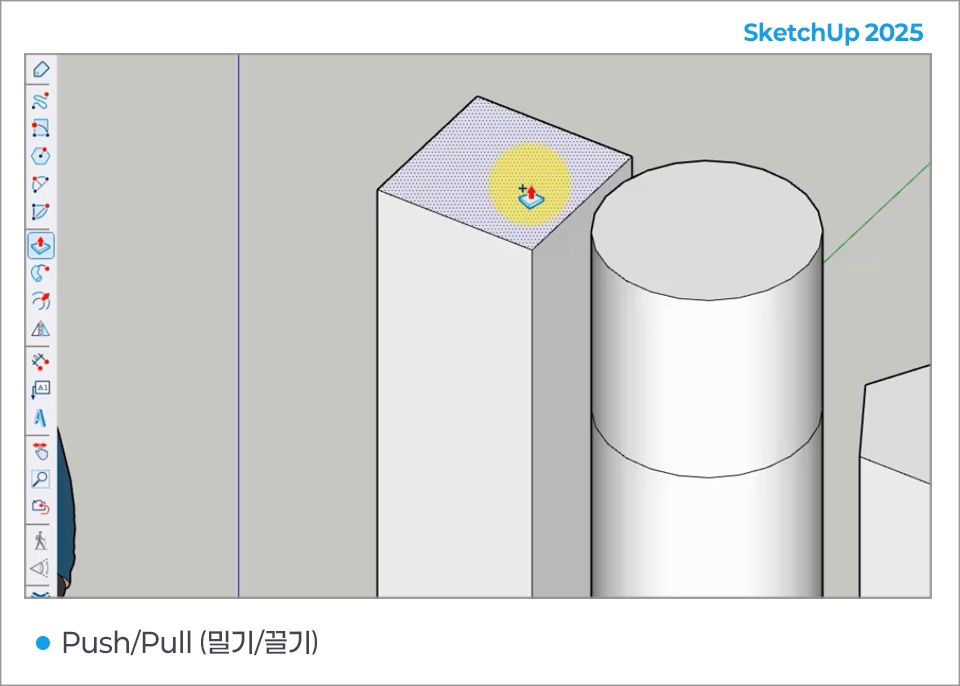
SketchUp's unique Push/Pull feature provides the easiest way to draw in 3D.
This is software that allows anyone to quickly and easily create 3D modeling in any desired shape.
You can work quickly and stylishly.
SketchUp is also easy to learn
Easy to use
It is a 3D modeling tool .
You can draw and think in 3D.
Your thoughts in 3D
Can express
This is the best solution .
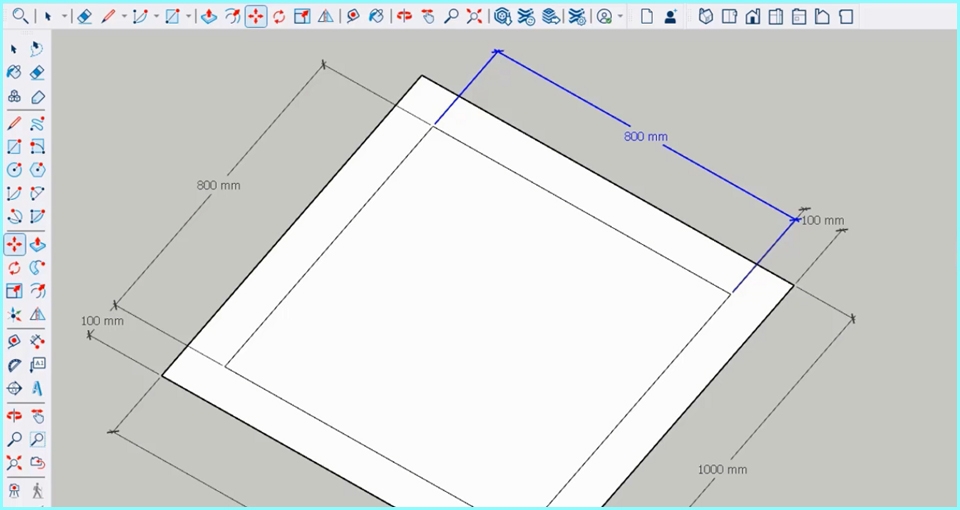
Detailed modeling is possible.
Accurate to 1/1000
Because the design is possible
You can plan in detail.
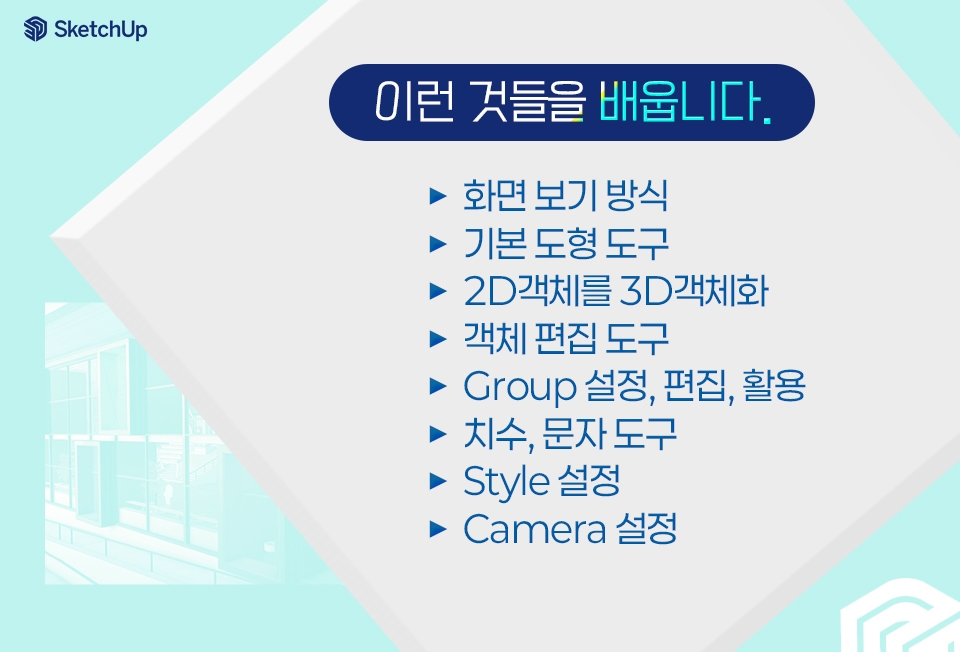
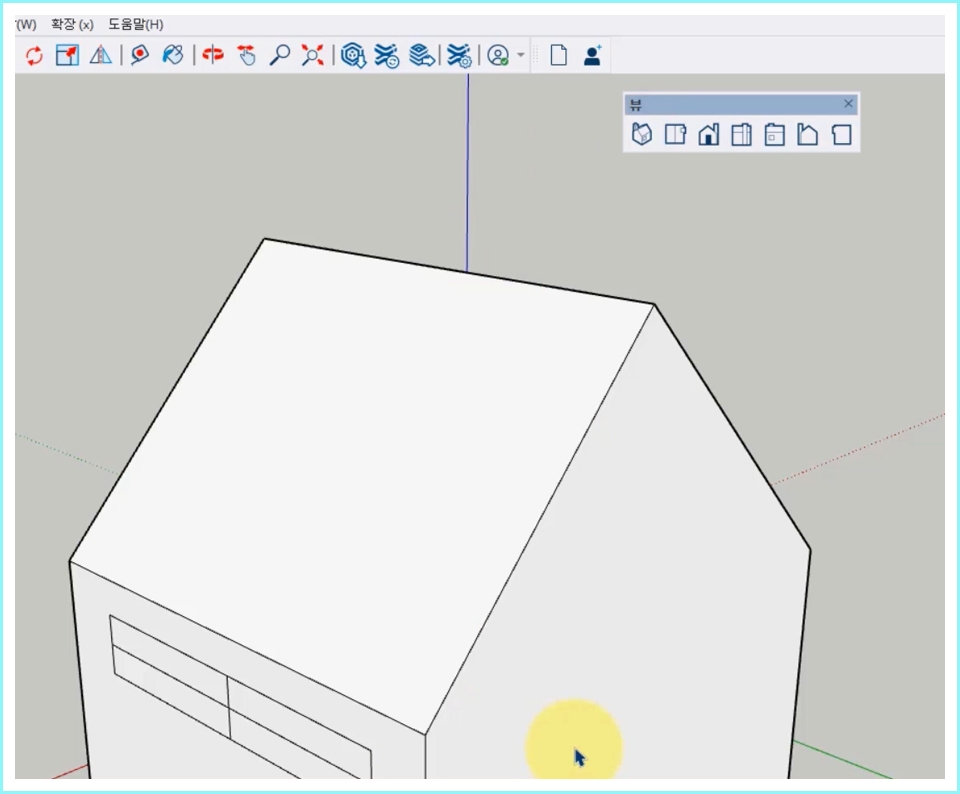
- Iso: Free angle view
- Top: View from above
- Front: View from the front
- Right: View from the right
- Back: View from behind
- Left: View from the left
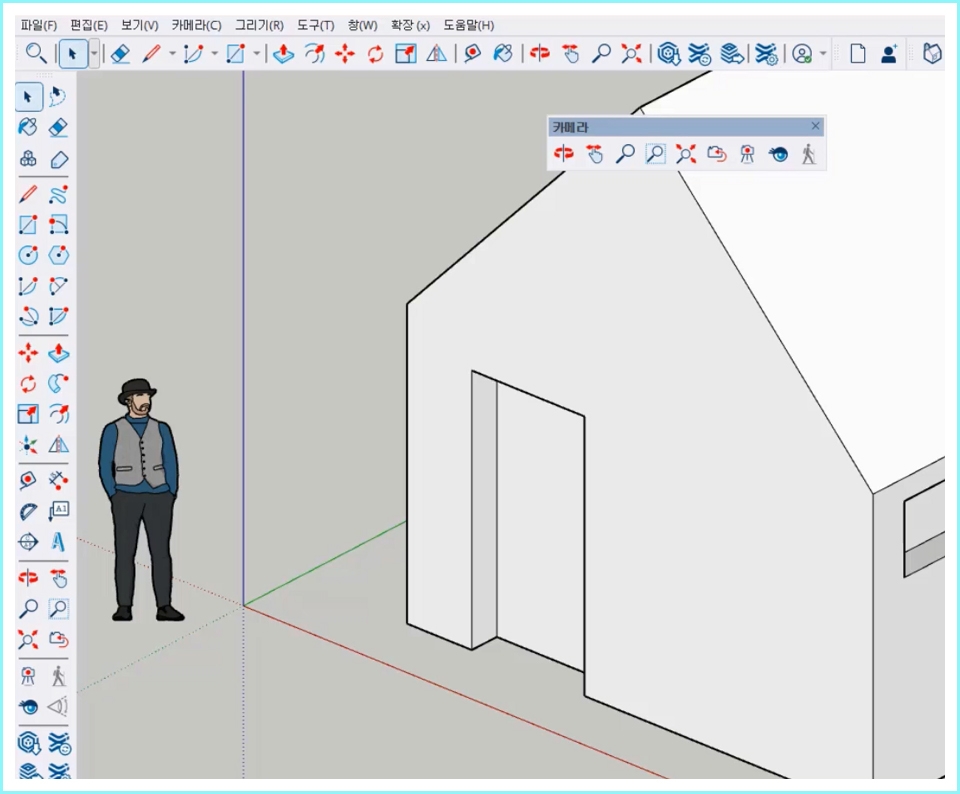
- Orbit: Change viewpoint
- Pan: Move the screen
- Zoom: Zoom in and out of the screen
- Zoom Window: Draw a square to enlarge the screen
- Zoom Extents: See all objects at a glance
Zoom in and out of the screen
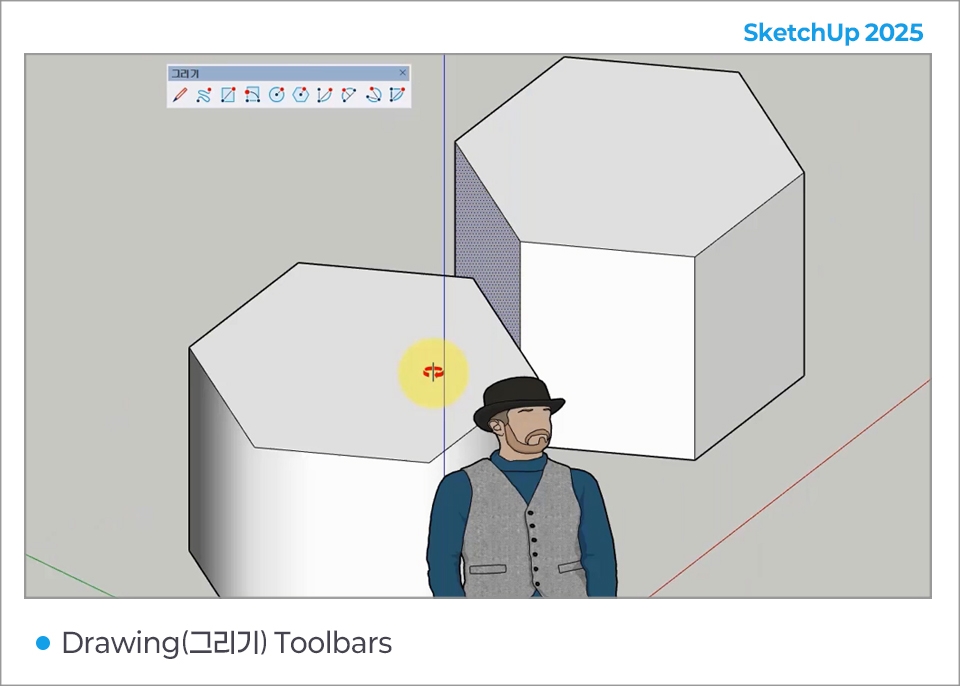
- Basic tools for creating faces
- Select (selection tool) and Erase (eraser tool)
- Select the face, drag to specify the direction, then enter the extrusion value in VCB.
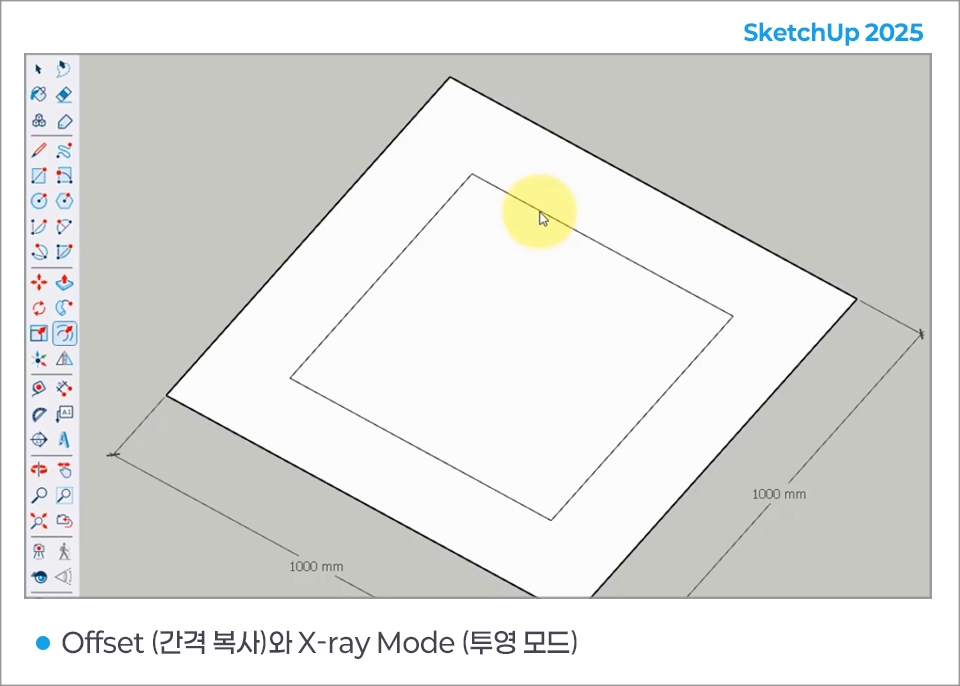
- Copy objects at specified intervals
- Applying object projection mode
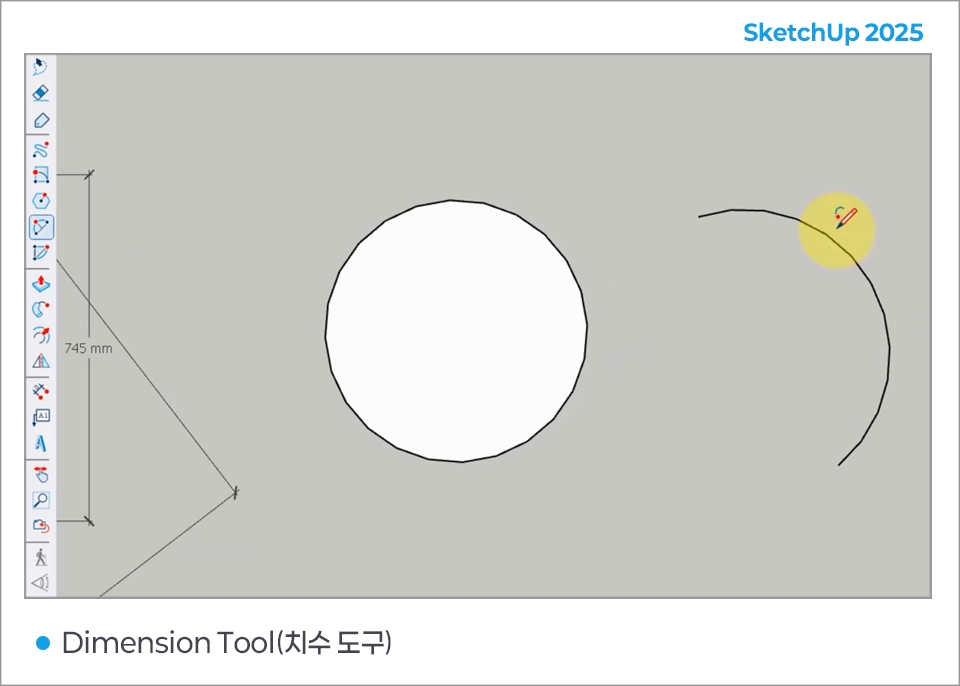
- Creating dimensions such as object length, diameter, radius, etc.
- Display properties of selected object
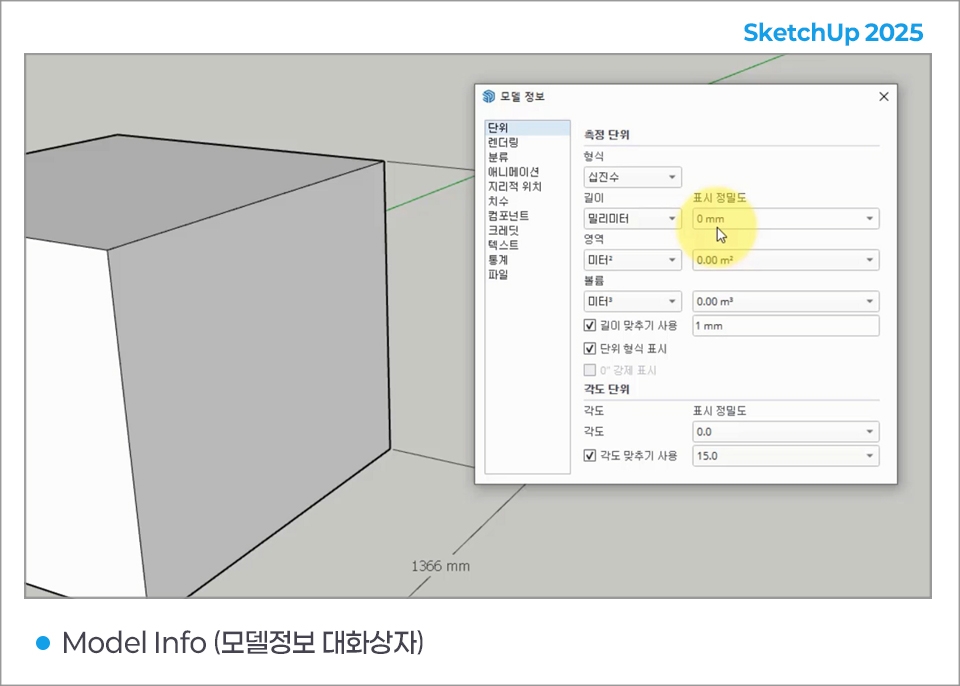
- Display overall file characteristics
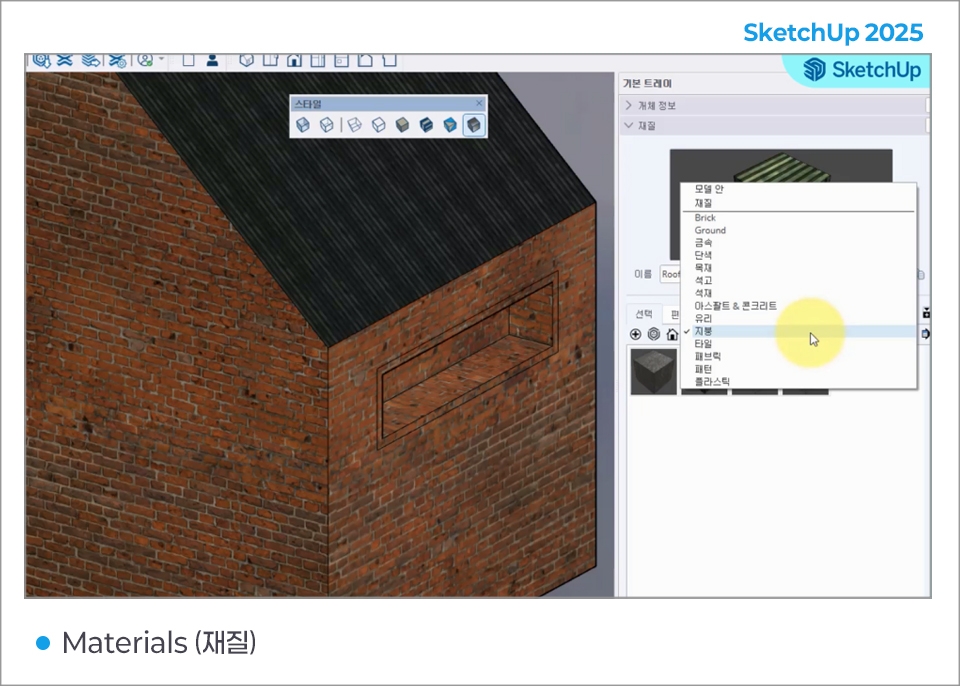
- Select the paint bucket tool to apply the material
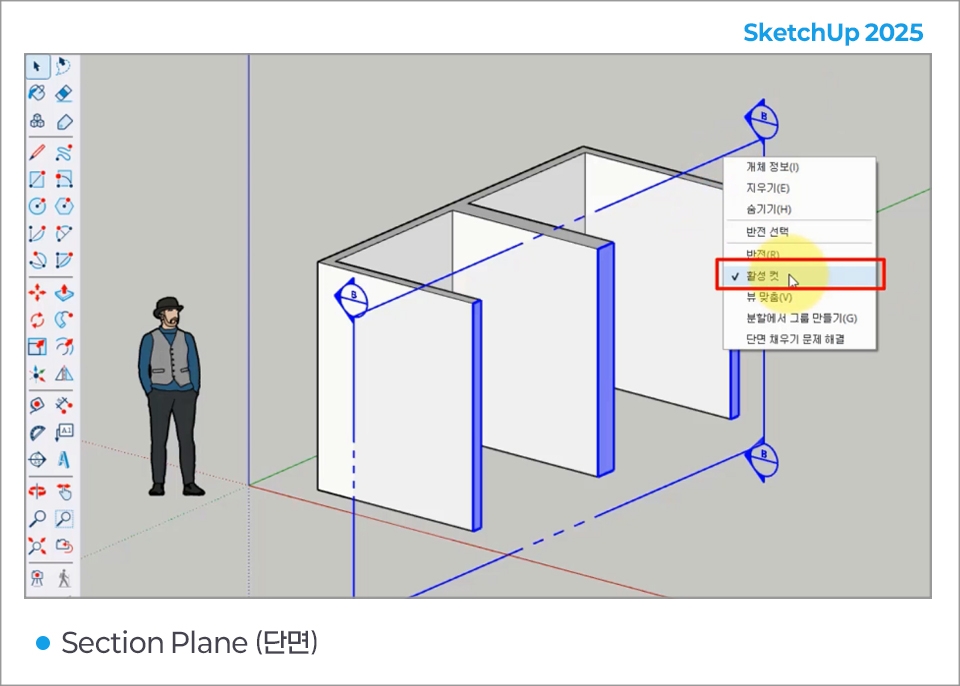
- View cross-sections of the model or create section lines
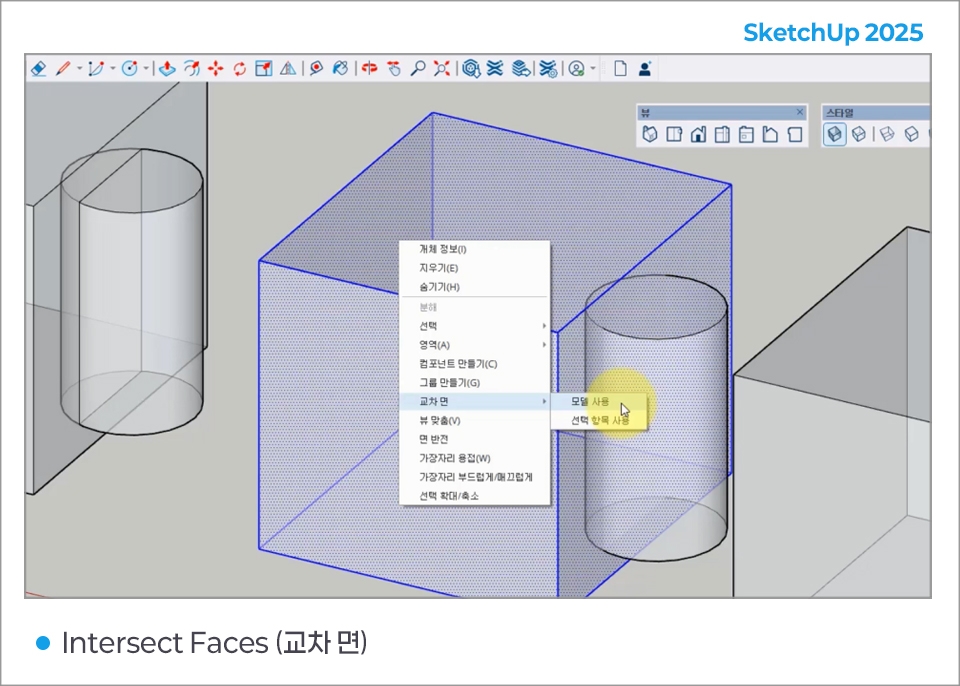
- Create lines and surfaces where two elements intersect
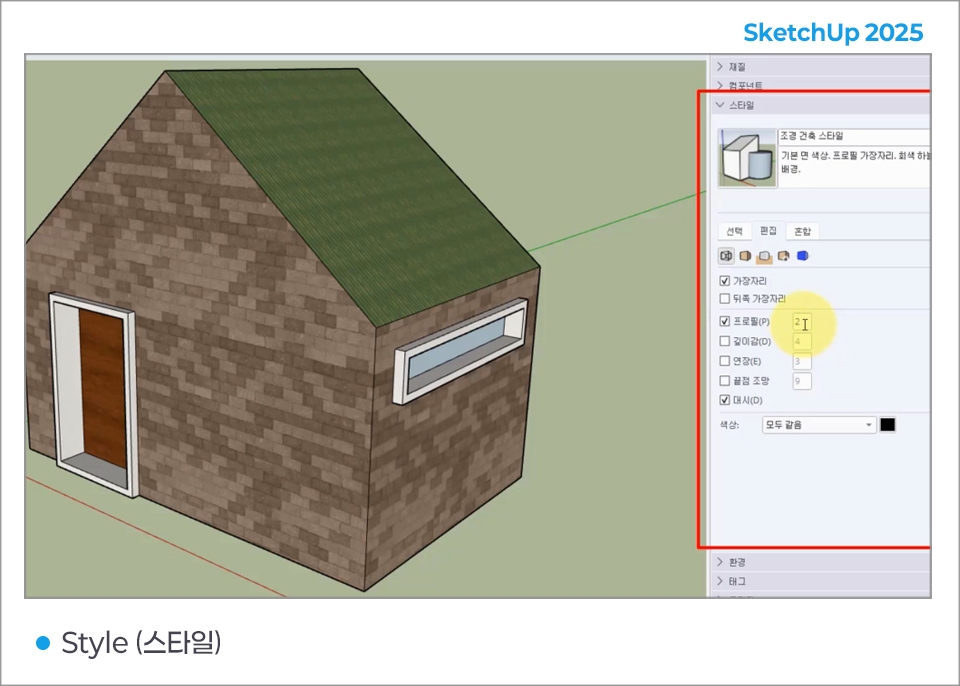
- Express feelings like pencil texture, magic marker drawn effects, etc.
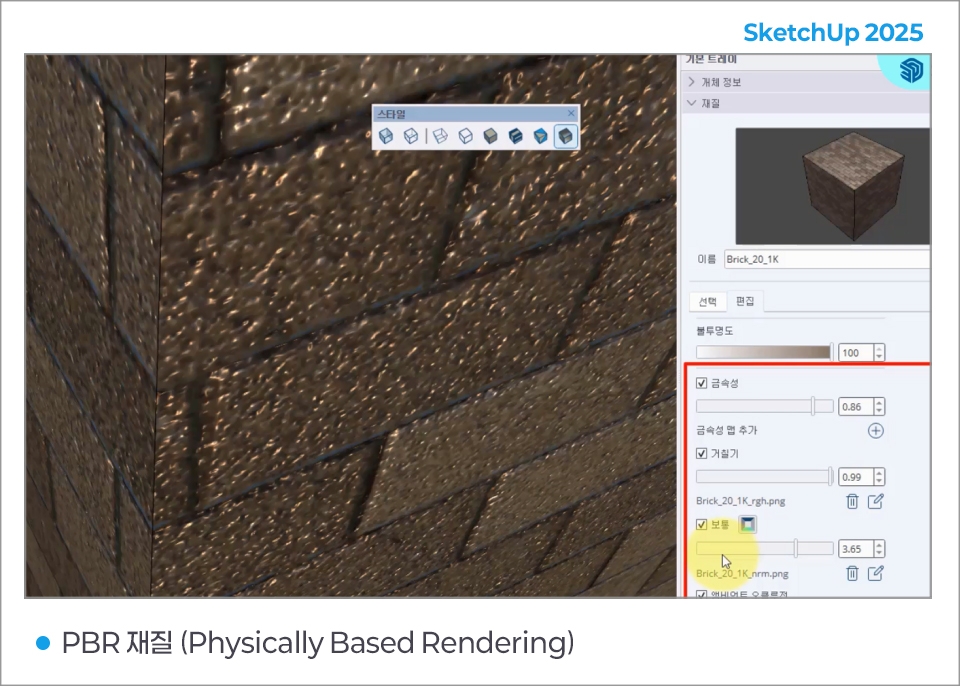
Rendering expression methods that include the physical properties of material textures (metallic, normal, roughness, ambient occlusion)
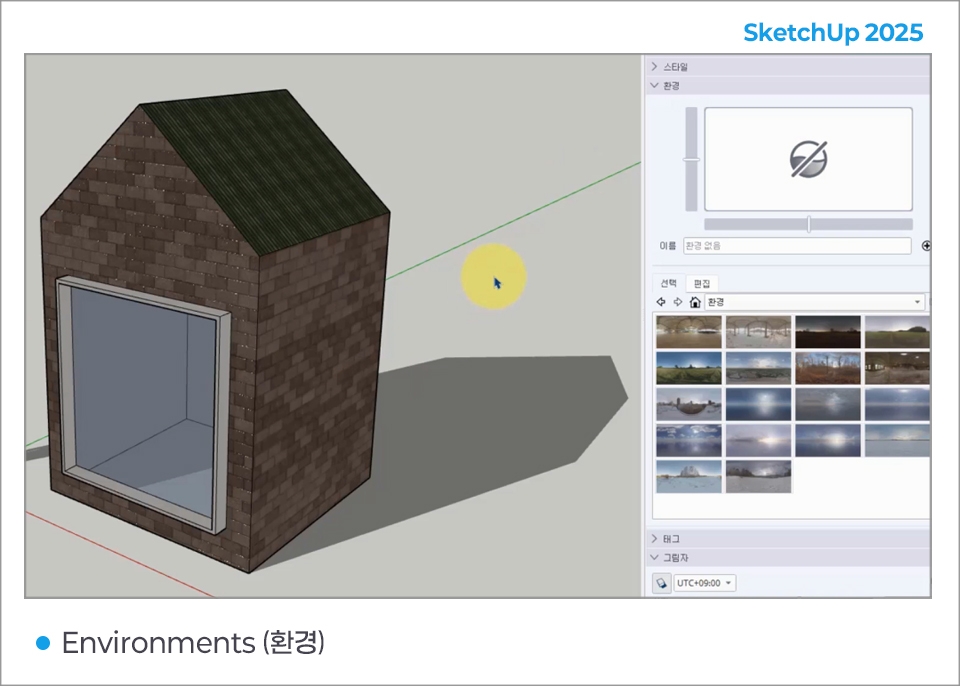
Supports HDRI file formats to provide more natural and realistic lighting and reflection effects (HDR contains a wider range of brightness and color information than other image formats)
For detailed information, please refer to https://sketchup.buildingpoint.co.kr/#sketchuppro.
Who is this course right for?
Those who want to learn a really easy 3D program
For those interested in interior design with SketchUp.
Those wanting to design products or furniture, etc., with SketchUp
Need to know before starting?
For those who use Photoshop, this can be helpful when expressing textures.
Career Verified
1,827
Learners
158
Reviews
4
Answers
4.7
Rating
35
Courses
Back when Apple's MAC computers made it possible to design even better.
It's already been well over 25 years since I first started teaching Adobe Photoshop and Illustrator at the academy~~^^
I remember the days when, instead of calling the instructors Teacher Eom, Teacher Ha, and Teacher Gu, we used to call them Eom-T and Gu-T.
Together with those teachers, we started using ComTee as an abbreviation for Computer Teacher!
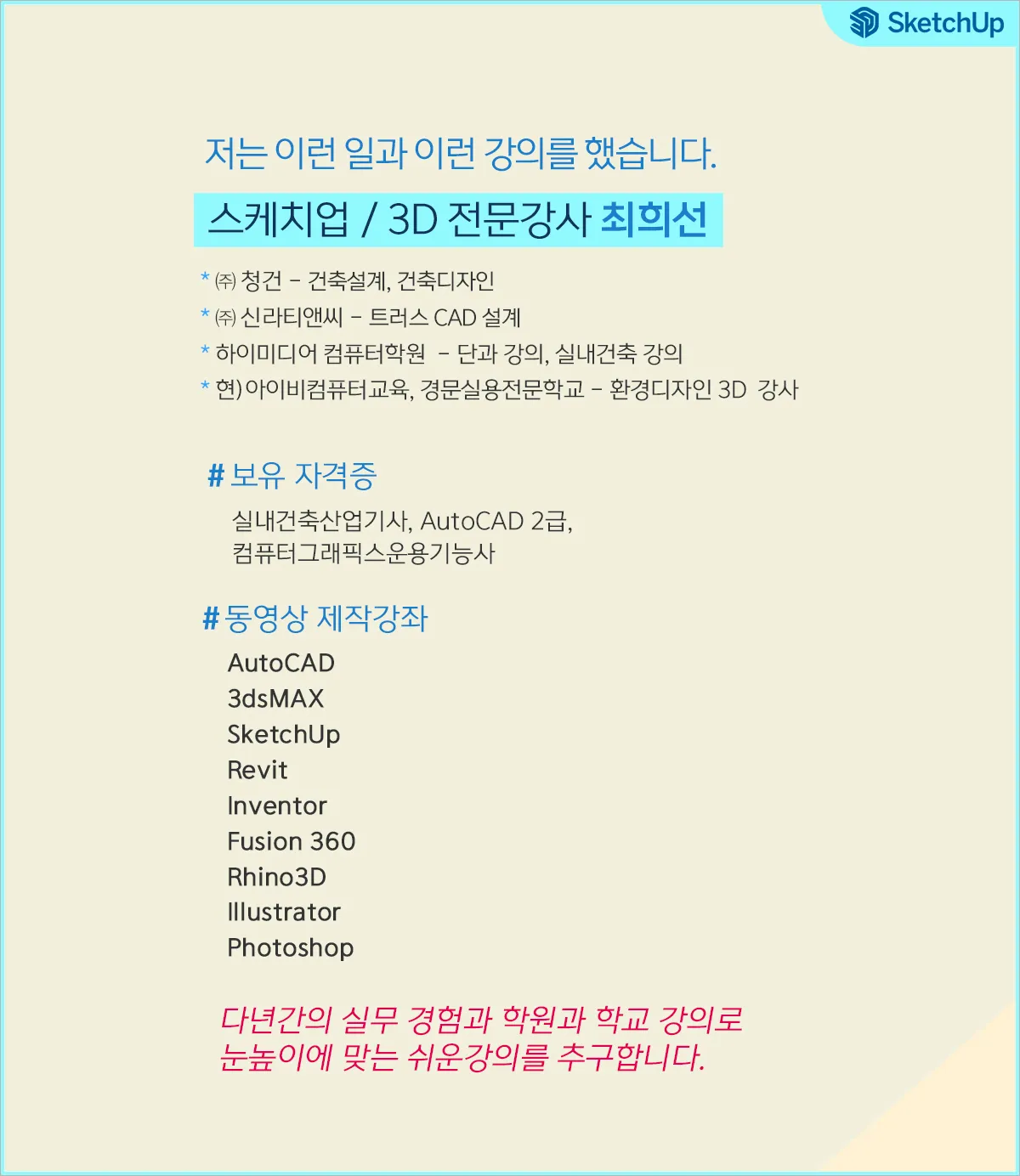
I will continue to be a "Computer Teacher" who works hard to share knowledge for all those who are learning.
Thank you!!
Thank you!!
Together with everyone, we've come to use "Com-T" as a shorthand for Computer Teacher! We will continue to be a Computer Teacher that works hard to share knowledge for all learners. Thank you!!
All
40 lectures ∙ (9hr 55min)
Course Materials:
8. Move (Move)
14:30
9. Rotate (Rotate)
14:01
10. Scale (Zoom +/-)
14:27
13. Group Settings
13:34
14. Camera Toolbars
14:42
24. 3D Warehouse
15:36
28. Tage (tag)
14:17
29. Solid
15:26
30. Shadow (Shadow)
14:09
35. Environments
15:19
39. Making Buildings
14:56
All
9 reviews
5.0
9 reviews
Reviews 3
∙
Average Rating 5.0
Reviews 1
∙
Average Rating 5.0
Reviews 1
∙
Average Rating 5.0
Reviews 1
∙
Average Rating 5.0
Reviews 1
∙
Average Rating 5.0
Check out other courses by the instructor!
Explore other courses in the same field!
Limited time deal ends in 4 days
$39.60
25%
$52.80