
inflearn logo

AI Assistant Utilization for Office Workers (2026) Part 5: Google Gemini Integration with Google Services (Complete)

Learn the basic concepts and features of Google’s generative AI, Gemini, and how to use it in conjunction with Google services. After learning about the history and theoretical background of AI, you will learn the basics of using the Gemini platform through hands-on examples that can be immediately applied to daily life and work. The course is designed to help a wide range of learners, including office workers, use conversational AI effectively.

1 learners are taking this course

Level Basic

Course period 12 months

agents
agents
google
google
cloud
cloud
game-ai
game-ai
gemini
gemini
agents
agents
google
google
cloud
cloud
game-ai
game-ai
gemini
gemini

What you will gain after the course

  • You can understand and explain the basic concepts and features of the generative AI Gemini.

  • You can use the basic functions of the Gemini platform integrated with Google services.

  • You can learn how to use conversational AI in ways that can be applied immediately in everyday life and work, and put them into practice.

직장인을 위한 AI 비서 활용 (2026) Part.5

Connect all of Google’s services with a single AI assistant

From the basics of Gemini to integrating Google services and practicing everyday and work-related examples

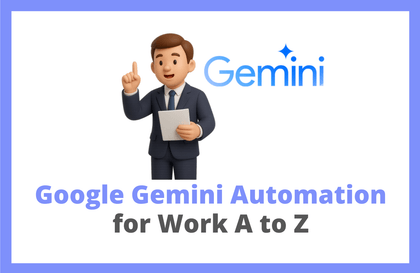
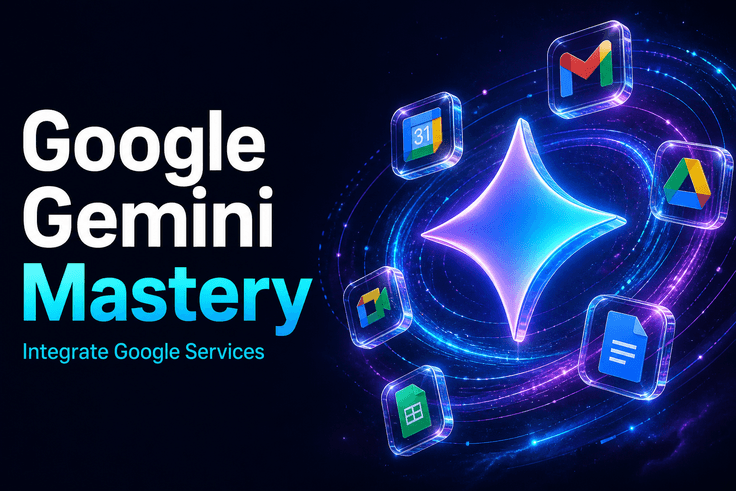
직장인을 위한 AI 비서 활용 (2026) Part.5 강의 대표 이미지

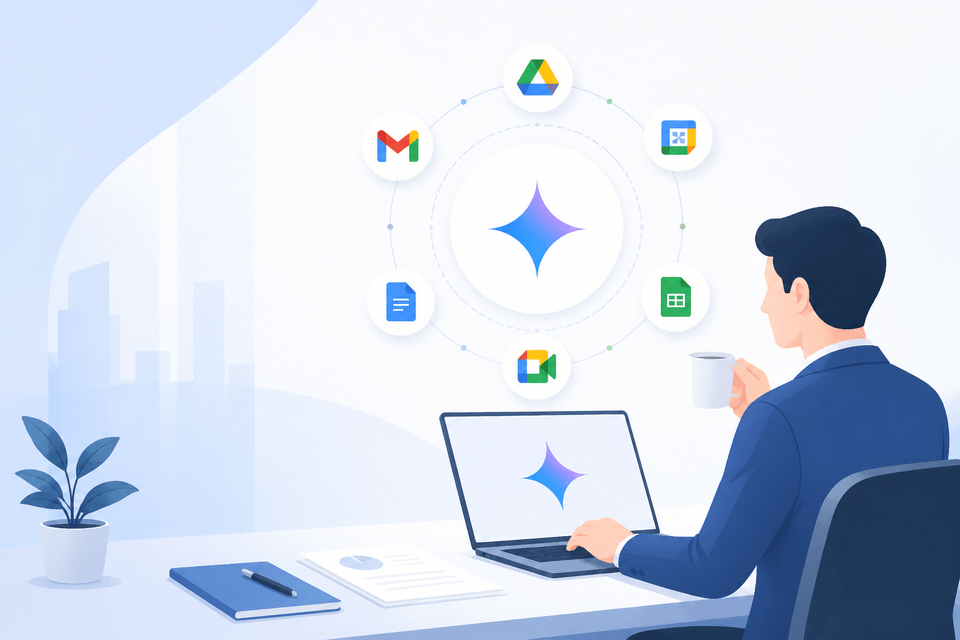
You can connect Gemini with Google Gmail, Drive, and Calendar to efficiently design your daily work routine.

TOOL

Tools covered

These are the main tools and version information used in the exercises.

Ge

Google Gemini

Based on the Free Plan

CURRICULUM

You can learn things like these.

These are the learning points organized by topic within the curriculum.

1강

Gemini AI Orientation

By understanding the history of AI and Gemini’s features, you can determine why and how to use Gemini within the Google ecosystem.

2강

Gemini Basics

You can learn the basic interface and prompt input methods of the Gemini platform and use it purposefully from your very first conversation.

3강

Hands-on Examples for Everyday Life

Establish Gemini as an AI assistant in your daily life through practical examples that can be applied immediately to the everyday routines and work of office workers.

NOTICE

Notes Before Taking the Course

  • This course does not provide separate Q&A support.
  • You can learn more efficiently by watching at an increased playback speed (1.25x–1.5x).
  • Created based on the interface at the time of filming, the Google service UI may differ from the current version.
  • Taking the parts sequentially starting with Part.1 will help you better understand how the Google ecosystem works together.
  • The exercises are conducted after logging in with a Google account, and you can follow along sufficiently with the free version.

Recommended for
these people

Who is this course right for?

  • An office worker who wants to use an AI assistant to improve work efficiency

  • College students and the general public who want to incorporate generative AI into their daily lives and learning

  • Teachers and instructors who wish to use AI tools to prepare educational and lecture materials

Need to know before starting?

  • Basic ability to use web browsers and internet searches

  • Experience creating a Google account and using basic Google services

  • Experience using text-based chatbots or conversational interfaces

Hello
This is usefulit

8,281,229

Learners

6,670

Reviews

4.6

Rating

355

Courses

I will help you grow through useful IT lectures.

Curriculum

All

4 lectures ∙ (1hr 9min)

Course Materials:

Lecture resources
Published: 
Last updated: 

Reviews

Not enough reviews.
Please write a valuable review that helps everyone!

usefulit's other courses

Check out other courses by the instructor!

Similar courses

Explore other courses in the same field!

25% off for new members

$7.70

25%

$7.70