



AI Agents for Immediate Use: Fully Automate Your Work with Claude Co-work
Masocampus
Just say it, and AI will do it! From files and reports to emails. The Claude Cowork practical course for full automation without coding!

Basic
claude, AI, AI Agent
From Midjourney generation to CapCut editing!
Complete AI video production workflow ready for immediate practical use

From Images to Motion Videos
Your Creativity Expanding with AI
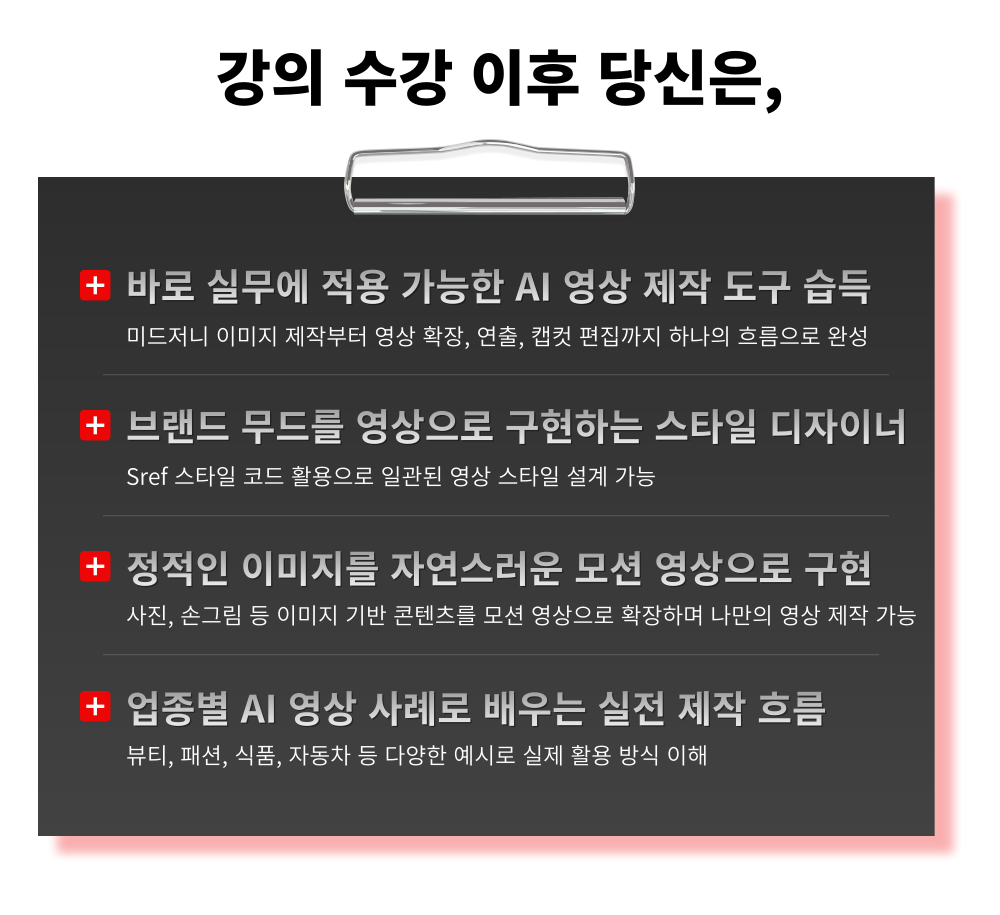
– Master the basics of image creation with Midjourney's core settings: prompts, ratios, upscaling, and more
– Expand your photos and hand-drawn sketches into natural videos
– Design consistent brand mood using Sref style codes
– Create polished videos with CapCut editing
– Industry-specific examples with practical video production tips you can apply immediately
Now create your own content!
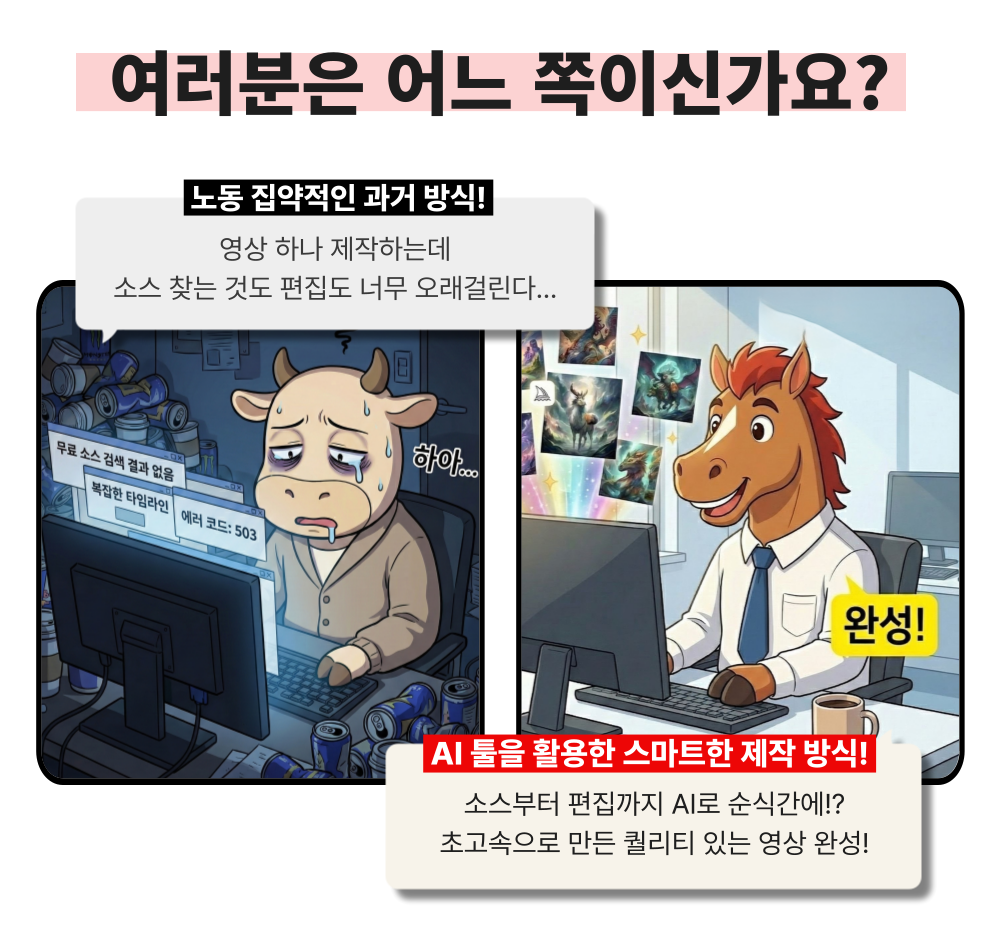

Midjourney is an AI-based creative tool that can generate images in various styles as well as natural motion videos by entering text prompts. You can easily create desired scenes without professional design and video editing skills.
Capcut is an AI-based video editing application that allows you to edit videos easily and quickly. Anyone can complete their desired videos quickly and easily without complex editing skills.
Sref (style code) is Midjourney's style lock feature that extracts only the style elements from a specific image and applies them to maintain a consistent style across subsequently generated images.
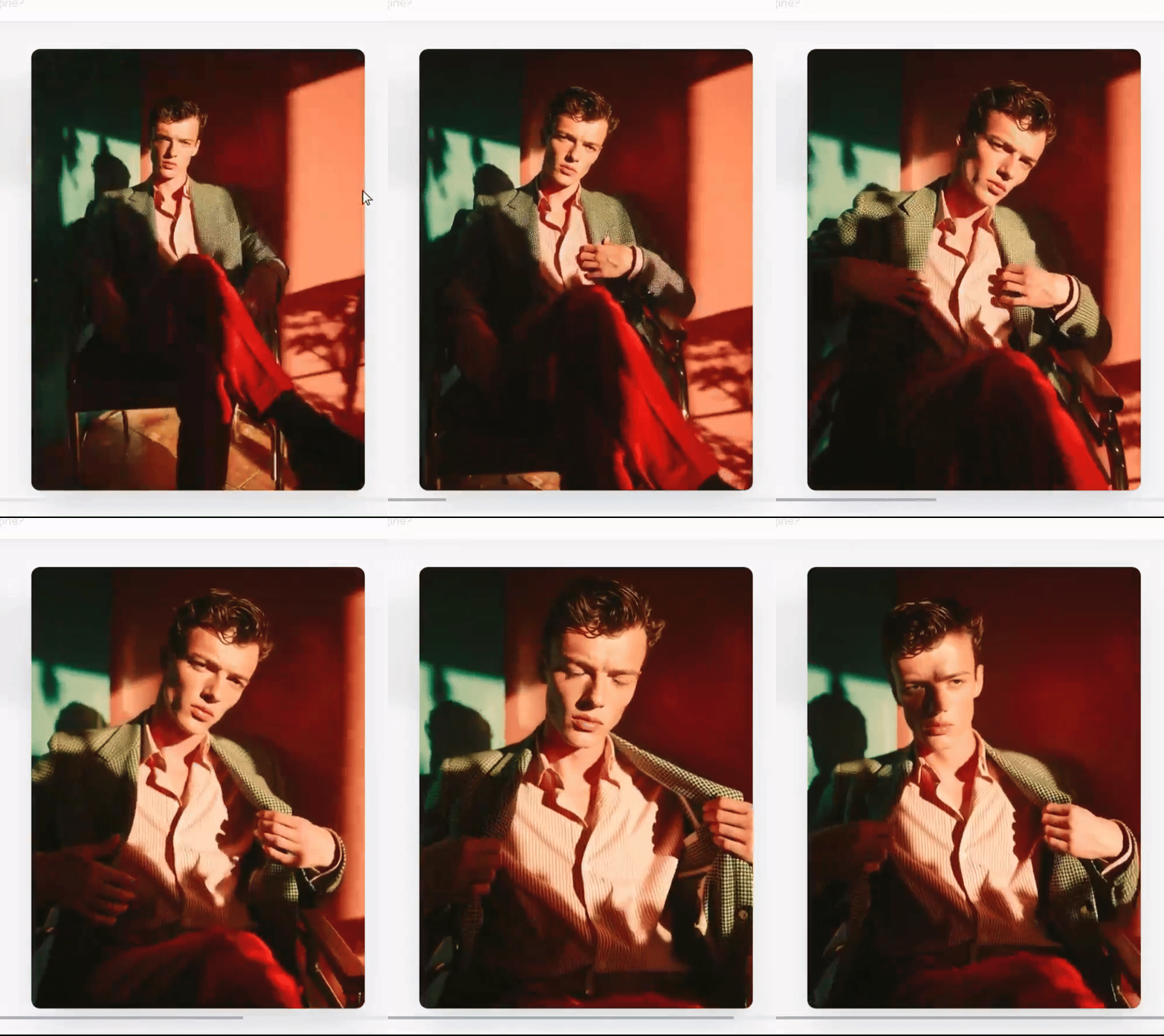
Even live-action character videos that save on model fees!
Even dynamic and spectacular videos you only imagined!
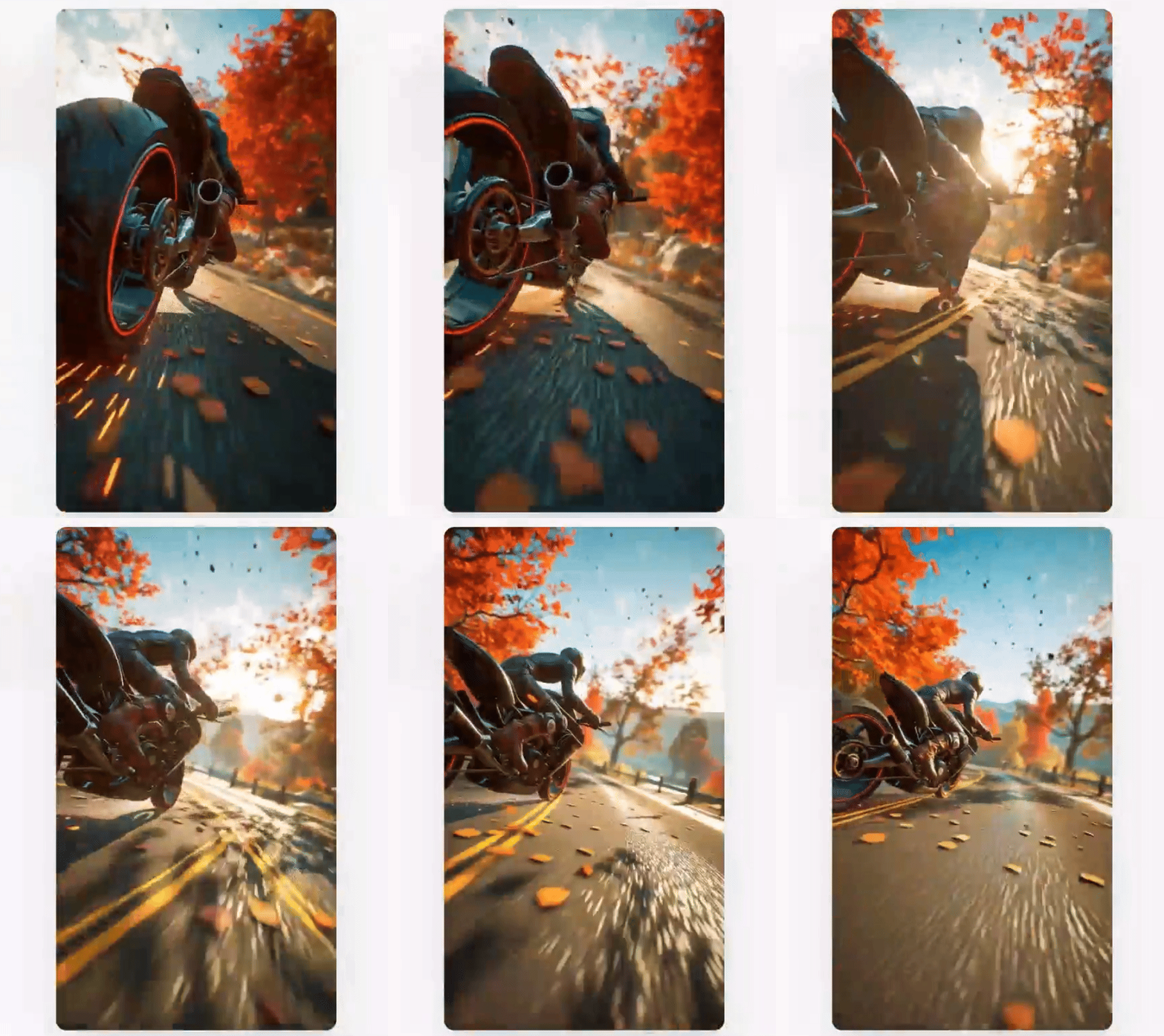
All are possible!
Complete image and video production with Midjourney in this practical course.
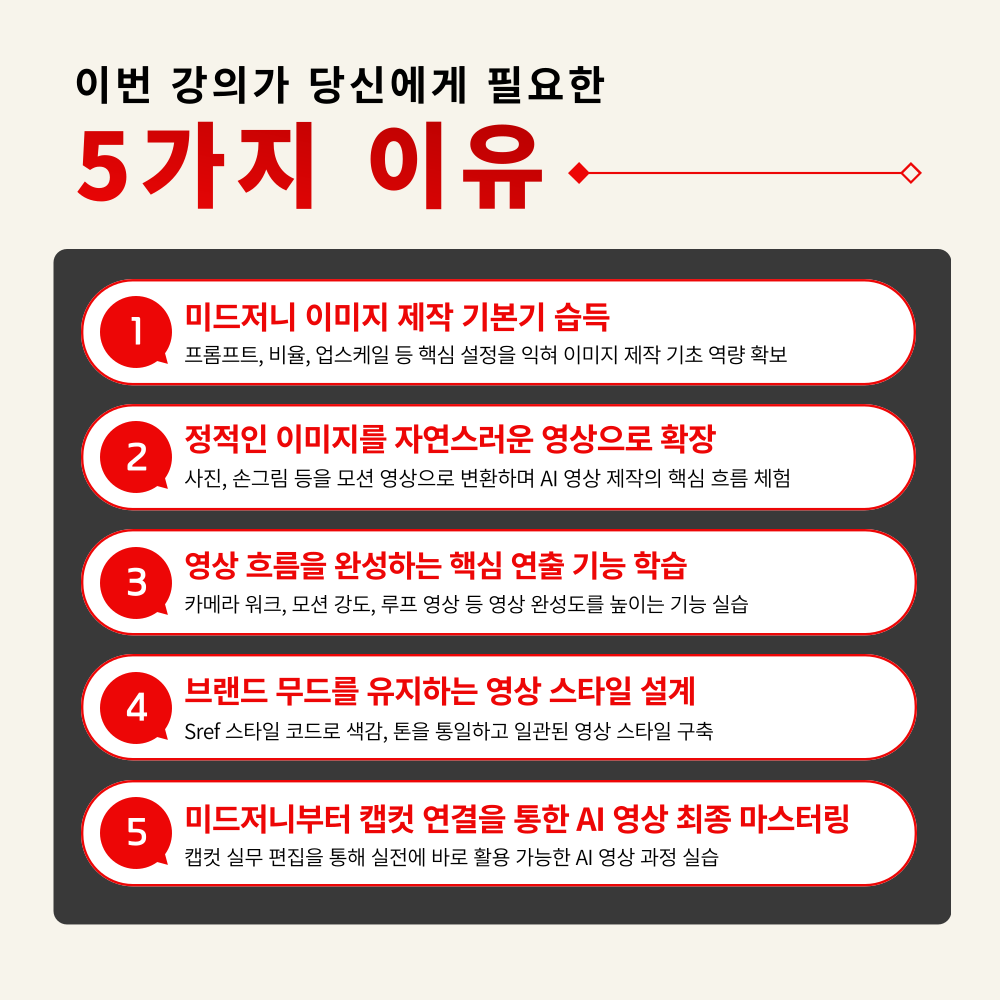
1. Midjourney Image Creation from the Ground Up
Master core settings like prompts, aspect ratios, and upscaling to build a solid foundation in image creation
2. Expand Your Own Images into Natural Videos
Learn step-by-step how to transform static images like photos and hand-drawn illustrations into motion videos
3. Master Key Direction Features that Determine Video Flow
Improve AI video quality by learning essential features like camera work, motion strength, and loop videos
4. Create Consistent Videos with Sref Style Codes
Build a Consistent Video Style While Maintaining Brand Mood and Color Palette
5. Practical CapCut Video Editing Features for Immediate Use
Practice completing AI videos through practical CapCut editing using Midjourney-generated content
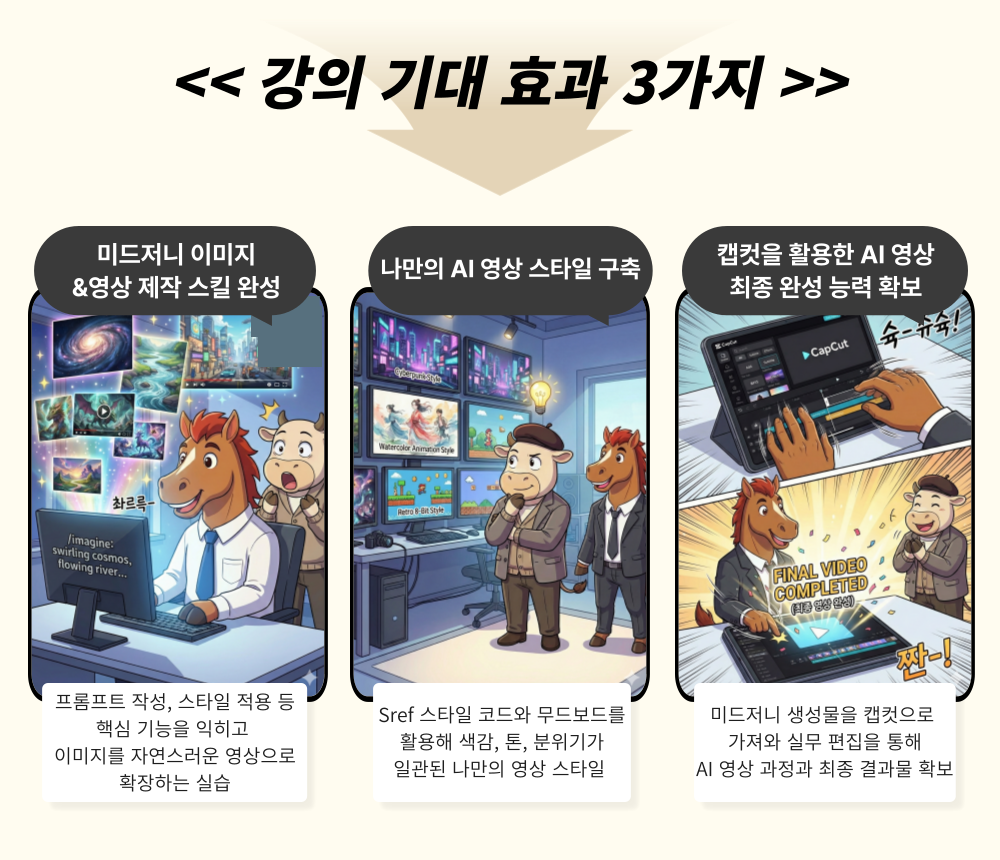
Experience Visuals Beyond Imagination with Midjourney
Now it's time to create your own AI video!
Creating even a single image is difficult, and now you're being asked to make videos too - it feels overwhelming, doesn't it?
Complex editing tools are hard to even touch, and without video editing experience, it feels even more daunting.
Now it's time to solve everything from images to video editing at once, from Midjourney to CapCut.
– Practitioners who want to create everything from images to videos without complex editing tools
– Those who need a video production method that can be immediately applied to practical work in a short time
– Creators who want to build a consistent video style while maintaining brand mood using Sref style codes
– Those who want to improve both work speed and quality by streamlining the entire process of image and video production with AI
– Anyone who wants to enhance both content expressiveness and production capabilities using Midjourney
AI videos don't have to feel difficult anymore.
From Midjourney to video completion with CapCut editing,
Learn practical AI video production skills you can use right away in your work!
STEP 1. Learning AI Creation Process that Naturally Expands from Images to Videos
Complete hands-on practice of transforming Midjourney-generated images into natural motion videos
STEP 2. Master Key Directing Features to Complete Your Video Flow
Step-by-step learning of directing techniques to enhance video quality, including camera work, motion intensity, and looped videos
STEP 3. Utilizing Sref Style Codes to Maintain Brand Mood
Strategic construction of your own video style through styling methods that consistently maintain color, tone, and mood
STEP 4. CapCut Practical Editing and Final Mastering
Practical Mastering Workshop: Maximizing Final Video Quality by Editing Midjourney Creations with CapCut
STEP 5. Providing Image and Video Guides Ready for Immediate Practical Application
Provides practical packages for immediate practice, including prompt guides, practice results, and style examples
Unify your brand mood with Sref codes and expand into consistent videos!
From basic usage to Sref application and CapCut editing
Start now with a practical workflow that completes your video production all at once.

Q. Do I need prior knowledge of artificial intelligence to take this course?
A. This course is designed to provide practical skills that anyone interested in artificial intelligence can immediately apply in their work, so no prior knowledge of AI is required. However, if you have prior knowledge of video editing or Midjourney, it will help with smooth understanding, so we recommend taking this course together with MaSo Campus's 'Midjourney Secret Class' and 'Midjourney Master Class'.
Q. Are there any requirements or prerequisites for taking this course?
A. No special prior knowledge or skills are required to take this course. However, having a Google account will help you access the generative AI tools more smoothly during the course. If you don't have a Google account yet, we recommend signing up before the course for a seamless learning experience.
Q. Do I need to purchase a paid service to take this course?
A. Midjourney, the main tool used in this course, is a service that requires a subscription plan. The course explains the features of each plan in the early sections, so you can choose the plan that suits you best. However, if you wish to take the course simply to learn about how to use image generation AI like Midjourney and how to apply it in practical work, you can achieve your goals just by taking the course alone.

I watched the lectures and created many different videos in a short time. 😊😊
I've created images with Midjourney before, but now that I can make videos too, it's even better how they connect! The video quality really seems to be getting better and better :D Thank you for the detailed explanation~
The video AI is truly amazing every time I see it. Even video editing using CapCut! I'm learning so much~
I followed along and showed my friends, and they were amazed.. It's fun~
You explain the usage of video production tools that I've been interested in in an easy-to-understand way.
















![[Office Worker Cheat Key] Business Video Production SkillsCourse Thumbnail](https://cdn.inflearn.com/public/files/courses/337880/cover/01jyjym61g1e6m26ea5741dk4x?w=420)