inflearn logo

Modern AI Service Creation: From Planning to Instant Deployment with Google Stitch, Figma, and Cursor

No coding knowledge required, build your very first service with Google Stitch An all-in-one AI development workflow that connects everything from planning to deployment in a single stream

1 learners are taking this course

Level Beginner

Course period Unlimited

AI
AI
Figma
Figma
cursor
cursor
Model Context Protocol
claude
claude
AI
AI
Figma
Figma
cursor
cursor
Model Context Protocol
claude
claude

What you will gain after the course

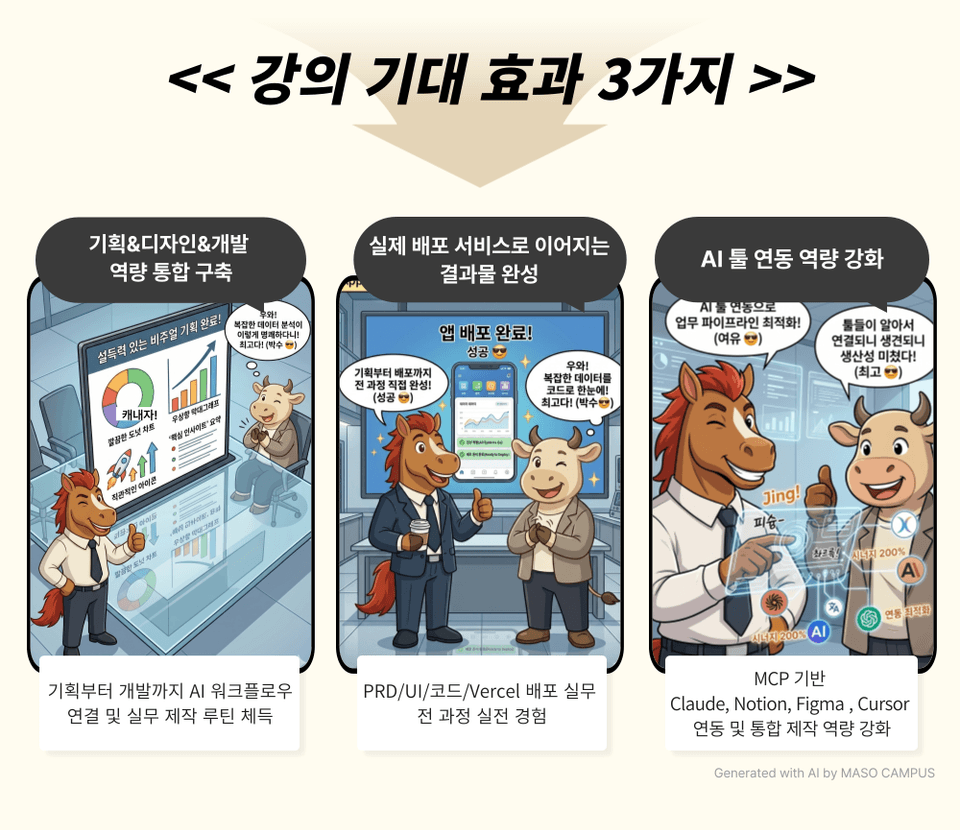
  • Designing production routes with tool combinations tailored to specific purposes, including Claude, Notion, Google Stitch, Figma, and Cursor

  • A smart workflow connecting tools and AI, completed through MCP integration

  • AI Handoff Practice: Converting Design to Code with Figma MCP

  • Complete a 'real-world service' that makes money, from planning based on PRD documents to Vercel deployment.

No coding knowledge required—complete your first personal service with Google Stitch
An all-in-one AI development workflow that connects everything from planning to deployment in a single stream

Outsourcing requests, waiting for team members... those are methods of the past.
Create your own practical AI services with Google Stitch.

Full-stack AI production capabilities for solo makers to expand without limits
using the ultimate combination of AI tools from planning and design to development and deployment


– Design production routes using tool combinations tailored to your goals, including Claude, Notion, Google Stitch, Figma, and Cursor
– Build smart workflows where tools and AI are connected through MCP integration
– Hands-on AI handoff practice converting designs into code with Figma MCP
– Complete a "real-world service" that generates value, from PRD-based planning to Vercel deployment

AI Workflow Skill-up: Breaking the Boundaries Between Job Roles
Stop being dragged along by others; now it's time to build and deploy it yourself!


Curriculum Features: From Planning to Immediate Deployment with Google Stitch, Figma, and Cursor

This is a practical Google Stitch course for creating services that are actually deployed without failure.

1. The fastest introduction to AI workflows, starting with tool selection
Comparing AI tool environments such as Claude, Google Stitch, Figma, Cursor, and Vercel, and designing optimal production routes for each purpose

2. PRD-based Planning and Design: Creating with 'Documents' instead of 'Intuition'
Writing structured PRD documents and establishing a Notion version control system through Claude and MCP integration

3. How to use Google Stitch to complete UI drafts with a single line of prompt
A seamless design drafting routine from text-based UI auto-generation to Figma transfer

4. AI Handoff Workflow: Converting Design to Code with Figma MCP
Complete practical implementation without hard-coding by training Cursor on design tokens and components

5. Creating a Live Deployed Service with GitHub and Vercel
From committing and pushing to Vercel integration, secure a live URL under your own name

The workflow of designing and implementing by combining AI tools,

Now, see the high-quality service results for yourself!

From planning to deployment, the only hands-on course to complete everything alone with AI

1. Register for the course

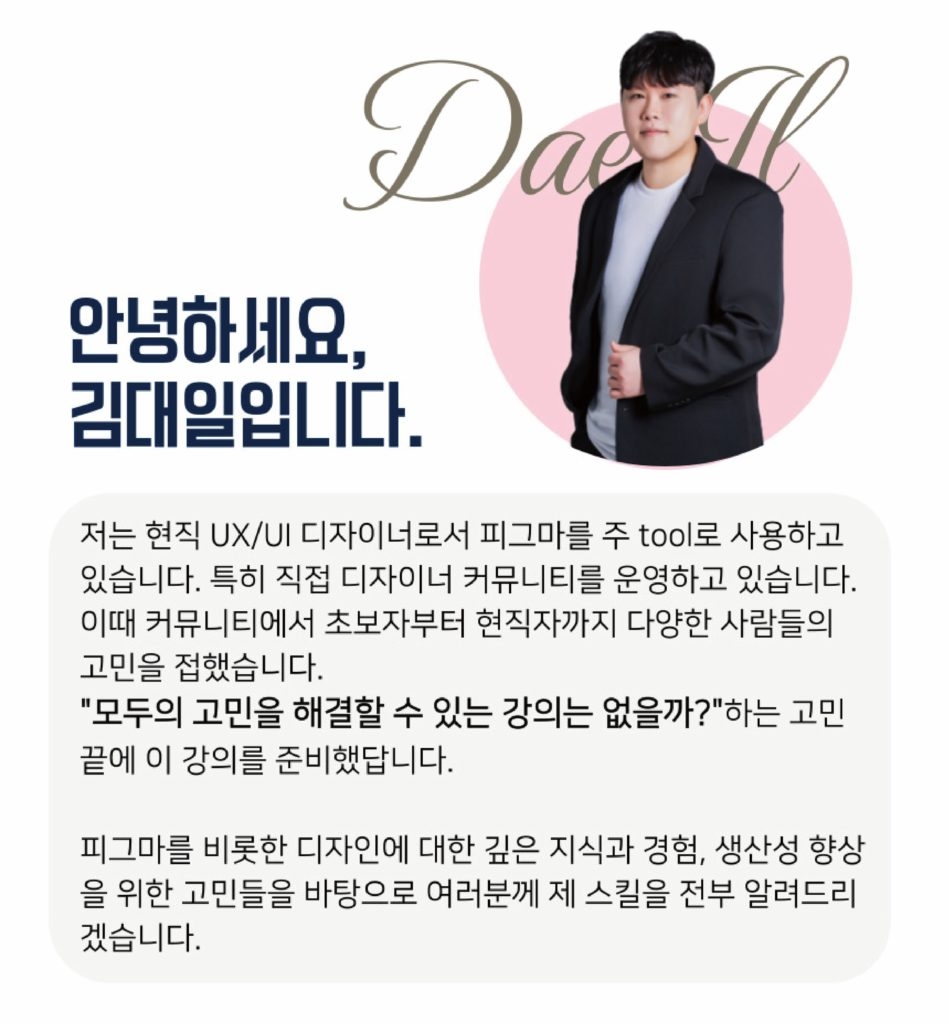
2. Hands-on practice creating a Google Stitch-based service with Instructor Daeil Kim

3. Secure your own Vercel deployment link and immediately use it for work, portfolios, or side projects

Complete planning, design, and deployment results for immediate practical use
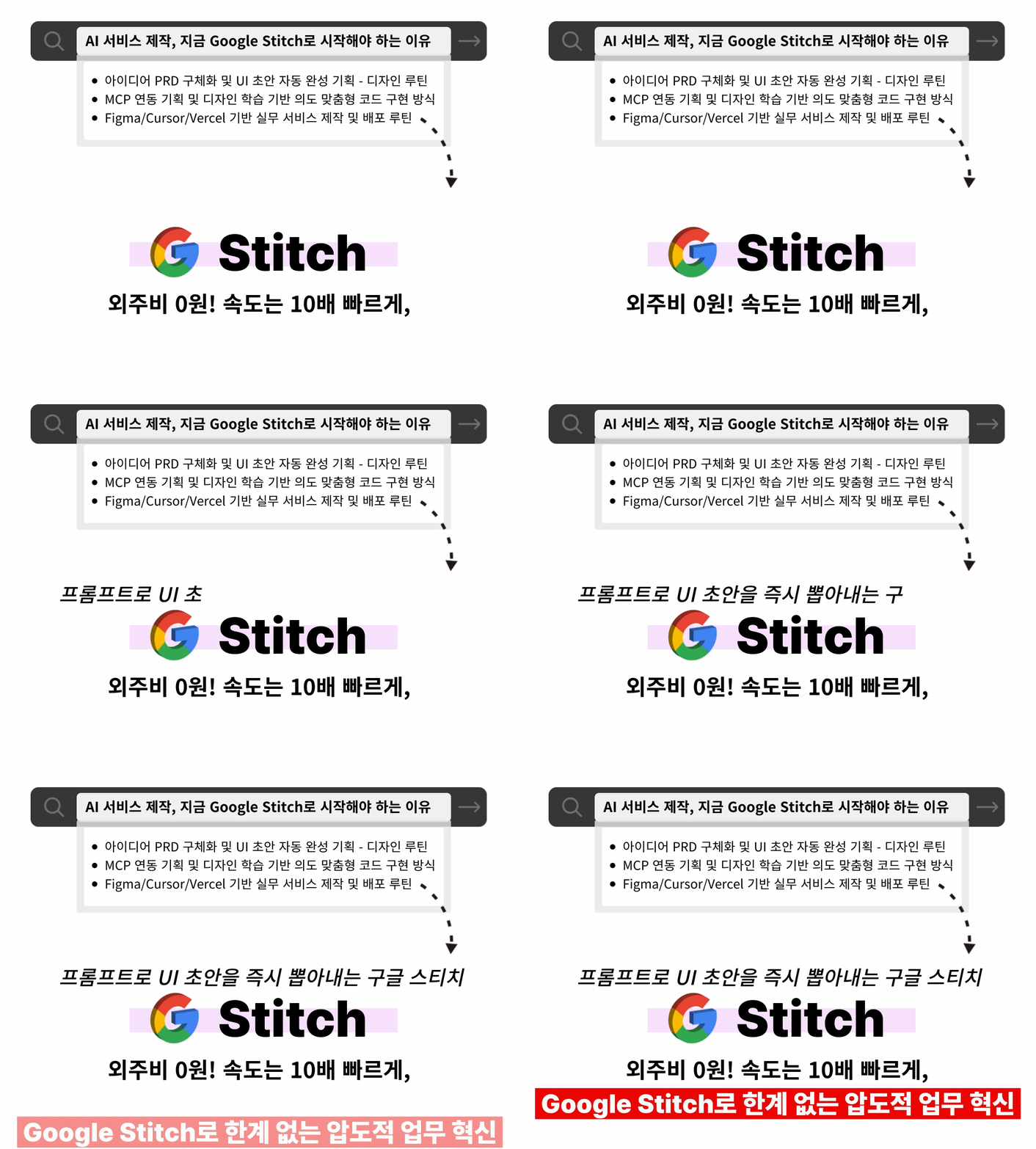
Deploy a service you built with your own hands using Google Stitch!

0% reliance on outsourcing,
launch your own AI service alone with Stitch and Cursor!


Stop waiting and relying on others; complete it alone with a combination of AI tools!

Even without a team or coding — a service created by your own hands will be launched to the world!


I confidently recommend this to the following people.

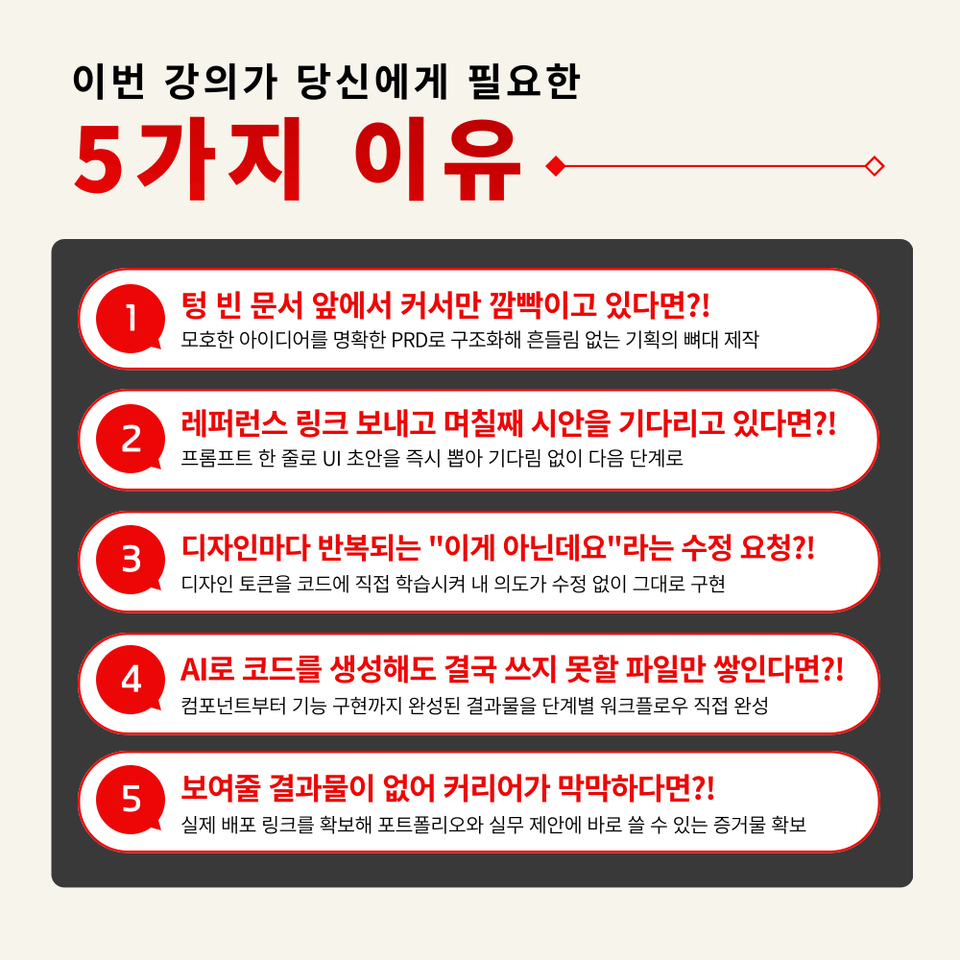
– Planners and PMs who have ideas but want to build services alone without a developer
– UI/UX designers who want to complete the stages following design themselves
– Those who have used AI tools but lacked a connected workflow from planning to design and deployment
– Startup founders who want to build and validate prototypes directly without outsourcing
– Those who want to actually deploy a side project without any coding experience
– Anyone who wants to connect Google Stitch, Figma, and Cursor to practical work all at once
– Job seekers who want to build a portfolio by experiencing the entire process from planning to deployment
– Anyone who wants to gain a competitive edge through AI utilization capabilities


No more burden of hiring developers or outsourcing; from writing PRDs to securing deployment links!
Take away the 'real workflow' that makes money in practice right now, not just theory.


Course Features


STEP 1. 'Expanding Vision' to see the big picture, from planning to deployment

Correctly set up your own AI service production environment from scratch by understanding the roles and connection sequences of each tool to ensure a seamless workflow


STEP 2. Writing PRD documents to turn ideas into language and mastering version control

Structurally instruct Claude on service requirements and plan the revision history step-by-step through Notion MCP integration


STEP 3. Google Stitch Design Generation Practice: Turning a Single Line of Text into a Screen

Practice the draft-to-final transition process by automatically generating app UI with prompts and then transferring it to Figma to refine it manually at the layer level.


STEP 4. MCP-based Implementation and Deployment Practice: AI Reading Design and Writing Code

Integrate design and planning into code with MCP, and immediately release a live service to the world with Vercel


Quickly connect design and code with MCP, Figma, and Cursor!

Plan and deploy with your own hands
Start the Google Stitch practical production routine now!

“Did you really make this by yourself?” Master the technology that surprises everyone,
and complete it yourself with Google Stitch, the most powerful ‘service creation weapon’ for non-developers.

Frequently Asked Questions Q&A

Q. Do I need development experience or AI knowledge to take the course?
A. This course is designed to provide skills that can be immediately applied to practical work even for those with no coding experience, so no prior development knowledge is required. Since Cursor writes the code itself, students can focus on providing direction.

Q. Are there any environmental requirements or prerequisites for taking the course?
A. No special prior knowledge or skills are required to take the course. However, a Google account is needed to access Google Stitch, GitHub, and Vercel, and it will help the process go smoothly if you create Figma, Cursor, and Notion accounts in advance before the lecture

Q. Do I need to purchase any paid services to take this course?
A. For this course, a Figma Professional plan or higher is required. Detailed instructions on the necessary tools and how to use them will be provided at the beginning of the course.


Please check before taking the course!

  • Since this is a practice-oriented course, it is recommended to prepare a dual monitor or an extra device so that you can separate the lecture screen from the practice screen.

  • Also, since the practice sessions are based on Windows OS, we recommend taking the course in a Windows environment.

  • The lecture syllabus and practice files are located in the <00. Material Download Center> section.

Recommended for
these people

Who is this course right for?

  • Planners and PMs who have an idea and want to build a service on their own without a developer.

  • A UI/UX designer who wants to personally complete the post-design stages.

  • Those who have used AI tools but lacked a connected workflow spanning from planning and design to distribution.

  • Startup founders who want to personally build and validate prototypes without outsourcing.

  • Those who want to actually deploy a side project without any coding experience

  • Anyone who wants to connect Google Stitch, Figma, and Cursor to their practical work all at once.

  • Job seekers who want to build a portfolio by personally experiencing the entire process from planning to deployment.

  • Anyone who wants to gain a competitive edge through AI application skills

Need to know before starting?

  • This course is designed to provide skills that can be immediately applied to practical work even for those with no prior coding experience, so no prerequisite knowledge of development is required. Since Cursor writes the code itself, students can focus on providing direction.

  • No special prior knowledge or skills are required to take this course. However, a Google account is needed to access Google Stitch, GitHub, and Vercel. Additionally, creating Figma, Cursor, and Notion accounts in advance will help ensure a smooth learning experience.

  • In this course, a Figma Professional plan or higher is required. Detailed instructions on the necessary tools and how to use them will be provided at the beginning of the course.

Hello
This is Masocampus

11,524

Learners

1,688

Reviews

141

Answers

4.7

Rating

112

Courses

"I will grow more than yesterday. And, I will help those who strive to grow more than yesterday."

With Actionable Content that embodies the sincerity and aspirations of Maso Campus,

100 million cumulative hours of lectures shared online and offline since 2013!

This precious experience and time are always the source of growth for both Maso Campus and our students.

The Miso Campus team strictly adheres to two principles for the growth of us all. 1. Actionable Content that can be put into practice immediately after learning. 2. Respecting the time and effort of participants.

The Miso Campus team strictly adheres to two principles for the growth of us all.

1. Actionable Content that you can actually use after learning 2. Time-Saving Curriculum that respects the participant's time and effort Grow with Miso Campus's Actionable and Time-Saving Curriculum

1. Actionable Content that you can surely use once you learn it

2. Time-Saving Curriculum that respects the time and effort of participants

We hope you will walk the path of growth together with Masocampus's Actionable and Time-Saving Curriculum.

We hope you will walk the path of growth together with Maso Campus's Actionable and Time-Saving Curriculum.

More

Curriculum

All

24 lectures ∙ (3hr 55min)

Course Materials:

Lecture resources
Published: 
Last updated: 

Reviews

Not enough reviews.
Please write a valuable review that helps everyone!

Masocampus's other courses

Check out other courses by the instructor!

Similar courses

Explore other courses in the same field!

Limited time deal

$1,044,612.00

28%

$53.90