


Mastering Unity InputSystem
todaycoding
We'll dissect Unity's InputSystem inside and out. Become an InputSystem master through approximately 10 usage methods and practical examples.

Basic
Unity, Unity6

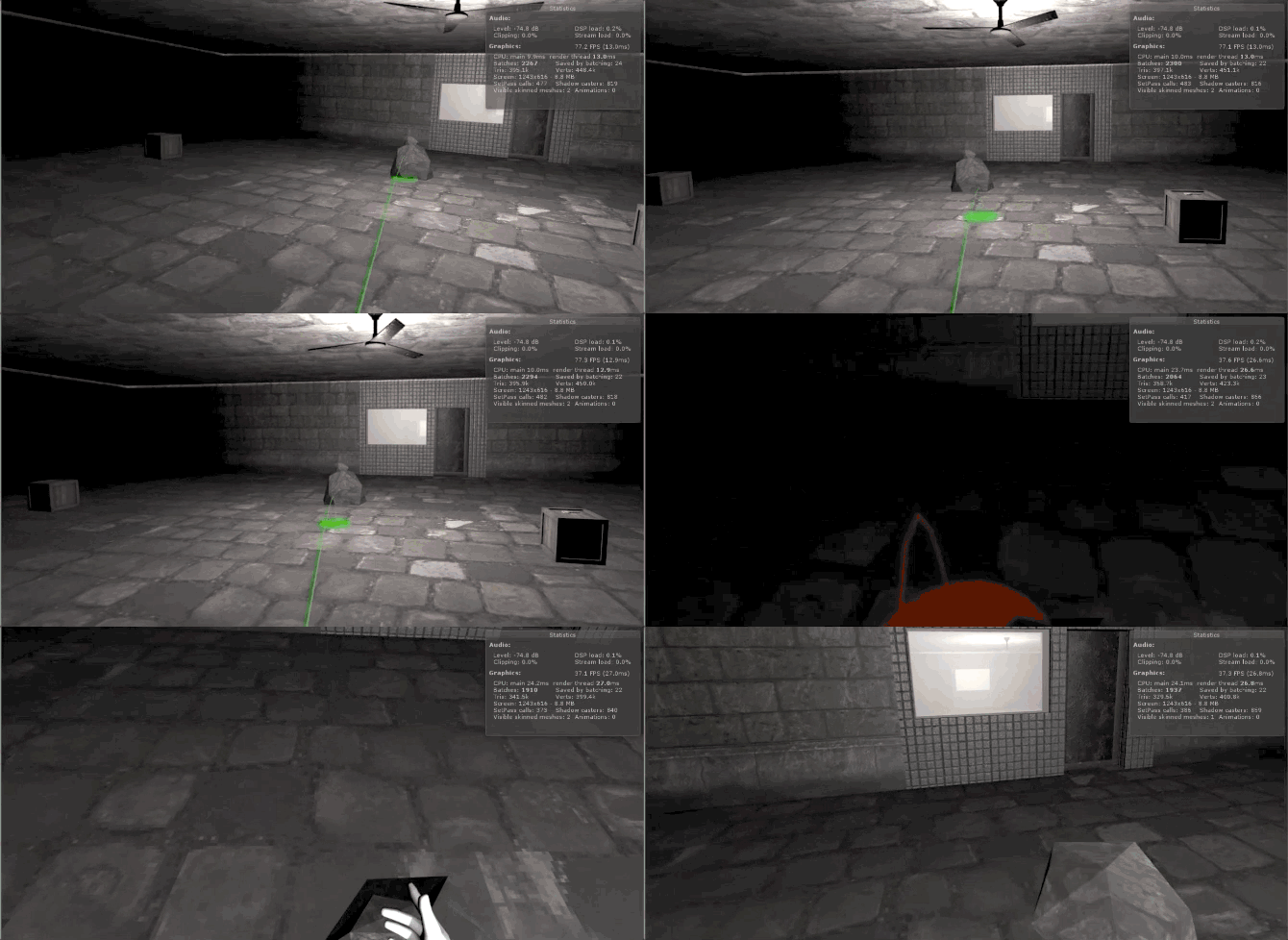
This course will build a basic environment for VR development in Unity and implement the basic functions required to develop VR content.
I decided to write this lecture because I felt there weren't many lectures on VR, but since this is my first lecture, there are many shortcomings.
However, I tried to explain it as easily and in detail as possible, and if you watch this lecture and can implement the function on your own,
I believe that with these features, you will be able to create basic VR content without any difficulty.
This tutorial uses Unity 2019.2.4f1 on Windows OS.
The Unity version does not need to be the same, but for VR development
We recommend using a version that is not too old.
Packages: I have registered the materials for the course that adds packages 1-3.
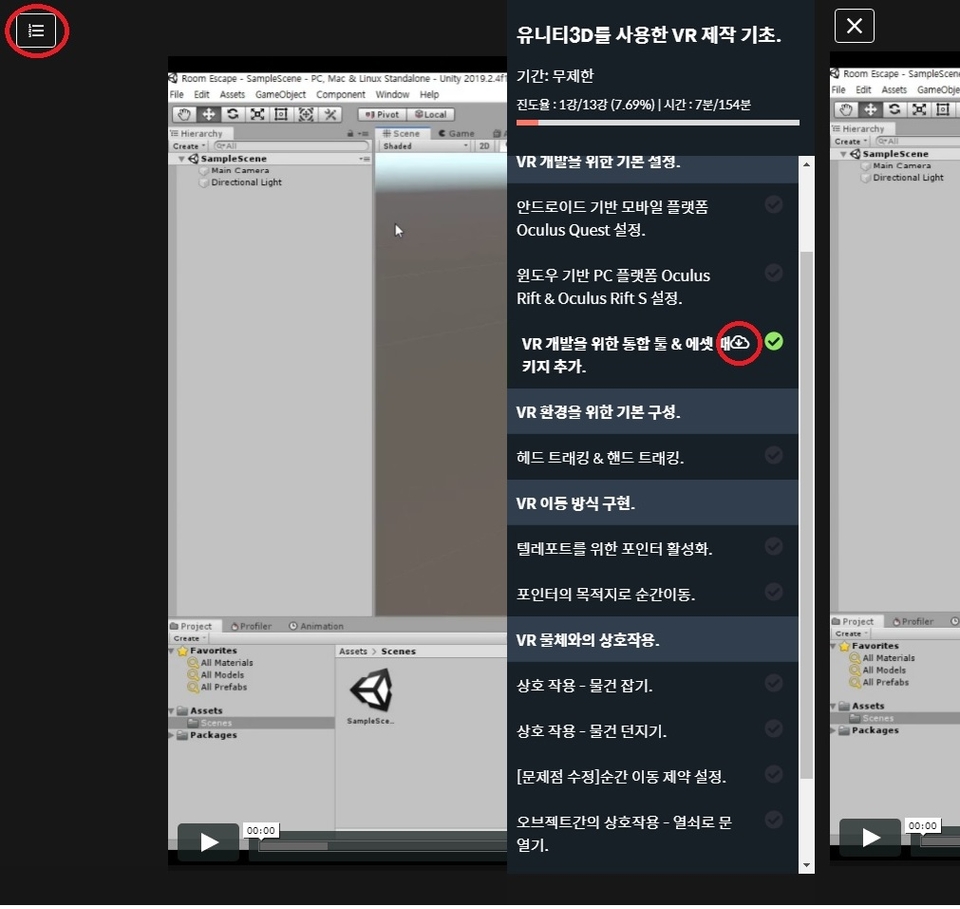
If you click on the list button on the top left of the lecture 1-3 and look at the right side of the lecture in the list that appears,
There is a cloud-shaped download button. And the text for adding the package is scrolling down to the corresponding lectures 1-3.
If you scroll down, you can copy and use the text at the bottom.
Oculus Key Name: https://developer.oculus.com/documentation/unity/latest/concepts/unity-ovrinput/



![[UE5 for Beginners] Part5. Unreal Engine VRCourse Thumbnail](https://cdn.inflearn.com/public/courses/329330/cover/bb1c2b37-41d6-4836-aa91-7da54400f462/329330-eng.jpg?f=avif&w=420)


