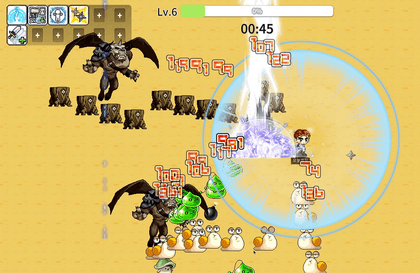
Creating a Tangtang Force with MapleStory Worlds
todaycoding
Free
Beginner / Lua, UCC
5.0
(8)
300+
We are creating a game similar to Tangtang Force using Nexon's metaverse platform MapleStory Worlds.

Beginner
Lua, UCC

We'll dissect Unity's InputSystem inside and out. Become an InputSystem master through approximately 10 usage methods and practical examples.
Reviews from Early Learners
5.0
mystic6113
I enjoyed your easy explanation about InputSystem! However, I'm curious about when the Scriptable Object and key rebinding lectures will be uploaded.
5.0
까만돌
Thank you for the precious lecture.
5.0
ftna
The lecture is good, and your voice is comfortable, so I can concentrate well. You explain things thoroughly.
Numerous ways to utilize InputSystem
InputSystem's detailed options
Support for various input devices across multiple platforms
Runtime Key Rebinding Implementation
Are you using Unity's Input System properly?

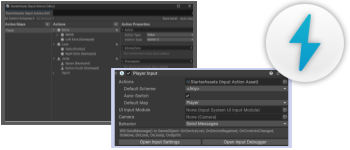
Starting with Unity 6, the Input System is included as the default setting.
The Input System is now essential!
Are you only using InputSystem through the PlayerInput component?
There are many more ways to use InputSystem!
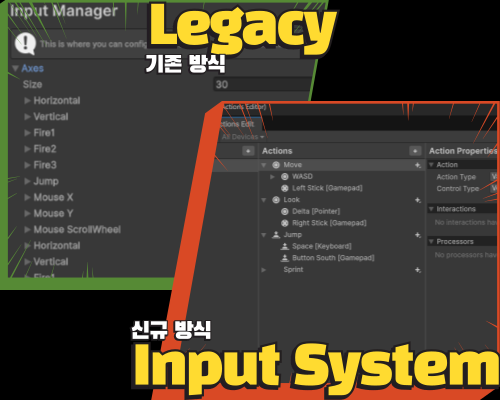
Input System Comparison
C# syntax
Code design
Comparison with Legacy: Compare the traditional input handling method with InputSystem and learn the advantages of InputSystem.
Basic Syntax : InputSystem operates using events. Learn the principles and usage methods of delegate and event syntax.
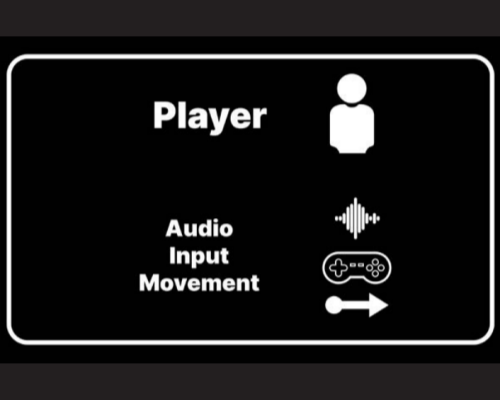
Code Design: User input and character movement are often implemented in a single script. This goes against object-oriented programming principles and creates difficulties in scalability for future development. Learn to separate user input and movement processing and design code through inheritance.
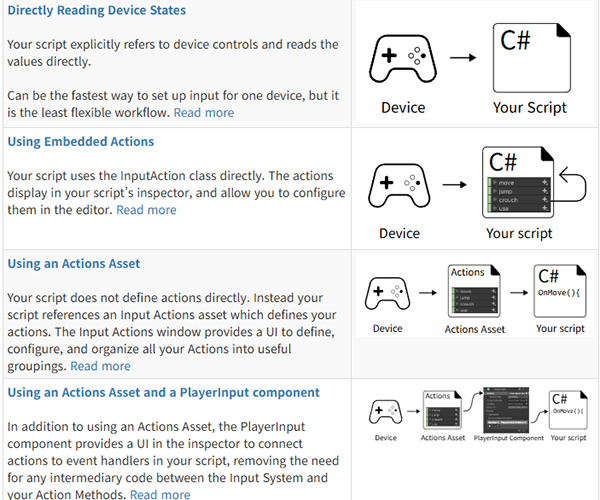
Basic Workflow
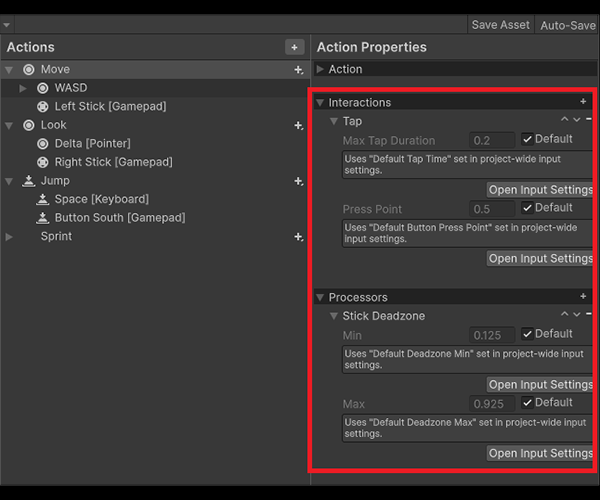
Detailed Options
Writing code
Basic Workflow: According to the official documentation, InputSystem has four main workflows (differences exist depending on version), and we cover all the basic workflows.
Detailed Settings : Learn about various options in InputSystem such as Interactions, Processors, Modifiers, and how to use them.
Additional Usage Methods: Learn how to utilize InputSystem not only through basic workflows, but also through Interfaces and ScriptableObjects.
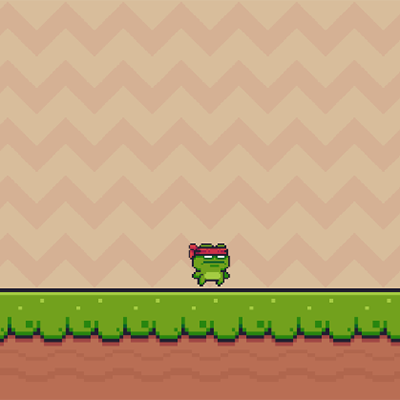
2D Platformer
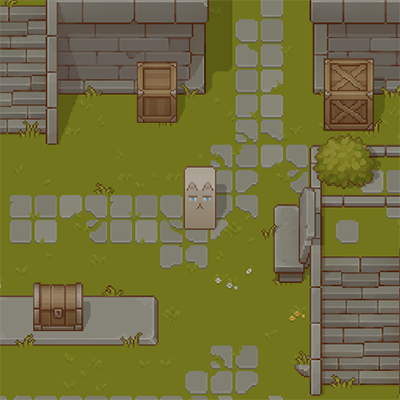
2D Topdown
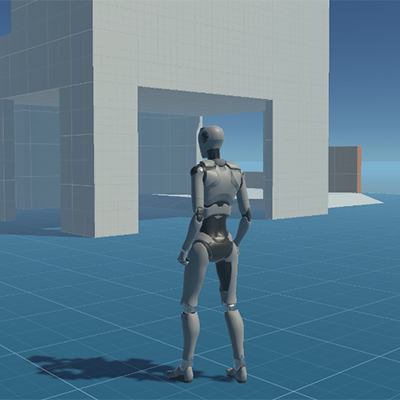
3D
Usage Methods: Practice applying various usage methods of InputSystem in different game environments.
Game Genres: You will be able to proficiently use and handle InputSystem in any game.
Supported Devices: You can handle input from devices supported by Unity, such as keyboards, mice, and gamepads.
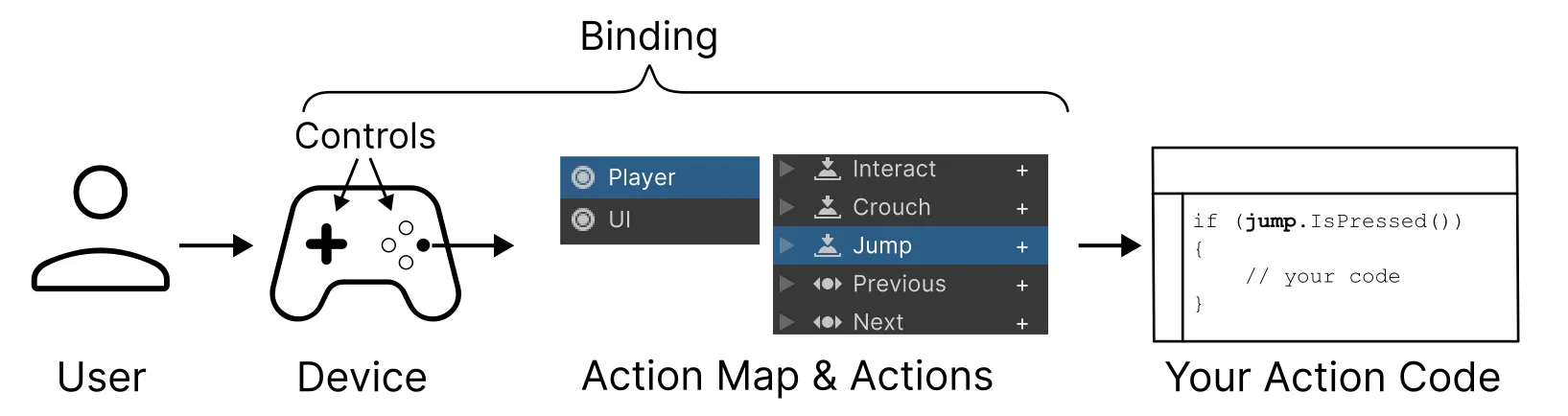
Context Handling: Learn how to naturally change input processing when switching between in-game and pause states.
UI Handling: Learn how to handle input exceptions in-game during UI interactions.
State Handling : Learn how to appropriately switch inputs based on situations such as basic state, flying, driving, swimming, etc.
The course is conducted in a Windows environment and uses Unity 6.
For learning, we recommend using the LTS version of Unity 6.
Even if you're not using Unity 6, as long as you use an LTS version, there should be no major issues taking the course.
However, if you use an older version rather than the latest version, you may experience difficulties in learning.
It will be provided in Unity package format in the lecture, so you can download and use it.
First, we'll learn the various ways to use InputSystem.
After that, we'll examine the detailed options of InputSystem.
Who is this course right for?
Someone who wants to switch from Unity's default input handling (Legacy) to InputSystem.
For those who want to flexibly manage input from multiple devices such as keyboard, gamepad, and touch.
For those who are concerned about input handling in multi-platform projects such as PC, mobile, and console.
Those who want to know the pros and cons of different usage methods of InputSystem.
For those who want to gain various input system design know-how by following practical examples.
Need to know before starting?
Basic Unity Usage Methods
Basic C# syntax

448
Learners
18
Reviews
5.0
Rating
2
Courses
I am OneulCoding, and I share information related to Unity and development.
I want to share my knowledge in the easiest way possible so that anyone can understand it.
For more details, please refer to the Today Coding YouTube channel.
All
46 lectures ∙ (3hr 11min)
Course Materials:
All
10 reviews
5.0
10 reviews

Reviews 72
∙
Average Rating 4.8

Reviews 3
∙
Average Rating 5.0
Reviews 1
∙
Average Rating 5.0
Reviews 1
∙
Average Rating 5.0
Reviews 7
∙
Average Rating 4.7
Check out other courses by the instructor!
Explore other courses in the same field!
25% off for new members
$32.90
25%
$42.90



![[A Must-Know for Game Developers] Practical Game MathematicsCourse Thumbnail](https://cdn.inflearn.com/public/files/courses/339548/cover/ai/3/8b7a81f3-57e8-41fa-ae00-331f7672e104.png?w=420)

![[2025] Full-Scale 2D Strategic Tower Defense Game Development Course with Unity & C#Course Thumbnail](https://cdn.inflearn.com/public/files/courses/339095/cover/01k6f4gwphnnzy16stck45yv45?w=420)