
강의

멘토링

커뮤니티

NEW
Productivity

/

Office

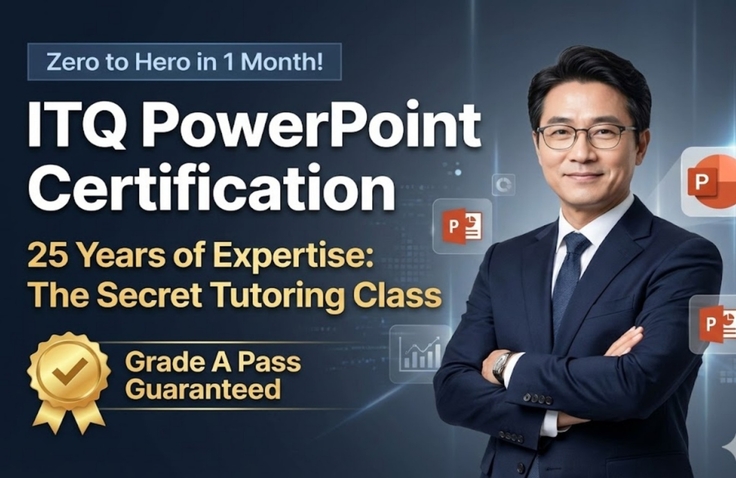
"Even a computer novice can get a Grade A? ITQ PowerPoint passing cheat codes served to you by a star instructor with 25 years of experience"

"Even 'true' beginners who are afraid to even open PowerPoint are OK! With the know-how of helping tens of thousands pass over 25 years, we skip the complex theories and spoon-feed you only the core functions that are guaranteed to appear on the exam, leading you straight to an A-grade."

3 learners are taking this course

Level Beginner

Course period Unlimited

  • ds8828455
PowerPoint
PowerPoint
ITQ
ITQ
MS-Office
MS-Office
presentation PT
presentation PT
Government-Funded Bootcamp
PowerPoint
PowerPoint
ITQ
ITQ
MS-Office
MS-Office
presentation PT
presentation PT
Government-Funded Bootcamp

What you will gain after the course

  • You can obtain the ITQ PowerPoint national certification with an A-grade in a short period of time.

  • Develop the skill to perfectly create 6 slides within a 60-minute time limit without any point deductions.

  • Master the skills of shape point editing, chart creation, and SmartArt utilization that can be applied immediately in practical work.


1. Detailed Course Introduction (150 characters or more)


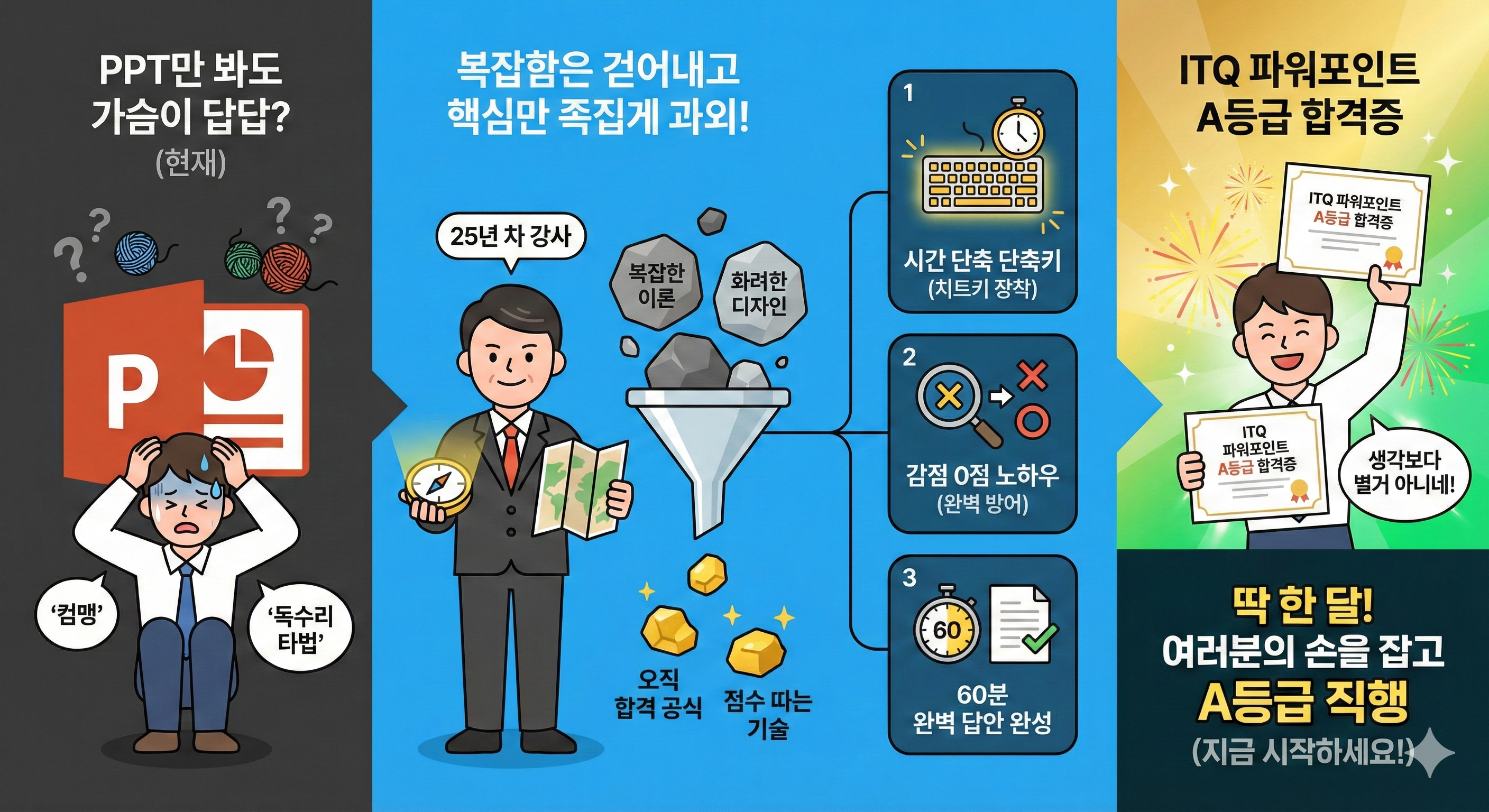
"Does the mere sight of the PowerPoint icon make your chest feel tight? Don't worry. A veteran instructor with 25 years of experience will take your hand and lead you straight to an A grade."

This course does not teach flashy designs or complex theories. I will pinpoint only the score-boosting techniques optimized specifically for 'passing the ITQ exam.'

Over the past 25 years of teaching tens of thousands of students, I have realized one thing: "There is an absolute formula for passing certification exams." It is perfectly fine even if you use the hunt-and-peck typing method or know nothing about Excel functions. As long as you follow the 'time-saving shortcuts' and 'zero-deduction know-how' that I provide, anyone can complete a perfect answer sheet within 60 minutes.

Just leave it to me for one month. Even if you've been called "computer illiterate," you'll soon find yourself holding your certification and smiling, saying, "That wasn't so hard, was it?" Hesitation only delays your success. Start right now!


2. Lecture Infographic (Roadmap Planning Proposal)

To help students understand the curriculum at a glance, I suggest an infographic layout in the form of an [A-Grade Pass Roadmap]. It will be effective if you create it according to this structure using MiriCanvas or PPT.

🎨 [Infographic Title]: 25-Year Veteran Instructor's Grade A Pass Roadmap

STEP 1. Basic Setting (Week 1)

"Basics of Disqualification Prevention"

  • 🧊 A4 Paper Settings: Basic points determined within the first 3 seconds of starting

  • 🧊 Slide Master: Auto-complete 6 slides with a single setup

  • 🧊 Armed with Shortcuts: Essential key settings to triple your workflow speed

STEP 2. Scoring Points (Week 2)

"Targeting the cost-effectiveness range"

  • 🚀 Cover/Table of Contents: Shape Point Editing & WordArt in 10 minutes

  • 🚀 Chart (100 points): It's OK even if you don't know Excel, passing on the combo chart formula

  • 🚀 Table (80 points): Perfect mastery of 'Style Reset', the #1 cause of point deductions

STEP 3. High Score Completion (Week 3)

"Breaking through the toughest section"

  • 🔥 Shape Slides: SmartArt & Grouping Animation

  • 🔥 Time Management: Boldly skip what you don't know! Partial credit strategy

  • 🔥 Incorrect Answer Clinic: Blocking the 'Most Frequent Mistake Types' accumulated over 25 years

STEP 4. Practical Final (Week 4)

"Sealing your passing grade"

  • 🏆 Infinite Repetition of Past Exams: Solving problems based on the latest trends

  • 🏆 60-Minute Time Attack: Practice in an environment identical to the actual testing center

  • 🏆 Final Rehearsal: Perfect simulation from saving to transmission

🚩 GOAL: Achieve ITQ PowerPoint Grade A!


Recommended for
these people

Who is this course right for?

  • A complete computer novice who is afraid to even launch the PowerPoint program.

  • Those who are worried they won't be able to finish within the exam time (60 minutes) because of slow typing speed.

  • Job seekers and office workers who urgently need to obtain certifications for their resumes within a month.

Need to know before starting?

  • No special prior knowledge is required. You can get started as long as you know how to click a mouse.

  • MS PowerPoint (2021 version or higher recommended) must be installed on your PC for the practice session.

Hello
This is

613

Learners

40

Reviews

8

Answers

4.8

Rating

13

Courses

With 25 years of experience in both online and offline teaching, I am a computer instructor who constantly strives to help students achieve maximum results with minimum cost.

Awarded a Commendation from the Korea Association of Hakwons Instructor at International Computer Academy

Green Computer Academy Instructor (Information Processing, Computer Literacy, MOS)

The Joeun Computer Academy (C Language, Information Processing, MOS)

Dongduk Women's University MOS Lecture

International Business Education (C/C++ Lectures)

Edupen Video Lectures (Information Processing, Computer Literacy)

Gilbut Publishing (Information Processing Online Lectures)
Baeulhak (Computer Literacy Online Lectures)

Certifications
Computer Literacy Level 1, Engineer Information Processing, Word Processor Level 1, Craftsman Information Equipment Operation, Craftsman Computer, Computerized Accounting Certification

Curriculum

All

21 lectures ∙ (6hr 11min)

Course Materials:

Lecture resources
Published: 
Last updated: 

Reviews

Not enough reviews.
Please write a valuable review that helps everyone!

Limited time deal ends in 6 days

$5.50

44%

$9.90

ds8828455's other courses

Check out other courses by the instructor!

Similar courses

Explore other courses in the same field!