AI Agents for Immediate Use: Fully Automate Your Work with Claude Co-work
Masocampus
Just say it, and AI will do it! From files and reports to emails. The Claude Cowork practical course for full automation without coding!
Basic
claude, AI, AI Agent
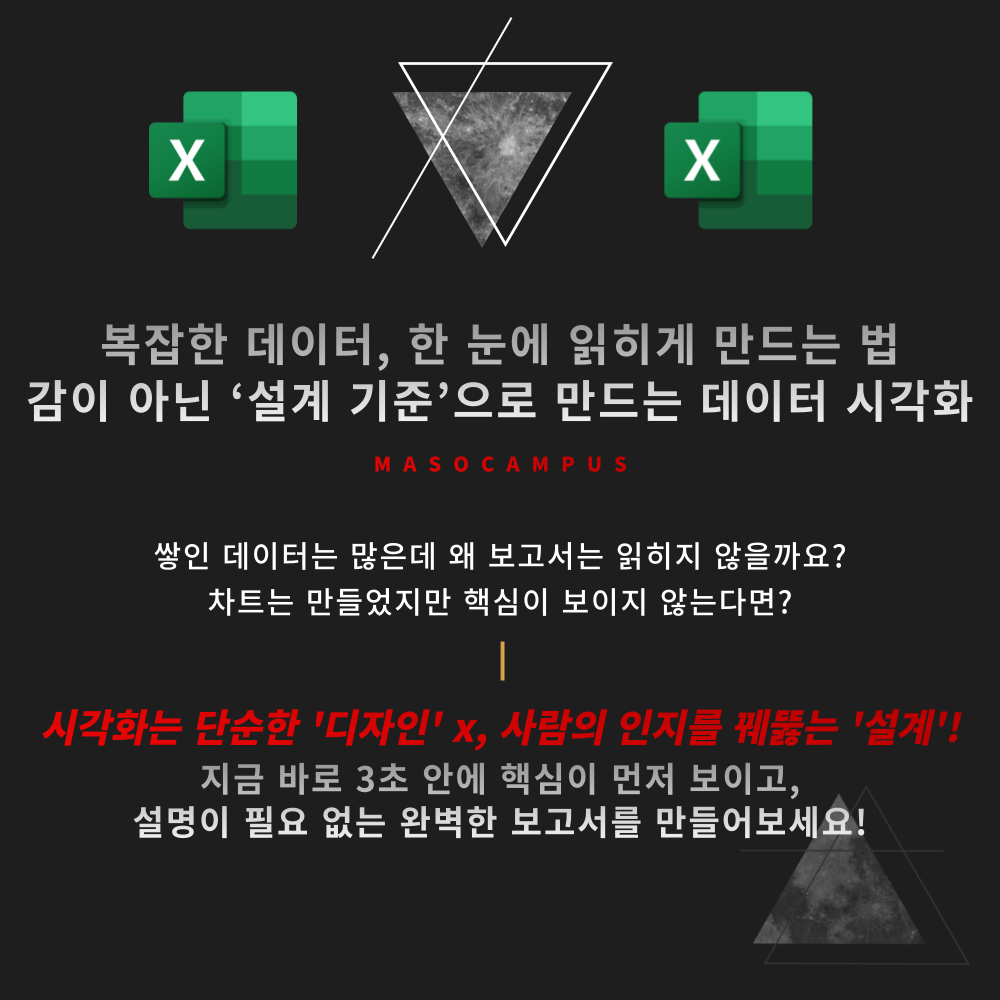
Criteria for organizing complex data at a glance: Cognitive-based practical visualization designed with Excel and AI.
14 learners
Level Beginner
Course period Unlimited
Reviews from Early Learners
5.0
김수미
I used to think I was pretty good at making graphs in Excel, but I always hit a limit. Through this course, I feel like I've learned a lot and have been able to upgrade my skills. If you want to level up your Excel reports, you should definitely take this. Although 35 lectures is a lot, the instructor uses specific practice files, so I learned a great deal by pausing and practicing along the way.
5.0
찰떡콩떡
I have a better understanding of data visualization now~ I think I'll find it very useful.
5.0
핑꿀
I feel like I've learned how to create reports that can be understood at a glance, rather than just reports that list numbers. It was great to be able to learn everything from visualization using AI to ways of expanding the report!
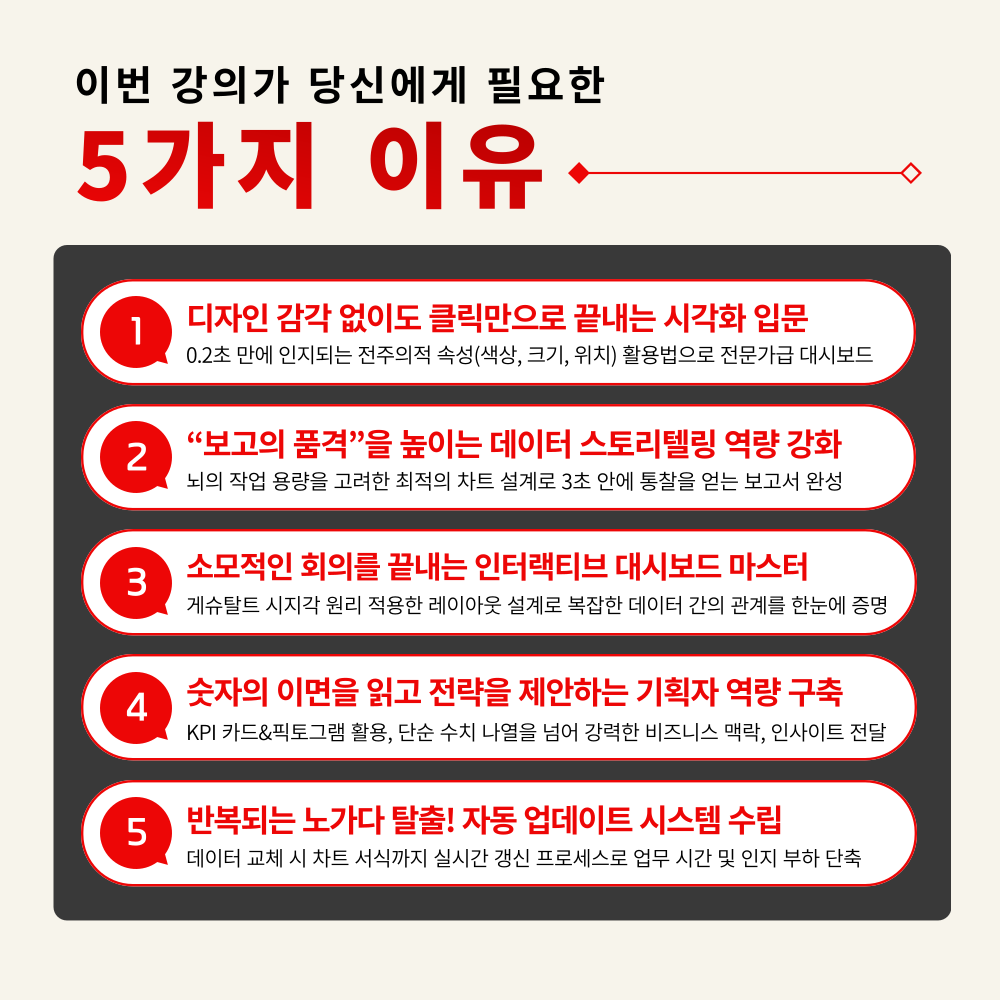
The beginning of visualization: understanding how humans see
Creating 'Design Standards' for charts that were previously made by intuition
Separating Key Metrics with KPI Cards and Conditional Highlighting
Securing the capability to 'control' charts rather than just drawing them
Practical responsiveness extending to time-series/hierarchical data and AI
Who is this course right for?
A practitioner who creates charts, but whose reports keep getting revised.
Those who are familiar with Excel charts but lack criteria for selecting them
Those who want to display KPI cards and key metrics more clearly
Those who want to organize complex data on a single screen
Need to know before starting?
This course does not focus on advanced functions or complex formulas. Since it centers on chart composition, setting adjustments, and visualization criteria, you can easily follow along as long as you have basic Excel experience (such as organizing tables and creating charts).
The hands-on practice is designed to be fully applicable to real-world tasks using only free tools and Excel, so there will be no issues with your learning.
11,709
Learners
1,726
Reviews
142
Answers
4.7
Rating
112
Courses
"I will grow more than yesterday. And, I will help those who strive to grow more than yesterday."
With Actionable Content that embodies the sincerity and aspirations of Maso Campus,
100 million cumulative hours of lectures shared online and offline since 2013!
This precious experience and time are always the source of growth for both Maso Campus and our students.
The Miso Campus team strictly adheres to two principles for the growth of us all. 1. Actionable Content that can be put into practice immediately after learning. 2. Respecting the time and effort of participants.
The Miso Campus team strictly adheres to two principles for the growth of us all.
1. Actionable Content that you can actually use after learning 2. Time-Saving Curriculum that respects the participant's time and effort Grow with Miso Campus's Actionable and Time-Saving Curriculum
1. Actionable Content that you can surely use once you learn it
2. Time-Saving Curriculum that respects the time and effort of participants
We hope you will walk the path of growth together with Masocampus's Actionable and Time-Saving Curriculum.
We hope you will walk the path of growth together with Maso Campus's Actionable and Time-Saving Curriculum.
All
35 lectures ∙ (15hr 23min)
Course Materials:
All
9 reviews
5.0
9 reviews
Reviews 22
∙
Average Rating 5.0
Reviews 6
∙
Average Rating 5.0
Reviews 8
∙
Average Rating 5.0
Reviews 3
∙
Average Rating 5.0
5
I used to think I was pretty good at making graphs in Excel, but I always hit a limit. Through this course, I feel like I've learned a lot and have been able to upgrade my skills. If you want to level up your Excel reports, you should definitely take this. Although 35 lectures is a lot, the instructor uses specific practice files, so I learned a great deal by pausing and practicing along the way.
Reviews 31
∙
Average Rating 5.0
Check out other courses by the instructor!
Explore other courses in the same field!