


![[무료 MS RPA를 활용한 업무 자동화] Power Automate Desktop - 반복되는 일 자동화하기강의 썸네일](https://cdn.inflearn.com/public/courses/332826/cover/fd9d8667-48a8-4d2e-b27d-1154f66df679/332826.png?f=avif&w=420)
[무료 MS RPA를 활용한 업무 자동화] Power Automate Desktop - 반복되는 일 자동화하기
오마스
별거 아니지만 사람이 계속 신경 쓰고 반복해서 해야 하는 일 들을 Power Automate Desktop으로 자동화하고 정말 중요한 일에 집중해보세요! 🎯

초급
Power Automate, RPA, microsoft-office
Learn from the basics how to utilize OneDrive, Microsoft's cloud drive. Find out what OneDrive is and how to use it!

OneDrive
How to use OneDrive
Install and Sync OneDrvie
Share OneDrvie files/folders, unshare
Collaborate on shared files with OneDrvie
still!!!
Are you worried about losing, damaging, or using hard drives, USB drives, or external hard drives with viruses/malware/ransomware?
Can I work on files only on my PC? Do I have to go out on business and then come back to the office to work on documents?
Do you create a template for each document you work on, have each person create a document, and have one person collate it?
Are you worried about the cost and reducing the capacity by paying for expensive web hard drives every time?
Are you familiar with Microsoft's OneDrive, which was created for people who have these concerns?
Powerful OneDrive solves these problems at once, helping you work smarter and more securely.
Not only does it have a generous 1TB capacity, it can be used safely without risk of loss/damage or dangerous attacks.
Now, let's try working smarter with OneDrive.
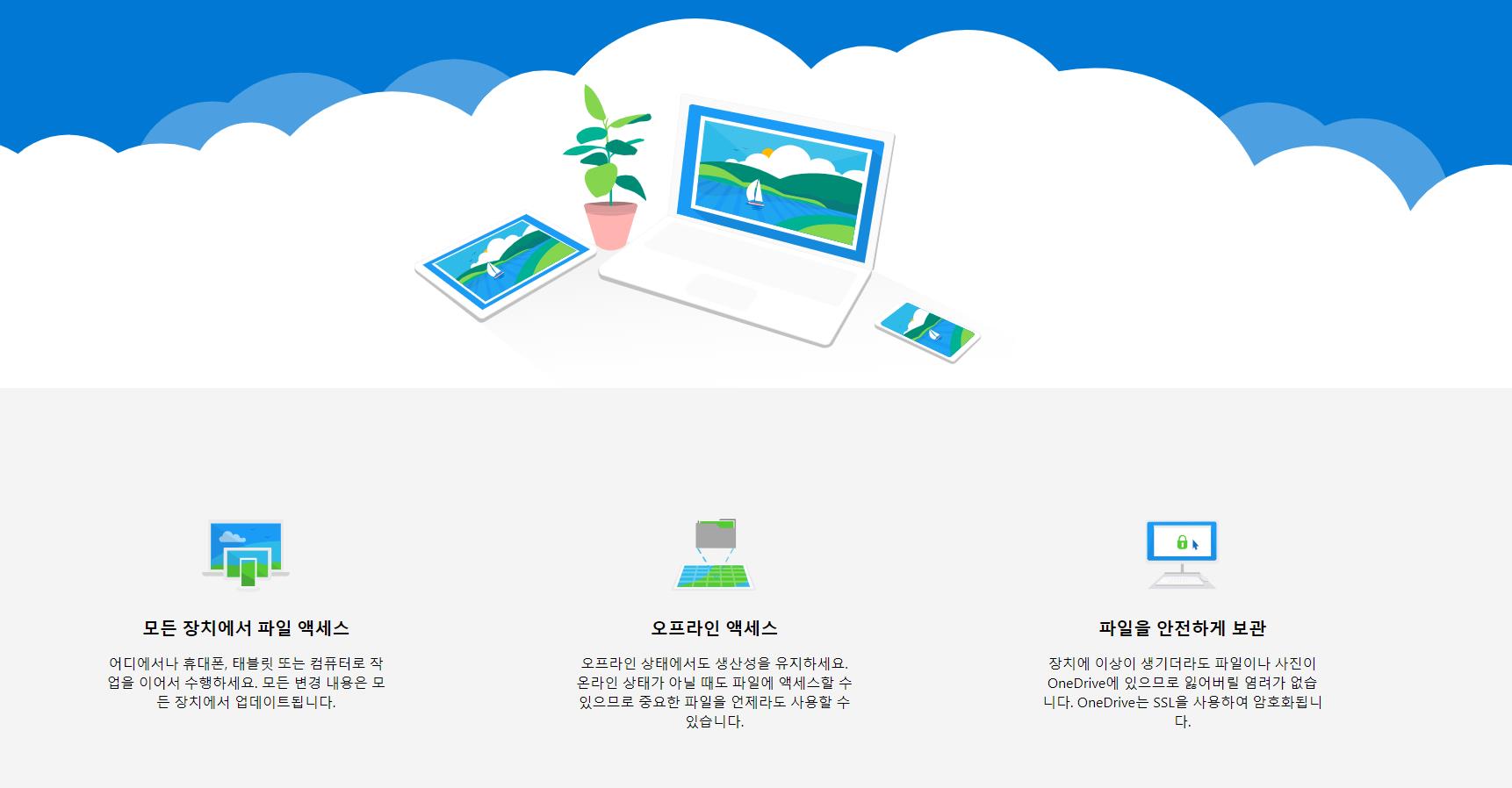
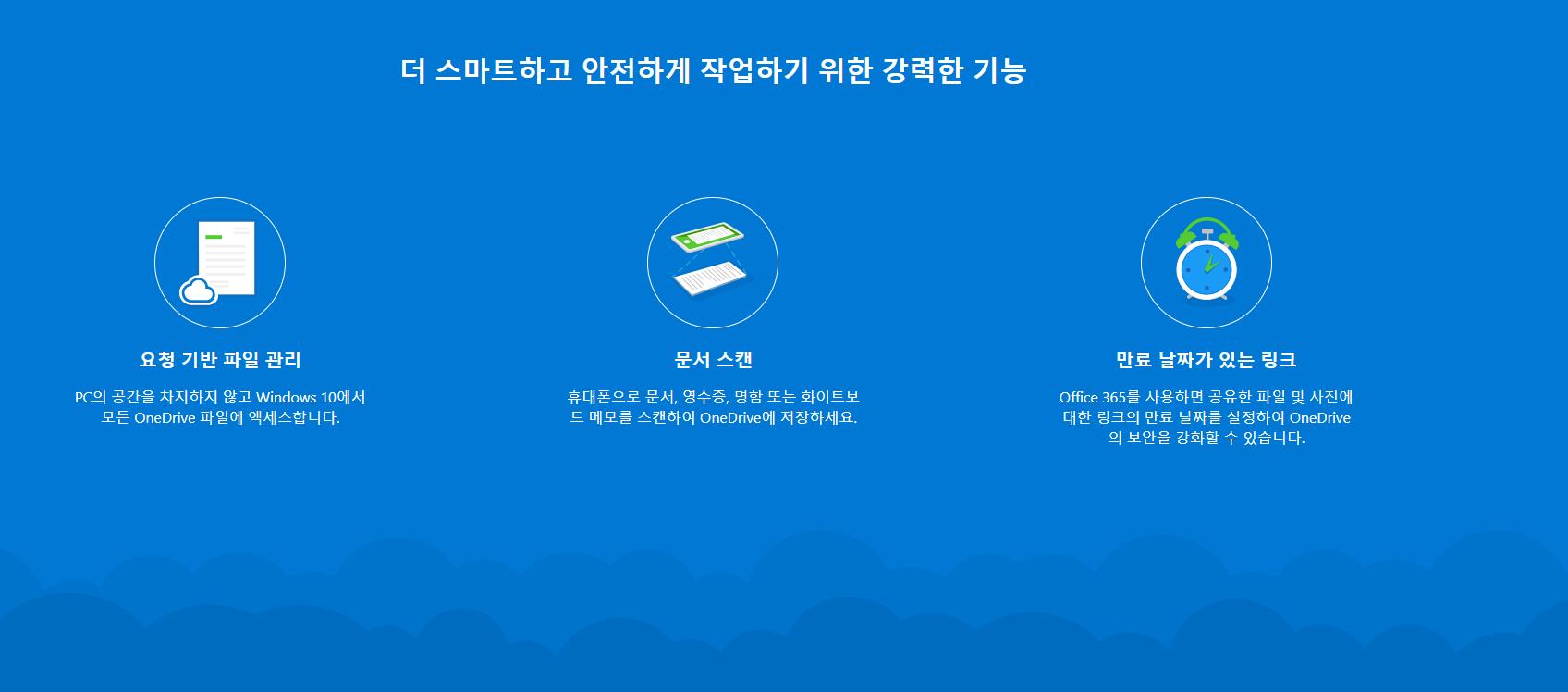
https://onedrive.live.com/about/ko-kr/download/
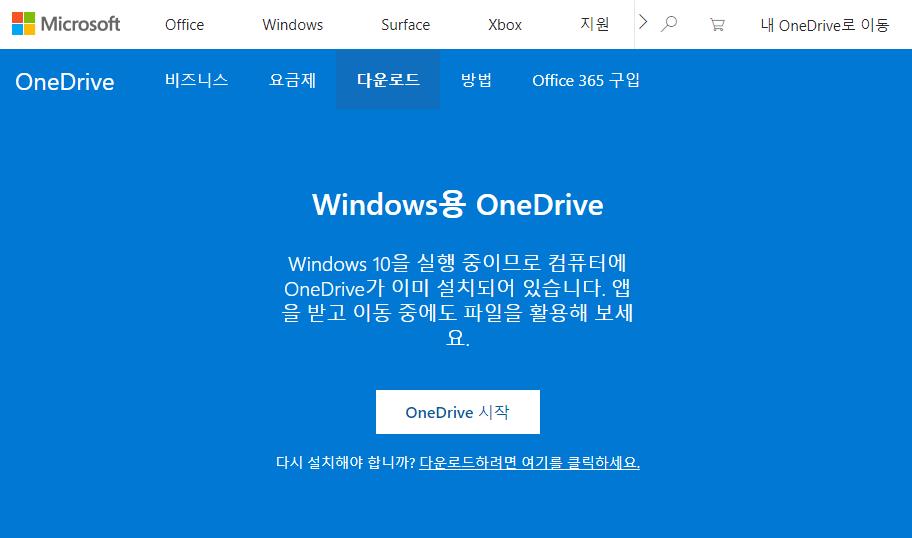
I use Microsoft OneDrive.
Individuals are provided with 5GB for free when they sign up, but companies must purchase it.
No. You can take the course with an easy mind, as we'll start by explaining what OneDrive is.
Who is this course right for?
For those who use OneDrive
Anyone who wants to collaborate
Anyone who needs co-editing
Anyone who wants to share files safely
For those who want to manage files safely

2,516
Learners
277
Reviews
164
Answers
4.5
Rating
45
Courses
반갑습니다! Microsoft 365 전문가 "오마스"입니다.
Microsoft 365 전문가가 여러분이 보다 쉽게 스마트하게 업무를 할 수 있도록 돕겠습니다.
오마스의 강사를 소개합니다!!
고현정 강사
Microsoft MVP (Microsoft 365 Apps&Services, 2016 ~ 현재)
운영 Blog & Café
YouTube
저서
Microsoft 365 Business for Users & Admins
Office 365를 활용한 My Smart Work 오마스
Office 365 뚝딱 시리즈 1. 협업을 위한 SharePoint Site 만들기
Office 365 뚝딱 시리즈 2. 전문가 도움 없이 현업 담당자가 바로 업무에 적용하는 BI
Office 365 뚝딱 시리즈 3. 기초부터 활용까지 한 번에! 비즈니스용 OneDrive
Office 365 뚝딱 시리즈 4. 우리 회사에서 필요한 모바일 앱 만들기 PowerApps
Office 365 in 중소기업 오피스 365를 활용한 마이 스마트워크
원노트 2016 활용! - 기본편
원노트 2016 활용! - 활용편
여자 직장인, 이것만은 절대 하지 마라! 유쾌하게 뒤집어 생각해보는 직장생활 성공법
Recognitions
MS-102 - Microsoft 365 Certified: Administrator Expert
MS-100 - Microsoft 365 Identity and Services
Teams Meetings and Meeting Rooms Technical Assessment
MS-700 - Microsoft 365 Certified: Teams Administrator Associate
MS-900 - Microsoft 365 Certified: Fundamentals
AZ-104 - MS Azure Administrator Associate
AZ-900 - Microsoft Certified: Azure Fundamentals
SC-900 - Microsoft Certified: Security, Compliance, and Identity Fundamentals
PL-900 - Microsoft Certified: Power Platform Fundamentals
Exam 347: Enabling Office 365 Services
Microsoft Office Specialist Word 2016 Expert
Microsoft Office Specialist PowerPoint 2016 Core
Certificate of Qualification. Presentation Speech 1st Level
그 외 자격
프레젠테이션 스피치 1급 (한국직업능력검정협회, 고용노동부)
CS 강사 1급 (한국직업능력검정협회, 산업통상자원부)
이러닝 최고 컨설턴트 (한국U러닝연합회)
e러닝 지도사 2급 (한국U러닝 연합회)
전자계산 교원자격증 (교육부장관)
평생교육사 2급 (서울문화예술대학교)
All
7 lectures ∙ (37min)
All
6 reviews
3.2
6 reviews

Reviews 2
∙
Average Rating 4.0
3
최근 제가 365사용하는 것과 지금 수강에 나오는것과 많이 틀려서 이해력이 많이 부족합니다.
많이 달랐다니 죄송해요~ 혹시 사용하시는 라이선스가 Business Plan이 맞으신가요?
Reviews 31
∙
Average Rating 4.9
Check out other courses by the instructor!


![[무료 MS RPA를 활용한 업무 자동화] Power Automate Desktop Essentials강의 썸네일](https://cdn.inflearn.com/public/courses/329655/cover/8364da63-535b-4613-9b02-3dcdfc21791d/329655-eng.png?f=avif&w=420)


![[최신버전 업데이트] 프로일잘러가 되기 위한 프로젝트 및 할 일 관리 - MS Planner강의 썸네일](https://cdn.inflearn.com/public/courses/336001/cover/9368db08-c64b-42ca-8ad1-e7a872bffc0e/336001.jpg?f=avif&w=420)


![[무료 MS RPA를 활용한 업무 자동화] Power Automate Desktop - Excel 자동화강의 썸네일](https://cdn.inflearn.com/public/courses/330201/cover/8adc841c-39de-4770-98d3-2439ed8881a3/330201-eng.png?f=avif&w=420)

![[무료 MS RPA를 활용한 업무 자동화] Power Automate Desktop Basic강의 썸네일](https://cdn.inflearn.com/public/courses/329047/cover/35cb417d-cd84-47f8-a20f-653724b03a77/329047-eng.png?f=avif&w=420)
