Mastering Local LLM with a Silicon Valley Engineer (LM Studio & Ollama)

Now, your AI is no longer in the cloud. It runs directly inside your laptop. Using LM Studio and Ollama, we will show you how to build a Private AI environment that runs entirely locally— from data processing and document analysis to code generation. Without security concerns, without costs, and even faster— Move beyond simply "using" AI and start "truly mastering" it.

77 learners are taking this course

Level Beginner

Course period Unlimited

AI
AI
LLM
LLM
AI Agent
AI Agent
AI
AI
LLM
LLM
AI Agent
AI Agent

What you will gain after the course

  • The ability to build a Private AI environment to run AI directly on my own computer

  • AI workflows for securely processing company and personal data

  • Transitioning from the "level of using AI" to the "level of operating AI"


Private AI environment,
local build it yourself!

A Silicon Valley Staff Software Engineer will teach you everything about running AI directly on your laptop and building a Private AI using LM Studio and Ollama.
Now, utilize AI however you want while keeping your data safe, without worrying about API costs or security.


Have you been hesitant to use ChatGPT due to company security concerns?

Have you been spending time every single time on repetitive data processing, document analysis, and code generation tasks?

Have you felt that your use of AI is limited due to API usage limits and cost burdens?

Don't worry. Through this course, you can take a step forward from 'using' AI to 'directly operating' it.
Now, your laptop will transform into a powerful AI development environment.

🏛️ How to Build a Private AI Environment
to Run LLMs Directly on Your Laptop
with LM Studio and Ollama


Become a 'developer who operates' AI
without worrying about
security and costs.


By the end of this course, you will


You can freely utilize AI without worrying about personal information leaks.

  • Have you ever hesitated to use ChatGPT because of your company's security policies? Through this course, you will learn how to run AI models directly on your laptop using LM Studio and Ollama, allowing you to safely analyze and utilize sensitive company data or personal information without worrying about external transmission. You will no longer feel restricted in your use of AI.

Automate repetitive development tasks and maximize work efficiency.

  • If you are a developer or data professional who has struggled with a lack of time due to repetitive data processing, document summarization, and code generation tasks, you can now automate these workflows with your own self-built Private AI environment. Transform your laptop into a powerful AI development tool without the burden of API costs or usage limits.
Become an expert who freely operates AI models without the burden of API costs.

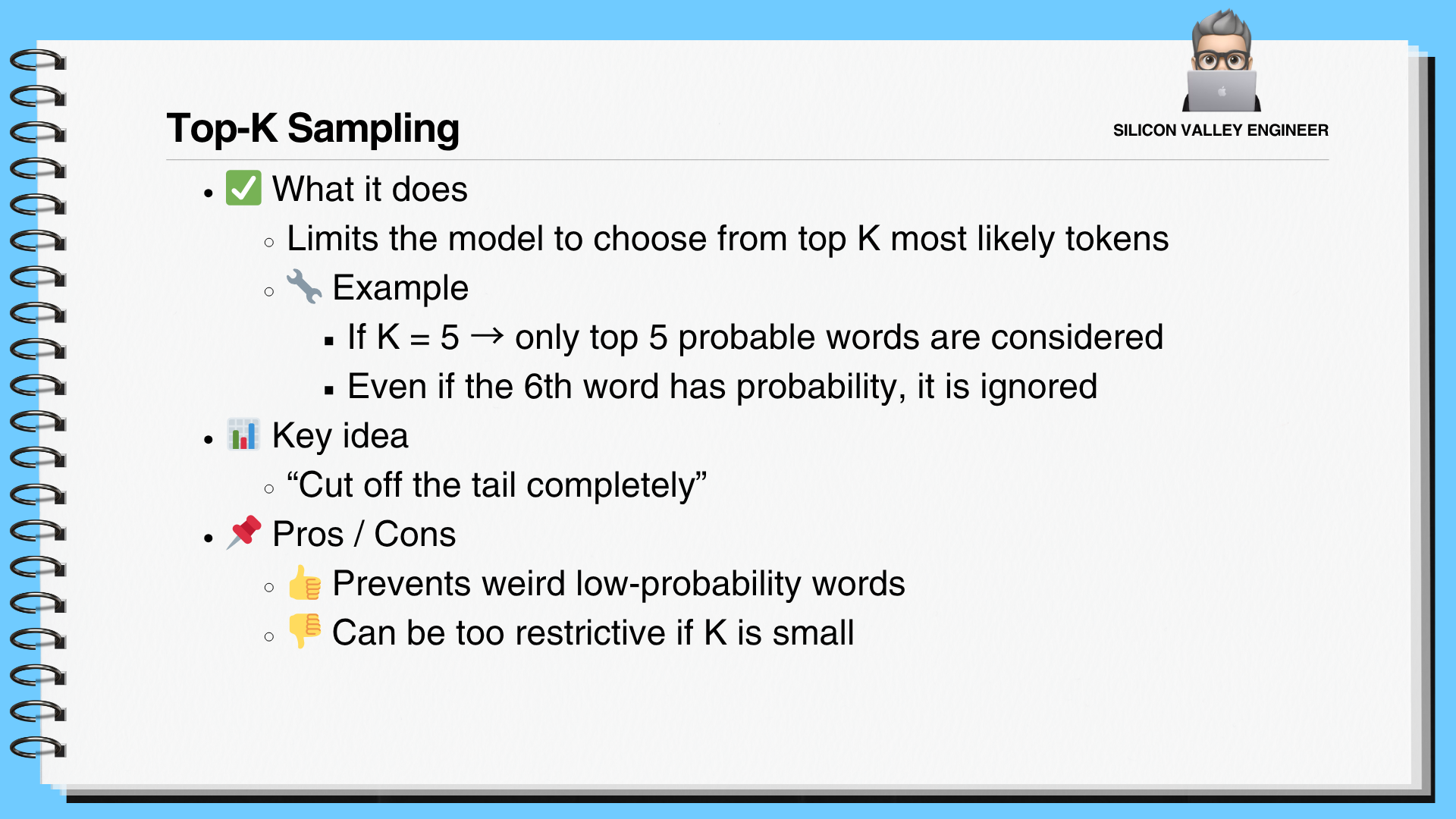
  • Beyond simple installation of LM Studio and Ollama, you will gain the ability to freely manage detailed model settings (Top K, Top P, Temperature, etc.), utilize GGUF and MLX Runtimes, configure system prompts and presets, and integrate REST APIs. Through this, you will advance from the level of simply 'using' AI to 'directly operating' it, acquiring the capability to utilize AI in a cost-effective manner.


✔️

The fastest way to run AI directly
on your personal laptop

Building Private AI
with a Silicon Valley Engineer

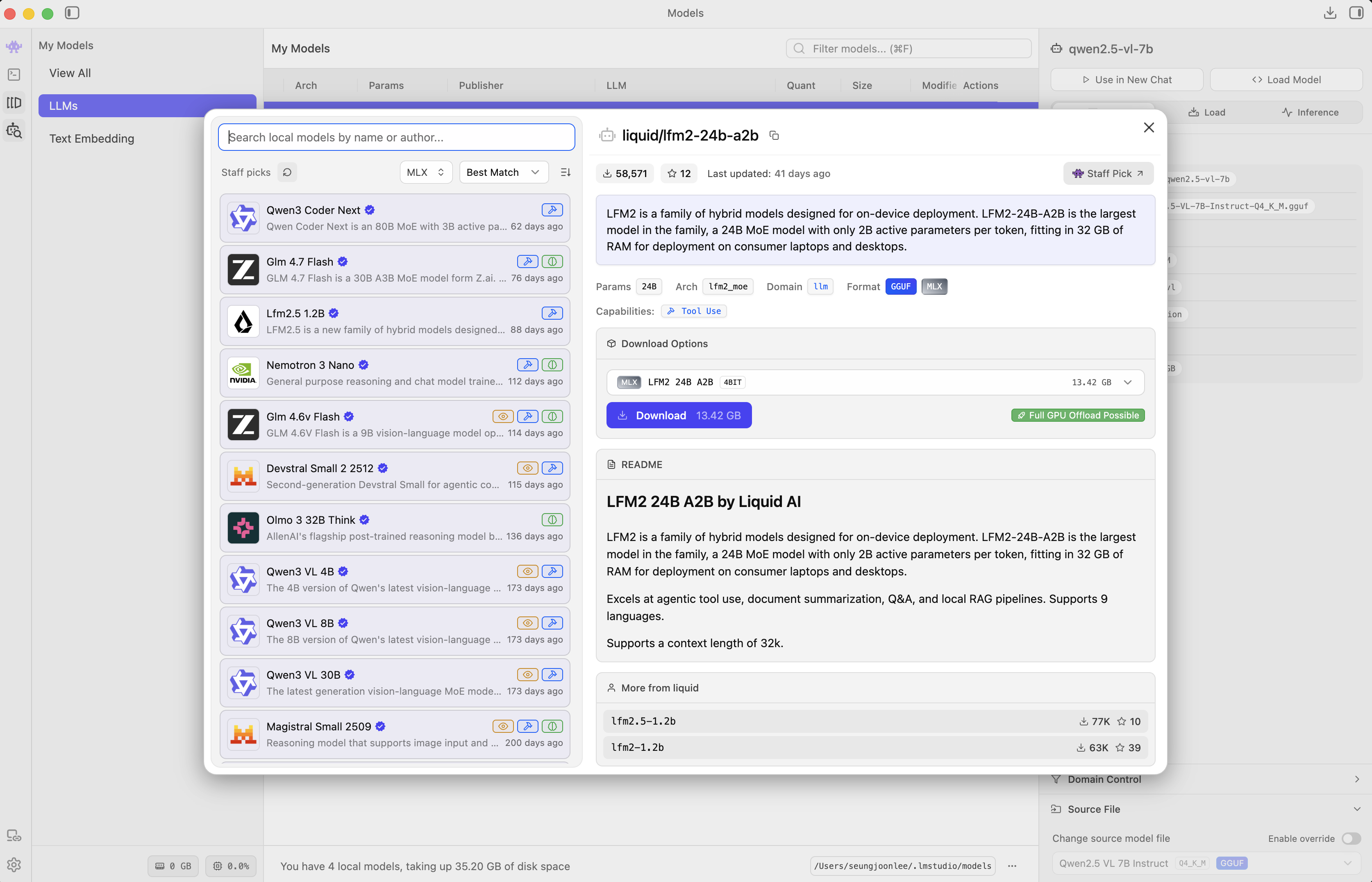
Now, your AI runs directly on your laptop, not in the cloud. You will learn how to build a Private AI that performs data processing, document analysis, and code generation directly in a local environment using LM Studio and Ollama. You can elevate your skills from simply 'using' AI to 'actively leveraging' it, all without worrying about security or costs.

Building Practical AI Workflows
Using LM Studio and Ollama

In this course, you will install LM Studio and Ollama yourself and build a local AI environment by adjusting various model parameters and settings. You will practice every step necessary for actual development—including system prompt configuration, Top K/P sampling, and generating structured outputs—to complete an AI workflow that securely processes company or personal data.

Providing Core Code and Materials
for Building Private AI

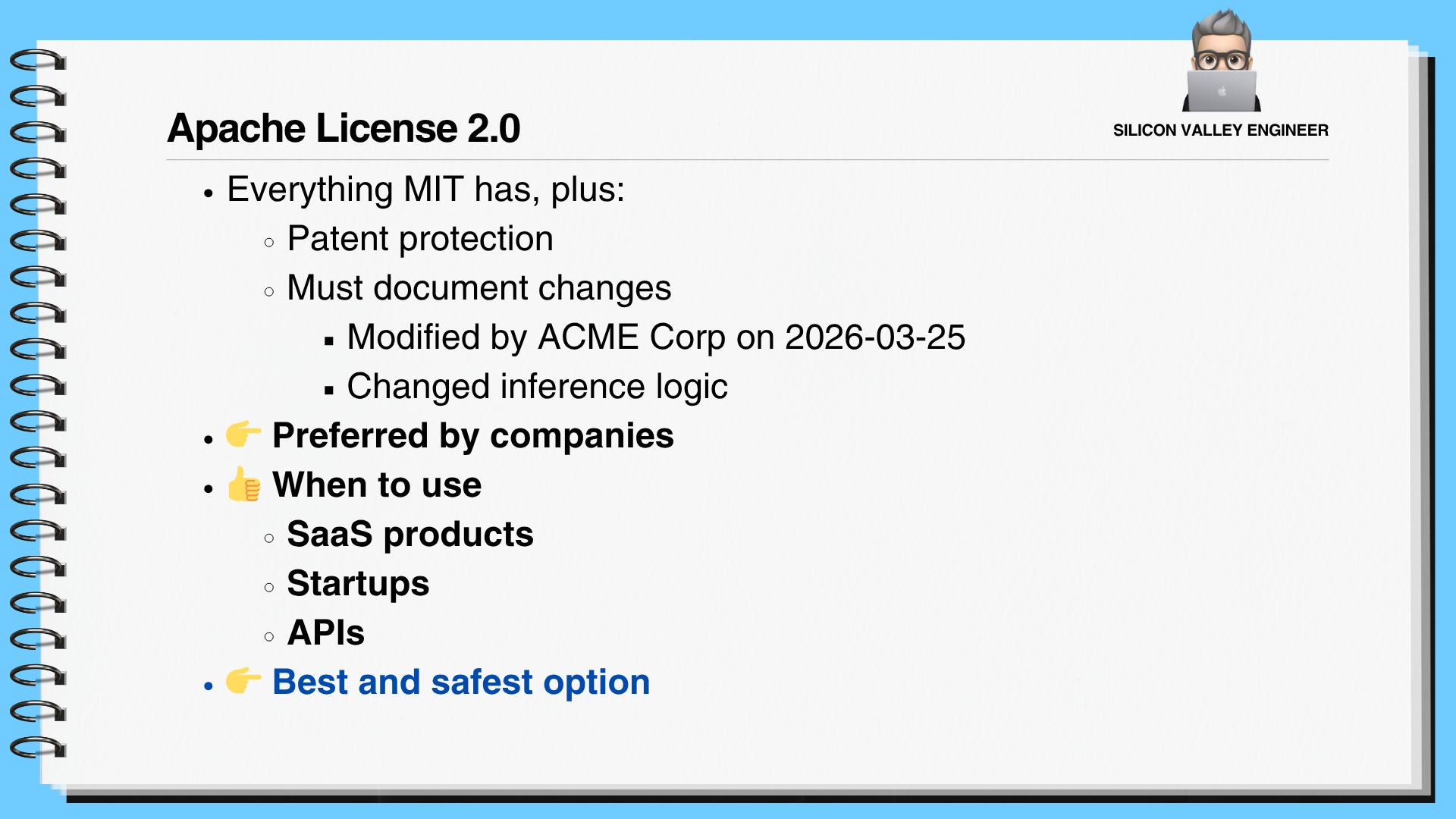
We provide the LM Studio and Ollama installation files used in the lecture, along with essential configuration guides and example code for adjusting various model parameters. Additionally, you can obtain all the materials necessary for Private AI development, including Hugging Face open LLM model information, license comparisons, and instructions on how to utilize GGUF and MLX runtimes.


📚

Run AI directly on your local machine
Master the construction of a private AI environment

Section 1

Open LLM Overview and Local Execution

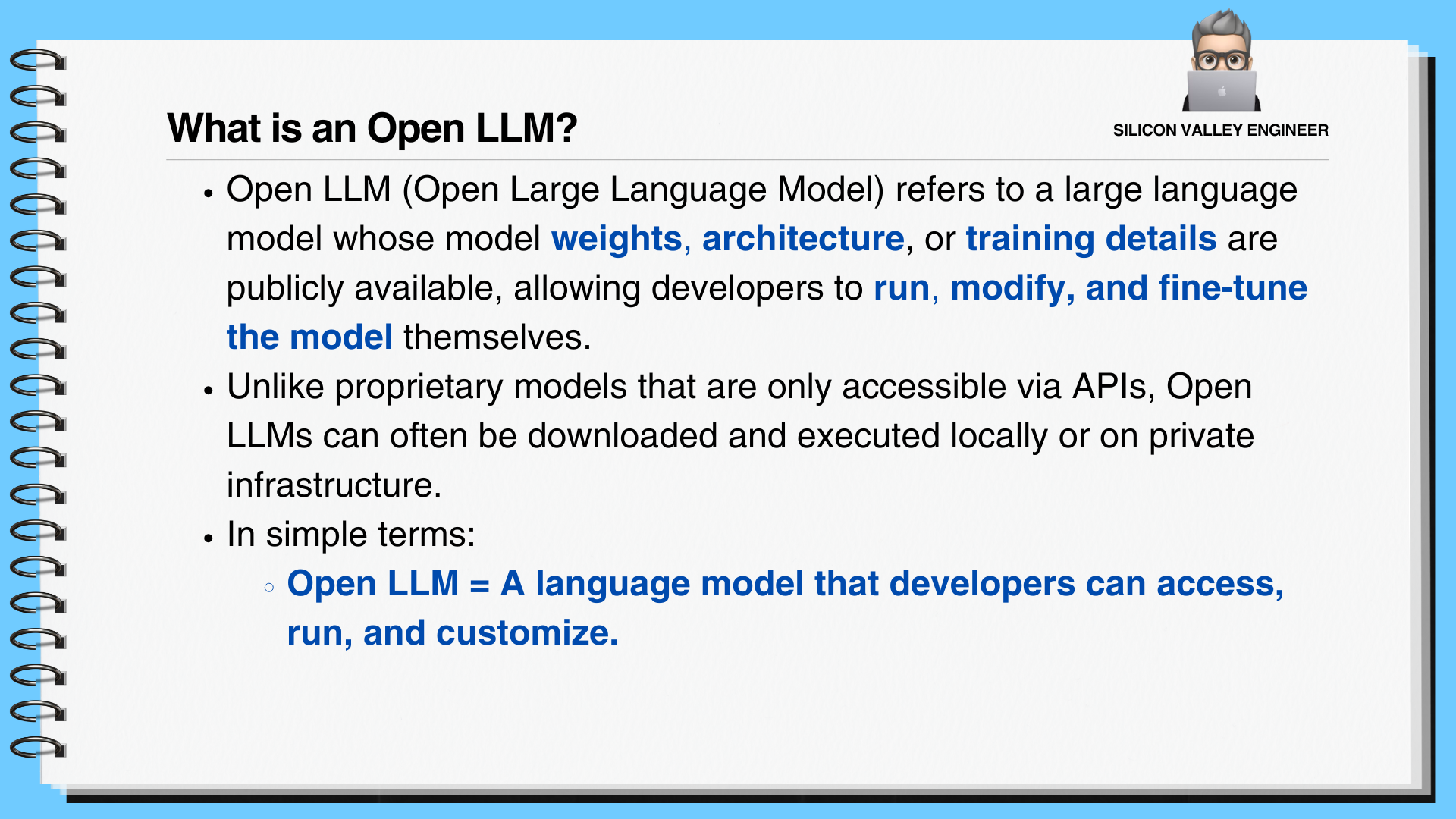
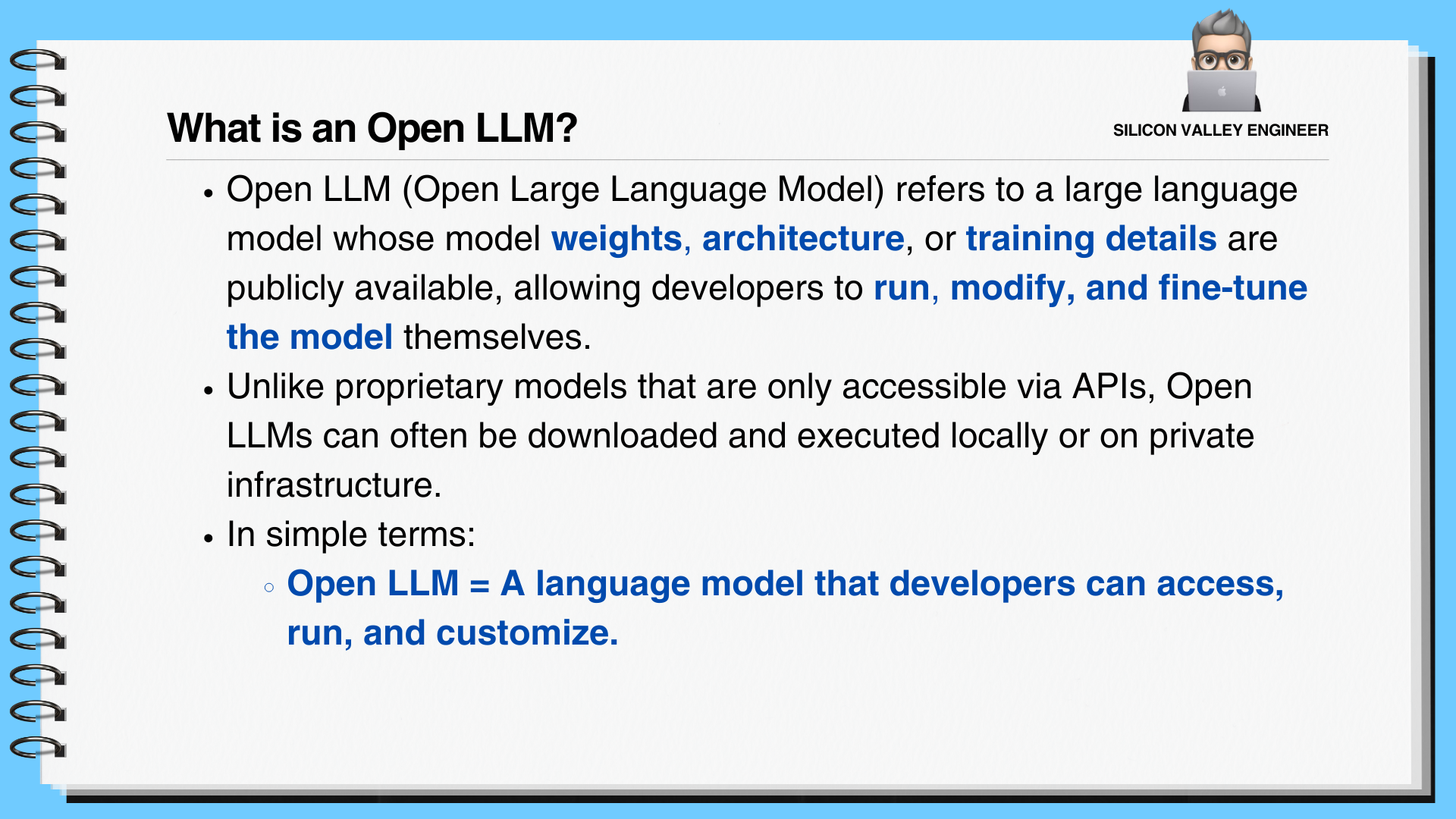
Understand the concept of Open LLMs, the types of open-source models, and the importance of model parameters and weights. Additionally, explore model execution in local environments, customization, and the advantages in terms of privacy and control.


Section 2

Setting up a Local AI Environment Using LM Studio

Install LM Studio and become familiar with the user interface, settings, system prompts, and sampling techniques. Learn how to effectively operate local AI models by studying GGUF, MLX runtime, hardware configuration, context length management, and REST API utilization.


Section 3

LLM Deployment and Utilization using Ollama

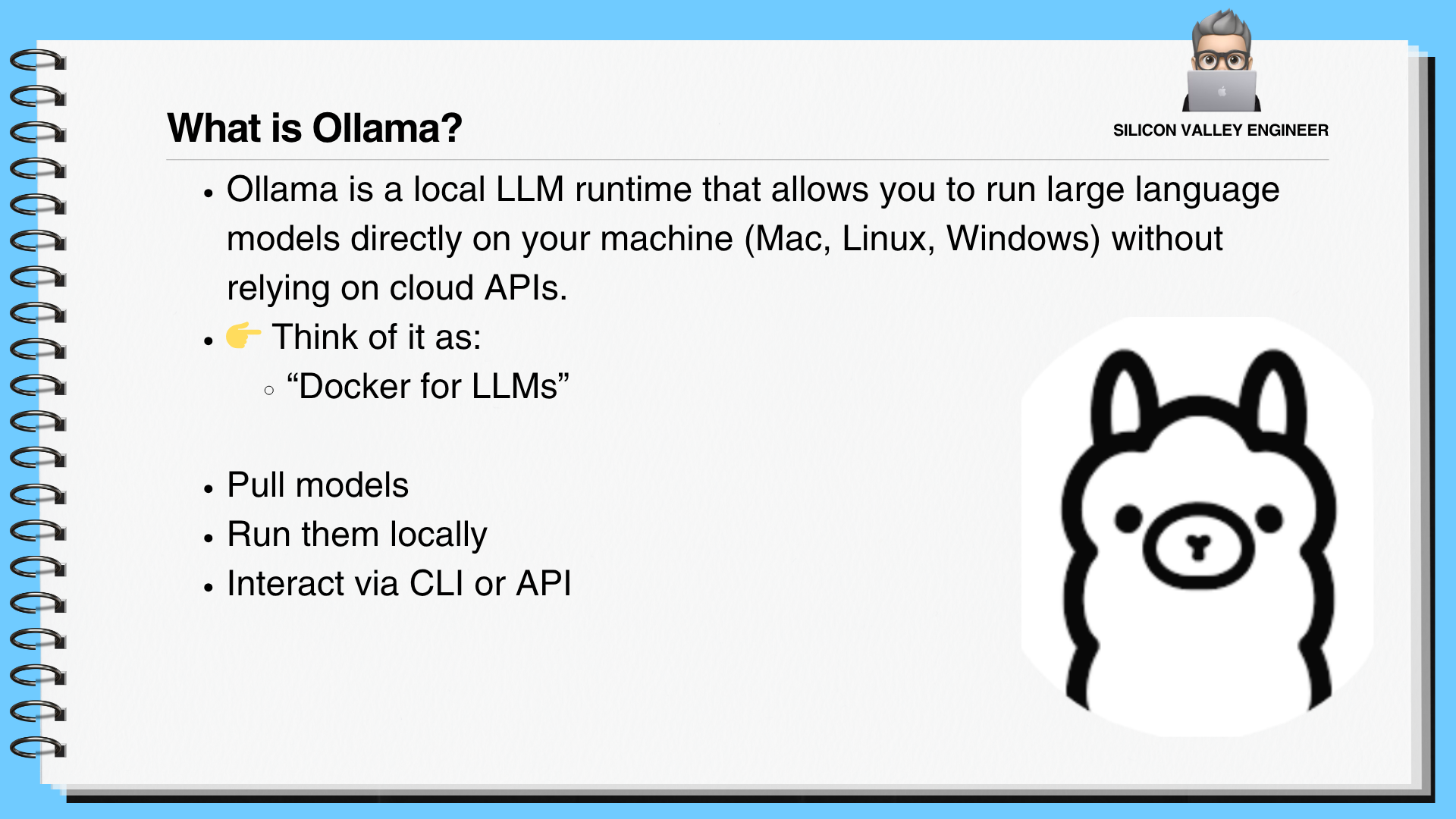
Learn how to install and use Ollama, and discover how to find useful open LLMs. This section covers multimodality support, adjusting system messages and model parameters, session management, creating models via Modelfile, and utilizing the Ollama server (API) with code examples.


🧐 We can solve the concerns
of people like this!

📌

Developers who are hesitant to use ChatGPT due to company security policies

Those who feel restricted in work automation because they are uneasy about sending sensitive company data to external APIs

📌

Junior developers with low time efficiency due to repetitive development tasks

Those who find it difficult to focus on core development tasks because they lose time to repetitive daily code generation or document analysis tasks

📌

AI learners who are having difficulty utilizing LM Studio/Ollama after installation

Those who have installed LM Studio or Ollama but feel overwhelmed by complex settings and parameters,
making it difficult to actually build and utilize a Private AI.


Notes before taking the course


Practice Environment

  • Operating System: Windows, macOS, and Linux are all supported.

  • Essential Tools: LM Studio and Ollama will be installed and used.

  • Recommended Specifications: A PC with a GPU (8GB VRAM or more recommended) and 16GB RAM or more will help with smooth practice.

Prerequisites and Important Notes

  • It is even better if you have experience in developer or data-related roles.

  • It is suitable for those who want to run AI models directly on their local machines.

  • This is a great choice if you are hesitant to use cloud AI due to personal privacy or corporate security concerns.

Learning Materials

  • Lecture slide PDF materials are provided.

  • It includes all the code examples needed for the practice.

  • It is also good to refer to the official documentation for LM Studio and Ollama.


Recommended for
these people

Who is this course right for?

  • Those who feel frustrated because they cannot use ChatGPT freely due to company security policies

  • Developers and data professionals who lack time because they are manually performing repetitive tasks every time.

  • Those who feel restricted in using AI due to API costs and usage limits

  • Those who have only installed LM Studio and Ollama but haven't been able to utilize them properly.

Need to know before starting?

  • Basic computer literacy - experience with running a terminal (commands) and installing programs required

  • Basic understanding of development or data tasks

  • Experience using AI tools (ChatGPT, etc.) at least once (Recommended)

Hello
This is altoformula

23,359

Learners

1,244

Reviews

351

Answers

4.8

Rating

31

Courses

Are you going to finish in Korea? Penetrate the global market with English! 🌍🚀

Hello. I majored in Computer Science (EECS) at UC Berkeley 💻, have worked as a software engineer in Silicon Valley for over 15 years, and am currently a Staff Software Engineer working with Big Data and DevOps at a Big Tech headquarters in Silicon Valley.

  • 🧭 I would now like to share the technologies and know-how I learned firsthand at the forefront of innovation in Silicon Valley with all of you through online lectures.

  • 🚀 Join me, having learned and grown at the forefront of technological innovation, and develop the skills to compete on the global stage!

  • 🫡 I may not be the smartest, but I want to emphasize that you can achieve anything if you stay consistent and never give up. I will always be by your side, supporting you with great resources.


More

Curriculum

All

26 lectures ∙ (2hr 58min)

Course Materials:

Lecture resources
Published: 
Last updated: 

Reviews

Not enough reviews.
Please write a valuable review that helps everyone!

altoformula's other courses

Check out other courses by the instructor!

Similar courses

Explore other courses in the same field!

Limited time deal

$238,700.00

69%

$28.60