

Rhino 6 for Beginners Product Design Part.2
usefulit
This is a lecture on Rhino 3D, which is a basic tool for product design.
Basic
Rhino
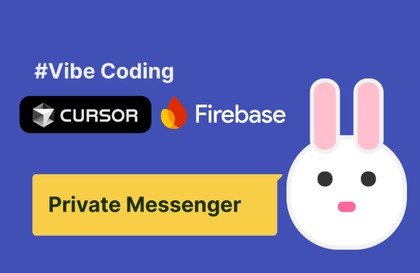
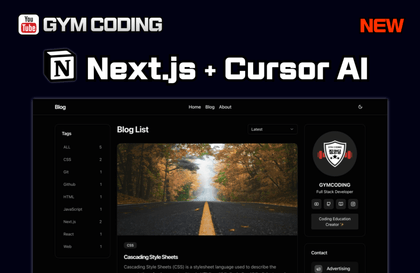
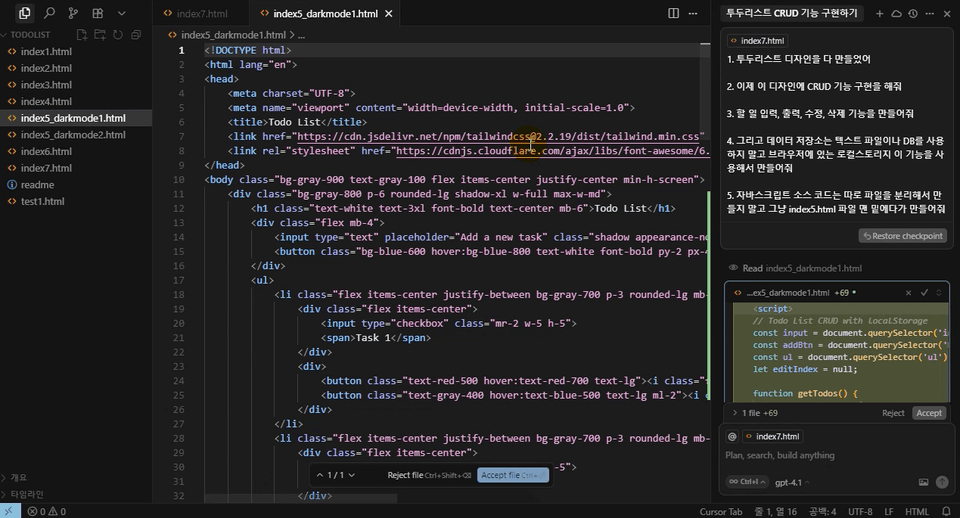
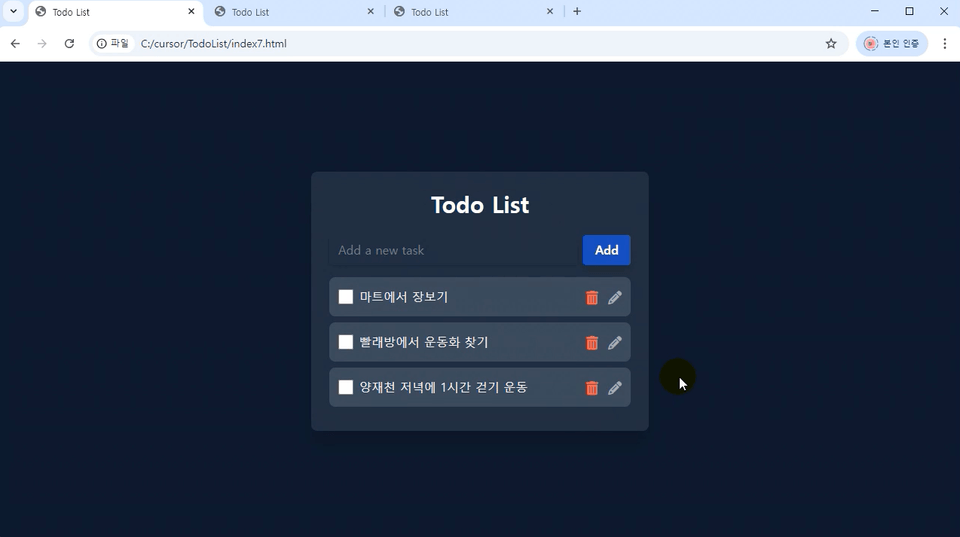
This course is a video tutorial on creating a TodoList app using only questions with the Cursor AI artificial intelligence tool.
2,988 learners
Level Beginner
Course period 12 months
Vibe Coding Basics
Learning How to Use the Cursor AI Tool
Creating a To-Do List App
Have you ever wanted to create your own TodoList app?
Have you heard the term "vibe coding" at least once but never actually experienced it yourself?
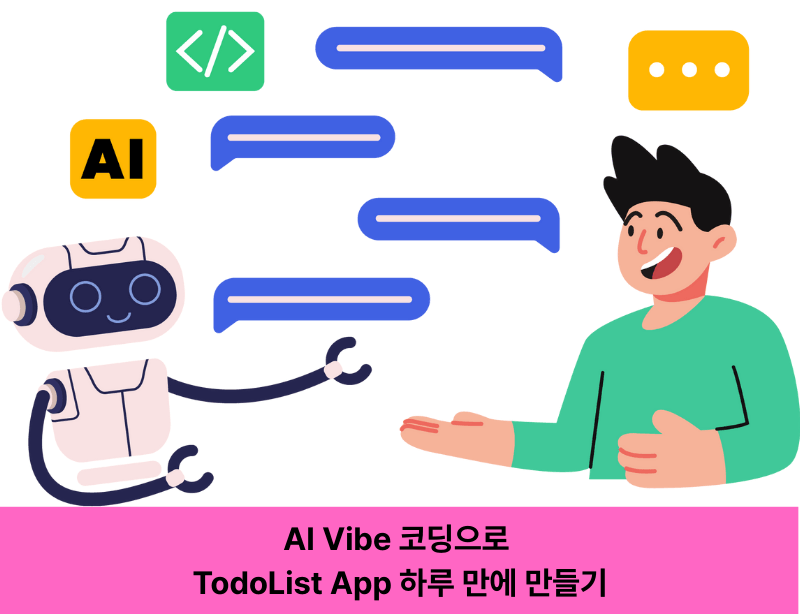
This course is designed to help you follow along in just one day as you plan, design, and implement a web application simply by asking questions, using the latest AI-powered development tool, CursorAI.
In the hands-on process, you can experience how to effectively ask questions to AI and apply the answers to development by directly creating a TodoList app.
In Section 1, you will learn how to install CursorAI and master the basic usage,
In Sections 2 and 3, you will learn app design, feature implementation, and data integration to complete a polished TodoList app.
Installing Cursor AI and Learning Basic Usage
How to Effectively Ask AI Questions and Apply the Answers
TodoList App UI/UX Design Created from Scratch
CRUD functionality, dark mode, local storage saving, and other core features implementation
Cursor AI Editor
Introducing Vibe Coding, a new development approach with AI.
From the concept of Cursor AI to installation and basic usage, we'll prepare you to easily start AI-based development.
What is Vibe Coding (15:05) — Understanding the concept and necessity of vibe coding
Cursor AI Editor: What is it + Frequently Asked Questions FAQ (34:11) — Development Environment and Common Questions Resolved
Cursor AI Installation and How to Use It for Free (24:36) — Guide to installation process and utilizing the free version
Cursor AI Basic Usage (29:22) — Basic Interface and Key Features Practice
Now let's start building the app in earnest.
We'll establish the app's design intent and gain hands-on experience from basic UI design to dark mode theme implementation, learning how to create user-friendly screen layouts.
Pre-requisite Background Knowledge and TodoList App Design Concept (35:56)
TodoList App Design Creation (1)
# Creating a TodoList App Design (2)
TodoList Design Theme Change to Dark Mode (25:55)
Finally, implement the actual functionality of the app. Understand CRUD (Create, Read, Update, Delete) and add data storage and search features to complete your own TodoList app.
Understanding CRUD Terminology and How to Ask Questions to AI
Test and Data Storage Types (31:57)
Local Storage Integration (29:04)
Add Delete All and Search Features (20:28)
This course does not provide instructor Q&A support.
The lecture materials and lesson plans can be downloaded from [Learning Materials] in the first lesson of the first section.
Who is this course right for?
Someone who wants to try using Cursor AI tools
Someone who wants to try vibe coding
People who want to create applications
8,278,676
Learners
6,372
Reviews
4.6
Rating
309
Courses
I will help you grow through useful IT lectures.
All
13 lectures ∙ (5hr 56min)
Course Materials:
All
12 reviews
3.4
12 reviews
Reviews 10
∙
Average Rating 5.0
Reviews 644
∙
Average Rating 4.9
Reviews 113
∙
Average Rating 4.9
Reviews 14
∙
Average Rating 4.4
Reviews 1
∙
Average Rating 5.0
$37.40
Check out other courses by the instructor!
Explore other courses in the same field!