




Adobe Photoshop CC 2019 Beginner's Guide for Beginners
usefulit
This is a Photoshop course for beginners that will teach you the most basic and important functions of the graphic editing tool Photoshop.

입문
Photoshop
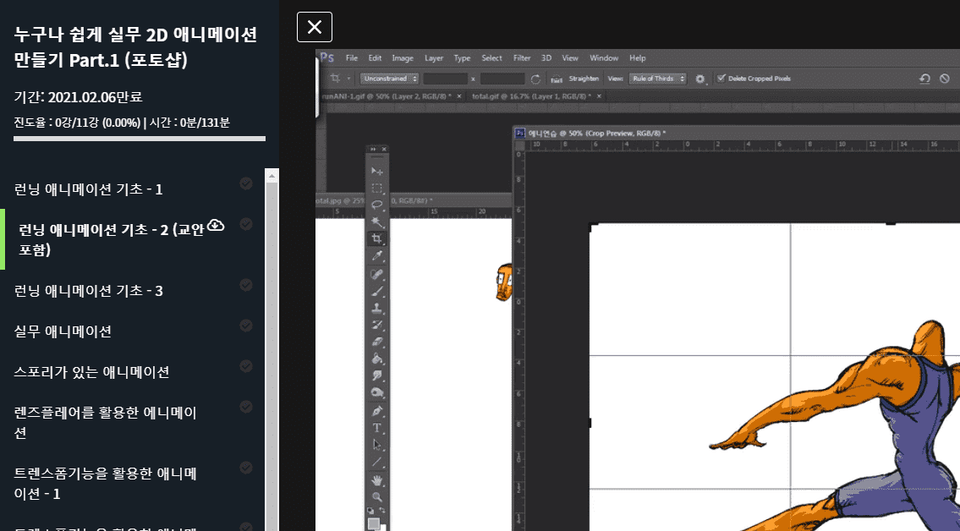
Create a simple animation by stitching together individual images using Photoshop's Timeline panel.

Photoshop Timeline Panel Features
Create simple gifs and animations
(Please note that this lecture does not provide instructor-assisted answers. )
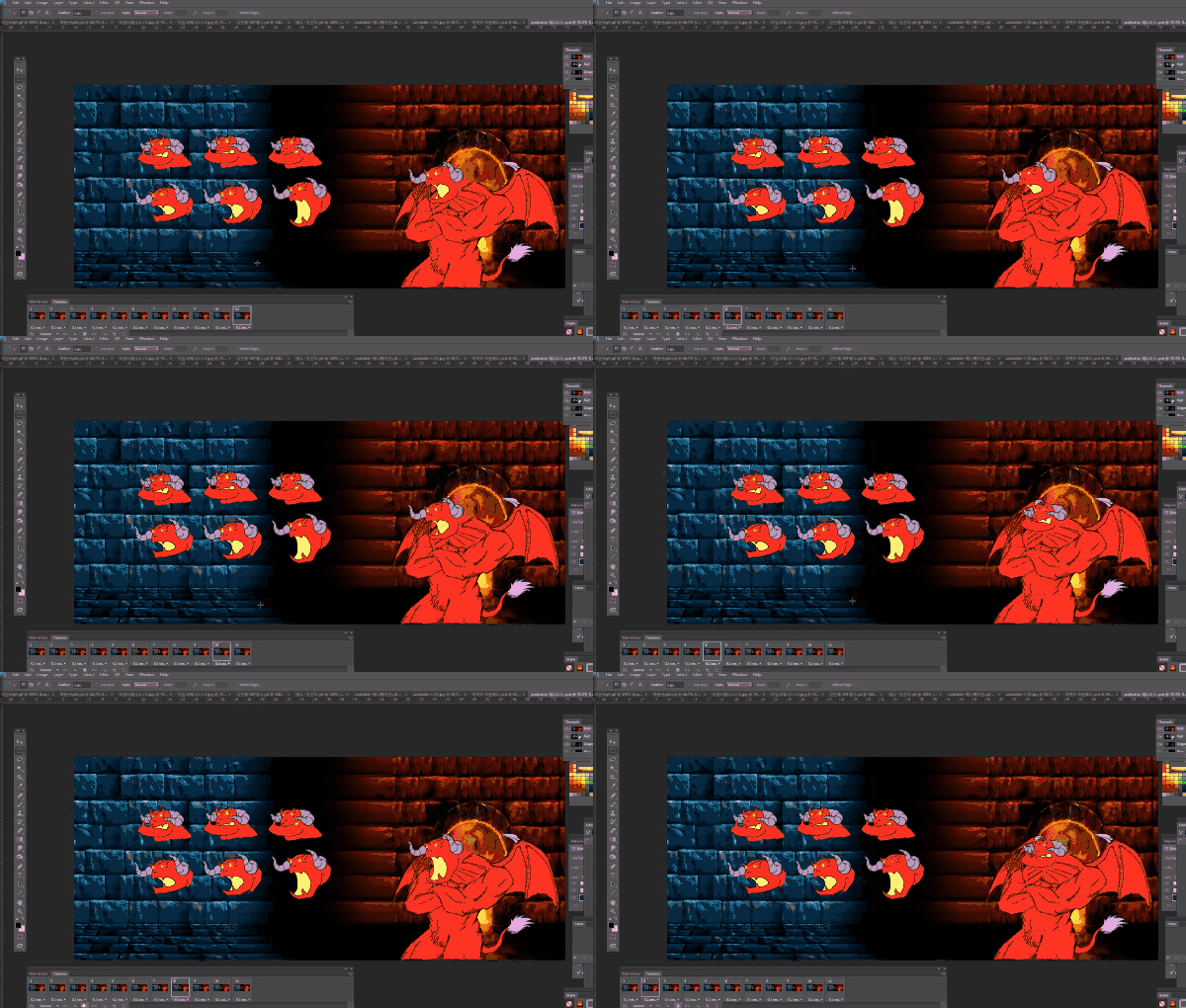
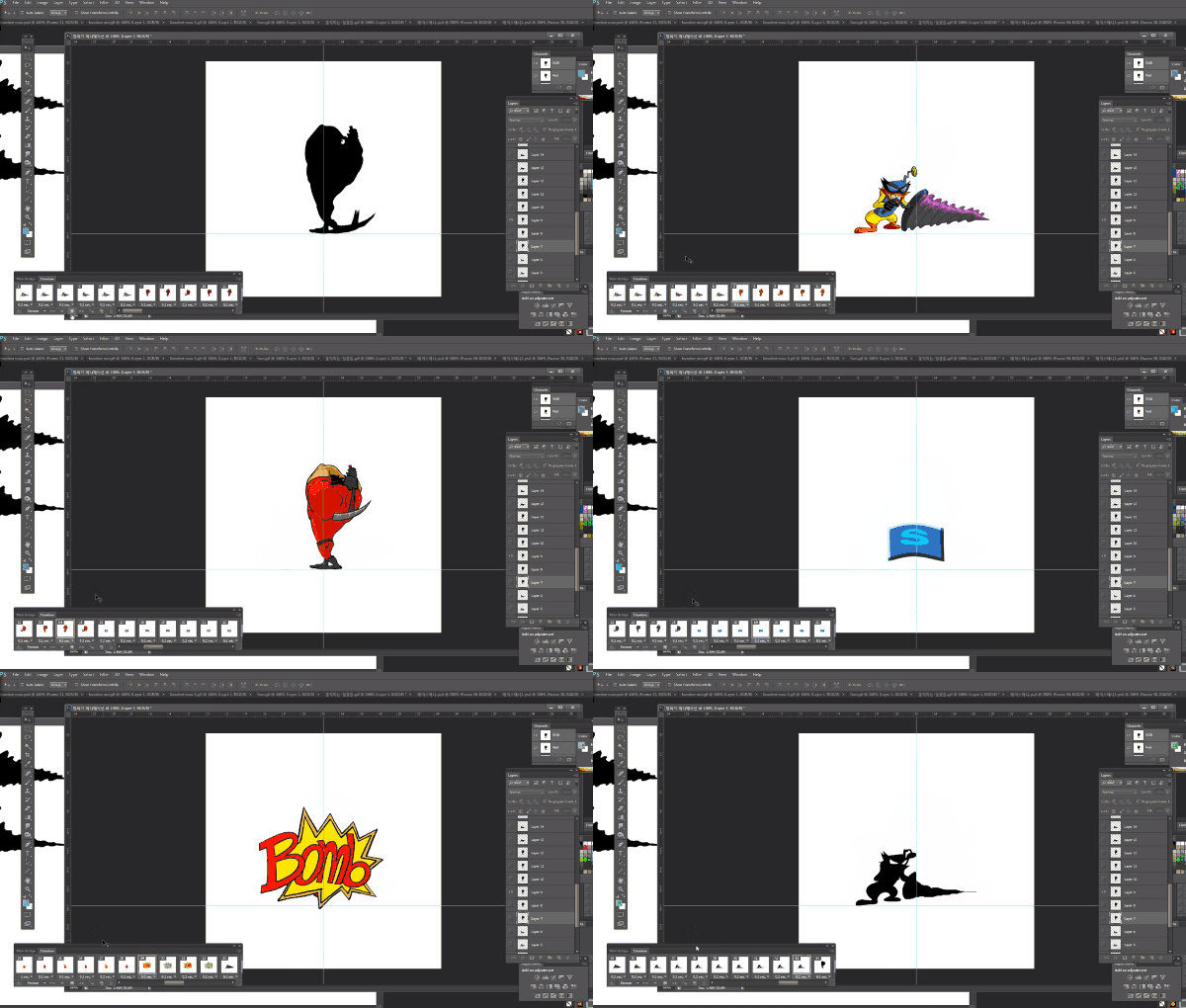
You can create simple animations using Adobe Photoshop , the most widely used image editing program. Using Photoshop's Timeline tab, you can stitch together multiple images to create simple animations or GIFs.
This course is designed for those who want to try their hand at creating short animations using images and learn the features of the Photoshop Timeline tab.
This course uses Adobe Photoshop CC . Therefore, we recommend using the latest Photoshop version (CC 2018 or later).
You can purchase the program from the official Adobe website or download a free trial version. Official website link
Q. Can non-majors and beginners also take the course?
A. This course focuses on creating animations using Photoshop's timeline feature, so it is recommended for those who can use Photoshop at a basic level or higher.
Q. Are lecture notes included?
A. Yes, you can download the lecture notes by clicking the cloud-shaped icon on the left tab while watching the lecture.
The syllabus is attached to the second lecture.
Who is this course right for?
Beginner Photoshop user
For those who want to create a simple animation made up of individual images.
All
12 lectures ∙ (2hr 10min)
Course Materials:
All
14 reviews
3.6
14 reviews

Reviews 1
∙
Average Rating 5.0
5
Pros: 1. I was able to create a GIF animation because it was explained easily even though there were many functions I didn't know. It's a lecture focused on easy but highly useful things. 2. It was easy to develop animation sense because the teacher prepared various sources. It's a process that makes it easier to understand if you go through it before drawing each one yourself and creating an animation. Cons: 1. The video quality was not good, so I had a hard time figuring out which layer you were referring to. It would have been easier to understand if you simply explained which layer it was instead of saying 'this' or 'this' when referring to a specific layer. 2. It would have been easier if you had told me that there is a function that copies the frame you want to copy on the timeline and press Copy Frame to immediately copy it to the next frame. I found out later when I was pressing something, but I think it would have been good to use it whenever there was a scene that was repeated during class.
Reviews 4
∙
Average Rating 3.8
Reviews 349
∙
Average Rating 5.0
Reviews 10
∙
Average Rating 4.9
Reviews 22
∙
Average Rating 4.7
Check out other courses by the instructor!


![Finish it in one go. AI-Powered Digital Content Creation Part.1 AI Content Creation (Basics 1) [AI Dubbing]강의 썸네일](https://cdn.inflearn.com/public/files/courses/339348/cover/01k87zbzrccxwz1dr66arbbj54?f=avif&w=420)


