“Want to bring anime-style worlds to life in 3D?” - With Blender, you can create stunning stylized environments inspired by anime—and I’ll show you how!
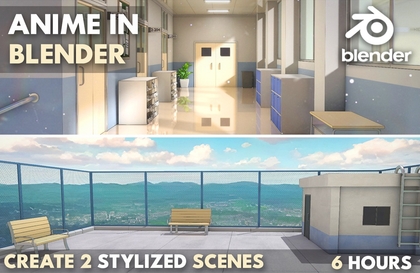
Welcome to 'Anime in Blender: Create 2 Stylized Scenes!' In this course, you'll learn how to craft two unique anime-inspired environments from start to finish just using Blender.
You will get:
1. 24 Full HD video lectures with 6 hours of content and AUDIO commentary
2. All the files related to the course including .blend files, HDRIs, textures etc
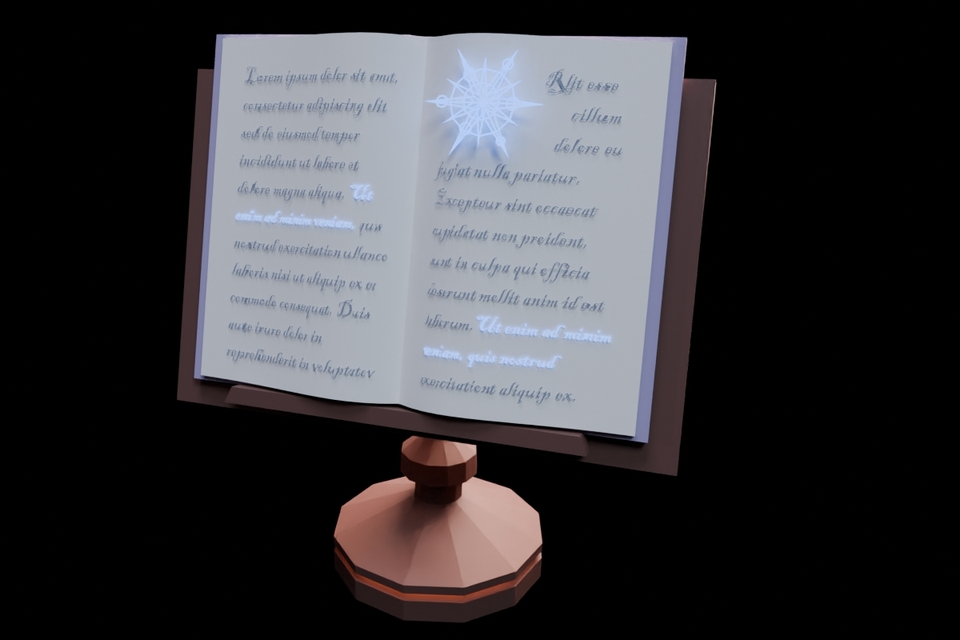
We’ll cover everything—from modelling and texturing to lighting and rendering—so you can bring your stylized scenes to life. We will learn how to achieve that signature anime look using shaders, lighting, and different techniques like adding Outlines to your renders.
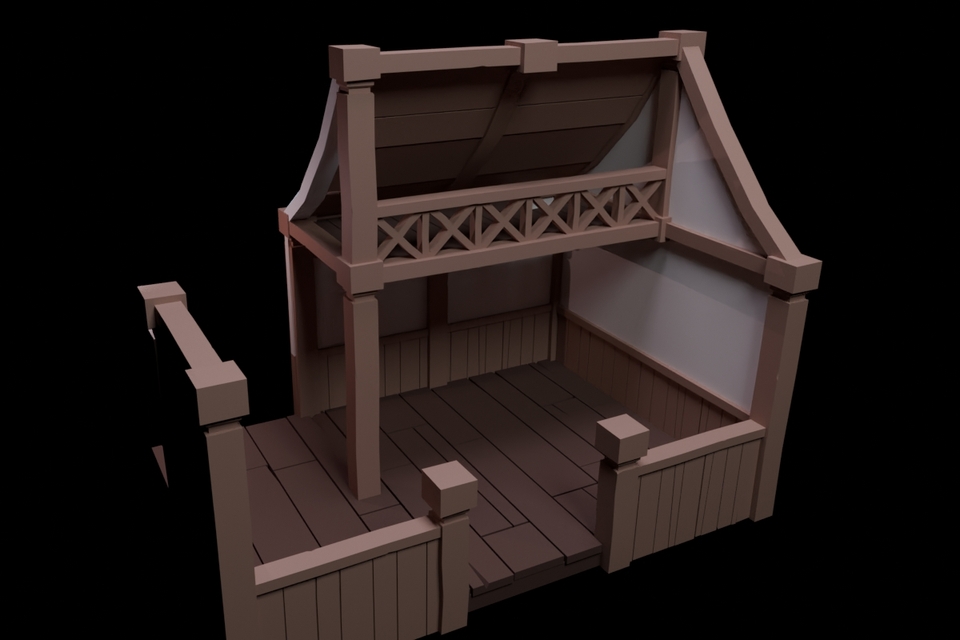
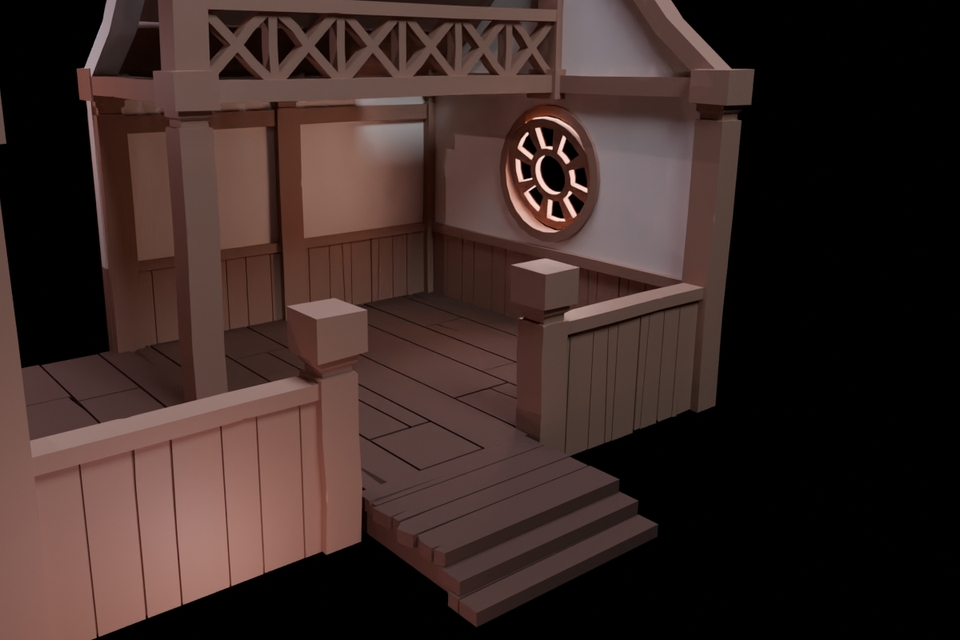
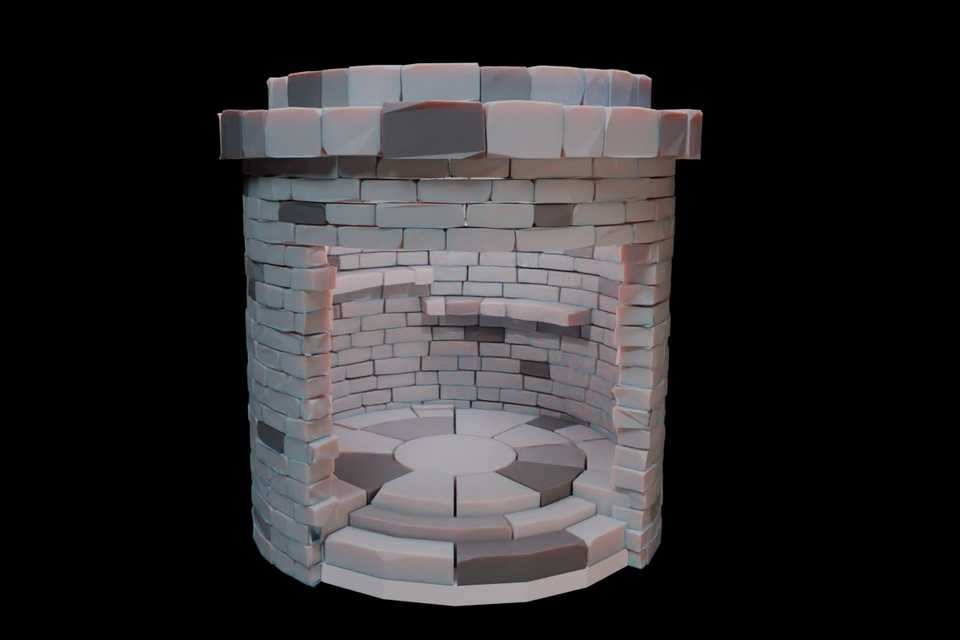
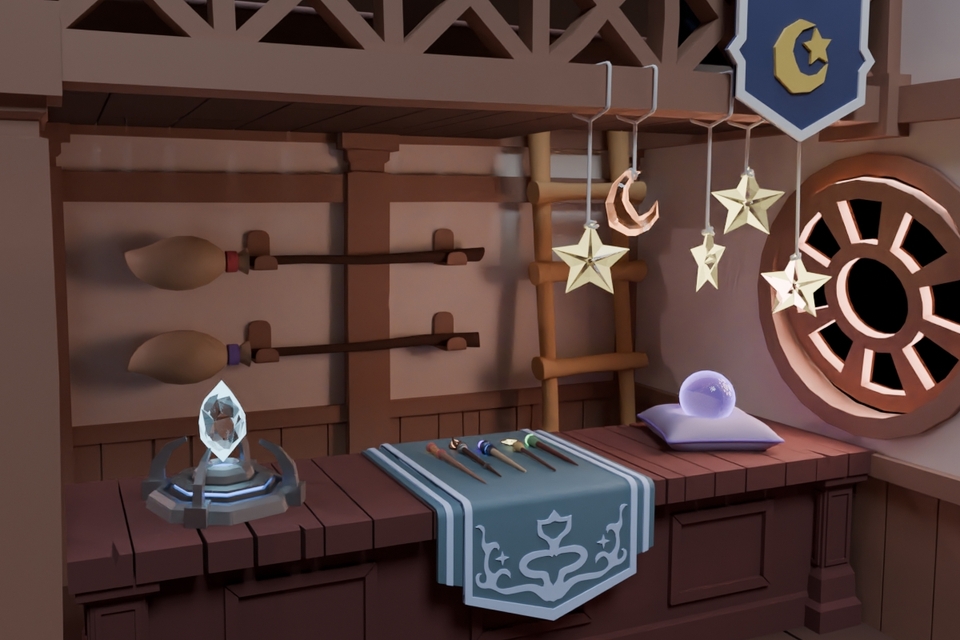
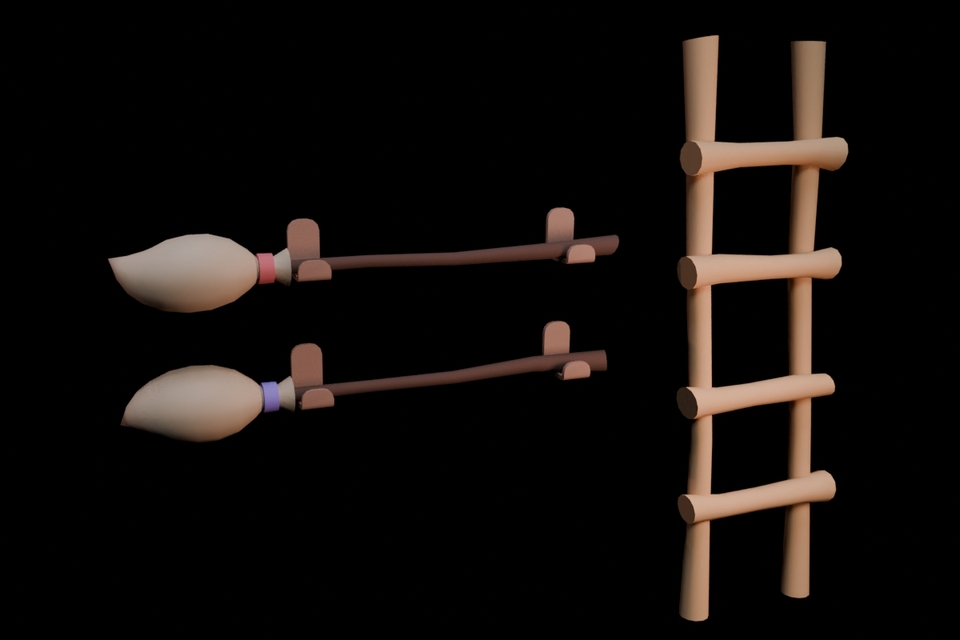
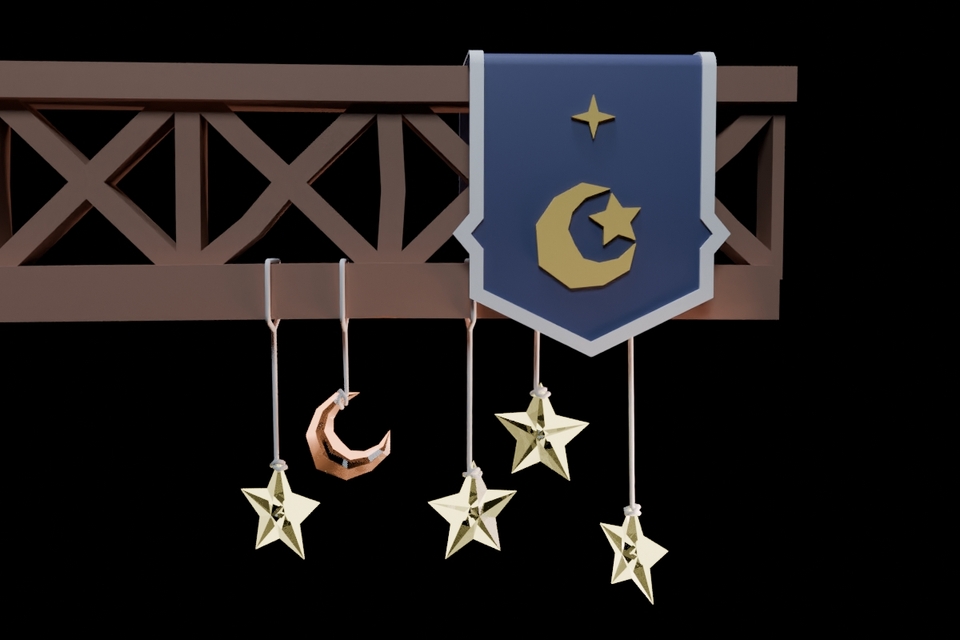
First, we’ll create a stunning anime-style rooftop scene starting with modelling the entire scene setting up the fence, building, adding the benches, ladder etc. You’ll learn how to model all the elements, adding materials, lighting and set up composition for a cinematic look.
Plus, we’ll create both a daytime and a night-time variation, showing you how to transform the mood of your scene with lighting and sky adjustments.
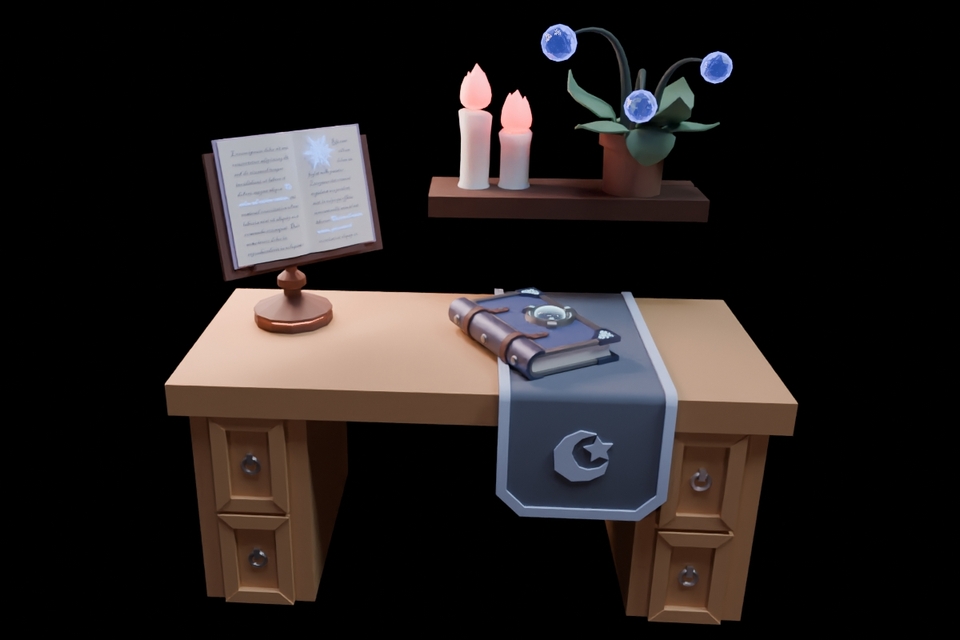
Next, we’ll build an iconic anime school hallway, modeling everything from windows and classroom doors to props like the desks, shoe racks, lockers everything We’ll also explore anime-style lighting techniques and learn how to add outlines to our renders, achieving that signature hand-drawn anime look. You'll also learn to create a variety of materials, including glass, iron, walls, reflective floors, and a lot more. Later on, we will also add a lot of small props like creating the notice boards, shoe racks, lockers etc.
After that, we will also create a color variation of the Hallway Scene, allowing you to customize the mood and atmosphere to fit different style and color combinations.
We will also spend some time compositing both our scenes in Blender and Photoshop using features like Glare, the Kuwahara Node, using Overlays to add those final touches to our renders. Whether you’re a beginner or an experienced Blender user looking to explore anime aesthetics, this course will give you the skills to create eye-catching, stylized 3D scenes.
So, if you’re ready to dive into the world of anime-style 3D art, join me in this course, and let’s create something amazing in Blender!



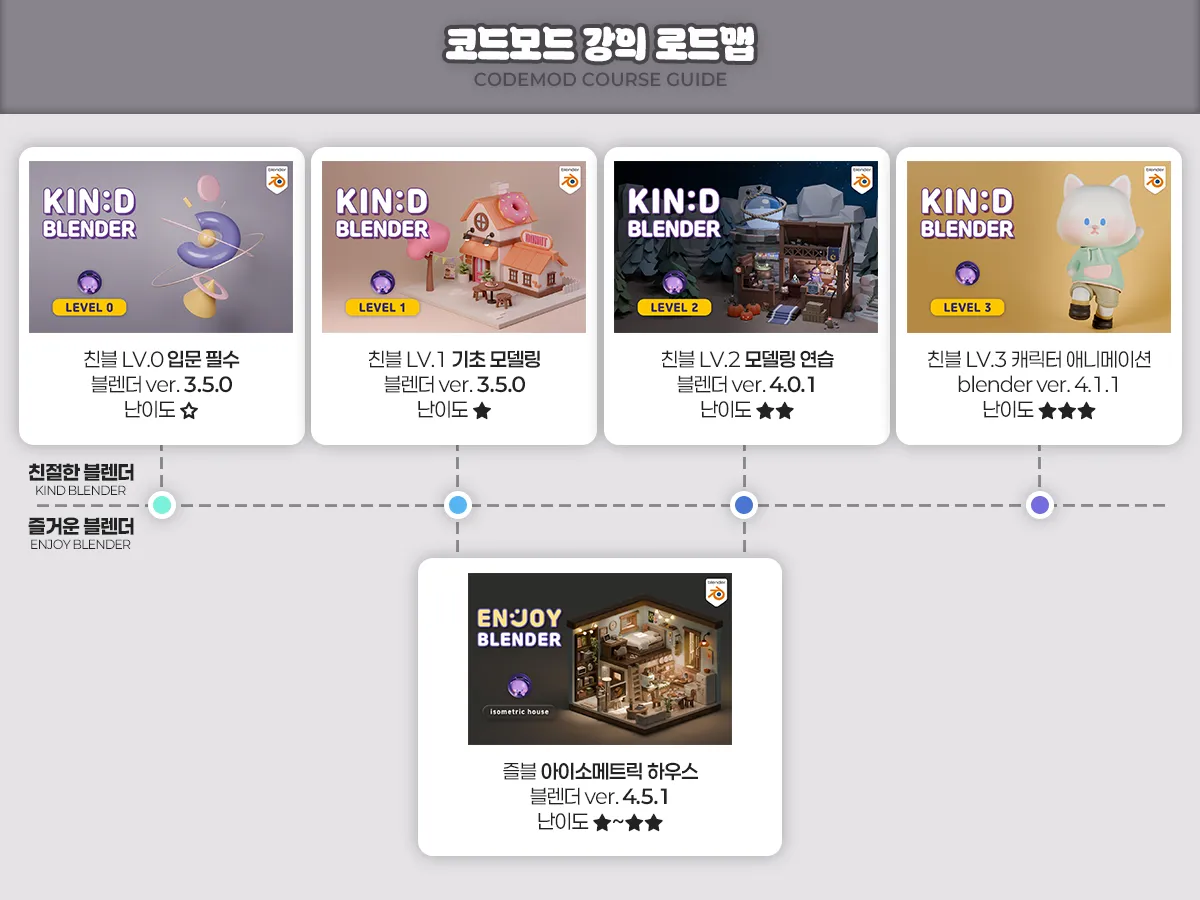



![Friendly Blender - [LV.3] Character AnimationCourse Thumbnail](https://cdn.inflearn.com/public/courses/334652/cover/61305f6f-b54f-48dd-9c54-7f2a7b26daf1/334652.jpg?w=420)
![Friendly Blender - [LV.0] Essential IntroductionCourse Thumbnail](https://cdn.inflearn.com/public/courses/331390/cover/6540ab34-6b6c-43b1-8293-b9f5906071c7/331390-eng.png?w=420)

![Friendly Blender - [LV.1] Basic ModelingCourse Thumbnail](https://cdn.inflearn.com/public/courses/331832/cover/1a8cb8a7-e498-4455-9b5f-b9e4fcf5e2d1/Main.jpg?w=420)

![Kind Blender - [LV.0] Beginner EssentialsCourse Thumbnail](https://cdn.inflearn.com/public/files/courses/337689/cover/01jx01jr61jdx6hx2qefw15bqt?w=420)
![[LV2] Creating a portfolio to get a job as an effectorCourse Thumbnail](https://cdn.inflearn.com/public/courses/329735/cover/8480d71a-bff1-489c-8a20-41360944b497/329735-eng.jpg?w=420)

![[Beginner] Learn how to create 3D animated videos with no-code using CreateStudio3, even if it's your first time [Super Easy]Course Thumbnail](https://cdn.inflearn.com/public/files/courses/340594/cover/01kfwdvk88zkg41ewrb9tg73xa?w=420)