


![Friendly Blender - [LV.3] Character AnimationCourse Thumbnail](https://cdn.inflearn.com/public/courses/334652/cover/61305f6f-b54f-48dd-9c54-7f2a7b26daf1/334652.jpg?w=420)
Friendly Blender - [LV.3] Character Animation
codemod

Learn modeling, rigging, painting, and animation for a cute cat character, and create an animation of the cat walking through a village! :)

Basic
Blender, 3d, 3d-modelling
The first step toward freely expressing the models you envision with Blender. This course is packed with everything from an understanding of features such as modeling, texturing, rendering, physics, particles, material nodes, animation, and libraries to a variety of useful techniques. Get familiar with Blender by creating a variety of objects in a cute and charming isometric house style. Let’s develop the ability to turn your imagination into 3D together!
247 learners
Level Beginner
Course period Unlimited
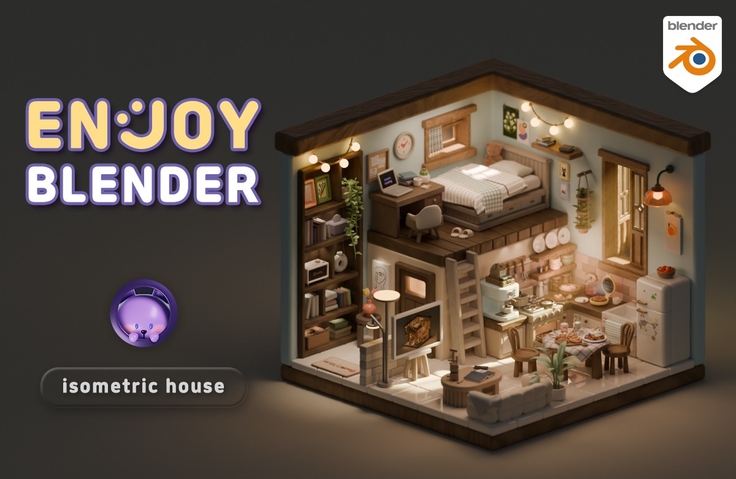
Reviews from Early Learners
5.0
혜원
I first watched YouTube and followed along, then purchased and am now taking the Inflearn course after hearing about its launch. As I felt on YouTube, the teaching is really thorough in theory, and it was incredibly easy to study because you mention things repeatedly so we don't forget and even take care of review. I've taken many other courses and tried on my own, but even while using Blender functions, I lacked understanding of why I was using them - through this course, I'm learning a lot. Follow-along style courses allowed me to complete works, but Blender just felt difficult, whereas this course seems to give time to become friends with Blender. That's why learning is enjoyable. It's a course where I feel sad it's ending while also being curious about the next content. Thank you for creating this course. I've also come to want to create many works while using Blender. I'll keep fighting until the end of the course! Thank you :)
5.0
LeeHwi
The lecture pace isn't too fast, so I can follow along sufficiently without having to adjust the playback speed! And it's not just about showing how to make things, but also showing various problems that can arise during the process and providing solutions, so when errors occur or I get stuck, I can solve them calmly without panicking! It's also great that you keep mentioning shortcuts and convenience features throughout the lecture so I don't forget them!! :) I think this was my best choice this year 😊😊
5.0
pokedo
Wow! I've tried famous legendary courses (in English) on Udemy and various domestic courses, but this is the best among Korean-language courses 😆😆😆 You're incredibly meticulous, and I used to have to pause and replay lectures because other instructors would just tell you shortcuts and then immediately start using them😭😢 But Code Mode teaches you where to go and check first before introducing shortcuts, then gradually helps you apply them, which is perfect for beginners. It's kind and thorough, so I recommend it to Blender beginners or those who are struggling after opening Blender again after a long time~~ Even though I know the very basics, I listened from the beginning and it was great that you pointed out parts I didn't fully understand before!
Blender Basics A to Z
Blender Techniques to Enhance Your Work's Quality
Various modeling approaches for developing application skills
Decorate the house you’ve always imagined yourself.
Let’s create it together using Blender, a free 3D program.
Learning to do what you love is truly enjoyable!
Code Mode’s <Fun Blender>
is structured so that each lesson takes around 30 minutes, allowing you to learn one lesson a day.
Start with simple props that you can create even if you’re new to Blender,
then level up your modeling skills with various features such as modifiers and physics.
Try completing lively videos with animation.
A 43-hour Blender beginner course! We’ll teach you properly, from principles to practical applications.
Cute, rounded everyday examples make learning Blender fun.
Build a learning routine with a serialized course.
Along with new lesson notifications, you’ll naturally develop study habits.
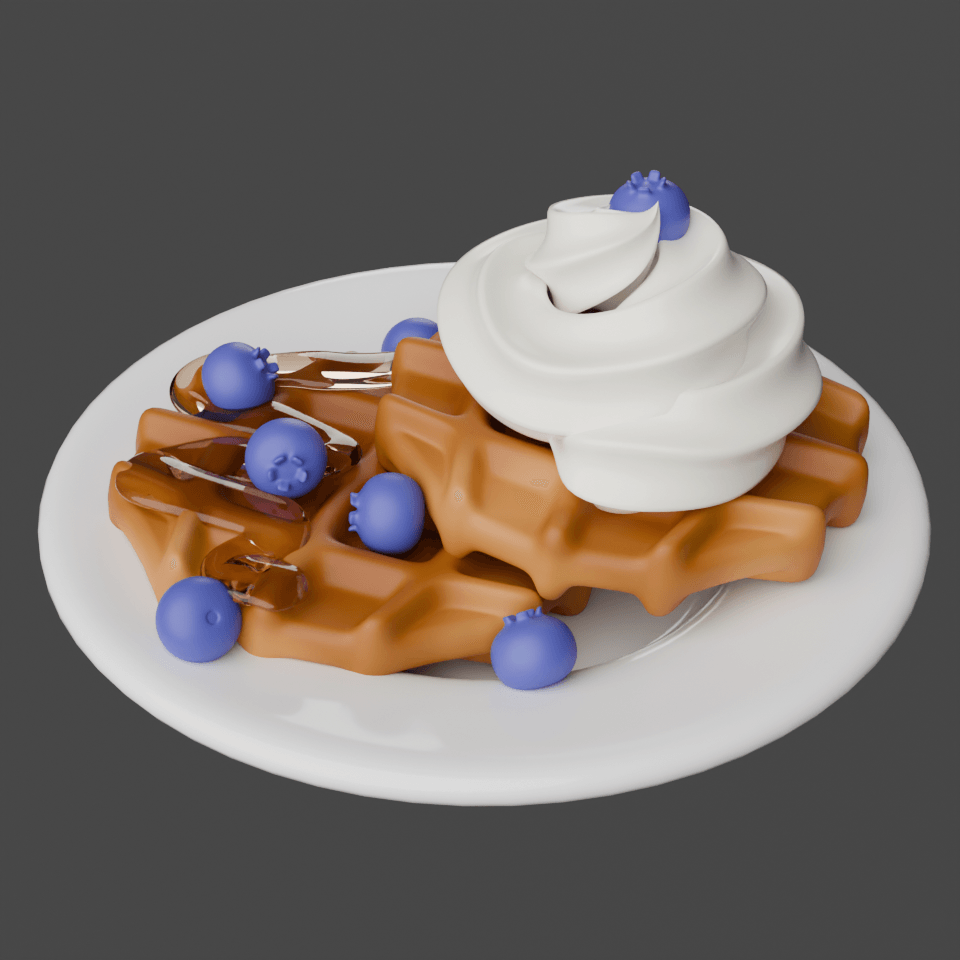
Cute-style modeling
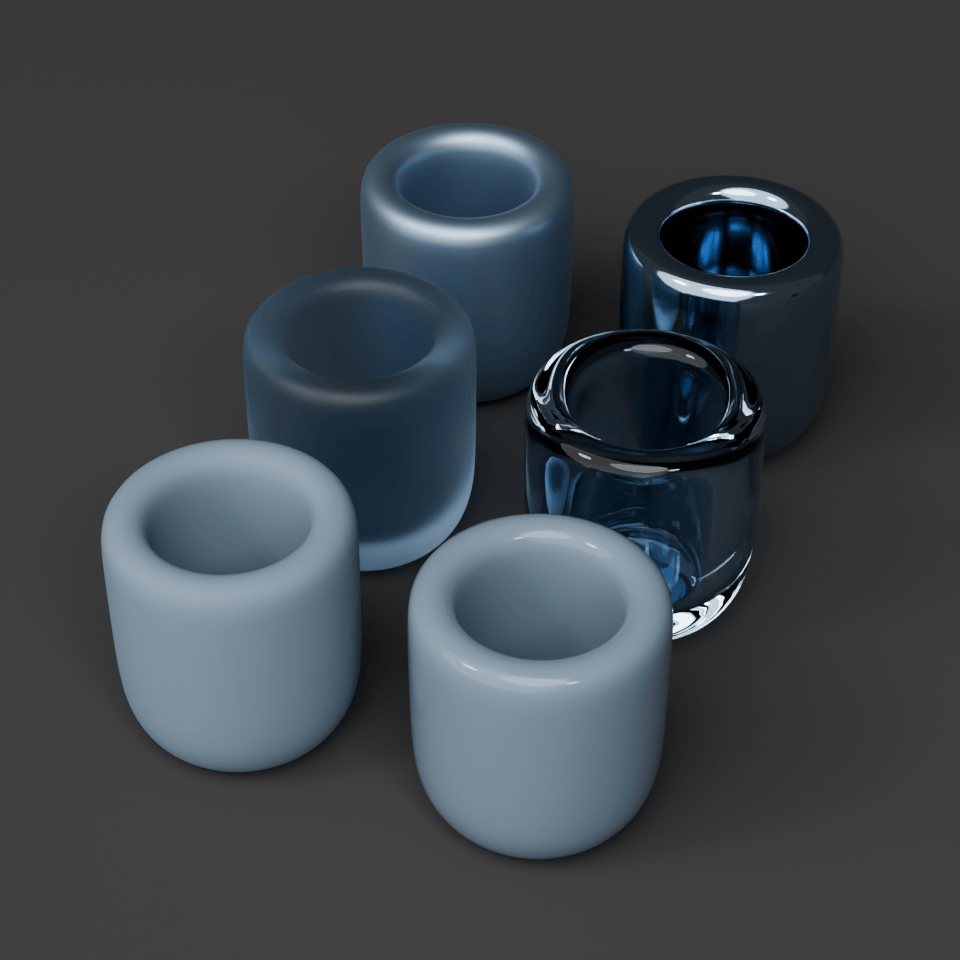
Everyday material expressions
Fun Physics and Particles
Lively animations
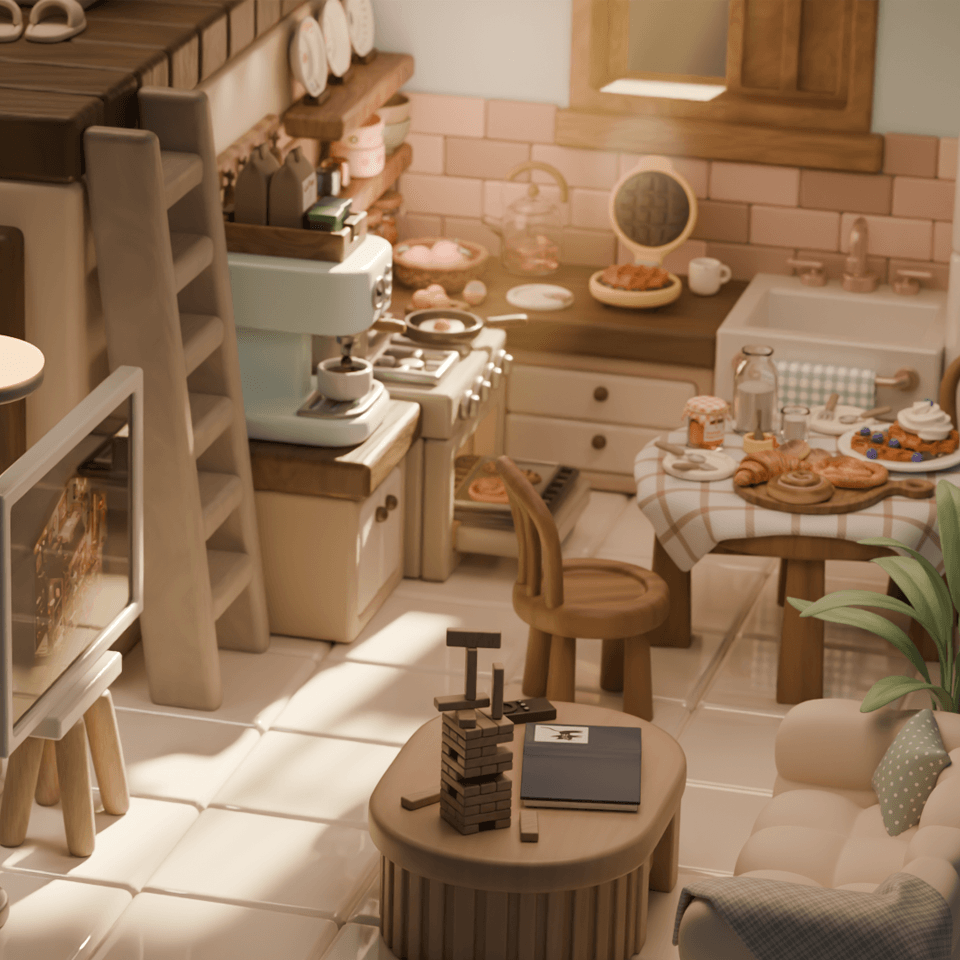
Rendering tips
How to Use the Library
Recommended for
What is Blender?
A 3D tool, Blender is
for anyone new to it
I want to make cute, rounded 3D models too!
For those who want to practice modeling
with adorable examples
I learned it, so why can't I do it!
Confident when following along,
but struggle to create on your own
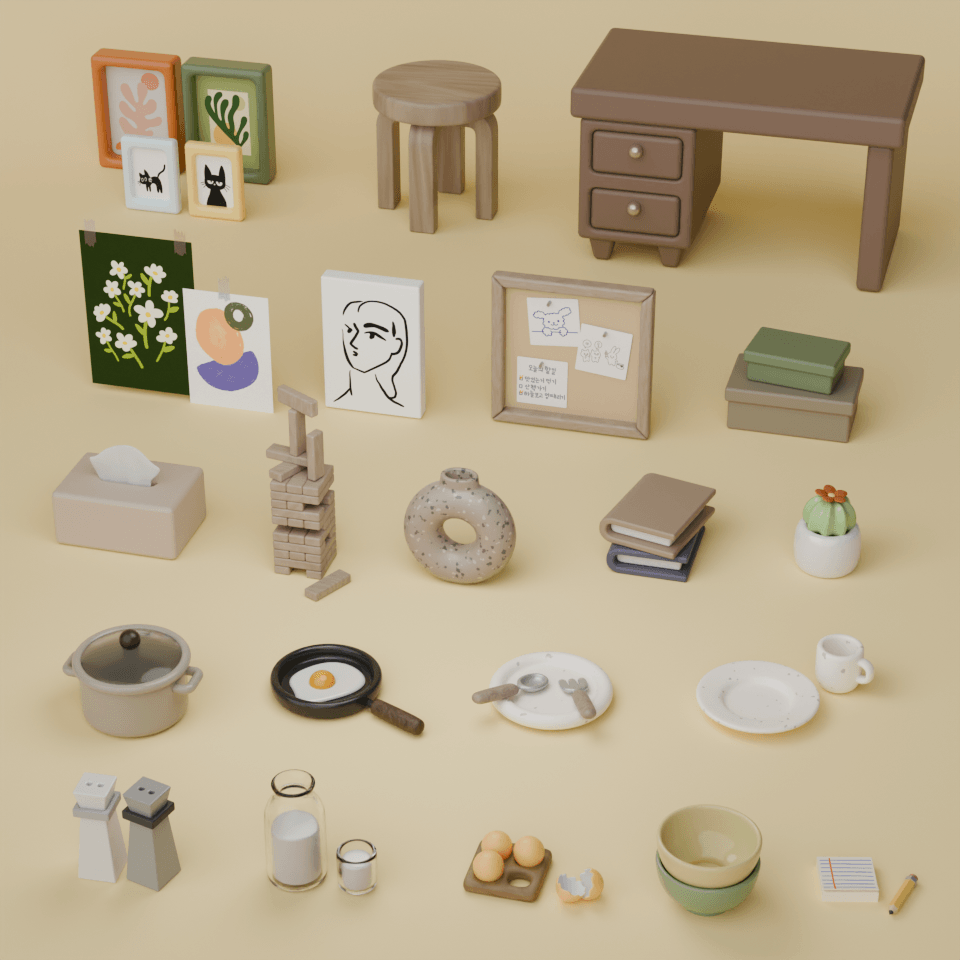
In Part 1, you’ll build a solid foundation in Blender by modeling directly and developing hands-on skills.
Beyond simply learning what each tool does, you’ll create real examples such as posters, picture frames, canvases, and memo boards,
so you can understand the entire 3D production workflow.
Materials: The Basics of Materials and Textures
Random Color that changes every time you retrieve it
Here are the features you'll learn.
Mesh, Curve, Proportional Editing, Origin, 3D Cursor, Parent & Child
Understanding the Modelling, Texturing, and Rendering stages |
Frequently used modifiers (Array, Bevel, Solidify, Subdivision Surface)
Basic material properties (Color, Metallic, Roughness, Transmission)
Creating wood and stone materials with nodes (Noise Texture, Voronoi Texture) | Creating random colors with nodes
Importing images to model posters, picture frames, canvases, and memo boards
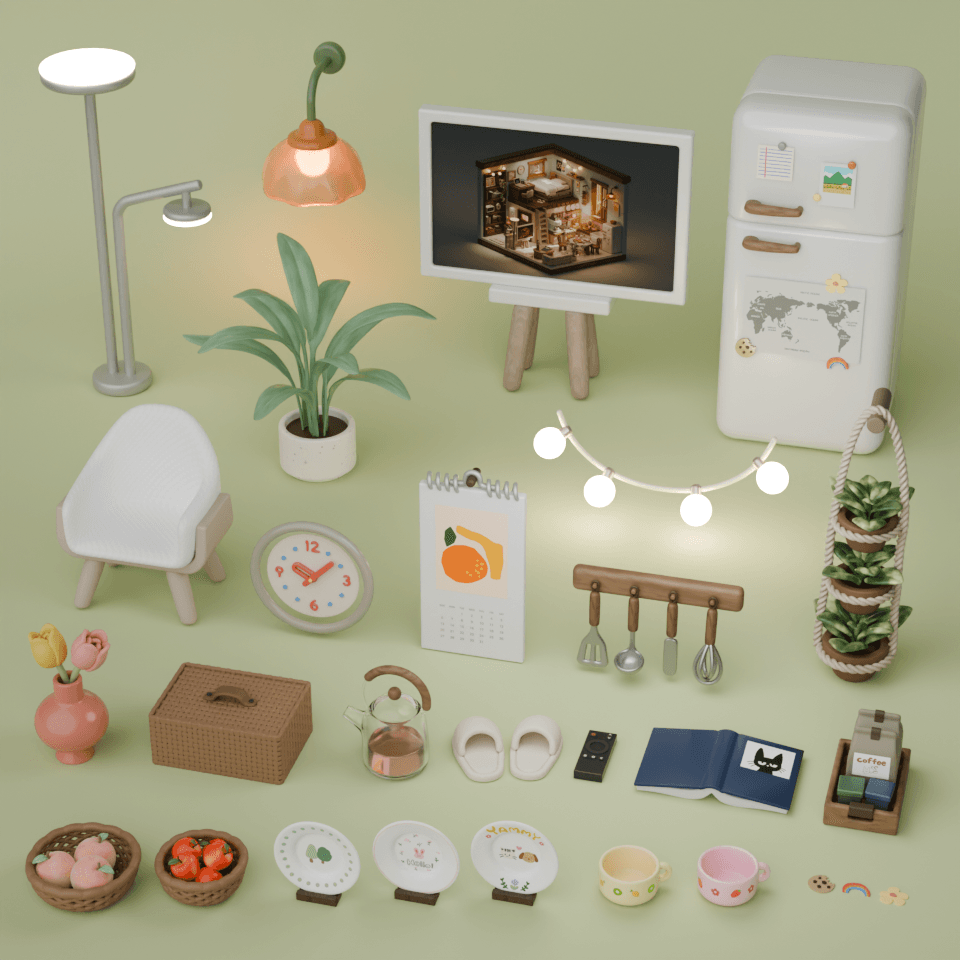
In this part, building on the fundamentals of Blender, we’ll work through
a hands-on, practice-focused stage that builds confidence by using a variety of features and modifiers.
Beyond simply creating “pretty objects,” you’ll develop a feel for applying features freely and flexibly.
Curve
Screw
Texture Paint
Tissue
Here are the features you'll learn.
Various material expressions (Emission, Noise Texture, Magic Texture)
Draw your desired image with Texture Paint and model a bowl by stamping with a stencil
Model a clock with Text
Model a calendar spring with the Screw modifier
Import an icon (SVG) file and model a refrigerator magnet
Model a fruit basket with Curve Knots
Model a rattan basket with the Tissue add-on
Model a hanging plant with Simple Deform and Curve Modifier
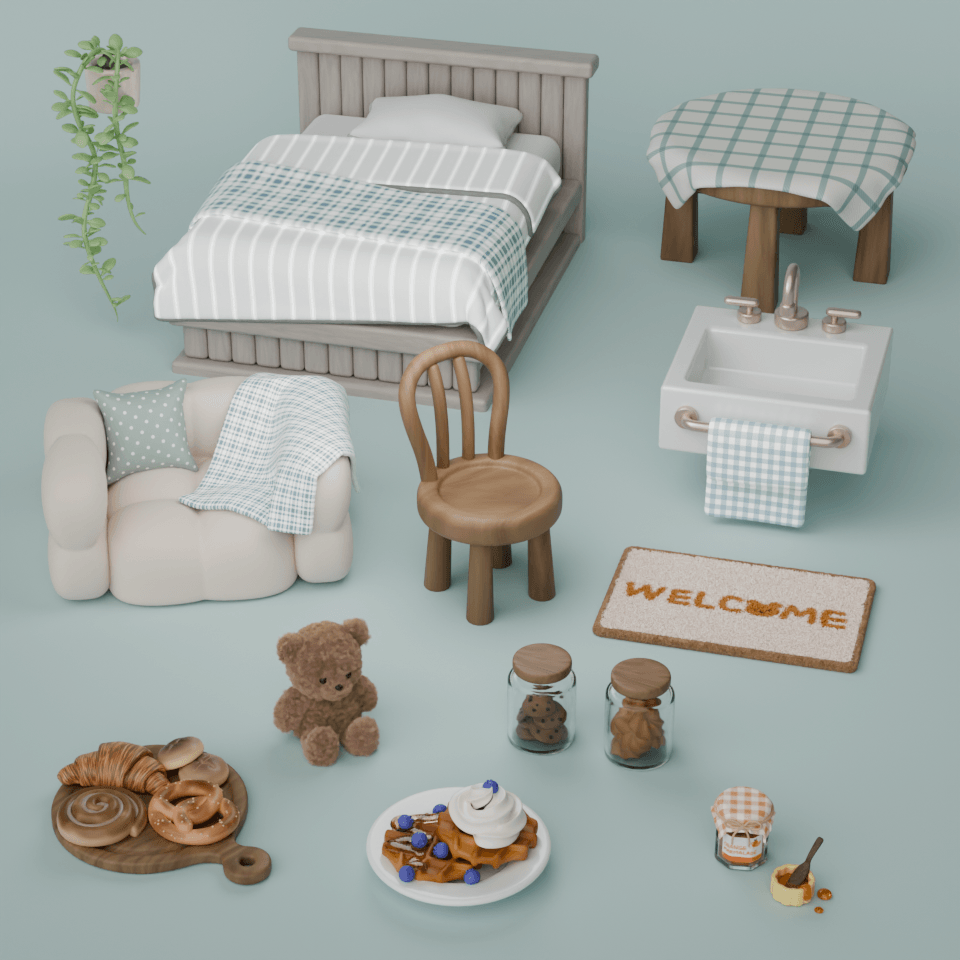
Learn how to create lifelike objects using physics simulations, nodes, textures, and particle systems
‘Lifelike objects’. The key is to go beyond simple modeling and create textures and movement that seem as though you could actually touch them.
Creating softly draping fabric
Create natural-looking models with Cloth Physics
Creating a fluffy teddy bear with the Particle System
Creating dimensional plants
Add syrup and decorations to complete the details
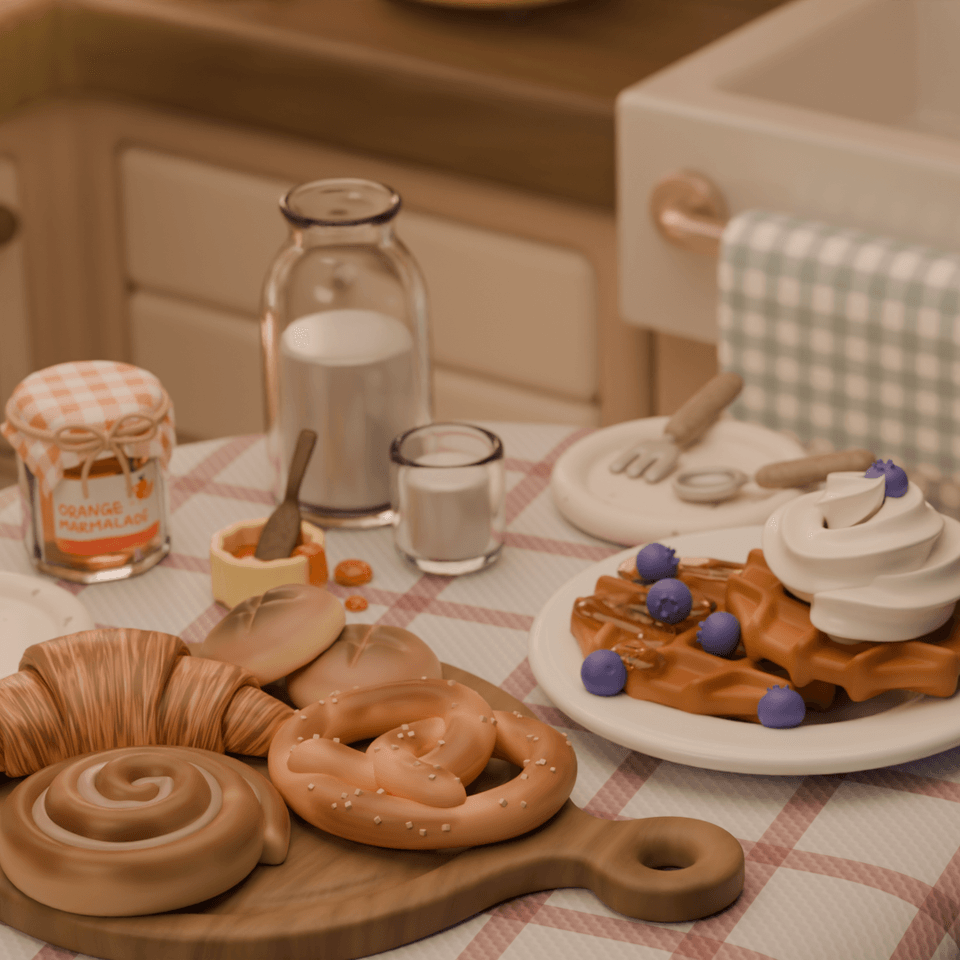
Create a crispy texture with nodes and gradients
Physics simulations that add realism
Creating a golden-brown pretzel with Texture Paint
These are the features you'll learn.
Represent fabric with pattern images | Model natural-looking quilts, blankets, tablecloths, and cushions with Cloth Physics | Model teddy bears, rugs, vine plants, and pretzels with the Particle System | Paint naturally with Texture Paint to create baked goods (cinnamon rolls, pretzels) | Create patterns with nodes or use gradients to represent baked goods (croissants, buns) | Stack cookies with Rigid Body | Draw curves on surfaces to represent syrup on waffles
A coffee machine brewing coffee one drop at a time
An oven with freshly baked bread coming out
Laptop loading screen animation
Freshly Made Waffle Animation on a Waffle Maker
In this part, we’ll show you animation techniques for bringing “life” to static models.
You’ll organically connect various features, from Shape Keys, modifiers, and effects to compositing,
to create scenes that move and feel alive, just like real product videos.
The examples feature warm, inviting scenes that capture everyday movements.
You will learn these features.
Animating shape changes with Shape Keys | Creating snappy movements using the Graph Editor
Creating text with the Build Modifier | Rotating text with Simple Deform
Creating text that breaks apart with Explode | Using Glare in Compositing
Making a lid pop open with the Bounce Effect | Creating vivid smoke with Smoke
How to save smoke as a VDB file and reuse it
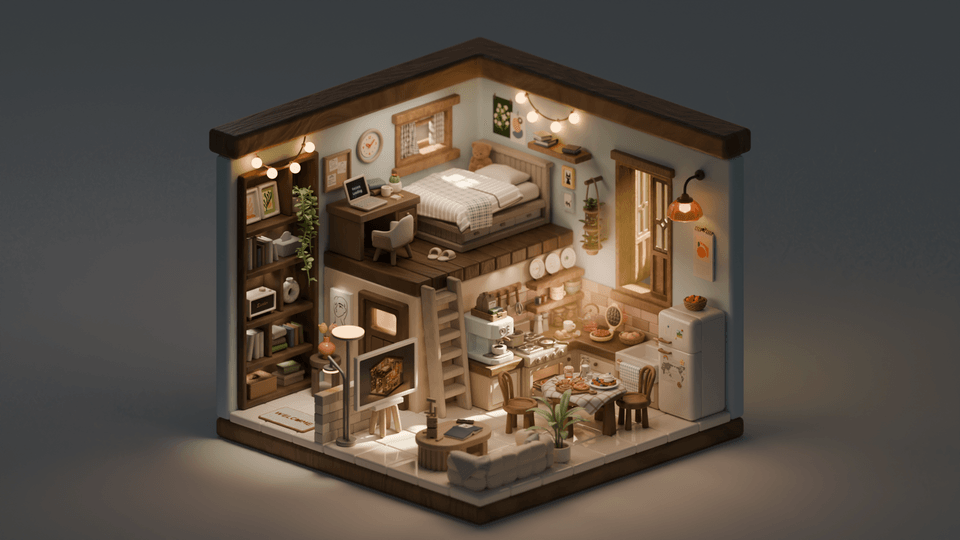
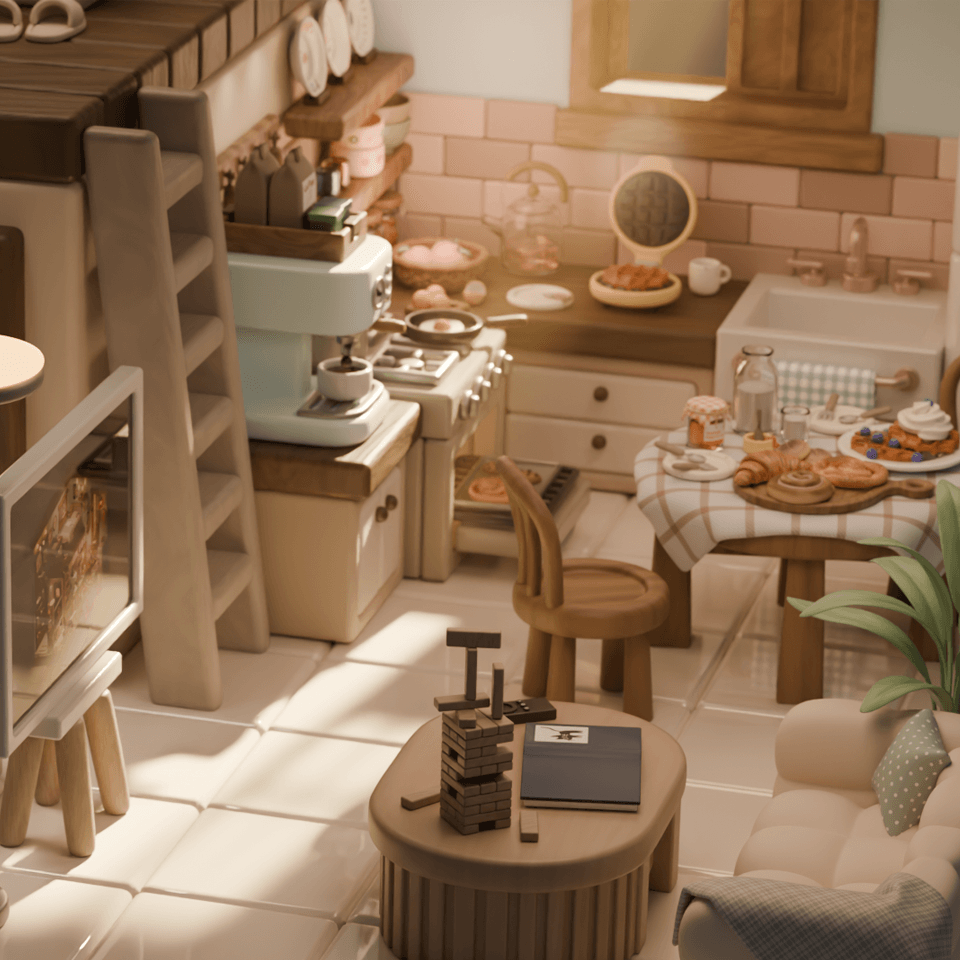
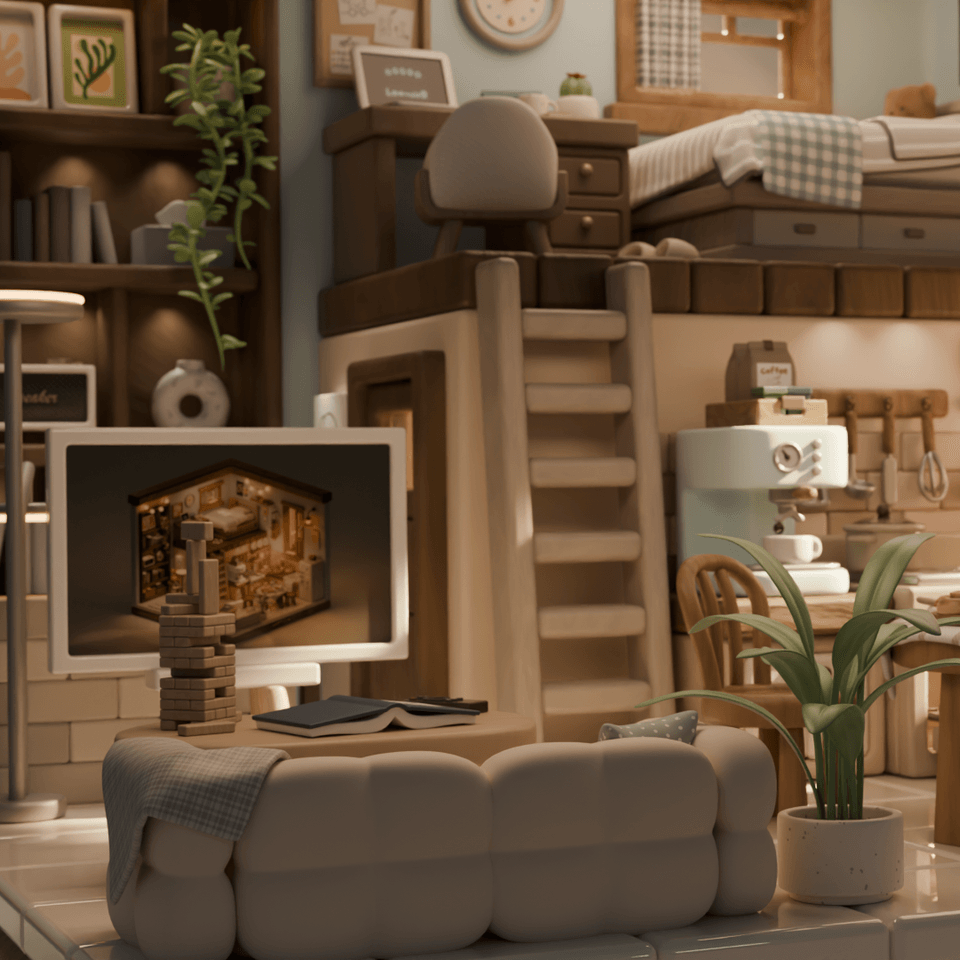
The final part is about bringing the objects and animations you’ve created so far together in one space
and creating a fully realized scene that feels like a finished work.
Combine lighting, camera work, and direction to complete a short 3D sequence video, and
breathe life and atmosphere into the space you created yourself.
An animation of light coming in when the curtains are opened
Place objects wherever you want using the library
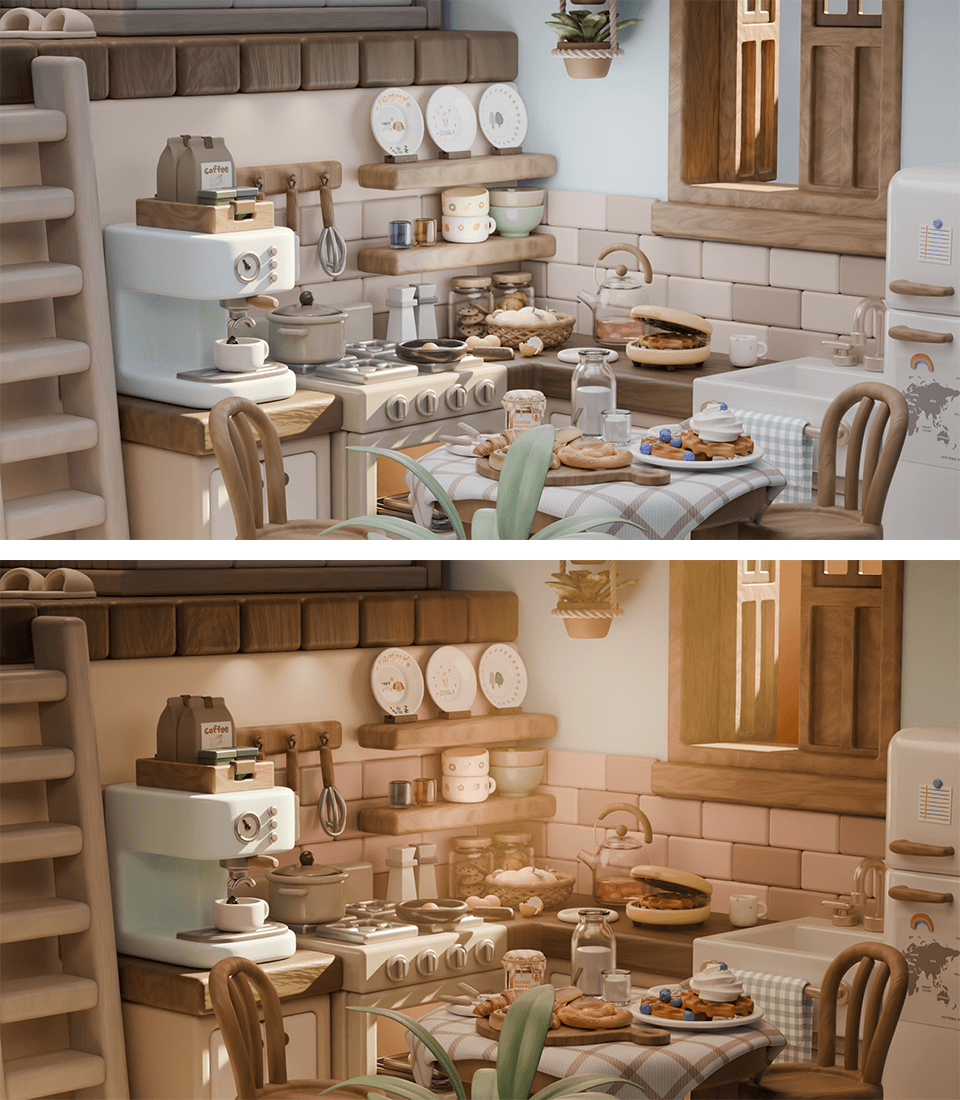
Lighting techniques to enhance the quality of your work
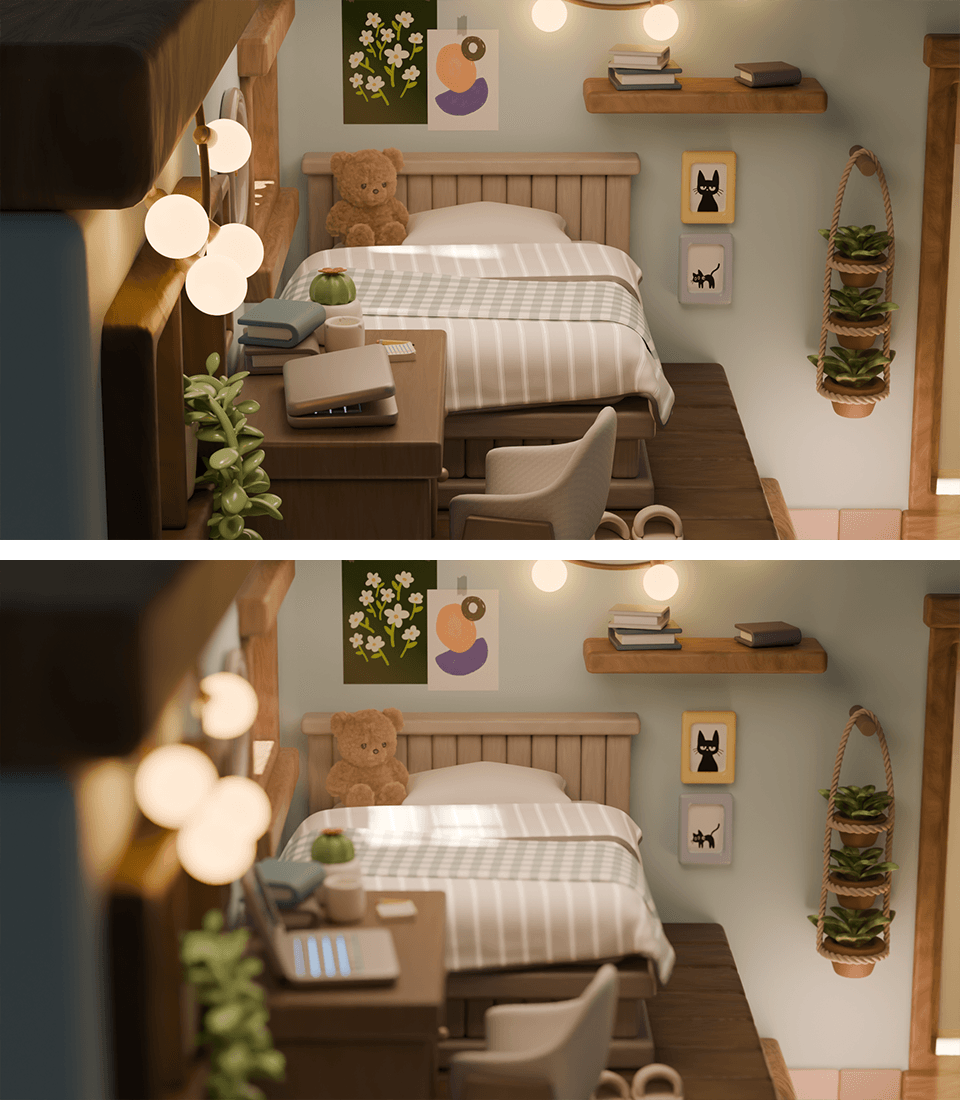
Camera techniques to enhance the quality of your work
Here's what you'll learn.
Applying Cloth Physics and Shape Keys | Using the Asset Browser
Creating realistic sunsets with Sky Texture | Adding depth to light with Volume
Using various focal lengths depending on the situation | Blurring the focus with Depth of Field
Learning how to use Color Management
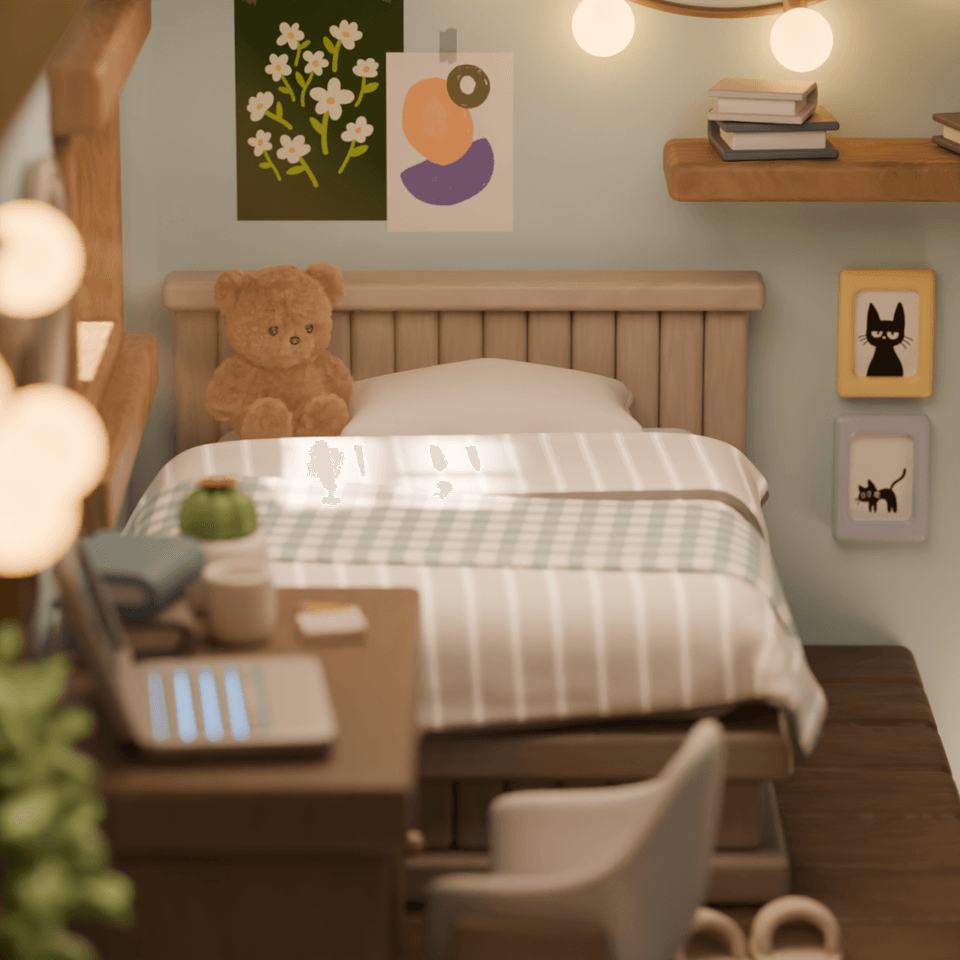
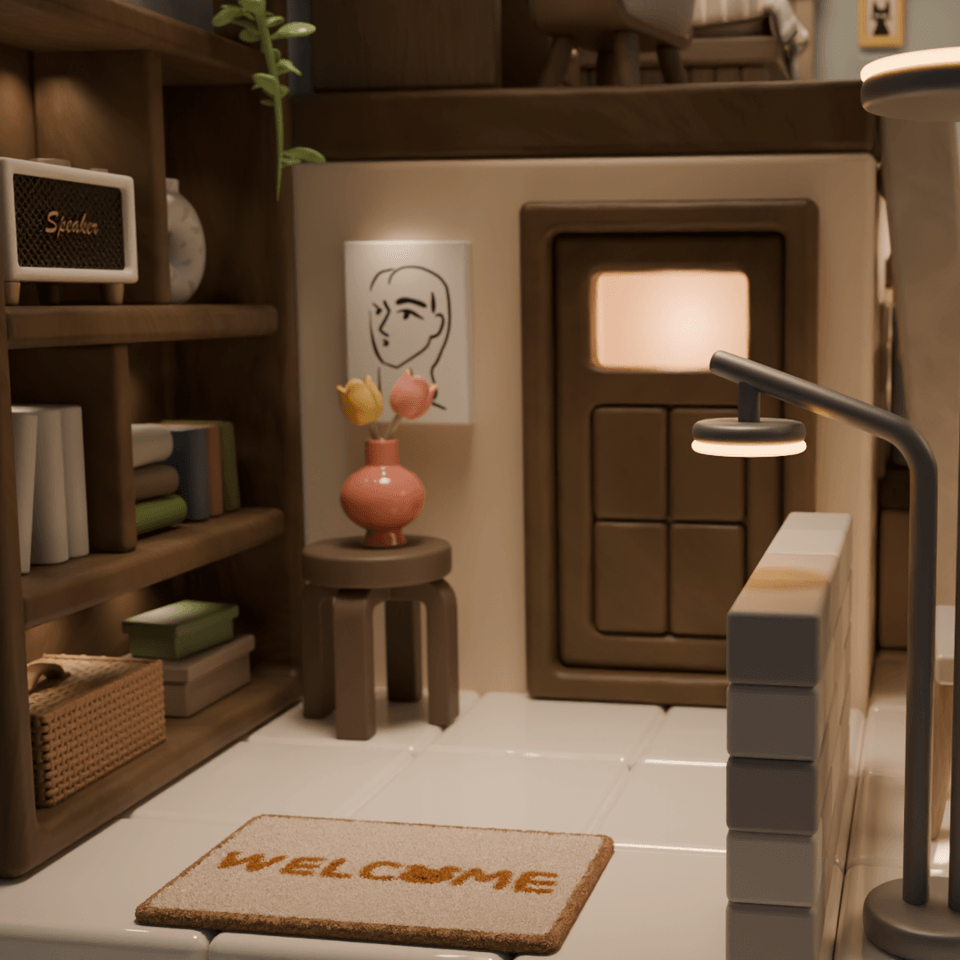
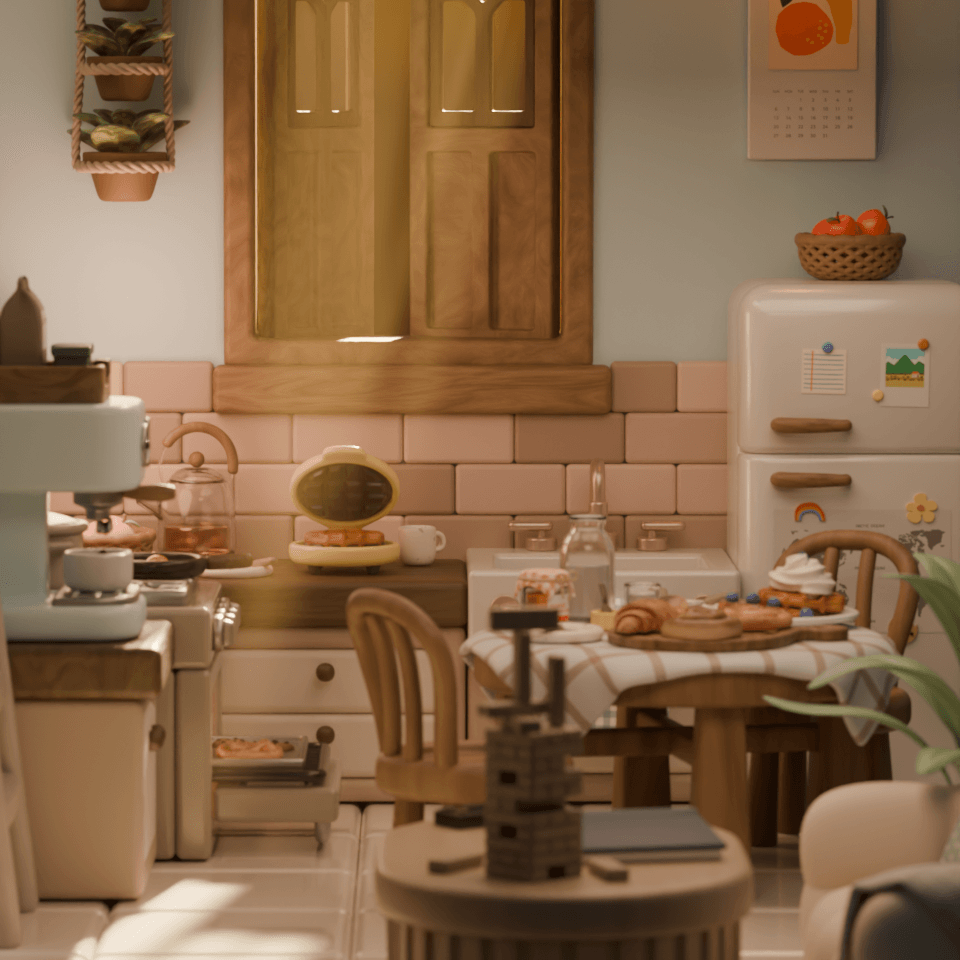
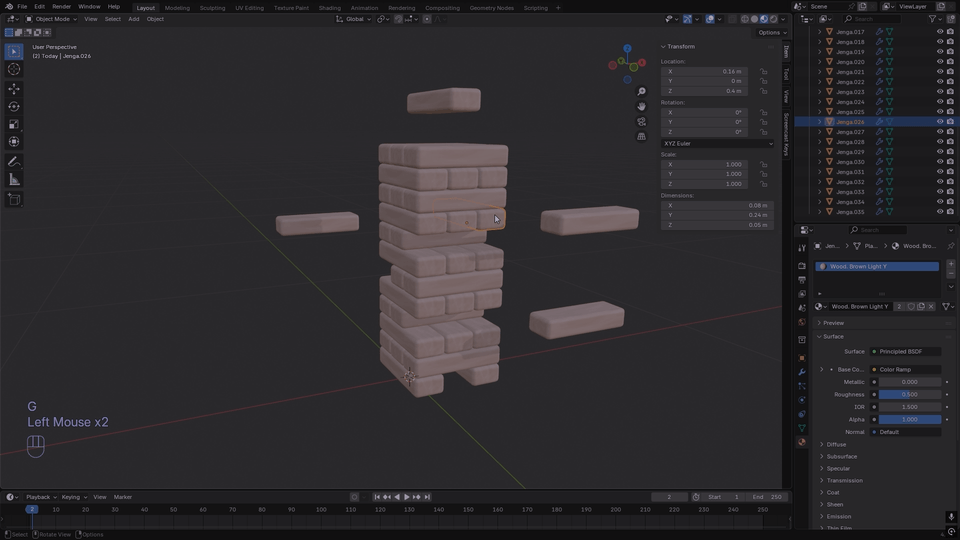
A carefully curated 40-hour course
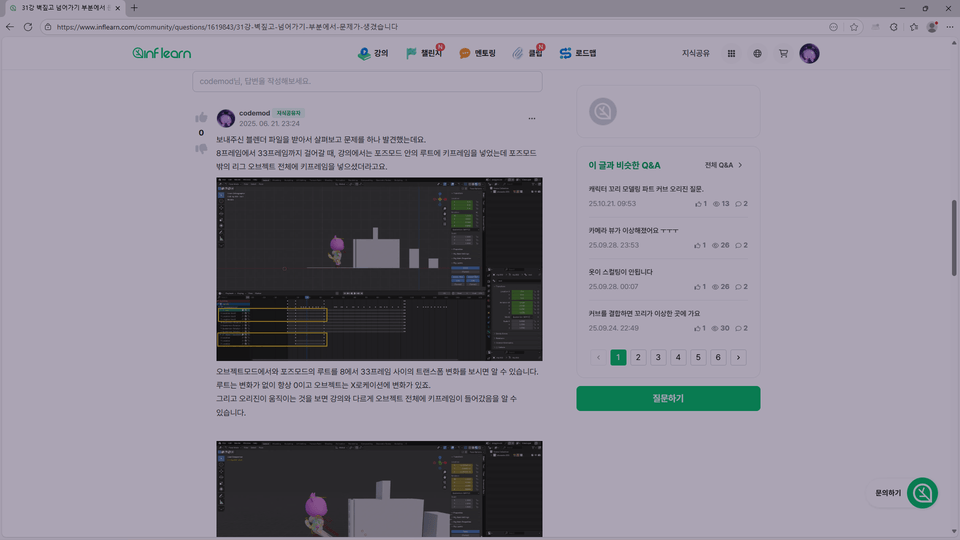
Unlimited questions and answers
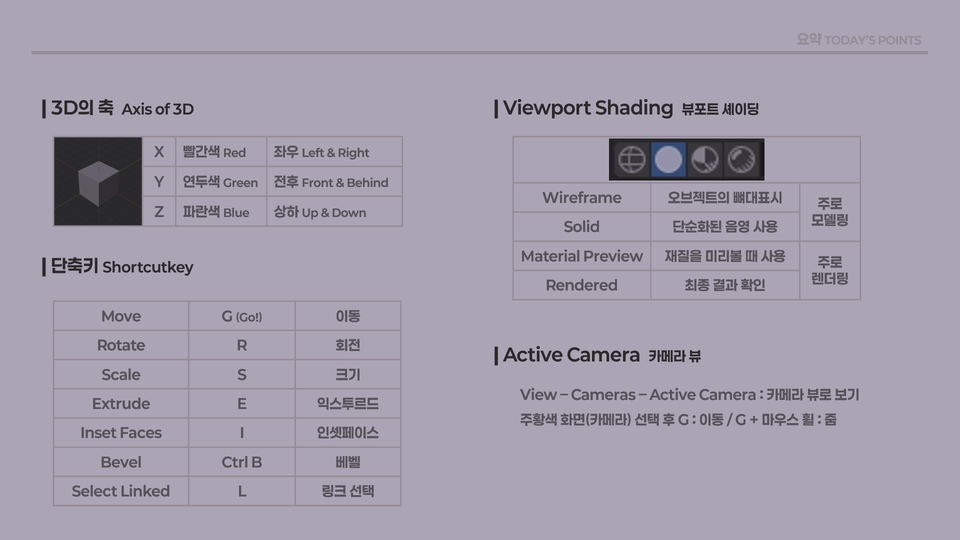
A PDF file summarizing shortcuts and concepts
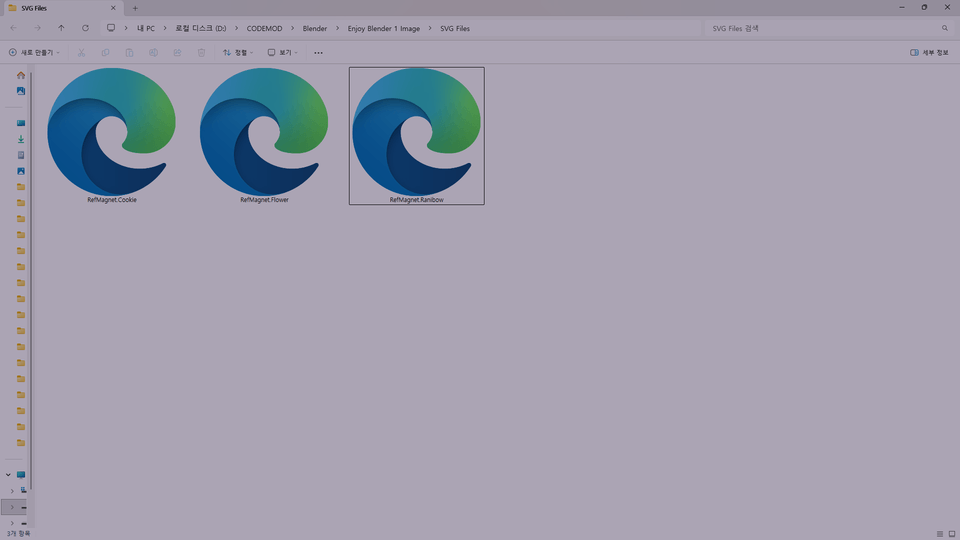
Self-created 3 SVG files
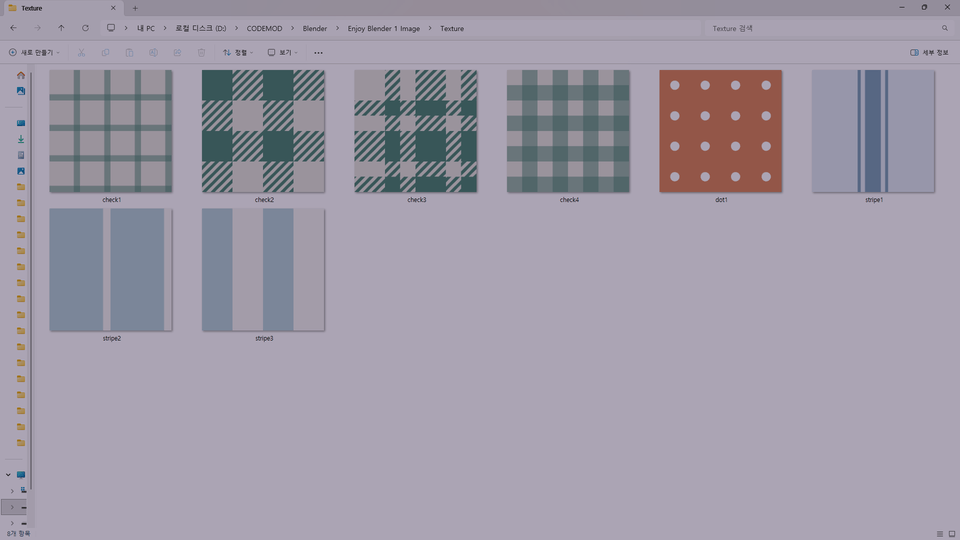
8 original textures
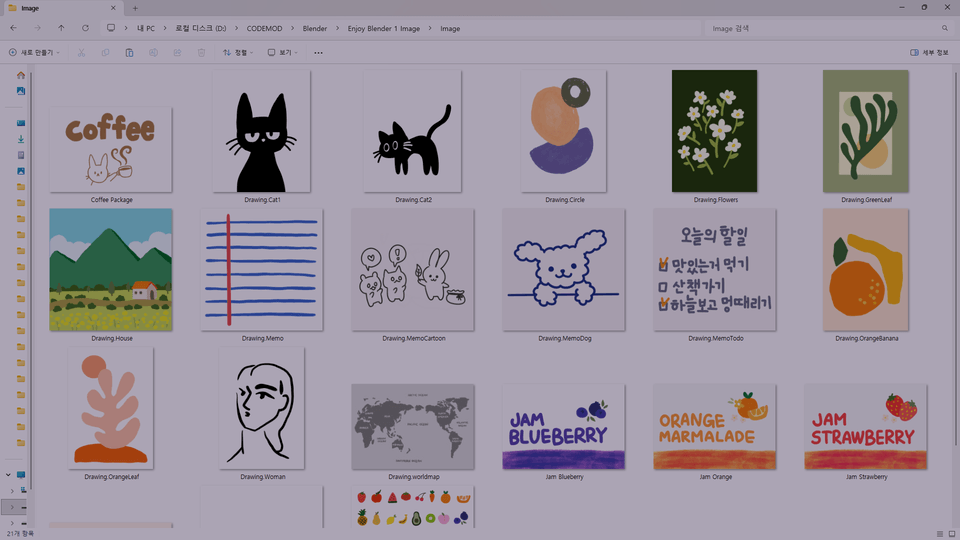
21 types of hand-drawn illustrations
Q1. What programs are used in the course?
All you need is Blender. Blender is a free program, and this course uses version 4.5. Instructions on how to install it are included in the course.
Q2. I’ve watched many Blender beginner tutorials, but it’s still too difficult when I try to create something on my own.
You develop the ability to apply what you learn by understanding the principles and concepts. Even if you have learned how to make a cup, problems can arise when you make it out of glass or fill it with a beverage. You need to understand the properties of glass materials to identify and solve the problem. In this course, we also explain various modeling approaches to develop your ability to apply what you learn and customize things as you wish. By the time you finish the course, you will have the ability to create whatever you want.
Q3. I get frustrated when I encounter errors or get stuck while modeling and can't figure out how to resolve them.
In this course, the Q&A board is open for everyone. Since learners come from diverse backgrounds and have different levels of knowledge, it’s natural to encounter things you don’t understand or errors. It’s good to try solving problems on your own, but sometimes a single tip can make the solution easy. In particular, I understand well how frustrating it can be when you get stuck in a 3D program. Whenever you get stuck, feel free to use the Q&A board.
Q4. Was there anything you paid special attention to when creating the course?
As was the case with Friendly Blender, I paid close attention to my voice and pronunciation while filming. Since I edited everything meticulously, unlike lectures conducted entirely live, I minimized paused sections as much as possible. So you’ll be able to watch videos with a little more pace. I prepared the lectures so that you can learn efficiently and avoid wasting time.
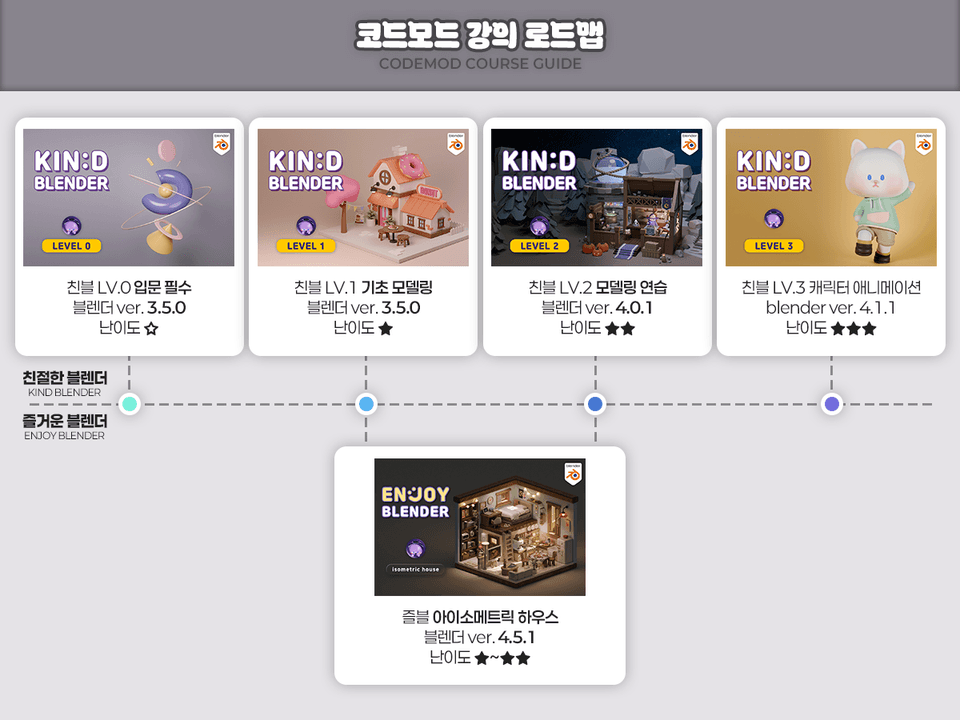
For those who want to clearly organize the concepts
For those who want to learn modeling step by step
Those who enjoy tackling challenges firsthand while creating examples
Those who want to quickly get a taste of everything from physics to animation
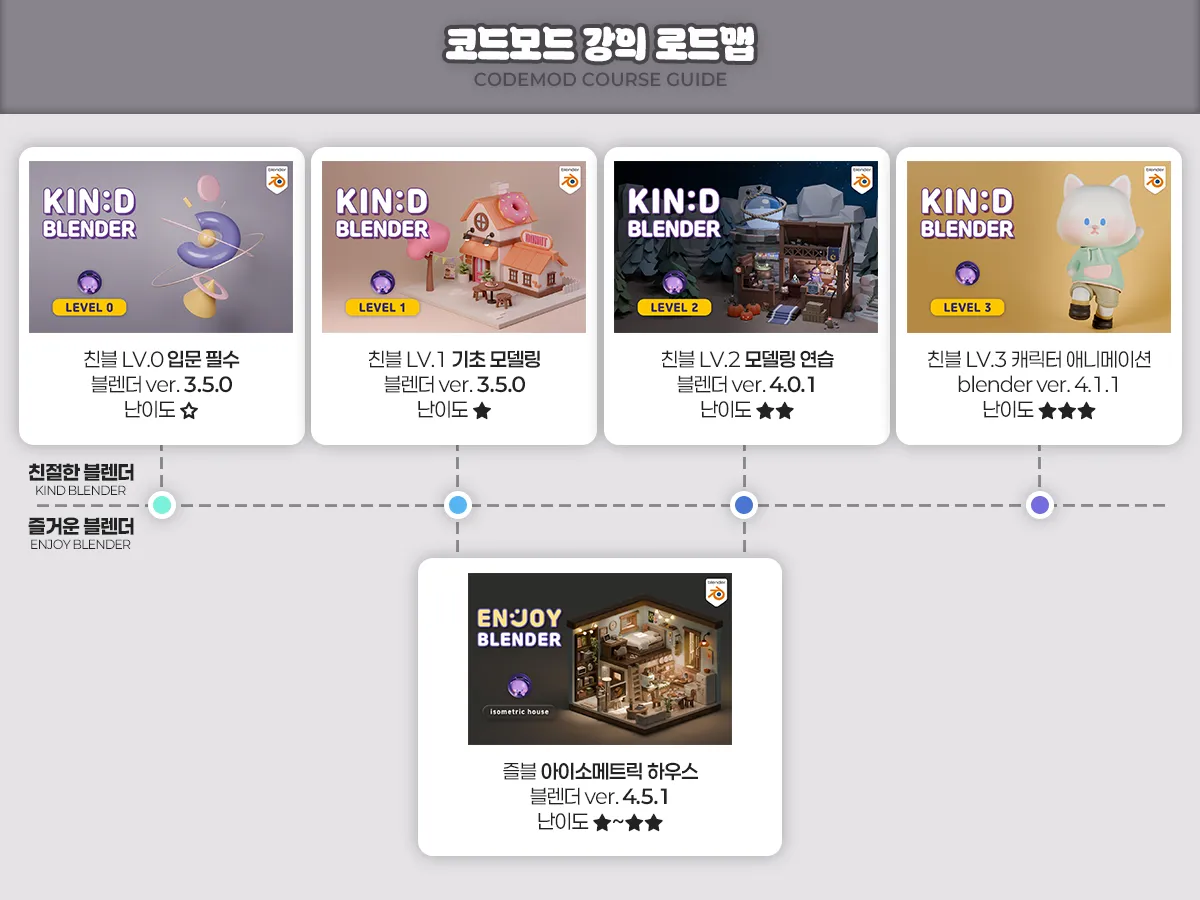
Standard (concept-focused): Kind 0 - Kind 1 - Kind 2 - Kind 3 (Kind 2, which focuses on practice, may be skipped)
Efficiency (as many features as possible): Kind 0 - Kind 1 - Fun House - Kind 3
Practical (learn through examples from the beginning): Fun House - Friendly 3
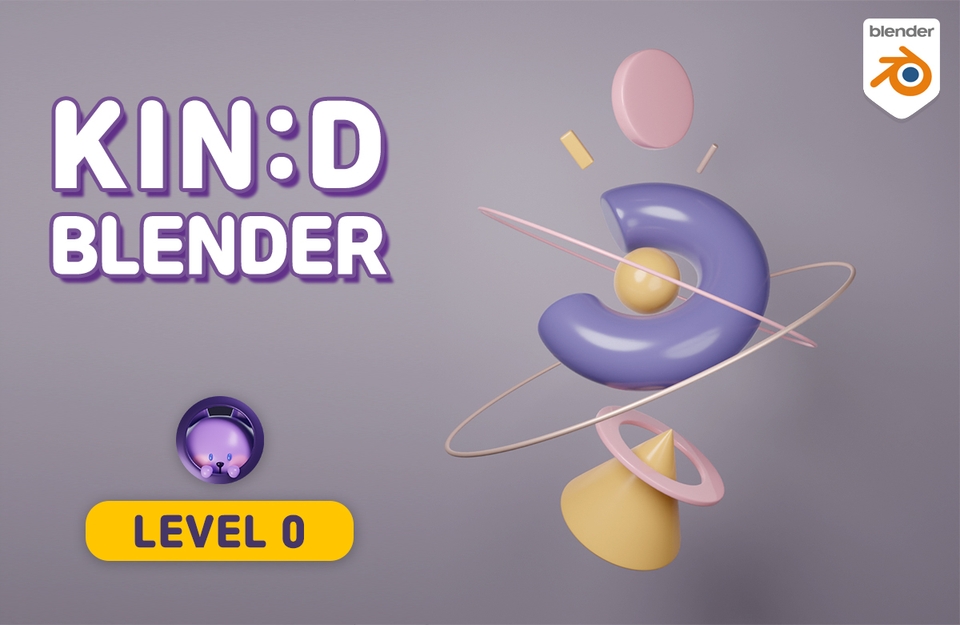
Target audience: Beginners who are new to 3D tools
Key focus: Learning basic concepts and practicing combining basic shapes
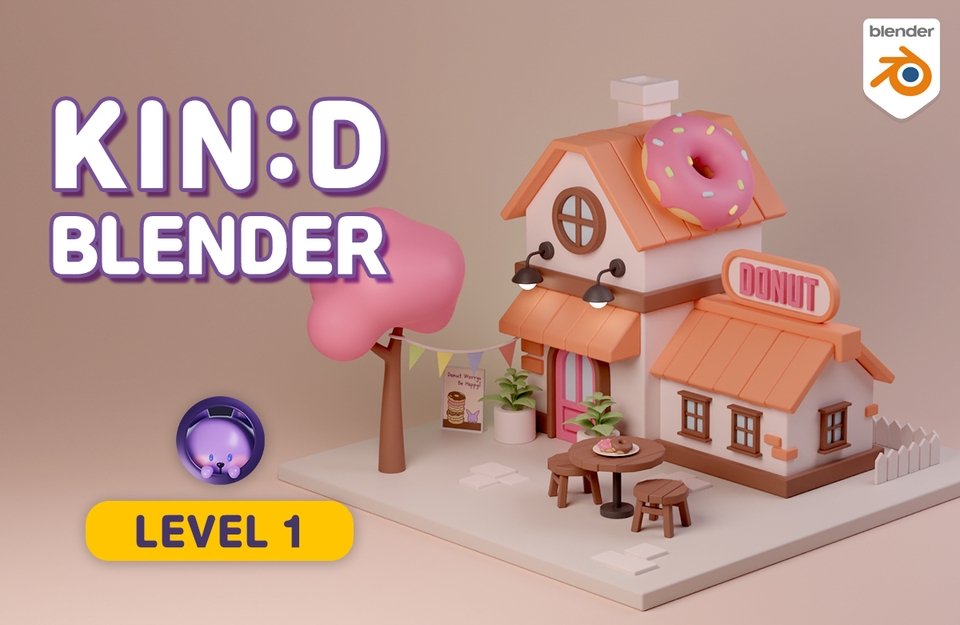
Target audience: Those who need a solid foundation in modeling
Key focus: Learning modeling functions and creating a donut house example
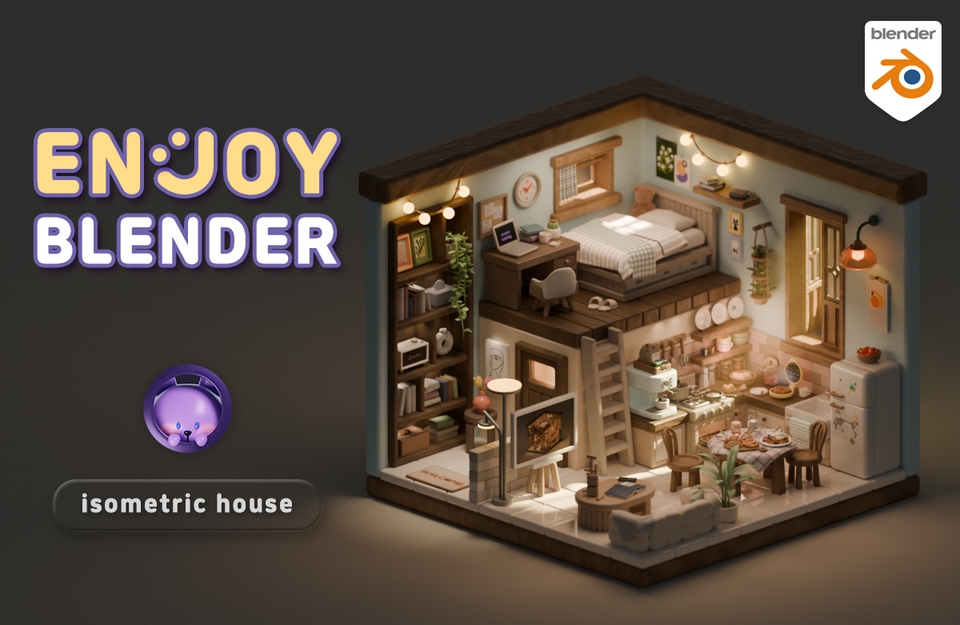
Target audience: Those who want to learn the features through examples (difficulty: Friendly 1+2+α)
Key focus: Includes physics and animation in addition to modeling
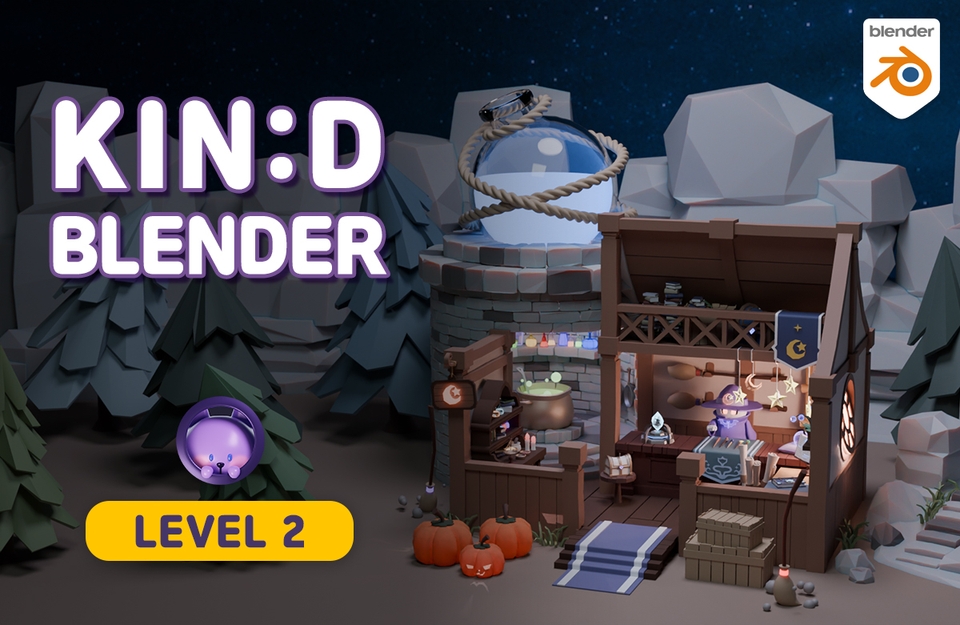
For those who want to reinforce what they’ve learned and create a large-scale project
Key point: Strengthen your skills through a magic shop example
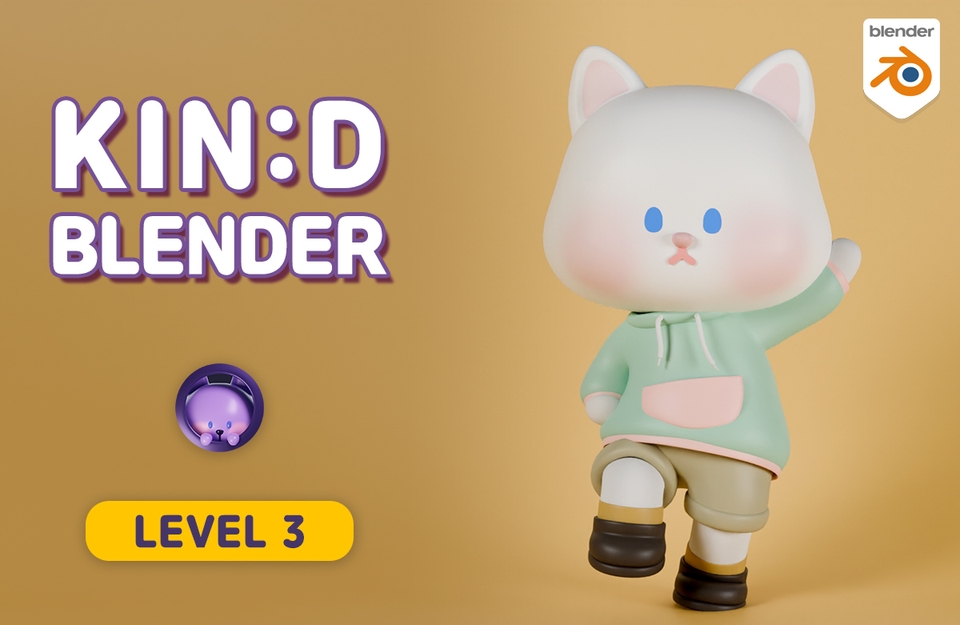
For those who want in-depth animation and rigging concepts
Key focus: Character modeling, rigging, and animation practice (advanced difficulty)
CODEMOD
Hello. This is CODEMOD, your Blender instructor. :)
I always create my courses with the goal of helping those who take them learn Blender easily and enjoyably. The most important goal I have in mind is 'enabling you to create what you want on your own'. I want to help you express and bring to life the images you have imagined through Blender. Since there are many different modeling methods, going through the process of trying out various approaches and finding the one that suits you makes it easier to apply what you learn and create whatever you want.
Although this is an online course, questions and answers are open without any limits. As you can see from the existing question board, I’ll help resolve your issues even if I have to receive your Blender files separately by email, so please feel free to ask whenever you get stuck.
The preview lectures are also available, so you might want to check out the teaching style in advance. If you look at the reviews for my course, you'll see that many students have left really kind comments. In particular, they often say things like, “Now that I understand the concepts, I can apply them better,” and “It feels like I’m learning properly.” So, borrowing strength from their encouragement, let me be bold and say this: I hope you’ll learn Blender properly with me. I’ll make it fun and packed with useful content.
See you in the course! :)
Who is this course right for?
Someone learning Blender for the first time
People who want to practice modeling while making beautiful things
Someone who can copy what others do but struggles to make what they actually want to create.
Need to know before starting?
If it feels difficult, I recommend taking the friendly Blender LV.0 course first. LV.0 is a course for those who are new to 3D.

Inflearn Verified
8,793
Learners
411
Reviews
345
Answers
4.9
Rating
10
Courses
Blender with CODEMOD!
Let's create the images you've only imagined using Blender, the free 3D software.
I will teach you the concepts and principles easily so that you can apply them yourself to game assets, architecture, product design, models for 3D printing, dioramas, animation, motion graphics, VFX, simulations, and more!
✨Go to Profile Link (Course Coupon)
✉codemod3d@gmail.com
All
99 lectures ∙ (43hr 24min)
Course Materials:
4. Box
32:12
5. Facial tissue
40:50
6. Cup
32:13
10. Poster
26:23
11. Canvas & Frames
31:58
12. Book
41:50
13. Memo Board
31:03
14. Ceramic object
31:27
15. Jenga
12:36
16. Tableware
39:13
18. Frying pan
21:50
19. Pot
32:55
20. Egg
34:10
21. Stool
19:46
22. Desk
29:23
23. Plant Cactus
30:35
24. Notepad & Pencil
31:19
25. Slippers
12:02
26. Desk chair
28:42
27. Coffee tray
32:31
28. Desk lamp
21:51
29. String lights
24:35
30. Wall light
22:57
31. TV
32:47
32. Fridge magnet
24:32
33. Refrigerator
21:42
34. An open book
19:24
35. Speaker
26:45
36. Remote control
31:30
39. Glass kettle
19:58
41. Calendar
20:05
42. Wall clock
21:19
43. Apple basket
30:26
44. Peach basket
26:19
45. Rattan basket
29:51
46. Hwabyung
28:46
47. Large plant
18:19
48. Hanging plants
47:41
All
23 reviews
5.0
23 reviews

Reviews 1
∙
Average Rating 5.0
Edited
5
Usually when I listen to beginner courses, there are many "just do it first" style lectures, so while following along, I become too busy just trying to keep up without knowing what's what, and it gradually becomes less fun. But this course has explanations about why I'm learning this, so I understand it really well and it's so interesting that it naturally makes me want to try applications too!! The next section comes out in December, but I think it would be disappointing to finish it too quickly, so I'm planning to do repetition and applications together. As expected, it's the best!!!
It makes me so happy that you naturally want to apply what you've learned! That was exactly the goal I had in mind when creating this course, so I'm thrilled to hear you say that. I feel encouraged and motivated to create even better courses more quickly. Thank you! Keep up the great work with your Blender studies!! :)

Reviews 1
∙
Average Rating 5.0
5
Wow! I've tried famous legendary courses (in English) on Udemy and various domestic courses, but this is the best among Korean-language courses 😆😆😆 You're incredibly meticulous, and I used to have to pause and replay lectures because other instructors would just tell you shortcuts and then immediately start using them😭😢 But Code Mode teaches you where to go and check first before introducing shortcuts, then gradually helps you apply them, which is perfect for beginners. It's kind and thorough, so I recommend it to Blender beginners or those who are struggling after opening Blender again after a long time~~ Even though I know the very basics, I listened from the beginning and it was great that you pointed out parts I didn't fully understand before!
Thank you for saying it's the best. When I see reviews like this, I get all excited and happy. It's rewarding to see that my careful attention to detail paid off. Please continue to enjoy the course! :)
Reviews 1
∙
Average Rating 5.0
5
The lecture pace isn't too fast, so I can follow along sufficiently without having to adjust the playback speed! And it's not just about showing how to make things, but also showing various problems that can arise during the process and providing solutions, so when errors occur or I get stuck, I can solve them calmly without panicking! It's also great that you keep mentioning shortcuts and convenience features throughout the lecture so I don't forget them!! :) I think this was my best choice this year 😊😊
Wow.. saying it's the best choice! That's such a touching thing to say. 😊😊 I'm happy that the parts I put care into seem to have helped with taking the course. I'll continue to work hard on making them, so please enjoy the lectures. Thank you!! :)
Reviews 1
∙
Average Rating 5.0
Edited
5
It explains Blender's features in detail from the basic concepts in an easy and thorough way. The explanations are really excellent. What A is, what it means, when to use it, precautions, related features, shortcuts... really covers everything. You can tell this is a meticulously prepared lecture. In the past, I used to wonder "what is this toolbar for... when do you use this... why does this happen like this?" but now I understand what everything is. It feels like drinking a hundred sodas and having my mind completely cleared. Plus, learning while making cute things makes it more fun and motivating. I'm really looking forward to the upcoming lectures and will keep going all the way to completion. Thank you so much for the great lecture!! ♥
I'm so happy to be refreshing! 😊😊😊 It's rewarding to see that all the hard work in preparation paid off. I'll work even harder to make sure the remaining lectures continue to be just as refreshing. Thank you so much for the wonderful review!! :)

Reviews 1
∙
Average Rating 5.0
Edited
5
It's so fun... I'm not even working in a related field, but I applied just because it looked cute. I secretly play the videos next to me at work and follow along on weekends, making little things bit by bit - it feels like playing a game and is really healing. The lectures are divided by simple props that don't require long work sessions, so there's a sense of achievement every time I finish one, and the advantage is that I can listen to them in light, manageable chunks. After finishing all of this, I want to take the white cat thumbnail lecture too and try making animations with my favorite characters.
I'm so proud and happy that you're making it as fun as a game! Just seeing the first phrase 'It's fun...' made my lips curl up into a smile. Those dots seem so sincere! 😊😊 Thank you. I'll keep up my energy and continue making the next lectures! :)
Check out other courses by the instructor!
Explore other courses in the same field!
![Friendly Blender - [LV.1] Basic ModelingCourse Thumbnail](https://cdn.inflearn.com/public/courses/331832/cover/1a8cb8a7-e498-4455-9b5f-b9e4fcf5e2d1/Main.jpg?w=420)
![Friendly Blender - [LV.2] Modeling PracticeCourse Thumbnail](https://cdn.inflearn.com/public/courses/332919/cover/ce342909-66fb-4a34-aea1-d11d1b71a12d/332919.jpg?w=420)
![Friendly Blender - [LV.0] Essential IntroductionCourse Thumbnail](https://cdn.inflearn.com/public/courses/331390/cover/6540ab34-6b6c-43b1-8293-b9f5906071c7/331390-eng.png?w=420)

![Kind Blender - [LV.0] Beginner EssentialsCourse Thumbnail](https://cdn.inflearn.com/public/files/courses/337689/cover/01jx01jr61jdx6hx2qefw15bqt?w=420)



![[Master] Solid Basics After Effects CC CourseCourse Thumbnail](https://cdn.inflearn.com/public/files/courses/333257/cover/ai/2/cc466790-af2d-4198-b5e8-1795be65e85a.png?w=420)
![1. [Unreal No-Base/Intro] UE5 Sparta Class: Practical EditionCourse Thumbnail](https://cdn.inflearn.com/public/courses/332658/cover/3341f266-1eb4-4946-8cbc-8da525e35b29/332658.png?w=420)

![[Beginner] Learn how to create 3D animated videos with no-code using CreateStudio3, even if it's your first time [Super Easy]Course Thumbnail](https://cdn.inflearn.com/public/files/courses/340594/cover/01kfwdvk88zkg41ewrb9tg73xa?w=420)