



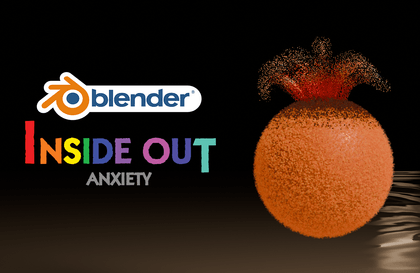
Anxiety making Matterial
Tinys
Free
Basic / 3d-modelling, Blender
5.0
(7)
100+
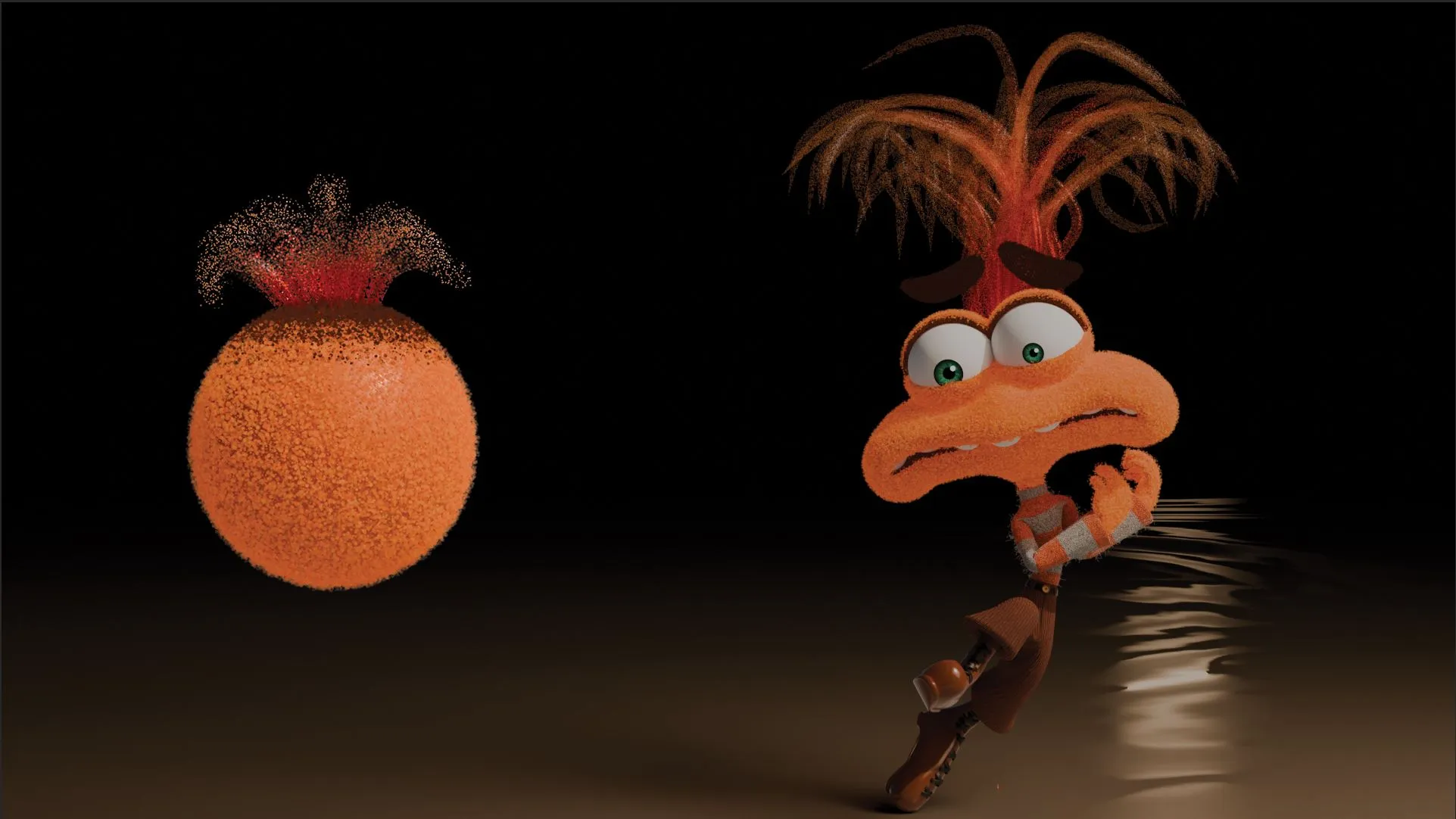
Let's create "Anxiety as Material" from Inside Out 2! Understand the 'working principle' simply with a tutorial-style format!

Basic
3d-modelling, Blender

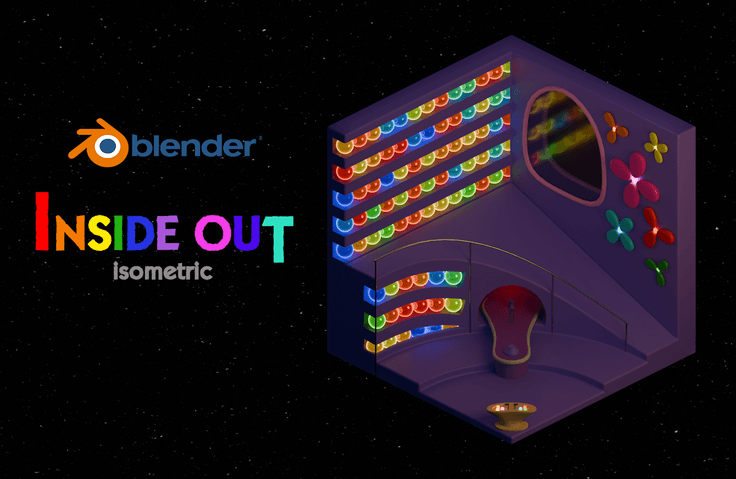
This is an isometric lecture with an Inside Out concept! It is in a tutorial format, so even beginners can easily follow along. I will explain the principles step-by-step, from modeling to rendering!
720 learners
Level Basic
Course period Unlimited
Reviews from Early Learners
5.0
소중한 사자
I feel like I'm getting used to Blender as I go step by step. The results are pretty too. It was helpful because I was able to learn many things.
5.0
유선
The videos were short and not boring, and the instructor's encouragement in between gave me strength. 😊😊 The explanations were clear and concise, so I was able to complete it.
5.0
EJ
I suffered so much from a Maya class in college that I didn't even look at 3D, but after taking this class, I found 3D to be really fun. 😢😢 Thanks to you, I completed the course and finished my work. It was a kind and detailed class for beginners...! Thank you!
Blender Preferences
Modeling Method (Edit Mode / Modifier)
How to use materials (Base Color/Metallic/Roughness/Emission/Node)
Lighting and Rendering Methods (EEVEE / Cycle)
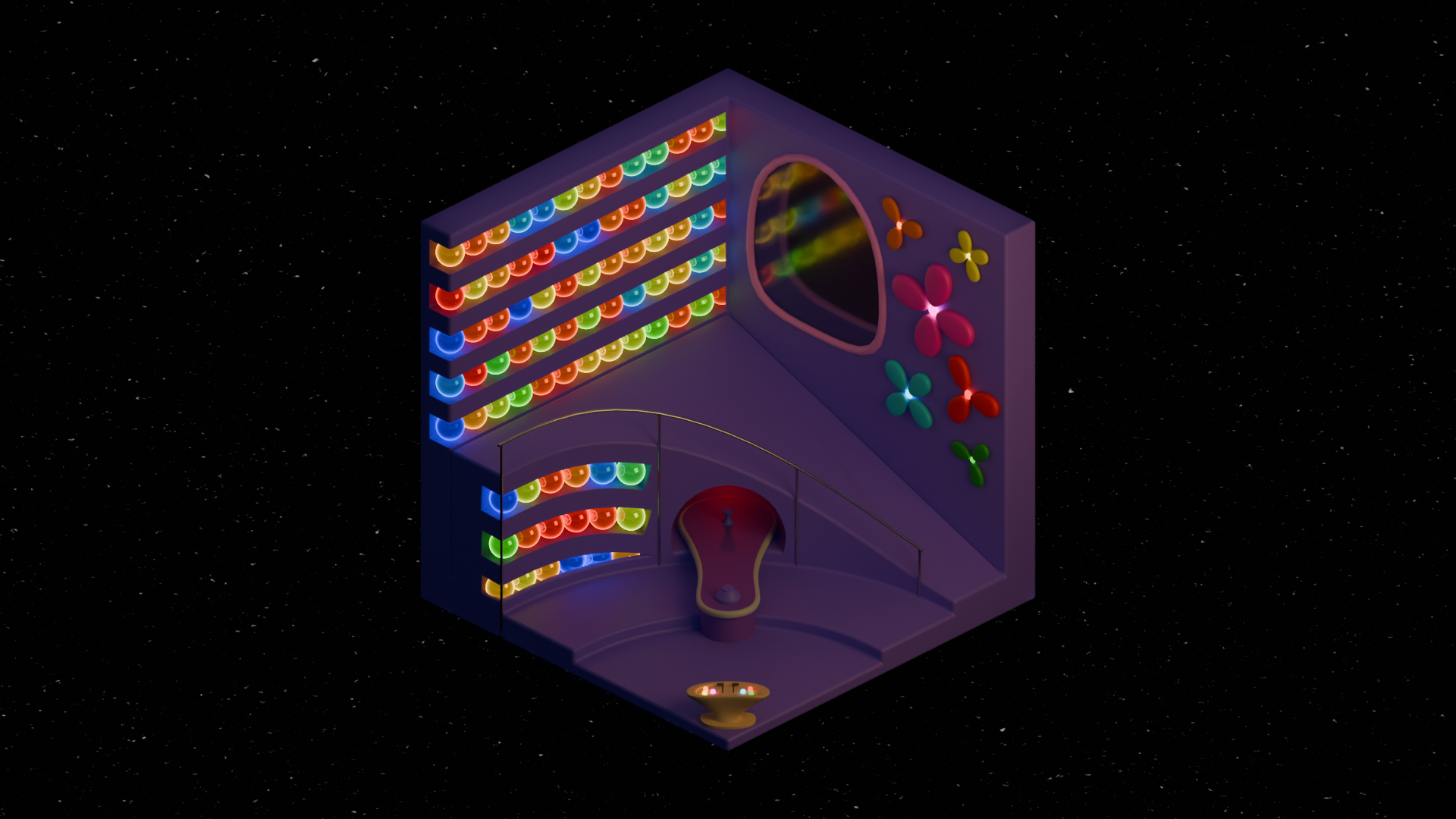
While creating the Emotion Control Headquarters in an isometric style,
Let's learn the entire process together, from modeling to rendering! 😃
Learn how to create artworks using Blender!
Environment settings, modeling, material, lighting, rendering, etc.
(3d-modelling, shadermaterial, lighting, 3d-rendering)
Modeling
Material
Lighting
Rendering
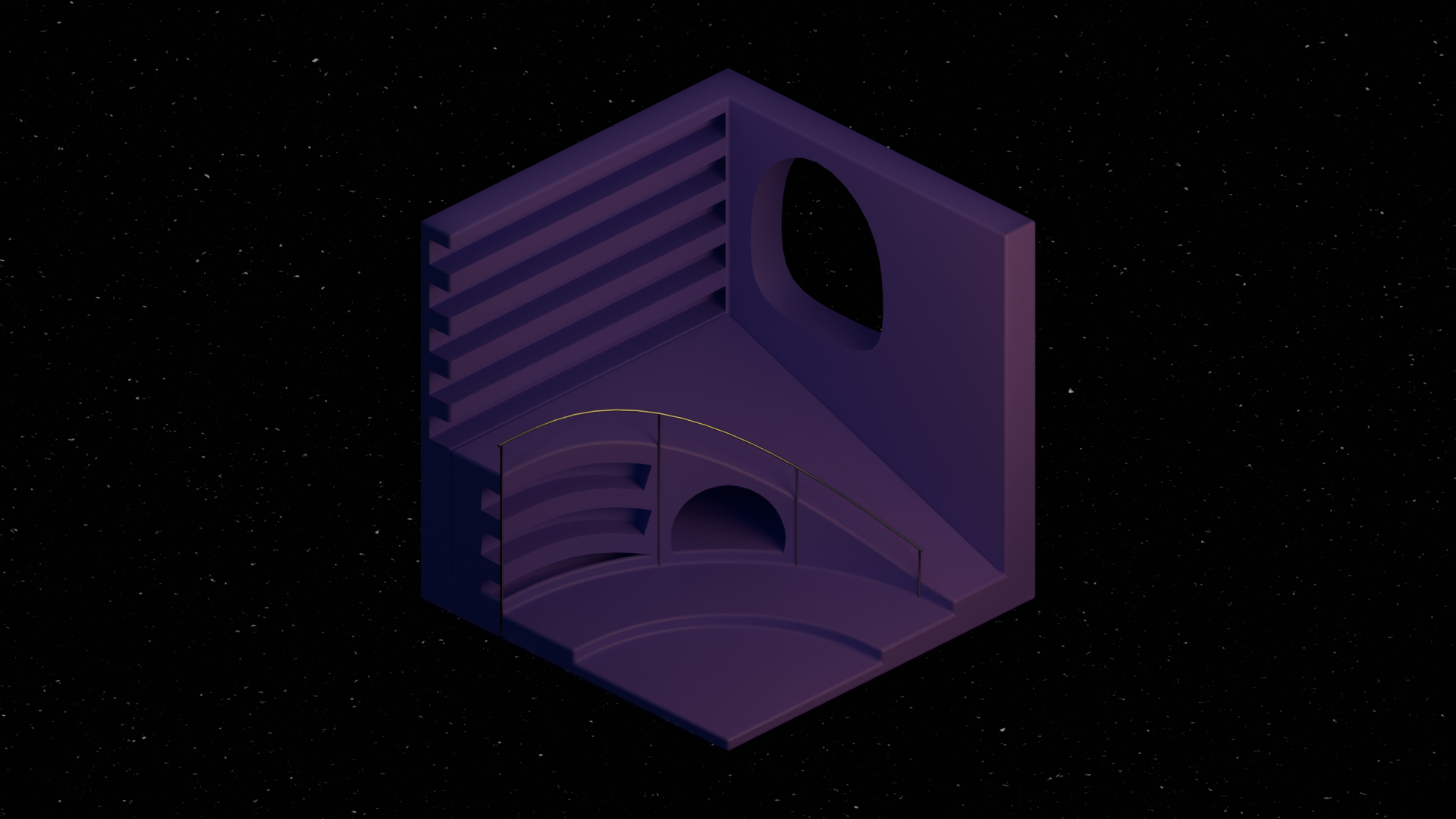
Learn modeling by creating the structure of the Emotion Control Headquarters!
Object Mode
Edit Mode
Modifier
Parent
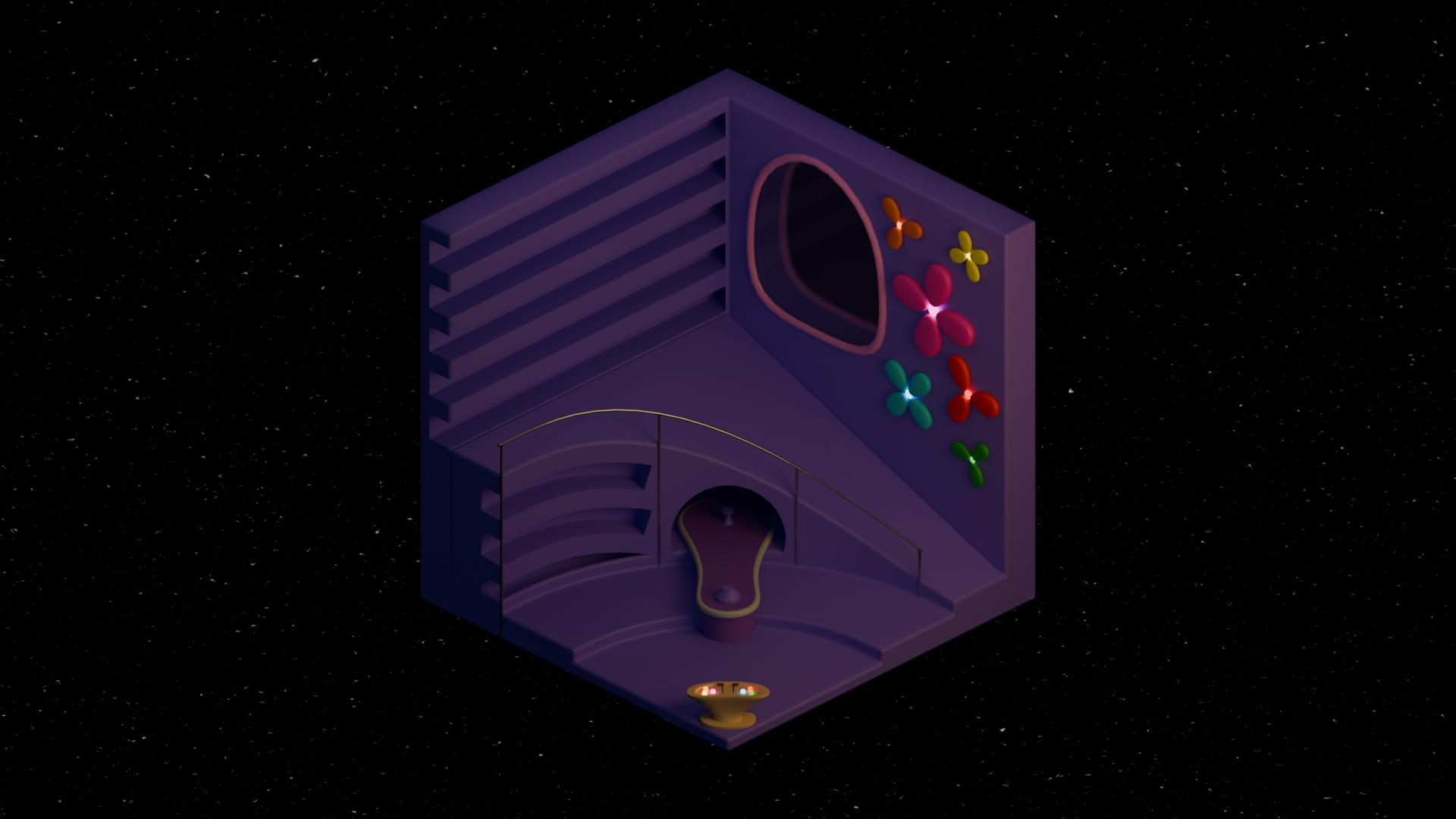
Learn about materials by decorating the interior with various colors!
Material
Shader Editor (Node)
Add-on (Material Library)
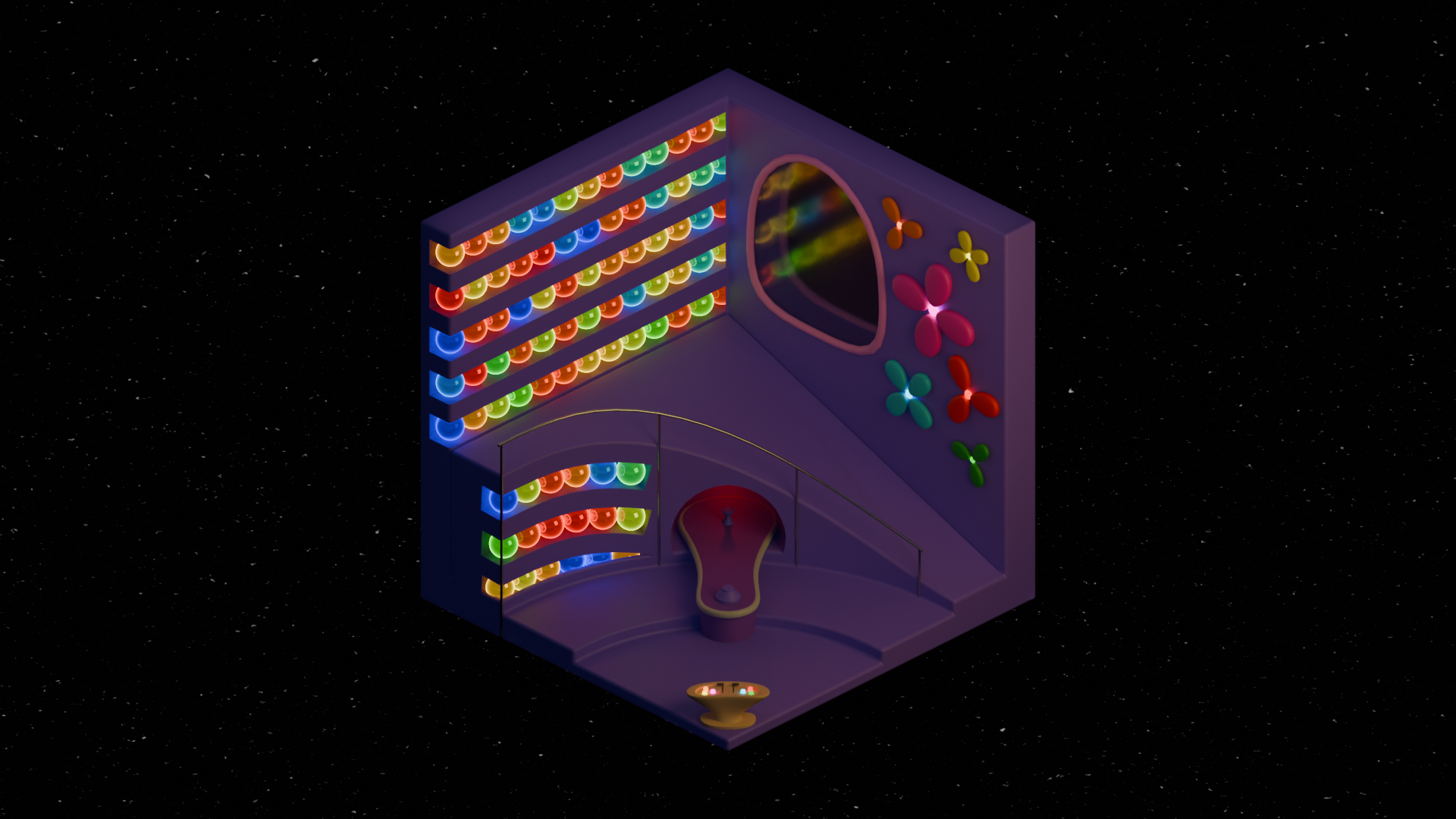
Learn lighting and rendering using light to create beautiful works!
World Sky Texture
Light (Point,Area)
EEVEE Engine (Raytracing)
Cycles Engine
Blender version 4.2 has been officially released with several changes, so it would be good to check them in advance!
Please note that this lecture only covers the essential parts necessary for modeling!
Add-on
Shade Auto Smooth
EEVEE Raytracing
🔧 Requirements
Software Version: Blender 4.2 or higher
Mouse: A mouse that must have a wheel
Keyboard: Number pad presence does not matter
Who is this course right for?
Someone who wants to create a scene from Disney Pixar
People who want to study while creating works
Those who want to learn the overall workflow
Need to know before starting?
Blender Introductory Knowledge (Interface and Controls)

923
Learners
38
Reviews
4
Answers
4.9
Rating
3
Courses
All
24 lectures ∙ (2hr 1min)
Course Materials:
All
21 reviews
4.9
21 reviews

Reviews 1
∙
Average Rating 5.0
5
I'm currently enrolled in a design program, but the school doesn't properly teach 3D tools, and considering academy fees and time, there were many things to consider before attending an academy, so I was self-studying by watching YouTube tutorials. However, even those were mostly English tutorials, and there were few Korean full tutorials, so I couldn't quench my thirst for proper 3D work. Then I came across this course on Inflearn and completed it over two days!!!! As a result, it was a course with really, really high satisfaction. Parent-child relationships, shortcuts, modifier functions, and even basic shading - I'm actively using everything I learned in the work I'm currently creating! I usually wasn't good at using modifier functions, but since you explained not just the functions but also the principles behind them, I understood much better. From camera settings to modeling, lighting, and rendering - you explained all the basic things needed when creating a single piece, so most of the frustrating parts I had been feeling were resolved. After taking the course, I gained confidence in modeling, and now I can roughly understand YouTube tutorials that were difficult to follow before. Thank you so, so much for providing such a good course for free!!! If there's anyone around me who wants to learn Blender, I definitely want to recommend this course to them!!
!! You completed the course in just 2 days already.. That's really fast! Great job on finishing the entire course~_~ I can relate to what you experienced when I first started too.. Knowing the features and creating actual works are completely different things, so I hoped it would help those who are struggling! Thank you for the thoughtful and honest course review, and I'm really proud to hear that you grew after taking the course :) Oh! If you happen to like Inside Out works, I also have another course on creating Anxiety's material, so please check it out! You can download the Blender files too :) Thank you once again for your valuable course review~_~
Reviews 16
∙
Average Rating 4.5
5
You explain things so clearly and thoroughly.
Thank you for the honest course review! You also created great work in such a short time! Great job :)

Reviews 8
∙
Average Rating 5.0
5
I was able to learn about the random color node method and also how to add something like stars to the background, so that's great. Thank you.
I tried my best to teach the most simple and practical features, and I'm proud that it was helpful! Thank you for your valuable course review as well :)
Check out other courses by the instructor!
Explore other courses in the same field!
Free

![Friendly Blender - [LV.0] Essential IntroductionCourse Thumbnail](https://cdn.inflearn.com/public/courses/331390/cover/6540ab34-6b6c-43b1-8293-b9f5906071c7/331390-eng.png?w=420)






![[Beginner] Learn how to create 3D animated videos with no-code using CreateStudio3, even if it's your first time [Super Easy]Course Thumbnail](https://cdn.inflearn.com/public/files/courses/340594/cover/01kfwdvk88zkg41ewrb9tg73xa?w=420)