



Getting Started with Blender Like a Game
Tinys
This is a 'Blender Introductory Course' tailored to a beginner's perspective! We have selected only the essential knowledge necessary for the introductory stage!

Beginner
Blender, modeling, lighting
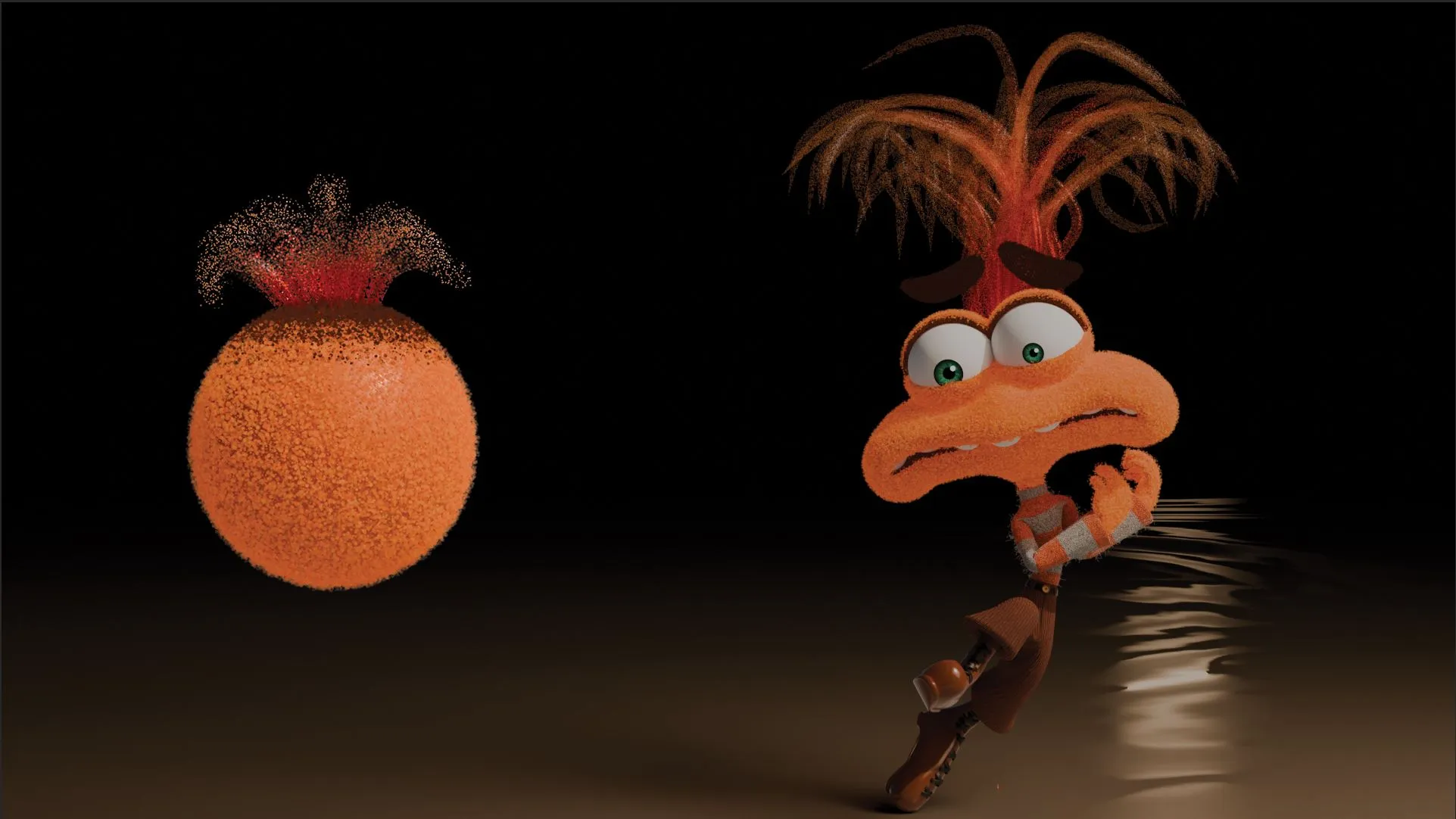
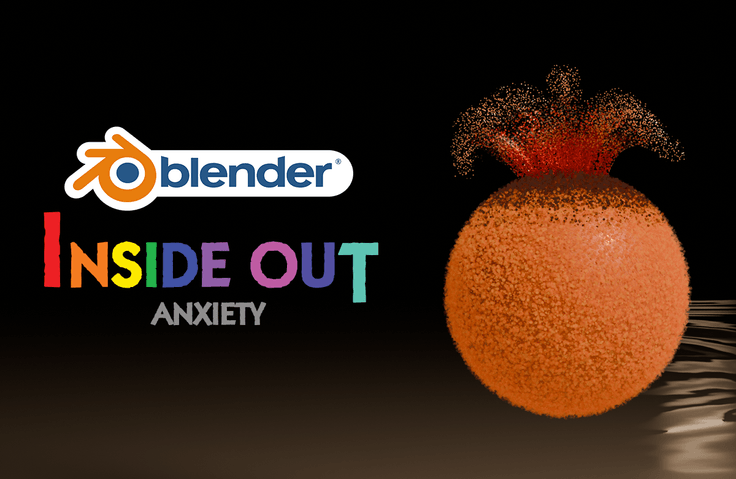
Let's create "Anxiety as Material" from Inside Out 2! Understand the 'working principle' simply with a tutorial-style format!
Reviews from Early Learners
5.0
dmax
Though somewhat unrelated to design, I found the video interesting. Thank you.
5.0
망그리
It was good to be able to learn about Materials and Nodes.
5.0
쿠카이든
It was a time when I learned a lot about materials! Thank you for the good lecture~!
Anxiety making Matterial
Expressing using particles.
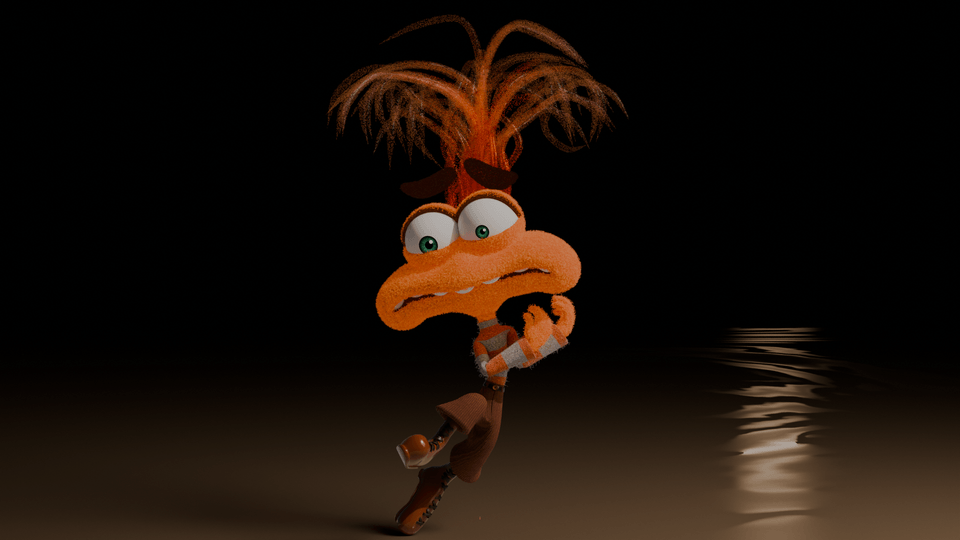
After watching Inside Out 2
To create anxiety
That was my question!
After watching the movie like me
For those who want to create a character
I'm sure you'll be there!
I'm trying to create anxiety
For those who have such concerns
I prepared this lecture 😀
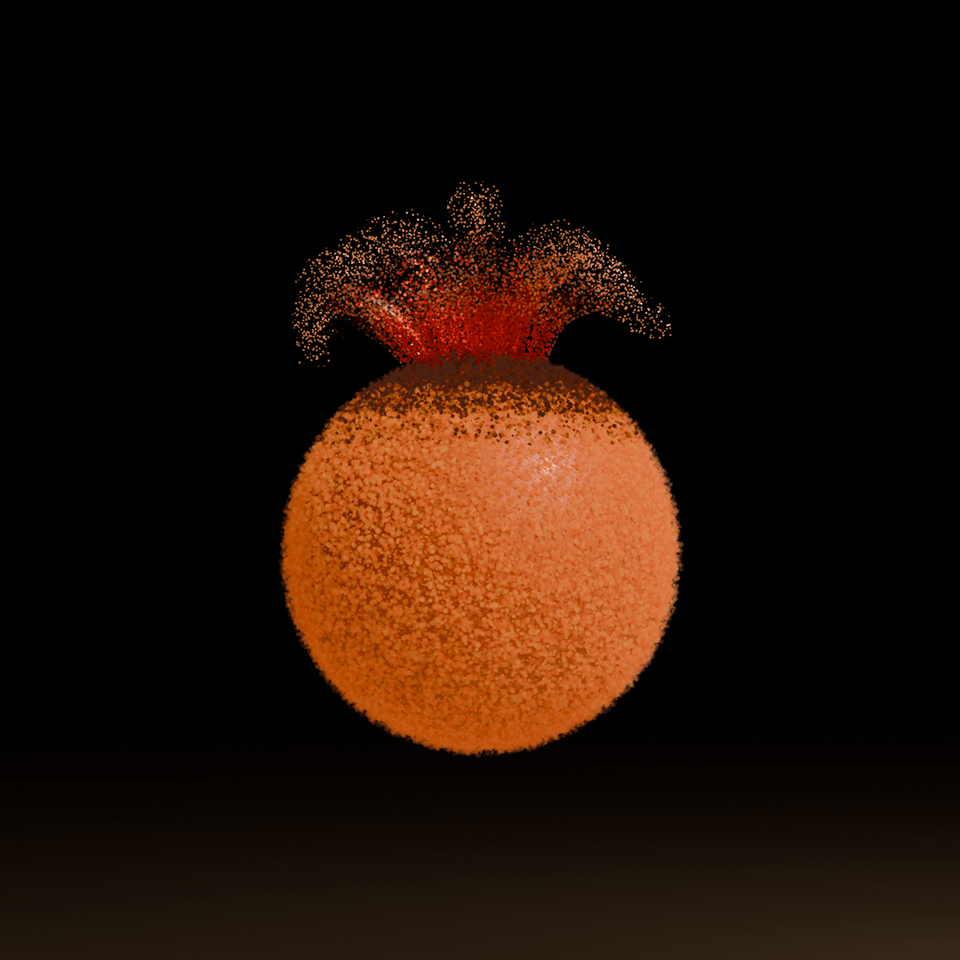
Creating a character by yourself
It's really not an easy task!
Even if you capture the appearance through modeling...
Expressing materials is tricky...
I also put a lot of time and effort into it
I analyzed, researched, and even failed.
(Actually I gave up a few times 😭_😭)
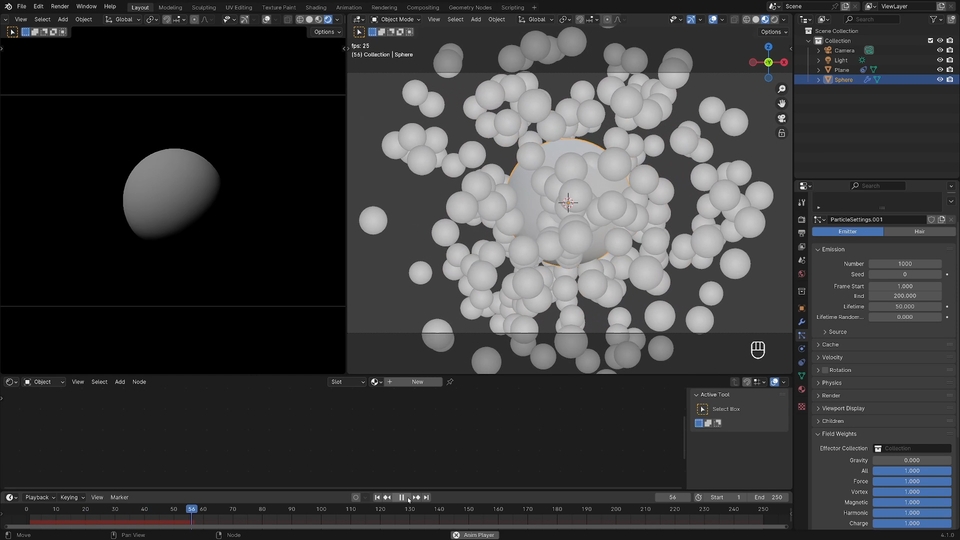
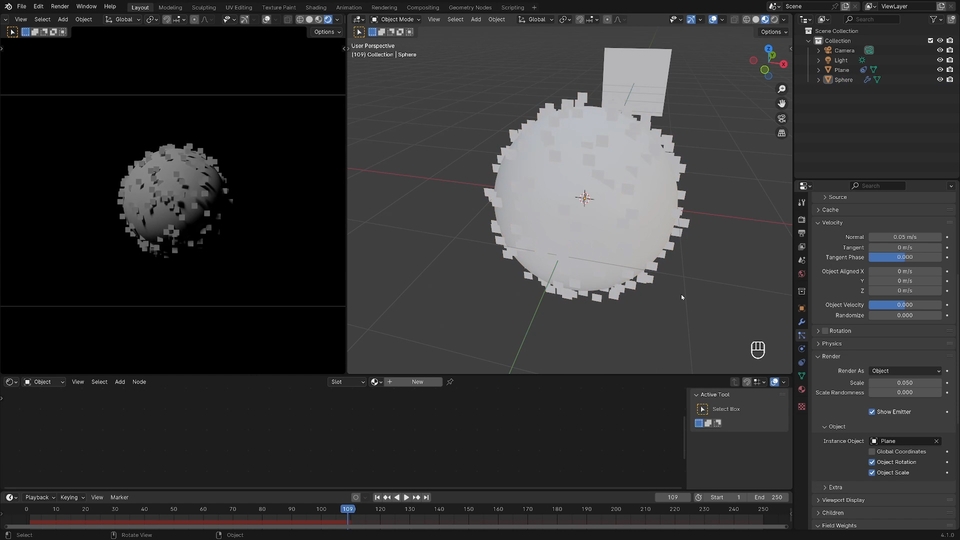
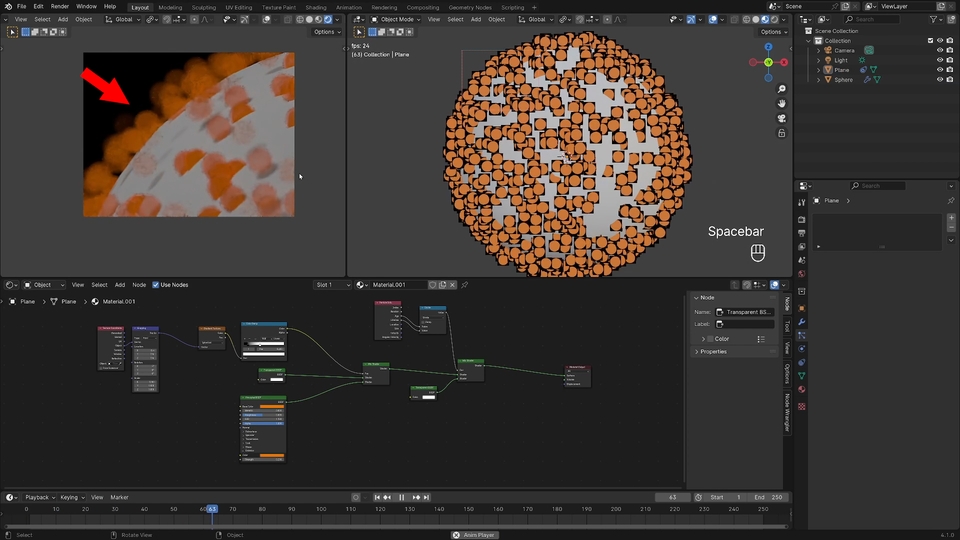
But in the end, after all the effort
I made a material! 😆
I want to create anxiety
To those who are having a hard time
I'll share it with you!
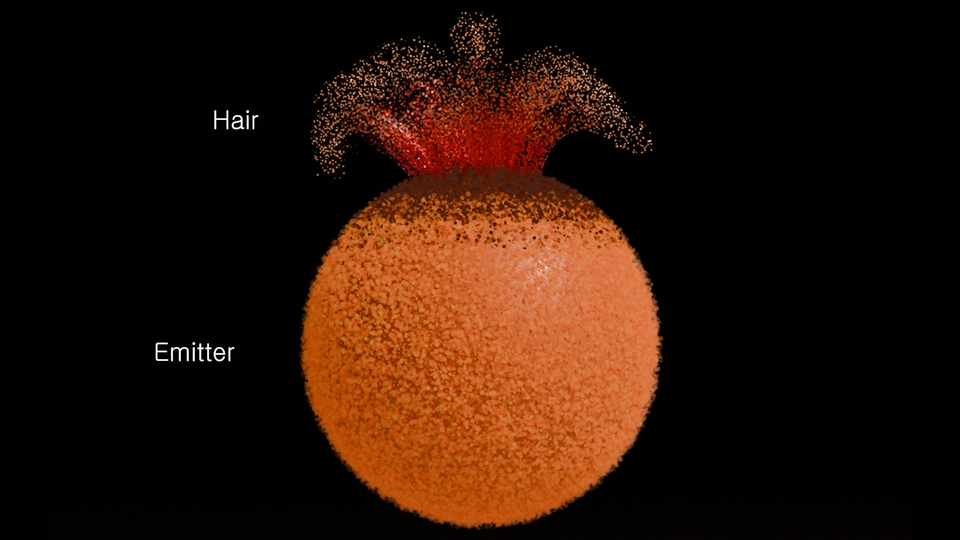
Character Analysis (Skin/Hair)
How to implement
Preferences
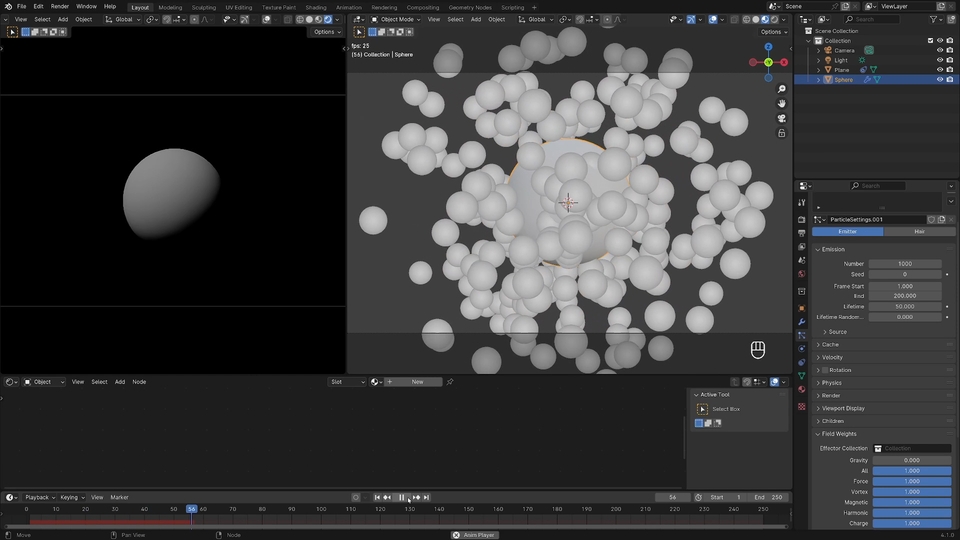
Particle (Emitter)
Collection
Material (Node)
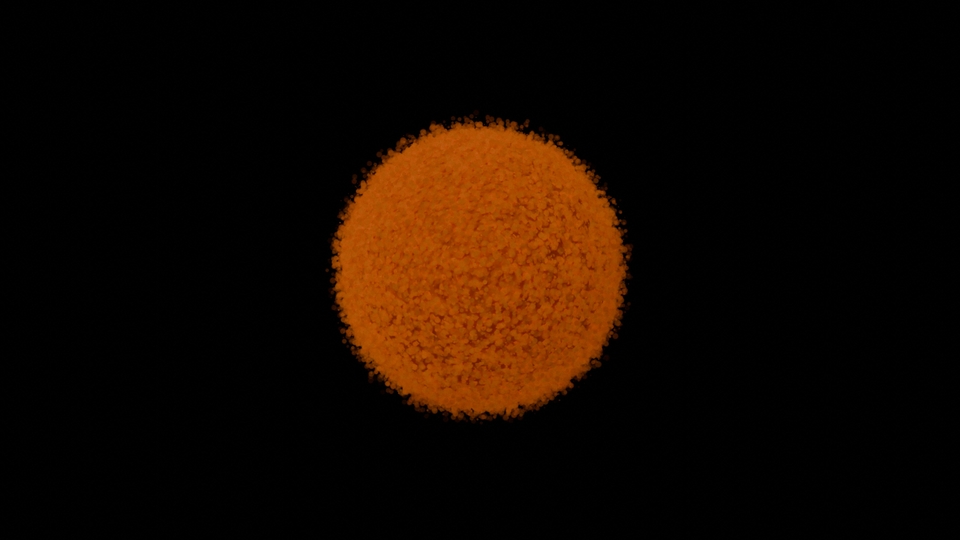
Particle (Hair)
Vertex Group
Node Material
For those who want to follow along
Pre-set blender files
Let me share it with you!
If you listen to the explanation and follow it
I can understand!
Download the practice files
At the top right of the lecture screen
You can do this by clicking the data download button!
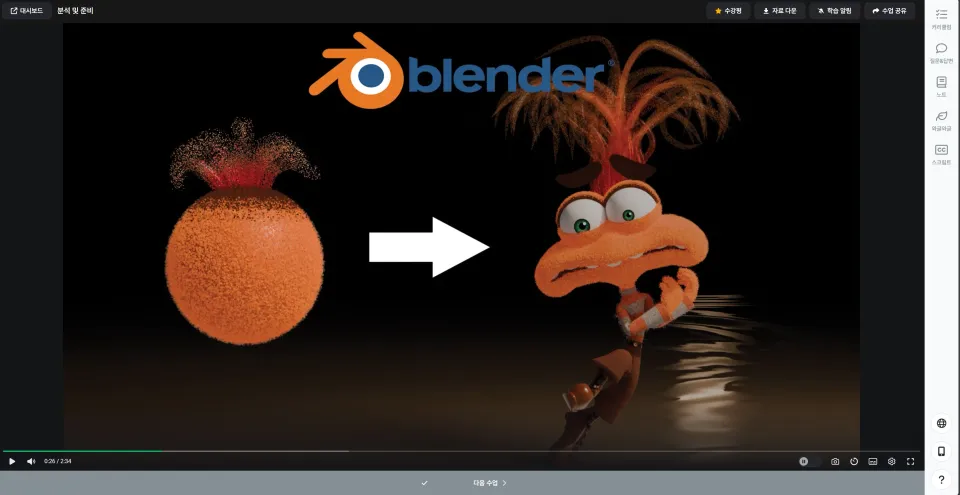
If you understand the simple operating principle,
I shared the original file I created
Take a look and analyze it!
😀
Please refer to the link below for the original file!
Link: Anxiety Get Material Shared
This course is not recommended for beginners.
It would be good for people with some basic knowledge to listen to this
This is a video to simply explain how it works.
Because I structured the lectures so that they are not difficult or complicated.
Please listen with a focus on understanding!
Please note that there may be some differences
Take a look at the shared files and analyze them!
Blender Basics
3d-modelling knowledge
Node Material
Particle (Emitter / Hair)
Who is this course right for?
For those who were deeply moved by the movie Inside Out 2
For those who want to create anxious characters
Need to know before starting?
Blender Basics
Blender Nodes
Blender Particles

920
Learners
37
Reviews
4
Answers
4.9
Rating
3
Courses
All
3 lectures ∙ (20min)
Course Materials:
2. Soft skin
10:01
3. Thick hair
08:08
All
7 reviews
5.0
7 reviews

Reviews 146
∙
Average Rating 5.0
5
Though somewhat unrelated to design, I found the video interesting. Thank you.
Thank you for your interest!
Check out other courses by the instructor!
Explore other courses in the same field!
Free





![[Beginner] Learn how to create 3D animated videos with no-code using CreateStudio3, even if it's your first time [Super Easy]Course Thumbnail](https://cdn.inflearn.com/public/files/courses/340594/cover/01kfwdvk88zkg41ewrb9tg73xa?w=420)