
강의

멘토링

커뮤니티

NEW
Design

/

3D Modeling

Blender Beginners Masterclass: The Cookie Factory

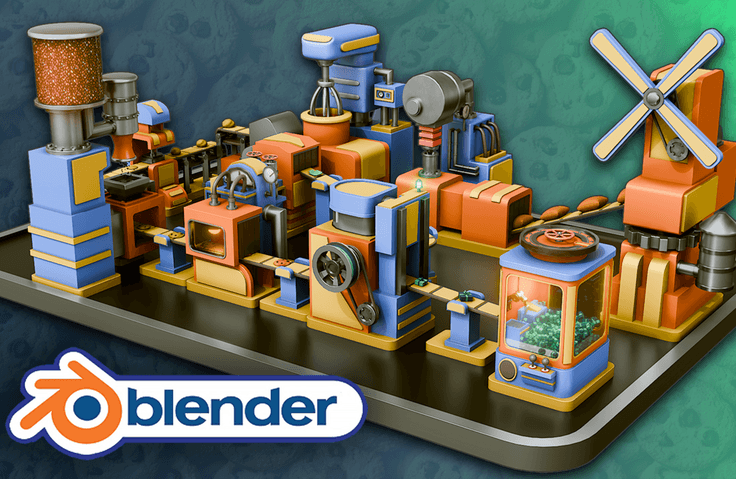
Neil from 3D Tudor here. I have helped thousands of beginners push past the same Blender roadblocks, and in this masterclass you will build and animate a complete cookie factory step by step, learning modeling, texturing, lighting, and animation through real production workflows. You will finish with a portfolio-ready factory animation and a repeatable process you can use on any future 3D project.

1名 が受講中です。

難易度 入門

受講期間 無制限

  • 3D Tudor
Blender
Blender
3d-modelling
3d-modelling
uv-mapping
uv-mapping
texturing
texturing
3d-rendering
3d-rendering
Blender
Blender
3d-modelling
3d-modelling
uv-mapping
uv-mapping
texturing
texturing
3d-rendering
3d-rendering

受講後に得られること

  • Blender Basics for 3D Modeling: Learn essential navigation, viewport setup, and project organization in Blender.

  • Modeling and Animation Techniques: Build and animate 10 unique factory machines, including a Flour Mill, Water Adder, Mixer, Stamper, and more.

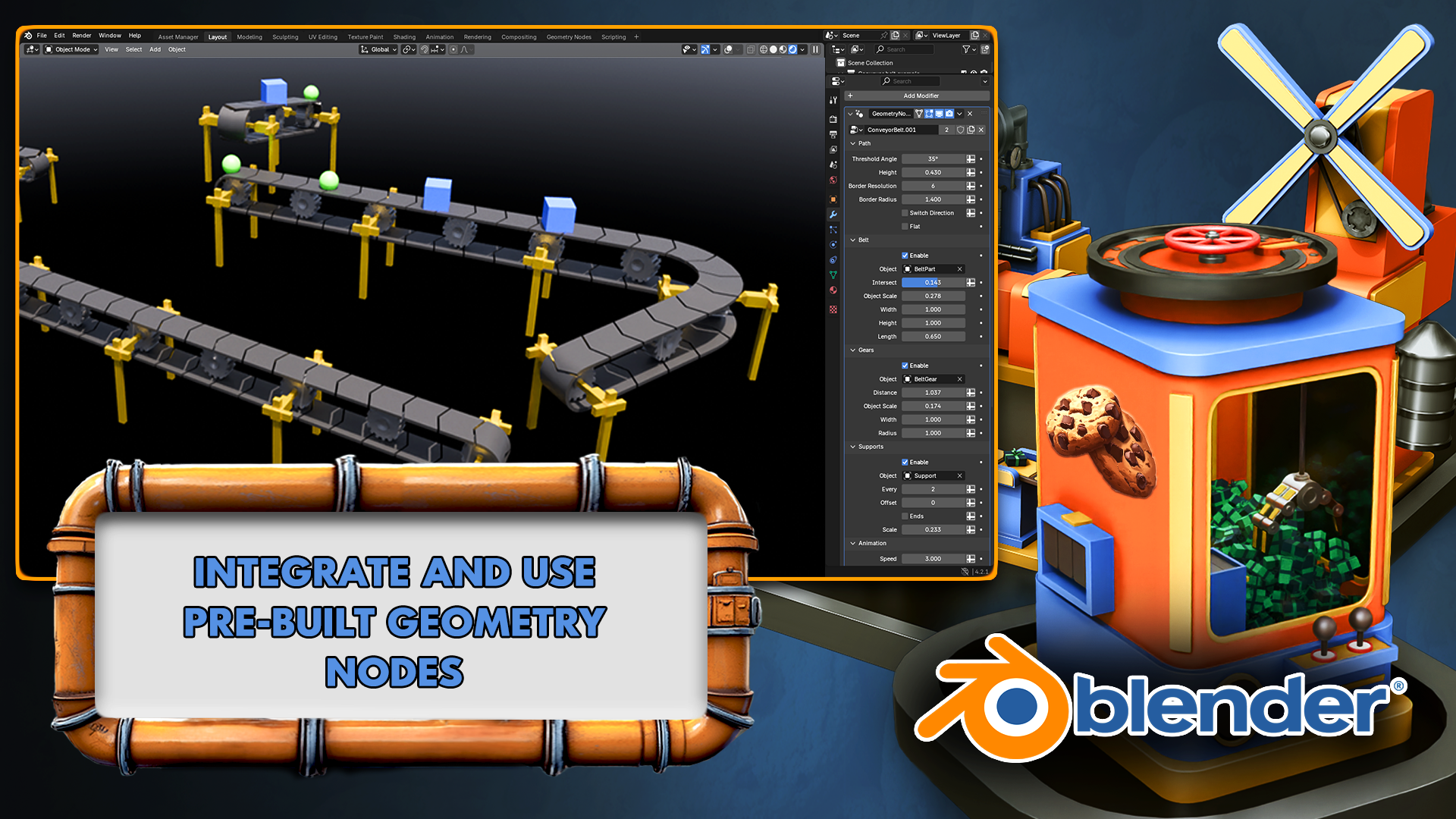
  • Introduction to Procedural Design: Explore the basics of Geometry Nodes to create dynamic conveyor belts and other factory elements.

  • UV Mapping and Texturing: Master UV unwrapping techniques and apply materials for realistic and stylized textures.

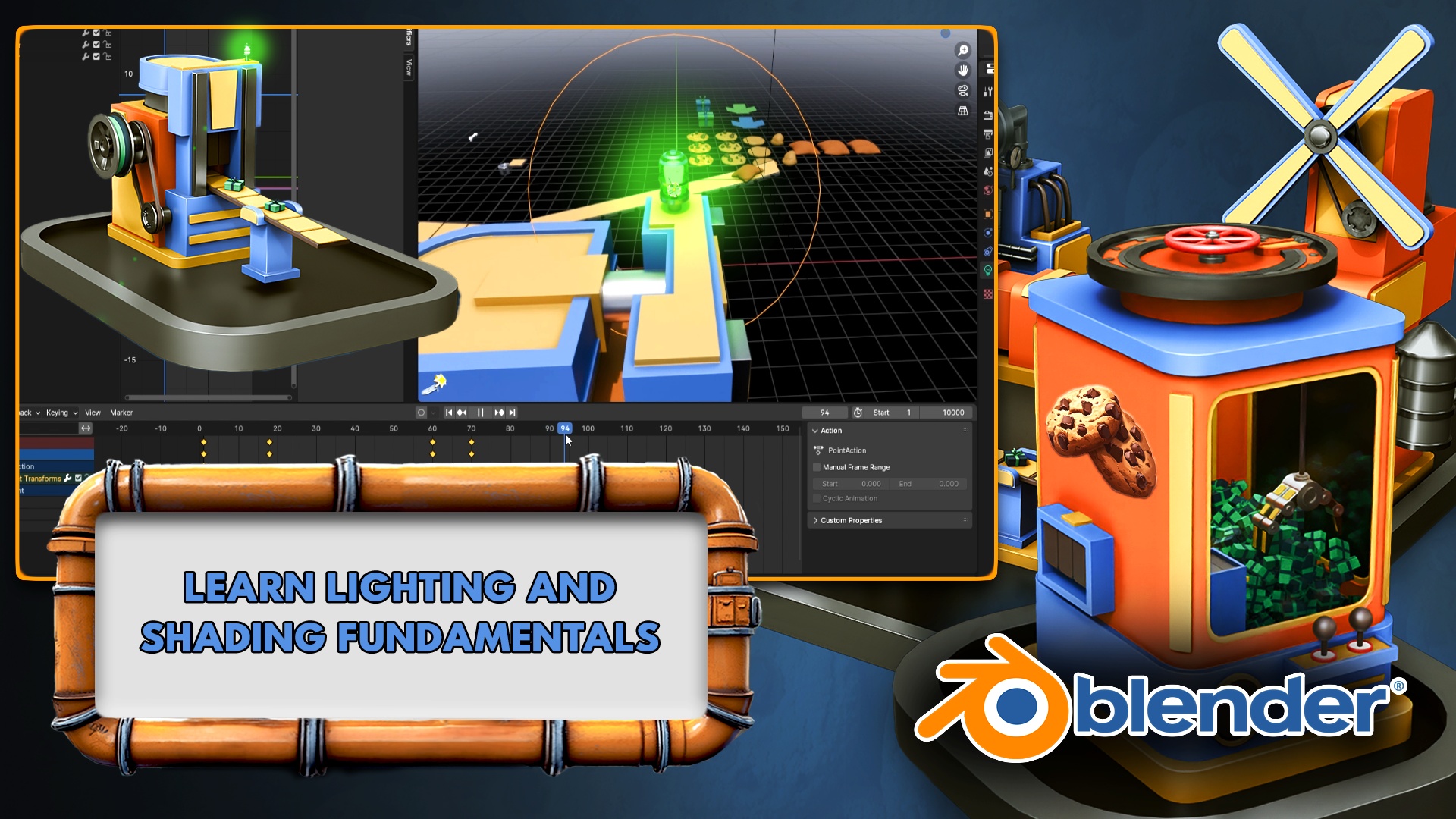
  • Lighting Fundamentals: Use emission shaders, Sky Texture nodes, and advanced lighting techniques.

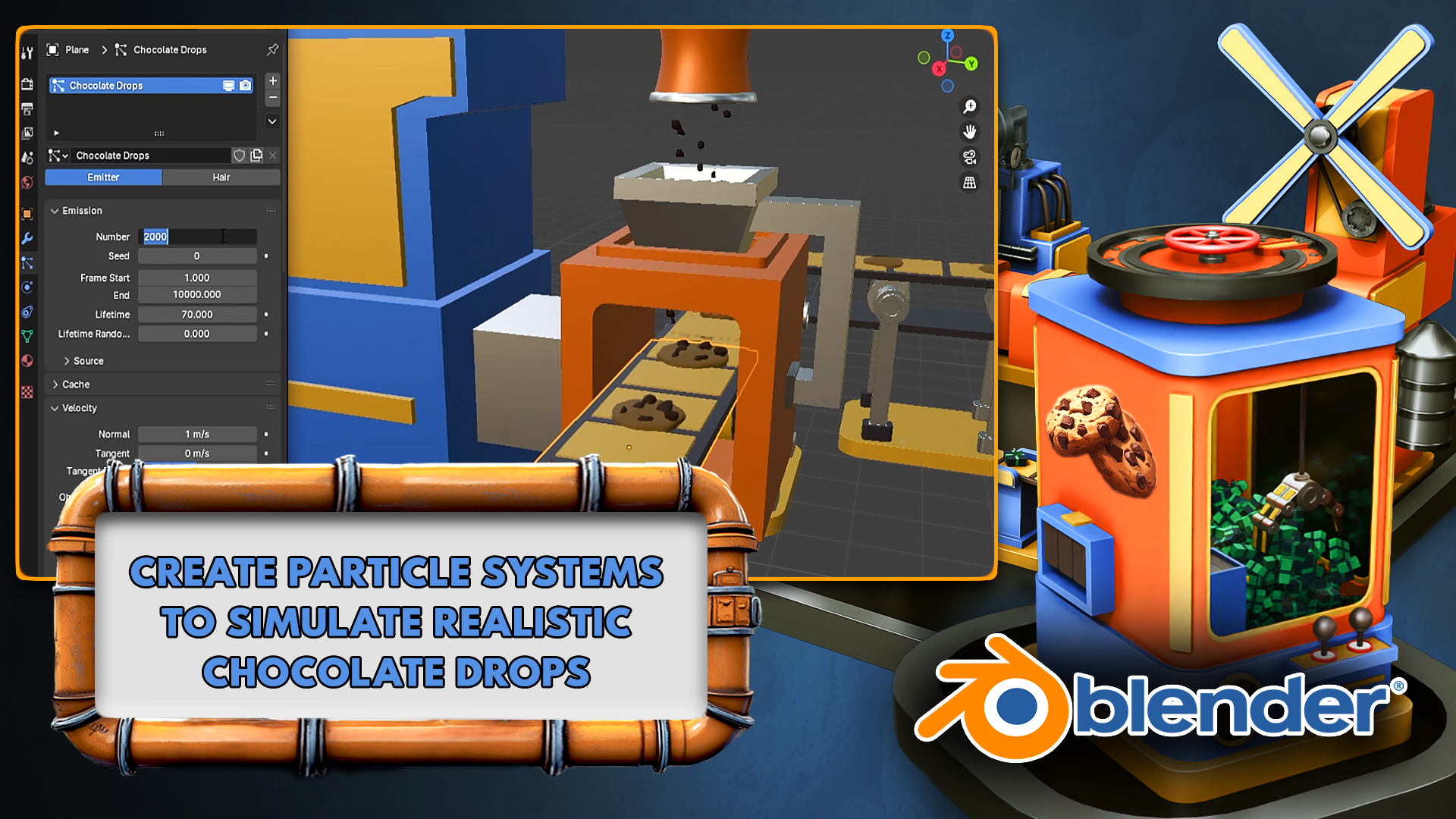
  • Particle System Basics: Create realistic effects like chocolate sprinkles and flowing liquids with Blender's particle system.

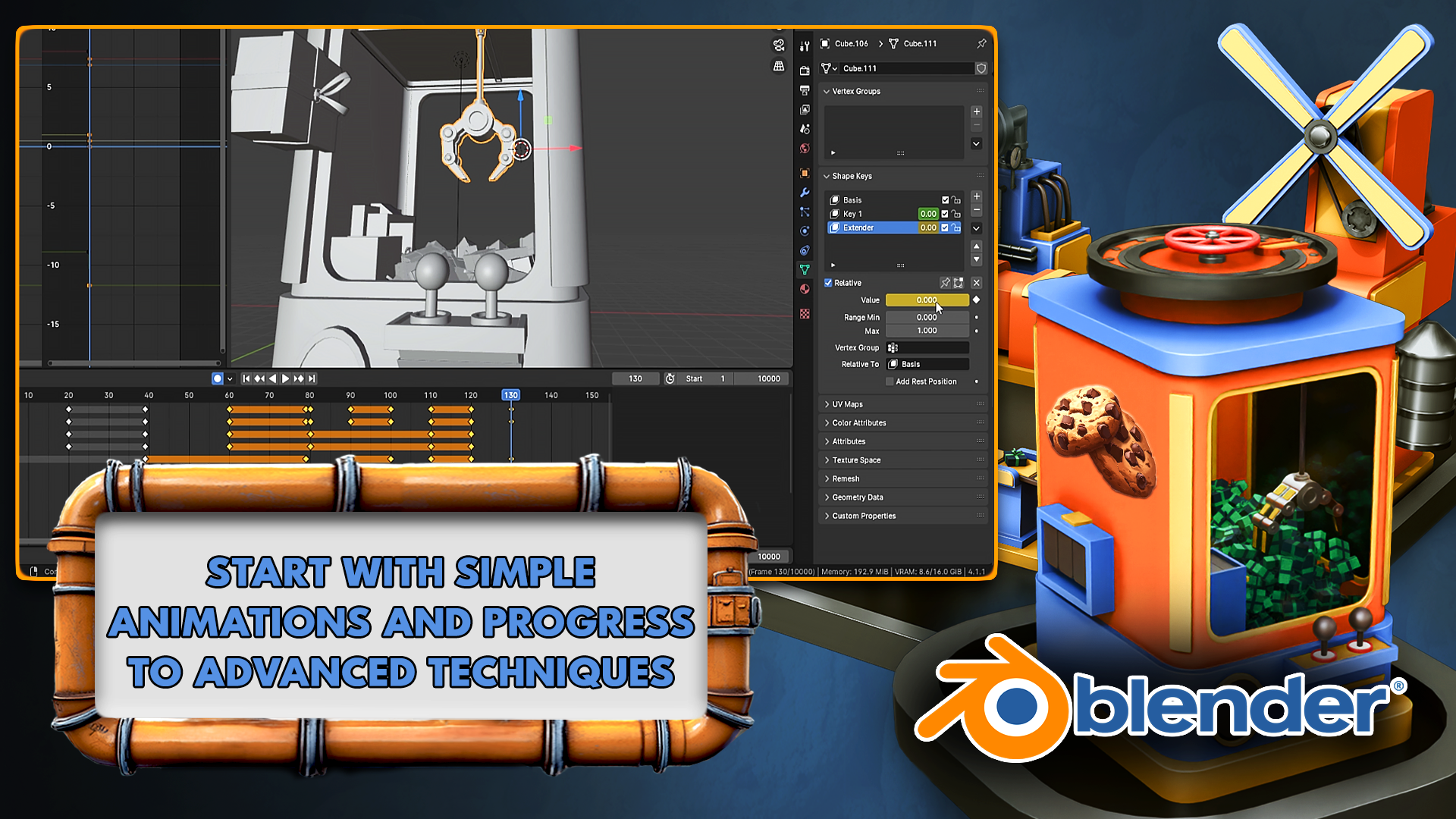
  • Keyframe Animation and Timing: Animate complex machinery with keyframes, timing adjustments, and animation cycles.

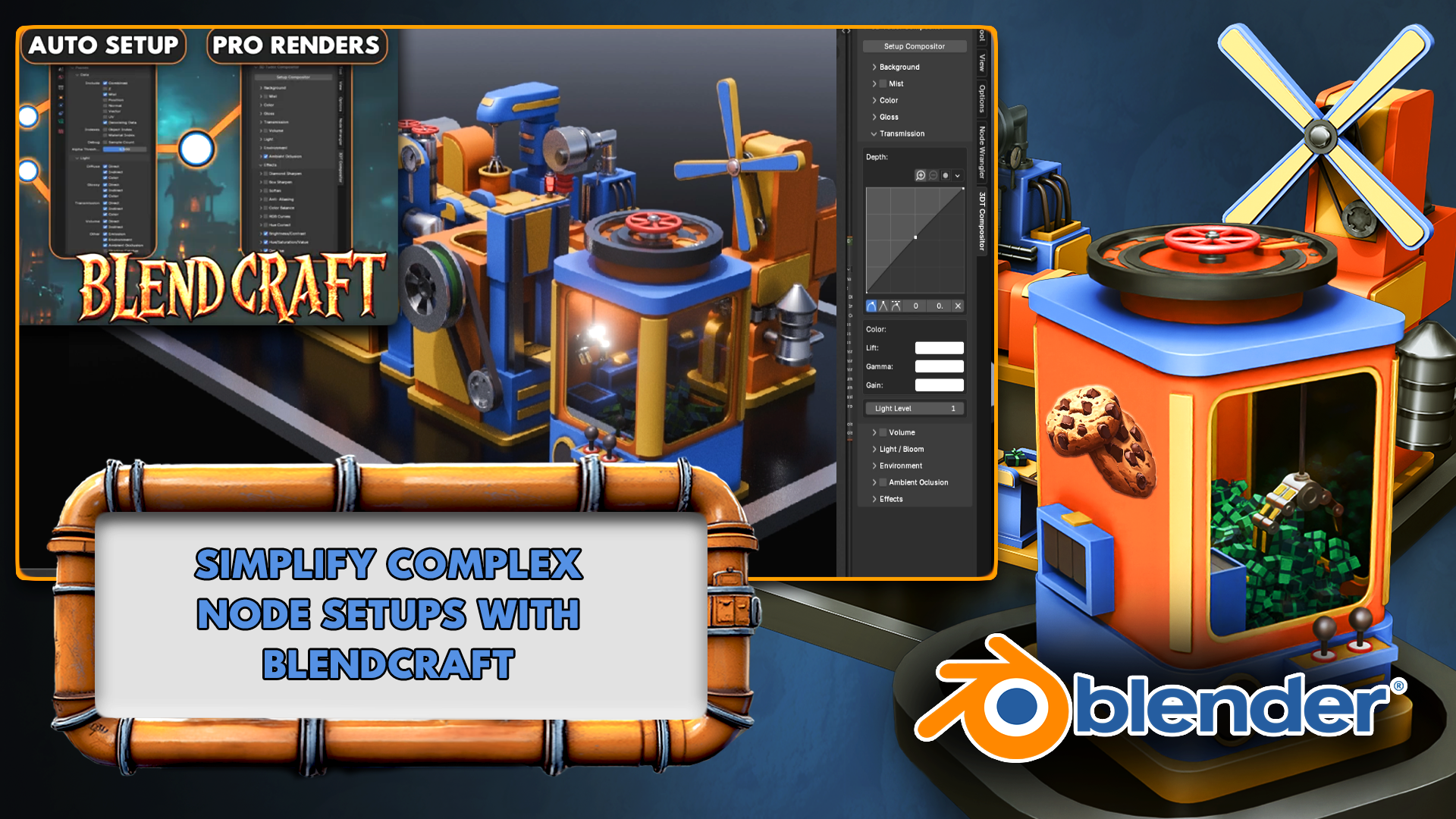
  • Rendering and Compositing: Finalize your project with professional rendering settings using 3D Tudor’s Blend Craft plugin addon for professional tools

  • Portfolio-Ready Project Creation: Combine all learned skills into a polished, fully animated cookie factory.

Blender Beginners Masterclass: The Cookie Factory

Your Step-by-Step Guide to 3D Modeling, Texturing, and Animation in Blender

Ready to turn your Blender dreams into reality? Whether you’re an absolute beginner or looking to refine your 3D modeling skills, this hands-on masterclass walks you through creating and animating a fully functioning cookie factory from start to finish!

Why Should you Try the "Blender Beginners Masterclass: The Cookie Factory"?

  1. Beginner-Friendly, Yet Comprehensive

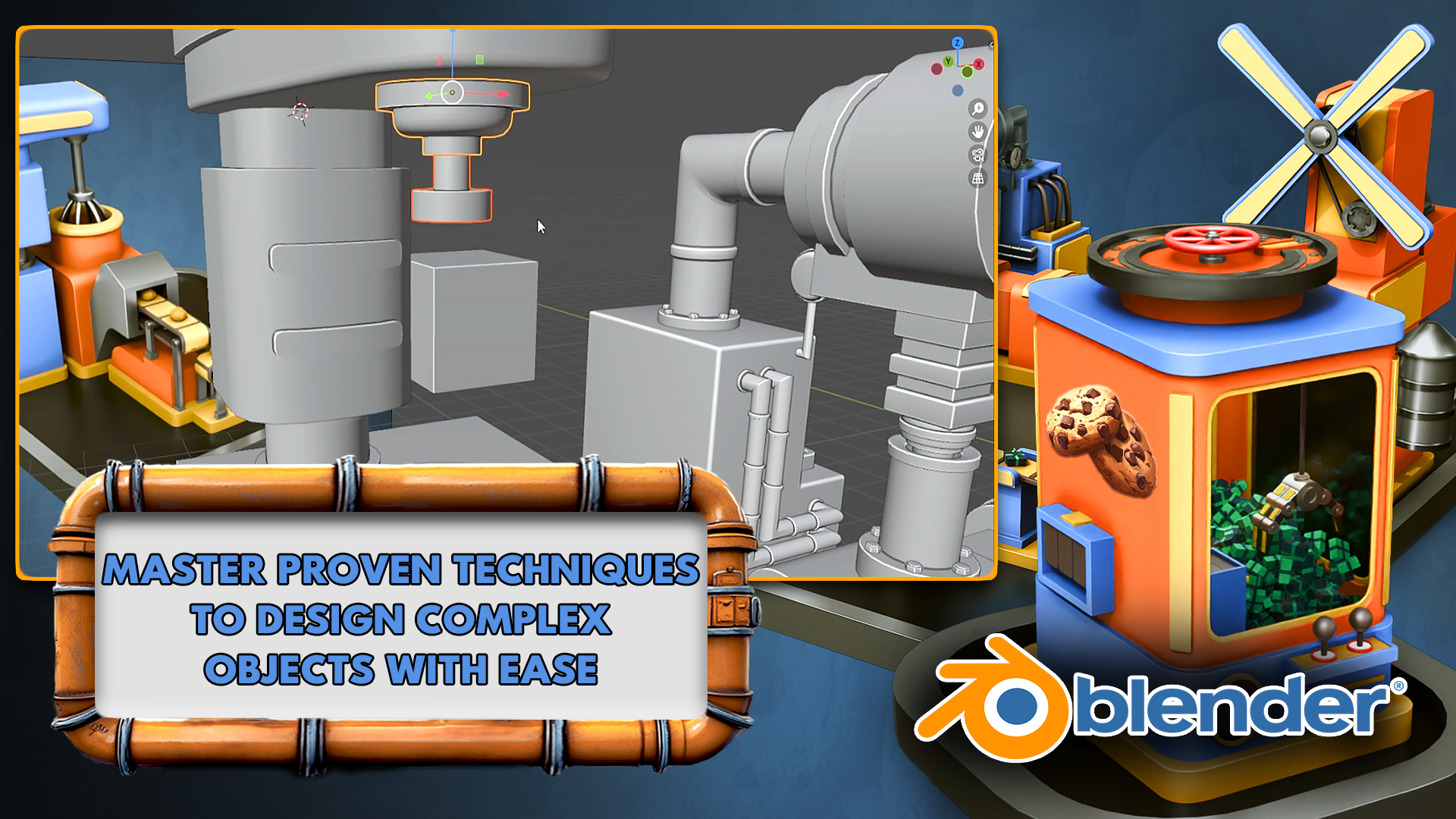
    • Start with the basics—navigating Blender’s interface, modeling simple shapes, and animating basic parts—then gradually advance to more complex workflows.

    • Perfect for aspiring game developers, filmmakers, and 3D enthusiasts.

  2. Real-World Project: A Cookie Factory

    • Build 10 distinct factory machines (from a Flour Mill to a Conveyor System) that seamlessly work together.

    • Every new step adds practical skills—from texturing and lighting to advanced animation techniques.

  3. Professional Results

    • By the end, you’ll have a portfolio-ready animation. Show off your cookie factory’s moving parts, realistic textures, and engaging final renders.

  4. Exclusive Tools & Techniques

    • Learn to use 3D Tudor’s custom geometry nodes for dynamic conveyor belts.

    • Dive into procedural shaders for materials like glass, metal, batter, and more.

Flour Mill & Mixer

  • Animate rotating mechanisms and texture grains.

  • Master modeling pipes with curves and create seamless flowing batter animations.

Water Adder Machine

  • Simulate realistic water flow using Blender’s fluid-like tools.

  • Learn essential tips for crafting lifelike liquid materials.

Stamper Machine

  • Perfect timing and motion flow for accurate stamping actions.

  • Hone your keyframing chops for crisp, satisfying animations.

Sprinkler Machine

  • Use particle systems to drop chocolate sprinkles onto cookies.

  • Add a playful, interactive element to your production line.

Oven With Emission Lighting

  • Create warm, glowing ovens using customizable emission shaders.

  • Discover the secrets to realistic glass shaders and lighting combos.9

Box Cutter Machine

  • Animate precise slicing movements.

  • Integrate texture animations to highlight functional details.

Box Maker Machine

  • Combine advanced techniques in texturing, lighting, and mechanical rigging.

  • Produce a professional, fully animated machine from scratch.

Grabber Machine

  • Employ advanced keyframing for smooth picking and placing motions.

  • Bring lifelike mechanical arms to your factory floor.

Conveyor Geometry Node

  • Utilize 3D Tudor’s custom node to create flexible conveyor belts.

  • Swiftly switch objects to ensure all machines function in unison.

  1. Final Render & Compositing

  • Showcase your factory with animated turntables and cinematic camera sweeps.

  • Use Blender’s compositor for color grading, depth, and finishing touches.

What You’ll Learn

  • Blender Fundamentals: Master interface navigation, hotkeys, and project organization.

  • 3D Modeling Techniques: Progress from simple shapes to complex mechanical parts using professional workflows.

  • Lighting & Texturing: Explore HDRI lighting, emission shaders, procedural materials, and UV mapping.

  • Particle Systems: Create realistic sprinkles, liquid flows, and dynamic scene elements.

  • Advanced Animation: Perfect timing with keyframes, cycles, and mechanical rigging.

  • Rendering & Optimization: Work in Eevee and Cycles to balance quality with performance.

  • Compositing Skills: Add depth, color grading, and special effects post-render.

By course’s end, you’ll have the confidence and skill set to tackle any 3D modeling and animation project, beyond just cookies!

Who Is This Course For?

  • Absolute Beginners in Blender or 3D modeling.

  • Intermediate Creators wanting a fun, systematic project to level-up.

  • Game Dev & Film Enthusiasts aiming to integrate custom 3D assets into their workflow.

What Our Students Are Saying

★★★★★ “Very nice – easy for beginners, but enough diversity in technique to really engage learning and understanding.”
Shyam Patrick

★★★★★ “A Blender modeling course cannot be better than this! Neil’s engagement and effort to teach are superb!!”
Manas Paul

★★★★★ “Great tutorial for beginners like me.”
Louie Jay

★★★★★ “Very easy to follow, very interesting learning—so much would recommend this to everyone.”
Robert Condella

★★★★★ “That was great. Packed with tricks and information. Thank you. I will be back.”
Jeremy Thompson

These testimonials are just a glimpse of how our students feel about 3D Tudor courses. Join thousands of learners who’ve discovered how fun and achievable Blender really is!

Course Structure

Each module introduces a new Blender concept and ties it directly to building your cookie factory. From modeling the first machine to compositing final renders, you’ll consistently apply your knowledge in a practical, enjoyable way.

  1. Getting Started: Interface basics, navigation, and initial model setup.

  2. Machine Modules: Each segment focuses on a new machine—Flour Mill, Mixer, Stamper, and more—covering advanced texturing, animation, and simulation in bite-sized steps.

  3. Final Production & Rendering: Bring everything together, finalize animations, and polish with compositing for a professional finish.

Why Choose This Course?

  • Real-World Applications: Skills translate seamlessly into game design, animation, 3D printing, and more.

  • Fun, Cohesive Project: A fully animated cookie factory that you can proudly showcase in your portfolio.

  • Community & Support: Access Q&A forums and a supportive community to help you thrive.

  • Lifetime Access: Revisit lessons any time—no rush to complete.

  • Expert Instructor: Neil from 3D Tudor brings years of industry experience, specialized geometry node packs, and a proven teaching approach.

Take the Leap: Start Your 3D Journey Today!

Create mouthwatering cookies, mesmerizing animations, and a polished, professional factory setup—all while mastering essential 3D modeling and animation techniques.

Get started now with “Blender Beginners Masterclass: The Cookie Factory” and transform your imagination into a fully-rendered, sweet reality!

Until next time, happy modelling everyone,
Neil, 3D Tudor

こんな方に
おすすめです

学習対象は
誰でしょう?

  • 3D Art Enthusiasts: Beginners and hobbyists eager to explore 3D modeling and animation.

  • Aspiring Animators and Modelers: Students and newcomers looking to master Blender while working on a fun and practical project.

  • Game Developers and Indie Creators: Designers aiming to create dynamic and visually engaging assets for their games.

  • Blender Users and VFX Artists: Artists wanting to expand their skills into animation, procedural design, and complex scene creation.

  • Educators and Instructors: Teachers seeking beginner-friendly material to introduce Blender and animation workflows to students.

  • DIY Designers and Hobby Modelers: Creators interested in building unique projects and learning new techniques for personal or portfolio work.

前提知識、
必要でしょうか?

  • Access to a computer (Windows, Linux, or Mac).

  • Blender (latest version) installed on your computer.

  • This class is beginner-friendly and requires no previous experience with Blender or 3D modeling.

  • A creative interest in animation, procedural design, or crafting unique 3D projects

こんにちは
です。

3D Tudorは、小規模ながら非常に精力的に活動している3Dトレーニングスタジオです。過去数年間にわたり、3D Tudorは25万人以上の受講生に対し、BlenderやUnreal Engine 5を使用して環境、プロップ、ゲームワールドを構築する方法を教えてきました。

コンピューターゲーム・アートのバックグラウンドを持つ3D Tudorのリードインストラクター、ニール・I・ベティソンは、実際のプロジェクトに即した、不必要な専門用語を避けた明確で制作重視のレッスンを好んでいます。

3D Tudorを通じて、彼と彼のチームは完全版のコース、アセットパック、そして定期的な無料チュートリアルを公開しています。これらはすべて、最新の3Dワークフローを、初心者から現役のアーティストまで、実用的で達成可能、そして少し楽しく感じられるものにすることを目的としています。


3D Tudorは、小規模ながらも非常に精力的に活動している3D教育スタジオです。過去数年にわたり、BlenderやUnreal Engine 5を活用して環境、プロップ、ゲームの世界を構築する方法を、25万人以上の受講生に共有してきました。

コンピューターゲームアートのバックグラウンドを持つ3D Tudorの主任講師、Neil I. Bettisonは、実際のプロジェクトに基づいた実践的なレッスンを好み、不必要な専門用語を最大限に排除した明確な説明スタイルで特に広く知られています。

3D Tudorは、完成度の高い講座やアセットパック、そして定期的な無料チュートリアルを提供しており、それらを通じて、初心者からプロのアーティストまで、誰もが現代的な3Dワークフローを実用的かつ再現可能で、より楽しめるものにできるよう支援しています。


講師について詳しく知る

カリキュラム

全体

101件 ∙ (19時間 13分)

講座資料(こうぎしりょう):

授業資料
講座掲載日: 
最終更新日: 

受講レビュー

まだ十分な評価を受けていない講座です。
みんなの役に立つ受講レビューを書いてください!

¥6,989

3D Tudorの他の講座

知識共有者の他の講座を見てみましょう!

似ている講座

同じ分野の他の講座を見てみましょう!