![[Beginner] Mastering Basic Vocabulary with a Strong Foundation CourseCourse Thumbnail](https://cdn.inflearn.com/public/files/courses/329990/cover/01m05qtvdpfm5nx33ywnh2d2t0?w=420)
[Beginner] Mastering Basic Vocabulary with a Strong Foundation Course
EDUPIC
$17.60
Beginner / Word, MS-Office
4.3
(4)
Take an EDUPIC course and become a true fan! This is an introductory course for Word 2013&2016.

Beginner
Word, MS-Office

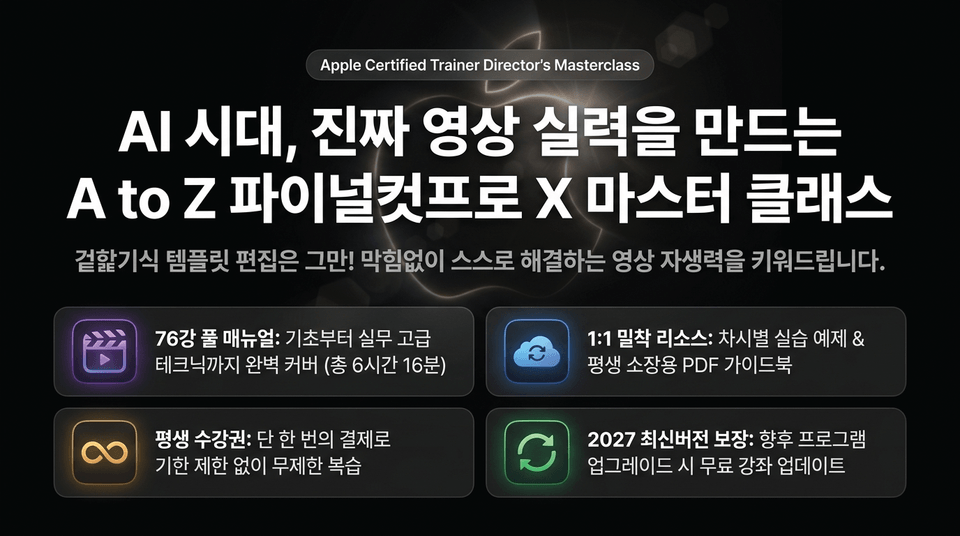
"Stop editing templates superficially! We’ll help you build the self-reliance to solve problems on your own without getting stuck."
• #Complete Course Manual (6 hours 16 minutes in total)
• #Google Drive Resources (hands-on examples for each lesson & PDF guidebook)
• #Lifetime Access (unlimited review with a one-time payment)
• #Free updates guaranteed through the latest 2027 version
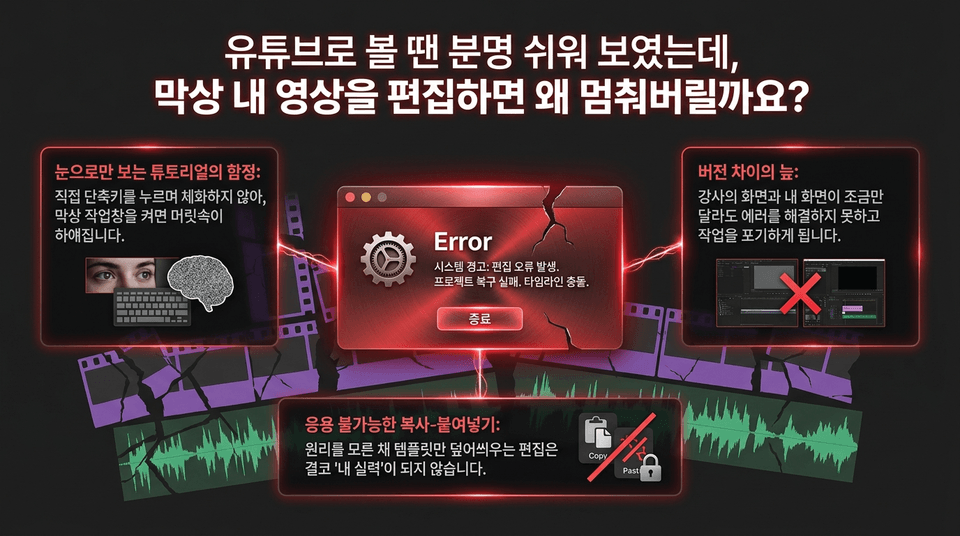
The trap of tutorials that are only watched: Knowledge you haven’t internalized through hands-on practice quickly fades.
The quagmire of version differences: When an error popup appears, you won’t know the cause and may give up on your work.
Copy-and-paste that can’t be adapted: Editing by simply overlaying templates without understanding the principles will never become 'your own skill.'
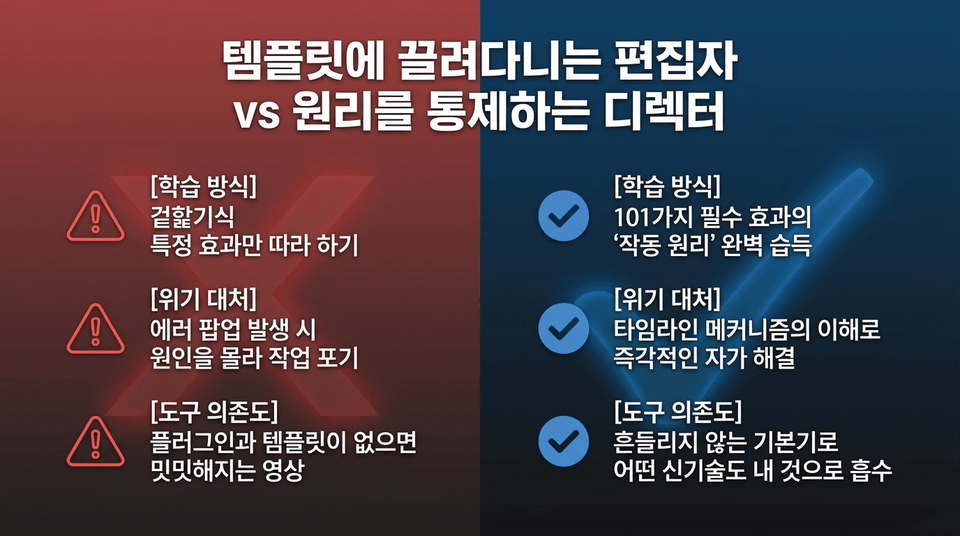
• Template-dependent editor ❌: Superficially imitating specific effects ➔ Giving up when errors occur because you don’t know the cause ➔ Videos that look bland without plugins
• Director who controls the principles ⭕ EDUPIC: Mastering the 'operating principles' of 101 essential effects ➔ Solving problems independently by understanding timeline mechanics ➔ Absorbing new technologies with unwavering fundamentals
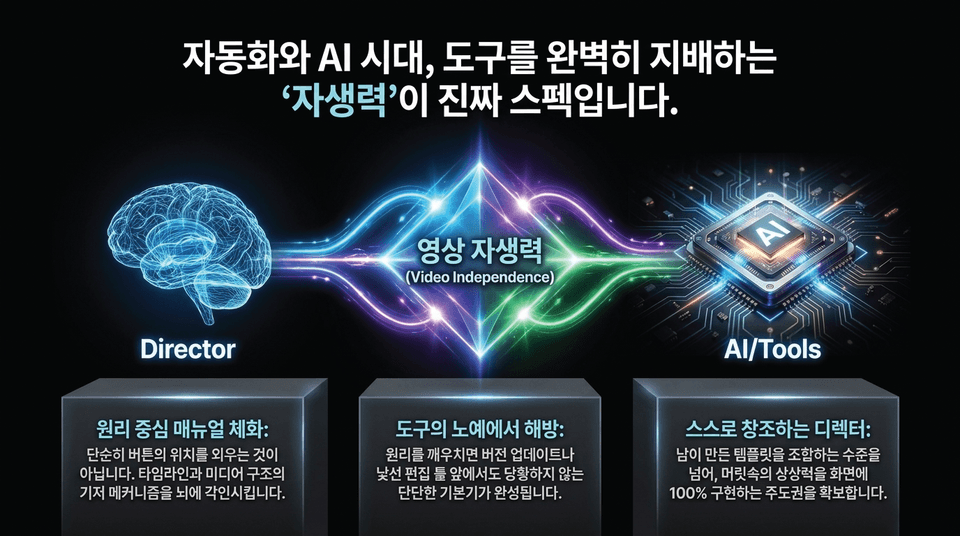
1. Internalize a principles-based manual: This is not about simply memorizing where the buttons are. It imprints the underlying mechanisms of timelines and media structures into your mind.
2. Break free from being a slave to your tools: Once you understand the principles, you will develop a solid foundation that keeps you calm even when facing version updates or unfamiliar editing tools.
3. Become a self-creating director: Go beyond merely combining templates created by others and take full control of bringing your imagination to life on screen.
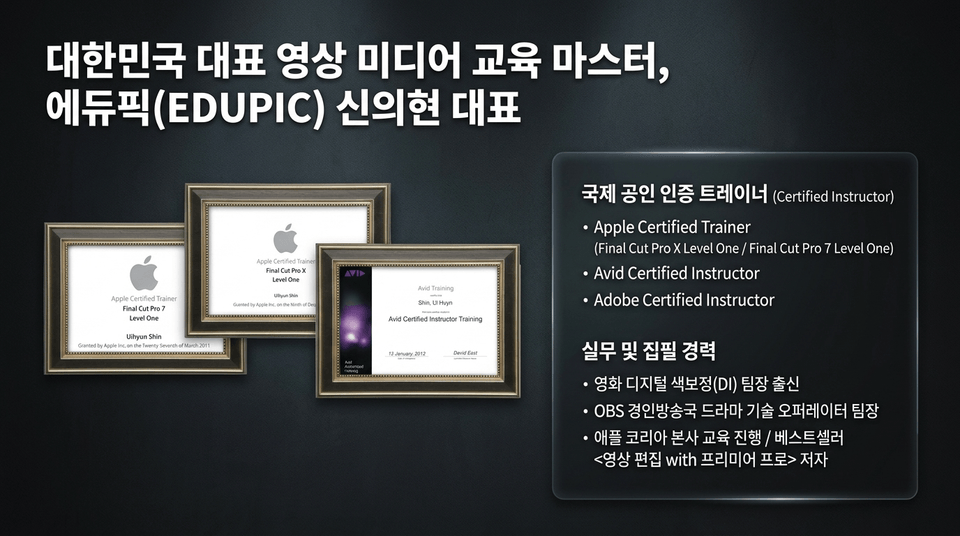
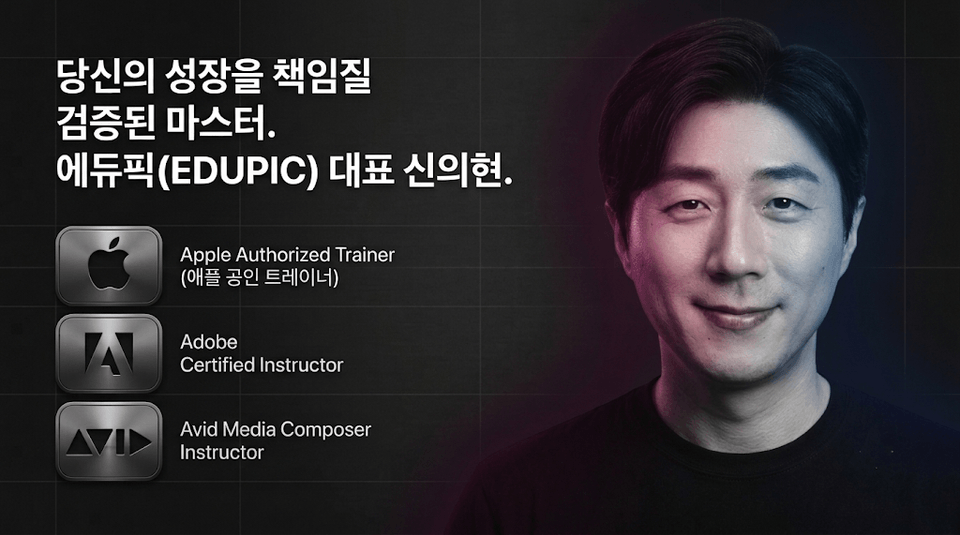
• Apple Certified Trainer: Final Cut Pro X Level One / Final Cut Pro 7 Level One
• Avid Certified Instructor / Adobe Certified Instructor
• Professional experience: Head of the drama technical operator team at OBS Gyeongin Broadcasting Station & head of the film digital intermediate (DI) color grading team / conducted training at Apple Korea headquarters / Author of 《Video Editing with Premiere Pro》
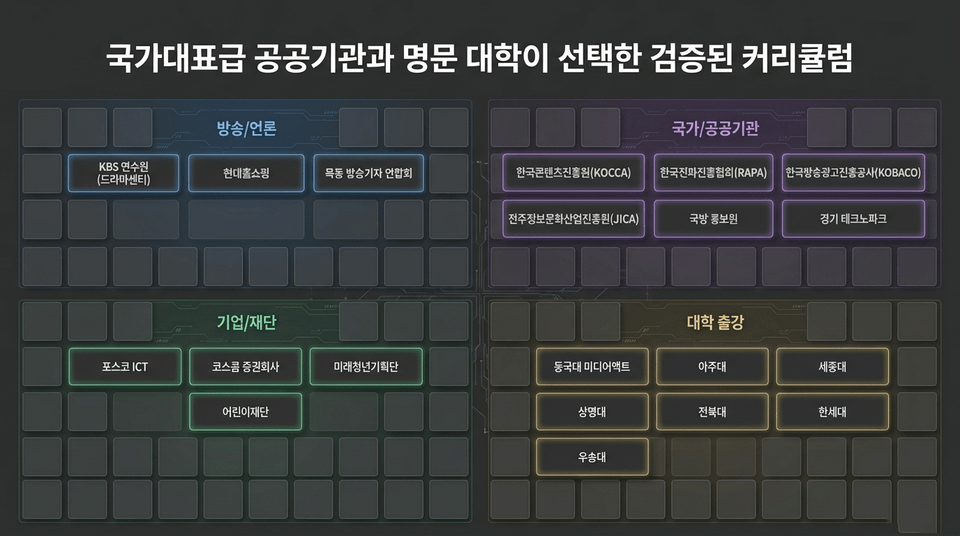
• Broadcasting/Media: KBS Training Center (Drama Center), Hyundai Home Shopping, Mok-dong Association of Broadcast Journalists
• National/Public Institutions: KOCCA, RAPA, KOBACO, JICA, Defense Media Agency, Gyeonggi Technopark
• Companies/Foundations: POSCO ICT, KOSCOM Securities, Future Youth Planning Group, ChildFund Korea
• University Lectures: Dongguk University, Ajou University, Sejong University, Sangmyung University, Jeonbuk National University, Hansei University, Woosong University
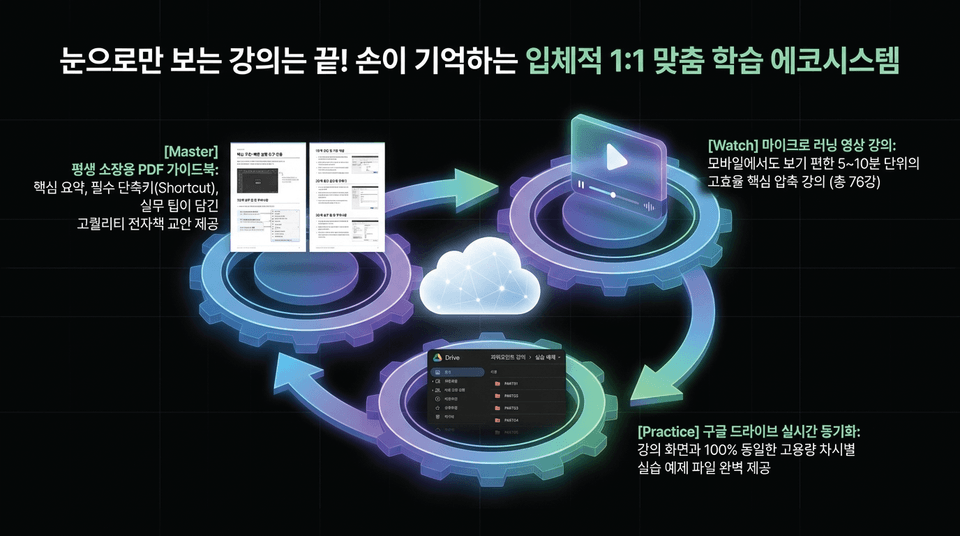
• Watch micro-learning video lectures: Highly efficient, condensed lessons in 5–10-minute segments that are easy to watch on mobile devices (76 lessons total)
• Practice with real-time Google Drive synchronization: Complete, high-capacity practice files for each lesson, provided to match the lecture screen 100%
• Master with a lifetime-access PDF guidebook: A high-quality digital textbook containing key summaries, essential shortcuts, and practical tips
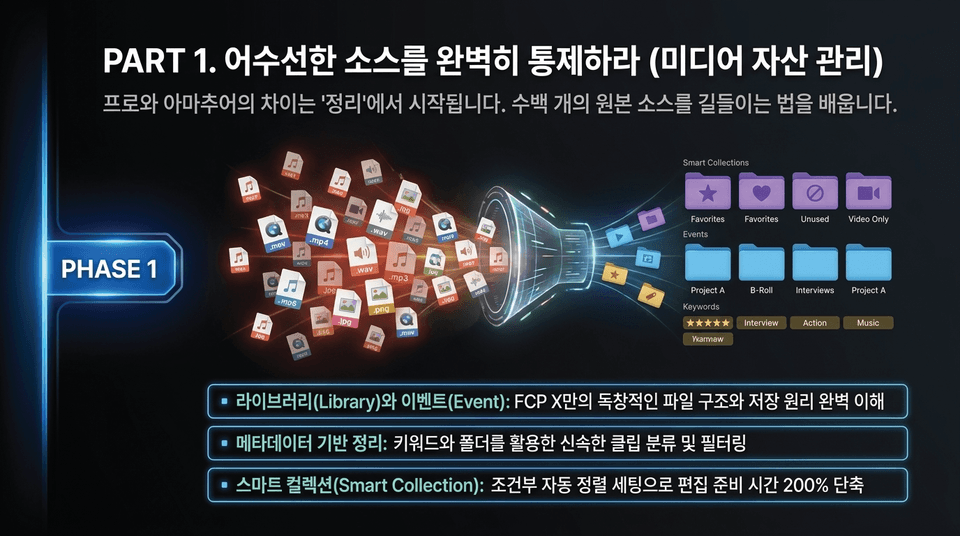
The difference between professionals and amateurs begins with “organization.” Learn how to tame hundreds of original source files.
• Library and Event: Gain a complete understanding of FCP X’s unique file structure and storage principles
• Metadata-based organization: Quickly classify and filter clips using keywords and folders
• Smart Collection: Reduce editing preparation time by 200% with conditional automatic sorting settings
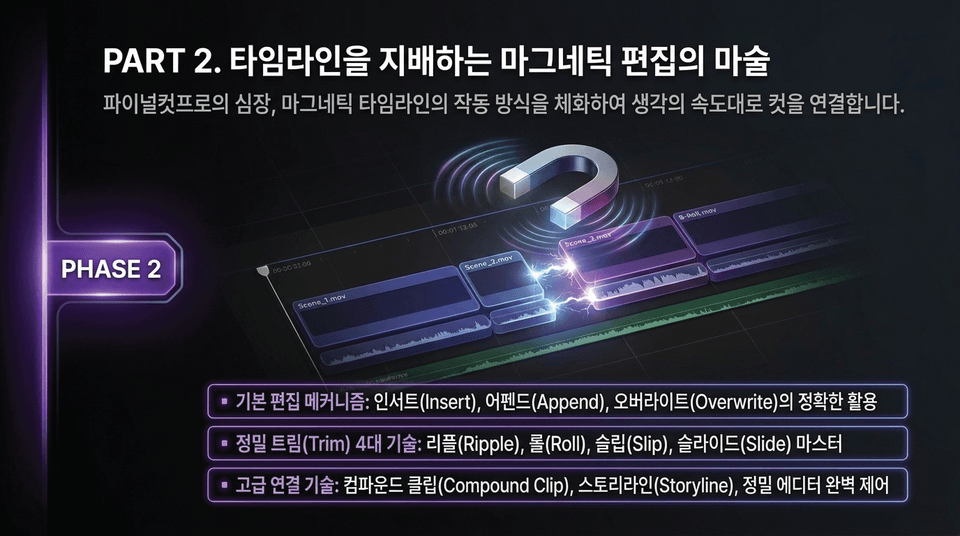
Internalize how Final Cut’s magnetic timeline works—the heart of Final Cut—and connect cuts at the speed of thought.
• Basic editing mechanisms: Precisely use Insert, Append, and Overwrite
• Four essential trim techniques: Master Ripple, Roll, Slip, and Slide
• Advanced connection techniques: Take complete control of Compound Clips, Storylines, and the Precision Editor
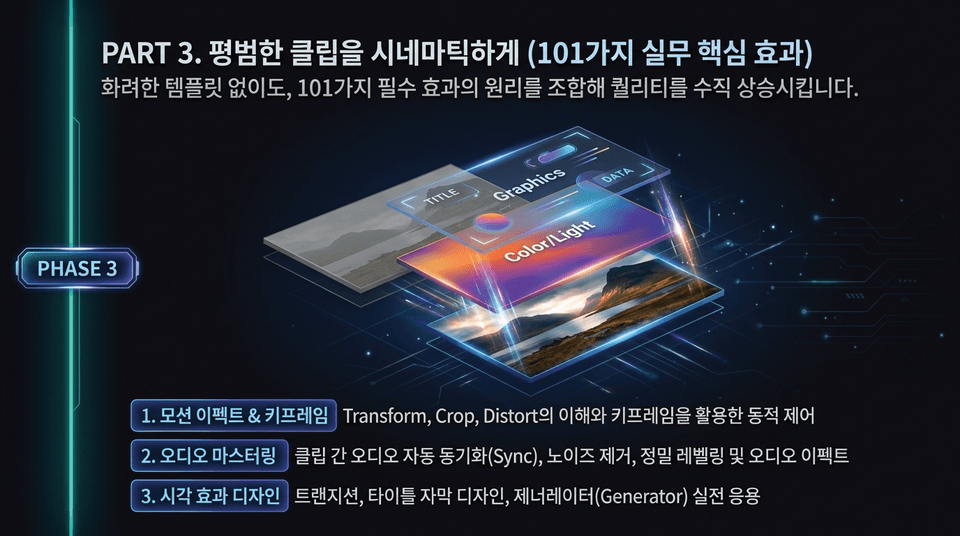
Even without flashy templates, combine the principles behind 101 essential effects to dramatically elevate your quality.
• Motion Effects & Keyframes: Understanding Transform, Crop, and Distort, and using keyframes for dynamic control
• Audio Mastering: Automatic audio synchronization (Sync) between clips, noise reduction, precise leveling, and audio effects
• Visual Effects Design: Practical applications of transitions, title and caption design, and Generators
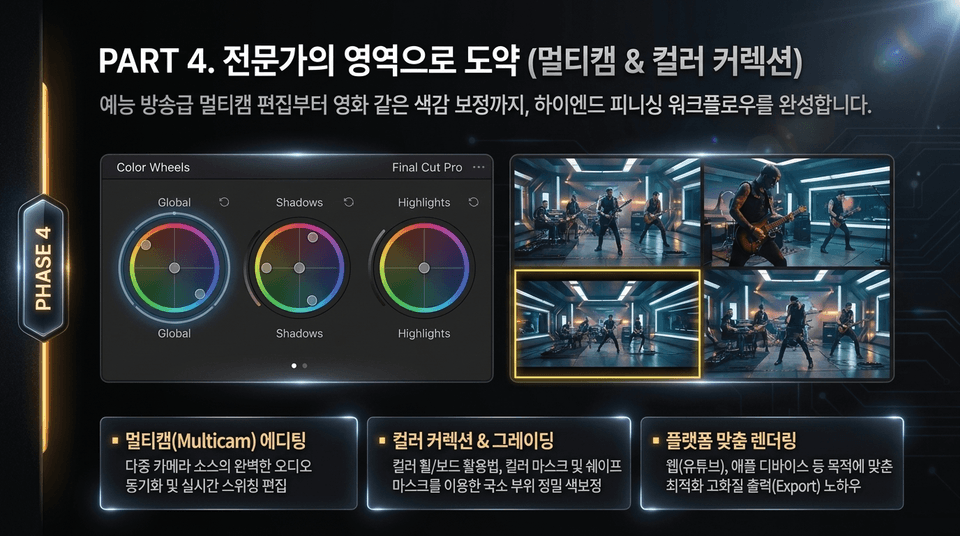
From variety-show-level multicam editing to cinematic color correction, complete a high-end finishing workflow.
• Multicam editing: Perfect audio synchronization and real-time switching of multiple camera sources
• Color correction & grading: How to use color wheels/boards and perform precise localized color correction with color masks and shape masks
• Platform-specific rendering: Know-how for optimized, high-quality export tailored to the intended destination, such as the web (YouTube) and Apple devices
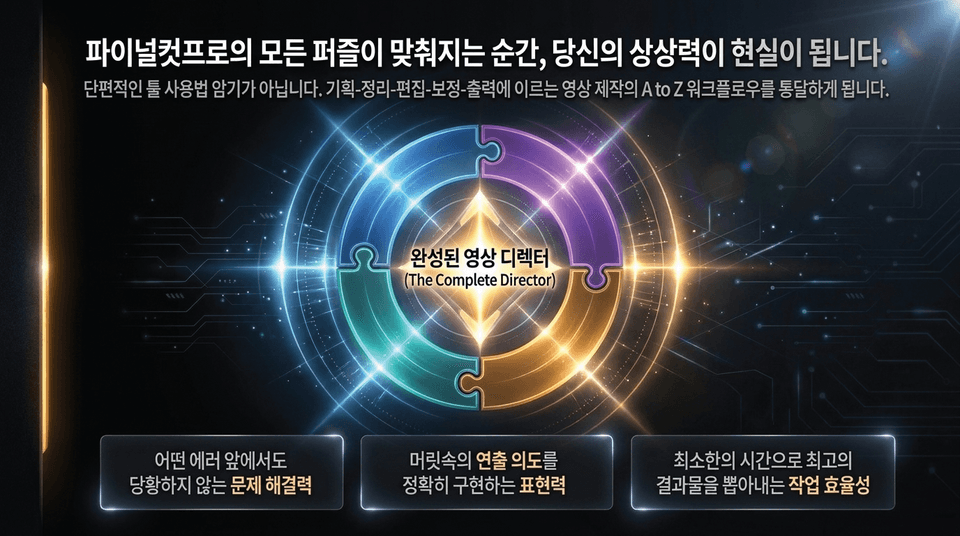
This is not about memorizing fragmented tool techniques. You will master the A-to-Z workflow of video production, from planning and organization to editing, color correction, and export.
• Problem-solving skills that keep you calm in the face of any error
• The ability to accurately bring your creative vision to life
• Work efficiency that enables you to produce the best results in the least amount of time

• Lifetime access & unlimited rewatching: With no time limit on your access, you can pull up your own video encyclopedia anytime you get stuck while editing
• Guaranteed updates to the latest 2027 version: Don’t worry when the program is upgraded. We’ll provide free updates to new lessons reflecting future version changes.
• 1:1 coaching from an Apple-certified trainer: Don’t struggle on your own. An Apple-certified trainer with extensive hands-on and teaching experience will provide clear solutions directly through Q&A for anything you get stuck on.
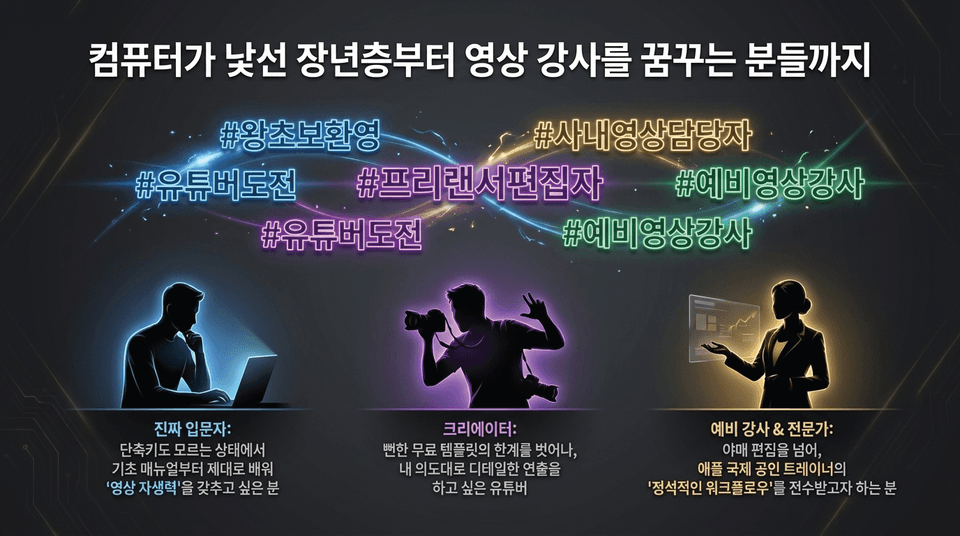
• True beginners: Those who want to properly learn everything from the basic manual without even knowing keyboard shortcuts and develop “video self-sufficiency”
• Creators: YouTubers who want to move beyond the limitations of generic free templates and create detailed productions according to their own vision
• Aspiring instructors & professionals: Those who want to go beyond makeshift editing and learn the “proper workflow” from an Apple internationally certified trainer
EDUPIC Final Cut Pro X Master Class (Apple Certified Trainer)
▶ Enroll now and master the skills to create videos independently
💳 Lifetime unlimited access | 📂 Practice examples and guidebook provided immediately
Will you become a “technician” dependent on templates, or a “designer” who creates on your own?
Directly taught by Apple Certified Trainer Shin Eui-hyun, this course builds the strongest foundation in video editing with a complete 76-lesson manual.
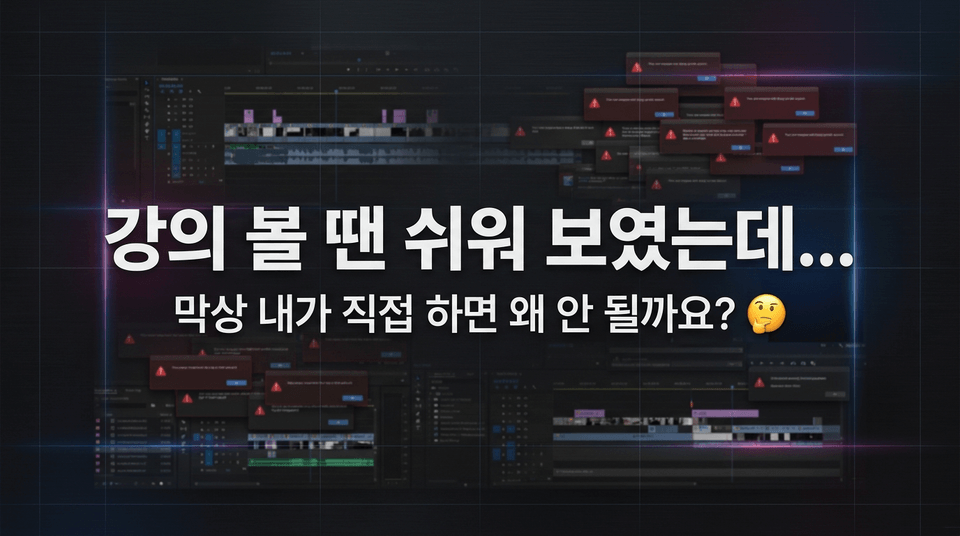
Because you haven’t internalized the shortcuts by pressing them yourself, your mind goes blank as soon as you open the workspace. Even when the instructor’s screen differs only slightly from yours, you can’t resolve the error and end up giving up on the project.
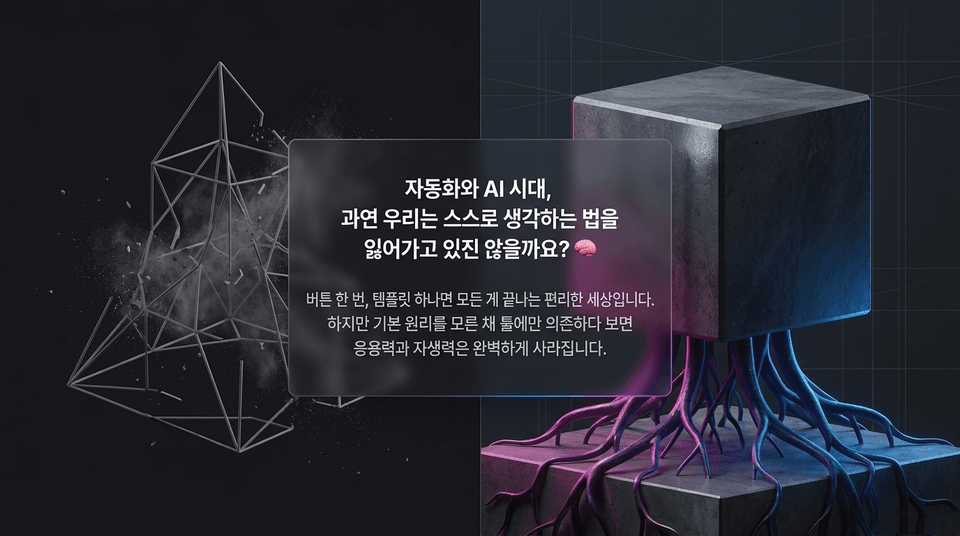
It’s a convenient world where everything can be done with just one click and a single template. However, if you rely solely on tools without understanding the basic principles, your ability to adapt and solve problems independently will completely disappear.
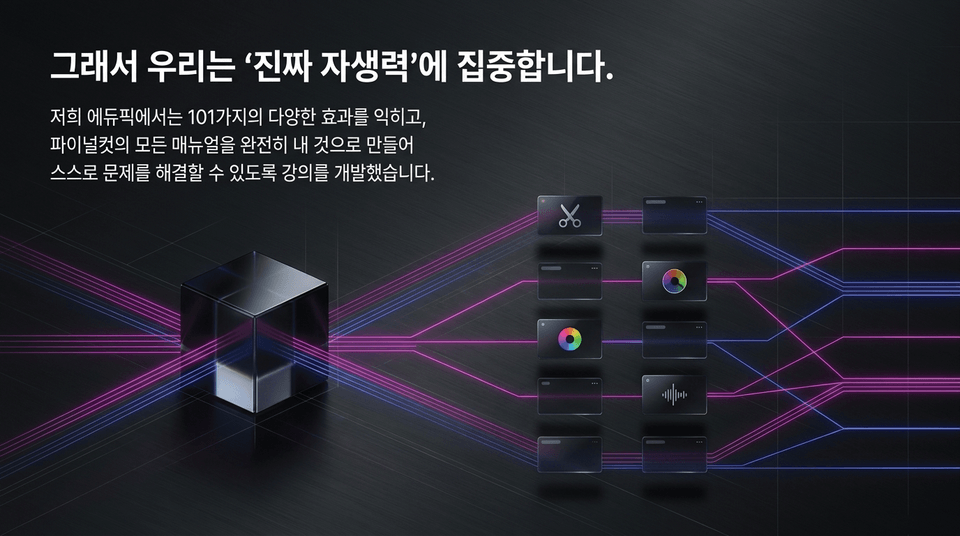
At Edupick, we developed this course to help you master 101 different effects, fully make all of Final Cut’s manuals your own, and solve problems independently.
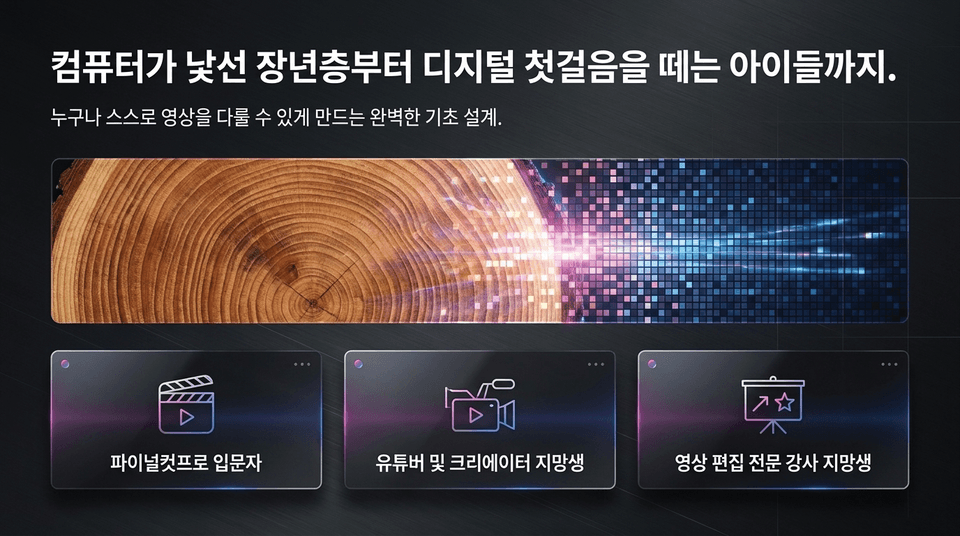
A perfect foundation designed to enable anyone to edit videos independently.
• Beginners to Final Cut Pro
• Aspiring YouTubers and creators
• Aspiring professional video editing instructors
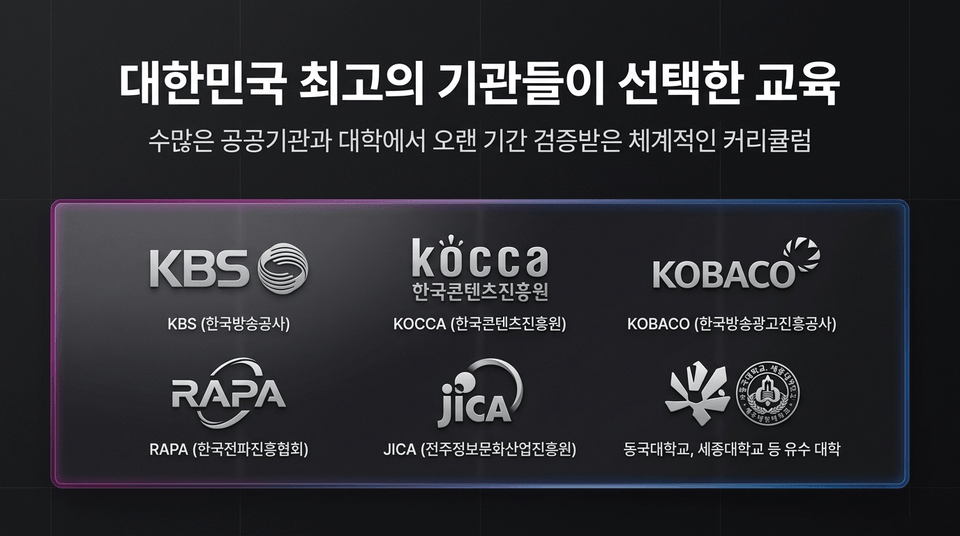
A systematic curriculum that has been rigorously validated over many years by numerous public institutions and universities.
• KBS (Korean Broadcasting System Training Institute)
• KOCCA (Korea Creative Content Agency)
• KOBACO (Korea Broadcast Advertising Corporation)
• RAPA (Korea Radio Promotion Association), JICA (Jeonju Information & Culture Industry Promotion Agency), Dongguk University, Sejong University, and other prestigious universities
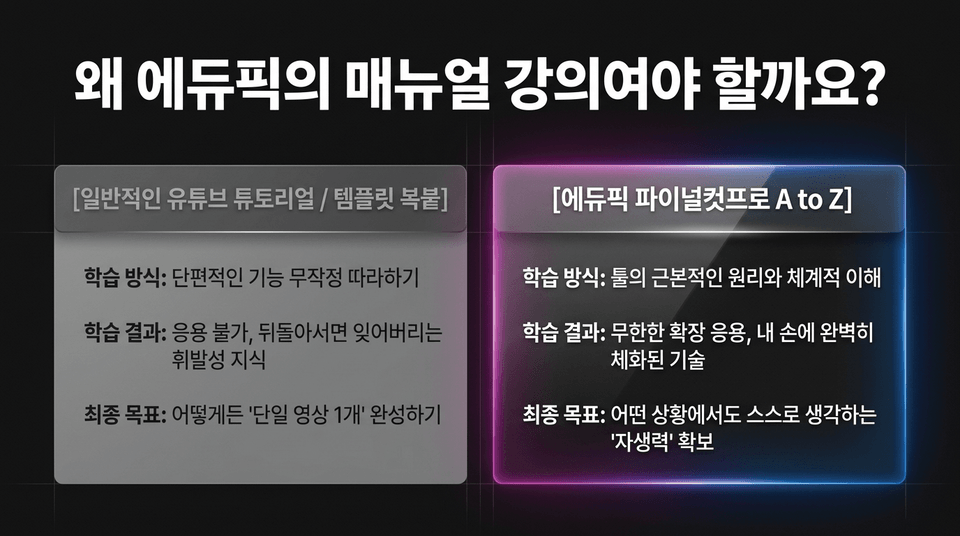
• General tutorials / copy-pasting templates: Following isolated features ➔ Fleeting knowledge that is forgotten the moment you turn away ➔ Goal: Complete a single video
• Edupick Final Cut Pro A to Z: Fundamental principles and systematic understanding of the tool ➔ Unlimited expansion and application, skills ingrained in your hands ➔ Goal: Develop the 'self-reliance' to think independently
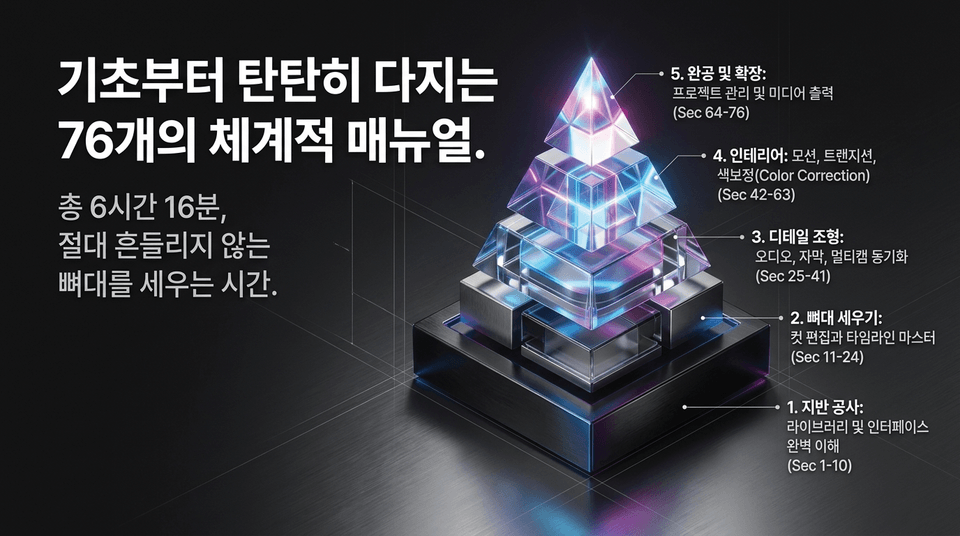
A total of 6 hours and 16 minutes to build an absolutely unshakable foundation.
• 1. Foundation Work: A Complete Understanding of the Library and Interface (Secs. 1–10)
• 2. Building the Framework: Mastering Cut Editing and the Timeline (Secs. 11–24)
• 3. Shaping the Details: Audio, Subtitles, and Multicam Synchronization (Secs. 25–41)
• 4. Interior Design: Motion, Transitions, and Color Correction (Secs. 42–63)
• 5. Completion and Expansion: Project Management and Media Export (Secs. 64–76)
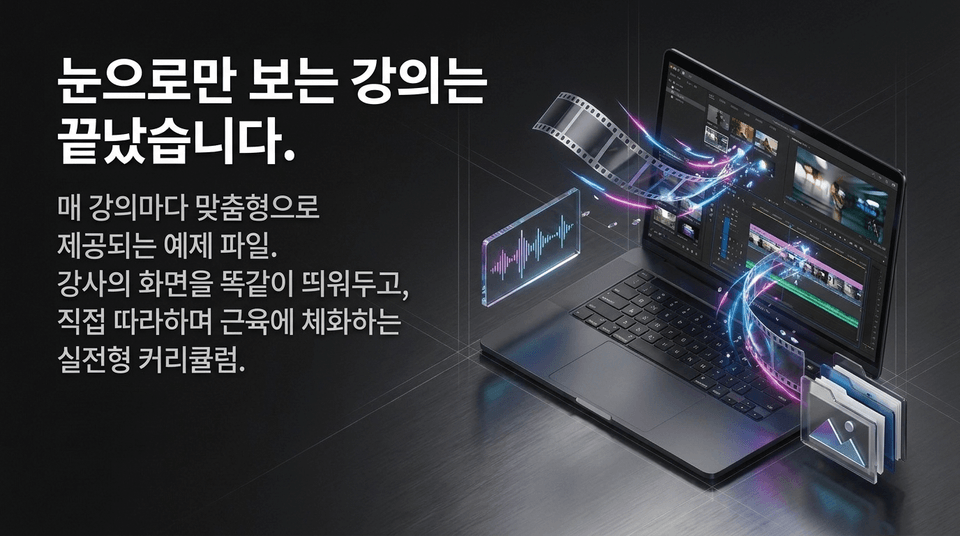
Custom example files provided for every lesson. Keep the instructor’s screen open exactly as shown, follow along yourself, and build your skills through a hands-on curriculum that commits the techniques to muscle memory.
No expiration date (Unlimited). Whenever you hit a wall while editing, come back anytime to find the answer.
"Guaranteed complete updates to the latest version in 2027"
Not a one-time purchase, but the surest long-term investment in your future.

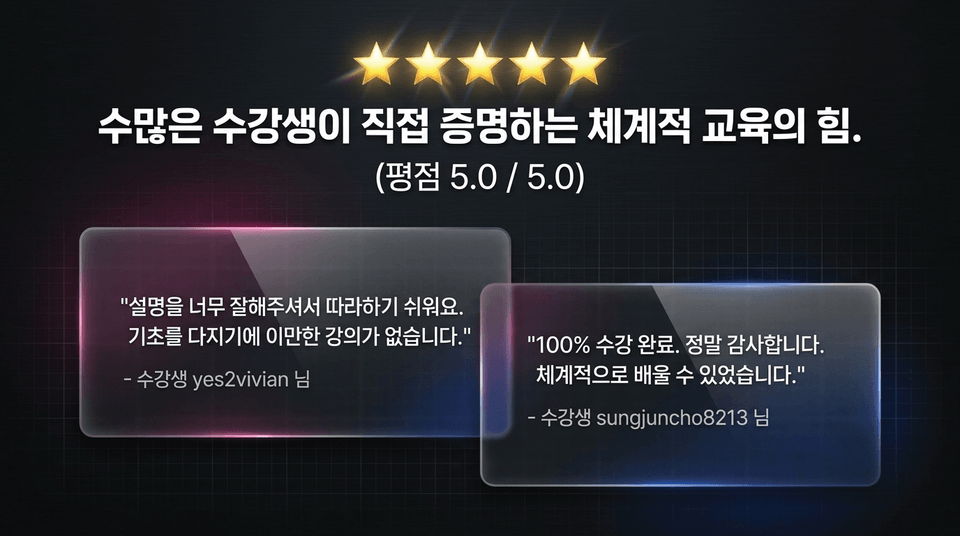
"The explanations are so clear that they’re easy to follow. There’s no better course for building a solid foundation." — Student yes2vivian
"Completed 100% of the course. Thank you so much. I was able to learn in a systematic way." — Student sungjuncho8213
With Eduepic, develop the ultimate self-reliance to plan and fully control any video on your own.

From a 25% discount for new members to unlimited access with no expiration (Lifetime), plus free updates to the latest 2027 version! Take complete control of your timeline with total mastery.
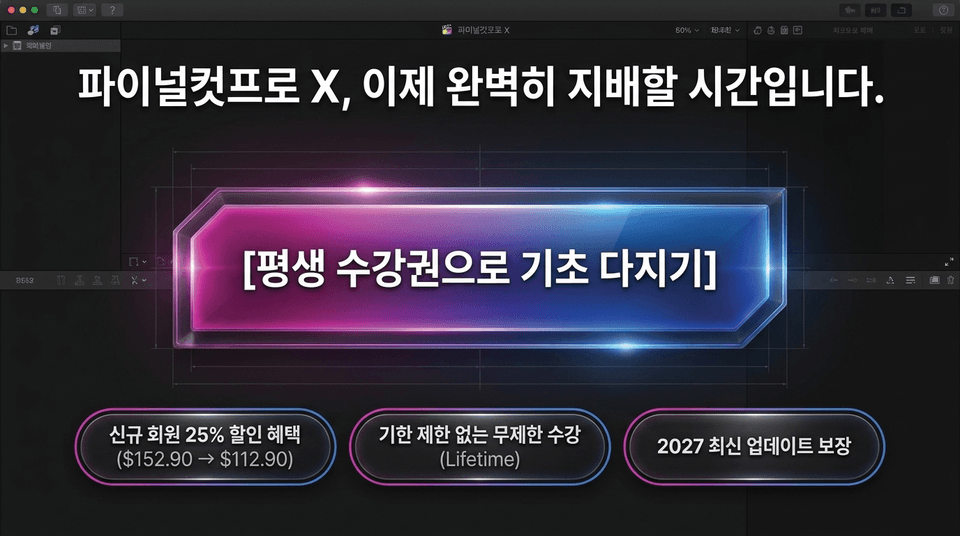
• 25% discount for new members
• Unlimited access with no expiration (Lifetime)
• Guaranteed access to the latest 2027 updates
Join the EDUPIC Final Cut Pro X Master Class ➔



![[Master] A Solid Basics Course for Mastering Vegas ProCourse Thumbnail](https://cdn.inflearn.com/public/files/courses/333400/cover/ai/2/979a70a0-ec99-47ef-bd7b-7883f25abc66.png?w=420)
![[Master] Logic Pro X Course for Solid FundamentalsCourse Thumbnail](https://cdn.inflearn.com/public/files/courses/333265/cover/ai/2/17a32478-e555-4570-9048-60d185dff97c.png?w=420)
![[Master] Basic Solid Audition CourseCourse Thumbnail](https://cdn.inflearn.com/public/files/courses/333264/cover/ai/2/97588aa2-8f02-4d97-ab60-793af35babc7.png?w=420)
![[Master] Solid Basics After Effects CC CourseCourse Thumbnail](https://cdn.inflearn.com/public/files/courses/333257/cover/ai/2/cc466790-af2d-4198-b5e8-1795be65e85a.png?w=420)
![[Master] Solid Cinema 4D Basics CourseCourse Thumbnail](https://cdn.inflearn.com/public/files/courses/333255/cover/ai/2/9c49cd06-4ea4-4208-bbe6-53012a50e97c.png?w=420)
![[Master] Basic Solid: Follow Along with 101 Premiere Pro EffectsCourse Thumbnail](https://cdn.inflearn.com/public/files/courses/330105/cover/ai/2/e8ee2cfe-abd5-48f9-92f2-f49829f2014a.png?w=420)
![[Advanced] Mastering Excel: Building a Solid Foundation CourseCourse Thumbnail](https://cdn.inflearn.com/public/files/courses/330004/cover/01m04tf9hsr0m5gzxrskce1nja?w=420)

![[Intermediate] Mastering Excel with a Solid Foundation CourseCourse Thumbnail](https://cdn.inflearn.com/public/files/courses/330003/cover/01m04pa6n703t49hn2dmwpy0ct?w=420)
![[Beginner] Mastering Excel with a Solid Foundation CourseCourse Thumbnail](https://cdn.inflearn.com/public/files/courses/330002/cover/01m01nqapy9skgs8gsn4geedyp?w=420)
![[Master] Basic, Solid PowerPoint CourseCourse Thumbnail](https://cdn.inflearn.com/public/files/courses/330000/cover/ai/2/5012d48c-44e2-4646-a0ce-862974174b5a.png?w=420)
![[Advanced] Mastering Basic Solid Vocabulary CourseCourse Thumbnail](https://cdn.inflearn.com/public/files/courses/329993/cover/01m05r0fqknfxtp3x8z47xe9wv?w=420)
![[Intermediate] Mastering Basic Vocabulary with a Solid Foundation CourseCourse Thumbnail](https://cdn.inflearn.com/public/files/courses/329992/cover/01m05qy1cw6ff6j32fmydcqjrb?w=420)
![[Master] Course: Mastering Motion 5 with Solid FundamentalsCourse Thumbnail](https://cdn.inflearn.com/public/files/courses/329588/cover/ai/2/0cb79354-a333-4c64-966b-d74732d58a47.png?w=420)
![[Master] Mastering Illustrator with Solid Fundamentals CourseCourse Thumbnail](https://cdn.inflearn.com/public/files/courses/329341/cover/ai/2/2fc896c1-5fa9-47b2-964a-c77c04aecc1b.png?w=420)
![[Master] Mastering Premiere Pro: The Fundamentals and Essentials CourseCourse Thumbnail](https://cdn.inflearn.com/public/files/courses/328934/cover/ai/2/a3f2420d-f7b9-40f8-9c1f-20e6fcdef11f.png?w=420)
![[Master] Mastering Cubase with Solid Fundamentals CourseCourse Thumbnail](https://cdn.inflearn.com/public/files/courses/328633/cover/ai/0/55019ddb-2451-4429-8caa-5230574e4ca2.png?w=420)
![[Editing time reduced by 50%!!] Final Cut Pro editing basicsCourse Thumbnail](https://cdn.inflearn.com/public/courses/329690/cover/0db20285-5651-49e2-82f6-483601c5425b/329690-eng.png?w=420)