
inflearn logo

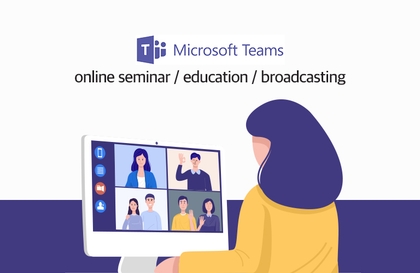
Teams Meeting Skills Training: Online Video Conferencing with Teams (Meeting/Training/Seminar)

There are many things that are happening through non-face-to-face methods, such as non-face-to-face work, non-face-to-face services, and non-face-to-face meetings. In order to continue business, meetings must continue. If you have done seminars/broadcasts through Live Events, this lecture will now teach you how to conduct online video or audio conferences through Teams Meeting.

(5.0) 2 reviews

26 learners

Level Basic

Course period 1 months

MS-Office
MS-Office
Teams
Teams
MS-Office
MS-Office
Teams
Teams

What you will gain after the course

  • Understanding Meeting Types in Teams

  • Differences between Teams Meeting and Live Event

  • Things to keep in mind when conducting a Teams meeting

  • Teams meeting structure

  • Schedule a Teams meeting and invite attendees

  • Set Teams meeting options

  • Teams Meeting Options

  • Teams Meeting Customer/Leader/Presenter Participation

  • Record Teams meetings and download files

  • Understanding Teams Live Events

For any situation where online meetings are needed,
Microsoft Teams Meeting

Remote work, telecommuting, and social distancing are driving the increase in non-face-to-face work.
In particular, internal meetings for communication or decision-making, or meetings with customers, partners, and external personnel are essential!

It's not easy to leave your home office for an hour-long meeting or to move around while social distancing.
But if you want to hold online meetings, you need to implement video/audio conferencing solutions and learn the methods...
So, if we were to use a professional company, the cost would not be cheap.

Online meetings are no longer an option, they are a necessity.
Microsoft Teams helps you work together, communicate together, and make decisions together through these online meetings.

In this course, learn how to conduct online meetings with Teams and apply it to your company!
You can be with anyone you want, anytime, anywhere, on any device.

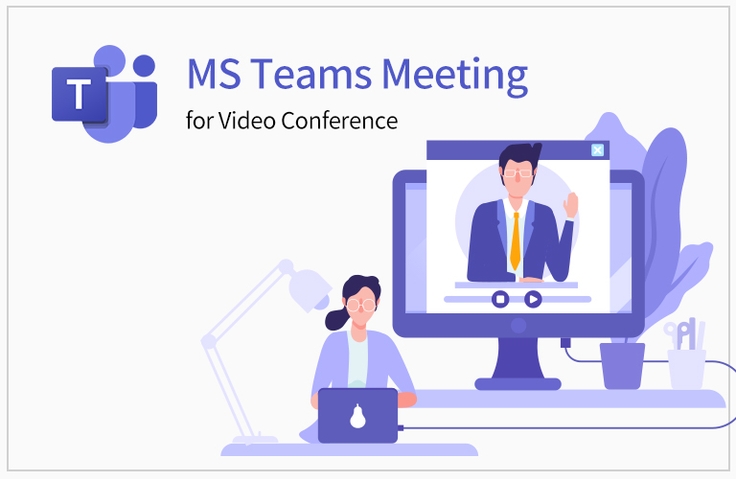
Person seated at a desk with multiple display monitors and a laptop engaged in a Teams video conference meeting.

In this course, you will understand the types of meetings in Microsoft Teams and be familiar with precautions when conducting meetings.
Additionally, you will learn how to actually understand the structure of a meeting, how to schedule and invite people, and how to actually use it .

What will you learn? ✒️

What you will learn in this course ✏️

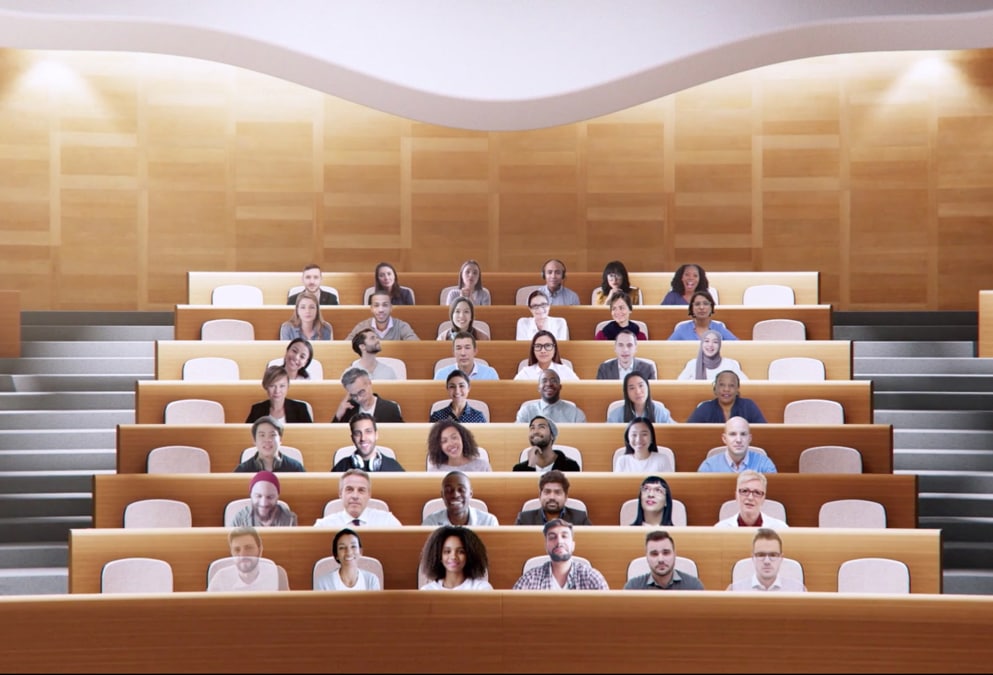
View of a group video call in Together mode with all participants appearing in seats in a virtual auditorium.

1. Introduction, installation, and setup of Teams
1) What is Teams?
2) Install Teams (PC, Web, Mobile)
3) Installing Teams for external guests
4) Teams settings

2. Understanding Teams Meeting Types
1) Teams meeting types
2) Meeting vs. Live Event

3. Precautions for Teams Meetings

4. Teams Meeting
1) Teams Meeting Configuration Diagram
2) Make a reservation
3) Invite attendees
4) Customer (guest) participation
5) Participation of the leader/presenter
6) Use various options
7) Recording and Downloading
8) End of meeting

5. Teams Live Event
1) Live Event Structure
2) Make a reservation
3) Attendee participation
4) Producer participation and progress
5) Notice/Question/Answer
6) Event End
7) Recording and report management

    Tools covered in the lecture ⭐

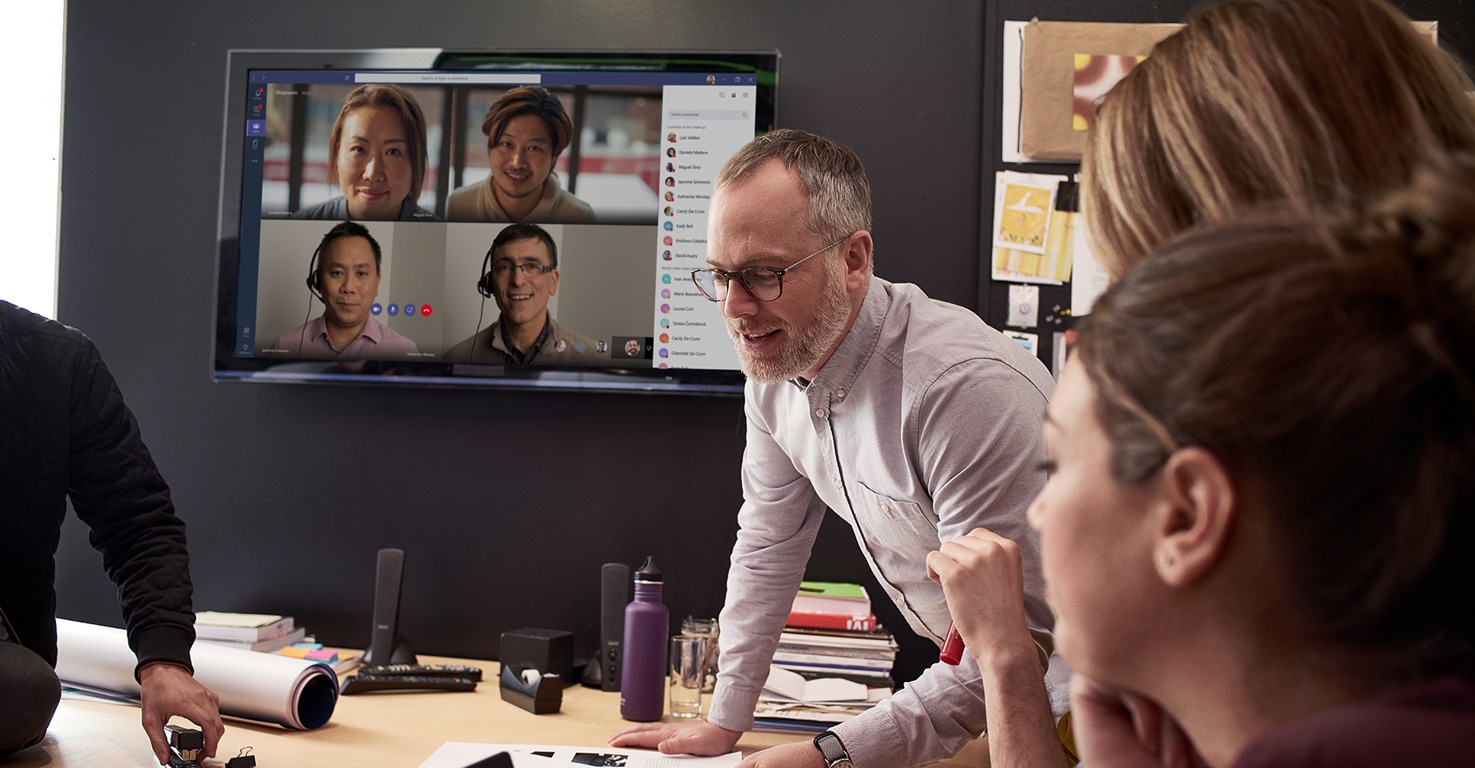
    People participating in a meeting in person and online with Microsoft Teams

    Recommended for
    these people

    Who is this course right for?

    • Anyone who wants to have an online meeting with Teams

    • Anyone who wants to have a video conference via Teams

    • For those who need a non-face-to-face online meeting

    • Anyone who needs to have an online meeting with a customer

    • Anyone who needs to have an online meeting with internal staff

    • For those who want to understand Teams Meeting

    • For those who want to know the difference between Meeting and Live Event

    Need to know before starting?

    • No! ^^

    Hello
    This is omas

    Career Verified

    2,974

    Learners

    354

    Reviews

    167

    Answers

    4.6

    Rating

    47

    Courses

    Nice to meet you! We are Microsoft 365 experts, “Omas.”
    Our Microsoft 365 experts will help you work more easily and efficiently.

    Meet the instructor, Omas!!

    Instructor Ko Hyun-jung
    Microsoft Certified Trainer
    Microsoft MVP (Microsoft 365 Apps&Services, 2016–present)


    Official Blog & Café

    YouTube

    Books

    • Microsoft 365 Business for Users & Admins

    • My Smart Work with Office 365 by Omas

    • Office 365 in a Flash Series 1: Building a SharePoint Site for Collaboration

    • Office 365 in a Flash Series 2. BI that business users can put to work right away without expert help

    • Office 365 Made Easy Series 3. OneDrive for Business, from basics to practical use!

    • Office 365 Made Easy Series 4: Build the Mobile App Your Company Needs with PowerApps

    • Office 365 in Small and Medium-Sized Businesses: My Smart Work Using Office 365

    • OneNote 2016 in Action! - Basics 

    • Using OneNote 2016! - Advanced Edition

    • Working Women, Never Do These Things! A Fun, Fresh Take on How to Succeed at Work


    Recognitions

    • MS-102 - Microsoft 365 Certified: Administrator Expert

    • MS-100 - Microsoft 365 Identity and Services

    • Teams Meetings and Meeting Rooms Technical Assessment

    • MS-700 - Microsoft 365 Certified: Teams Administrator Associate

    • MS-900 - Microsoft 365 Certified: Fundamentals

    • AZ-104 - Microsoft Azure Administrator Associate

    • AZ-900 - Microsoft Certified: Azure Fundamentals

    • SC-900 - Microsoft Certified: Security, Compliance, and Identity Fundamentals

    • PL-900 - Microsoft Certified: Power Platform Fundamentals

    • Exam 347: Enabling Office 365 Services

    • Microsoft Office Specialist Word 2016 Expert

    • Microsoft Office Specialist PowerPoint 2016 Core

    • Certificate of Qualification. Presentation Speech Level 1

    Other Qualifications

    • Presentation Speech Level 1 (Korea Vocational Competency Testing Association, Ministry of Employment and Labor)

    • Level 1 CS Instructor (Korea Vocational Competency Testing Association, Ministry of Trade, Industry and Energy)

    • Top E-Learning Consultant (Korea U-Learning Association)

    • E-Learning Instructor Level 1 (Korea U-Learning Association)

    • Computer Science Teacher Certification (Minister of Education)

    • Lifelong Education Specialist Level 2 (Seoul Culture Arts University)

    More

    Curriculum

    All

    8 lectures ∙ (1hr 0min)

    Published: 
    Last updated: 

    Reviews

    All

    2 reviews

    5.0

    2 reviews

    • lglemon20106959님의 프로필 이미지
      lglemon20106959

      Reviews 1

      ∙

      Average Rating 5.0

      5

      100% enrolled

      It was a simple but easy to understand class.

      • omas
        Instructor

        Wow!! Thank you!!! I will continue to try to make it simple and easy to understand~~

    • yoonsunchi7190님의 프로필 이미지
      yoonsunchi7190

      Reviews 2

      ∙

      Average Rating 5.0

      5

      100% enrolled

      It was a helpful lecture.

      • omas
        Instructor

        Wow~~ Thank you!!! I hope it will be helpful for your Teams Meeting~ ^^

    omas's other courses

    Check out other courses by the instructor!

    Similar courses

    Explore other courses in the same field!

    25% off for new members

    $8.80

    25%

    $8.80