(Please note that this lecture does not provide instructor-assisted answers.)
Adobe After Effects is arguably the ultimate tool for motion graphics. Using After Effects, you can create vibrant, dynamic animations that go beyond ordinary videos.
Last time, we covered the basic and core functions of After Effects. In this lesson, we'll explore various 3D camera techniques and directing effects that can enhance animations. Then, we'll use these techniques to create a detailed animation example. The goal of this course is to fully master the fundamental After Effects skills used in practical applications and ultimately be able to apply them effectively .
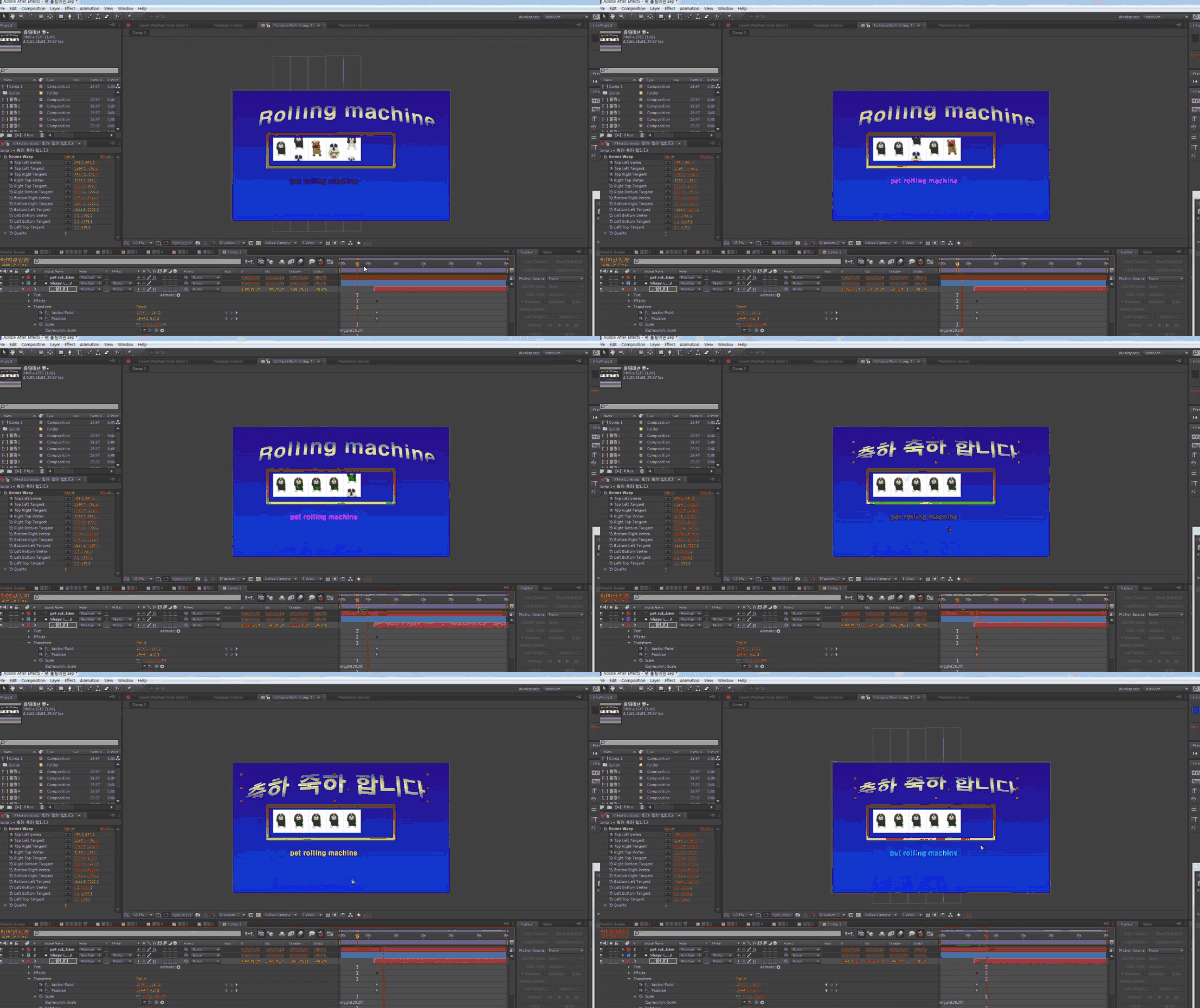
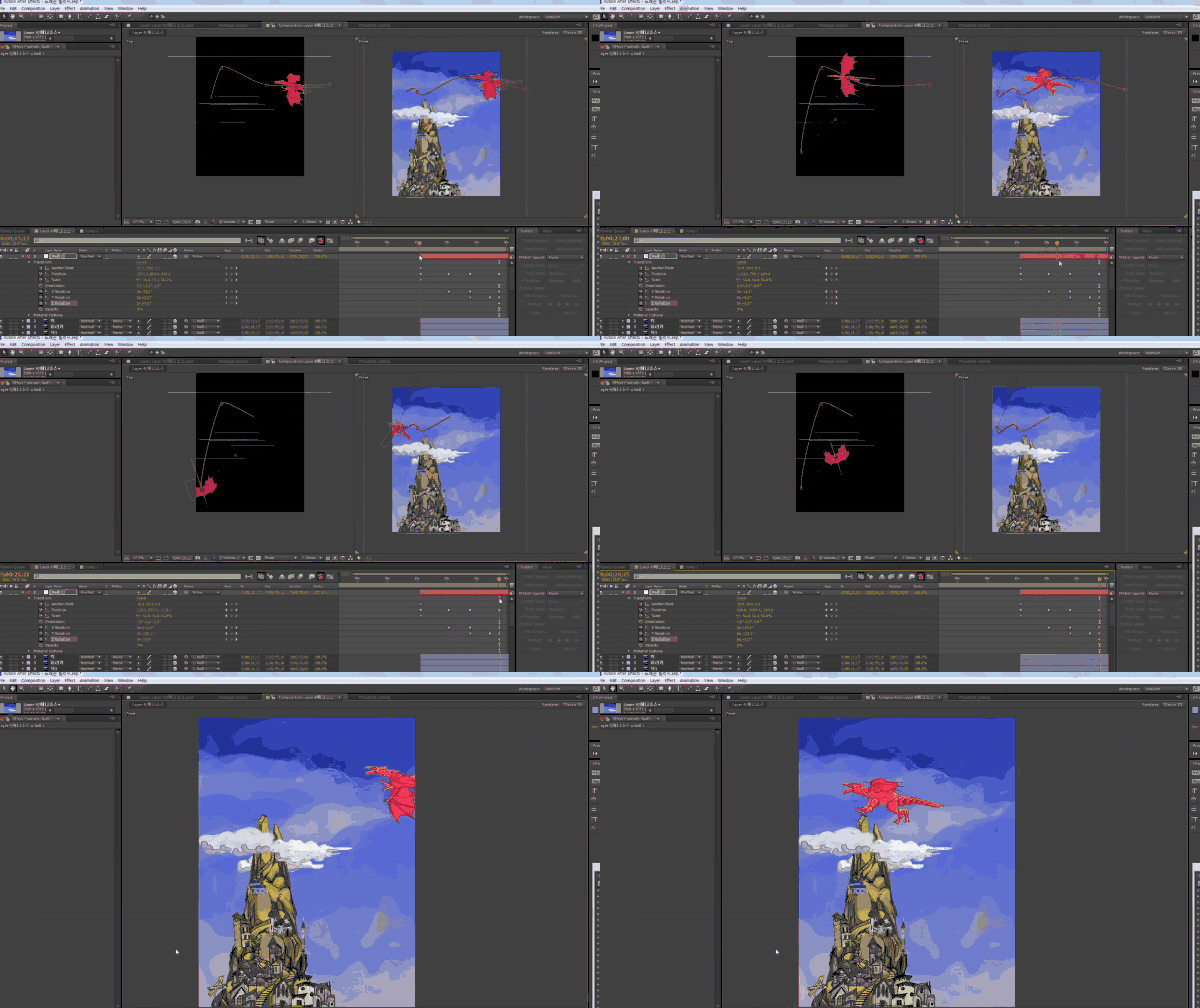
🌈 You can make things like this!
🙌 Tools covered here
Adobe After Effects CC
This course uses Adobe After Effects CC . Therefore, we recommend using the latest version of After Effects, CC 2018 or later. You can purchase the program from the official Adobe website or download a free trial version. Official website link
🙋🏻♂️ Expected questions related to the lecture
Q. Can non-majors and beginners also take the course? A. This lecture is a continuation of <Anyone Can Create Practical 2D Animation Easily Part 3 (After Effects)> , so we recommend that learners with a basic understanding of After Effects or higher take this lecture.
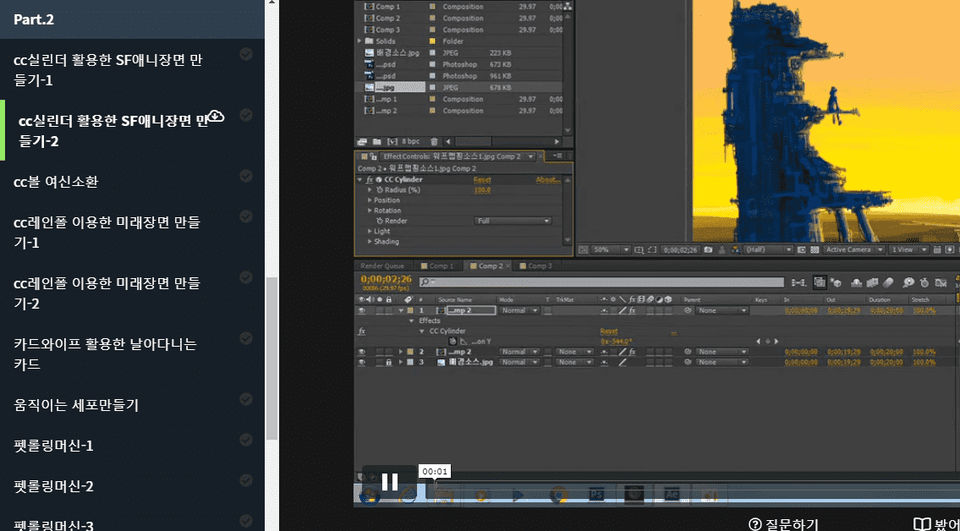
Q. Are lecture notes included? A. Yes, you can download the lecture notes by clicking the cloud-shaped icon on the left tab while watching the lecture. The syllabus is attached to the second lecture of each part.
Recommended for these people
Who is this course right for?
Those who are capable of basic After Effects
Anyone who wants to learn basic skills used in animation