This course selects only the essential content that can be applied immediately in practice, providing a kind and easy-to-follow process that helps you use Excel as naturally as your own hands to increase work efficiency.
It introduces each function of Excel and even provides practical training, so you can understand it easily.
What you will gain after the course
Essential functions that can be applied immediately in practice
Essential features required for data analysis
From basic Excel functions and features to data visualization skills
Deriving insights from data
Excel secrets you can use in the office right away! Now, become a high-performer by mastering Excel.
🙌Essential Excel for practical work, if you can't avoid it, let's master it!
Attention to those of you who sigh first and want to avoid Excel tasks whenever you receive them! If even one of the following applies to you, you must take this course.
-Those who have worked overtime doing manual labor for a task that could have been finished in an hour
-Those who have a Computer Literacy certification, but have never actually used it in practice
-Those who continue their work by searching for Excel tips and applications, but lack confidence
-Those who sigh the moment they see Excel
Excel, which you can't avoid even if you want to, is why Maso Campus has prepared this.
👍Recommended for the following people
- Those who want to build a solid foundation in Excel before starting a job
- Those who are getting by on intuition but are struggling because they haven't learned it formally
- Those who want to know the functions and features frequently used in practice
- Those who want to create professional-looking reports with a sense of style
- Those who have a Computer Literacy certification but find it difficult to apply in practice
- Those who want to learn functions that can be applied immediately in practice within a short period of time
- Those who want to save time searching for Excel tips and learn through a systematic curriculum
👀Course Features
For those of you who want to become an Excel expert, we have packed everything about Excel into <Practical Excel Skills for Immediate Use>!
Rather than simply teaching shortcuts and functions, How can one truly become proficient in Excel? How can it be applied immediately to practical work? The curriculum was designed with these questions in mind.
How about learning the numerous functions provided by Excel , mastering how to use them properly, and even increasing your work efficiency?
🏆After completing the Introduction to Practical Excel for Immediate Use
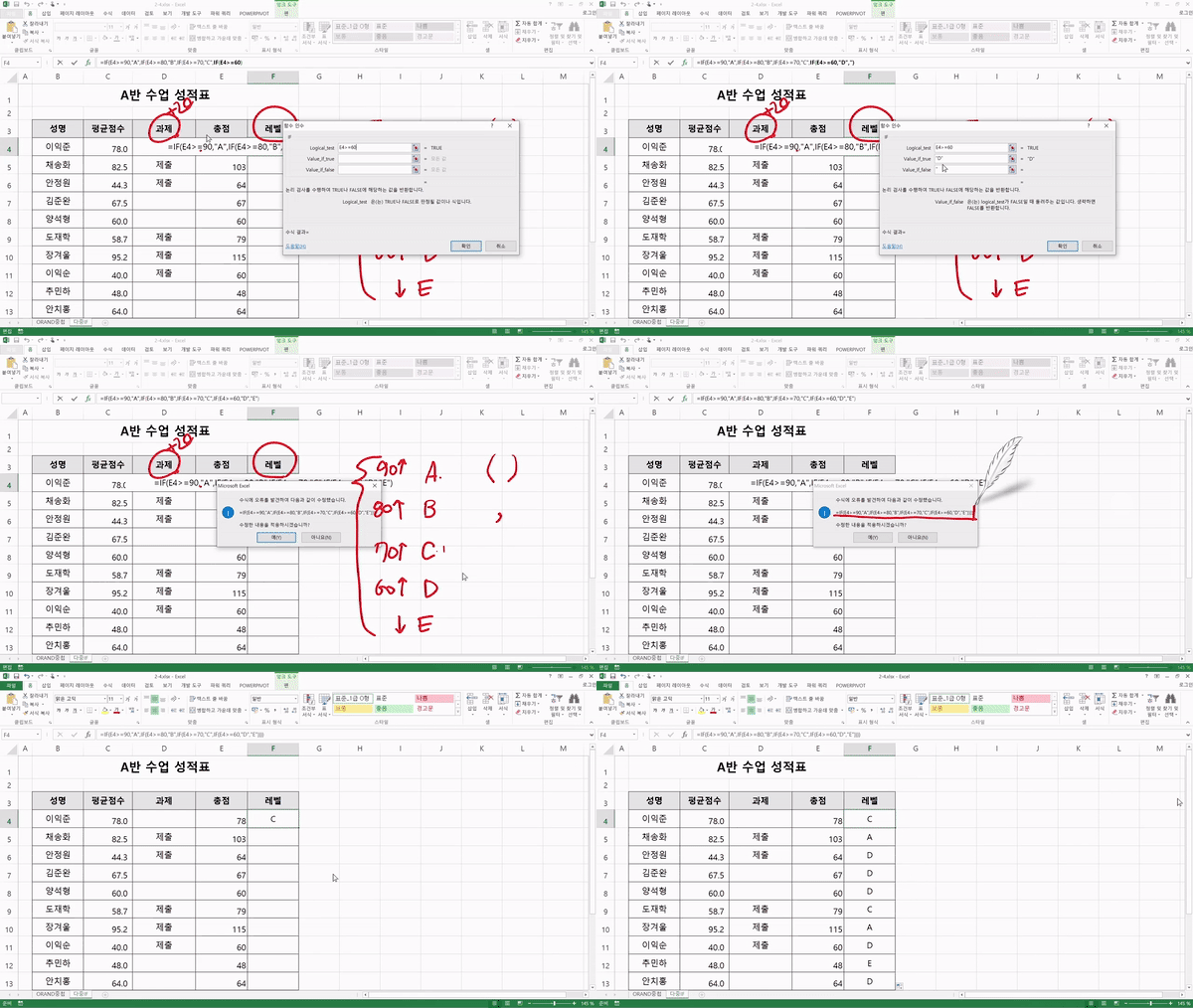
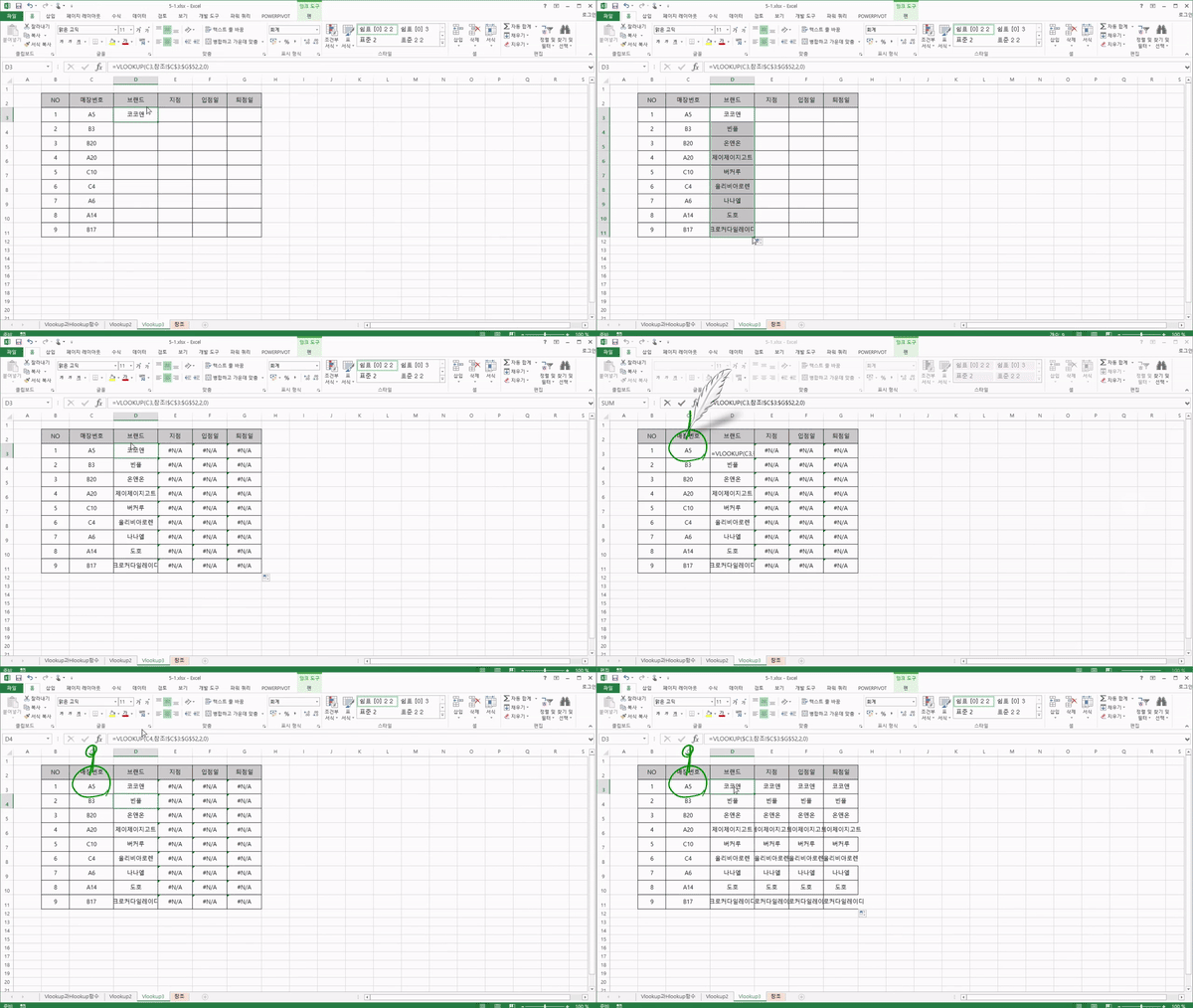
By taking Miso Campus's <Practical Excel for Immediate Use: Introductory> course, in just 6 hours, you can learn everything from the basic functions of Excel to various formulas that you can use right away. Beyond just teaching frequently used shortcuts, and Excel formulas, you will develop the ability to apply the knowledge learned in the lecture directly to your practical work. <Practical Excel for Immediate Use: Introductory>Take this course, and start your journey toward becoming a master of practical Excel.
📚Learning Content
💬Frequently Asked Questions Q&A
Q. Why should we know how to use Excel? A. Just by handling Excel well, you can be recognized at work and have a good career. Excel is a program that performs calculations on behalf of people, and it is a tool that helps you use your working time efficiently. However, if you handle Excel incorrectly, your work hours will increase. Therefore, you must know how to use Excel well.
Q. I am a complete beginner who knows nothing about 'E'xcel. Will I be able to follow the course? A. Not a problem at all. This course is designed specifically for those who know absolutely nothing about 'E'xcel. It is a solid practical Excel course that will help you build your skills from the basics to professional application.
Q. Can I take the course even if my Excel version is different? A. The menu order and layout may vary, but since we only cover basic functions that can be applied in practice, you don't need to worry.
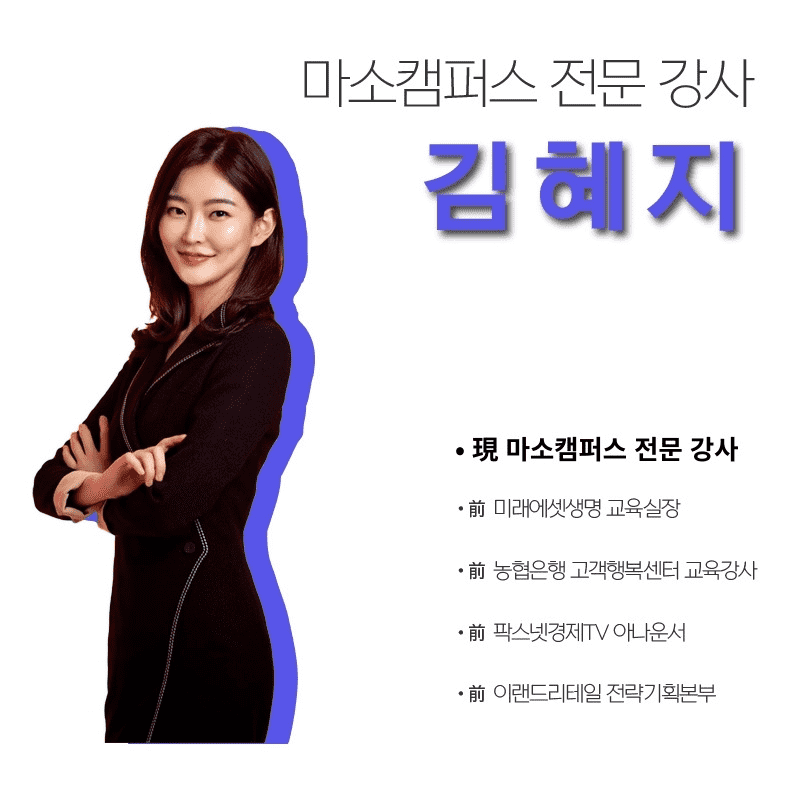
✒️ 지식공유자 소개
✔️ Please check before taking the course!
-Since this is a practice-oriented course, it is recommended to prepare a dual monitor or an extra device to separate the lecture screen and the practice screen. Additionally, as the practice sessions are based on Windows OS, we recommend taking the course in a Windows environment.
-The lecture notes and practice files are located in 00Section .
Recommended for these people
Who is this course right for?
Those who want to build a foundation in Excel before starting their job
Those who have a Computer Literacy certification but find it difficult to use Excel in practice.
Those who want to know the functions and features frequently used in practice
Those who want to create stylish and professional reports
Those who want to perform data analysis with Excel
Need to know before starting?
As this is a practice-oriented course, we recommend using dual monitors or an extra device to separate the lecture screen from the practice screen.
Since the practice sessions are based on Windows OS, we recommend taking the course in a Windows environment.
We will teach you Excel step-by-step from the basics, so no prior knowledge of Excel is required.












![[Revised in 2024] This is the real Korean language automation [Basic Edition]Course Thumbnail](https://cdn.inflearn.com/public/courses/335093/cover/830eee3a-faa8-4d1b-be61-67bbbe75de9f/335093.png?w=420)
![[Episode] Excel + Python (Basic)Course Thumbnail](https://cdn.inflearn.com/public/courses/332174/cover/4bff11a1-9859-43f4-8e17-6374ee50e6d6/332174-eng.png?w=420)


![[Star Instructor Teacher Choi] The Standard for Passing Quickly|ITQ Excel MasterCourse Thumbnail](https://cdn.inflearn.com/public/files/courses/343264/cover/01kxzse3ftyrhrd3te3b03e3ch?w=420)
![[Pass ITQ Excel A in One Go] in 3 daysCourse Thumbnail](https://cdn.inflearn.com/public/courses/329652/cover/b44e11b6-a47e-4993-86ea-a85da9836bb5/329652-eng.png?w=420)