Video editing, for those of you who always give up after three days
Why we forget what we learn no matter how much we learn
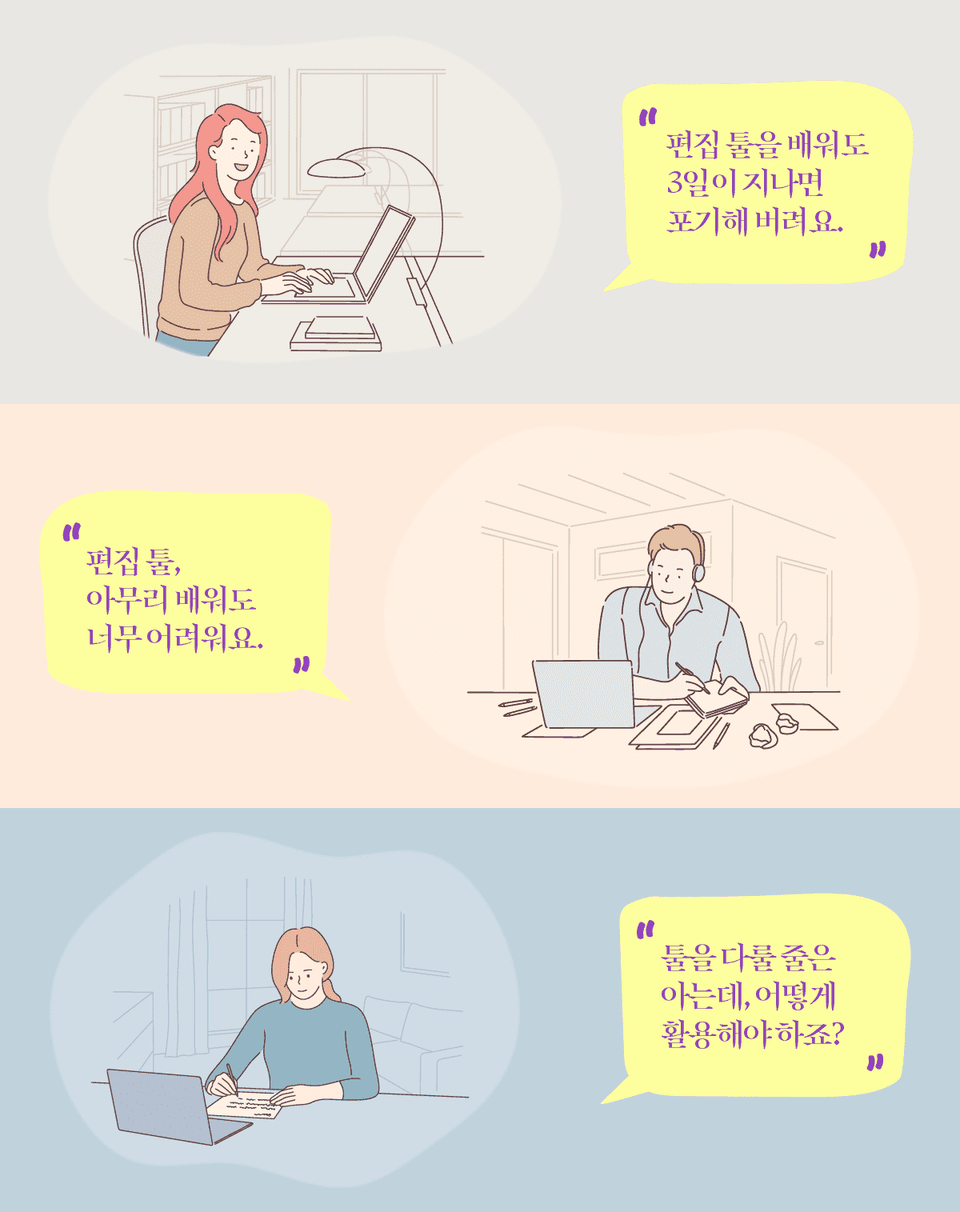
To start YouTube, to create a video portfolio, Or maybe you started studying video editing to capture fleeting moments. Why give up after just three days?
By any chance, have you only learned how to use editing tools, rather than editing?
Are you looking around to learn video editing?
Are you scouring YouTube? Learning how to create entertaining scenes, but not getting anywhere? You know how to use the program, but you're not sure how to actually use it?
What we need to learn isn't how to use video editing software, but video editing itself. Just as being proficient in a word processor doesn't guarantee good writing, being proficient in a video editing software doesn't guarantee good editing.
A lecture that properly explains the principles of editing.
Just as understanding the fundamental principles of a machine allows you to repair and use it even if it breaks down, reliant solely on simple knowledge when editing video will prevent you from making progress when problems arise. In fact, if you don't understand the incredible capabilities of Premiere Pro, you're effectively failing to use a truly powerful tool.
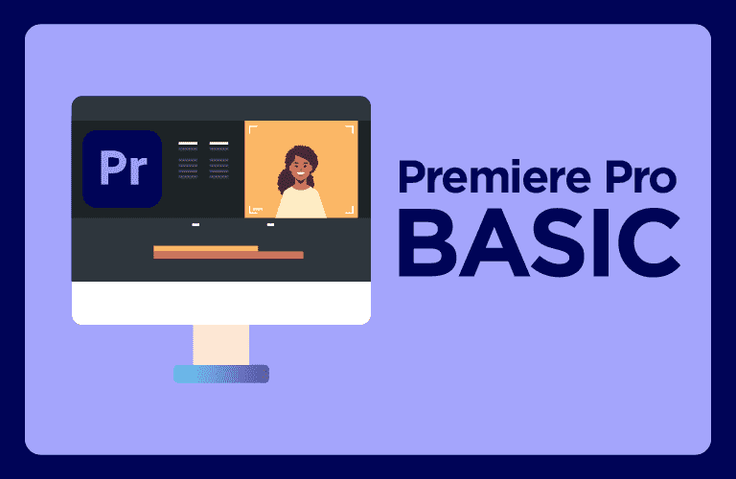
Most Premiere Pro courses on the market focus on how to use the program. I'll teach you how to use the program while understanding the fundamentals of editing. Learn effective video editing through this course and apply it to your own videos right away :)
What you'll learn 📚
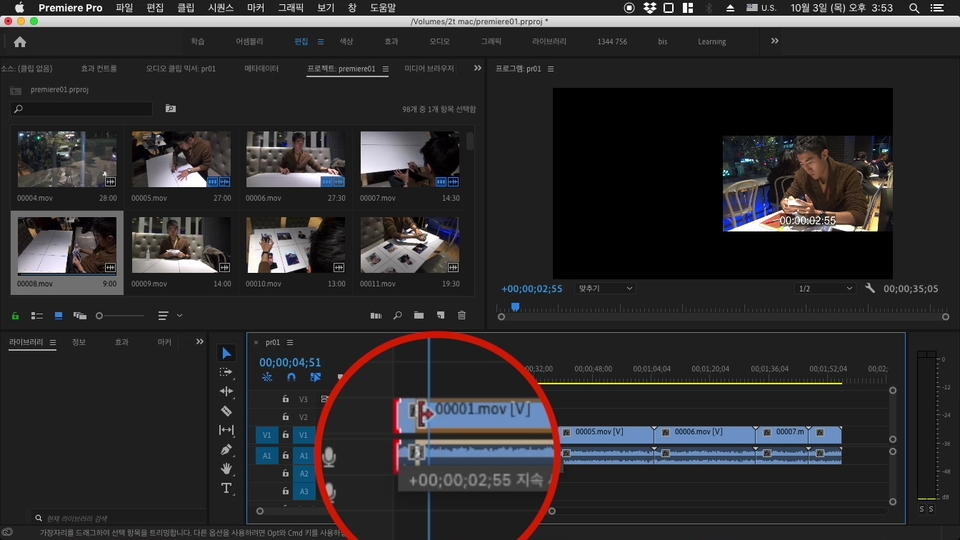
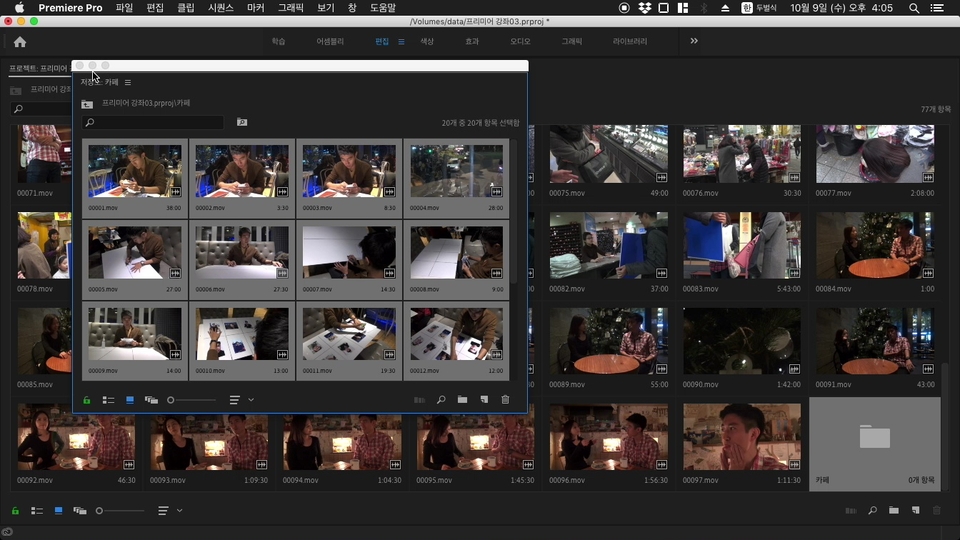
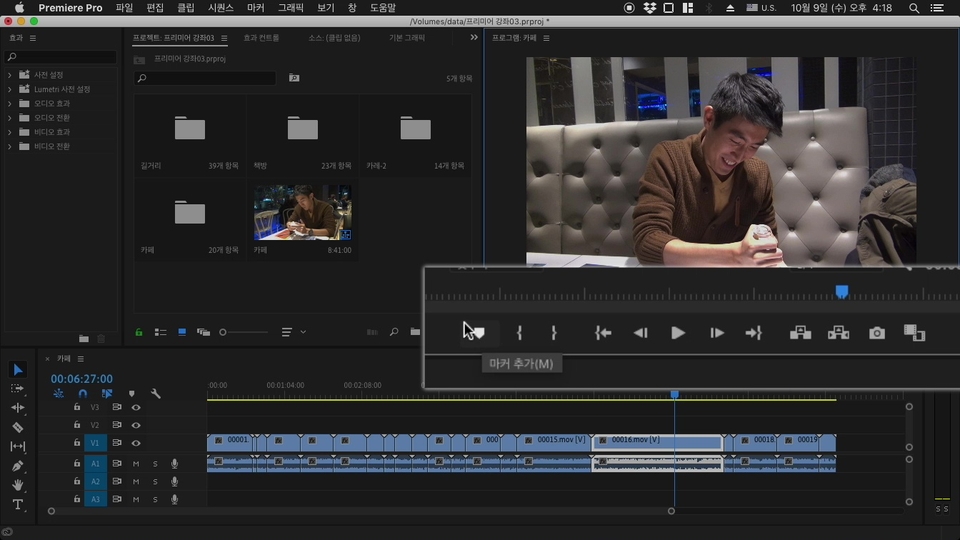
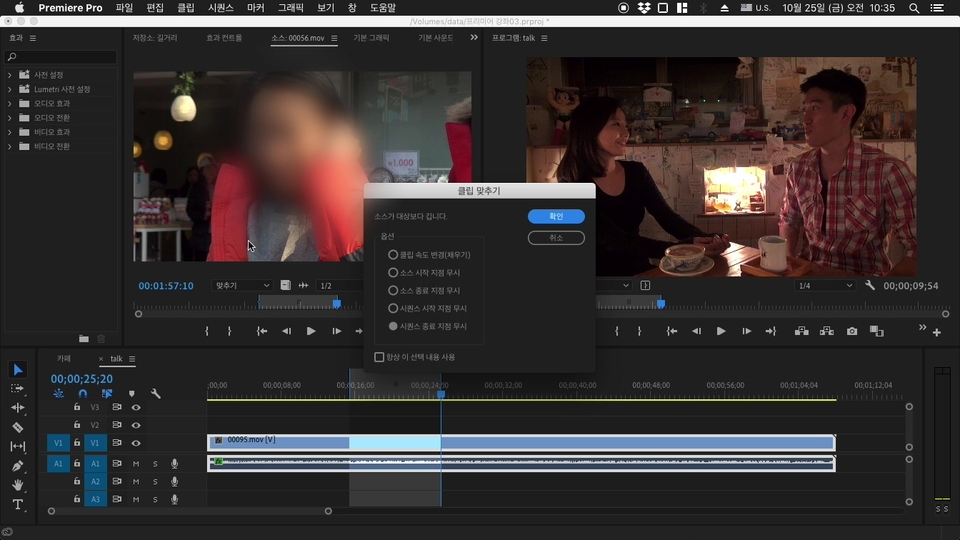
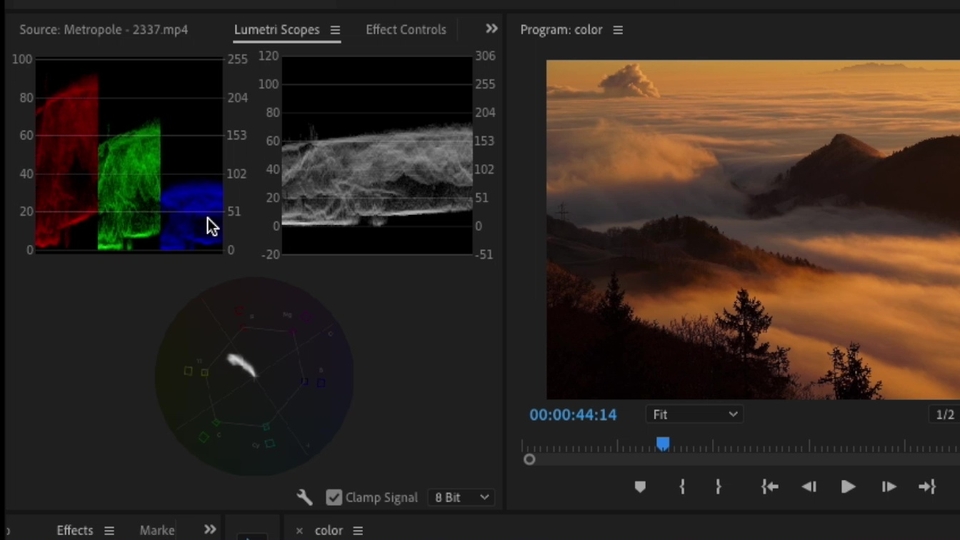
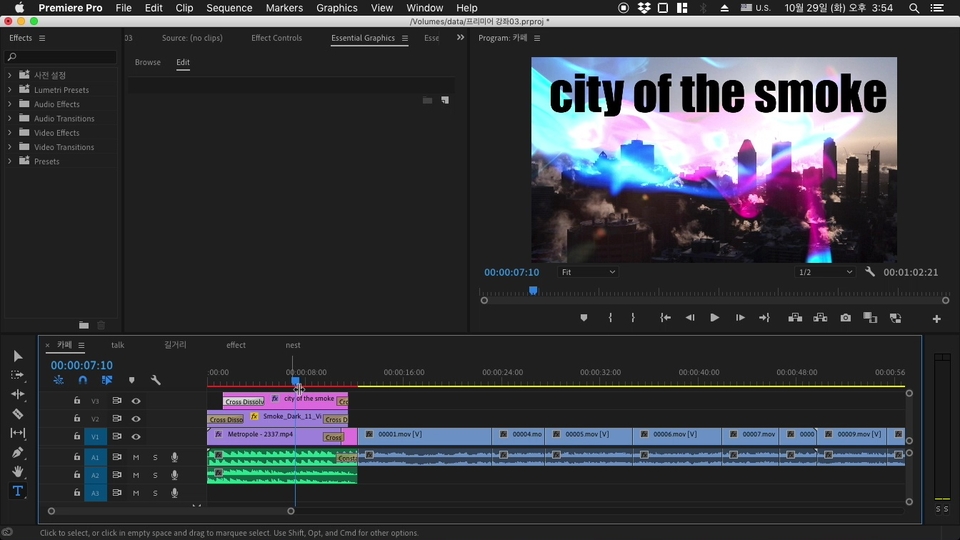
This course covers the basic interface of Adobe Premiere Pro CC, as well as screen effects, transitions, subtitles, and audio insertion. The detailed content covered is as follows:
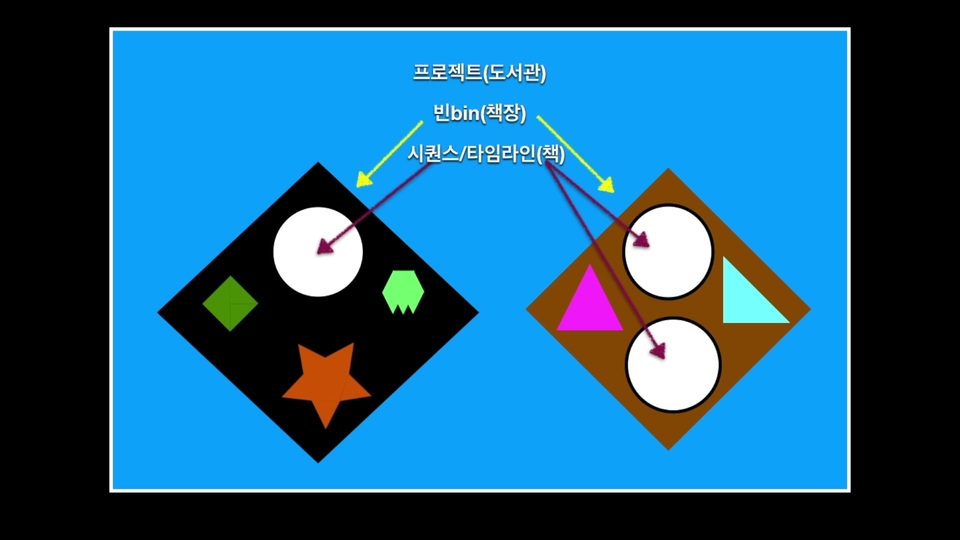
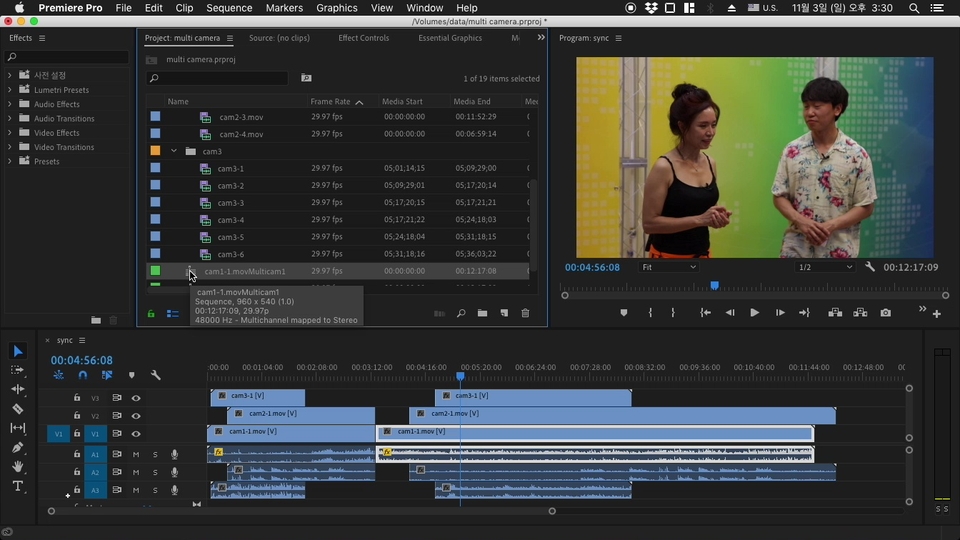
Premiere Pro: Basic Structure and Editing Principles
To properly flesh out anything, you need to understand the skeleton. Learn the fundamentals of editing and how editing programs work.
Things to do before editing
There's a saying that even a spoken word is worth more than a mere syllable. In other words, editing is like embarking on a long journey. Packing your bags well before you depart can reduce the hassle along the way and ultimately save time. So, I'll share with you how I actually plan my editing before using Premiere Pro.
Basic Editing
Editing is the process of creating a story. Fundamentally, it involves stitching together footage in order and retaining only the essential parts. I'll share my own basic editing know-how.
Add effects to your video
Okay, now it's finally time to add some spice. In this part, we'll learn how to handle screen effects and transitions, and how to add effects to suit your taste.
Encapsulate your video with subtitles and music
Okay, we're almost there. Let's learn how to make your video more engaging with subtitles, music, and more.
What will you look like after taking this lecture?
After taking my class , you will change like this!
One. You will learn the basics of editing.
Second, most editing tasks can be easily done.
Third, you will understand the principles of editing and gain a foundation for self-improvement.
Be sure to check before taking the class 😝
Please be sure to download Adobe Premiere Pro CC before taking this course.
Recommended for these people
Who is this course right for?
People who want to learn video editing systematically
People who want to increase their understanding of video production in general





![[Integrated] Introduction to AI Video Production + Practical ApplicationCourse Thumbnail](https://cdn.inflearn.com/public/files/courses/343029/cover/01kwtvq9840gqg1t7b6krs3bkk?w=420)