




Capcut, the pinnacle of free video editing

Learn Capcut, a program that is easy to learn and even free.

(4.0) 9 reviews

102 learners

Level Beginner

Course period 1 months

Video Production
Video Production
Premiere Pro
Premiere Pro
CapCut
CapCut
Video Production
Video Production
Premiere Pro
Premiere Pro
CapCut
CapCut

What you will gain after the course

  • video

  • Video Editing

  • Video production

Switch to CapCut, a video editing program that doesn't cost money.

Recently, most people are learning CapCut, a new video editing program.

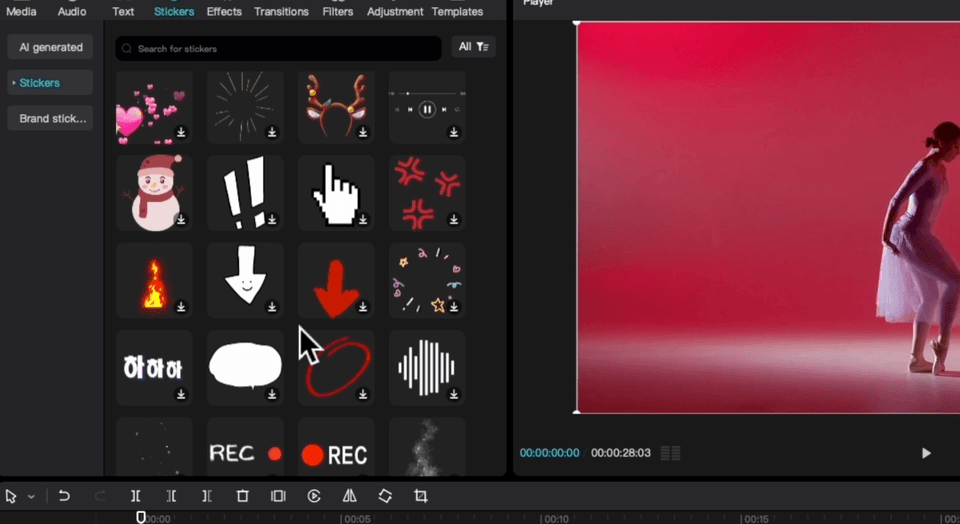
  • First, learn how to use it


  • We'll show you how to take advantage of CapCut to create amazing videos.

  • We will clearly inform you of the differences, pros and cons of Capcut.

After taking the lecture, you will be able to create results like this.

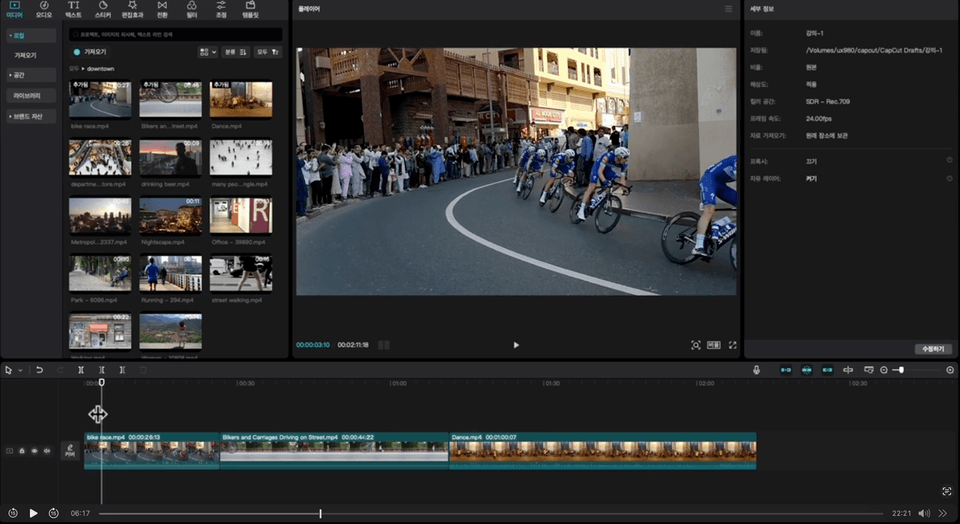
Auto-cut

Effect created using cutout

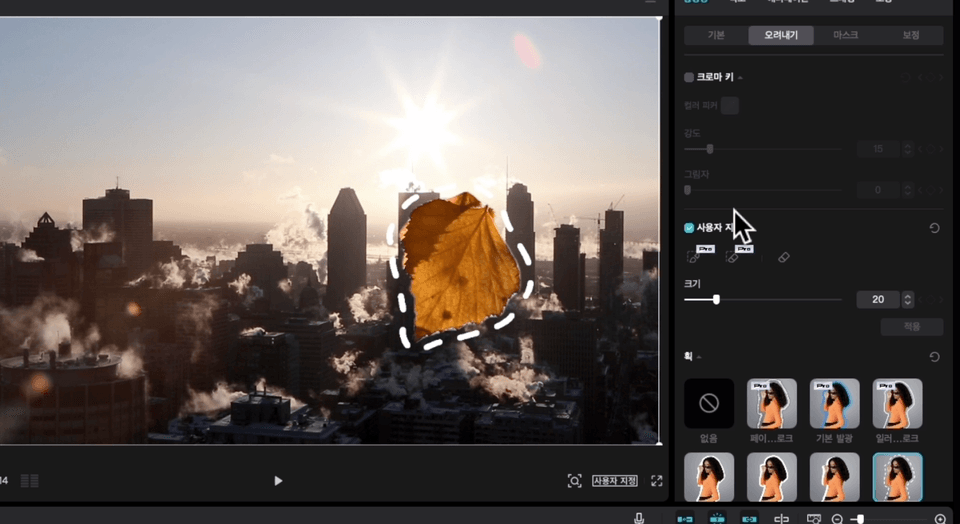
chroma key

Effects created using chroma key

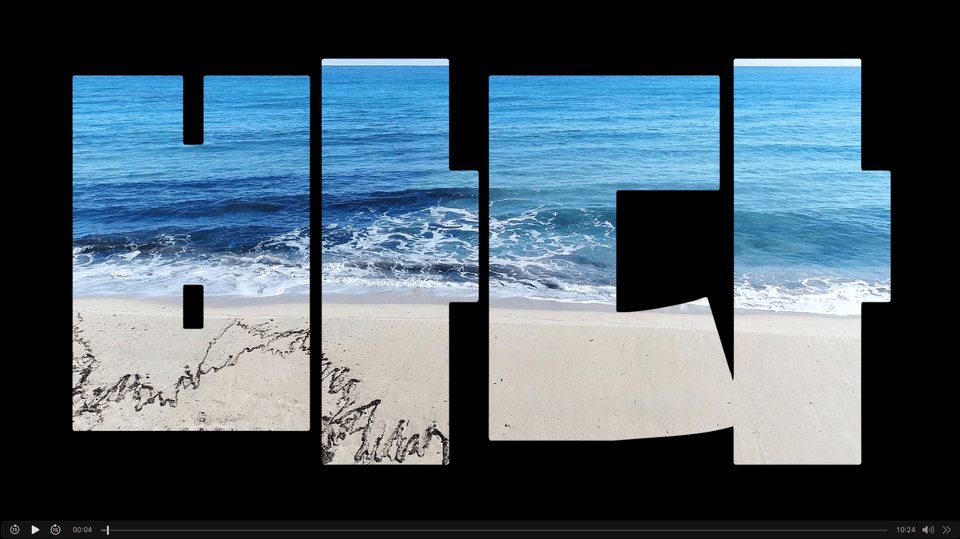
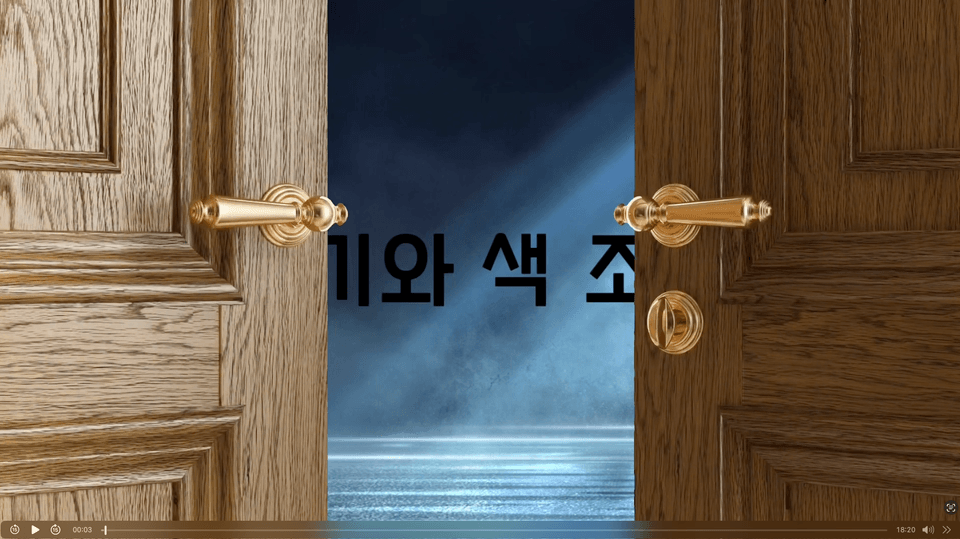
Text

Embed video into text

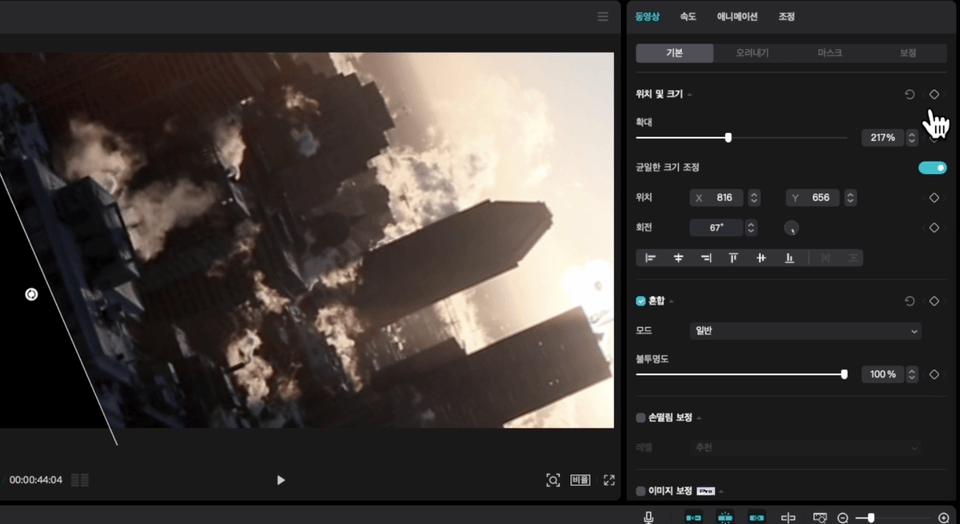
Color adjustment

Effects using color adjustment of the video

  • Say goodbye to expensive video editing!

  • You too can do professional video editing

Learning Content

Section (1) Basic Editing

Learn program structure and basic editing techniques.

Section (2) Video Effects

Learn in detail from basic effects to keyframes, the core of video effects.

Section (3) Special Effects

Learn the various special effects built into CapCut.

Section (4) Media and Graphics

Let's try editing using the free materials provided, which is a great advantage of Capcut.

Section (5) Screen brightness and color

Learn how to adjust the color and brightness of your screen

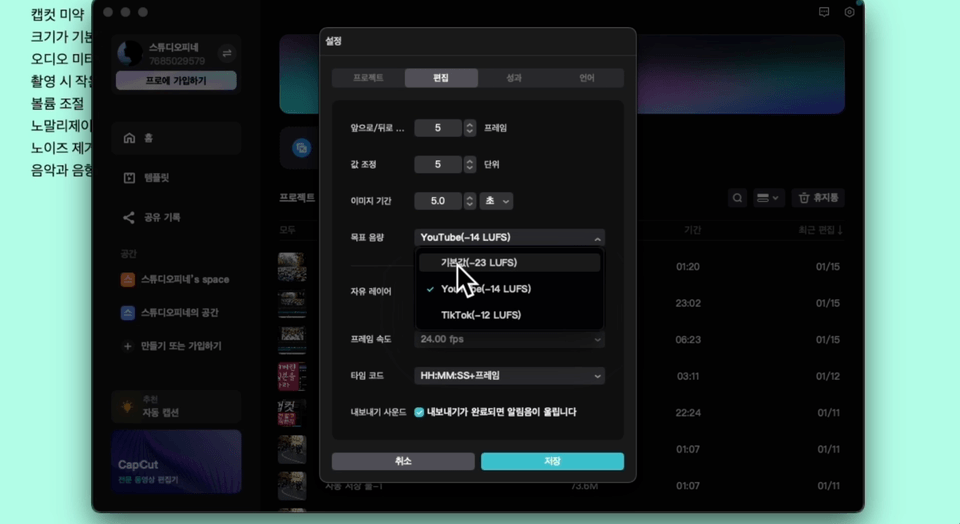
Section (5) Sound Control and Appendix

Learn how to control your sound

Things to note before taking the course

  • All you need is a computer

Practice environment

  • Operating System and Version (OS): Windows, macOS, Android, iOS

  • Tools used: Free Capcut

  • PC specifications: Operating system: Windows 10 or later

  • Processor: Intel Core i3 or higher

  • Memory: 4GB RAM or more

  • Graphics: Intel HD Graphics 4000 or higher

Player Knowledge and Precautions

  • All questions will be answered in as much detail as possible.

  • Prohibits external leakage of all data other than the screens provided by default in Capcut.

Recommended for
these people

Who is this course right for?

  • For those looking for a free but useful video editing program

  • New to video editing

Hello
This is bainsoo

556

Learners

28

Reviews

5

Answers

4.6

Rating

6

Courses

After working as a producer at EBS for 15 years, I resigned and

Earned a Master's degree in Film Production in the United States

After quitting my job as an EBS PD of 15 years, I earned a Master's degree in Film Production in the United States.

Returned to Korea and

teaching students at a university while

I am currently providing consulting services for video production in the field.

More

Curriculum

All

23 lectures ∙ (5hr 7min)

Published: 
Last updated: 

Reviews

All

9 reviews

4.0

9 reviews

  • digitalnomad님의 프로필 이미지
    digitalnomad

    Reviews 9

    Average Rating 5.0

    Edited

    5

    100% enrolled

    It's explained in detail for video editing beginners to see and is also good to follow along with. I think it would be very good for those who are editing videos with CapCut for the first time. Learning requires repeating several times to become familiar, but it's a bit disappointing that the course period is only one month 😊 And one more disappointing point is that if you could provide the materials used in the lectures, it would be more helpful for beginners to practice along with the lectures. As a video editing beginner, I am very satisfied. Thank you for the good lecture. 😊

    • ui55630952님의 프로필 이미지
      ui55630952

      Reviews 7

      Average Rating 5.0

      5

      48% enrolled

      Personally, I am very satisfied. This is my first time learning video editing, and it was good to be able to understand the overall flow and background. I think the long-term experience you have given me will be a great help in finding a direction.

      • mido351355님의 프로필 이미지
        mido351355

        Reviews 1

        Average Rating 5.0

        5

        30% enrolled

        • kimsam8522 [DEL] 260105173345님의 프로필 이미지
          kimsam8522 [DEL] 260105173345

          Reviews 1

          Average Rating 1.0

          1

          100% enrolled

          Rather than listening to this lecture, just search on YouTube. There is no manual that introduces the functions in detail, no practice in making things like following along, and it is just at the level of listening to stories about buying things.

          • yong10169580님의 프로필 이미지
            yong10169580

            Reviews 1

            Average Rating 5.0

            5

            30% enrolled

            bainsoo's other courses

            Check out other courses by the instructor!

            Similar courses

            Explore other courses in the same field!