Foundation of practical digital design capabilities
Light, intuitive and smart, Learn SketchUp!🏢
🗒 Course Introduction
(This lecture does not provide Q&A with the instructor. Please take note of this when taking the class.)
SketchUp boasts one of the most intuitive features and interfaces among 3D modeling software. It is a popular tool widely used in various fields such as product design for architecture, interior design, woodworking, and webtoons, and can be used for various digital design tasks. The program itself is intuitive and lightweight, but you can also apply complex additional effects by utilizing various plugins.
This course covers SketchUp Pro 2019. It's structured as a follow-along learning method, allowing even beginners to easily learn the tool's features through video. Through this course, you'll be able to easily create basic 3D graphics without having to use complex and heavy-duty 3D graphics software. Take the first step toward visualizing your ideas instantly with SketchUp, a smart 3D design tool.
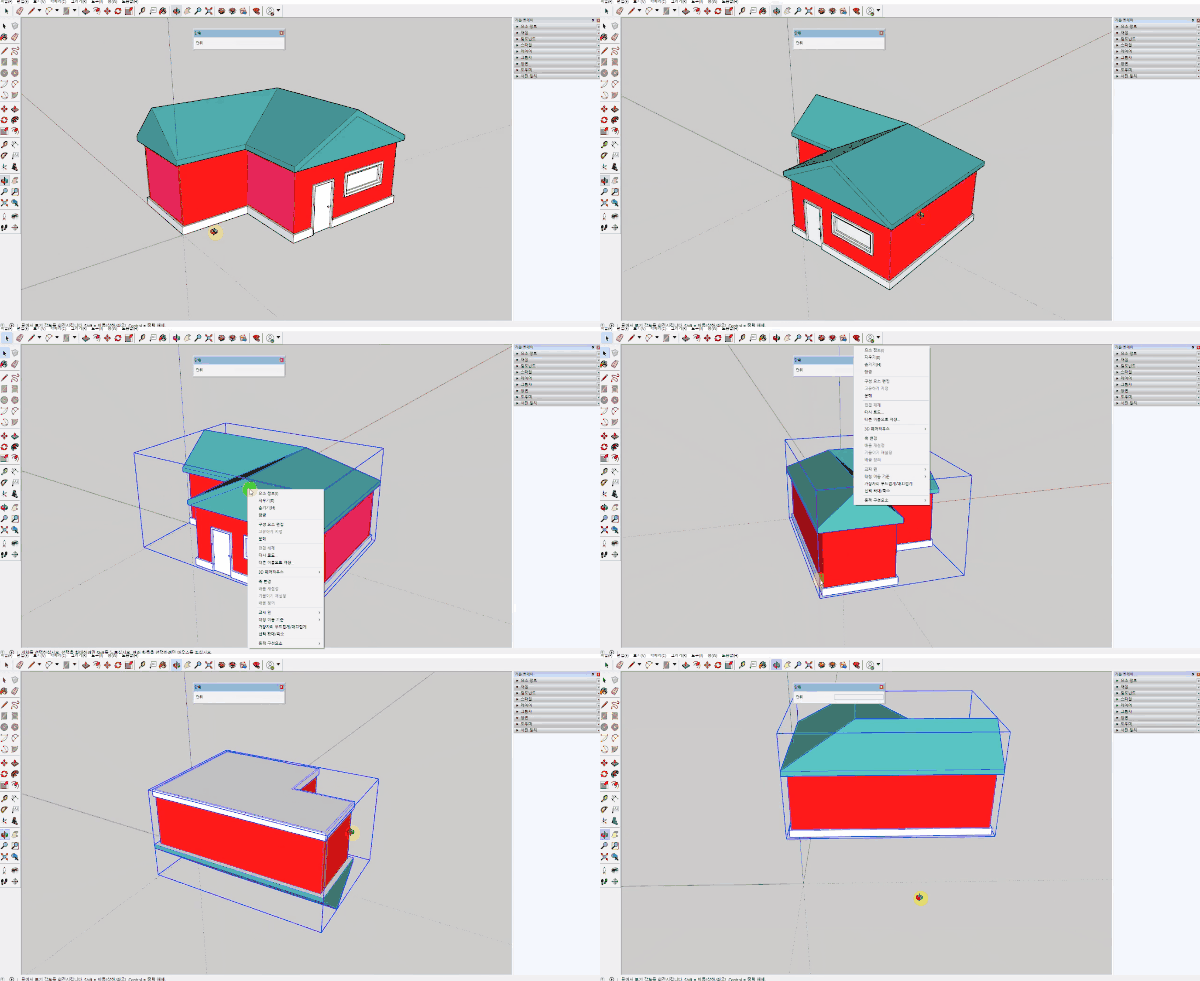
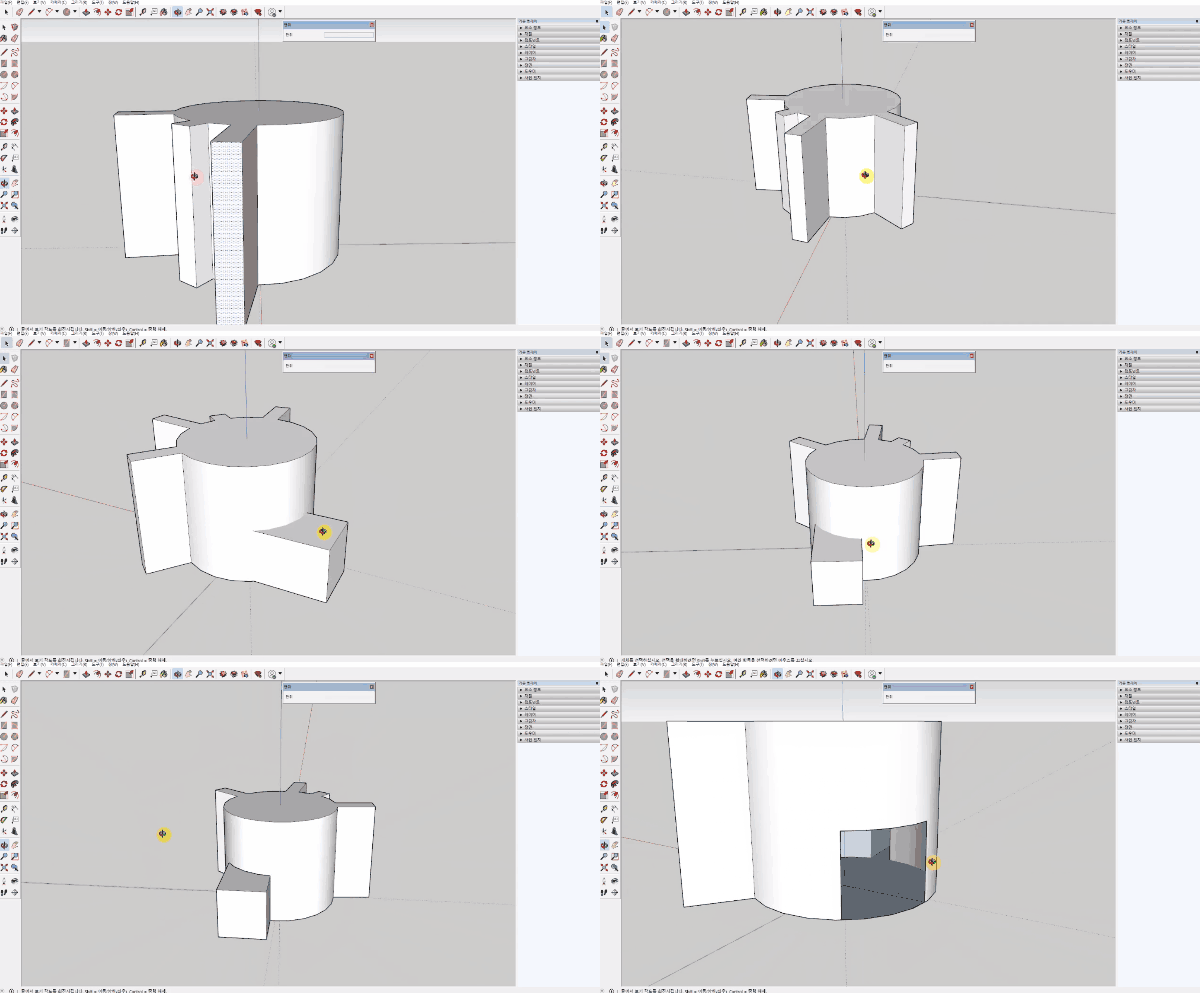
🌈 Preview the lecture
🙌 Tools covered here
Trimble SketchUP Pro 2019
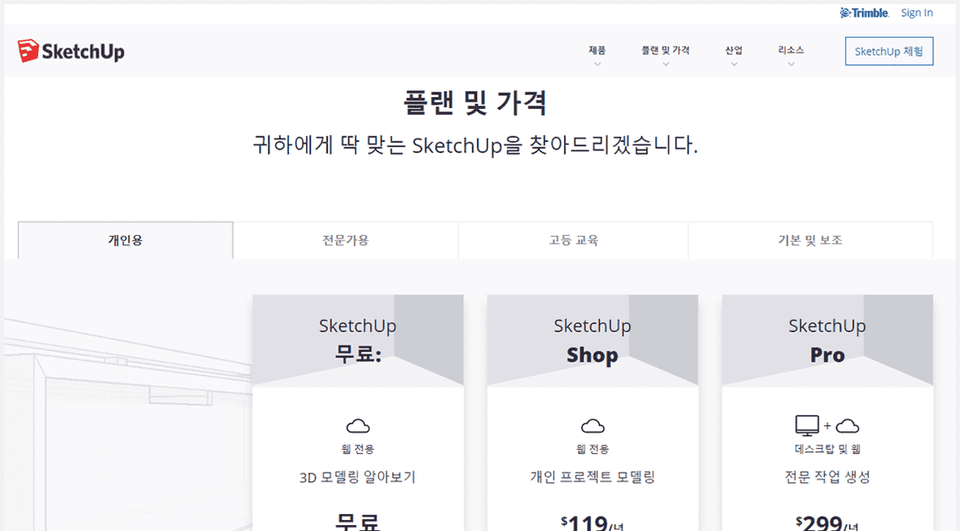
This course uses SketchUP Pro 2019 (Korean version) . Therefore, we recommend using the latest version of SketchUp (or later). You can purchase the program from the Trimble official website by selecting a Personal, Professional, or Education plan, or try a 30-day trial version. Official website link
🙋🏻♂️ Expected questions related to the lecture
Q. Can non-majors and beginners also take the course? A. Yes, this is an introductory course that starts with tool installation. Anyone interested in the basics of SketchUp tools and 3D modeling can take this course.
Q. Are lecture notes included? A. Yes, the lecture sample files are attached to the second lecture. You can download the compressed file by clicking the cloud-shaped icon on the left tab of the lecture playback screen.
Recommended for these people
Who is this course right for?
People who feel burdened by learning difficult 3D graphics programs
Anyone who wants to learn 3D digital design capabilities in a short period of time
Workers in the fields of architecture, interior design, landscaping, and products who want to implement basic 3D graphics
I've been an industrial designer for 10 years and it was very useful. I've used most of the 2D/3D tools, but I wanted to learn SketchUp, so I started studying. I finished it in about 3 days and it was a very useful class. If you listen at 1.5x speed, you can learn quickly. Most of the basic buildings and shapes are finished in the middle. So I think I can quickly become a SketchUp user. Overall, I think it was a good lecture. Inflearn invited a good instructor. I'm grateful and will learn well.
I wanted to learn so badly that I was thinking about finding an academy, but since the lecture was free, I found it very useful. I really like that the lectures easily teach you all the necessary content!
This was a great tutorial on the basic tools for SketchUp! I liked how you explained the layout, Trimble Connect, and Slice programs in detail. Thank you~
This lecture was like a ray of light in a situation where I had to learn StitchUp for work purposes. I will have to practice continuously in real life, but this was the best lecture for learning the basic functions. Thank you.