This is a training course for beginners, so if you think it will help you with your office work, it would be more helpful if you didn't take it. It is content that elementary school students would listen to after school, so please refer to it and apply.
5.0
everick9
20% enrolled
Thank you~!
5.0
사람
10% enrolled
I heard it well
What you will gain after the course
Korean basic screen layout and functions
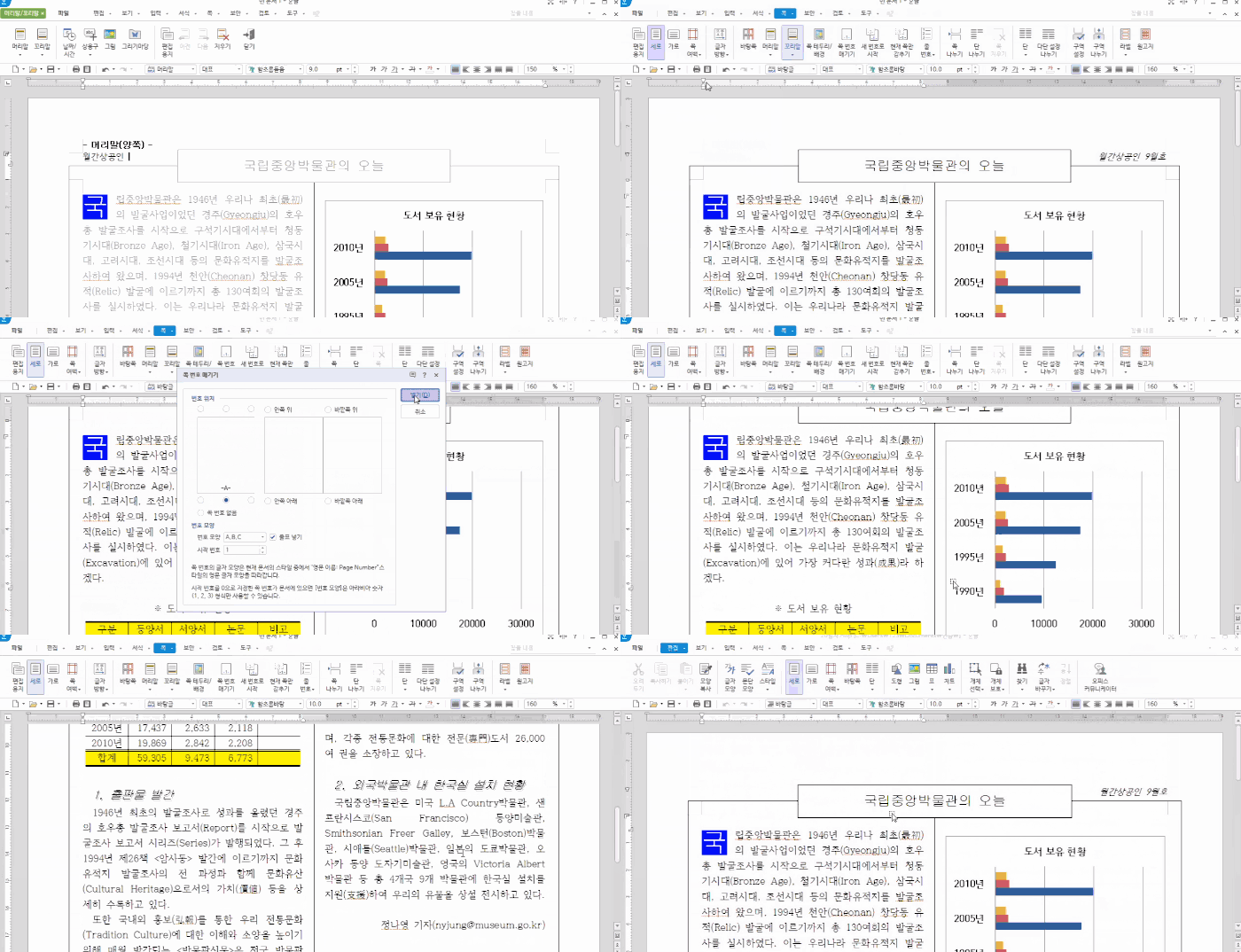
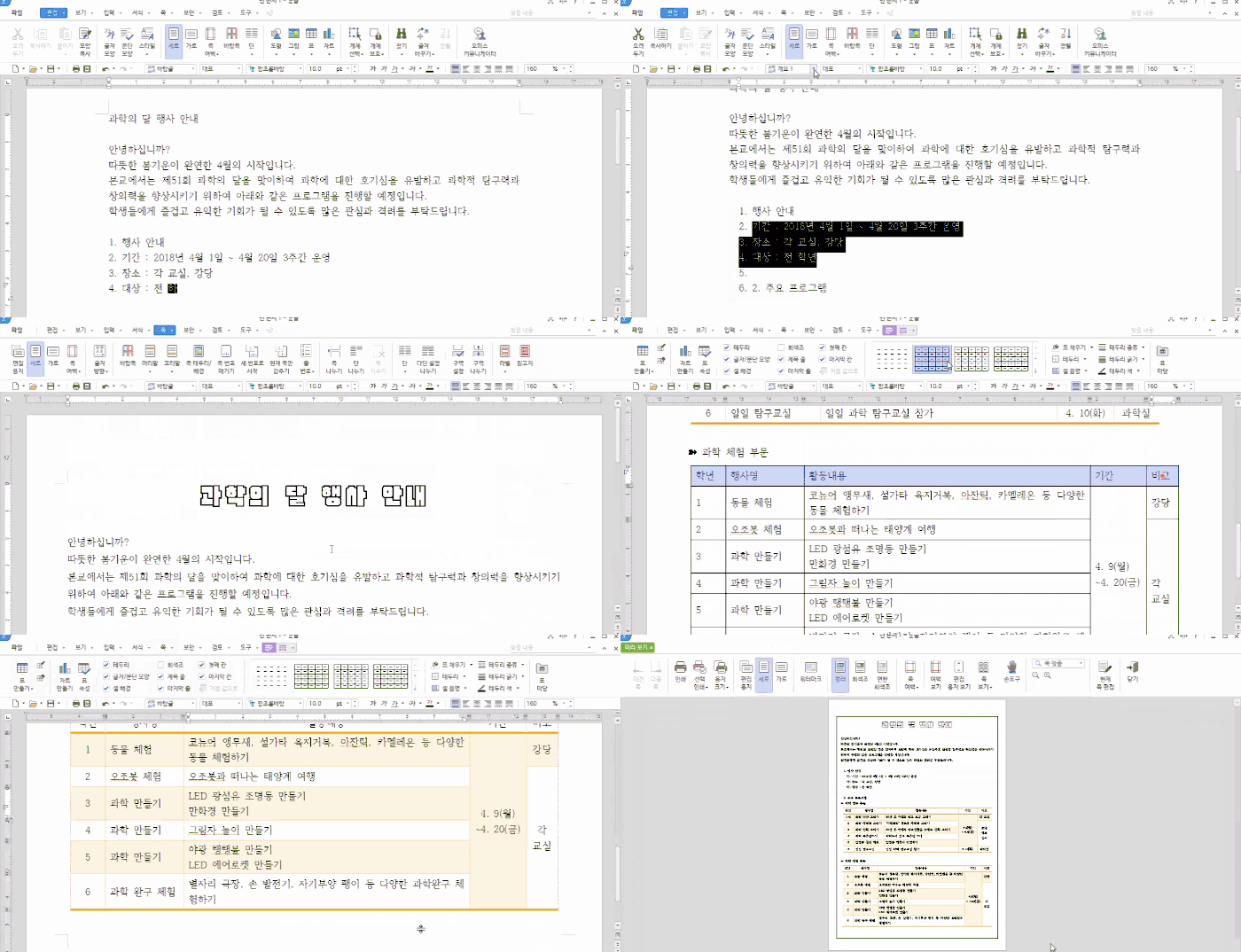
How to create documents in various formats using Hangul
Hangul, used in various tasks, If you want to use it properly? 👩🏫
🗒 Course Introduction
(Please note that this lecture does not provide instructor-assisted answers.)
This course is designed to help you learn the basic functions of Hangul (Hangul) in order to increase its practical use in Hancom Office. Learn key features that can be easily used in the field to solve problems, and learn the basics of creating various documents. Finally, we will provide you with a practical example of writing a word processor.
Learn the key features of Hangul 2018 to create documents quickly and easily.
Learn the most commonly used document writing tips in practice.
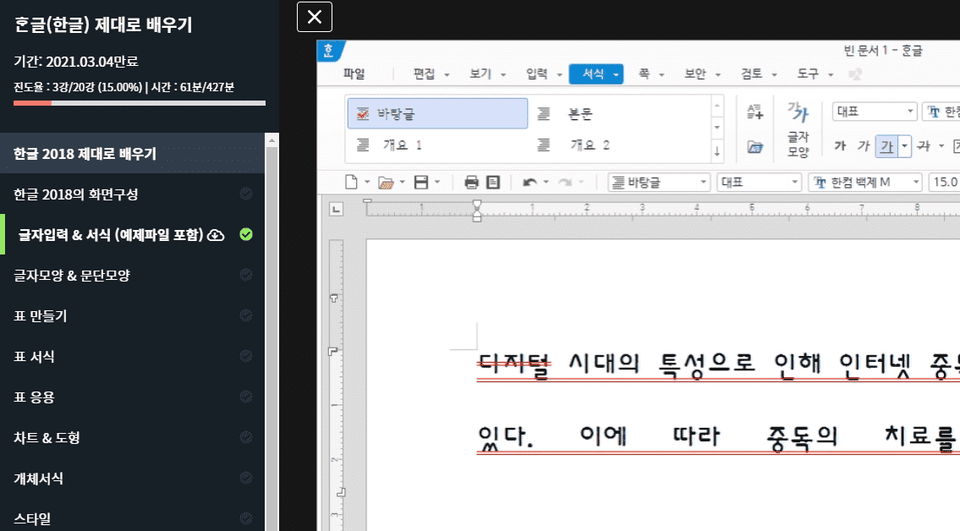
🌈 Preview the lecture
🙌 Tools covered here
Hancom Office Hangul (Hangul) 2018
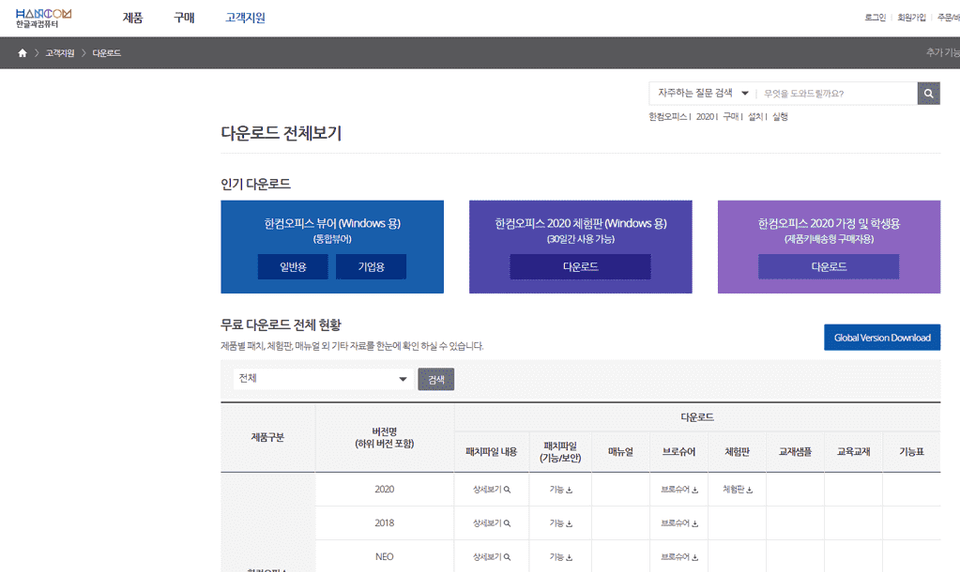
This course uses Hangul 2018. Therefore, we recommend using the latest version or later. The program can be purchased for personal/corporate use, Windows/Mac, etc., or a 30-day trial version can be used on the official Hangul & Computer website.
🙋🏻♂️ Expected questions related to the lecture
Q. Can beginners also listen? A. This course begins by examining the screen layout of the Hangul tool and is structured to focus on learning the most commonly used functions. Even beginners who are new to Hangul tools can take this course, and in the last lecture, "Creating Practical Documents 3," you will create a document at the practical level of a word processor (formerly Word Processor Level 1).
Q. Are lecture notes included? A. Yes, the lecture example files are attached to the second lecture. You can download the compressed file by clicking the cloud-shaped icon on the left tab of the lecture playback screen or the green [Materials] icon on the top right. (Please click [Seen] at the bottom center for 100% progress.)
Recommended for these people
Who is this course right for?
Korean beginners who are using Korean for the first time
Job seekers who learn Korean to prepare for employment
Office worker who mainly uses Korean
For those who want to learn the features of Hangul 2018
This is a training course for beginners, so if you think it will help you with your office work, it would be more helpful if you didn't take it. It is content that elementary school students would listen to after school, so please refer to it and apply.





















![[Photoshop Revolution Broadcast] Photoshop Basics CompleteCourse Thumbnail](https://cdn.inflearn.com/wp-content/uploads/photoshop002.jpg?w=420)


![Just 2 days!! [Pass ITQ Korean A in one go]Course Thumbnail](https://cdn.inflearn.com/public/courses/330083/cover/776d0ef6-1cf9-40c6-bb01-969283a0ee5e/ITQ한글썸네일(인프런).jpg?w=420)