









The Ultimate Guide to Design Automation: Mastering Canva AI Generative Design
Masocampus
The era of creating designs one by one is over. Experience the speed of turning "thoughts" into "results" with Canva AI.
입문
AI, canva, Generative AI
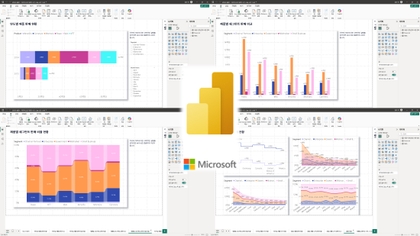
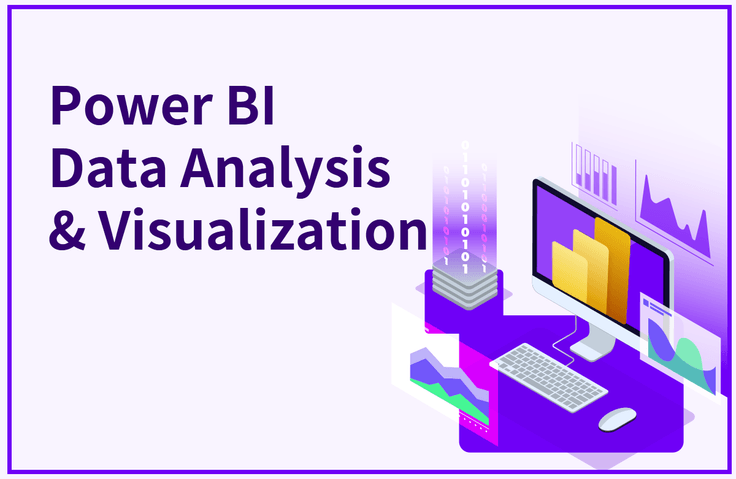
This course will help you make the most reasonable business decisions through data, from data connection to data visualization. Completely master Power BI data analysis and visualization that will lead to valuable insights!

Reviews from Early Learners
5.0
홍석훈
Great for learning basic POWER BI
5.0
안승현
.
5.0
gusrbs2002
Thank you for the easy to understand and informative lecture.
The ability to visualize complex data in an easy-to-read manner at a glance
Data preprocessing process that brings real results to your work
The ability to make the most rational business decisions through data
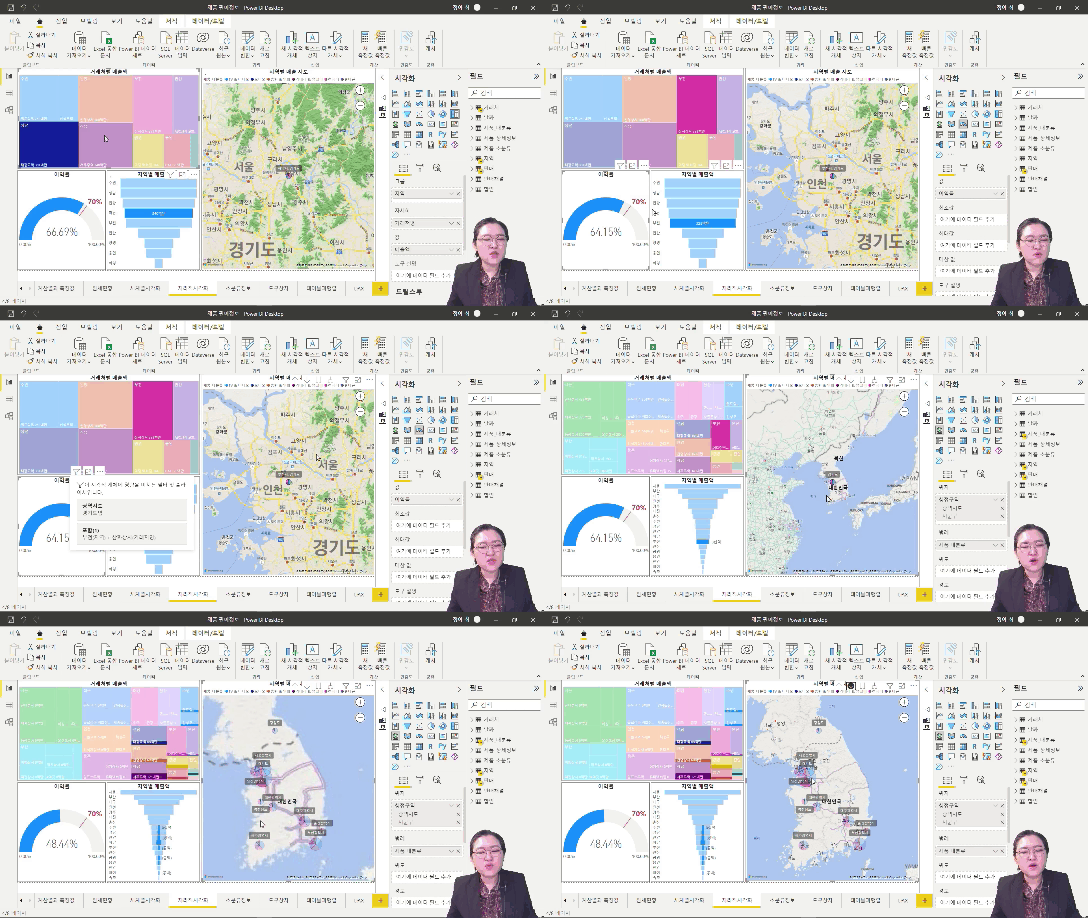
Ability to visualize data and gain insights through various explorations using Power BI
NO heading to bare ground!
Visualize your data quickly and easily 😉
In recent years, visualizing complex and massive business data in an easily understandable way, enabling each person in each role to derive useful insights, has emerged as a critical issue in corporate data management. This is because the volume of data accumulating both inside and outside the company has increased, yet few employees, other than a few data analysis experts, possess the capabilities to achieve tangible results.
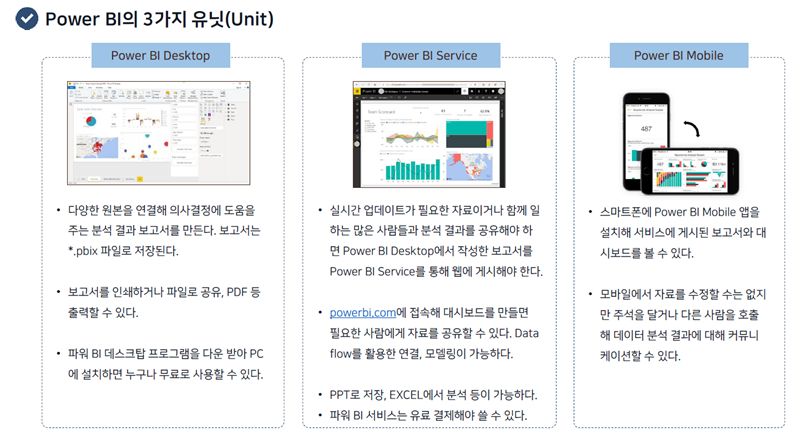
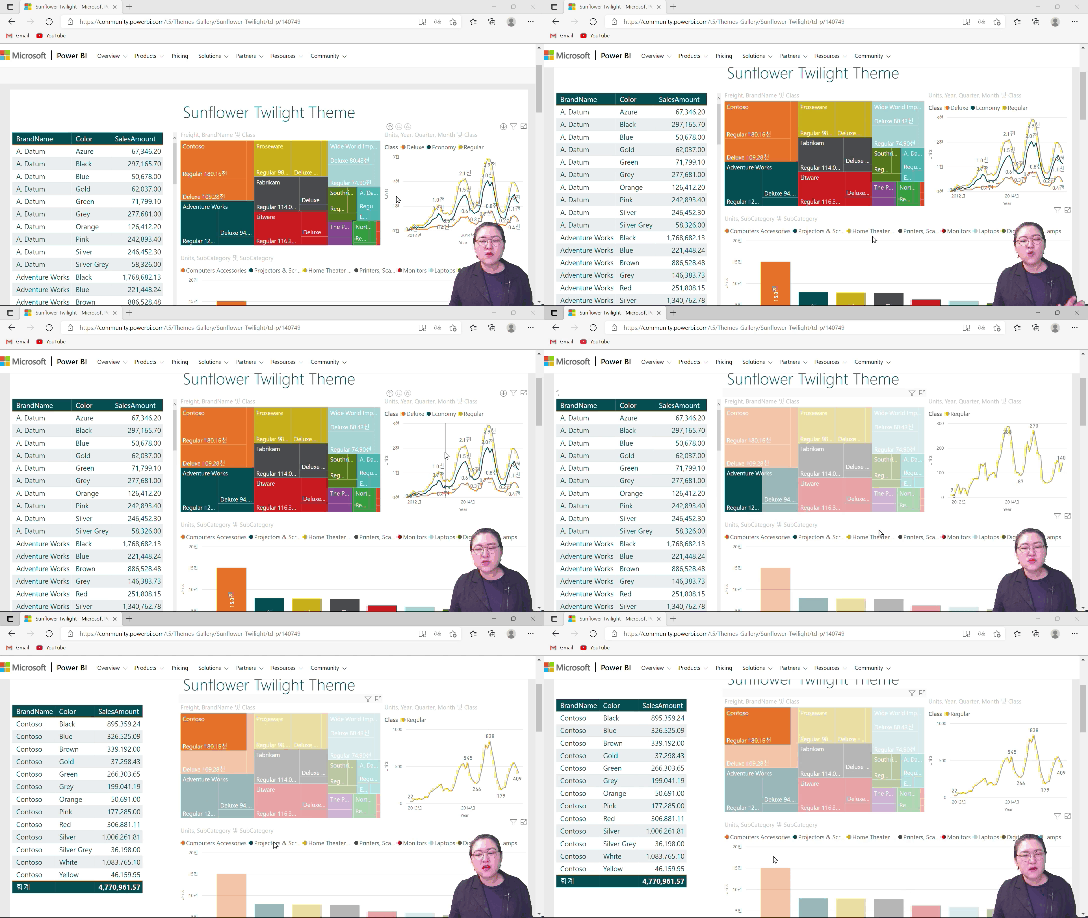
That's why Power BI is so important! Power BI is a data utilization tool that allows anyone to easily view all their data, anywhere, in any way they want, at a glance . Power BI is similar to Excel, but is more specialized for data design and visual analysis. This course focuses on general concepts and basic usage, allowing you to create results that feel like you've worked with a professional designer.
Why Power BI? 🤔
📢 Please check before taking the class!
Those who are at a loss as to how to process data in practice
For those looking for a tool that can easily visualize large amounts of data
Those responsible for tasks that require important data preprocessing
Those who want to learn skills that can be applied immediately in practice
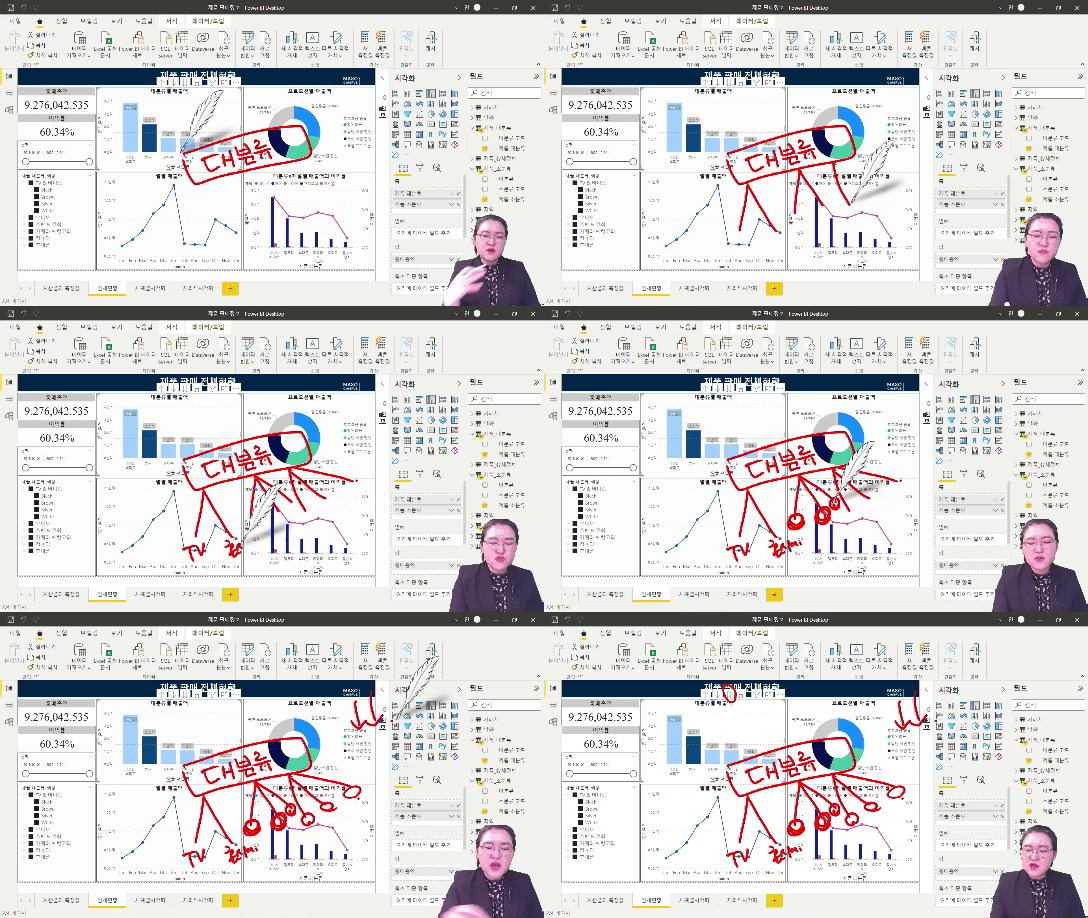
This course will teach you how to effectively utilize complex and massive business data using Power BI.
The biggest reason practitioners find data visualization difficult is the sheer number of analytical tools available and the perceived difficulty of learning languages like Python and R. However, the core of data analysis isn't the "tools." It's the "analytical skills" that enable you to understand and analyze data to uncover insights.
This course moves beyond the difficult tool learning methods reserved for specialized occupations or experts, enabling you to perform professional visualization and data analysis using Power BI, an easy-to-use analytics tool.
You can create unexpected value from all types of data, including not only numerical data like sales data, but also categorical data and time series analysis.
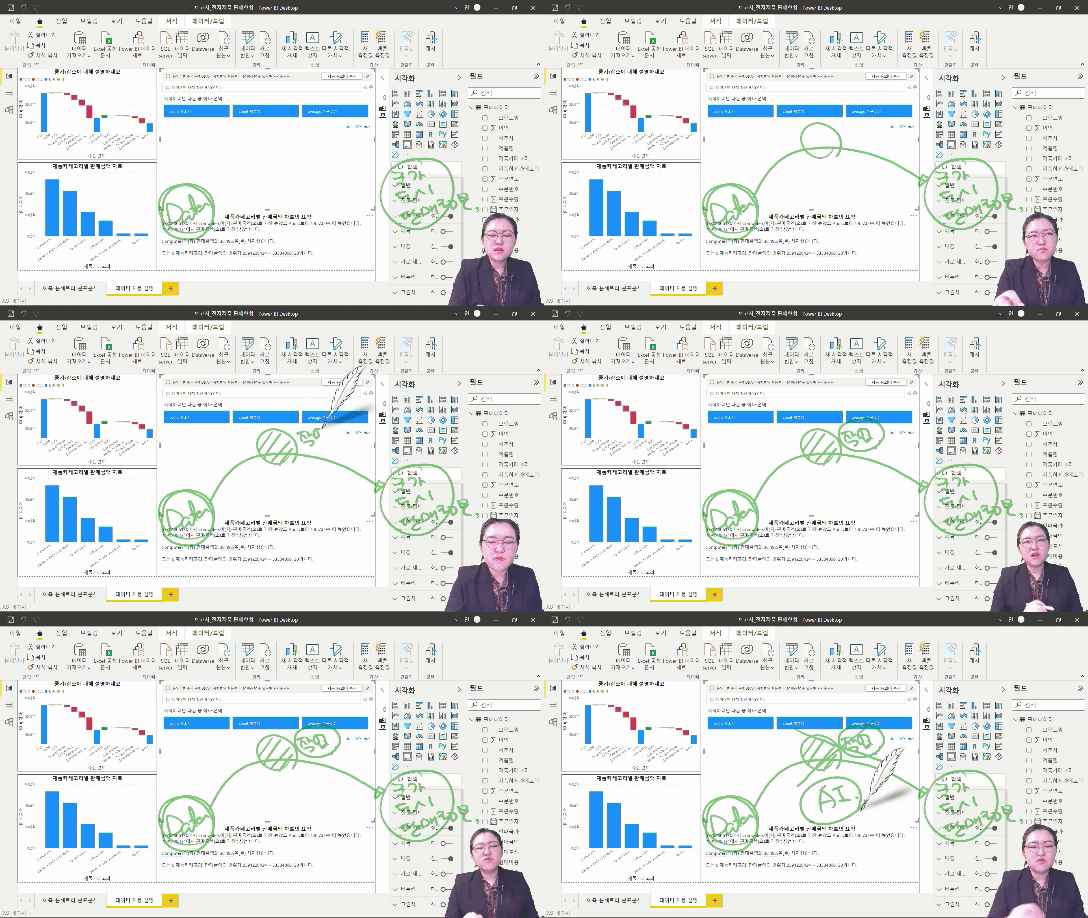
Power BI features built-in machine learning analytics, enabling you to transcend the limitations of human intuition and time, even facilitating empirical judgment. By bringing in data regardless of its format and source and visualizing it in a variety of ways, you can uncover its full potential and value. Through analysis and insight sharing tailored to the digital age, Power BI helps you make the most rational business decisions based on data.
This course will help you develop advanced visualization analysis skills using commonly available data. You'll analyze everyday product sales data and exchange rates from various perspectives, leveraging the numerous objects supported by Power BI.
However, the goal of our course isn't to provide a deep understanding of analytical tools or master their skills. All you need is a general understanding of the concepts and basic usage. With Power BI's interactive process, anyone can create results that rival those achieved by professional designers.
This course is recommended for those who want to fully extract data insights and make valuable decisions through high-quality visualizations that are easy to learn and instantly created.
Power BI Data Visualization Modeling
Common to all visualization objects
Utilize essential features
Interactive Dashboard
Loading, transforming and preprocessing data
Create various charts
DAX syntax that is highly useful in business
Time intelligence function and
Ability to handle conditional expressions
Visualization-based business data analysis
Provided by artificial intelligence analysis function
Leveraging business insights

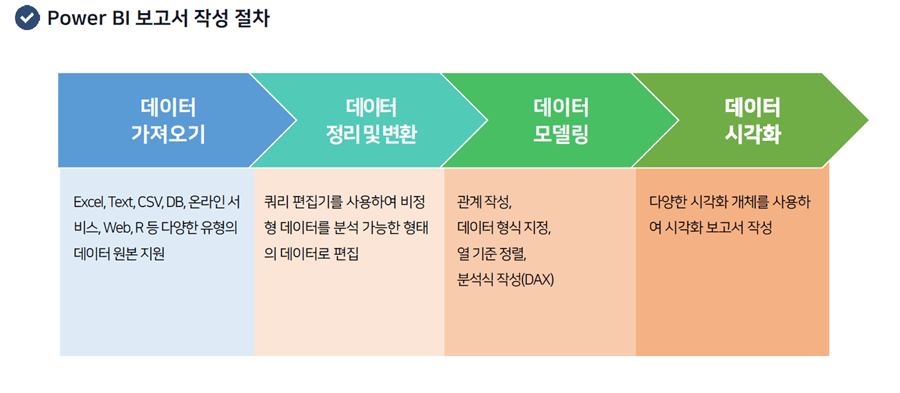
1. Learn Power BI and the visualization process!

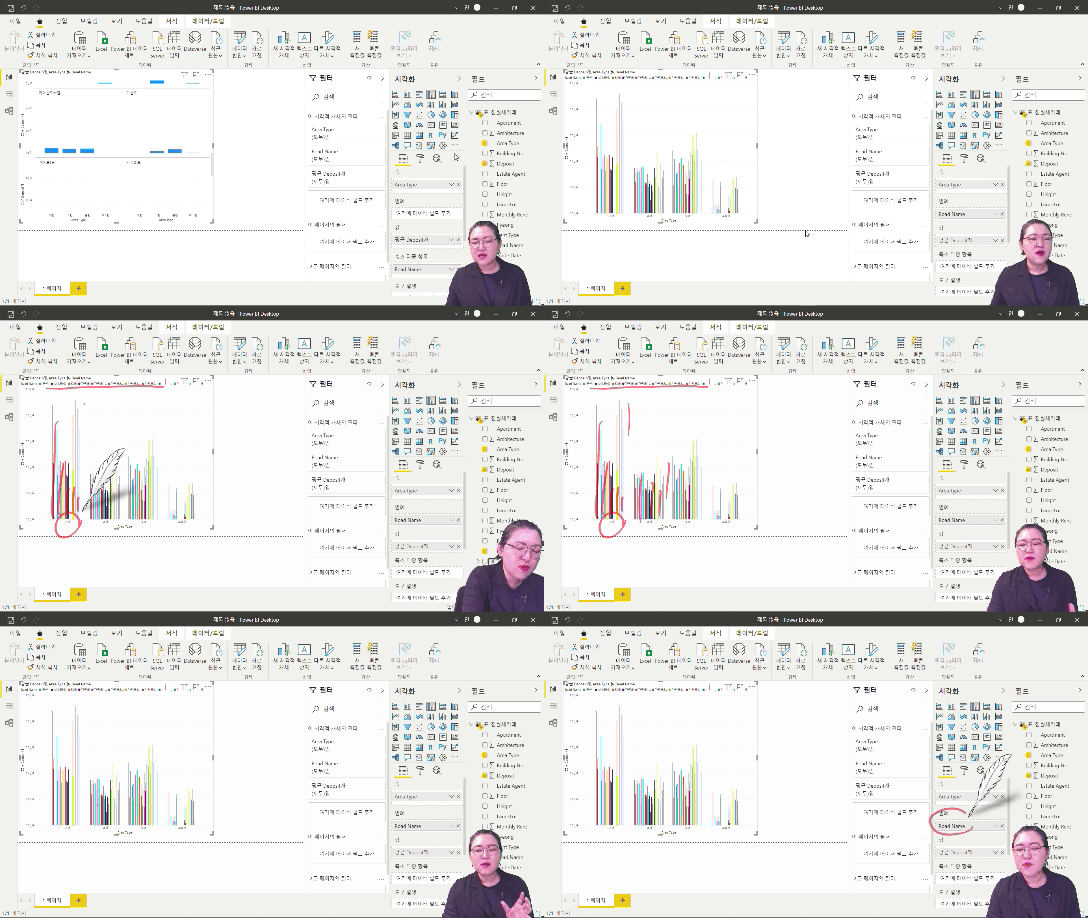
2. Understanding data visualization and modeling using Power BI Desktop

3. Try out some commonly used visualization techniques!

4. Various forms of visualization

5. Useful features for visualization

6. Practice applying visualization-based business data analysis
Q. Is prior knowledge of Power BI required?
This course doesn't require any prior knowledge of Power BI; all you need is a passion for developing your data analysis skills!
Q. Are there any requirements or prerequisites for taking the course?
Since this is a hands-on course, we recommend bringing a dual monitor or a spare device to separate the lecture and practice screens. Furthermore, since the practical training will be conducted on a Windows OS, we recommend taking the course in a Windows environment.
Who is this course right for?
For those who are at a loss as to where and how to start processing data in a practical dataset
For those looking for a tool that visualizes even large amounts of data in an easy-to-understand way
Workers whose job involves important data preprocessing
For those who want to learn skills that can be applied immediately to practical work
9,423
Learners
1,338
Reviews
115
Answers
4.7
Rating
99
Courses
"I will grow more than yesterday. And, I will help those who strive to grow more than yesterday."
With Actionable Content that embodies the sincerity and aspirations of Maso Campus,
100 million cumulative hours of lectures shared online and offline since 2013!
This precious experience and time are always the source of growth for both Maso Campus and our students.
The Miso Campus team strictly adheres to two principles for the growth of us all. 1. Actionable Content that can be put into practice immediately after learning. 2. Respecting the time and effort of participants.
The Miso Campus team strictly adheres to two principles for the growth of us all.
1. Actionable Content that you can actually use after learning 2. Time-Saving Curriculum that respects the participant's time and effort Grow with Miso Campus's Actionable and Time-Saving Curriculum
1. Actionable Content that you can surely use once you learn it
2. Time-Saving Curriculum that respects the time and effort of participants
We hope you will walk the path of growth together with Masocampus's Actionable and Time-Saving Curriculum.
We hope you will walk the path of growth together with Maso Campus's Actionable and Time-Saving Curriculum.
All
56 lectures ∙ (19hr 39min)
Course Materials:
All
13 reviews
4.8
13 reviews
Reviews 1
∙
Average Rating 5.0
Reviews 11
∙
Average Rating 4.6
Reviews 1
∙
Average Rating 4.0
Reviews 1
∙
Average Rating 5.0
Reviews 1
∙
Average Rating 5.0
$100.10
Check out other courses by the instructor!
Explore other courses in the same field!