inflearn logo

Overwhelming AI Insight Report: The Power to Change the Decision-Making Landscape, Practical Exploratory Visualization Automated Analysis

Put an end to daunting data analysis with ‘Exploratory Visualization’! Drastically increase the speed of practical analysis without difficult coding.

1 learners are taking this course

Level Beginner

Course period Unlimited

AI
AI
Excel
Excel
Power BI
Power BI
VBA
VBA
business
business
AI
AI
Excel
Excel
Power BI
Power BI
VBA
VBA
business
business

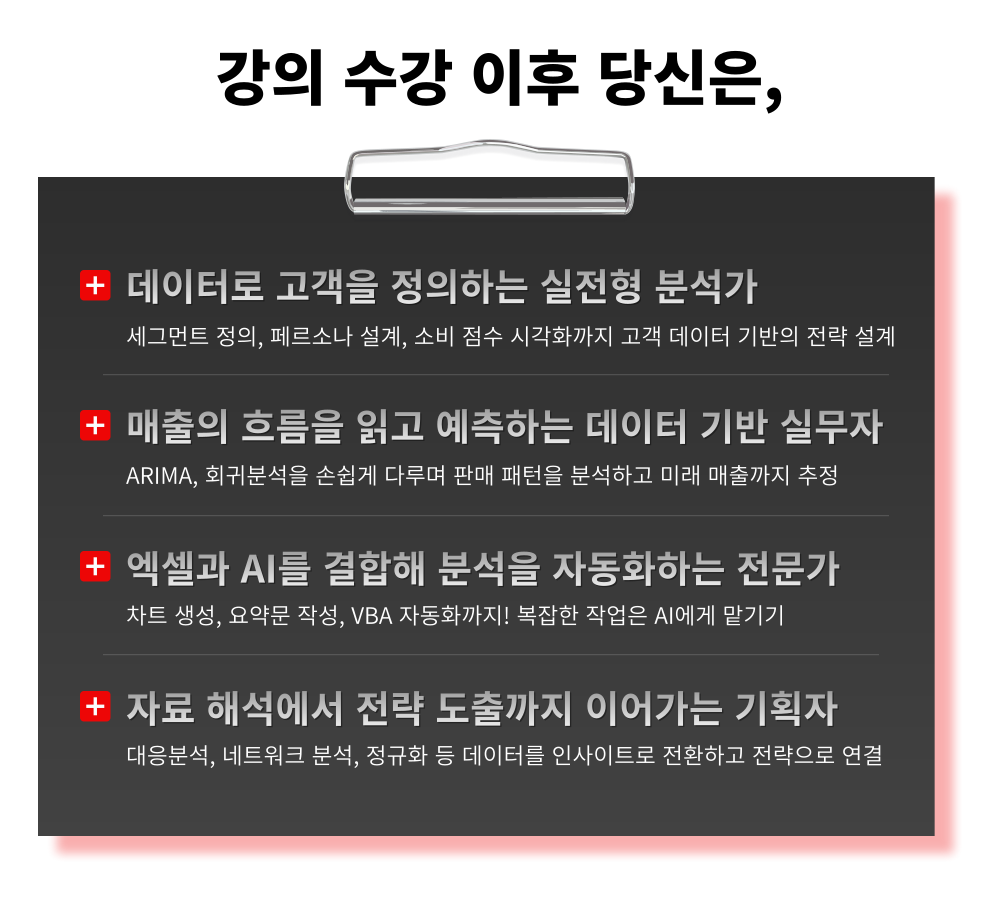
What you will gain after the course

  • Understanding the Mindset of Exploratory/Explanatory Visualization

  • Guide to Selecting the Right Chart for Your Data Type and Purpose

  • Advanced visualization techniques for penetrating distributions and relationships

  • Prevention of visual distortion and stable data interpretation

  • Smart BI Dashboards: Complete Without Coding

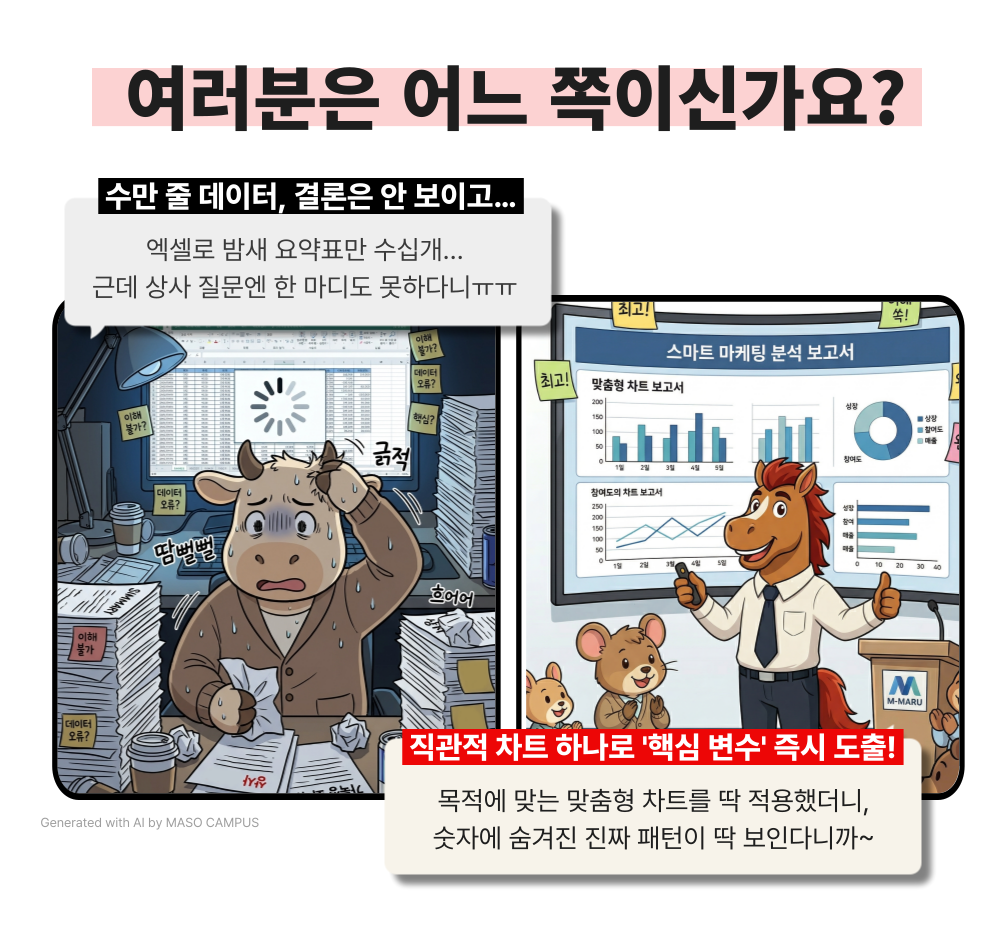
Are your conclusions getting buried under piles of numbers?
Find the real hidden meaning through ‘Exploratory Visualization’!

Charts should not be about flashiness, but rather serve as clear "evidence."
Choosing the right chart that aligns with your analytical intent is the most powerful weapon of persuasion.


– Clearly diagnose distribution status and outliers with histograms and box plots
– Identify hidden correlations and patterns between multidimensional variables with scatter plots and heatmaps
– Intuitively track time-series changes and movement paths with Sankey charts and ribbon charts
– Pre-emptively block visual traps commonly encountered in practice, such as axis distortion and weighting errors


We will eliminate the frustrating process of struggling to interpret numbers.
All you need to do is add your sharp insights on top of the objective evidence presented by clear charts!

The power to change the decision-making landscape: Features of the Exploratory Visualization & Automated Analysis practical curriculum

From deriving insights hidden in numbers to implementing no-code dashboards, master the practical skills of visualization.

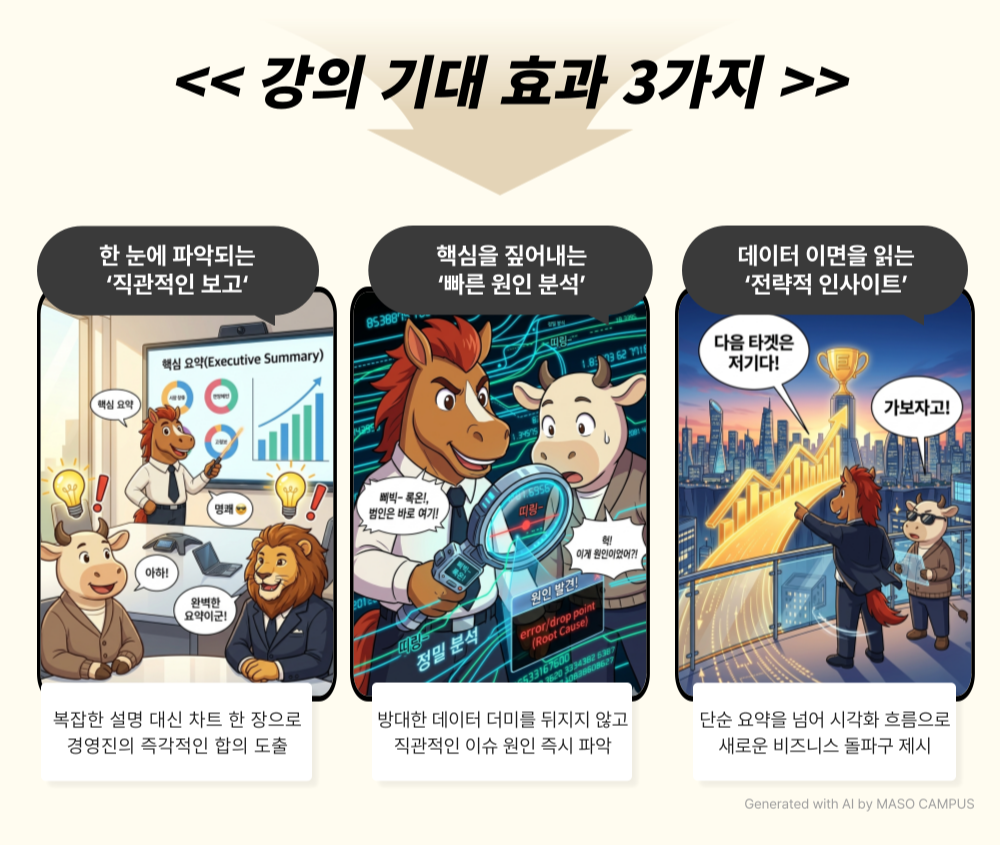
1. Understanding the Mindset of Exploratory/Explanatory Visualization
Equip yourself with a visual analysis mindset that goes beyond simple design to find hidden patterns and deliver core messages

2. Guide to Selecting the Right Chart for Data Types and Purposes
Establish optimal chart planning criteria that perfectly align with analytical goals such as distribution, comparison, and relationships

3. Advanced Visualization Techniques for Distribution and Relationships
Intuitively identify multi-dimensional variable flows and core causes through the cross-utilization of box plots, heatmaps, and Sankey charts

4. Preventing Visual Distortion and Reliable Data Interpretation
Avoid common visual errors such as axis settings and data normalization, and establish objective analysis standards

5. Smart BI Dashboards Completed Without Coding
Implement key factor dashboards using familiar tools like Excel and Power BI for immediate practical application


Go beyond being a data organizer and become a 'leader' who sets the stage!

It is time to lead firm decision-making with overwhelming visualization

A hands-on course to instantly overcome the pressure of massive raw data and master customized visualization!

1. Register for the course

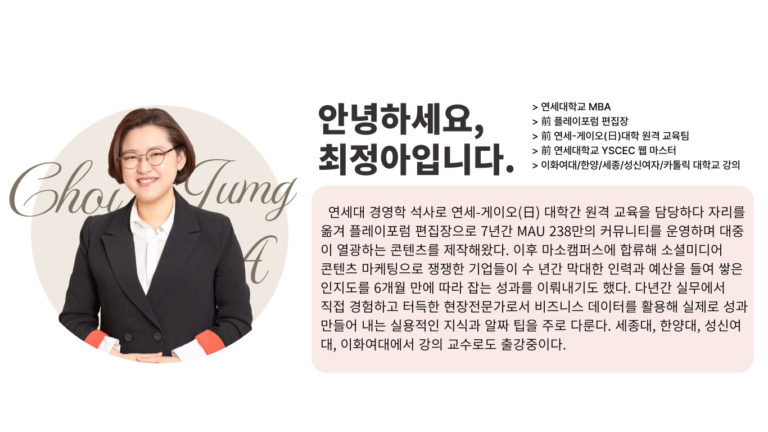
2. Perfect mastery of ‘deriving insights’ with instructor Jung-ah Choi

3. Building a 'Customized Dashboard' system for immediate use in your work

Now, let's prove your own practical results directly with clear visual evidence!

Beyond the 'size' of data, 'visual insight' that dominates performance


If your conclusions are always predictable even after analyzing data, you must completely change your visualization method!

Design the optimal customized charts to derive new breakthroughs that will change the landscape of your business.

We confidently recommend this to the following people.

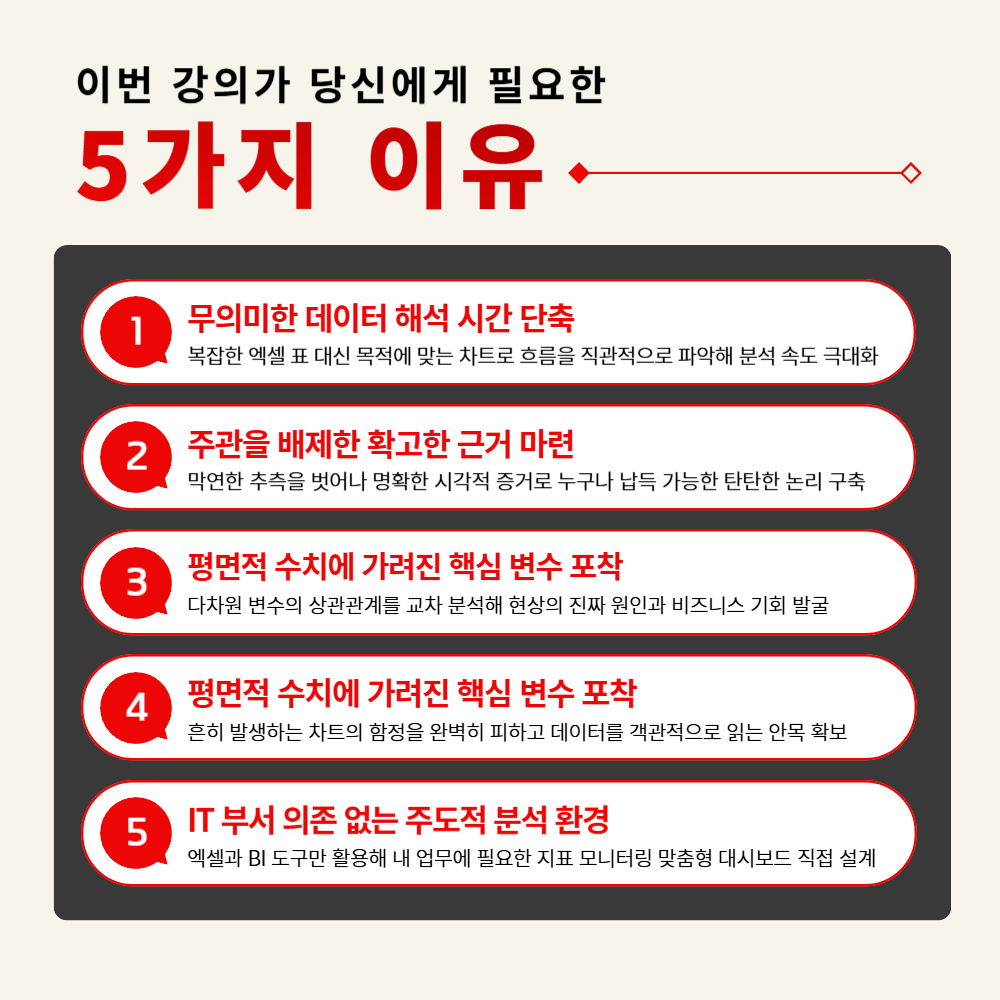
– Planning and analysis practitioners who need to quickly identify meaningful business patterns within vast amounts of raw data
– Reporting and sales representatives who need to persuade other departments and management with a single intuitive chart instead of long text
– Business unit staff who want to directly monitor key metrics necessary for their work without IT department support
– Decision-makers who need to make strategic judgments based on objective indicators, excluding subjective intuition

Stop listing meaningless data; now you must persuade with a 'clear conclusion!'
Shall we pierce through to the real clues behind the numbers with the optimal charts?


Course Features

STEP 1. Shifting to 'Visual Thinking' beyond list-style summaries

Improve information processing speed by converting complex raw data into charts that fit the purpose

STEP 2. Planning the 'Optimal Chart' to Prevent Data Distortion

Establish standards for accurate information delivery by excluding statistical errors that occur in practice

STEP 3. ‘Cross-Analysis’ Practice to Read Beyond Surface-Level Figures

Identify core causes by understanding the correlation between multi-dimensional variables beyond simple performance fluctuations

STEP 4. Building a Practitioner-Led 'Monitoring Dashboard'

Setting up a tracking environment to check my business metrics using Excel and BI tools without complex coding

STEP 5. 'Practical Visualization' practice to apply to work immediately after learning

Acquire practical skills by handling data yourself so you can apply them to proposals and reports the very next day after class


Can't see the conclusion amidst the piling data?
Pierce through to the 'key variables' behind the numbers with customized visualization.

A simple listing of data is not planning.

Start with intuitive ‘visual evidence’ for successful persuasion,
and build your practical skills by designing a dashboard perfectly suited for your own work!


Frequently Asked Questions Q&A

Q. Can I take this course even if I don't have a background in data analysis or statistics?
A. Yes, absolutely. Instead of complex coding or difficult statistical theories, this course focuses on how practitioners can immediately derive visualization insights from real-world business data. As long as you know how to use basic document software, even beginners can follow along without any trouble.

Q. Are there any requirements or prerequisites for taking the course?
A. There is no need to install expensive professional analysis tools separately. The practice sessions are designed so that you can visualize data and build logic using only Excel, which is most commonly used in the field, and popular BI tools.

Q. Do I need to purchase a paid solution to take this course?
A. No, a paid solution subscription is not required. This course covers the principles and methodologies of designing practical, customized dashboards using universal tools without being dependent on a specific tool, so there will be no issues with your learning.


Please check before taking the course!

  • Since this is a practice-oriented course, we recommend using dual monitors or an extra device to separate the lecture screen from your practice screen.

  • Additionally, as the practice sessions are based on Windows OS, we recommend taking the course in a Windows environment.

  • Lecture notes and practice files are located in the <00. Material Download Center> section.

Recommended for
these people

Who is this course right for?

  • Planning and analysis practitioners who need to quickly identify meaningful business patterns within vast amounts of raw data

  • Reporting and sales professionals who need to persuade other departments and management with a single intuitive chart instead of long text.

  • Business users who want to directly monitor key metrics necessary for their work without IT department support

  • Decision-makers who must exclude subjective intuition and make strategic judgments based on objective indicators

Need to know before starting?

  • Instead of complex coding or difficult statistical theories, this course focuses on how practitioners can derive immediate visualization insights from real-world business data. As long as you know how to use basic office software, even beginners can follow along without any trouble.

  • There is no need to install expensive specialized analysis tools. The practice curriculum is designed so that you can visualize data and build logic using only Excel, the most widely used tool in the field, and popular BI tools.

Hello
This is Masocampus

10,875

Learners

1,538

Reviews

131

Answers

4.7

Rating

108

Courses

"I will grow more than yesterday. And, I will help those who strive to grow more than yesterday."

With Actionable Content that embodies the sincerity and aspirations of Maso Campus,

100 million cumulative hours of lectures shared online and offline since 2013!

This precious experience and time are always the source of growth for both Maso Campus and our students.

The Miso Campus team strictly adheres to two principles for the growth of us all. 1. Actionable Content that can be put into practice immediately after learning. 2. Respecting the time and effort of participants.

The Miso Campus team strictly adheres to two principles for the growth of us all.

1. Actionable Content that you can actually use after learning 2. Time-Saving Curriculum that respects the participant's time and effort Grow with Miso Campus's Actionable and Time-Saving Curriculum

1. Actionable Content that you can surely use once you learn it

2. Time-Saving Curriculum that respects the time and effort of participants

We hope you will walk the path of growth together with Masocampus's Actionable and Time-Saving Curriculum.

We hope you will walk the path of growth together with Maso Campus's Actionable and Time-Saving Curriculum.

More

Curriculum

All

32 lectures ∙ (14hr 2min)

Course Materials:

Lecture resources
Published: 
Last updated: 

Reviews

Not enough reviews.

Please write a valuable review that helps everyone!

Masocampus's other courses

Check out other courses by the instructor!

Similar courses

Explore other courses in the same field!

Limited time deal

$1,342,690.00

28%

$69.30