inflearn logo

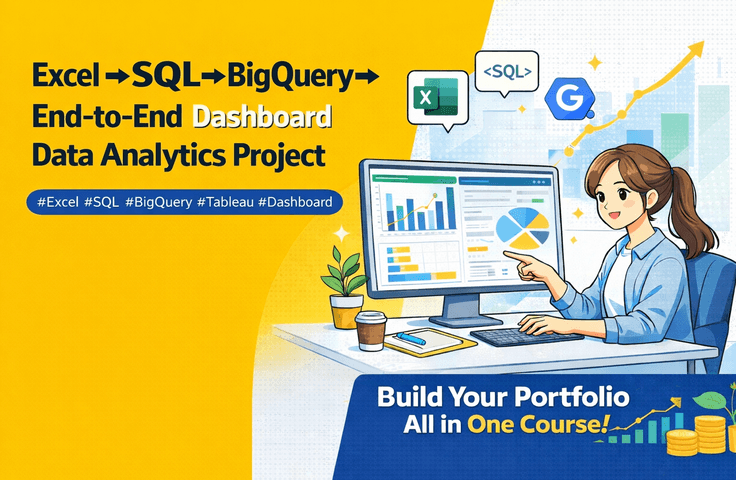
Complete practical skills from Excel dashboards to SQL and BigQuery data analysis

This course completes the entire workflow of practical data analysis, from Excel data analysis to SQL, BigQuery, and Tableau dashboards, through hands-on projects. Rather than just teaching you how to use the tools, you will learn the data analysis structures and mindsets actually used in real-world analysis tasks.

2 learners are taking this course

Level Intermediate

Course period Unlimited

Excel
Excel
SQL
SQL
Tableau
Tableau
dashboard
dashboard
bigquery
bigquery
Excel
Excel
SQL
SQL
Tableau
Tableau
dashboard
dashboard
bigquery
bigquery

What you will gain after the course

  • Understanding the data analysis process, from Excel data to SQL analysis and BI dashboards.

  • Completion of a data analysis project using real-world data

  • Data visualization and dashboard creation using Tableau

  • Data extraction and analysis using SQL and BigQuery

  • Data analysis methods based on business KPIs

  • Completed a dashboard project that can be used as a data analysis portfolio

This course is a project-based course where you will use Excel, SQL, BigQuery, and Tableau to
create an actual data analysis dashboard.


Data analysis—why does it always feel like you're getting stuck?

Are you experiencing these problems?

I know how to use Excel
I know a little bit of SQL
I can create dashboards, but

When you actually try to analyze data,
you often feel lost and don't know where to start.

The reason for that is mostly because

It is because you learned the tools separately
without learning the overall flow of data analysis.


This course is not a "tool course."

A course to learn the entire data analysis workflow

In this course,

Excel Analysis → SQL Data Processing → BigQuery Data Scaling → BI Dashboard Construction → Tableau Visualization

leading up to

Experience the entire structure of practical data analysis step by step.


Hands-on Project Results

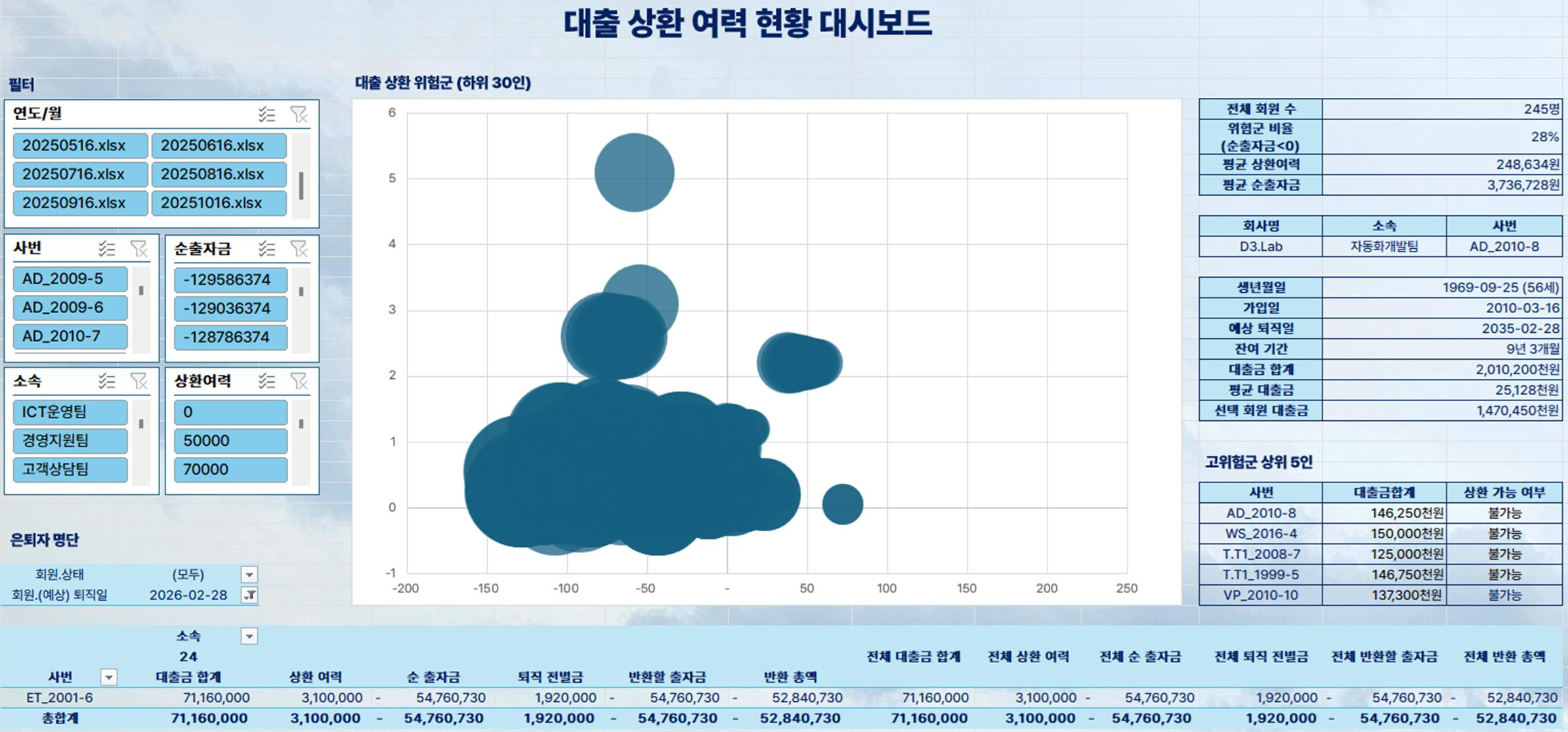
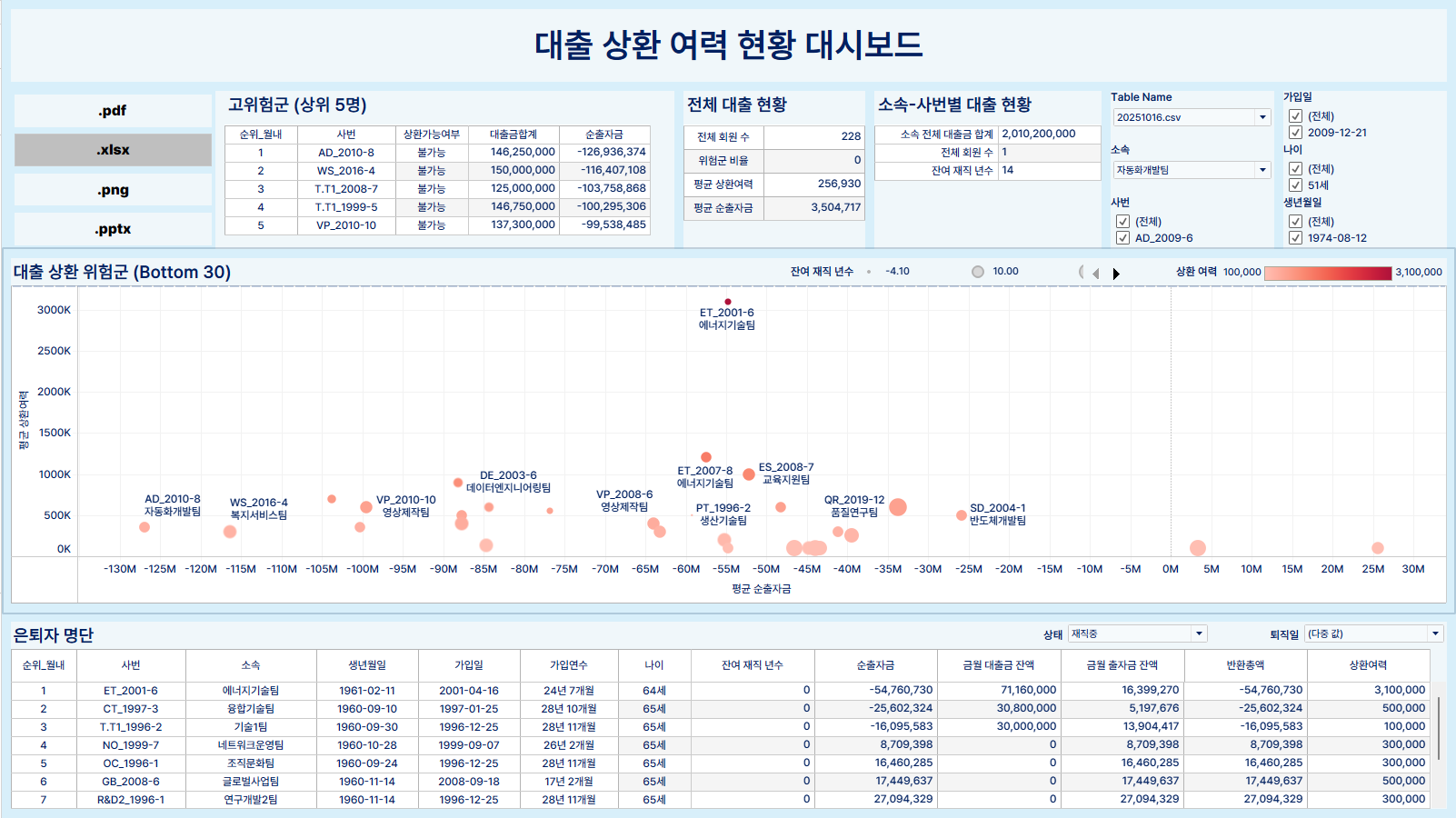
Through hands-on practice, you will directly create the following data analysis dashboards.

① Data Analysis Dashboard Using Excel

② BI data dashboard using Tableau


What you will learn in this course

Through this course, you will learn the following:

  • Data exploration and practical analysis methods using Excel

  • Data extraction and aggregation using SQL

  • Understanding the data processing environment using BigQuery

  • KPI-based data analysis design methods

  • Creating dashboards using Tableau

  • How to organize data analysis results into a reportable format


Key Features of This Course

This lecture is not just about explaining functions, but
revolves around the actual flow of a data analysis project.

Therefore, after taking this course,

  • Data analysis project experience

  • Experience in creating dashboards

  • Foundation for creating a data analysis portfolio

can be obtained together.


Recommended for the following people

  • Those who have experience with data analysis using Excel but want to learn more systematic methods

  • Those who want to analyze data themselves using SQL

  • Job seekers who want to create a data analysis portfolio

  • Those who want to learn data visualization and dashboards

  • Practitioners who feel limited by Excel analysis and want to expand their data analysis capabilities


※ Practice data and PDF materials used in the lecture can be downloaded from the link below.

https://drive.google.com/drive/folders/149rK-nG_KUuGB4hwrs9hXeCIJU60syUo?usp=drive_link

Recommended for
these people

Who is this course right for?

  • Those who have experience with data analysis using Excel but want to learn more systematic analysis methods.

  • Those who want to directly extract and analyze data using SQL

  • A job seeker who wants to create a data analysis portfolio project

  • Those who want to learn data visualization and dashboard creation

  • Practitioners who feel limited by Excel analysis and want to expand their data analysis capabilities

Need to know before starting?

  • It is helpful to know basic Excel usage (functions, filters, sorting, etc.).

  • It is good to have a basic interest in and understanding of data analysis.

  • You can take this course even if you have no prior experience with SQL or databases.

Hello
This is D3 LAB

I work on understanding and explaining business structures through data.
As a Ph.D. in Management Information Systems (MIS), I have conducted data analysis, BI dashboards, and data education.

I create lectures that connect complex data from Excel to SQL to Cloud Data Analysis,
allowing students to learn through actual analysis projects.

In this course, I provide an experience of building a practical data analysis workflow
rather than just explaining simple functions.

The data structures, KPI definitions, and practical analysis cases covered in the lectures
are continuously updated on the D3 Lab website.

https://www.d3lab.co.kr/

More

Curriculum

All

46 lectures ∙ (5hr 18min)

Published: 
Last updated: 

Reviews

Not enough reviews.
Please write a valuable review that helps everyone!

Similar courses

Explore other courses in the same field!

Limited time deal

$99,330.00

30%

$110.00